Type "NSFW chat AI" into a search bar and you get a wall of near-identical listicles, most of them ranked by whoever pays the best affiliate commission. This article takes a different route. You will see which free online options people actually talk about, what their free tiers really give you, which prompts produce better conversations, and where PicassoIA fits in when you want flirty writing, character design and photorealistic portraits in one place.
One note before anything else. Platform rules around adult content change almost monthly, and the sources that review these services often contradict each other. Treat every claim about "unfiltered" or "free forever" as a snapshot, and check the current terms yourself before you sign up for anything.
What NSFW Chat AI Actually Is
A chatbot with the brakes loosened
An NSFW chat AI is a large language model wrapped in a character interface. You pick or write a persona, the model plays that persona, and the conversation can drift into romantic, suggestive or explicit territory depending on the platform's rules. The model underneath is usually an open-weights language model tuned for roleplay, or a mainstream model reached through an API.
The difference between services is mostly policy, not intelligence. Some platforms filter adult content. Some hide it behind a toggle. Some charge for it. A few leave the decision to the model you connect yourself.

Why people use it
The reasons are more ordinary than the search results suggest.
- Companionship: a late-night conversation partner that never gets tired.
- Creative writing: romance and slow-burn fiction written with a collaborator who stays in character.
- Social rehearsal: practicing flirting, small talk or hard conversations without an audience.
- Curiosity: plenty of people just want to see what the technology does when the guardrails are lower.
💡 Tip: Decide what you want before choosing a platform. A writing partner, a character to chat with and an image generator all need different strengths.
Free Online Options Worth Trying
Dedicated roleplay platforms
Several names come up again and again in 2026 roundups: SpicyChat, CrushOn AI, PolyBuzz and Janitor AI. They share the same basic pitch of community-made characters, a chat window and some kind of free tier.
What differs is how adult content is handled. Reviews describe SpicyChat as relatively open on its free plan. CrushOn AI gets mixed reports: one review calls the free tier useful, another says adult content sits behind a paywall. PolyBuzz is described as light on filters. Character.AI, the best known of the group, is reported to keep adult content off the table entirely.
Since these reviews often come from sites that earn money by sending you to the platforms, read them with some suspicion.
Bring your own model
A second route is a frontend like SillyTavern, or Janitor AI used with your own API connection. The app itself is free, but the content rules come from whichever model you plug in, and you pay that model's provider separately.
This is the most flexible setup and also the most fiddly. You manage keys, settings, memory and character cards yourself. If that sounds like fun, it can be the best option. If it sounds like homework, a hosted platform is easier.
What free tiers really limit
Free plans are rarely unlimited. Typical limits reported across the category:
- A daily message cap, with figures around 50 messages a day mentioned for one platform.
- Daily credits that run out in a long session.
- Slower replies during busy hours.
- Shorter memory, so characters forget details after a while.
- Ads on the free tier.
| Option type | Cost | Setup effort | Adult content rules | Best for |
|---|
| Hosted roleplay platform | Free tier, paid upgrades | Low | Set by the platform, changes often | Quick character chats |
| Frontend with your own model | App free, model usage paid | High | Set by the connected model | Control and privacy tuning |
| Mainstream assistant | Free or paid | Very low | Usually strict | Safe-for-work romance writing |
| Local open-weights model | Hardware cost only | High | Set by you | Offline, private use |

Prompts That Actually Work
Most disappointing chats come from thin prompts. A model told only "be my girlfriend" has nothing to work with, so it falls back on generic, repetitive replies. The fix is to give it a structure.
The character card
Paste something like this at the start of a chat, then edit the brackets.
You are [name], a [age 21 or older] [job] living in [city]. Personality: [three traits, for example dry humor, curious, a little shy at first]. Speech style: [short sentences, texting tone, occasional emoji]. Backstory: [two or three lines]. You remember what the user tells you and refer back to it. Stay in character, write one to three short paragraphs per reply, and end with something that invites a response.
The age line matters. Always write adult characters, and keep it explicit in the prompt.

The scene setter
Give the story a place and a pace.
Setting: a rooftop bar on a warm evening, soft music, the two of us meeting for the second time. Pace: slow. Build tension through small gestures, glances and conversation. Do not rush to the next step unless I steer there.
Pacing instructions are the most underused lever. Without one, many models sprint through a scene in three messages.
Tone and boundary prompts
Good chats also need rules you set yourself.
- Tone: "Keep it playful and teasing, not clinical."
- Boundaries: "If I write STOP, change the subject immediately and stay light."
- Consistency: "Do not break character to add disclaimers unless I ask a real-world question."
- Memory: "Every ten messages, write one line summarizing what has happened so far, in italics."
That last one is a practical trick. When the memory window fills, a short running summary keeps the character consistent.
Prompts for a better writing partner
If you use chat AI for fiction rather than conversation, switch the framing. Ask the model to write in third person, set a word count, and request two alternative directions at the end of each scene. You stay the editor, and the model stays a collaborator.
Chat Models on PicassoIA
Here is the honest part. PicassoIA's language models follow their providers' safety policies, which means they are not built for explicit adult roleplay and you should not expect them to behave like an unfiltered companion app. What they do well is the surrounding work: writing flirty, suggestive-but-tasteful dialogue, drafting character cards, planning long romance plots, rewriting stiff chat replies and producing prompts for image generation.

Models worth testing
| Model | Good for | Notes |
|---|
| Claude Sonnet 5 | Long, consistent character writing | Strong at keeping a voice steady across many messages |
| GPT 5.6 Luna | Fast replies, quick drafts | Good for rapid back-and-forth brainstorming |
| Gemini 3.5 Flash | Quick chat and image-aware prompts | Handy when you want fast iterations |
| DeepSeek V3.1 | Free-feeling drafting and reasoning | Useful for planning plots and personalities |
| Llama 4 Maverick Instruct | Open-model style chat | A familiar family for roleplay-style prompts |
| Kimi K2.6 | Long context | Helps when a story runs to many pages |
Picking the right one
Use a fast model such as GPT 5.6 Luna or Gemini 3.5 Flash when you want rhythm and speed. Use Claude Sonnet 5 when voice consistency matters more than speed. Run the same character card through two models and keep whichever one sounds more like a person and less like a customer service agent.
💡 Tip: Ask the model to rewrite its own reply "shorter, warmer, with one specific detail." That single instruction removes most of the robotic filler.
Give Your Character a Face
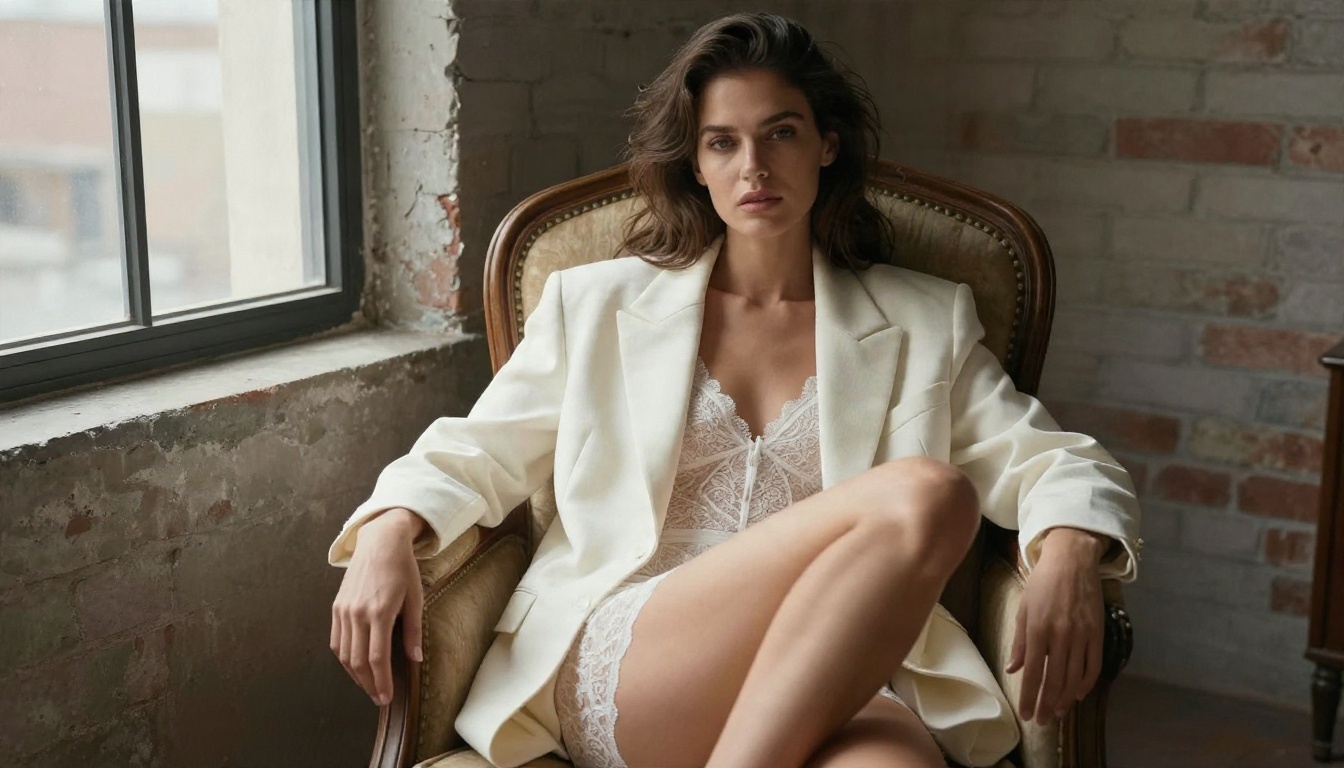
Text alone only goes so far. Many people pair a chat persona with a portrait, which makes the character feel more consistent and gives you a profile picture for the platforms that ask for one. This is where PicassoIA is genuinely strong, and it is where adult-leaning glamour work belongs: suggestive, beautiful and tasteful, never explicit.
Seedream 4.5 for glamour portraits
Seedream 4.5 is the first model to reach for. It handles skin texture, fabric, light and composition with a photographic feel, and it is well suited to the lingerie, swimwear and boudoir style of imagery that fits a flirty persona.
How to use it:
- Open the model page and write a prompt that starts with the subject and outfit, for example "a woman in her late twenties in a champagne satin slip, seated on a hotel bed."
- Add lighting: "warm lamp light from the left, blue twilight from the window."
- Add the camera: "85mm lens, shallow depth of field, film grain."
- Set a 16:9 ratio for banners or 3:4 for a profile portrait.
- Generate four or five variations, then keep the one that matches your character card.

Image Editor Pro for refinements
The second stop is the PicassoIA Image Editor Pro, which offers unlimited generations. It is the tool for iterating: change the outfit, swap the background, adjust the mood or fix a detail without starting over. That unlimited quality matters when you are building a character set, because you rarely get the perfect image on the first try.
Keeping a face consistent
Consistency is the hard part. Write the character's physical description once, such as hair, eyes, build and a distinguishing detail, and paste the exact same block into every image prompt. Change only the outfit, pose and setting. Small wording changes produce different faces, so copy and paste rather than retyping.
Staying Safe and Private
Treat chats as stored data
Assume anything you type into a hosted chat service can be stored, reviewed or leaked. Data practices vary widely, and many smaller platforms publish very little. A few habits help:
- Use an email address and username that are not linked to your real name.
- Never share your address, workplace, financial details or real photos.
- Skip voice and photo features unless you have read how they are stored.
- Read the privacy policy for the words "training," "retention" and "third parties."
Age, consent and real people
Keep every character an adult, and never base one on a real person without their consent. Do not generate images that imitate real individuals. Platforms are tightening these rules, and leaving them out of your own prompts is simpler than finding out where a service draws the line.
If you build something of your own, a moderation model such as Llama Guard 4 12B can check messages against safety categories before they reach users.
Three Common Mistakes
Paying before testing
Many platforms look generous on the landing page and tight inside the app. Test the free tier for a few days. Check how fast the message cap runs out, how long the character remembers things and whether adult content is really available at that tier.
Writing a one-line prompt
A one-line persona produces generic chat. Spend ten minutes on a proper character card. The improvement is larger than any difference between models.
Ignoring memory limits
Every model forgets once the conversation grows long. Keep a short summary note, paste it back in periodically, and edit it when the story changes direction.
Start Creating Your Own
If you want a character that looks as good as it sounds, begin with the portrait. Open Seedream 4.5, write a detailed outfit, light and lens description, and generate a handful of options. Then take your favorite into the PicassoIA Image Editor Pro to adjust the details with unlimited generations. Finally, ask a model like Claude Sonnet 5 to turn that look into a full character card you can paste into any chat platform.
Everything above, from the language models to the image tools, sits in one place. Browse the full catalog at picassoia.com/en/all-models, pick a model, and try your first prompt tonight.


