Type "NSFW Kling AI" into a search bar and you will find two kinds of pages: ones that promise a secret adult mode, and ones that quietly sell you something else. Neither is much help. The honest picture is simpler. Kling AI is a strong video generator with a strict content filter, and the people who get the best glamour results are the ones who learn exactly where that filter sits, then pick tools built for the job.
This article gives you the real answer on free access, shows the prompt structure that works for tasteful swimwear and fashion clips, walks through example results, and lists alternatives that are better suited to suggestive (never explicit) content.

What NSFW Kling AI Really Means
The short answer
Kling AI, built by the Chinese company Kuaishou, does not offer an adult mode. Its terms and moderation system block explicit sexual content, and the same filtering reportedly applies whether you use the website, the app or the API. A rejected request returns a policy error instead of a video. There is no toggle, no paid tier and no developer setting that changes this.
What Kling does handle well is the suggestive-but-clothed end of the spectrum: swimwear on a beach, a silk dress in window light, a glamour portrait with soft movement. That is the territory most people actually want when they type "NSFW" into a search box, and it is the territory this article focuses on.
💡 Quick rule: if a photo would run in a fashion magazine, a Kling video of the same scene usually passes. If it would not, the filter will catch it.
Why searches keep growing
Image-to-video models improved fast. A single still of a model on a yacht deck can now become a five second clip with natural hair movement, water reflections and even ambient sound. Creators who sell swimwear, run fashion pages or build virtual influencer accounts want that motion, and the word "NSFW" has become shorthand for "glamour without censorship". Many of those searches end in confusion because the platform behaves more cautiously than the search results suggest.
Kling AI Free Access Explained
How free credits work
Kling gives new accounts a small allowance of free credits. Reports from vendors that resell Kling access describe roughly 66 free credits per month, claimed from your account page. Some third-party pages say "daily" credits, but the monthly figure is the one that appears most consistently, and the numbers change often, so treat any exact amount as a snapshot rather than a promise.
Free credits are enough to test the tool, not to run a content channel. A standard clip costs a handful of credits, a higher quality or longer clip costs more, and credits do not roll over indefinitely.
What free users actually get
| Feature | Free account | Paid plan |
|---|
| Monthly credits | Small allowance, around 66 reported | Larger bundles |
| Queue speed | Often slow at peak hours | Priority queue |
| Watermark | Usually present | Removable |
| Resolution | Standard quality | Higher quality modes |
| Content filter | Same as paid | Same as paid |
The last row is the one that matters here. Paying more never loosens the filter. Anyone telling you otherwise is selling a workaround that does not exist.
The real cost of a rejected prompt
One detail worth knowing: requests blocked by the content filter reportedly do not consume credits. That sounds friendly, but you still lose time in the queue, and free users can wait several minutes just to be told "no". If your goal is a swimwear or fashion clip, building a good prompt before you hit generate saves more than any credit trick.

How Kling's Content Filter Behaves
What gets blocked
Based on the platform's published rules and user reports, these categories are rejected:
- Explicit nudity and sexual acts of any kind
- Graphic violence and gore
- Sensitive political content and real public figures in compromising scenes
- Illegal activity of any type
- Minors in any suggestive context, which is an absolute line everywhere
The filter checks both the prompt text and the uploaded source image. A harmless prompt attached to a borderline photo still gets flagged, because the image is scanned on its own.
Why workarounds fail
Forums are full of "bypass" tricks: misspelled words, coded language, prompts in other languages. Most of them stopped working long ago, and the few that slip through get patched. They also waste your free credits and put your account at risk of a ban. A better plan is to stop fighting the filter and use it as a style boundary, then move to a different tool when your project needs more room.
Prompts That Pass the Filter
The glamour prompt formula
Good motion prompts read like a short film direction. Use this order:
- Subject and wardrobe: "adult woman in a black bikini with a white cotton wrap"
- Setting: "yacht deck, turquoise sea, distant coastline"
- Motion: "wind moves her hair, she turns her head toward camera"
- Camera: "slow dolly in, shallow depth of field"
- Light: "warm golden hour backlight, soft rim on shoulders"
Keep the language descriptive and calm. The model responds to cinematography far better than to adjectives about attractiveness.
Five prompts worth trying
| Scene | Prompt idea |
|---|
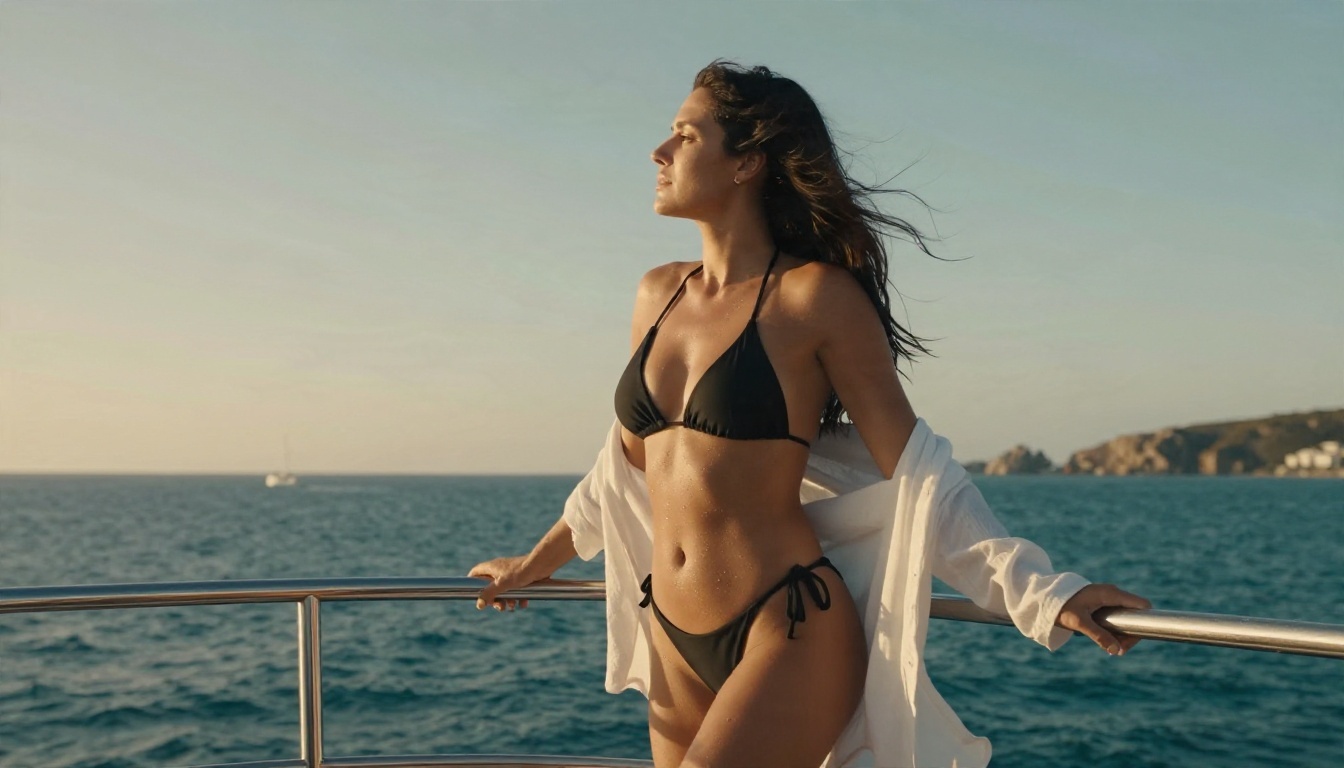
| Yacht deck | "Adult woman in a black bikini and white wrap leans on a teak railing, wind in her hair, slow push in, golden hour backlight" |
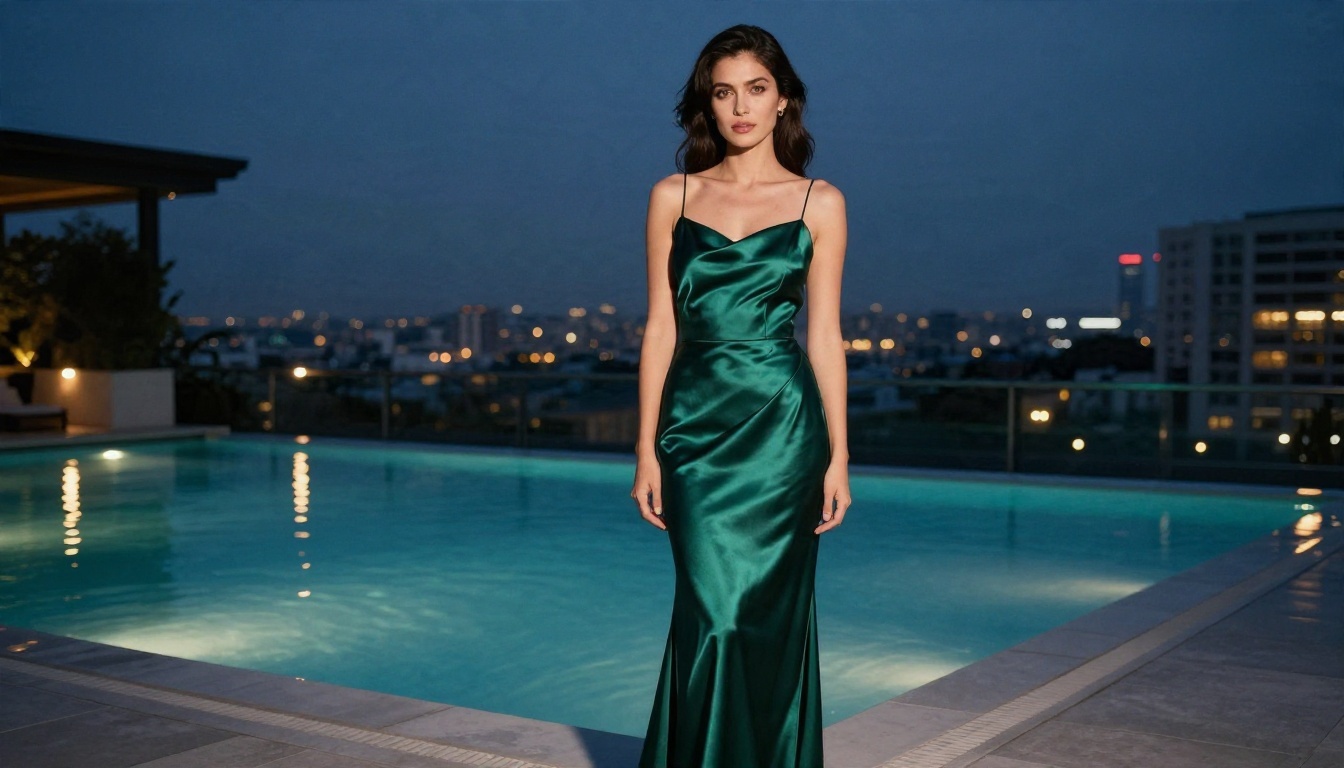
| Pool at dusk | "Woman in an emerald satin gown walks along a rooftop pool edge, string lights reflect on the water, gentle handheld motion" |
| Window portrait | "Woman in a champagne silk slip dress rests her cheek on her hand, sheer curtain drifts, soft window light, 85mm look" |
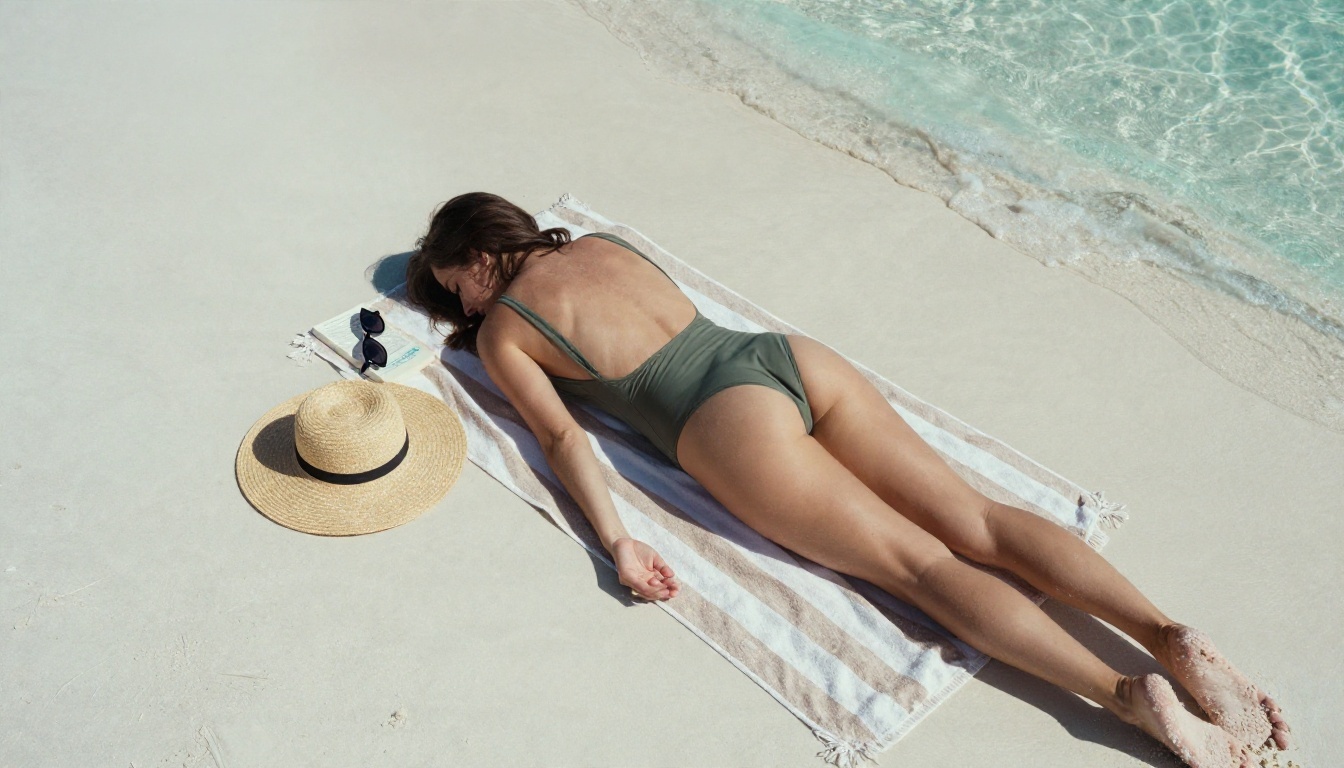
| Beach aerial | "Overhead view of a woman in an olive swimsuit on a striped towel, small waves roll in at the edge, slow upward drift" |
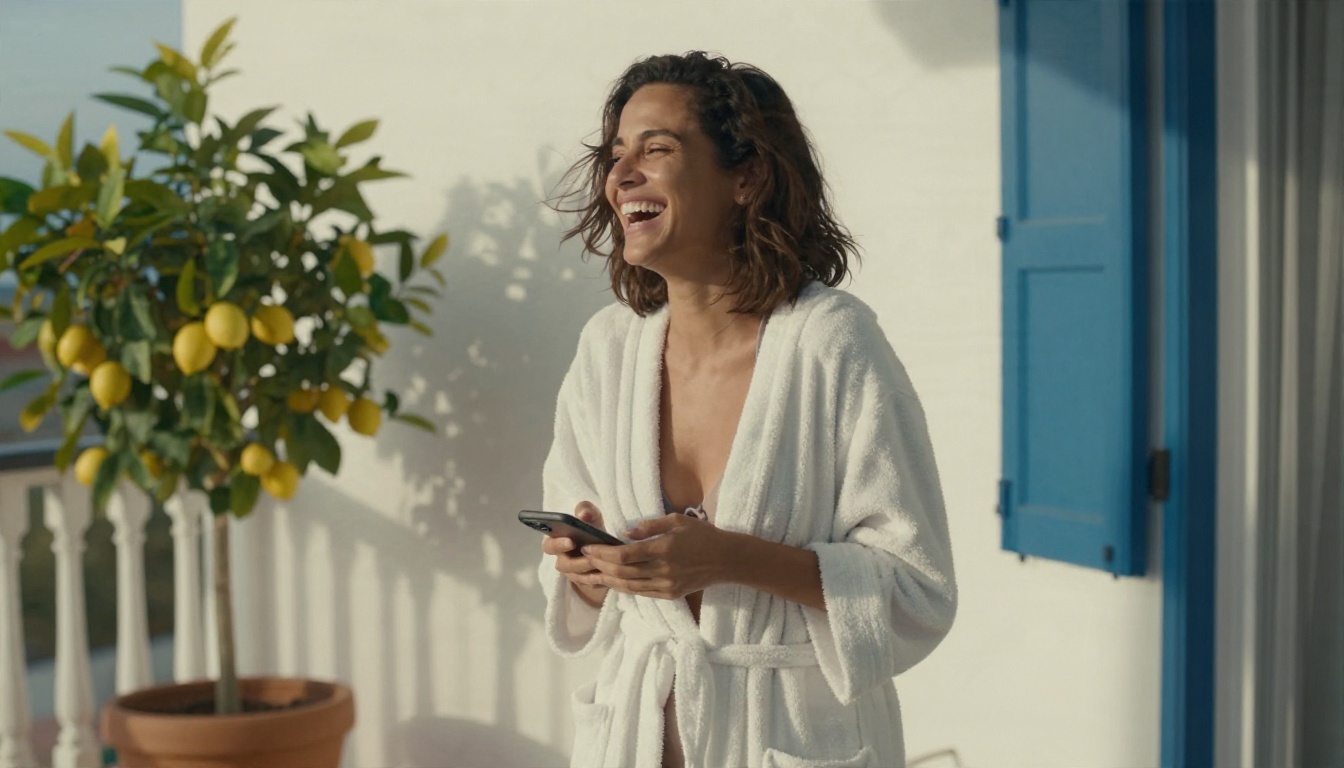
| Balcony morning | "Woman in a white robe laughs and lifts her phone, lemon trees sway, soft morning sun, subtle camera drift" |
Words that trigger rejections
Avoid terms that describe nudity, body parts in a sexual sense, or acts. Also avoid vague danger words such as "uncensored", "explicit" or "no filter" in the prompt itself. Those words can raise a flag on their own, even when the scene is perfectly tame.
💡 Tip: state the wardrobe clearly ("black two-piece swimsuit", "silk slip dress"). A vague prompt lets the model improvise, and improvisation is where borderline frames appear.
Examples of Tasteful Results
The scenes below show the kind of source images that animate well. Each one uses a clear light direction, fabric with visible texture and a calm composition. All of them are suggestive at most, and all of them sit comfortably inside a standard content policy.
Swimwear in golden light
Low sun from behind gives skin a soft rim and water a warm sparkle. When you animate a still like this, the best motion is simple: hair in the wind, a slow camera push, ripples on the sea. Complicated actions make the clip wobble.
Evening gowns and satin
Satin catches light in long highlights, which looks superb in motion. A walk along a pool edge, a turn of the shoulders, string lights flickering on water: these small movements read as high-end fashion video.
Intimate window portraits
Close portraits depend on texture: fine skin detail, silk folds, curtain movement. Image-to-video tools tend to smooth skin when the source image is too soft, so start from a sharp still.

Better Alternatives for Adult Glamour
Kling is excellent at what it does, but if your project is built around suggestive imagery, you need a tool with fewer restrictions on the image step, since a great video starts with a great still. These are the models to try on PicassoIA, in the order that makes sense for adult glamour work.
Seedream 4.5 first
Seedream 4.5 is the best starting point. It produces sharp, photorealistic images with convincing skin texture, believable fabric and accurate lighting, and it follows long descriptive prompts closely. For swimwear, lingerie-style fashion and glamour portraits that stay non-explicit, it gives you detail that holds up when you later animate the frame. It is fast, so you can run ten variations in the time a Kling queue takes to answer once.
PicassoIA Image Editor Pro for unlimited edits
PicassoIA Image Editor Pro is where you refine. It offers unlimited generations, which matters when you are iterating on outfit, pose or lighting. Change a wrap colour, adjust a background, fix a hand, then export the final frame. Unlimited runs remove the pressure that credit-based tools create.
More photorealistic image models
If you want a different look, Qwen Image 3 Pro produces clean, natural-looking portraits, and Riverflow v2.5 Pro delivers sharp 4K output. Test your own prompts on each, since every model reacts differently to wardrobe and lighting descriptions.
💡 Note: Seedream 5 Pro is a strong general model, but for adult glamour work, stay with Seedream 4.5 and Image Editor Pro first.
Video options for motion
Once your still is ready, you have several image-to-video options on PicassoIA:
| Model | Best for | Link |
|---|
| Kling v2.5 Turbo Pro | Smooth cinematic camera moves on clothed, SFW scenes | Open model |
| Wan 2.5 I2V Fast | Fast animation of a single image | Open model |
| Hailuo 2.3 Fast | Quick photo animation with natural motion | Open model |
| Hailuo 02 | Higher quality 1080p clips | Open model |
| Kling v1.5 Standard | Budget 720p motion | Open model |
The Kling models listed here follow standard moderation, so keep them for tasteful, fully clothed scenes. For anything beyond that, build your image with the tools above and keep the animation simple.
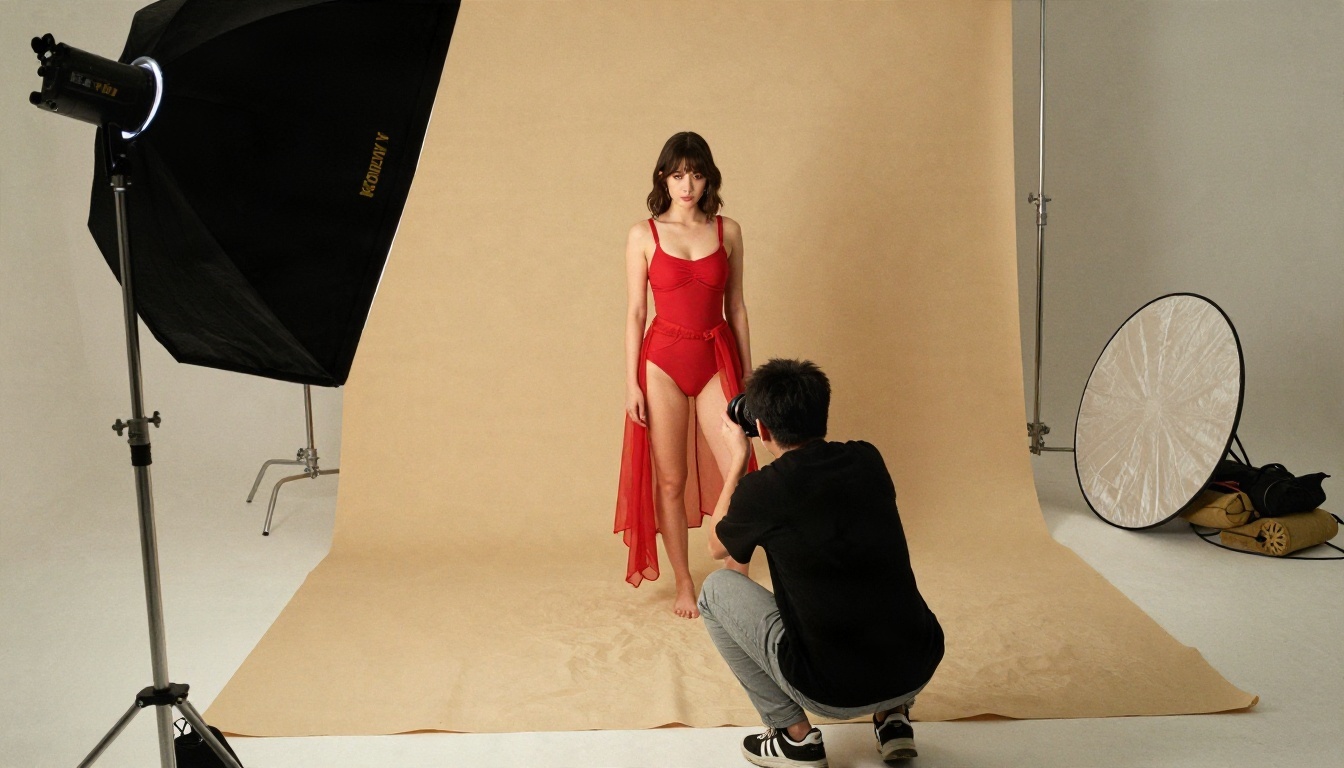
How to Get Similar Results on PicassoIA
Here is the workflow I recommend, built around Seedream 4.5. It takes about ten minutes.
Step 1: Write a photographic prompt
Describe the shot as a photographer would: subject, wardrobe, location, light direction, lens and film look. For example: "adult woman in a black bikini and white cotton wrap on a yacht deck at golden hour, warm backlight from the right, 35mm lens, shallow depth of field, Kodak Portra 400 grain, raw photograph".
Step 2: Set the right parameters
- Aspect ratio: 16:9 for video-ready frames
- Detail level: high, so skin and fabric stay sharp
- Variations: generate four to six, then pick the best one
- Wording: ask for natural skin texture and fine pores to avoid the plastic look
Step 3: Refine with Image Editor Pro
Open the winning frame in PicassoIA Image Editor Pro. Fix small flaws, adjust the background or change a wardrobe colour. Since generations are unlimited, you can keep refining until the frame is right.
Step 4: Animate the final frame
Take the refined still to an image-to-video model such as Kling v2.5 Turbo Pro or Wan 2.5 I2V Fast. Describe only the movement: hair, water, a slow camera push. Short and specific works best.
Step 5: Review before you publish
Watch the clip twice. Check hands, hair edges and fabric folds, since those are the first places motion artifacts appear. If something is off, run a second pass with a simpler prompt.

Common Mistakes to Avoid
Starting with a weak source image
The video can only be as good as its first frame. A soft, low-resolution photo gives a mushy clip. Spend your effort on the still.
Asking for too much motion
Five seconds is short. One camera move and one subject movement is enough. Prompts that pack in a walk, a turn, a wave and a camera orbit usually produce warped limbs.
Trusting "bypass" tutorials
Any page that promises an uncensored Kling is either outdated or selling something. Save your time and move to a tool designed for your content.
Skipping lighting words
Light direction does more for a glamour look than any adjective. "Warm backlight from the right" beats "beautiful and sexy" every time.
Quick Answers
Is there a free NSFW mode in Kling AI? No. Free and paid accounts share the same filter.
Do free credits renew? Reports describe a monthly allowance, though the exact amount can change.
Can I upload my own photo? Yes, but the image is scanned by the filter too.
What is the safest scene type? Clothed swimwear, evening wear and fashion portraits in natural settings.
Where should I build my images? Seedream 4.5 for generation and Image Editor Pro for unlimited refinement.
Start Creating Your Own
You now know where Kling's limits sit, what its free credits are worth and how to write prompts that pass. The next step is to build a few frames of your own. Open Seedream 4.5, write a photographic prompt for your favourite swimwear or evening scene, refine it in Image Editor Pro with unlimited generations, and then bring it to life with a video model. You can browse every image and video model in one place at picassoia.com/en/all-models.
Try three different lighting setups on the same outfit. The difference between a flat result and a magazine-style frame is usually a single line in the prompt, and you will find it faster when every run is free of credit anxiety.