Type "free NSFW video, no signup" into a search bar and you get a wall of promises. Most of them fall apart in under a minute: a surprise paywall, a watermark across the frame, a clip that ends after three seconds, or a form asking for a card "just to verify your age." If you have been burned by that loop, you are not alone, and the frustration is fair.
So here is the straight version. This article sorts out what "free" and "no signup" actually mean for adult-flavored AI video, shows tasteful, non-explicit examples of the style people are really after (glamour, swimwear, boudoir light, suggestive but elegant), and lays out the length limits you will run into at 5, 10 and 30 seconds. It also shows a workflow that gives you more control than any one-click "generate" button.
💡 Scope note: everything here stays on the suggestive and artistic side: swimwear, lingerie-style boudoir, glamour portraits. Nothing pornographic. All subjects are adults, and every example image was made to look like a real photo shoot.

What "Free and No Signup" Really Means
The Honest Answer
Truly free, truly anonymous, and truly good video generation almost never show up together. Video is expensive to render. Every second of footage burns GPU time, and someone pays for it. When a site says "free," one of these is usually happening:
- A trial credit that runs out after a clip or two.
- A watermark that makes the output unusable for anything public.
- A queue so long that "free" really means "wait an hour."
- Data collection: your prompts, your uploads, and your email are the product.
"No signup" is rarer still. A few tools let you try one generation without an account, but they cap resolution, length, or both. If you want repeatable results, an account is nearly always part of the deal. The better question is not "can I avoid signing up?" but "what do I get for the account, and what does it cost me?"
Where the Catch Usually Hides
Check these five things before you give any site a prompt or a photo:
| Check | Why it matters |
|---|
| Watermark | A logo burned into the frame ruins the clip |
| Max length | 2 to 3 second clips are barely a GIF |
| Resolution | 480p looks soft on a phone, worse on a monitor |
| Upload policy | Where do your reference photos go afterward? |
| Age and consent rules | Serious tools block real people and minors |
If a tool hides any of these, treat the silence as an answer.
Free NSFW Video Options Compared
There are really two routes to a short suggestive clip. Both start from the same idea: make a strong still, then give it motion. The still carries your style. The motion model just brings it to life.
The Image-First Route
This is the route I recommend, because it gives you control. You build the exact frame you want, then animate it. If the still looks wrong, you fix it before you spend a single video render.
- Generate the still with Seedream 4.5, a strong photorealistic image model that handles skin texture, fabric and light well.
- Fix details with PicassoIA Image Editor Pro. Swap an outfit color, clean a hand, change the background. Edits are unlimited and fast, so you can iterate as much as you like.
- Animate the finished still with an image-to-video model such as Seedance 2.5 Lite or Wan 2.6 I2V.
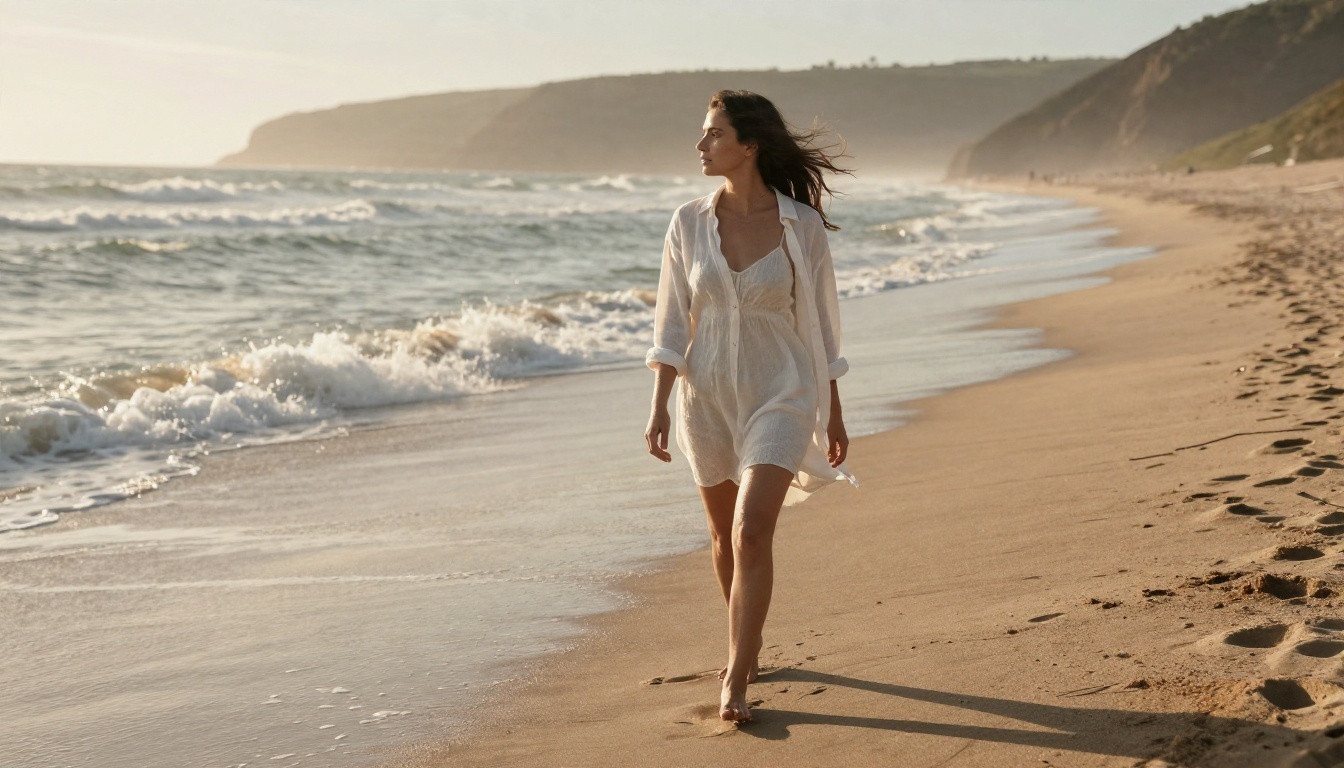
The Text-First Route
You can also type a scene and get a clip back in one step. It is faster, but you give up control over faces, outfits and framing. Results vary a lot from one run to the next. Text-first works best for ambient, atmospheric shots: waves, curtains moving, a pool surface, a slow camera drift. It works less well when a specific person or look has to stay consistent.
Quick Comparison
| Route | Speed | Control | Best for |
|---|
| Image-first | Medium | High | Glamour, portraits, consistent look |
| Text-first | Fast | Low | Mood shots, backgrounds, B-roll |
| Hybrid (still + text motion prompt) | Medium | High | Short loops with a clear subject |
💡 Tip: if you are on a budget, spend your effort on the still. A great frame animated with a simple prompt beats a mediocre frame with an elaborate one.
Examples of Tasteful Glamour Clips
Words only go so far, so here are the kinds of frames that animate well, and the motion that suits each. All of these are non-explicit, magazine-style compositions.
Pool and Water Scenes
Water is a gift for video models. Ripples, light reflections and floating hair give the model natural motion to follow, so even short clips feel alive.
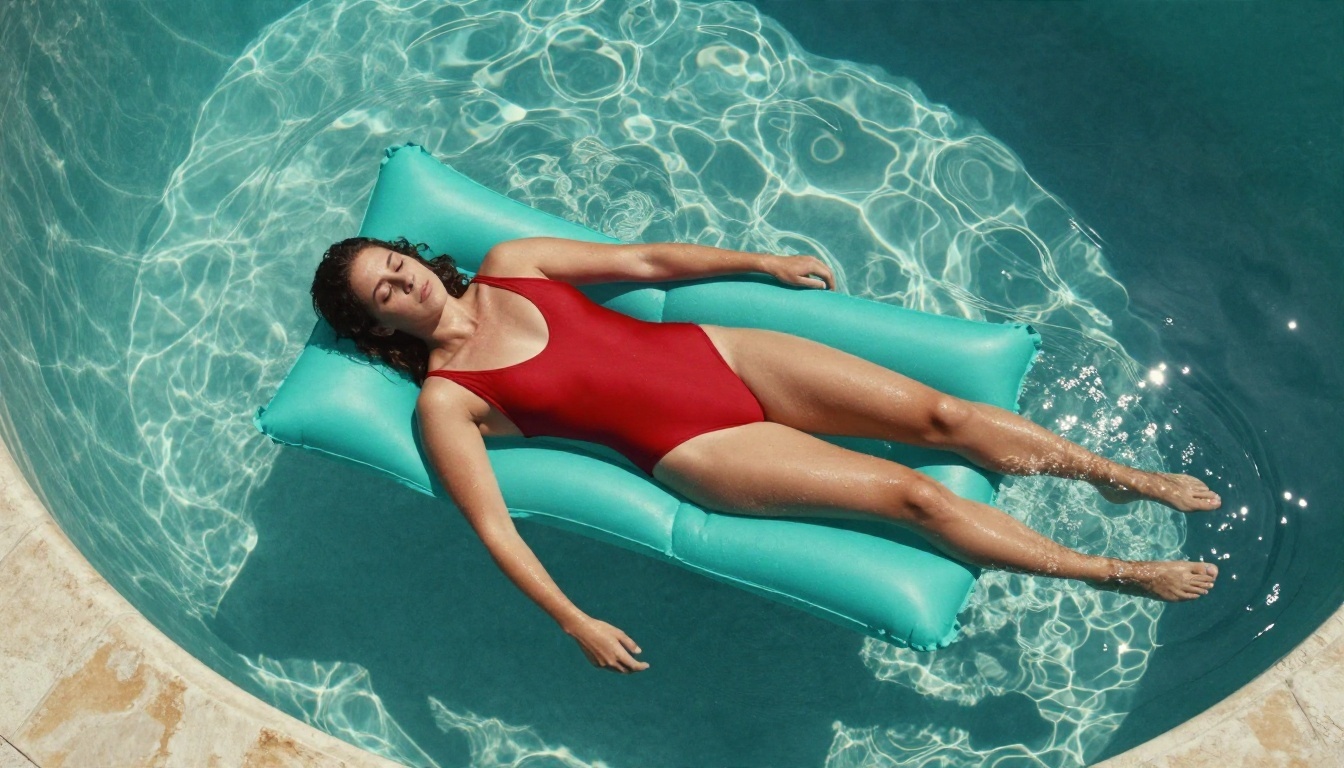
Motion prompt idea: "Slow overhead drift, gentle ripples spread outward from her hand, sunlight sparkles on the water, soft ambient pool sound."
Boudoir and Window Light
Soft backlit scenes are the classic glamour look. They also hide a lot of the artifacts that cheaper models produce, because diffused light is forgiving.
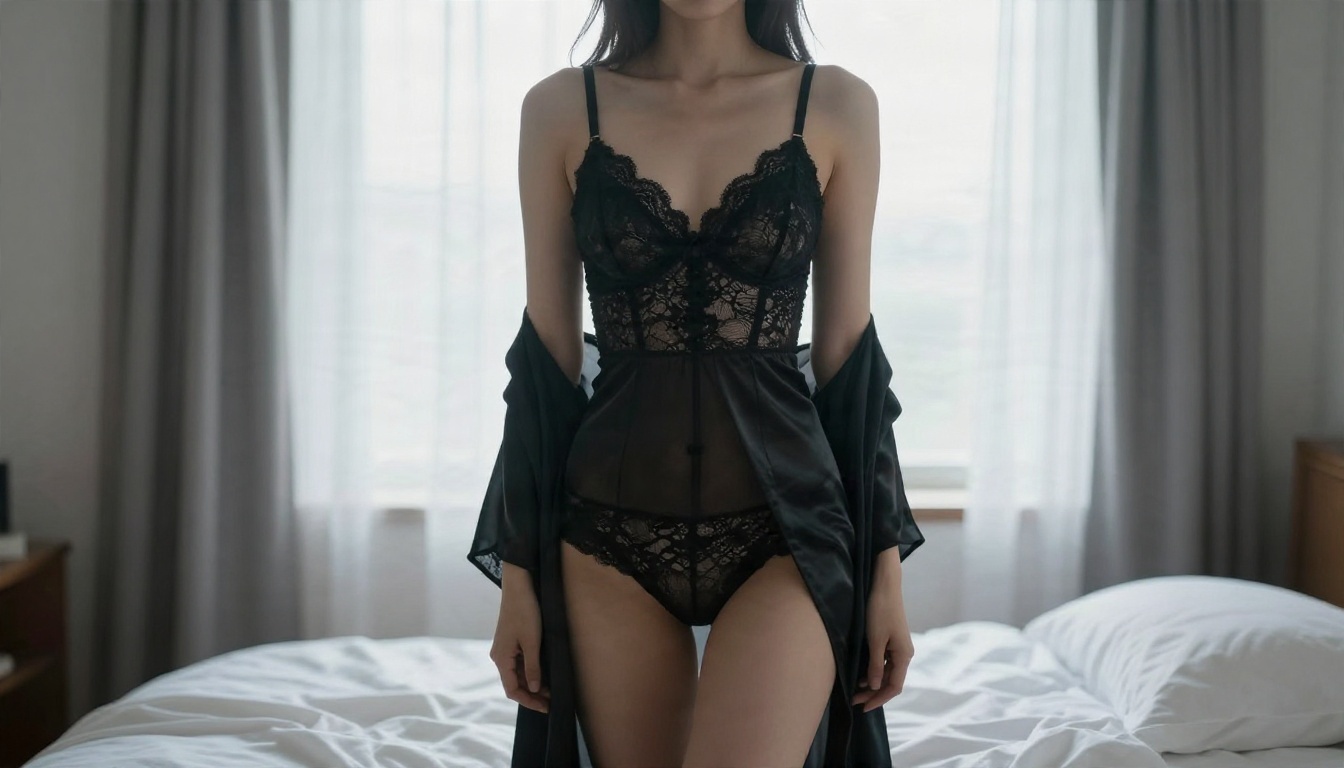
Motion prompt idea: "Sheer curtain stirs in a light breeze, she turns her head slowly toward the window, camera pushes in a few inches, warm morning haze."
Rooftop and Road Scenes
Evening city light and open roads give you depth and color. Keep the subject mostly still and let the background and camera do the moving.
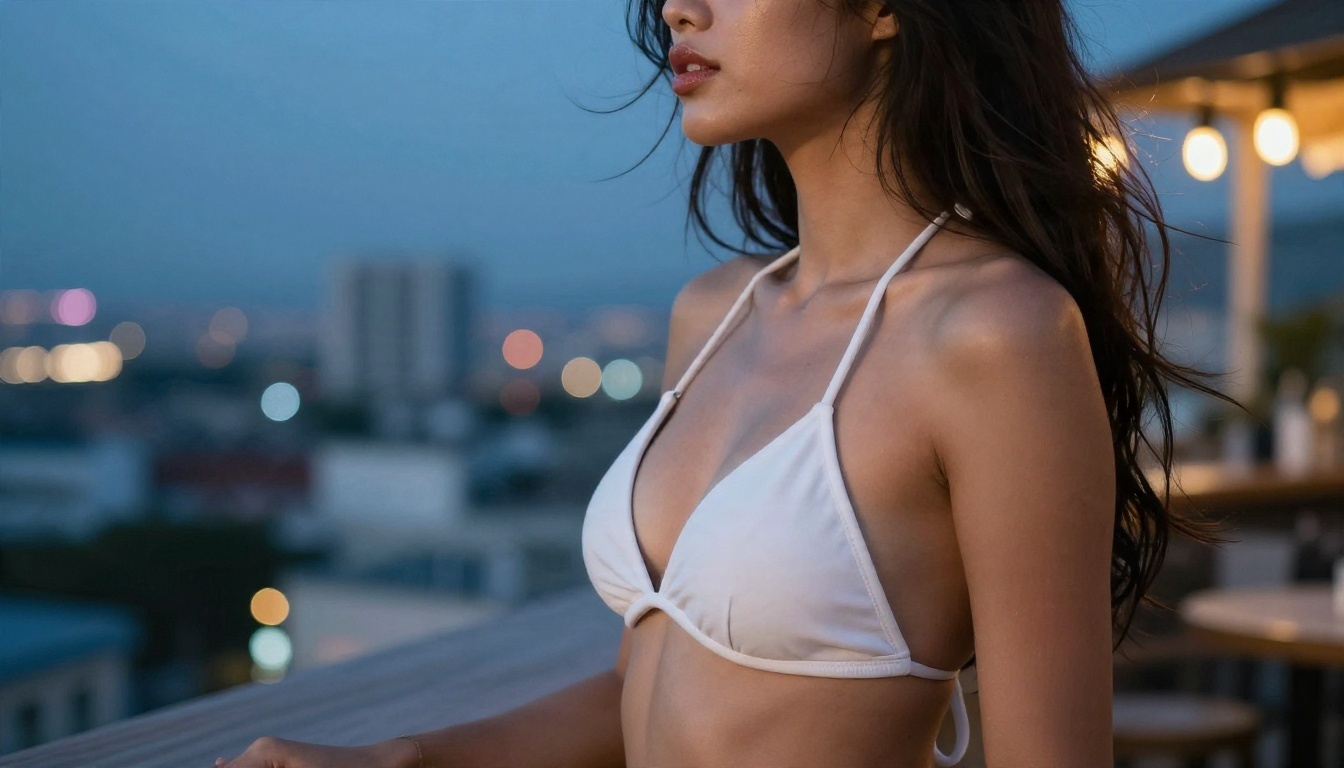
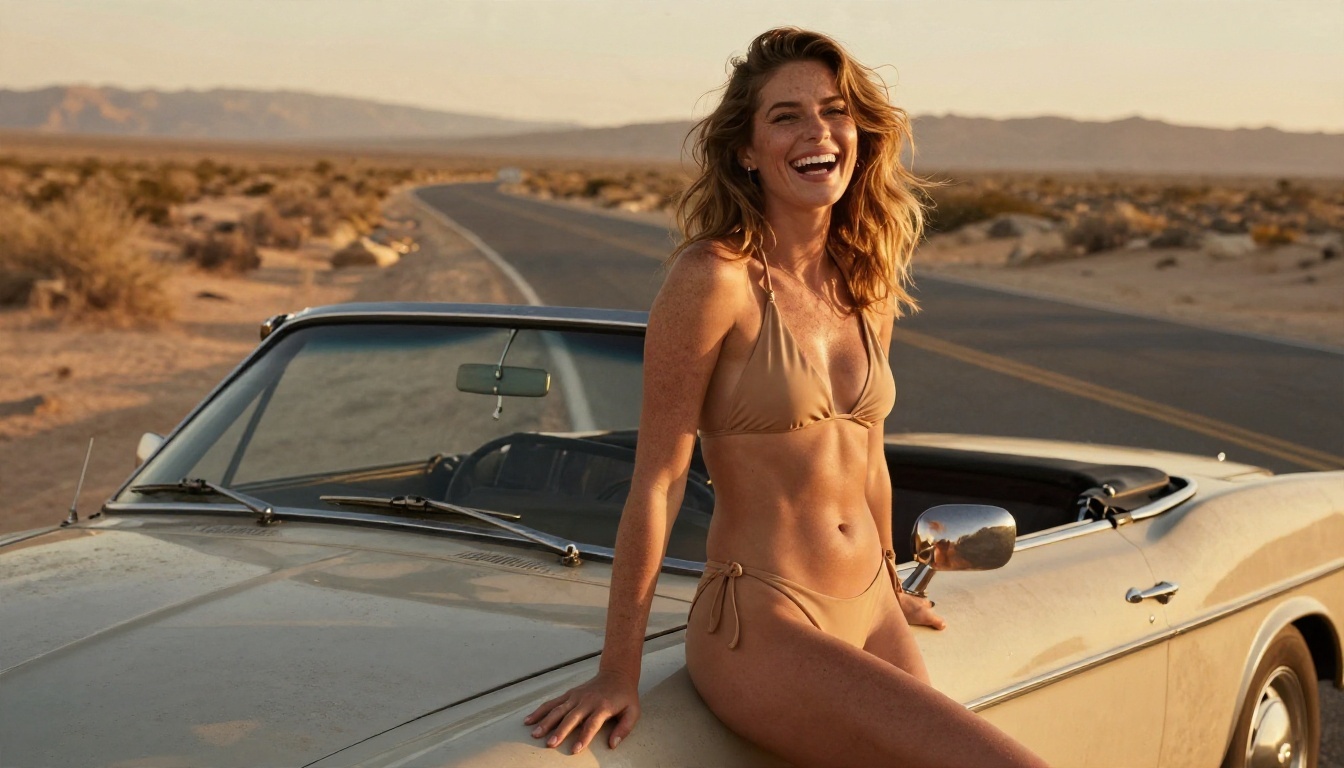
Motion prompt idea: "City lights flicker softly behind her, hair lifts in the breeze, camera glides sideways at a slow pace."
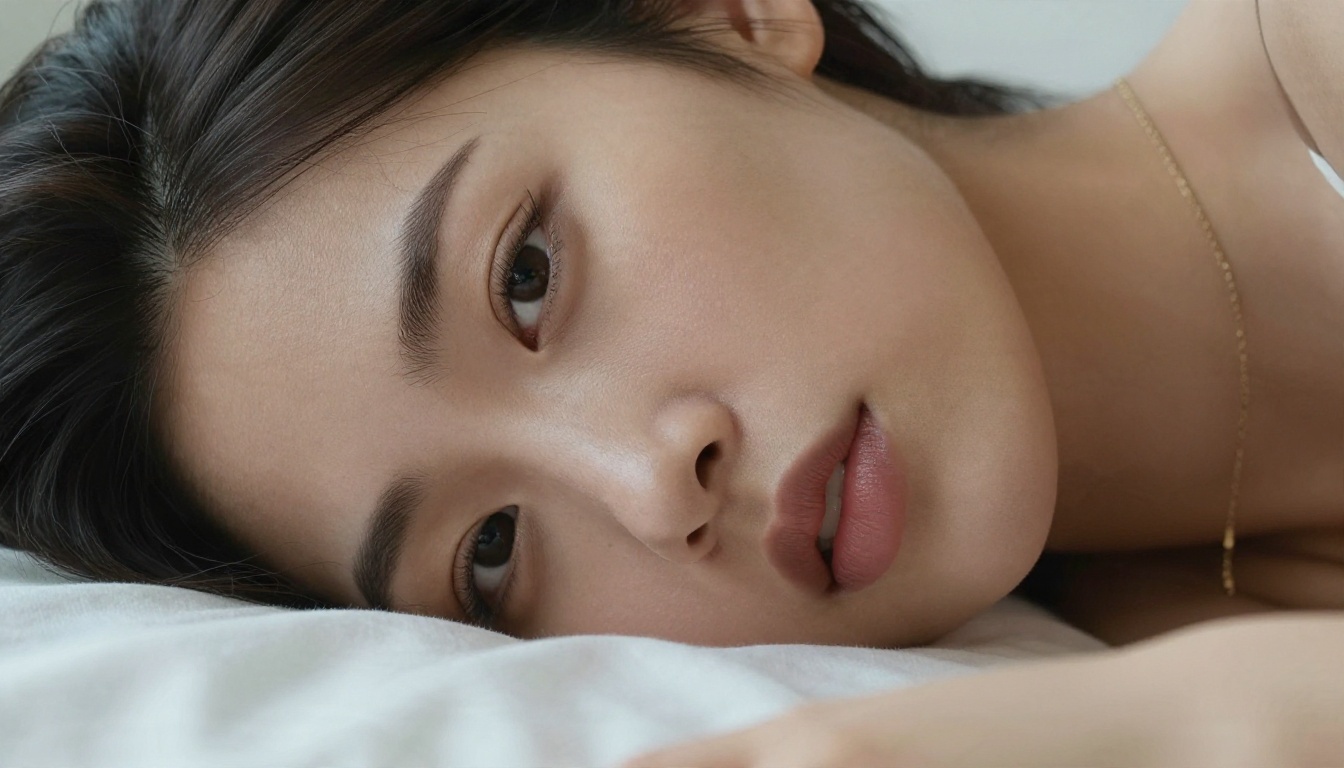
Intimate Close-Ups
Tight portraits are the hardest to animate well, because every tiny wobble in a face shows. Keep motion small: a blink, a slow breath, a small smile.
Length Limits Explained
Length is where "free" gets squeezed hardest. Here is how the clip lengths break down in practice.
The 5 Second Clip
This is the standard unit of AI video. Five seconds is enough for one clear beat: a turn, a smile, a camera push. Nearly every model can do it, and it is the cheapest to render. For social loops it is often all you need.
The 10 Second Clip
Ten seconds gives you room for a real shot with a beginning and an end. Seedance 2.5 Lite supports clips of up to 10 seconds from a text prompt or an image, and it is tuned for 480p and 720p, which covers social and web use. It is described as free and unlimited for Elite and Infinite members, so there is no per-clip cost or daily counter for them.
The 30 Second Clip
Half a minute in one render is a different category. Seedance 2.5 produces 30-second clips with synchronized audio, and it lets you reference up to 30 images to keep a face or outfit consistent across the shots. It also supports first and last frame control, so you can decide how the clip opens and closes.
Stitching Short Clips
If you want something longer than one render allows, stitch clips together. Use the last frame of clip one as the first frame of clip two. This keeps the subject, outfit and lighting consistent across cuts.
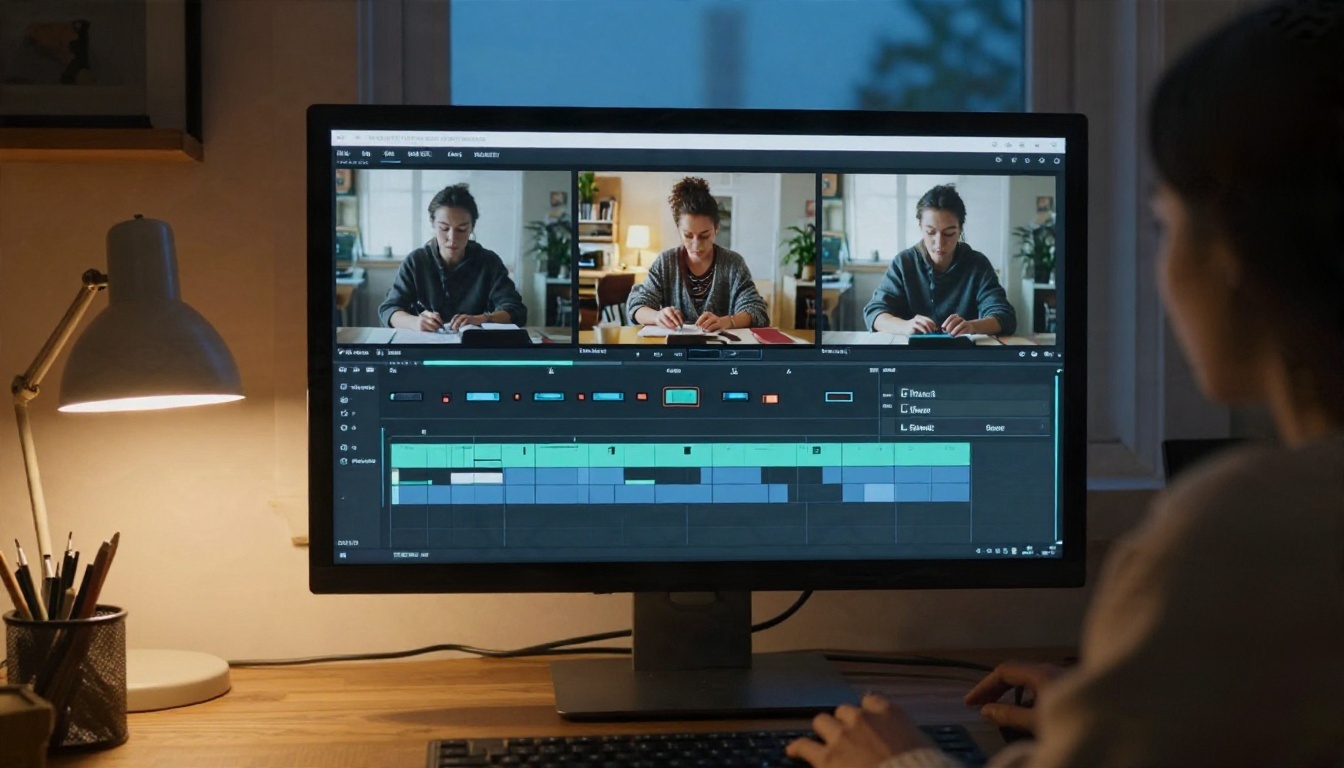
💡 Rule of thumb: three good 5 second clips cut together feel better than one rambling 15 second clip. Short shots look intentional.
How to Use Seedance 2.5 Lite on PicassoIA
Seedance 2.5 Lite is the practical pick for short suggestive clips, since it handles both text and image input and renders quickly at 480p and 720p. Here is the workflow from still to clip.
Step by Step
- Make your still. Open Seedream 4.5 and write a photographic prompt: subject, outfit, setting, light direction, lens. Think of a swimwear campaign, not a render.
- Polish it. Load the image into PicassoIA Image Editor Pro to fix anything off: a stray finger, a harsh shadow, a background that distracts.
- Open the video model. Go to the Seedance 2.5 Lite page and choose image-to-video, so your still becomes the opening frame.
- Write a motion prompt. Describe what moves, how the camera moves, and the light. One or two sentences is enough.
- Pick length and resolution. Choose 5 or 10 seconds, and 720p for the sharpest output.
- Generate and review. Watch the clip. If the motion is off, change only the prompt and run again.

Parameter Tips
- Start at 5 seconds while you test prompts, then move to 10 once the motion looks right.
- Use 720p for the final render, 480p for quick drafts.
- Keep one motion idea per clip. "She turns and smiles" works. "She turns, walks, dances and waves" does not.
- Reuse the same still across several prompts to compare motion styles quickly.
💡 Want longer? Move up to Seedance 2.5 for 30-second clips with audio and reference images.
Other Models Worth Trying
Different models read motion differently, so it pays to test the same still across a few:
Prompts That Actually Work
The Motion Prompt Formula
Use this order: subject, action, camera, light.
"A woman in a cream swimsuit on a daybed, she slowly lifts her sunglasses and looks toward the camera, slow dolly in, warm golden hour light from the left."
Short, physical and concrete. Skip adjectives like "stunning" or "ultra realistic." The model gets nothing from them. Describe what a camera would actually see.
Common Mistakes
- Too much motion. Fast movement breaks faces and hands. Slow always looks better.
- Vague direction. "Make it sexy" gives the model nothing to work with. Say what moves.
- Changing the still. Heavy changes between still and prompt cause jumps in the first second.
- Ignoring light. If the still has warm side light, say so in the motion prompt so the clip keeps it.
- Chasing length. A tight 5 second clip beats a drifting 10 second one.
A Fast Iteration Loop
- Generate three stills with slight variations.
- Pick the best and polish it in the editor.
- Run it at 5 seconds, 480p.
- Adjust the prompt once, then render the final at 720p.
This loop wastes the least time, and it works the same on any model.
Safety and Consent Rules
Adult content tools only stay useful if they stay responsible. A few rules are not negotiable:
- Adults only. Every subject must be clearly an adult. No exceptions, no gray areas.
- No real people without consent. Do not animate photos of a real person who has not agreed. That includes celebrities, coworkers, exes and strangers.
- No deceptive use. Do not pass off generated clips as real footage of someone.
- Keep it non-explicit. Suggestive, artistic and tasteful is the lane. That is also the lane where results look best.
- Mind where you post. Platforms differ on what they allow, so check the rules before you upload.
💡 Privacy note: be careful with any "no signup" site that asks you to upload a photo of a real person. You rarely know where that file goes.
Make Your Own Clips Today
Here is the short version. Free and no signup rarely come together with good video. The most reliable route is to build a strong still first, polish it, then add motion with a model that gives you clear length options: 5 seconds for loops, 10 for a full shot, 30 for a small scene.
Start with Seedream 4.5 for the image, refine it in PicassoIA Image Editor Pro where edits are unlimited, then animate it with Seedance 2.5 Lite. Try the same still in two or three models and keep the one that moves best.
Ready to try it? Pick one scene from the examples above, write a two sentence motion prompt, and make your first clip. When you want to see every option side by side, browse the full lineup at picassoia.com/en/all-models.


