Search for "NFSW Wan AI" and you will find a pile of sites promising free, uncensored video with no limits. Most of them promise more than they deliver. Wan is a real family of video models from Alibaba, and it really is popular with people who want suggestive, glamour-style motion. But the word "uncensored" hides a lot of fine print: which version, where it runs, who moderates it, and how long a clip can be. This article sorts the claims from the facts, gives you prompts that work, and shows a workflow that stays suggestive and non-explicit while still looking sharp and cinematic.
What Wan AI Actually Is
Wan is a series of video generation models released by Alibaba's Tongyi lab. The line started with Wan 2.1, then moved through Wan 2.2, Wan 2.5, Wan 2.6 and newer editions. Each step brought longer clips, better motion and, in the later versions, synchronized audio.
Open weights versus hosted versions
Here is the part most "uncensored" pages skip. As far as I could confirm, Wan 2.2 is the last flagship release whose weights anyone can download, published in mid 2025 under the Apache 2.0 license. Wan 2.5 was announced with talk of open weights that never arrived, and Wan 2.6 runs as a hosted service. Newer editions follow the same hosted pattern.
That split matters for the "uncensored" question:
- Downloaded weights run on your own machine. No website sits in the middle, so no hosted moderation layer reviews your prompt.
- Hosted versions run on someone else's servers. That someone sets the rules, and most apply filters to prompts, input photos or output.
Why people search for the NSFW angle
The appeal is simple. Glamour content, swimwear, lingerie-style fashion and boudoir mood sell well, and ordinary stock tools refuse many of those prompts. People want motion that looks like a real fashion shoot: hair moving in wind, fabric swaying, a slow glance at the camera. Wan handles that kind of natural motion better than most models in its class.
💡 Reality check: "Uncensored" is a marketing word, not a technical spec. Always check what a service actually allows before you spend time on prompts.
Is It Really Free and Uncensored Online?
Short answer: partly, and never without trade-offs.
How "free" usually works
Free online Wan tools almost always use one of four models:
| Free model | What you get | What you give up |
|---|
| Daily credits | A few clips per day | Queue waits, watermarks |
| Trial credits | 1 to 3 clips total | Then a paywall |
| Local run | Unlimited clips | A strong GPU and setup time |
| Low-res free tier | Quick previews | Soft, small output |
Running Wan 2.2 locally is the only route that is genuinely unlimited. The smaller 5B variant is light enough for a single consumer graphics card, while the 14B variants want far more memory. For most people, a hosted tool is simply faster.
What "uncensored" can and cannot mean
Even where moderation is light, three limits stay in place no matter which site you use:
- Real people. Using a photo of a real person without consent is a line you should never cross. Use AI-generated characters or models who agreed.
- Minors. Absolutely off the table, everywhere, always.
- Explicit content. This article stays on the suggestive side: swimwear, silk, lace, golden-hour glamour. It does not describe or support pornographic output.
The Real Limits of Wan Video
Whatever the platform, the model itself has boundaries. Knowing them saves credits.
Clip length
Early versions produced clips of a few seconds. Newer ones stretch further: on PicassoIA, Wan 2.6 I2V lets you pick 5, 10 or 15 seconds. Longer is not always better. Motion tends to drift after the first several seconds, so a crisp 5 second clip often beats a wobbly 15 second one.
Resolution
Most Wan variants top out at 720p or 1080p. Wan 2.6 offers both. If you need larger output, generate at 720p to test the motion, then upscale only the clips you keep.
Motion quality
Even good Wan outputs struggle with:
- Hands and fingers during fast gestures
- Fine text on signs, tattoos or clothing
- Complex interactions between two people
- Fast camera whips, which blur faces and warp backgrounds
- Identity drift, where the face changes slightly across the clip
Moderation layers
Hosted tools may block a prompt before it runs, or hide the output afterward. If a prompt is rejected, adding more adjectives rarely helps. Describing a fashion shoot scene (the setting, the light, the camera) instead of the body gets you further than any workaround.
Prompts That Work for Glamour Motion
Wan responds best to prompts that read like a director's note: one subject, one action, one camera move. Skip long lists of tags.
The prompt formula
Use this order:
Subject and starting pose, then motion over time, then camera movement, then light and atmosphere.
For example:
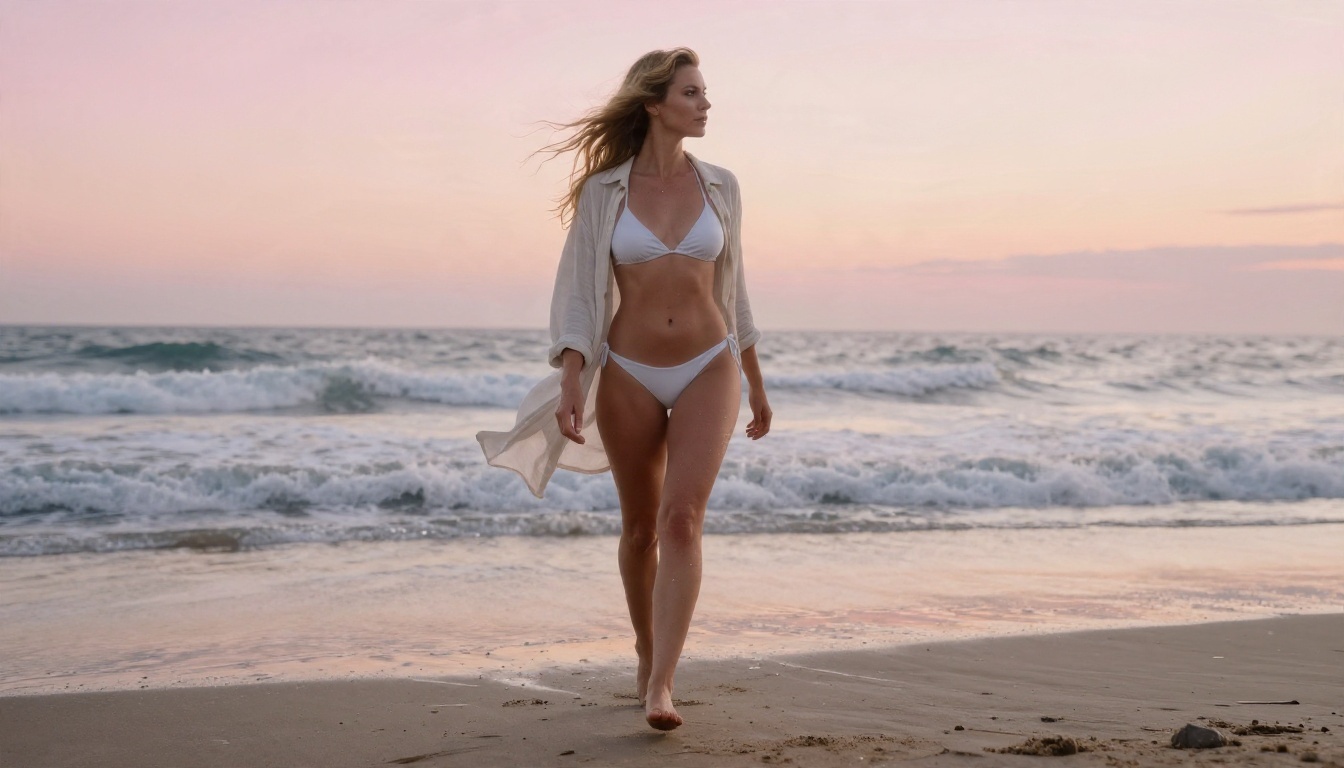
A woman in a white bikini and open linen shirt stands on wet sand at sunrise. She walks slowly toward the camera as waves roll behind her and the wind lifts her hair. Slow low-angle dolly back, warm backlight, soft film grain, photorealistic.
Ten prompt starters you can copy
| Scene | Motion prompt |
|---|
| Poolside | She slowly turns her head toward the camera and smiles, water ripples behind her, gentle push-in, midday sun |
| Hotel window | She tightens the satin robe and glances over her shoulder, rain streaks the glass, slow dolly in |
| Sailboat | Wind moves her hair as she leans on the railing and looks back, golden backlight, handheld sway |
| Dance studio | Her slip dress swirls as she turns once, dust floats in the window light, slow orbit left |
| Morning bed | She laughs and tucks her hair behind her ear, sheets shift softly, static camera |
| Beach walk | She walks toward camera in shallow surf, slow low-angle track back, sunrise glow |
| Terrace | Curtains lift in the breeze as she raises a glass of water, slow pan right |
| Mirror | She adjusts an earring while looking into the mirror, shallow focus, subtle push-in |
| Rooftop | Evening wind moves her dress as she steps to the edge of frame, wide shot, dusk light |
| Cafe | She stirs a coffee and looks up at the camera, steam rises, slow rack focus |
Words that help and words that hurt
Helps: slow, gentle, subtle, shallow depth of field, natural light, handheld sway, photorealistic, film grain.
Hurts: "fast", "extreme", "crazy motion", "8K ultra hyper detailed masterpiece" (empty hype), and anything that asks for three actions at once.
💡 Tip: Keep one motion per clip. "She turns and smiles" works. "She turns, dances, sits, and waves" turns into mush.
From Still Photo to Moving Clip
The most reliable way to get a good result is image-to-video, not text-to-video. You fix the look first in a still image, then ask Wan only to move it.
Step 1: Build the still
Start with a strong photo. Seedream 4.5 is the first model to try for glamour stills: it produces sharp, photorealistic skin and fabric, and it handles swimwear and boudoir lighting without the refusals you get elsewhere. If you want to refine a photo, change an outfit, fix a detail or adjust the background, PicassoIA Image Editor Pro offers unlimited generations, so you can iterate without watching a credit counter.
Step 2: Check the still before animating
Look at the face, the hands and the edges of the clothing. Wan inherits every flaw in the first frame, so a six-finger hand becomes a six-finger hand in motion. Fix it first.
Step 3: Animate
Now send that still to Wan. The next section shows exactly how.
How to Use Wan 2.6 I2V on PicassoIA
Wan 2.6 I2V turns one photo plus a text prompt into a smooth clip. Here is the process, step by step.
Step by step
- Open the model page and choose Wan 2.6 I2V.
- Upload your image. Use a still you generated with Seedream 4.5 or refined in Image Editor Pro.
- Write the motion prompt using the formula above: subject, motion, camera, light.
- Pick the duration: 5, 10 or 15 seconds. Start with 5.
- Choose the resolution: 720p for tests, 1080p for the clips you plan to publish.
- Generate, review, and adjust.
Parameter tips
| Setting | What it does | Recommendation |
|---|
| Prompt | Describes motion and camera | One action, one camera move |
| Negative prompt | Lists what to avoid | "blurry, extra fingers, warped face, text, watermark" |
| Duration | 5, 10 or 15 seconds | Test at 5, extend only if the motion holds |
| Resolution | 720p or 1080p | 720p for drafts |
| Prompt expansion | Rewrites your prompt automatically | Leave on for short prompts, off if you want exact control |
| Multi shots | Splits the clip into several shots | Off for a single consistent look |
| Audio | Syncs a WAV or MP3 file | Add music or a voice line for a social-ready clip |
| Seed | Fixes randomness | Reuse a seed when a result is almost right |
💡 Pro move: If a clip is nearly perfect, keep the same seed and tweak only one word in the prompt. You will see the change without losing the rest.
Wan Versions on PicassoIA Compared
Different Wan versions suit different jobs. Here is how the ones on PicassoIA line up.
Which one should you pick?
Free Online Options Compared
When you weigh free tools against a proper workflow, the numbers look like this.
| Option | Cost | Control | Typical limit |
|---|
| Free web demos | $0 | Low | Few clips, watermark, long queue |
| Local Wan 2.2 | Hardware | Highest | Setup time, GPU memory |
| Hosted Wan on PicassoIA | Credits | High | Model-specific duration and resolution |
| Random "uncensored" sites | Often free | Unknown | Unclear rules, quality swings |
Red flags on "uncensored" sites
- No named model or version, only "Wan AI"
- Demo clips that look nothing like the output you get
- Requests to upload photos of real people
- Subscriptions that renew without a clear cancel button
- No explanation of what content is blocked
Mistakes That Waste Your Credits
Prompting for too much
One scene, one action. The more you stack, the more the model blurs and the more likely a face drifts.
Skipping the still-image check
Animating a flawed photo only gives you a flawed video. Fix the still first with Image Editor Pro.
Starting at 15 seconds
Test at 5 seconds. If motion holds, then try 10 or 15.
Chasing "no limits"
Every model has limits: duration, resolution, motion quality. Work inside them and your results improve far faster than any hunt for a loophole.
Try Your Own Glamour Clips
You now have what you need: a clear view of what "uncensored" really means for Wan, a prompt formula, and a two-step path from still photo to moving clip. Start by creating a sharp, photorealistic still with Seedream 4.5, refine it with PicassoIA Image Editor Pro, then animate it with Wan 2.6 I2V. Keep the first clip to 5 seconds, change one thing at a time, and save the seeds you like.
Want to see what else is available? Browse every image and video model at picassoia.com/en/all-models and build your own set of glamour-style clips today.


