You open Night Cafe AI, type a sentence, hit create, and a few seconds later you have a picture. Then the credit counter drops, and you start doing math in your head. How many more tries do I get today? Is the paid plan worth it? Is there something free that does the same job? Those are the questions this article answers, with real numbers where they exist, honest caveats where they don't, and a set of prompts you can paste into any generator.
A quick note before we start: Night Cafe is a platform, not a single model. It is a hub that lets you pick from several image models inside one interface, add community features, and spend credits to run them. It is not available on PicassoIA, so this article treats it as a product to compare against, then points you to image models you can use today on PicassoIA.
What Night Cafe AI Actually Is
Night Cafe has been around for years, and it built its audience on a simple idea: make AI art feel like a social hobby. You generate, you post to a feed, you enter daily challenges, and other members vote and comment. The generator is only half the product. The other half is the community around it.
How the credit system works
Everything on the platform runs on credits. Each image you create spends a small number of credits, and the amount depends on the model you pick, the output size, the number of runs per prompt and extras such as upscaling. A cheap, fast model might cost a fraction of a credit per image, while a heavier model at high resolution costs several credits.
That design is flexible, but it also makes your budget hard to predict. Two people with the same plan can get very different numbers of images, simply because one picked a heavier setting.
Who it suits
Night Cafe fits you if you like the social side: challenges, galleries, following other creators. It also suits you if you want to try many models without signing up to each separately. It fits less well if you need a lot of images in one sitting, want predictable pricing, or work on client projects where a steady, unmetered workflow matters.
Free Credits: What You Really Get
The free tier is the main reason people try the platform, so it deserves a clear look.
Daily credits
Most sources that track the platform agree on the basics: free users receive about 5 credits per day when they log in. Some listings add a few more credits per day for entering and voting in the daily challenge. Community rewards have been trimmed over time, so older tutorials that promise large free credit piles are often out of date.
💡 Tip: Treat the free tier as a trial, not a workflow. Five credits is enough to test a prompt idea, but not enough to iterate on one image ten times.
Earning extra credits
You can earn a few more credits through activity: publishing creations, getting likes, taking part in challenges. The rewards are small and they shift from time to time, so check the current numbers inside your account instead of trusting a blog post, this one included.
Here is the honest summary of the free tier:
| Free tier feature | What to expect |
|---|
| Daily login credits | Around 5 per day |
| Challenge bonus | A few extra credits, varies |
| Model access | Limited, heavier models cost more |
| Speed | Standard queue |
| Best use | Testing prompts and joining challenges |
The Real Cost of Paid Plans

Here the research gets messy. Different pricing trackers list different numbers, and some of them are affiliate sites that haven't updated in months. One set of listings shows entry plans around $6 per month, climbing to roughly $50 per month for the top tier. Another set, dated more recently, shows a range from about $12.50 to $62.50 per month. Both can be partly right, because plans, credit amounts and billing periods change.
Plan ranges
The pattern is consistent even when the figures aren't. Plans step up in price, and each step gives you a larger monthly credit bundle plus perks such as faster generation, more simultaneous jobs and access to more models. You can also buy credit packs on top of a plan or without one.
| Tier | Typical monthly range | What changes |
|---|
| Free | $0 | Daily credits only |
| Entry plans | About $6 to $12.50 | Small monthly credit bundle |
| Mid plans | About $20 to $40 | Larger bundle, faster output |
| Top plan | About $50 to $62.50 | Biggest bundle, most perks |
Before you pay, open the official pricing page and read the current figures yourself. Don't rely on a third party list, and that includes this table.
Hidden costs
The sticker price is rarely the full cost. Watch for these:
- Upscaling and extra runs spend credits on top of the base image.
- Heavier models cost several times more than light ones.
- Unused credits may or may not carry over, depending on the credit type and the plan.
- Retrying a prompt five times costs five times the credits, which adds up quickly when you are learning what works.
That last point is where most people feel the pinch. Good images usually come from iteration, and iteration is exactly what a metered system taxes.
Limits That Slow You Down

Queue and speed
On a free plan, you share the queue with everyone else. During busy hours, a simple image can take noticeably longer than it should, and you can only run a limited number of jobs at once. If you are testing five variations of a prompt, you wait for them in sequence.
Resolution and model access
Higher resolutions and the newest models usually cost more credits, so free users tend to stick with smaller outputs. That is fine for social posts and quick experiments. It becomes a problem when you need a sharp 4K image for print, a banner or a product page.
Other limits worth knowing about:
- Credits, not time, set your ceiling. Once your balance is empty, you wait for tomorrow or pay.
- Social features are public by default. Private creation can sit behind a paid tier.
- Style depends on the model you choose. Each model in a hub has its own look and its own quirks.
None of this makes the platform bad. It just means the free tier is a sampler.
Free Alternatives Worth Trying

Night Cafe is not on PicassoIA, but you can get similar results today with models that are. These are the ones I would try first, based on the kind of image you want.
Models to try first
- Seedream 4.5 is my first pick for sharp, detailed images up to 4K, with strong prompt following and natural skin and fabric texture.
- Nano Banana Pro handles realistic scenes, edits and clean text inside images very well.
- Imagen 4 is a dependable choice for photorealistic lighting and everyday scenes.
- Ideogram v4 Balanced is useful when your image needs readable words, such as a poster or a label.
- Stable Diffusion 3.5 Large gives you a flexible, well known base for painterly and illustrated looks.
Picking by goal
💡 Tip: Run the same prompt through two or three of these models. Each one reads a sentence differently, and the comparison teaches you more than ten reruns on a single model.
Other names you will hear in this space, such as Midjourney, DALL-E and Leonardo, are separate products with their own plans. They are worth a look if you want to compare, but this article keeps its recommendations to models you can run on PicassoIA right now.
Prompts That Work Anywhere
A prompt is a short brief for a photographer who has never met you. The more concrete it is, the less the model has to guess. A reliable structure is: subject and action, setting, light, camera, texture. These prompts follow that order, and they work on Night Cafe or on any of the models above.
Photoreal portrait
A woman in her thirties laughing at a window seat in a small cafe, wearing a cream knit sweater, soft rainy daylight from the left, 85mm lens at f/1.8, shallow depth of field, visible skin pores and wool fibers, Kodak Portra 400 film grain, natural color.
Why it works: the light has a direction, the lens is named, and the textures give the model something specific to render.
Moody landscape
A lone wooden cabin beside a still alpine lake at dawn, low mist over the water, pink light on the peaks, shot from a low angle with a 24mm lens, wet stones in the foreground, crisp detail, natural film look.
Landscapes reward a clear foreground, a middle ground and a background. Naming all three makes the picture feel deep.
Product shot
A ceramic coffee mug on a walnut table, steam rising, morning window light from the right, 50mm lens, shallow depth of field, visible glaze reflections and wood grain, clean editorial photo.
Simple objects need strong light and texture words. Without them, products tend to look flat and plasticky.
Mistakes that waste credits
- Vague prompts. "A beautiful girl" gives the model nothing to hold. Say who, where, what light.
- Too many ideas in one sentence. Pick one subject and one mood.
- Ignoring the lens. A focal length changes the whole feel, and it costs you five words.
- Rerunning without changing anything. If an output is wrong, change one detail before you run it again.
- Skipping the negative space. Mention what should be empty or blurred, such as "soft out of focus background".
How to Get Similar Results on PicassoIA
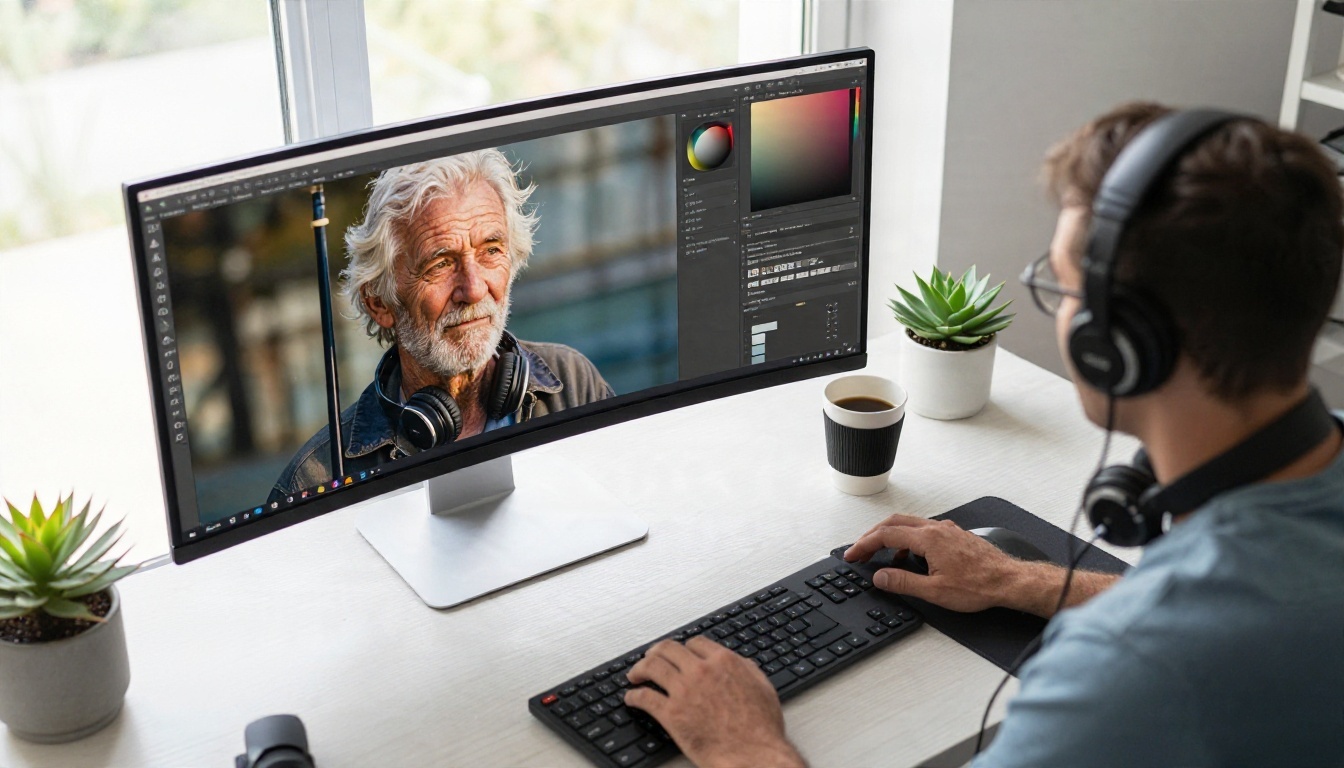
Night Cafe is not on PicassoIA, but Seedream 4.5 gets you very close to the photoreal, detailed look that people chase on credit based platforms. Here is how to use it.
Step by step
- Open the Seedream 4.5 page on PicassoIA.
- Paste one of the prompts from the section above into the prompt box.
- Set the aspect ratio to match where the image will live: 16:9 for banners, 1:1 for social posts, 9:16 for stories.
- Pick the highest resolution the model offers if you need print quality, or a smaller size for quick drafts.
- Generate, look at the result, then change one detail in the prompt and run it again.
- Download the version you like, or send it into an editing model to fix small details.
Parameter tips
- Be specific about light. "Soft window light from the left" beats "good lighting" every time.
- Name the lens. 35mm for environments, 50mm for natural framing, 85mm for portraits.
- Describe texture. Skin pores, knit wool, wet stone and brushed metal all give the model detail to work with.
- Keep the style plain. If you want a photo, say "photograph" and "film grain". Avoid mixing in illustration words.
- Try a second model. If Seedream 4.5 gives you a look you don't love, run the same prompt on Imagen 4 or Nano Banana Pro.
💡 Tip: Keep a text file of prompts that worked. A good prompt is reusable, and swapping the subject while keeping the light and lens is the fastest way to get a consistent series.
Make Your First Image Tonight

If you came here weighing whether to pay for Night Cafe, here is the short version. The free tier is a fair sampler, the paid plans make sense if you love the community and challenges, and the credit system punishes iteration more than most people expect. If your goal is simply to get good images without counting every try, a model page where you can type, generate and refine is a calmer way to work.
Pick one prompt from this article, open Seedream 4.5 on Picasso IA, and run it. Then change the light, swap the lens, and run it again. Ten minutes of that will teach you more about prompting than a week of reading about it. When you want to compare more options, browse the full list at picassoia.com/en/all-models and see which model reads your ideas best.


