You type the search, you click the first result, and a banner asks for an email, a card or a birthday before you have seen a single image. So you try another site. That loop is exactly why "no account" has become one of the most searched phrases around adult AI: people want to try something in private, fast, without creating yet another login.
Here is the honest version of what that search gets you. Some tools really do let you generate without signing in. Most of them pay for that convenience somewhere else: lower resolution, visible watermarks, long queues, tight daily caps, or a filter that quietly rewrites your prompt. This article breaks down how no account AI porn generators and chat tools actually behave, what the limits look like in practice, how to write prompts that give you better results, and which options on PicassoIA give you more room to work.
One rule up front, because it shapes everything below: adults only, fictional people only, always consensual and non-explicit in what we show here. Everything in this article, including the example images, follows that line.
What "No Account" Really Means
When a site advertises "no sign up", it usually means one of three things. It might let you generate a small number of images as an anonymous visitor. It might hand you a temporary session that disappears when you close the tab. Or it might hide the account wall one step later, right when you try to download. Knowing which of the three you are dealing with saves a lot of wasted clicks.
The Trade You Are Making
Skipping the account does not make the service free of cost. The provider still has to pay for GPU time, so the cost shows up elsewhere. The most common trades look like this:
- Anonymous quota by IP address. You get a handful of generations, then a message asking you to wait or sign in.
- Lower output quality. Free anonymous sessions often run on a smaller or faster model, so skin, hands and fabric look softer.
- Visible watermarks. The image is yours to look at, but not to post anywhere.
- Ads and redirects. Some "free" generators exist mainly to push traffic to paid companion apps.
- Logged prompts. Anonymous does not mean unrecorded. Many services keep prompts and outputs on their servers for moderation and training.
💡 Quick test: Before you type anything personal, scroll to the footer. If there is no privacy policy, no contact address and no mention of age checks, close the tab.
Where Free Tiers Stop
Almost every free tier hits the same walls. This table sums up what to expect and how much each limit tends to matter:
| Limit | Typical free, no account | Typical free with account | Why it matters |
|---|
| Images per day | Very few, often reset by IP | A modest daily credit pool | Decides how many prompt revisions you get |
| Resolution | Small previews | Standard HD | Fine detail and faces need pixels |
| Watermark | Almost always | Sometimes | Blocks clean downloads |
| Queue time | Longest | Medium | Slows down experimenting |
| History | None | Saved to your gallery | You lose prompts that worked |
| Chat memory | Resets each session | Short to medium memory | Breaks character consistency |
| Content filter | Strict and unpredictable | Varies by tool | Causes blocked or rewritten prompts |
The pattern is clear: the less you give, the less you get. That is not a moral judgment, it is simply how GPU costs work.
Free Generators: What to Expect
Free adult-oriented image generators come in two flavors. The first runs a small open model behind a simple text box. The second wraps a stronger model and rations it heavily. In both cases, you should treat the first few outputs as a test of the tool, not as the final result.
Watermarks and Resolution
A watermark is the most visible sign that a free tool is a demo. Resolution is the less obvious one. A 512 pixel image can look acceptable in a thumbnail, but faces, hands, jewelry and lace patterns fall apart as soon as you zoom. If you need a usable result, check the output size before you spend time refining the prompt.
Photorealism also depends heavily on the model underneath. Newer models handle skin texture, fabric folds and natural lighting far better than older ones, which is why the same prompt can look flat on one site and editorial on another.
Queues and Daily Caps
Queue time is the hidden limit. A tool that promises "unlimited" but makes you wait several minutes per image is capped in practice. Daily caps are easier to spot, but they are often reset by IP address, which is why they can behave strangely on shared networks or when you switch connections.

💡 Tip: When a free tool gives you only a few tries, spend them on a single carefully written prompt instead of five lazy ones. A specific prompt at the first attempt beats a vague one repeated.
AI Chat Without Signing Up
Chat is the second half of the search phrase, and it works very differently from image generation. Adult-oriented AI chat means a text companion or role-play partner that holds a conversation in a fictional setting. Without an account, the biggest practical problem is memory.
Companion Chat Limits
Anonymous chat sessions have no place to store a character profile, so every new session starts from zero. You will notice these limits quickly:
- Short memory. The character forgets the name, setting and tone you set a few messages ago.
- Message caps. A fixed number of replies per day, then a prompt to sign in or pay.
- Filter swings. The same message can be accepted in one reply and refused in the next.
- Slower replies. Free chat is often pushed to the back of the queue.
If you want a character that stays consistent, save your setup text in a note and paste it at the start of every session. It takes ten seconds and removes most of the frustration.
Pairing Chat with Images
The most satisfying workflow combines both. Use chat to develop a fictional character: appearance, wardrobe, setting, mood. Then turn that description into an image prompt. Chat is good at producing the visual detail that makes an image prompt specific, such as fabric type, time of day and location. Copy the best lines into your generator and you skip the guessing.
This is where a platform with both language models and image models in one place saves time. PicassoIA includes large language models for writing and brainstorming alongside its image tools, so the character you draft and the portrait you generate live in the same workspace.
Prompts That Actually Work
Most disappointing results come from short prompts. "Beautiful woman in lingerie" gives the model nothing to decide with, so it falls back on the most generic face and lighting in its training data. Specific prompts give you specific results.
A Prompt Formula
A reliable structure has five parts, in this order:
- Subject and pose. Who is in the frame and what they are doing.
- Wardrobe and texture. Fabric, color, how it sits on the body.
- Setting. A real location with two or three concrete objects.
- Light. Direction, time of day and softness.
- Camera. Lens length, angle and depth of field.
Add words like natural skin texture, film grain and soft window light to push the result toward photography and away from the plastic, over-smoothed look.
Five Prompts to Copy
These are tasteful, non-explicit starting points. Swap the details to fit your own character:
| Goal | Prompt idea |
|---|
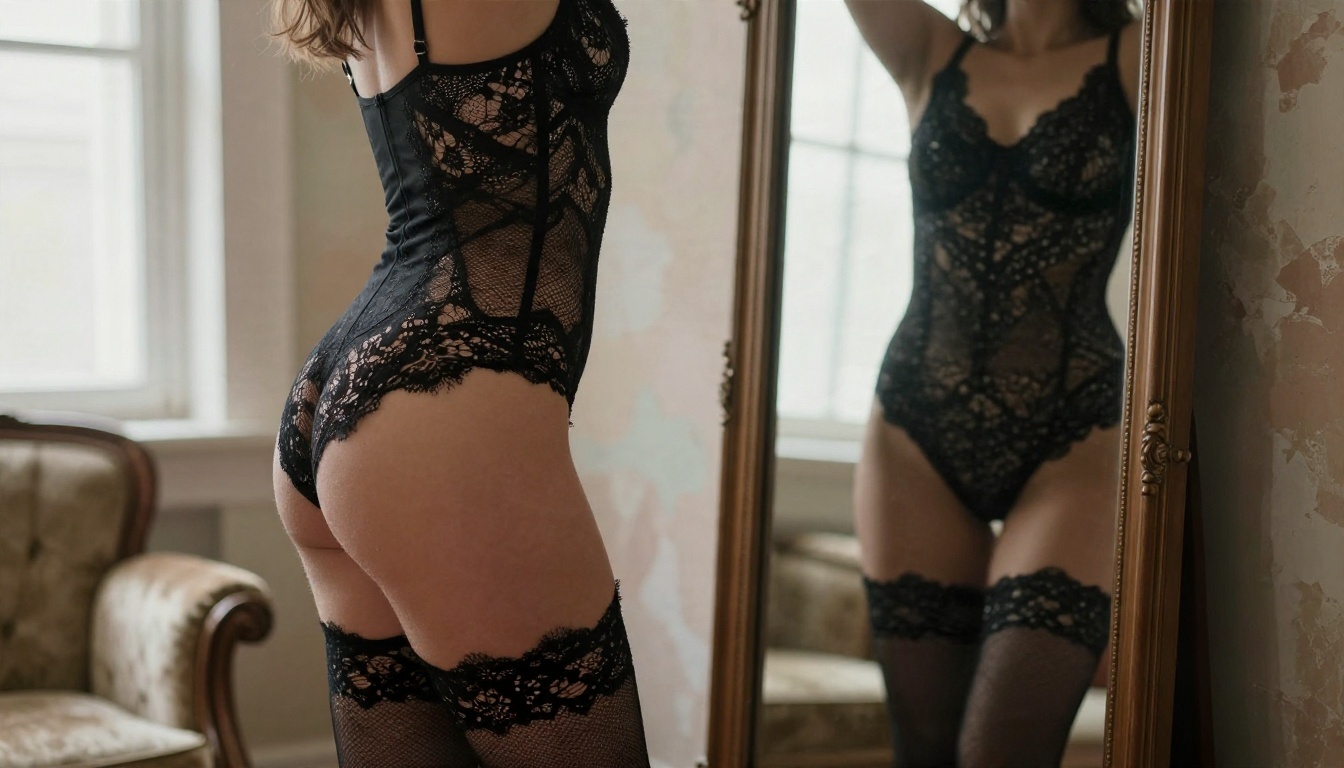
| Editorial boudoir | Adult woman in black lace bodysuit beside an antique mirror, soft window light from the left, 85mm f/1.8, natural skin pores, film grain |
| Poolside glamour | Adult woman in a red halter dress at an infinity pool at dusk, warm lanterns, 28mm lens, glossy water reflections |
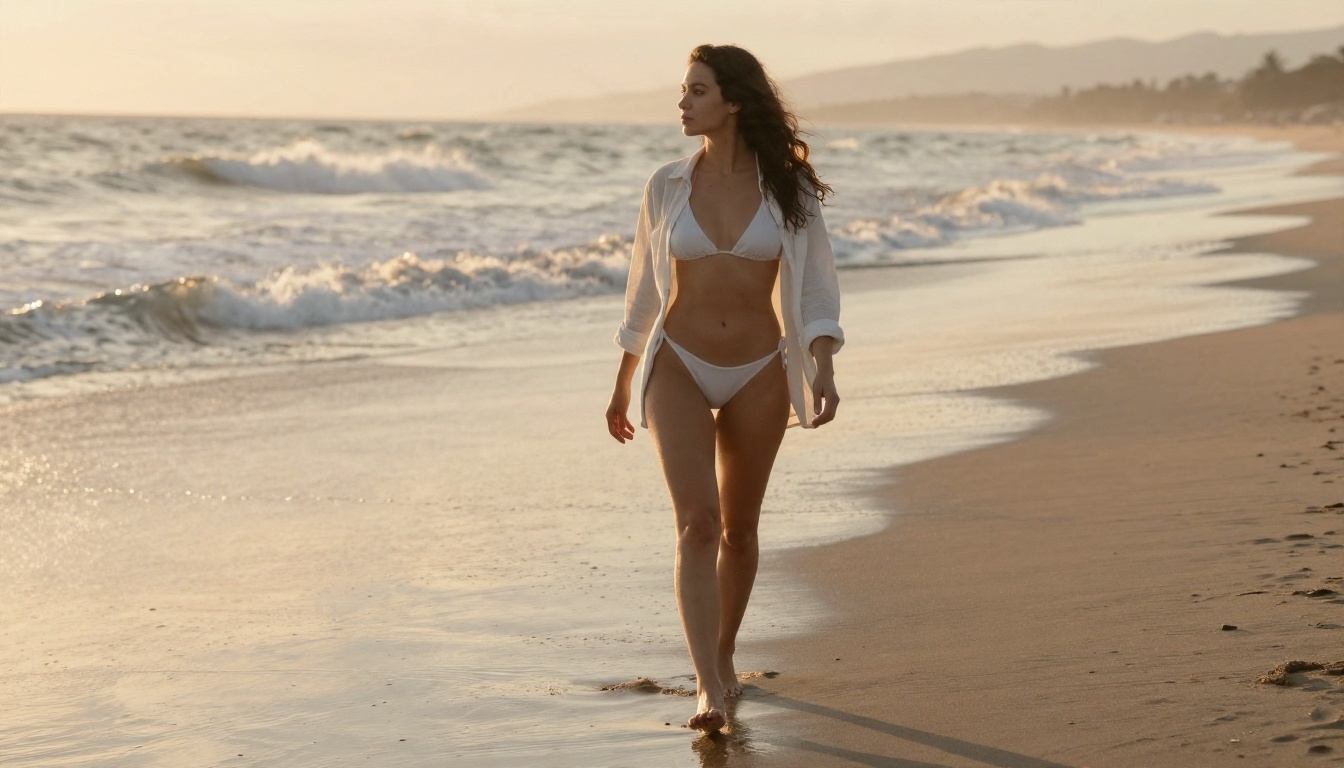
| Beach golden hour | Adult woman in a white bikini and linen shirt walking on wet sand, backlit by low sun, 85mm telephoto |
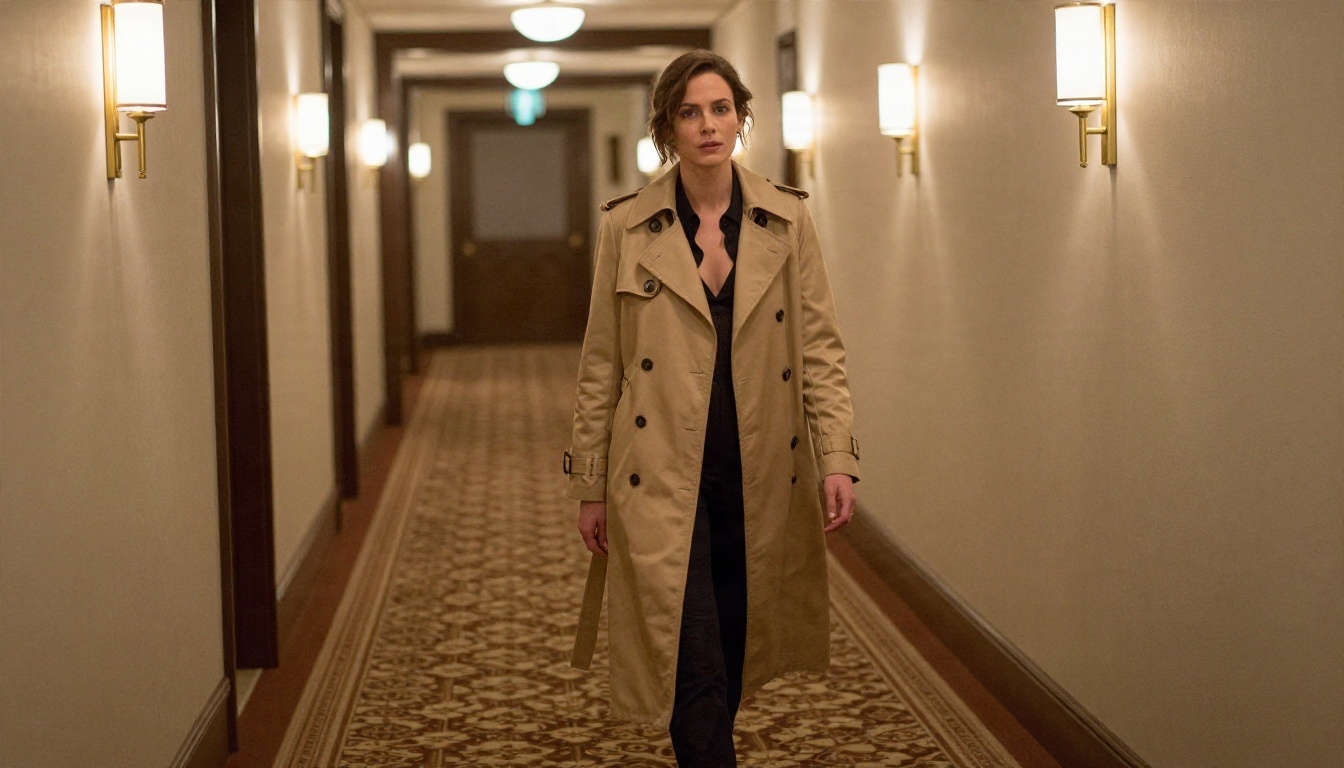
| Hotel mystery | Adult woman in a trench coat in a quiet hotel corridor, tungsten sconces, 35mm handheld feel |
| Yacht day | Adult woman in a navy bikini on a teak deck, low angle, bright midday sun, turquoise sea |
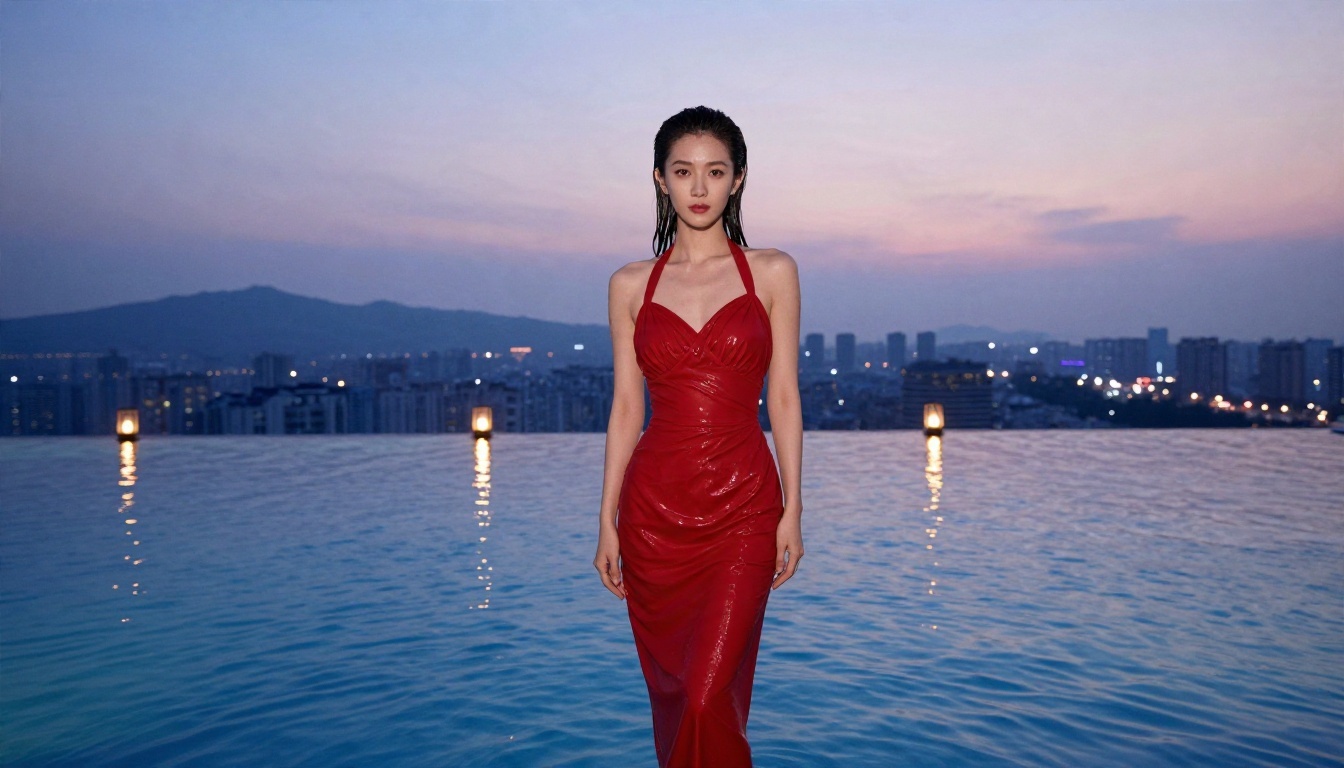
💡 Tip: Always state that the subject is an adult in your prompt. It sets the right context for the model, and it is a good habit to keep.
Rules That Never Bend
Adult AI content sits in an area with real consequences for real people, and the rules here are not optional. They are the difference between creative work and harm.
Adults Only, Fictional Only
- Only fictional adults. Never create imagery of a real person without their clear consent. That includes celebrities, coworkers, classmates and exes. Fake intimate images of real people cause lasting damage and are illegal in a growing number of places.
- Nothing involving minors, ever. No exceptions, no "ambiguous age", no youthful framing. Responsible platforms block it, and it is a serious crime in most countries.
- Respect the filter. If a prompt is refused, the refusal is information. Do not hunt for workarounds that push into those two categories.
- Check your local laws. Rules on adult content and age verification vary by country and keep changing.
Privacy Habits
No account does not mean no trace. A few habits keep your activity under your control:
- Use a private browser window and close it when you finish.
- Do not type your real name, workplace, address or face photos into any prompt.
- Avoid uploading photos of real people to any tool.
- Read what the service says about storing prompts and outputs.
- Treat every downloaded image as something that could end up on a server, and decide what you are comfortable with before you click generate.

Better Options on PicassoIA
If the real goal is to make good adult-oriented, photorealistic images without hitting a wall every five minutes, the more useful question is not "which tool needs no login" but "which tool gives me the most room". PicassoIA's pitch is about unlimited generations, speed and uncensored creative range for adult glamour work, kept within the non-explicit, adults-only boundaries described above.
Models Worth Trying, in Order
Why Unlimited Matters
Free tiers that cap you at a few images punish exactly what produces good results: trying, adjusting and trying again. A good portrait often takes six to twelve variations of the same prompt, changing the lens, the light or the pose each time. With PicassoIA Image Editor Pro, generations are unlimited, so you can refine without counting credits. That one change often matters more than any prompt trick.
How to Use Seedream 4.5 on PicassoIA
Seedream 4.5 is the first model to try for photorealistic glamour and portrait work. It handles skin pores, hair strands, lace and satin with a level of detail that smaller free models rarely reach.
- Open the model page. Go to the Seedream 4.5 page on PicassoIA.
- Write a five-part prompt. Use the formula above: subject, wardrobe, setting, light, camera. Aim for 50 to 75 words.
- Name the lens and the light. Phrases like 85mm f/1.8, soft window light from the left and Kodak Portra 400 film grain push the output toward real photography.
- Choose a 16:9 or 3:2 ratio for scenes and environments, and a vertical ratio for single portraits.
- Generate, then change one thing. If the result is close, change a single variable (the light, the angle or the wardrobe) and run it again. Changing several things at once makes it hard to see what worked.
- Refine in Image Editor Pro. Take your best result into PicassoIA Image Editor Pro for unlimited follow-up edits.
💡 Parameter tip: Keep prompts free of contradictions. Asking for "harsh midday sun" and "soft candlelight" in the same line makes the model split the difference and flatten both.
Common Mistakes to Avoid
- Too short. One line prompts give generic faces.
- Too many adjectives, no nouns. "Stunning, gorgeous, perfect" says nothing. "Freckled shoulders, linen sheets, window light" says a lot.
- No camera language. Without a lens and an angle, outputs drift toward a flat, front-on look.
- Ignoring hands. Describe what the hands are doing. A resting hand on a railing or a mug is easier for the model than an unspecified pose.
Start Creating Your Own Images
Searching for no account AI porn usually comes down to wanting three things: speed, privacy and results that look good. Anonymous tools can give you a quick taste, but their limits show up fast in the form of watermarks, tiny caps and short chat memory. A platform built around unlimited, high quality generation gives you something better to work with.
Pick a fictional adult character, write a five-part prompt, and run it through Seedream 4.5. Then take the best result into PicassoIA Image Editor Pro and keep refining without a counter ticking down. When you want to compare more options, browse the full catalog at picassoia.com/en/all-models and test a few side by side.
Open Picasso IA, try the prompts above, and see how far a specific prompt and an unlimited generator can take you.


