No Limitations AI: Free Tools, Prompts, Examples and Apps to Try Online
Looking for no limitations AI you can use today? This article sorts real freedom from marketing hype, then shows free image generators, chatbots with fewer refusals, copy-ready prompts, examples and apps to try online.
Type "no limitations AI" into a search bar and you get a wall of bold promises: no filters, no refusals, no watermarks, no price tag. Some of it is true. A lot of it is marketing. This article separates the two, so you can spend your time making images and chatting with models instead of hunting for a tool that actually does what its landing page says.
You will find free image generators, chatbots that refuse less, prompts you can paste right now, real examples with the reasoning behind them, and a short list of apps and setups worth trying. No hype, just what works and what to expect.
What "No Limitations" Really Means
Nobody agrees on the phrase. Ask ten people and you get ten definitions, and the tool you pick depends on which one is yours.
Three Meanings People Search For
Most searches fall into one of these buckets:
No cost: free to start, no card, no daily cap that ends your session after three images.
No friction: no account wall, no watermark, no lecture every time a prompt mentions a swimsuit, a fight scene or a dark theme.
No rules at all: nothing filtered, nothing refused, on any topic.
The first two are easy to find. The third is a myth for anything hosted online, and that is not a bad thing, as the last section explains.
Why Local Is the Only True Zero
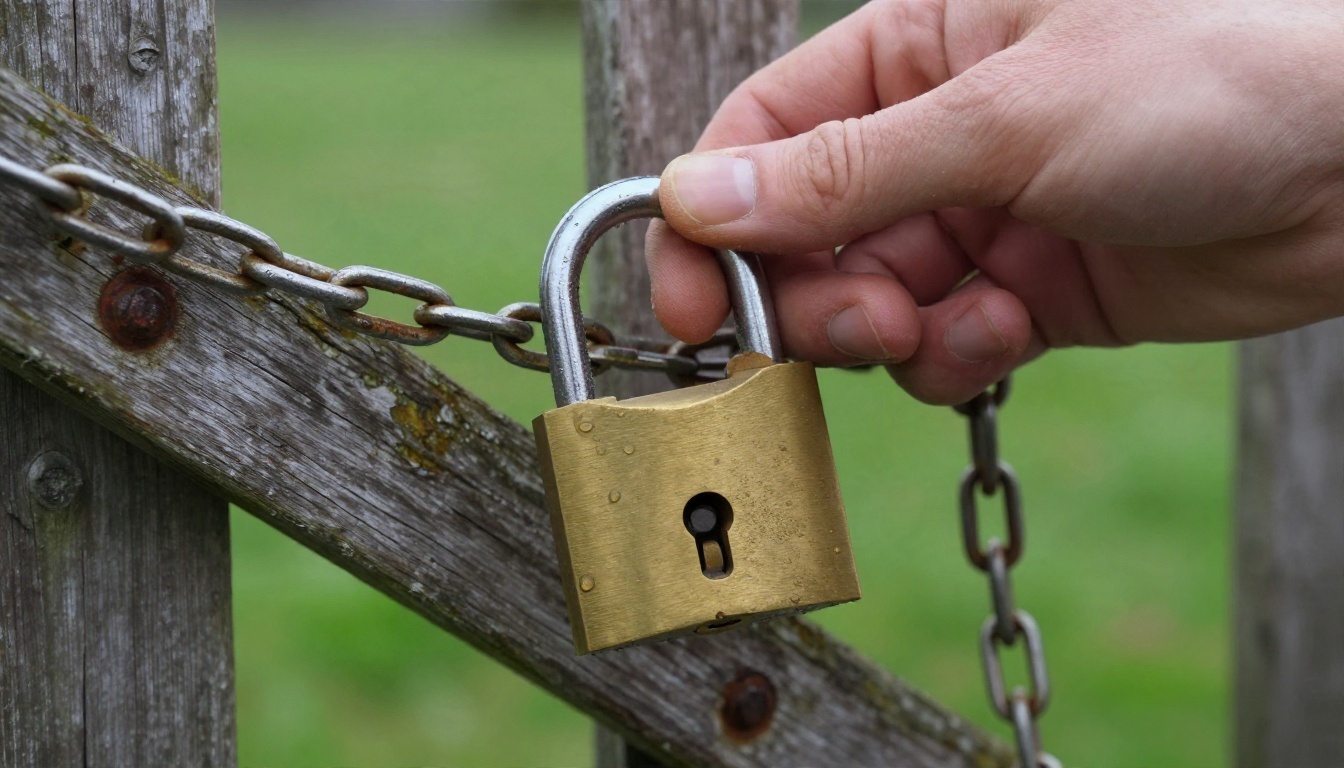
If you want zero restrictions, the only honest answer is running an open-weight model on your own computer. You download the weights, load them in a local interface such as ComfyUI or LM Studio, and nobody sits between your prompt and the output. The trade-off is real: you need a decent graphics card, patience for setup, and you are fully responsible for what you make.
For most people, a hosted tool with relaxed, sensible rules is the better deal. Here is how the options compare:
Option
Cost
Setup time
Restrictions
Best for
Local open-weight model
Hardware only
Hours
None from a provider
Tinkerers with a strong GPU
Hosted tool with relaxed rules
Free tier or low cost
Minutes
Light, mostly legal limits
Most creators
Big mainstream chatbot
Free tier
Seconds
Strict, many refusals
General questions
Random "uncensored" website
Often hidden fees
Seconds
Unclear, unverified
Nobody, be careful
💡 Tip: If a site shouts "zero filters" but asks for a card before showing a single result, treat it as a red flag. Test with a harmless prompt first.
Free Image Tools Worth Trying
Image generation is where "no limitations" matters most, because mainstream tools often block harmless things like fashion shoots, swimwear or moody portraits. These are the models I would open first.
Seedream 4.5 for Detail and Range
Seedream 4.5 is the first stop for photorealistic work. It handles skin texture, fabric, hair and light with a precision that makes people look twice, and it is relaxed about glamour, beachwear and artistic portrait work that stricter tools flag. It outputs up to 4K, so prints and large screens stay sharp.
What it does well:
Natural skin with pores and tiny imperfections instead of plastic smoothing
Convincing light direction, from window glow to golden hour
Faithful reading of long, descriptive prompts
Clean hands and readable small details
PicassoIA Image Editor Pro for Volume
If your problem is running out of generations, PicassoIA Image Editor Pro is the answer. It is built for unlimited generations, so you can iterate thirty times on the same idea without counting. It also edits: swap a background, fix a detail, change an outfit or adjust the mood of an existing photo with plain language.
Unlimited matters more than people think. The best result is rarely the first one. It is usually the fifteenth, after you have tweaked the lens, the light and one stubborn word in the prompt.
Fast Options for Quick Drafts
When you want speed, or a second opinion on the same prompt, keep these in rotation:
A good workflow: draft with a fast model, pick the composition you like, then rebuild the winner in Seedream 4.5 for the final render.
Chatbots With Fewer Refusals
Text models have the same problem as image models. The big mainstream assistants are polite and careful, which is great for emails and frustrating for fiction, dark humor or blunt feedback.
Open-Weight Models Talk More Freely
Models released with open weights tend to be less preachy, because the people running them set the tone. Good ones to try online:
DeepSeek V3.1 for writing, code and reasoning in one place
DeepSeek R1 when you want to watch the model reason step by step
💡 Tip: "Fewer refusals" is not the same as "better answers." Smaller models talk freely but make more factual mistakes. Check anything that matters.
Frontier Models for Heavy Work
For serious drafting, long documents or coding, the larger models still win. GPT 5.6 Luna is built for fast replies, and Gemini 3.5 Flash handles chat, code and images at speed. They follow stricter rules, so use them for the structured parts of a project and an open-weight model for the loose creative parts.
A smart pairing: ask a chatbot to write ten detailed image prompts for a scene, then paste the best into Seedream 4.5. Chatbots are far better at long, vivid descriptions than most of us are at 11 p.m.
Prompts You Can Copy Today
A prompt is where freedom actually lives. Even the most relaxed model gives bland results from a lazy sentence, and strong results from a specific one.
A Photorealistic Portrait Prompt
Candid portrait of a woman in her late twenties laughing at a street market,
linen shirt, natural freckles and visible skin pores, soft late-afternoon light
from the left, shallow depth of field, 85mm f/1.8, Kodak Portra 400 film grain,
muted warm colors, no text
Why it works: it names a subject, a mood, a light direction, a lens and a film stock. Each of those removes a guess the model would otherwise make for you.
A Landscape and Travel Prompt
Wide aerial view of a fishing village on a rocky coast at sunrise, whitewashed
houses, small wooden boats, low mist over the water, warm light from the right,
24mm lens, natural color grading, fine film grain
Swap the location and the time of day and you have a hundred variations.
A Fiction Prompt for Chatbots
You are a blunt but fair writing partner. I am drafting a crime novel set in a
1970s port city. Write a tense two-page scene where a detective confronts a
witness who is lying. Keep dialogue sharp, avoid cliches, and ask me three
questions at the end about what should happen next.
Giving the model a role, a setting and a format tells it what you want, and it usually refuses less when the purpose is clear.
Quick Rules for Better Prompts
Describe light, because light is what separates a photograph from a render
Name a lens and an aperture to control depth and perspective
Add texture words such as "wool", "worn wood", "sea spray" or "pores"
Say what you do not want, for example "no text" or "no glow"
Change one thing at a time when you iterate
Real Examples and What Made Them Work
Here are two results of the kind a good prompt gives you, and the reasoning behind each.
A Tasteful Glamour Scene
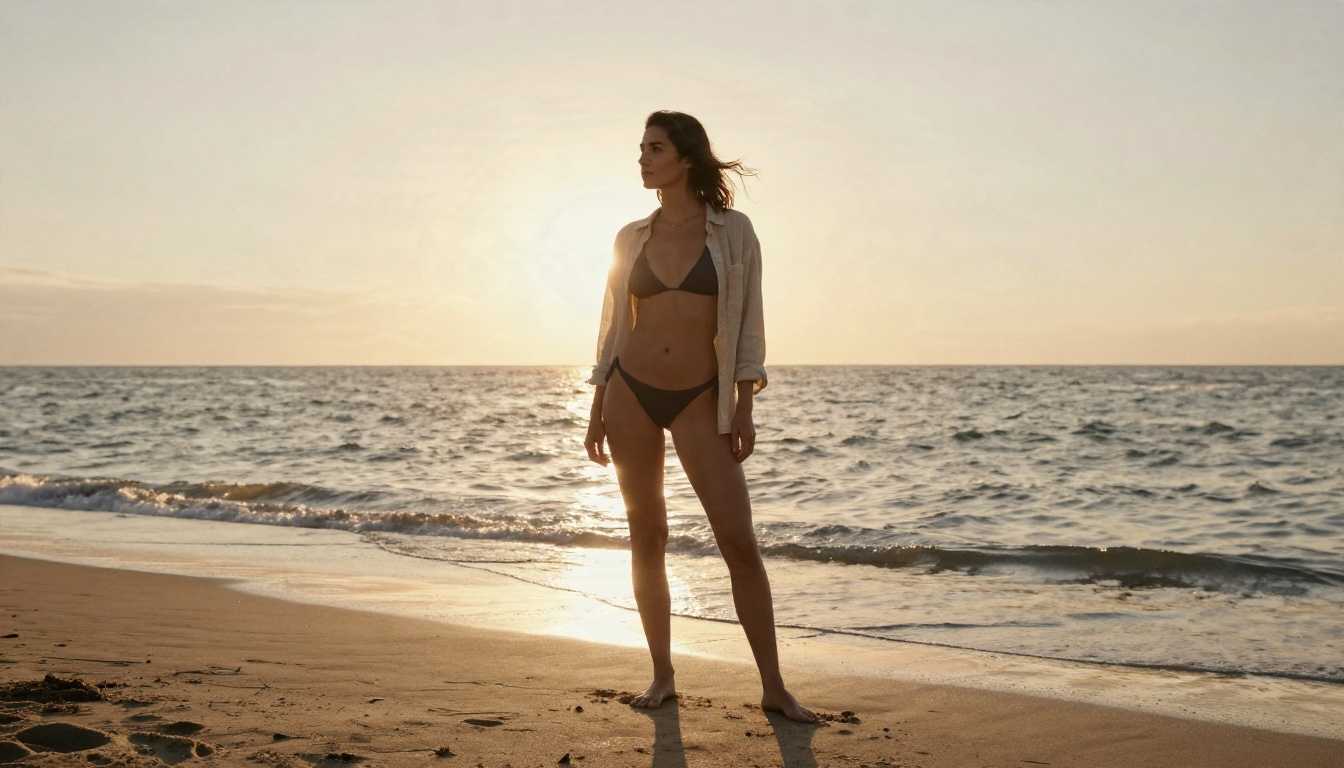
A woman in a bikini and linen shirt on a quiet beach at golden hour. This is exactly the kind of image stricter tools reject for no good reason. It is not explicit, it is just a beach photo. The details that sell it are the wet sand reflecting the sky, wind in the hair and a warm backlight that rims her shoulders.
The formula: relaxed pose, one clear light source, a real location, and a lens that keeps the background soft. Keep it suggestive and attractive, never explicit, and you get images that are both beautiful and shareable.
A Fashion Studio Wall
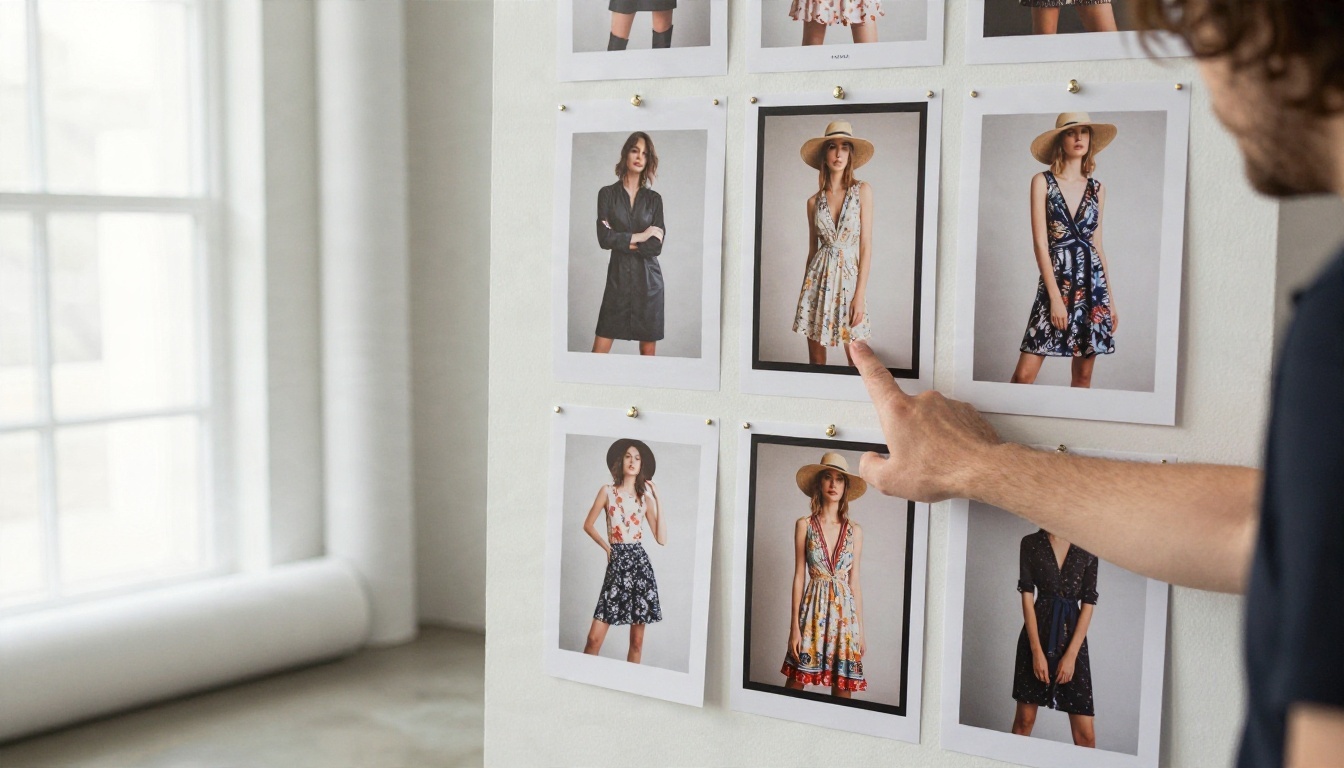
A photographer reviewing printed portraits pinned on a studio wall. Scenes like this are great for fashion lookbooks, mood boards and portfolio mockups. The prompt leaned on concrete floors, a seamless paper roll, soft window light and the texture of paper prints, all things a model renders believably when you name them.
💡 Tip: Generate a batch of four to eight versions of the same scene and keep the best one. Unlimited generation tools make this cheap.
Apps and Setups to Try Online
You do not need a workstation to start. Pick the setup that matches how you work.
Browser Tools
The fastest route is a browser tab. Open Seedream 4.5, paste a prompt from above and render. Then open Image Editor Pro to adjust the result without starting over. No install, no setup, and it works on a laptop that is a few years old.
Phone Workflows
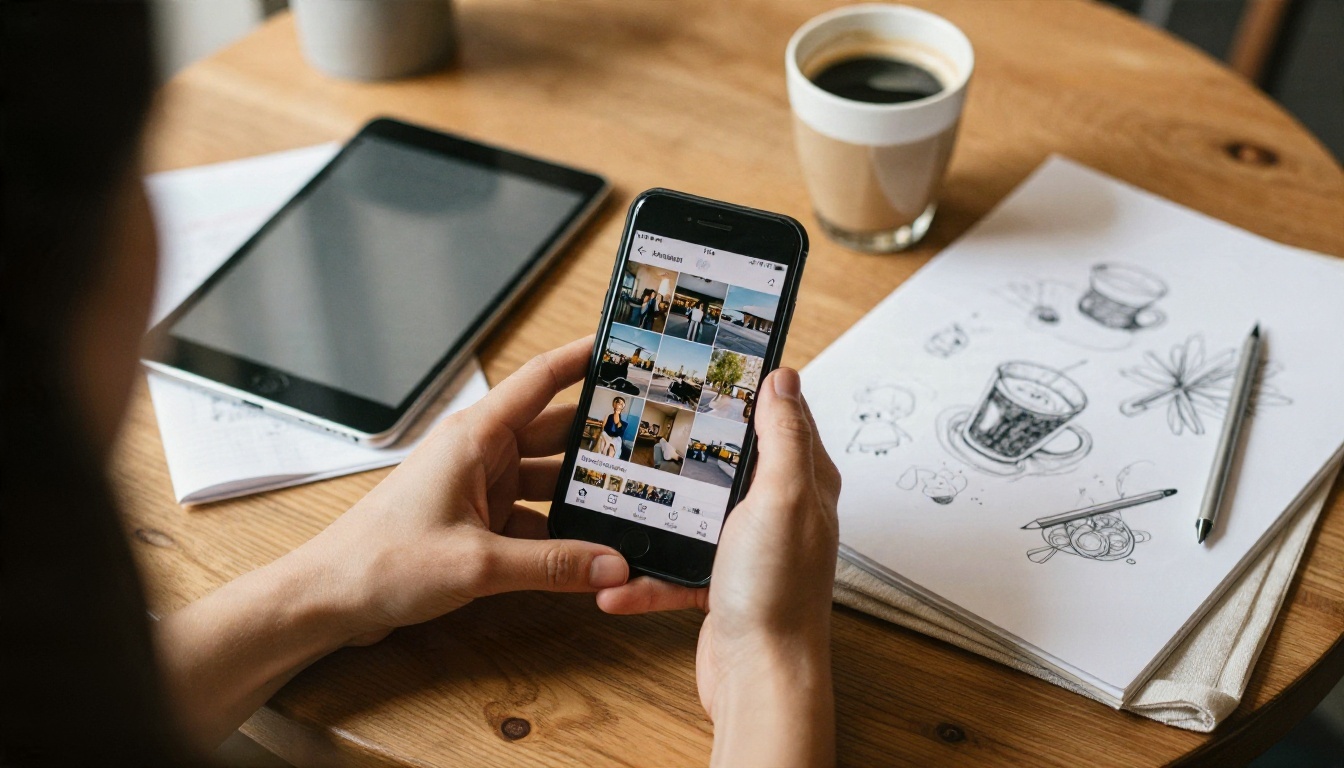
Phones are great for collecting references. Save photos you like, describe them to a chatbot such as Qwen3.7-Plus, which reads images as well as text, and ask it to turn what it sees into a prompt. Then paste that prompt into an image model at your desk.
Local Installs for Full Control
If you want zero provider rules, install a local interface and an open-weight model. Expect to spend an afternoon on setup and a few gigabytes on disk. Image models in the Flux family run locally, and you can try the same family first online with Flux 2 Klein 4B Base before you commit to a download.
A Simple Four-Step Routine
Ask a chatbot to write three detailed prompts for your idea.
Run all three through a fast model like Z Image Turbo.
Rebuild the best composition in Seedream 4.5 at full quality.
Touch up details with Image Editor Pro until it looks right.
Limits That Never Go Away
Here is the part most "no limitations" pages skip. Some limits are not restrictions. They are the line between a creative tool and a harmful one, and every responsible platform keeps them.
What Stays Off the Table
Anything involving minors in sexual or suggestive contexts, with no exceptions
Sexual or humiliating images of real people made without their consent
Realistic fakes meant to deceive, defraud or harass someone
Instructions that cause real physical harm
If a site promises to allow these, leave. It is either lying or it is a legal and security problem waiting to happen.
Risks With Shady Tools
Sites that advertise "no rules" often earn money from your data. Watch for these signs:
Requests for a card before showing any sample output
Vague ownership and no terms page
Prompt logs that are stored or shared without a clear policy
Downloads or browser extensions you have to install to "unlock" access
Stay with known platforms, test with a harmless prompt, and never upload photos of other people without their permission.
Rights and Credit
Generated images are not always free of copyright questions. Check the terms of any tool you use for commercial work, and avoid imitating a living artist's signature style on purpose. Original prompts produce original results, and they are safer too.
Start Creating Your Own Images
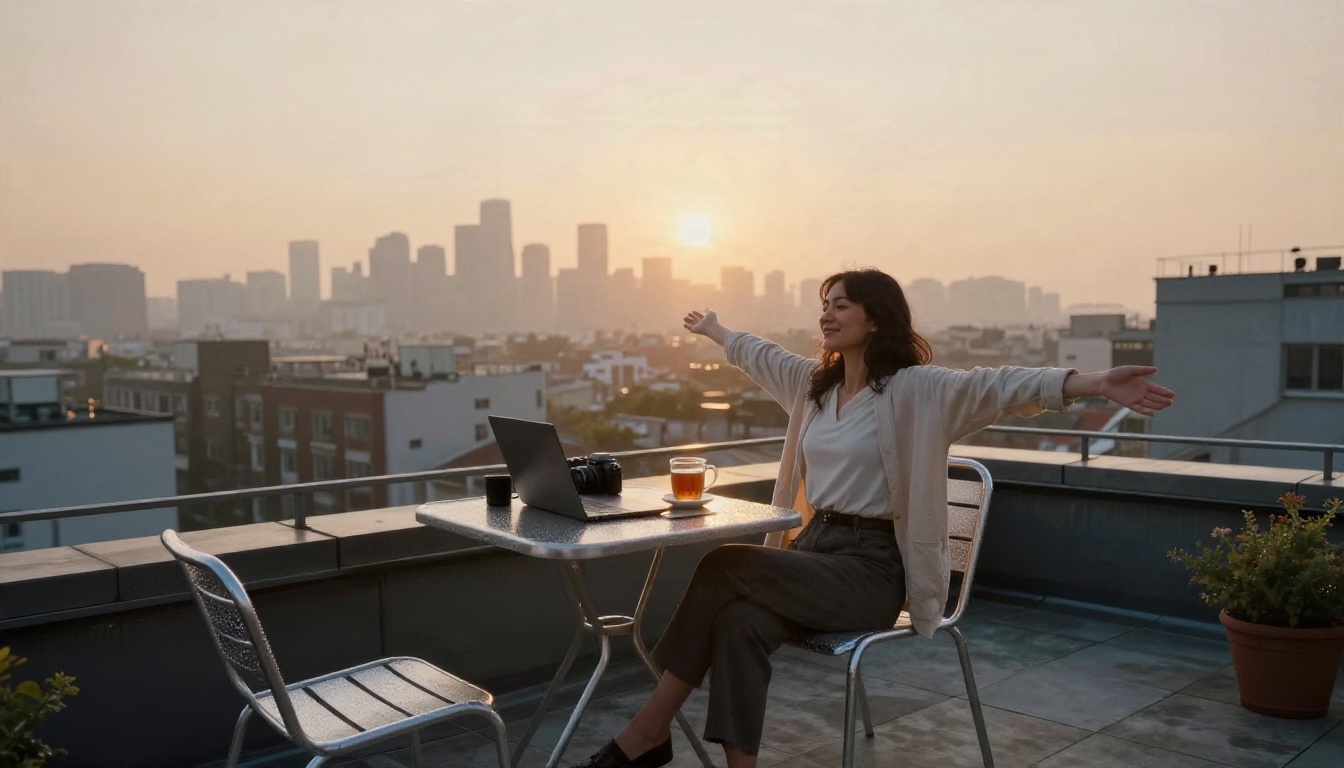
Freedom in AI is not about breaking every rule. It is about finding tools that let you make photographs, fiction and ideas without being blocked for no reason, and having enough room to iterate until the result is yours.
Here is a simple plan for today. Open Seedream 4.5 and paste the portrait prompt from this article. Change the location, the light and the outfit. Then take your favorite result into PicassoIA Image Editor Pro and keep refining with unlimited generations. If you want a writing partner for prompts or stories, try DeepSeek V3.1.
Want to see everything available, from image and video models to chatbots, voices and music? Browse the full catalog at picassoia.com/en/all-models, pick a model, and make your first image in the next five minutes.