You open a chatbot site at midnight, type a first message, and get hit with a signup wall before the character even says hello. That is exactly why people search for a no login NSFW chatbot: they want to start talking now, skip the email, and see whether the character is any good before committing to anything. The idea is simple. The reality is messier, because "no login" means different things on different sites, and "free" almost always comes with strings attached.
This article sorts the promises from the facts. You will see what guest access usually includes, which free characters tend to be worth your time, roleplay examples you can paste and adapt, whether an app or a browser tab works better, and the limits that show up sooner than most people expect. At the end, you will also see how to give your favorite characters a face with photorealistic, non-explicit portraits.
💡 Quick note: everything here stays suggestive and tasteful. Adult chat platforms set their own rules, so always check the current terms of any service before you rely on it, and only use them if you are 18 or older.
What No Login Really Means

The phrase gets used loosely. Some sites let you chat with zero account for a handful of messages. Others let you browse characters without signing in, then ask for an email the moment you send your first line. A few require nothing at all but quietly store your session in the browser.
Guest Mode vs Real Anonymity
Guest mode is a convenience, not a privacy guarantee. When a site lets you chat without an account, it still sees your IP address, your device type and whatever the browser stores in cookies. Your chat history may live only in that browser, which means clearing cookies can wipe the character you spent an hour building.
True anonymity needs more than skipping the signup form. If privacy matters to you, think about what you type as well: real names, workplace details and photos of real people have no place in a roleplay chat.
What Gets Stored
Most services keep conversation logs on their servers so the character can "remember" you, even for guests. Retention policies vary, and review sites often contradict each other about them. Treat any claim of "nothing is ever saved" with suspicion until you have read the platform's own privacy page.
| Access type | Typical experience | Main catch |
|---|
| Full guest chat | Talk right away, limited messages | History lost when cookies clear |
| Browse only | See characters, sign up to chat | Not really "no login" |
| Email only | Fast signup, no password | Still an account |
| Social login | One click, full features | Links chat to a real identity |
Free Characters Worth Starting With

Character libraries on adult chat sites run into the thousands, and most of them are forgettable. The good ones share a few traits: a clear personality, a defined setting, and a first message that gives you something to react to.
Archetypes That Work
After scanning how users describe their favorites, the same types keep coming up:
- The flirty coworker: office setting, easy banter, low pressure.
- The mysterious stranger: a bar, a train, a hotel lobby, and a reason to keep talking.
- The childhood friend returning: built-in history makes the dialogue feel lived in.
- The confident rival: sharp wit, slow thaw, great for slow burn stories.
- The travel companion: a new city every scene keeps the roleplay fresh.
Characters with a strong voice hold up longer than characters described only by appearance. A paragraph about how someone talks beats three paragraphs about how they look.
Why Free Tiers Feel Thin
Free characters are usually powered by smaller or older language models, since the platform pays for every message you send. You may notice shorter replies, repeated phrases and characters who forget small details after twenty or thirty messages. That is not your fault, and it is not always fixable with better prompts.
💡 Tip: if a character keeps looping, stop trying to push through it. Edit your last message, change the scene, or start a fresh chat with a sharper opening instead.
Roleplay Examples You Can Copy

Good roleplay starts with a setup that tells the model who is speaking, where they are and what you want from the scene. Here are three openers that keep the tone suggestive without turning explicit.
The Slow Burn Opener
"You are Mara, a sharp, warm bartender at a quiet jazz club. It is late, the last customers have gone, and I am the one who stayed. Speak in short, teasing lines. Let tension build slowly. Keep it flirtatious and tasteful."
Why it works: the model gets a voice (short, teasing), a place (jazz club), a time (late) and a pacing rule (slow). You can steer later by adding a gesture or a line of dialogue.
The Mystery Setup
"You are Elena, an art dealer I meet at a gallery opening in Lisbon. You know something about the painting I just bought. Reveal it one hint at a time, and keep the mood charged but elegant."
This one leans on curiosity instead of heat. It gives the character a secret to guard, which keeps replies from collapsing into generic compliments.
Steering Without Breaking Scene
Roleplay falls apart when you step out of the story abruptly. Use these small moves instead:
- Add an action: "I pour us both a drink and lean against the counter."
- Change the setting: "The rain gets heavier, so we move to the covered terrace."
- Set a pace note in brackets: [Slow down, more description, fewer questions.]
- Reset gently: "Let's pick up the next morning."
💡 Tip: ask for sensory detail (light, sound, fabric, weather) rather than anything graphic. It reads as more adult, and it keeps replies from hitting content filters.
Build a Character Sheet
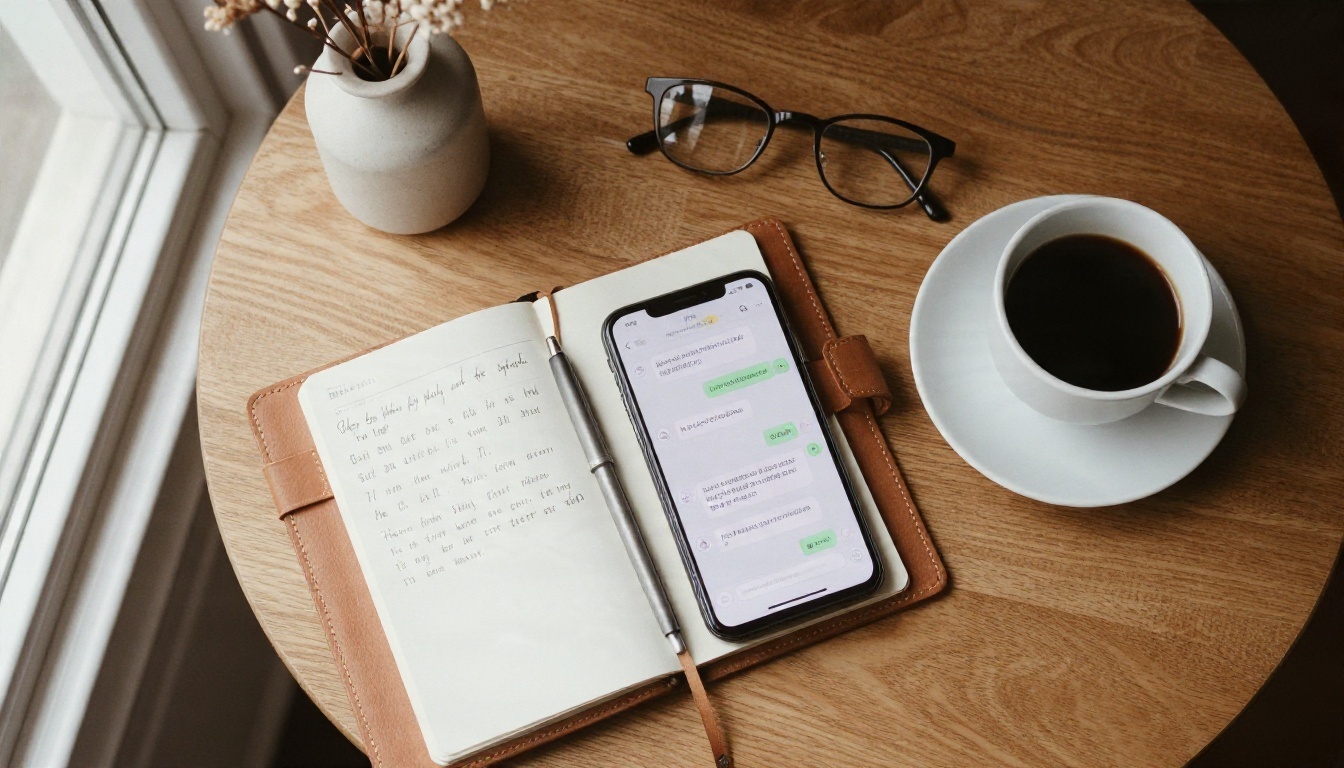
If you want a character that survives past message fifty, write a short sheet before you start. You paste it as the first message or into the character's description field.
| Field | Example |
|---|
| Name and age (18+) | Mara, 29 |
| Voice | Dry humor, short sentences, warm underneath |
| Setting | Jazz club, last call |
| Secret | Saving to leave the city |
| Boundaries | Flirty and slow, never rushes the scene |
| Opening line | "You always stay until I flip the sign, don't you?" |
Keep it under 200 words. Long backstories eat the model's memory window, which leaves less room for the actual conversation.
App or Browser: Which Wins

Most people choose by habit, but the difference matters for privacy and for limits.
Browser Chat
A browser tab is the closest thing to a true no login experience. You can open it in a private window, close it and leave nothing on your home screen. The downside is that history lives in the browser, so a cleared cache can erase your story. Mobile browsers also reload tabs aggressively, which can break a long reply mid generation.
Dedicated Apps
Apps give you push notifications, saved chats across sessions and smoother typing on mobile. They nearly always want an account, though, and app store policies often restrict adult content, so many NSFW platforms ship only as web apps you can add to your home screen. If a store listing claims "no filter, no limits", read it as marketing rather than a fact.
| Factor | Browser | App or home screen shortcut |
|---|
| Login needed | Often not | Usually yes |
| Chat history | Local, fragile | Account based, stable |
| Privacy | Easy to wipe | Tied to your account |
| Notifications | None | Yes |
| Speed on mobile | Good | Better |
Limits You Will Hit
Here is the part promotional pages skip. Reports about specific platforms conflict constantly, and many "unlimited" claims come from sites that earn money by sending you to paid plans. Use this section as a checklist of what to test yourself.
Message Caps
Free tiers commonly cap daily messages, and some cap monthly. Figures quoted online range from a few dozen messages per day to a few hundred per month, and they change whenever a platform changes its pricing. Guest sessions are usually stricter than signed in free accounts.
Memory and Context
Every chatbot has a context window, which is how much text it can hold at once. On free tiers it is often small, so the character forgets earlier details. Fixes that work:
- Repeat key facts every 15 to 20 messages in one line.
- Keep the character sheet short.
- Use the platform's "memory" or "notes" feature if it has one.
- Summarize the scene yourself when a chat gets long, then start a new one.
Content Filters
Some free tiers soften or block adult content, and others only allow it on characters flagged by their creators. A mainstream assistant will refuse explicit roleplay, and that is by design. Dedicated adult platforms set their own thresholds, and those can change without notice. Expect the line to sit in a different place on each site, and respect it.
💡 Reality check: a chatbot that never refuses anything is rare, and it usually pays for that with weak memory or heavy ads. Decide which tradeoff you can live with.
Add Faces to Your Characters

Text carries a story a long way, but a face makes a character feel real. Many users pair a favorite chat persona with a generated portrait, as a profile picture or as a visual reference. On PicassoIA you can create photorealistic, suggestive but non-explicit images of original characters, with no waiting list and fast generation times.
Portraits with Seedream 4.5
Seedream 4.5 is the first model to try for glamour portraits. It handles skin texture, fabric sheen and window light very well, and it follows detailed prompts closely. Here is a simple routine:
- Open the model page and write a prompt that starts with the subject: age (adult), hair, outfit and expression.
- Add the setting and the light: "golden hour by a tall window, warm rim light, 85mm lens, shallow depth of field."
- Add film language such as Kodak Portra 400, natural skin texture, soft grain.
- Pick a 16:9 or 3:4 ratio depending on whether you want a banner or an avatar.
- Generate a few versions, then keep the one that matches your character sheet.
💡 Prompt tip: reuse the same hair, outfit and setting words in every prompt to keep your character looking consistent from one image to the next.
Refine with Image Editor Pro
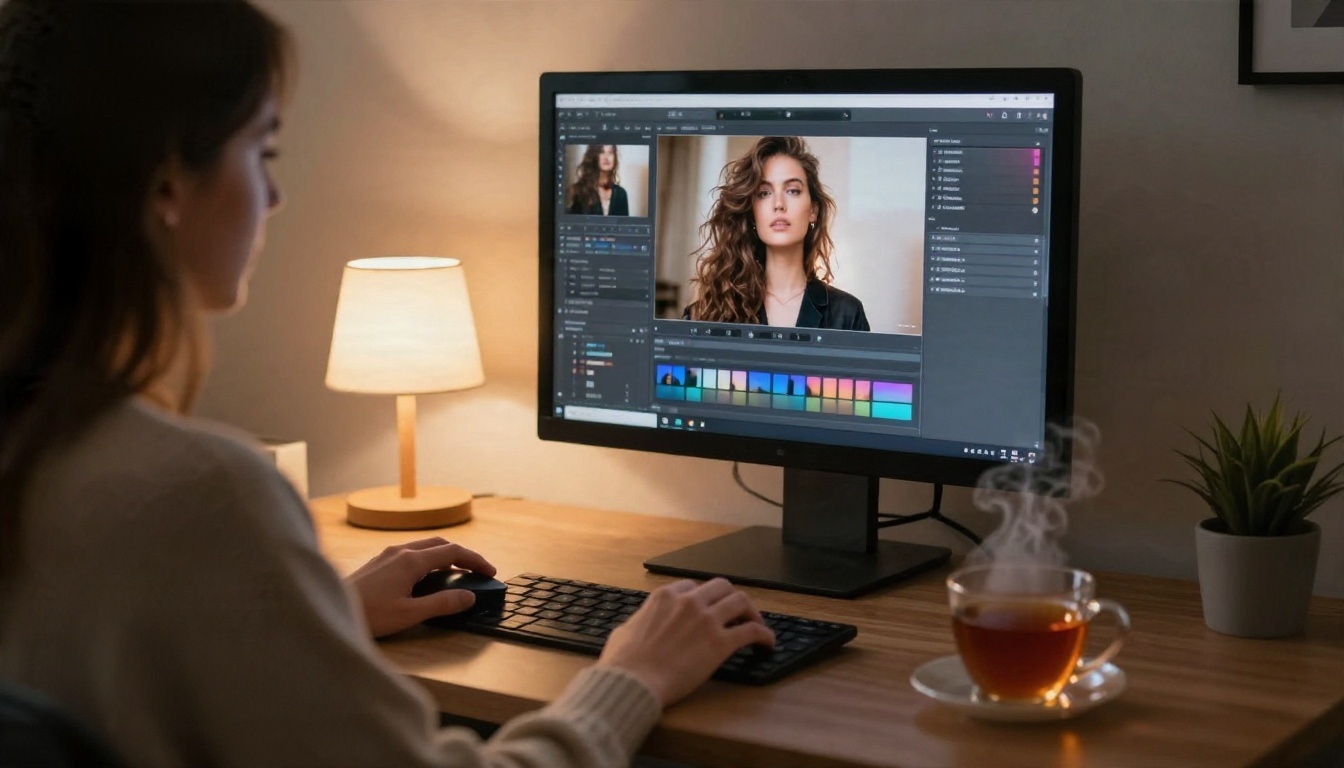
Once you have a portrait you like, PicassoIA Image Editor Pro lets you change details without starting over: swap a dress color, adjust the background, soften lighting or fix a small flaw. It supports unlimited generations, so you can iterate as many times as you want without watching a counter.
Other Models Worth Trying
If you want a different look, these are good next steps:
For the full lineup, including more models for adult themed, non-explicit imagery, browse picassoia.com/en/all-models.
Chat Models on PicassoIA
If you would rather write with a general purpose assistant, PicassoIA also hosts several language models, such as Llama 2 7B Chat, Mistral 7B v0.1, Granite 4.1 8B and Kimi K2.6. They are useful for drafting character sheets, planning storylines and writing scene descriptions. They follow their own safety behavior, so use them for story craft and not as a promise of unrestricted adult chat.
Make Your Own Characters Today

A no login NSFW chatbot is a fine way to test a character, but free tiers have ceilings: caps on messages, short memory and filters that shift without warning. The best results come from treating chat as one tool in a small kit. Write a tight character sheet, steer with sensory detail, keep your private information out of the chat, and expect to restart a story now and then.
Then give your characters faces. Open Seedream 4.5 on Picasso IA, describe your favorite persona in one detailed prompt, and see how she looks in golden light by a window. Refine the result in Image Editor Pro with unlimited generations, try a second model from the table above, and compare. A few minutes of experimenting is enough to turn a plain text persona into a character with a look, a mood and a story you actually want to continue.
Ready to build one? Pick a character from your notes, write the prompt, and generate your first portrait on Picasso IA now.


