Typing "NSFW AI" into a search bar and landing on a sign-up wall is one of the most annoying small experiences on the internet. You want to test a chatbot or generate a glamour portrait, and instead you get an email form, a phone check and a paywall before the first reply. So it makes sense that no login NSFW tools are one of the fastest growing searches in adult AI. People want to try, judge the quality, and leave without handing over personal data.
This article sorts the field honestly. You will see what "no login" really means, how free chatbots and image generators differ, which trade-offs come with skipping an account, and which models on PicassoIA are worth opening first. Everything here stays on the suggestive, non-explicit side: bikinis, lingerie, boudoir light, glamour. That is where the best-looking results come from anyway.
💡 Quick answer: No-login tools are great for a first test. For consistent quality, longer chats and bigger images, you will want a model that gives you unlimited generations and fewer filters. Seedream 4.5 and PicassoIA Image Editor Pro are the two to try first for images.
What "No Login" Really Means
The phrase gets used loosely. Some sites really let you open a page and start. Others hide a login behind the third message. Knowing the difference saves you ten minutes of clicking.
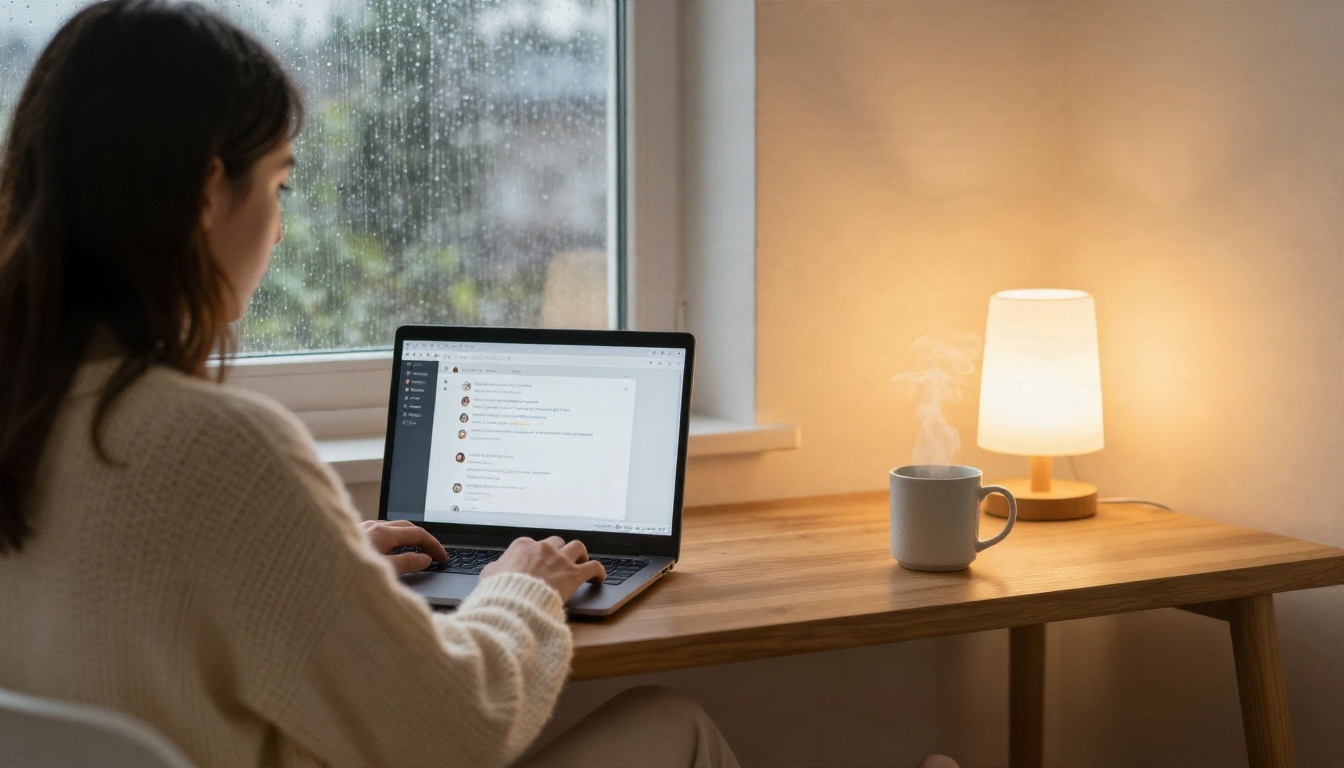
Three Levels of No Login
| Level | What happens | Typical limit |
|---|
| True anonymous | Open the page, type, get a result | Daily cap by IP address |
| Soft gate | A few free tries, then a prompt to register | 3 to 10 free outputs |
| Guest mode | Temporary session, nothing saved | History disappears on refresh |
True anonymous tools are rare and usually come with queues, watermarks or small image sizes. Soft gates are the most common. Guest mode is a decent middle ground if you do not care about saving anything.
Why People Want It
Three reasons come up again and again:
- Privacy. Not everyone wants adult prompts tied to an email address.
- Speed. A test run should take thirty seconds, not five minutes of verification.
- Low commitment. You may only want one image for a mood board or one scene for a story.
All three are fair. The catch is that free and anonymous services need to pay for servers somehow, and that shows up as slower queues, lower resolution or heavy moderation.
Free NSFW Chatbots Without an Account
Chatbots are the harder half of this topic. Text models are trained and tuned with safety layers, and most hosted chat services keep those layers switched on. That means truly unrestricted adult roleplay is rare on mainstream platforms, and the services that offer it often ask for age confirmation or an account.
What to Expect From Filters
Almost every large language model will happily write romance, flirtation, tension and atmosphere. Where they differ is how far they follow you into explicit territory. Some refuse early, some fade to black, and some steer the scene somewhere else. If you stay in suggestive, story-driven writing, you get far fewer refusals and much better prose.
💡 Tip: Refusals often come from one blunt word, not from the whole request. Rewording the scene with mood, setting and implication usually gets you a better answer than pushing harder.
Chat Models Worth Trying
PicassoIA hosts a long list of text models in its large language model category. They are general-purpose chat models, so filter behavior varies by model, and it is worth testing several with the same prompt. A few to start with:

Use a Chatbot as a Prompt Writer
Here is the most useful trick in this whole article. Even when a chatbot will not roleplay the way you want, it is excellent at writing image prompts. Ask it for a 60-word photographic description of a woman in a satin robe by a window at sunrise, with lens, lighting and texture details, and paste the result into an image generator. A good prompt writer is worth more than a bad uncensored chatbot.
Try this message:
"Write a photorealistic prompt for a glamour portrait: subject, outfit, setting, light direction, lens, film grain. 60 words. No text in the image."
You will get something you can use straight away, and it works with every generator below.
No Login Image Generators That Work
Image tools are easier to use without an account than chatbots, because generation is a single request with no memory to store. That is why many free web demos let you try a few images with no sign-up at all.
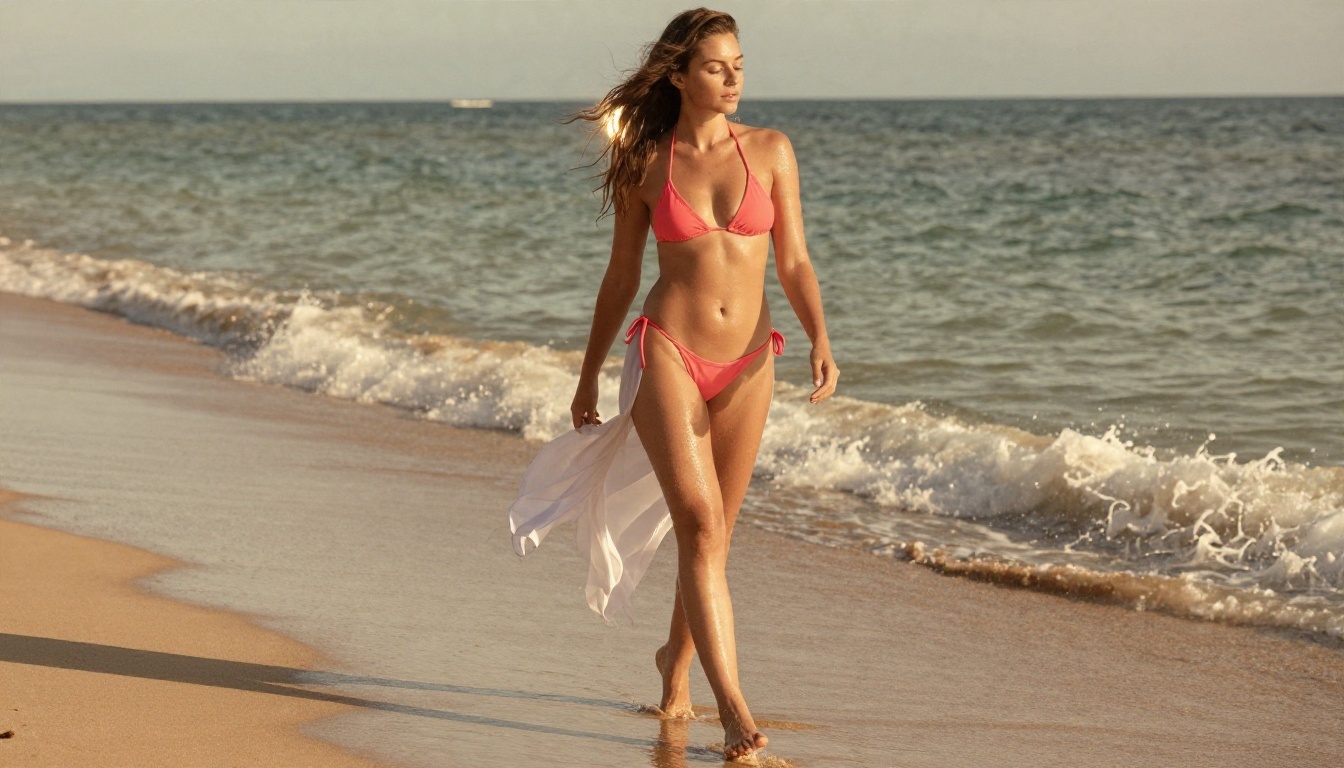
The Trade-Offs You Accept
Skipping the account usually costs you something. Here is the honest list:
- Small output. Many free demos cap images at 512 or 768 pixels.
- Queues. Anonymous users wait behind everyone else.
- Watermarks. Some stamp a logo on the corner.
- Aggressive filters. Free tiers often block anything beyond a swimsuit.
- No history. Close the tab and your work is gone.
None of these are dealbreakers for a quick test. They become irritating the moment you want a real series of images in the same style.
Quality vs Speed
| Priority | What to look for | Typical result |
|---|
| Fast preview | Small turbo models | Sharp enough in 2 to 5 seconds |
| Photoreal skin and fabric | Modern 4K-class models | Natural pores, believable satin and lace |
| Consistent edits | Image editing models | Same person, new outfit or setting |
| Volume | Unlimited generation | Dozens of variations per session |
If you are producing only one picture, speed wins. If you are building a set, consistency and volume matter more than anything else.
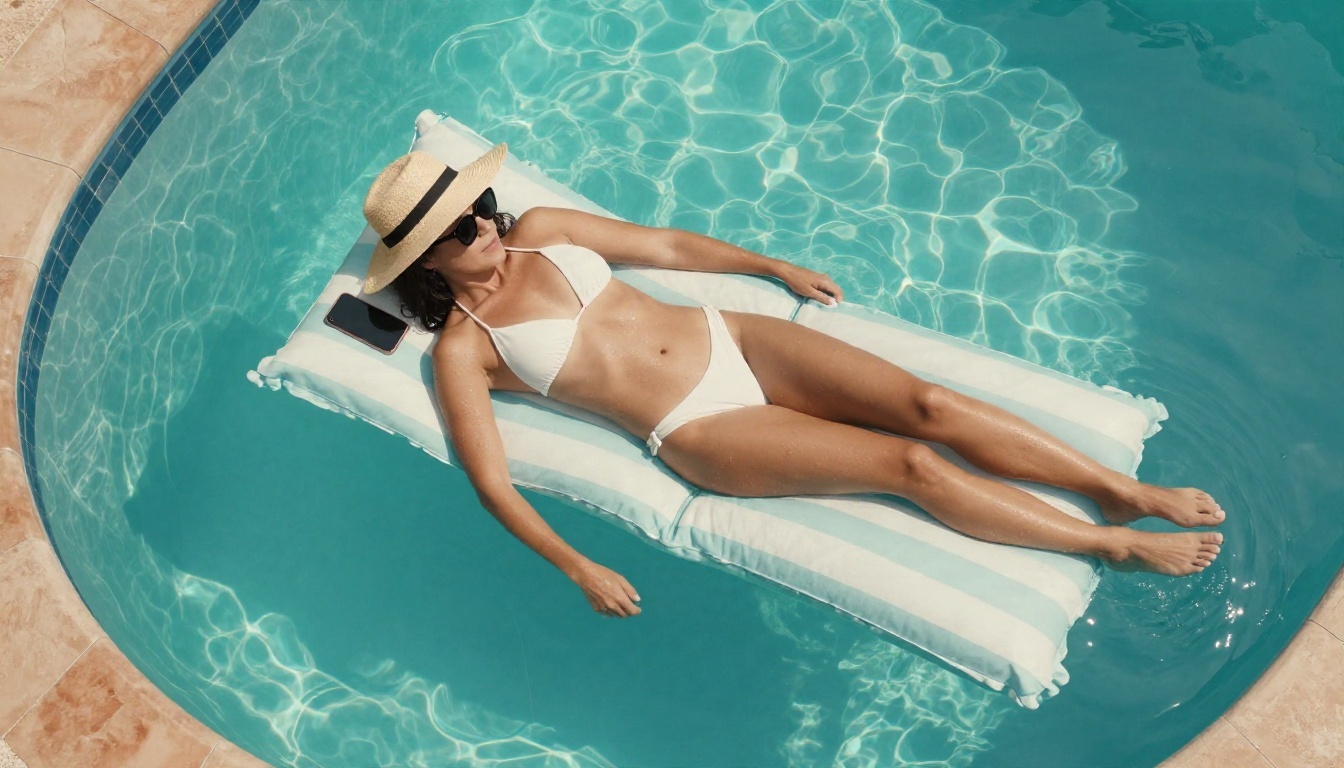
Best Picks on PicassoIA
For NSFW-leaning glamour work, these are the models to open in order. They are built for photographic realism, and they give you far more room than the average free demo.
Seedream 4.5 First
Seedream 4.5 is the model to start with. It produces 4K-class images with natural skin, believable fabric behavior and strong lighting, and it handles suggestive swimwear, lingerie and boudoir scenes without the aggressive blocking you see on many hosted tools. It is also fast, so you can run several variations of one prompt and pick the best.
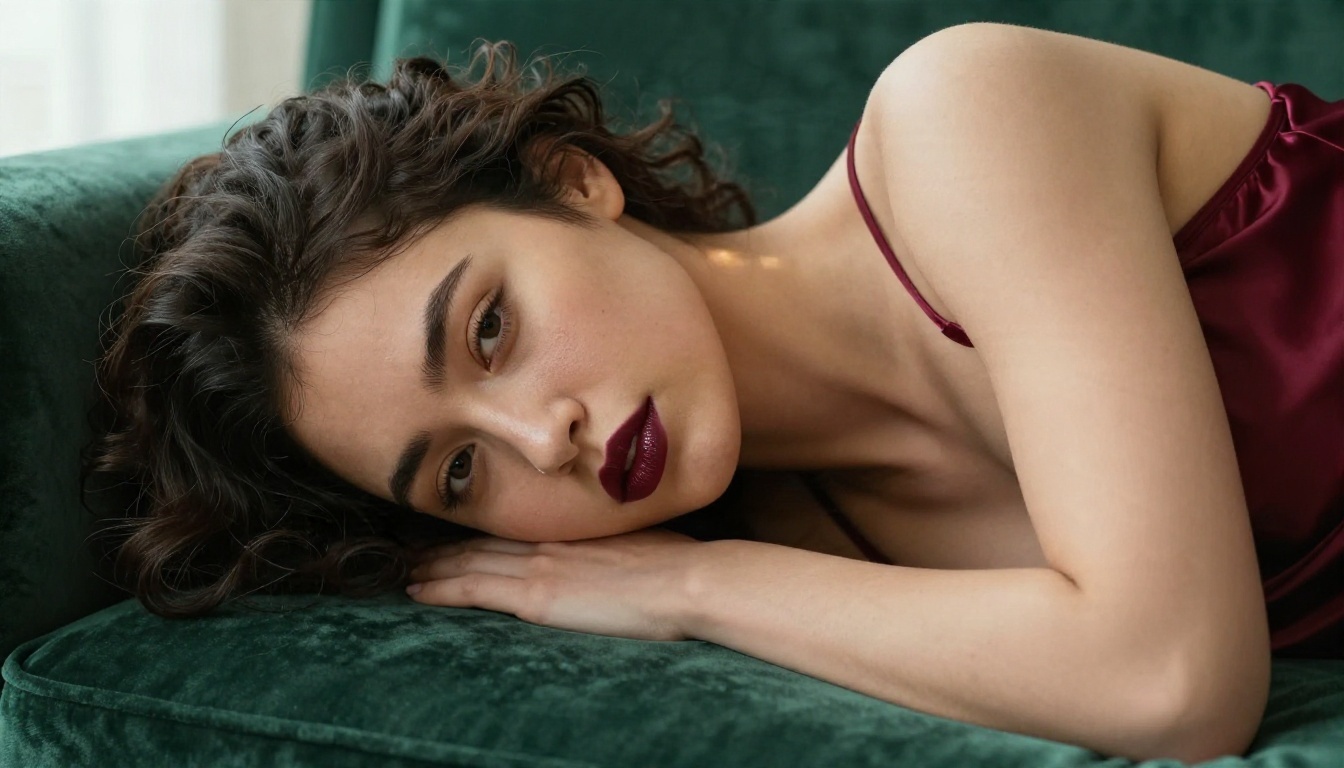
Image Editor Pro for Unlimited Runs
PicassoIA Image Editor Pro is the second stop. Its big selling point is unlimited generations, which changes how you work: you stop rationing attempts and start iterating. Change an outfit, swap a background, adjust the lighting, try again. For anyone who has been burned by "3 free images left" counters, this is the relief.
Other Models Worth Testing
After those two, try these for different looks:
💡 Filters differ from model to model, so a prompt that one model declines may work fine on another. If you hit a wall, change the model before you change the idea.
For the full catalog, browse picassoia.com/en/all-models.
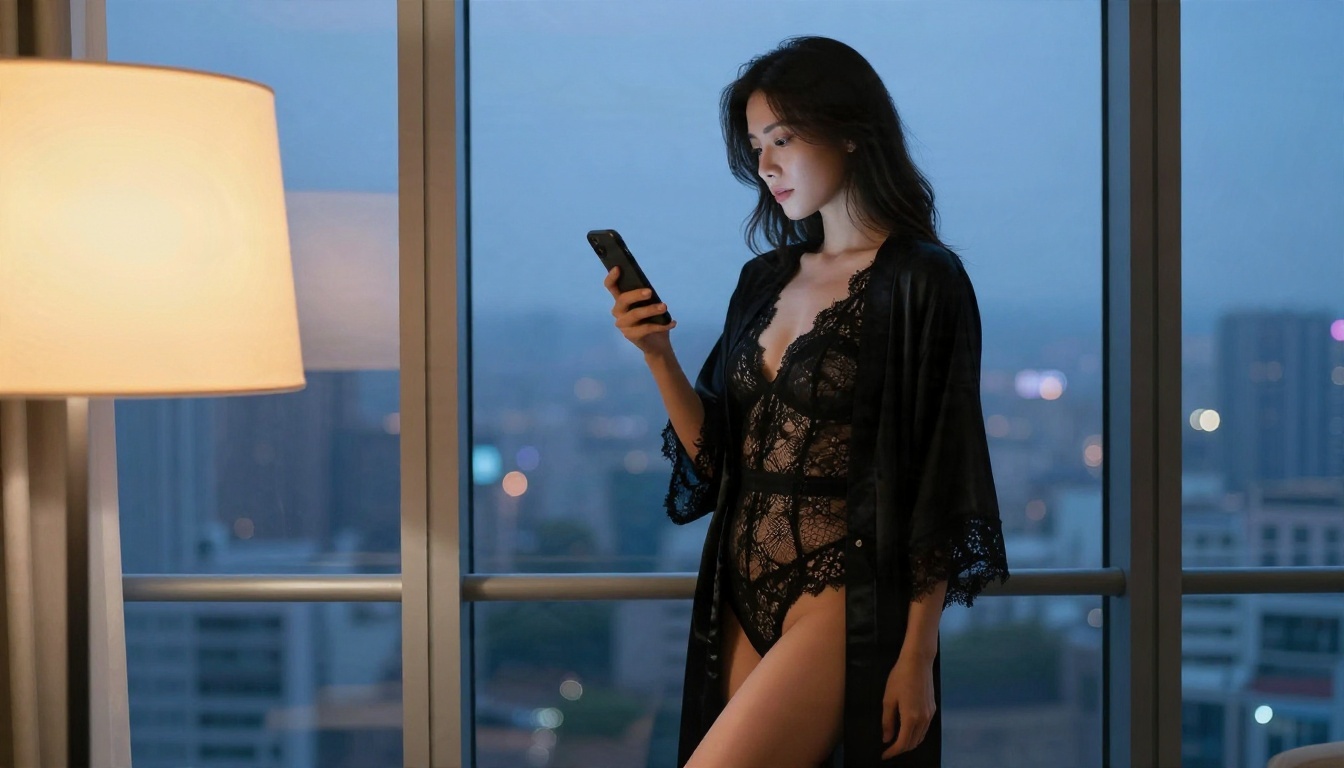
How to Use Seedream 4.5 on PicassoIA
Seedream 4.5 rewards clear, specific prompts. You do not need a wall of tags; you need a good photographic description.
Step by Step
- Open the Seedream 4.5 page.
- Paste your prompt into the text box. Describe the subject, outfit, setting, light and lens in that order.
- Set the aspect ratio. Use 16:9 for wide scenes and banners, 3:4 or 2:3 for portraits.
- Generate. Review the first result for skin, hands and fabric.
- Adjust one thing at a time. Change the lighting or the outfit, not everything at once.
- Run three or four variations and keep the best.
Parameter Tips
| Setting | Recommendation | Why |
|---|
| Aspect ratio | 16:9 for scenes, 2:3 for portraits | Matches how the image will be used |
| Prompt length | 50 to 80 words | Enough detail without confusing the model |
| Lighting words | "window light from the left", "golden hour backlight" | Directional light gives depth |
| Lens words | "85mm f/1.8", "35mm f/2.8" | Controls background blur and framing |
| Texture words | "visible pores", "satin highlights", "lace thread detail" | Pushes realism |
A Prompt to Copy
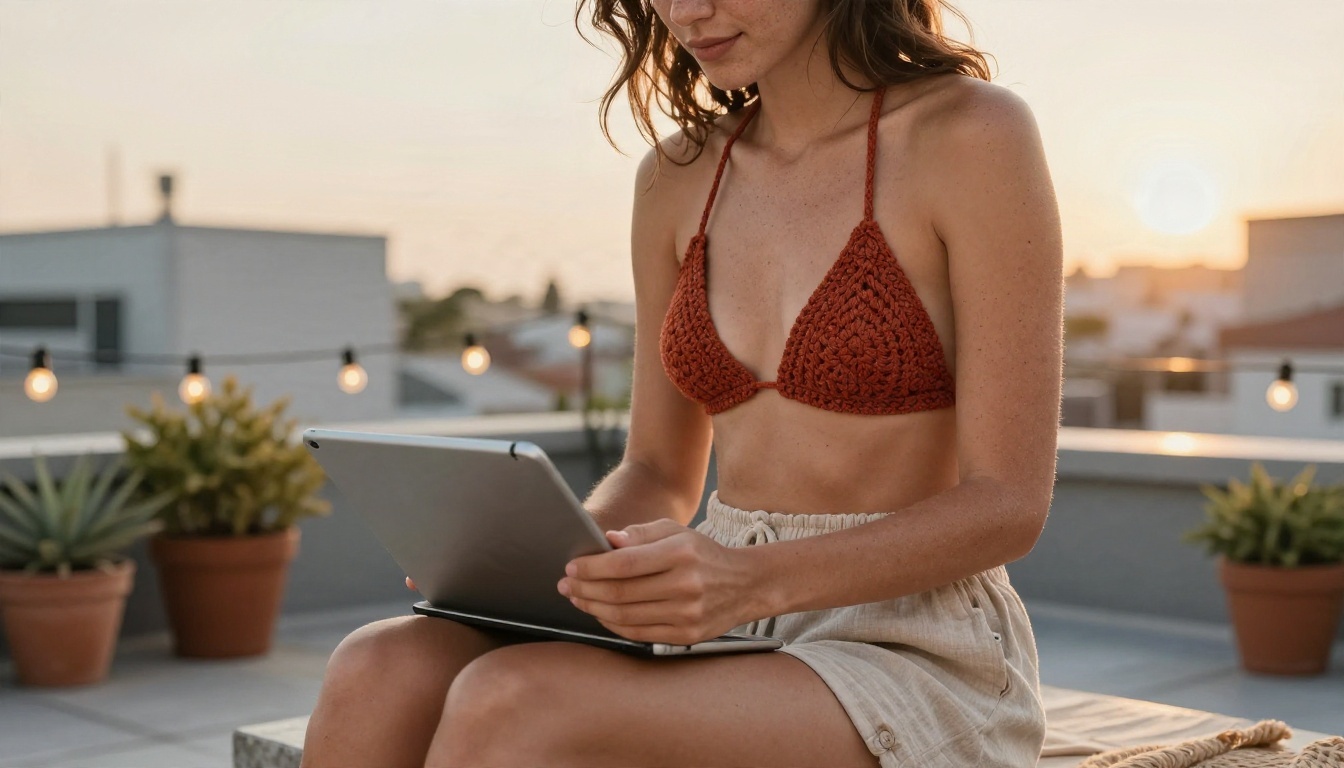
A woman in a rust crochet bikini top and linen shorts on a sunny rooftop terrace, tablet on her lap, potted plants and warm string lights around her, morning sun from the right, 35mm f/2.8, woven texture, light freckles, Kodak Portra 400 film grain, photorealistic.
Swap the outfit, the setting and the time of day, and you get a whole series that still feels like one photographer shot it.
Prompts That Stay Suggestive
The best glamour images do not rely on explicitness. They rely on mood, light and fabric. A silk robe, a lace edge, a sun-warmed shoulder, a half smile. These details carry the picture, and they also keep you well inside the limits most models accept.
Build Around Light
Light does more for a suggestive photo than any outfit choice. Try these:
- Window light from the side for soft shadows across skin and fabric.
- Golden hour backlight for glowing hair and a warm rim on the shoulders.
- Candle or lamp glow for intimate evening scenes.
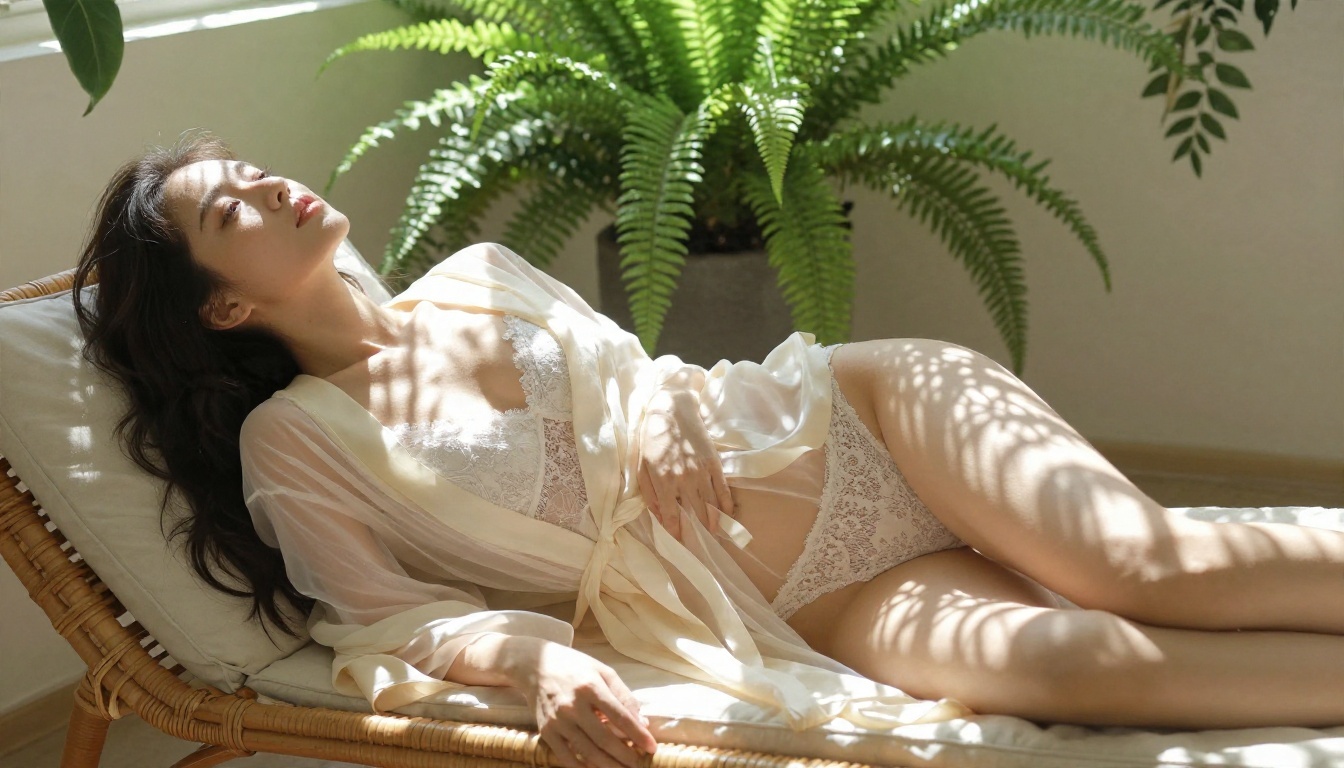
- Dappled leaf shadows for a relaxed sunroom feel.
Pick Fabrics That Photograph Well
Fabric is half the picture. Satin catches highlights, lace shows fine pattern, linen gives natural wrinkles, and knit adds softness. Name the fabric and one specific detail, such as "satin folds with soft highlights" or "lace thread detail", and the model has something concrete to render.
Three Common Mistakes
- Stacking too many adjectives. "Sexy, hot, stunning, gorgeous" tells the model nothing. Describe the scene instead.
- Skipping the lens. Without lens words, backgrounds tend to look flat.
- Changing everything between runs. Alter one variable, so you know what caused the improvement.
Privacy Checks Before You Type
Anonymous does not always mean private. A few quick habits protect you on any platform.
What to Check
- Read the data note. See whether prompts are stored or used for training.
- Avoid real names. Never put a real person's name or face into a prompt or an upload.
- Skip personal photos. Do not upload images of people who have not agreed to it.
- Use a separate email if you do sign up somewhere.
- Check the age gate. Reputable adult tools verify that users are adults.
💡 Generating images of fictional adults is the safe lane. Using a real person's likeness without consent is not, and good platforms block it.
Red Flags in "Free" Tools
Be wary of any site that demands a download before you can generate, asks for card details for a "free" trial, or floods the page with pop-ups. A legitimate generator does not need any of that. If a tool feels like a trap, close the tab.
Start Creating Your Own Images
You do not have to settle for a lottery of anonymous demos with tiny outputs and sudden paywalls. Pick a model, write one good photographic prompt, and see what comes back.
Here is a simple plan for your first session:
- Ask a chat model such as Deepseek V3 to write a 60-word glamour photo prompt.
- Paste it into Seedream 4.5 and generate three variations.
- Open PicassoIA Image Editor Pro and change the outfit, background or lighting on your favorite result.
- Try the same prompt in Z Image Turbo and compare the look.
Within a few minutes you will know which model suits your taste. Keep prompts photographic, keep subjects fictional, and keep the mood suggestive. Then head to picassoia.com/en/all-models to try more models, and make your own set of images on PicassoIA today.


