You typed "no login NSFW image generator" into a search bar because you want a result in the next two minutes, not a signup form, a verification email and a paywall after the first picture. Fair. But the label hides a lot of trade-offs: most of these sites throttle you, watermark you, quietly blur the output, or block your prompt for reasons they never explain. This article sorts out what actually works, which models give the best adult glamour results, the prompts and settings behind the photos below, and what to do when a generator refuses, stalls or hands back something unusable.
One boundary up front: everything here is about non-explicit adult glamour. Think boudoir, swimwear, lingerie-style editorial and sensual portraiture of fictional adults. Nothing involving real people's likenesses, minors or explicit acts.
What "No Login" Really Means
Why people search for it
The appeal is obvious. No account means no email trail, no password to manage and no waiting. For a quick test of a prompt idea, that's convenient. People also want to check whether a tool is any good before they hand over personal details.
What you usually give up
Anonymous access almost always comes with a price in other forms. Here is what tends to happen:
| Trade-off | What it looks like in practice |
|---|
| Daily caps | Three to ten images, then a "come back tomorrow" message |
| Watermarks | A logo across the corner or the center of every picture |
| Low resolution | 512 or 768 pixel output that falls apart when you zoom |
| Slow queues | Waiting minutes while paying users skip ahead |
| Silent filtering | Your image comes out blurred or blank with no message |
| Weak models | Older checkpoints with warped hands and plastic skin |
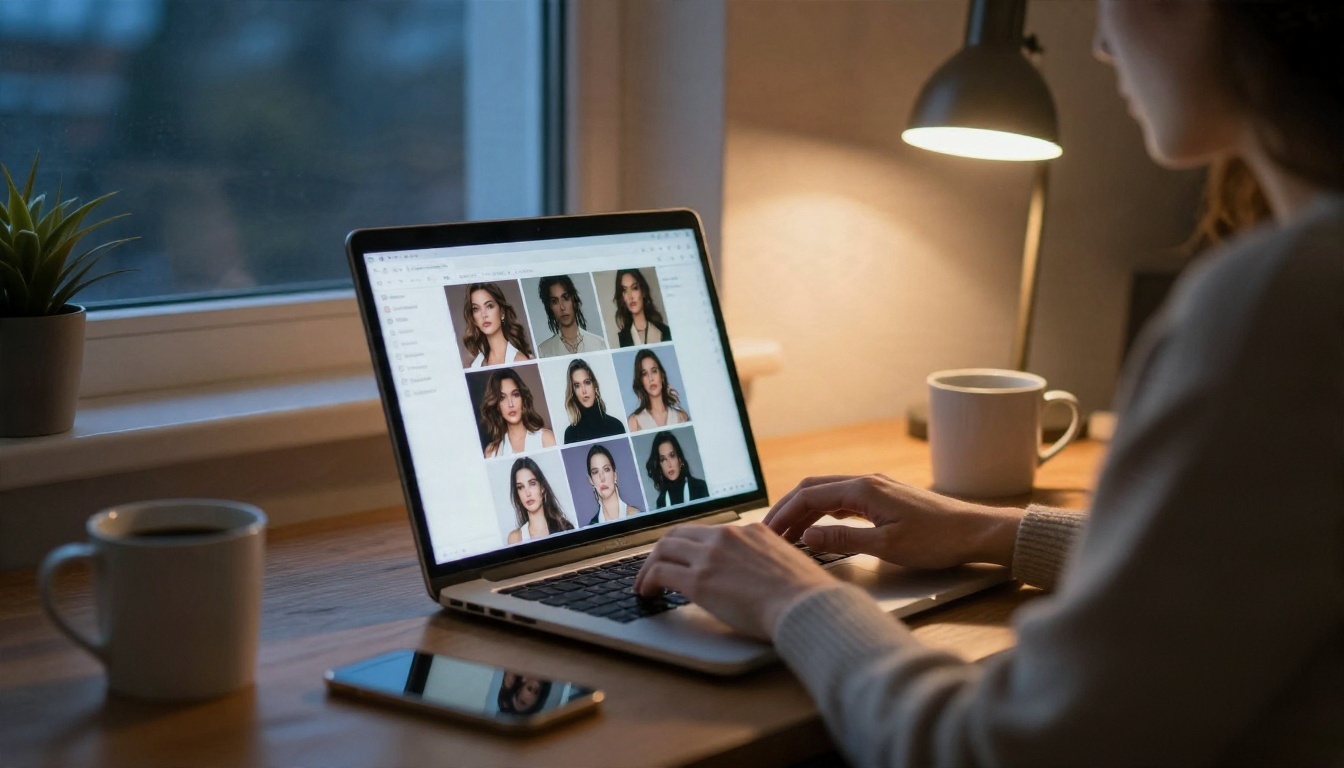
💡 Quick test: run the same prompt on any generator three times. If the quality swings wildly or the third attempt gets blocked, the free tier is rationing you. Plan around that instead of fighting it.
Best Models for Adult Glamour Images
Model choice matters more than any prompt trick. A strong model with an average prompt beats a weak model with a perfect one. These are the ones worth your time on PicassoIA, in the order I would try them.
Seedream 4.5 for realism
Seedream 4.5 is the first stop. It produces natural skin texture, believable fabric and lighting that looks like it came from an actual photo shoot. It handles swimwear, satin, lace-trimmed pieces and boudoir scenes without the plastic look older models give you. It also follows long, detailed prompts closely, which is exactly what glamour photography needs.
Image Editor Pro for unlimited runs
PicassoIA Image Editor Pro is the one to open when you want to iterate without counting. It offers unlimited generations, so you can run a prompt fifteen times, tweak one word, and compare. It also works as an editor: change an outfit color, fix a background or adjust lighting on a picture you already like.
Flux 2 Klein 9B LoRA for styled looks
Flux 2 Klein 9B Base LoRA is useful when you want a particular look, such as film-style grain or a consistent editorial feel, and are comfortable with a bit more setup.
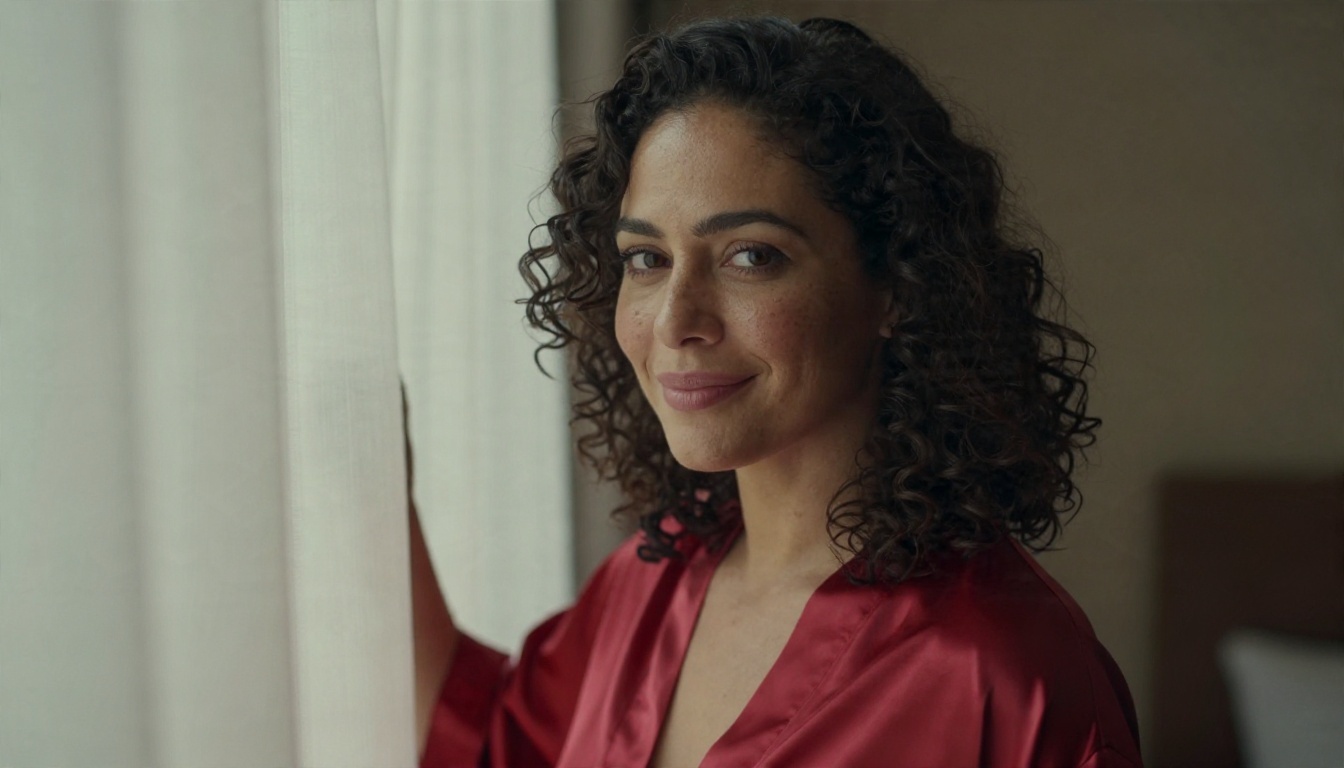
💡 Why this matters: some mainstream models refuse adult-leaning prompts entirely. Seedream 4.5 and Image Editor Pro are the ones I reach for because they don't shut the door on tasteful glamour. Check each model page for current limits and sign-in details before you start.
Prompts That Actually Work
The five-part formula
Vague prompts get vague pictures. A reliable structure looks like this:
- Subject and pose: age range, hair, outfit, what she is doing
- Setting: room, beach, balcony, with two or three real objects
- Lighting: direction, time of day, quality (soft, warm, backlit)
- Camera: lens length, aperture, angle
- Texture cues: skin pores, fabric weave, film grain
Always state that the subject is an adult. It keeps the model on track and keeps your results in safe territory.
Example prompt: beach golden hour
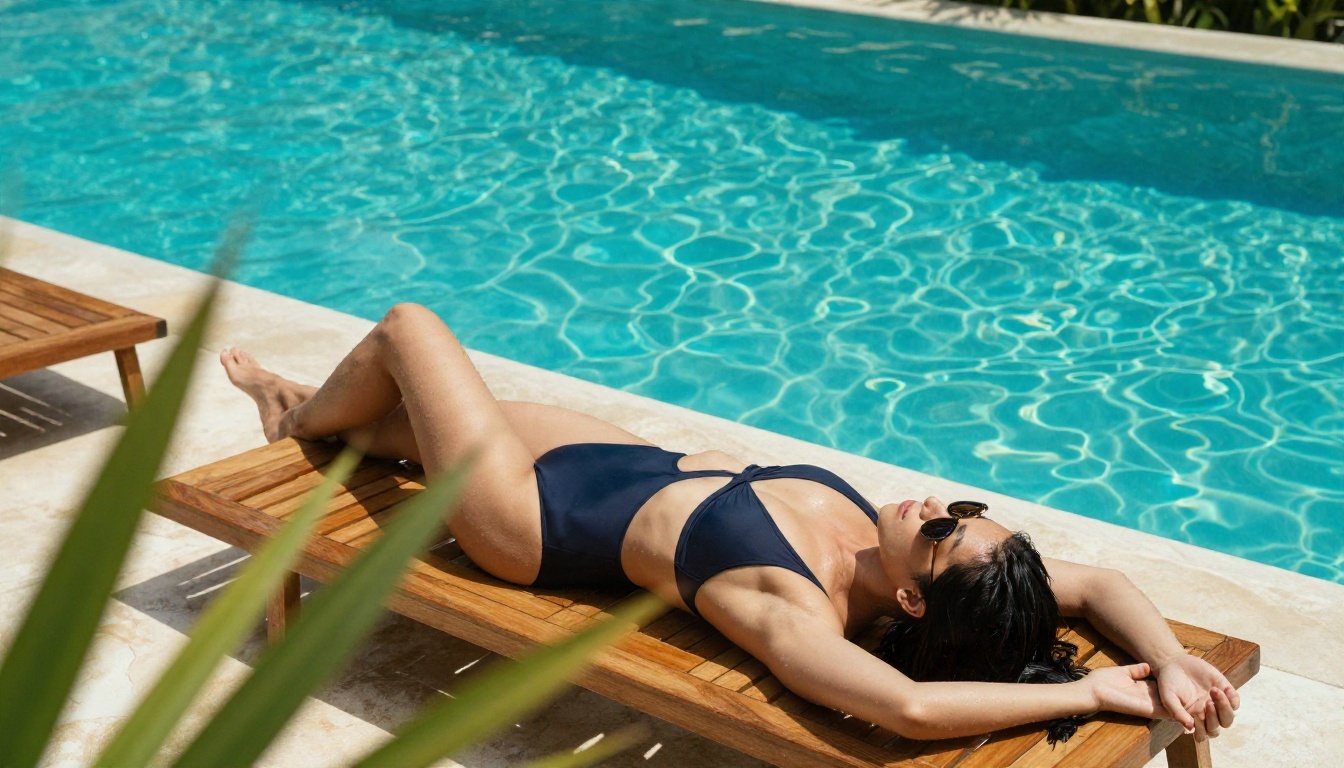
An adult woman in a white string bikini walking along an empty Mediterranean beach at golden hour, wet sand reflecting the sky, low-angle shot from near the ground, sun backlighting her hair with a warm rim light, droplets of water on tanned skin, gentle waves behind, 50mm f/1.8 lens, natural film grain, realistic skin texture.
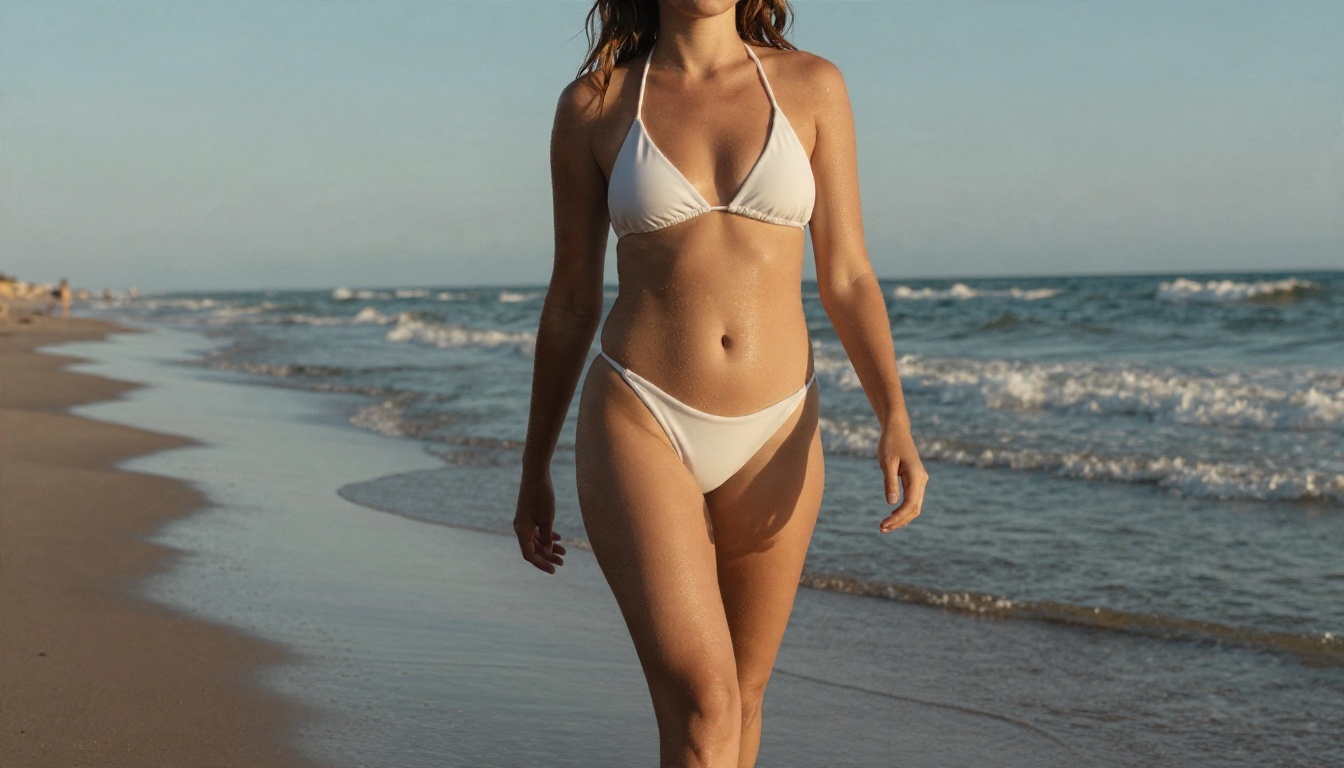
Notice what carries the picture: the low angle, the rim light and the wet skin detail. None of those words are about the body. They are all photography terms, and they do more for realism than any adjective.
Example prompt: loft portrait
An adult woman in a cream silk blouse and tailored high-waisted trousers sitting on a velvet armchair in a dim loft apartment, single warm tungsten lamp from the right, exposed brick wall behind, calm confident gaze, 85mm f/1.8 lens, shallow depth of field, film grain.
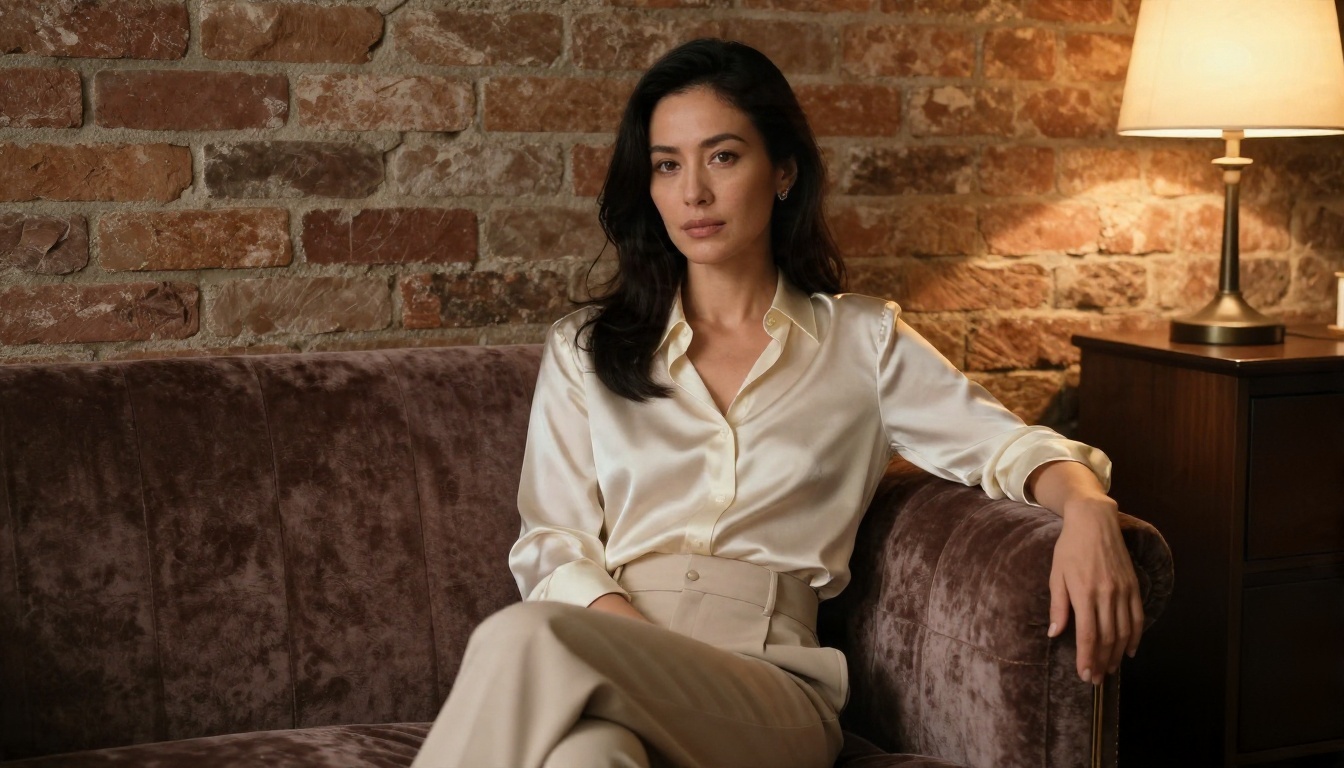
Single-source lighting is the quickest route to a moody, editorial look. One lamp, one direction, deep soft shadows on the far side of the face.
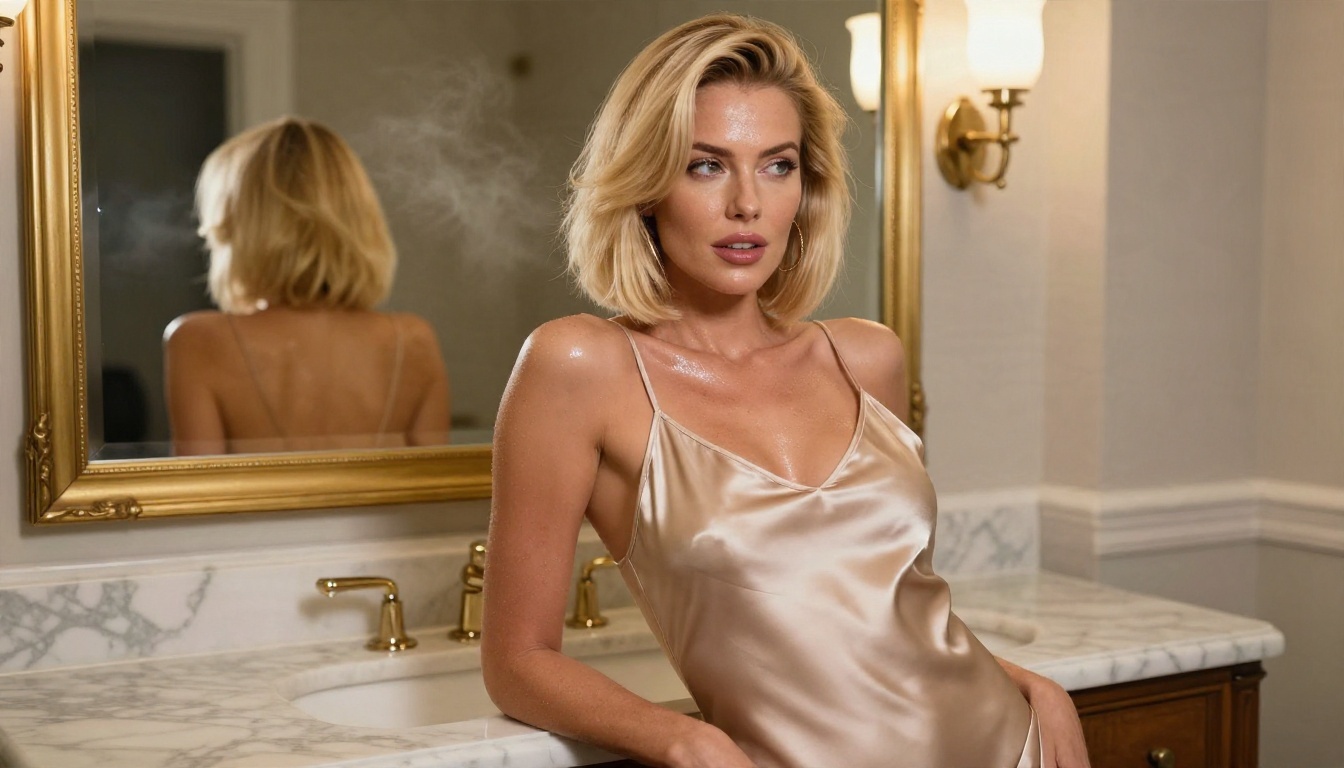
Example prompt: bathroom vanity
Waist-up photograph of an adult woman with a sleek blonde bob in a champagne satin camisole, leaning against a marble bathroom vanity with a gold-framed mirror, soft overhead light with warm bounce from the left, steam haze, glossy skin highlights, playful glance over the shoulder, 70mm f/2 lens, slight low angle.
Words that help and words that hurt
| Helps | Hurts |
|---|
| "soft window light from the left" | "beautiful, perfect, stunning" |
| "visible pores, fine freckles" | "flawless skin, airbrushed" |
| "85mm f/1.8, shallow depth of field" | "ultra HD 8K masterpiece trending" |
| "satin slip dress with lace trim" | Long lists of body descriptors |
| "adult woman in her late twenties" | Celebrity names or real people |
Stacking quality buzzwords usually makes skin look waxy. Specific photography language gives the model something real to imitate.
Settings That Make the Difference
Prompts get the attention, but settings decide whether you keep the result.
Aspect ratio and framing
Pick the ratio before you write the prompt, because composition depends on it. 16:9 suits environmental portraits where the room matters. 3:4 or 2:3 suits full-length and fashion framing. 1:1 works for close-ups and social posts.
Resolution and detail
Generate at the highest resolution the model offers, then upscale only if you need print size. Low-resolution output upscaled later keeps its mistakes and adds a smooth, smeared texture on top.
Seeds and iteration
Once you get a composition you like, lock the seed and change one thing at a time: the outfit, the lamp position, the lens. If the model has no seed field, keep your prompt text identical except for the one word you are testing.
| Setting | Starting value | Adjust when |
|---|
| Aspect ratio | 16:9 or 3:4 | Cropping cuts off the subject |
| Resolution | Highest available | Output looks soft |
| Prompt length | 50 to 100 words | Details get ignored (go longer) or contradict (go shorter) |
| Seed | Random, then locked | You like a layout and want variations |
| Batch count | 2 to 4 | Quality varies a lot between runs |

💡 Keep a log. A notebook or a notes file with your best prompts and seeds saves hours. Good results are hard to recreate from memory.
How to Use Seedream 4.5 on PicassoIA
Here is the workflow I use for adult glamour portraits with Seedream 4.5.
- Open the model page and review the current limits and sign-in details shown there.
- Write your prompt with the five-part formula: subject, setting, lighting, camera, texture.
- Set the aspect ratio that fits your framing: 16:9 for scenes, 3:4 for full-length.
- Choose the highest resolution available.
- Generate two to four variations and pick the one with the best light and expression.
- Refine one variable at a time. Change the lamp position, the outfit color or the lens, not all three.
- Send the best result to Image Editor Pro for small fixes: a background object, a color shift, a lighting tweak.
Parameter tips
- Describe light first. It sets the whole mood. "Backlit golden hour" and "overhead midday sun" give completely different images from the same outfit.
- Use real objects. A glass of water, a rattan chair, a marble counter. Concrete props make the scene feel photographed.
- Keep outfits specific. "Satin slip dress with lace trim" beats "sexy outfit" every time.
- Add one imperfection. Flyaway hairs, slight bedding wrinkles, a damp strand of hair. Perfect scenes look fake.
Not Working? Fixes That Help
Every generator fails sometimes. Here are the most common problems and what to do about each.
Prompt blocked or refused
The most frequent complaint. A filter flagged a word or the overall tone of the prompt.
- Swap loaded terms for photography and fashion language: "satin camisole" instead of anything suggestive, "boudoir portrait" instead of anything blunt.
- Remove body-focused adjectives and describe the light, the pose and the setting instead.
- Shorten the prompt. One flagged phrase in a 200-word prompt is hard to spot, so split it in half and test each half.
- If a model keeps refusing, switch models. A tool built for editorial and glamour work will accept prompts a general assistant model won't.
Image comes out blurred or blank
That is usually a safety layer, not a bug. Some free tiers blur output they judge borderline and tell you nothing. Rewrite the prompt with a more clothed, editorial framing, or move to a model that doesn't filter adult glamour, like the ones listed above.
Waxy skin and plastic faces
Too many quality buzzwords. Delete "perfect, flawless, ultra HD, masterpiece" and add "visible pores, fine freckles, natural skin texture, film grain". Add a lens and a light direction.
Hands and fingers look wrong
Hands are still the hardest part. Three fixes:
- Give the hands something simple to do: resting on a laptop, holding a mug, touching a collar.
- Avoid crowded finger poses like interlaced hands.
- Fix the result afterward in Image Editor Pro with a targeted edit instead of regenerating the whole scene.
Generator keeps loading or times out
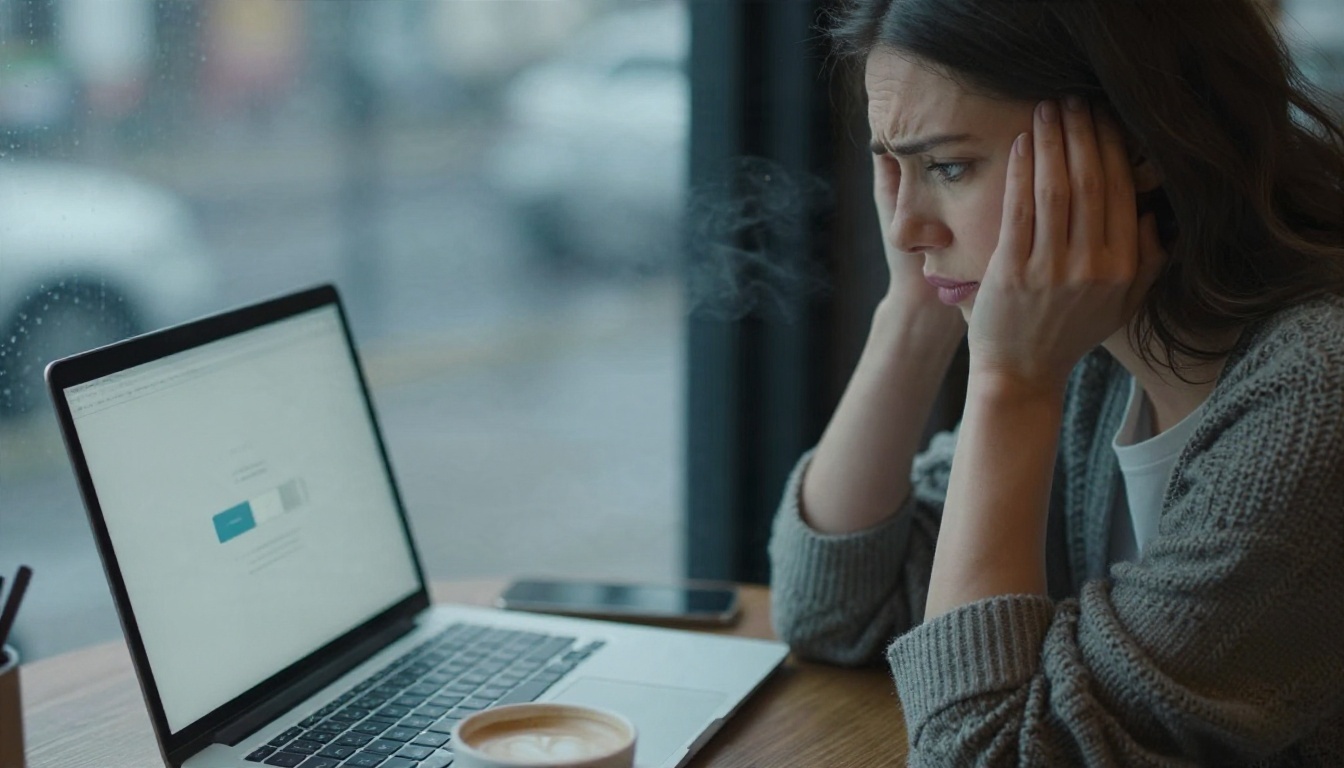
Free anonymous queues stall during peak hours. Try again off-peak, reduce the resolution for a test run, or use a tool with faster generation. Speed is a big reason I prefer Seedream 4.5 and Image Editor Pro: results come back in seconds, so a bad run costs almost nothing.
Quick troubleshooting table
| Symptom | Likely cause | Fix |
|---|
| "Content policy" message | Flagged word or tone | Use fashion and photography wording, shorten prompt |
| Blurred or blank output | Silent safety filter | Rewrite with editorial framing or switch model |
| Waxy, plastic skin | Buzzword overload | Add pore, freckle and grain cues |
| Warped hands | Complex poses | Simplify the pose, fix with an edit |
| Watermark on output | Free tier rule | Use a model page with unlimited runs |
| Endless loading | Overloaded queue | Retry off-peak or lower resolution |
Safe Use Rules Worth Following
A few habits keep this hobby clean and keep your accounts out of trouble.
- Fictional adults only. Always describe the subject as an adult, and never base a result on a real person's face or name.
- No minors, ever. Not in any style, age cue or setting.
- Keep it non-explicit. Suggestive, stylish and tasteful works better visually and passes filters more reliably.
- Label your work if you share it publicly, and respect each platform's rules on adult content.
- Mind your privacy. Anonymous tools can still log prompts, so don't paste personal details into them.
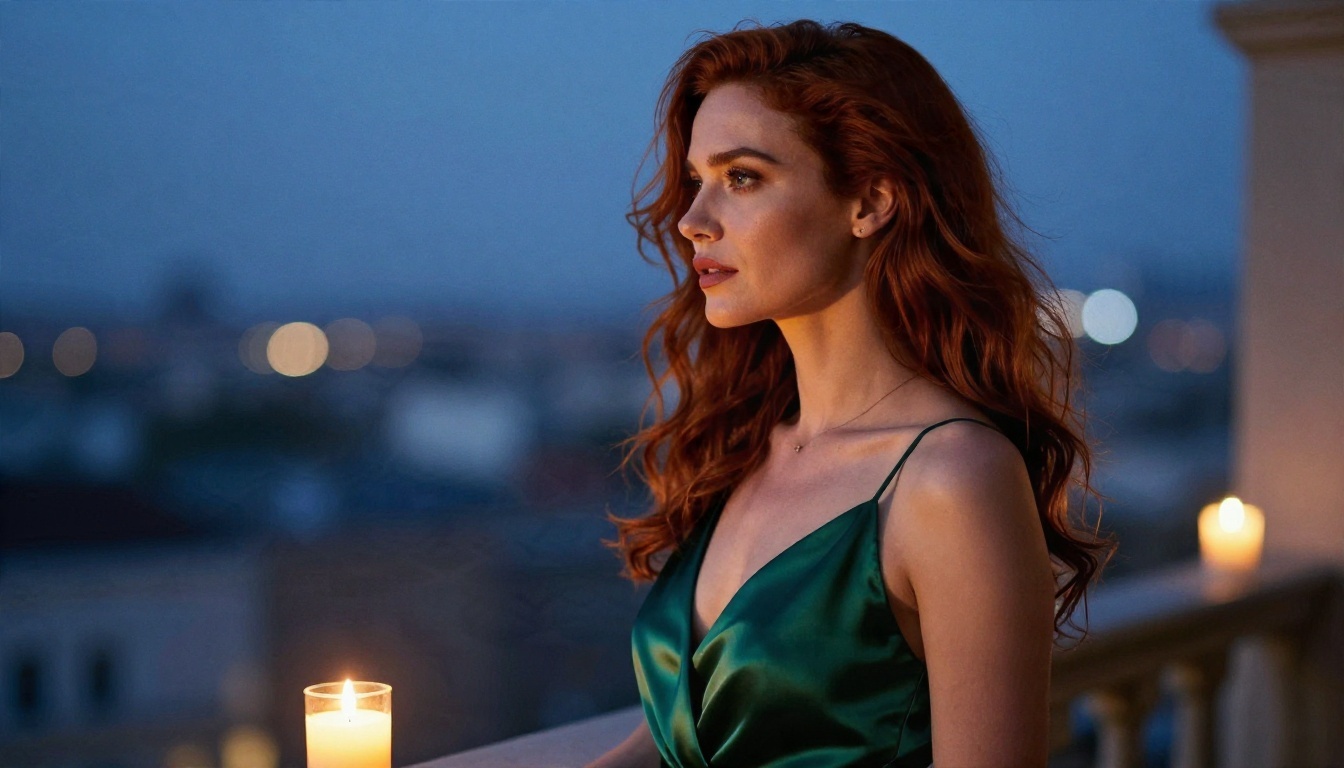
Try It Yourself on PicassoIA
The shortest path from "no login NSFW image generator" to a picture you are happy with is simple: pick a strong model, write a prompt built from light, lens and texture, change one variable at a time, and keep notes on what works.
Start with Seedream 4.5 for realistic glamour portraits, then move your favorites into PicassoIA Image Editor Pro where unlimited generations let you refine without watching a counter. If you want a styled look, try Flux 2 Klein 9B Base LoRA. Copy the prompts above, swap in your own settings and see how far a single lamp and an 85mm lens can take you.
When you want to compare even more options, browse the full catalog at picassoia.com/en/all-models and run the same prompt through two or three models side by side. The differences are often bigger than you expect, and the best one for your style is usually a few clicks away.


