You ask a simple question. The chatbot answers with three paragraphs of warnings, then politely declines. You try an image prompt for a moody fashion shot and get a blank refusal. That frustration is exactly why no restricted AI has become one of the most searched phrases in the AI space. People want tools that treat them like adults, answer the question that was actually asked, and let them create without a lecture attached.
This article sorts the real options from the marketing noise. You will see what "unrestricted" can and cannot mean, which free chat models and image generators give you more room to work, where privacy and legal limits still sit, and how to build a workflow that does not depend on a single gatekeeper.
💡 Quick take: No AI tool is truly lawless. What you can find are tools with fewer needless refusals, more open weights, and more control over how the model behaves. That is the realistic target.
What "No Restricted AI" Really Means

The phrase gets used in three different ways, and mixing them up leads to bad tool choices.
A Spectrum, Not a Switch
Every hosted AI product sits somewhere between two poles. At one end are heavily filtered assistants that refuse anything that sounds risky. At the other end are raw open-weight models you run yourself, where the only rules are the ones you set.
| Level | What it looks like | Typical use |
|---|
| Heavily filtered | Refuses edgy fiction, medical detail, or mature themes | Kids, classrooms, corporate help desks |
| Balanced | Answers most questions, declines clearly harmful ones | Daily work, research, writing |
| Lightly filtered | Few refusals, handles dark themes in fiction and frank health topics | Writers, researchers, adult creators |
| Self-hosted open weights | You control the system prompt and the safeguards | Developers, privacy-focused users |
Most people searching for no restricted AI actually want the middle two rows. They do not want a model that helps hurt somebody. They want one that does not treat a murder-mystery plot or a question about medication dosage as a crime in progress.
Why People Search for It
Here are the reasons that come up most often:
- Creative writing with villains, violence, and moral grey areas
- Frank health, legal, and safety questions that deserve direct answers
- Mature but non-explicit visuals such as glamour, swimwear, boudoir style portraits, and artistic figure work
- Research into sensitive topics for journalism, academia, or policy
- Privacy, since some users prefer tools that do not log everything they type
💡 Reality check: Several roundups of "uncensored" apps are written by the apps themselves. Treat any ranking as marketing until you have tested the tool on your own prompts.
Free Chat Apps Worth Trying

The chat side of this topic comes down to one question: how much control does the model give you? Open-weight families tend to behave with fewer reflexive refusals because the developer is not running a consumer safety layer on top of every answer.
Open-Weight Families
These models have publicly available weights, which is why independent communities build looser versions on top of them. On PicassoIA you can chat with several of them directly in the browser:
Smaller models are not smarter, but they are often less preachy. If a bigger assistant keeps hedging on a perfectly normal question, try one of these before assuming the topic is off limits.
Reasoning Models for Tough Questions
When the question is heavy on logic, such as legal scenarios, risk comparisons, or technical trade-offs, a reasoning model gives a more useful answer than a quick chat model:
- Deepseek R1 shows its step-by-step thinking, which makes it easy to spot where an answer went wrong.
- Deepseek v3 handles text and code with a direct tone.
- Kimi K2 Thinking lays out reasoning in clear stages.
- Grok 4 has a more casual, blunt style than most assistants.
Big-Name Assistants
Frontier assistants are more filtered, but they are also the most capable. For research, planning, and long documents, models like Gemini 3.5 Flash, Qwen3.7-Plus, and Claude Sonnet 5 are worth keeping in your rotation. Use them when accuracy matters more than tone, and switch to a looser model when you want freedom to brainstorm.
💡 Tip: Rotate models by task. One model for serious research, another for creative drafts, a third for quick questions. Switching beats arguing with a single assistant.
Image Generators With Fewer Limits
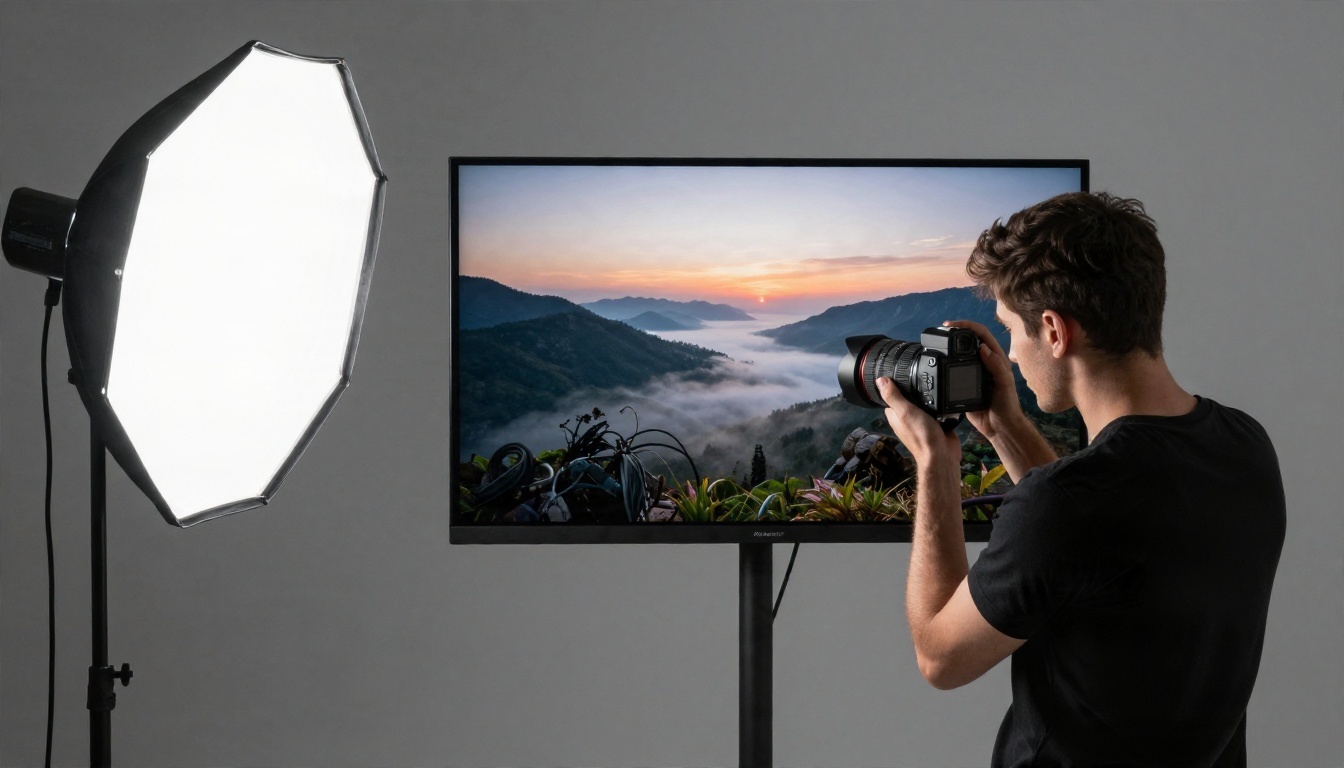
Image tools are where the "restricted" complaint gets loudest. A model may block a prompt because of a single word, even when the picture you want is a harmless swimwear shoot or a stylized fashion portrait. The fix is to choose a generator that is tuned for creative freedom and then write prompts that describe the picture clearly.
Photoreal Generators
For realistic images, these are the models to test first on PicassoIA:
- Seedream 4.5 is the first choice for glamour, fashion, and mature but non-explicit portraits. It produces sharp skin texture and handles lighting very naturally.
- PicassoIA Image Editor Pro offers unlimited generations, which matters when you need dozens of attempts to get a pose or mood right.
- Z Image Turbo is fast, so it works well for rapid drafts.
- Flux 2 Klein 4B Base and Flux 2 Klein 9B Base LoRA give you open-style flexibility, including LoRA support for custom looks.
- Qwen Image 3 Pro delivers clean photorealistic output with strong prompt following.
These models stay on the right side of the line: suggestive and attractive work is fine, explicit content is not. That boundary is the same for virtually every legitimate platform.
Editing and Variations
Generation is only half the job. Fixing a hand, changing an outfit, or re-lighting a face is often faster than starting over. Nano Banana and Nano Banana Pro are good for targeted edits, and Image Editor Pro covers quick changes without a generation cap.

LoRA and Custom Looks
LoRA files are small add-ons that nudge a model toward a style, a character design, or a lighting setup. They are the main reason open image models feel so much freer than closed ones: you decide what the model learns. If you plan to train a style, Qwen Image LoRA Trainer Legacy is a good place to start.
Quick Comparison Table
Free Does Not Mean Risk Free

Marketing around "uncensored" tools tends to skip the unglamorous part. A few things deserve attention before you paste anything personal into a chat box.
Privacy Comes First
An app that advertises zero filters is not automatically private. Some store your chats, some train on them, and a few have a poor record on data handling. Before you commit to any tool, check:
- Whether conversations are stored, and for how long
- Whether you can delete your history
- Whether the provider says it trains on user inputs
- Whether payment and account details are kept separate from chat logs
Treat any chat window as semi-public. Do not paste passwords, medical records, or private photos of other people.
Legal Lines That Stay Put
Removing a platform filter does not remove the law. A few limits apply everywhere:
- No content involving minors. Ever. Any tool that hints otherwise is one to avoid.
- No real people in fake explicit images. Consent is non-negotiable, and deepfake rules are tightening in many countries.
- No help with violence, fraud, or hacking someone else's accounts. Looser models still refuse this, and so should you.
- Copyright and likeness still matter when you publish what you make.
Moderation Models Exist for a Reason
Safety tools are not the enemy. A model like Llama Guard 4 12B is built to classify risky content, and teams that run open chat tools often place it in front of their model to keep public-facing apps responsible. If you build something for other people, that extra layer is worth a look.
💡 Rule of thumb: If a tool is eager to cross a legal line, it is not offering freedom. It is offering liability.
Skip the endless roundups. A short test on your own prompts tells you more than any ranking.
Run a Three Prompt Test
Write three prompts that match your real needs:
- A normal request, so you can check quality
- A borderline but legitimate request, such as a dark scene for a novel or a frank health question
- A specific style request, such as a swimwear editorial or a film noir portrait
Send all three to two or three tools. Note which ones refuse, which hedge, and which simply do the work.
Check Speed and Limits
A tool that answers in five seconds changes how you work. A tool with a daily cap changes it too. For image work, unlimited generations matter more than a slightly sharper result, because iteration is how good images happen.
Build a Small Toolkit
Most people end up with three tools:
- A main chat model for daily questions
- A looser open-weight model for creative drafts
- A photoreal image generator plus an editor for fixes
That setup avoids dependence on any single provider and keeps you moving when one tool gets stricter overnight.
Prompts That Get Better Results

Even the most open model works better when you give it room to do its job. Many "refusals" are actually the model misreading a vague prompt.
Chat Prompts
- State the purpose. "I am writing a crime novel and need a tense interrogation scene" lands better than a bare request for violence.
- Set the tone. Ask for blunt, plain answers without disclaimers when you only want facts.
- Break big questions into steps. Ask for the outline, then the details.
- Ask for pros and cons. Models give richer answers when asked to weigh both sides.
Image Prompts
A strong photoreal prompt reads like a camera brief. Include the subject, setting, light direction, lens, and film feel:
A woman in a white linen shirt on a sunlit balcony at golden hour, soft rim light from the left, 85mm f/1.8 lens, shallow depth of field, Kodak Portra 400 film grain, natural skin texture.
Some habits that help:
- Describe light and lens rather than listing adjectives like "beautiful"
- Name textures such as linen weave, skin pores, or wood grain
- Avoid trigger-word pileups. Describe the mood and clothing plainly
- Generate in batches and keep the best two, then refine them in an editor
💡 Tip: If a prompt gets blocked, rewrite it in plainer language before switching tools. Wording changes outcomes more often than people expect.
Research Without the Runaround

For sensitive research, such as public health data, security history, or controversial policy, ask the model to present multiple viewpoints and cite what it is unsure about. Cross-check anything important with a second model. Deepseek R1 and Gemini 3.1 Pro make a good pair for this, since their different habits expose mistakes quickly.
Try It Yourself on PicassoIA
The simplest way to find out what "no restricted AI" means for you is to test it. PicassoIA puts chat models and photoreal image generators in the same place, so you can compare answers and pictures without juggling accounts.
Here is a quick plan for your first session:
- Open Seedream 4.5 and generate a fashion or glamour portrait with a detailed camera-style prompt.
- Send the result to PicassoIA Image Editor Pro and refine the outfit, lighting, or background with unlimited generations.
- Ask Llama 4 Maverick Instruct to write a short caption or story that fits the image.
- Try Deepseek R1 on a tricky question and compare the tone against your usual assistant.
Keep your creations suggestive and tasteful, keep other people's likeness out of it, and let the tools do the heavy lifting. When you are ready to see everything on offer, browse the full catalog at picassoia.com/en/all-models and build the toolkit that fits how you work. Open a prompt box, type the idea you have been holding back, and see what comes out.


