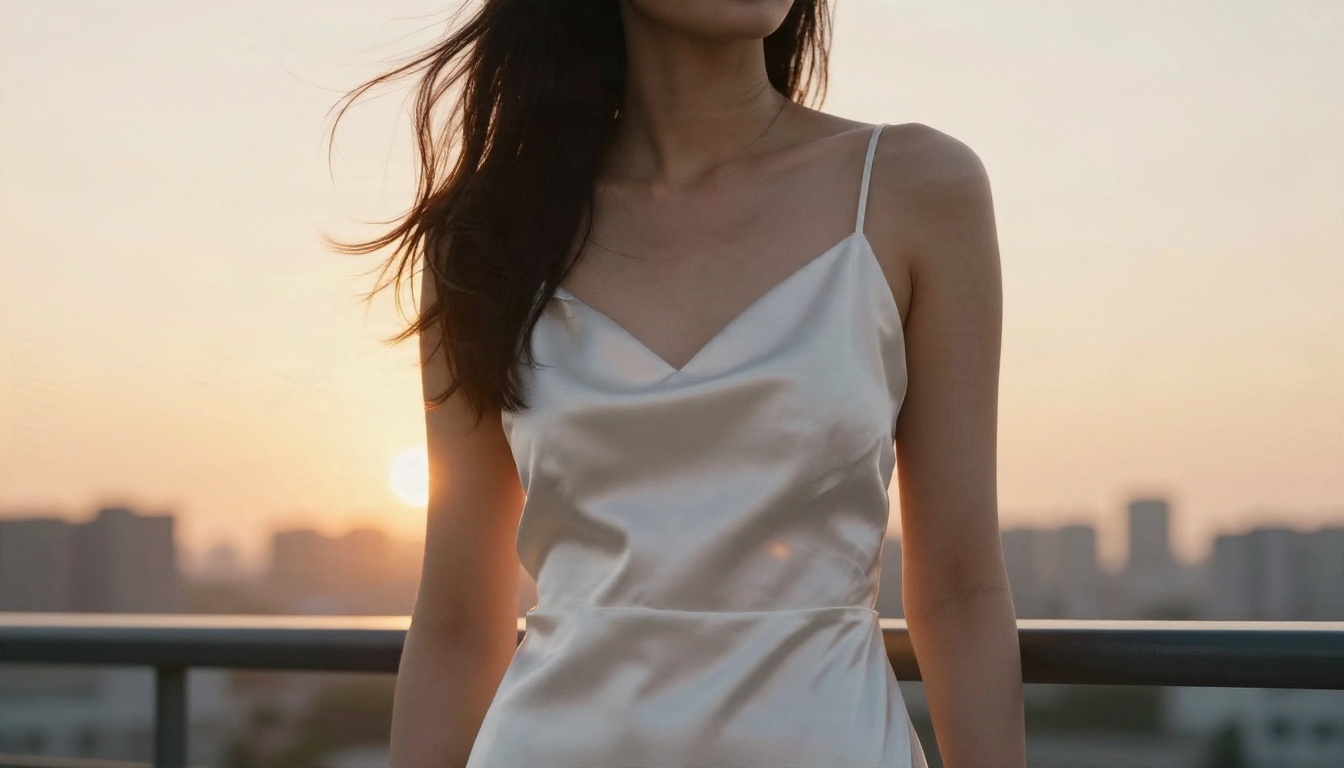
You typed "NSFE image generator" into a search bar, and now you are staring at a wall of sites that promise everything, ask for a credit card, and deliver blurry faces with seven fingers. Fair enough. Most people who search this phrase are really after the same thing: a free, fast tool that makes attractive, realistic, adult-leaning images without lecturing them about every prompt. This article sorts the useful options from the noise, hands you prompt formulas that work, and points you to alternatives when one tool lets you down.
A quick note on the term. "NSFE" is almost always a typo or variant of NSFW, meaning "not safe for work." People use it to describe images that are suggestive, sensual or glamorous: swimwear, lingerie, boudoir portraits, bold fashion editorials. Everything below focuses on non-explicit, photorealistic glamour, which is where modern generators are strongest and where results look best.
What an NSFE Image Generator Does
At its core, it is a text-to-image model. You describe a scene in words, the model builds a picture from that description, and you get a file in seconds. The difference between a good tool and a bad one comes down to four things:
- Photorealism: natural skin texture, believable hands, correct proportions.
- Prompt freedom: the model does not refuse ordinary swimwear or boudoir requests.
- Speed: a few seconds per image, so you can iterate.
- Cost: free or near-free generations, with no tight daily cap.
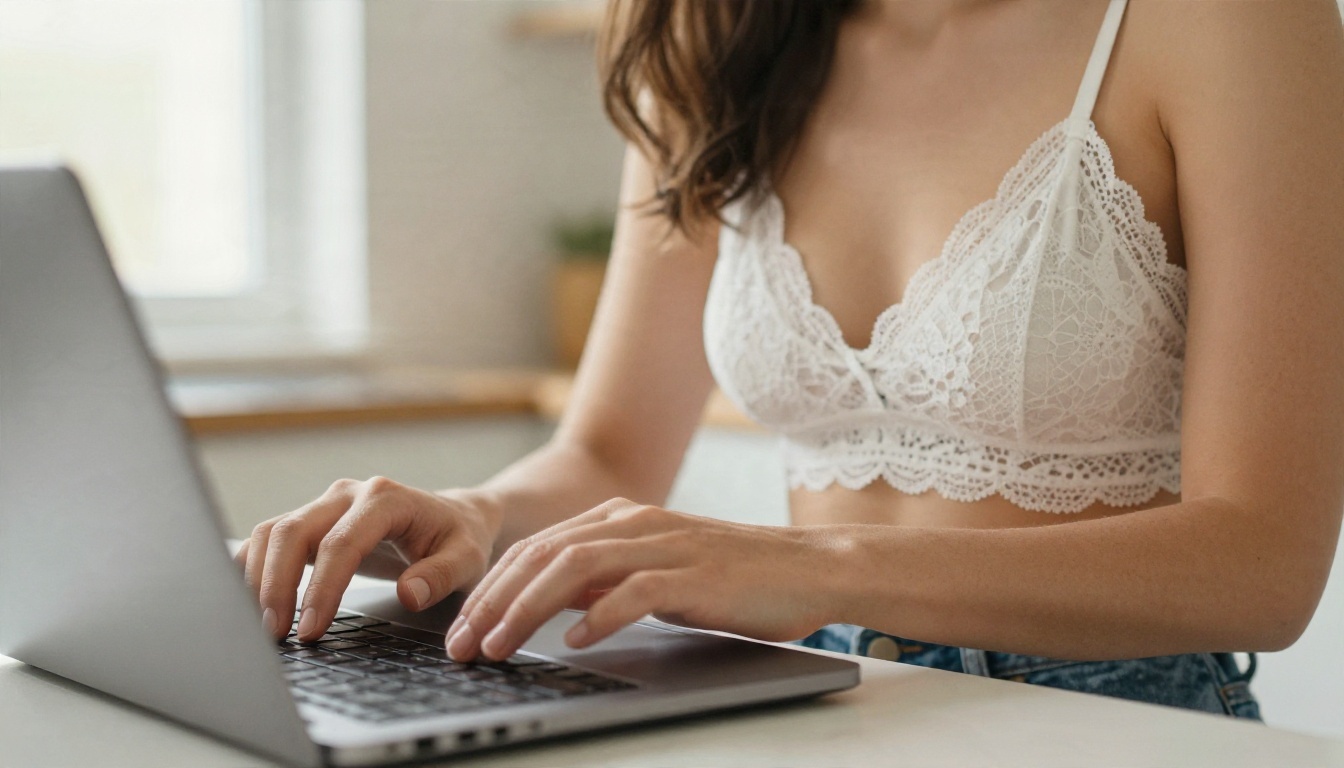
💡 Quick tip: The best prompt is rarely the longest one. A clear subject, a lighting direction and a lens choice beat a paragraph of adjectives every time.
Informational or Transactional?
Most searchers fall into two camps. Some want to try something right now, free, with no signup maze. Others want to compare tools before committing time. This article serves both: the table below is for the second group, and the prompt sections are for the first.
Why Realism Is the Real Test
Anyone can make a stylized image. The hard part is a photo that looks like it came from a real camera: pores, flyaway hairs, fabric creases, believable light. If a generator gives you a plastic, airbrushed look, it does not matter how permissive it is. You will not use the output.
Free Online Options Compared
Free is a slippery word online. Some tools give you three images and a paywall. Others give you a generous daily pool. A few give you unlimited generations. Here is how the main choices stack up on what actually matters.
The honest summary: if you want the combination of photoreal quality and freedom, start with Seedream 4.5, then move to Image Editor Pro when you want unlimited tries and quick fixes.
Red Flags on Random "Free" Sites
Before you paste a prompt into an unknown website, scan for these:
- Watermarks that cover the whole image. That is a bait tactic.
- Mandatory account plus payment up front for a "free" trial.
- No model name anywhere. If a site will not say what powers it, expect weak output.
- Pop-up redirects and download buttons that look like ads. Close the tab.
Start With Seedream 4.5
Seedream 4.5 is the model I would reach for first. It renders skin with convincing micro texture, handles fabric like satin, lace and knit without melting it, and it follows long prompts faithfully. Output goes up to 4K, which means you can crop a portrait tight and still keep detail.
Why It Works for Glamour
Three strengths matter here. First, lighting obedience: if you say "warm sunset light from behind," you get rim light on hair and shoulders. Second, anatomy: hands and posture hold together far more often than on older models. Third, consistency across attempts: similar prompts produce similar quality, so you spend less time rerolling.
A Simple Workflow
- Open the Seedream 4.5 page and choose a 16:9 or 3:2 ratio for landscape scenes, 2:3 for portraits.
- Paste a prompt built from the formula in the next section.
- Generate once, then change only one variable (light, outfit or lens) per attempt.
- Keep the best result and send it to Image Editor Pro for fixes.
💡 Quick tip: Changing one thing at a time tells you exactly which words matter. Changing five things at once teaches you nothing.
Good NSFE prompts all share the same skeleton. Follow it and you will get clean, magazine-style results:
[Subject and pose] + [Outfit and fabric] + [Environment] + [Light direction] + [Lens and distance] + [Texture and film look]
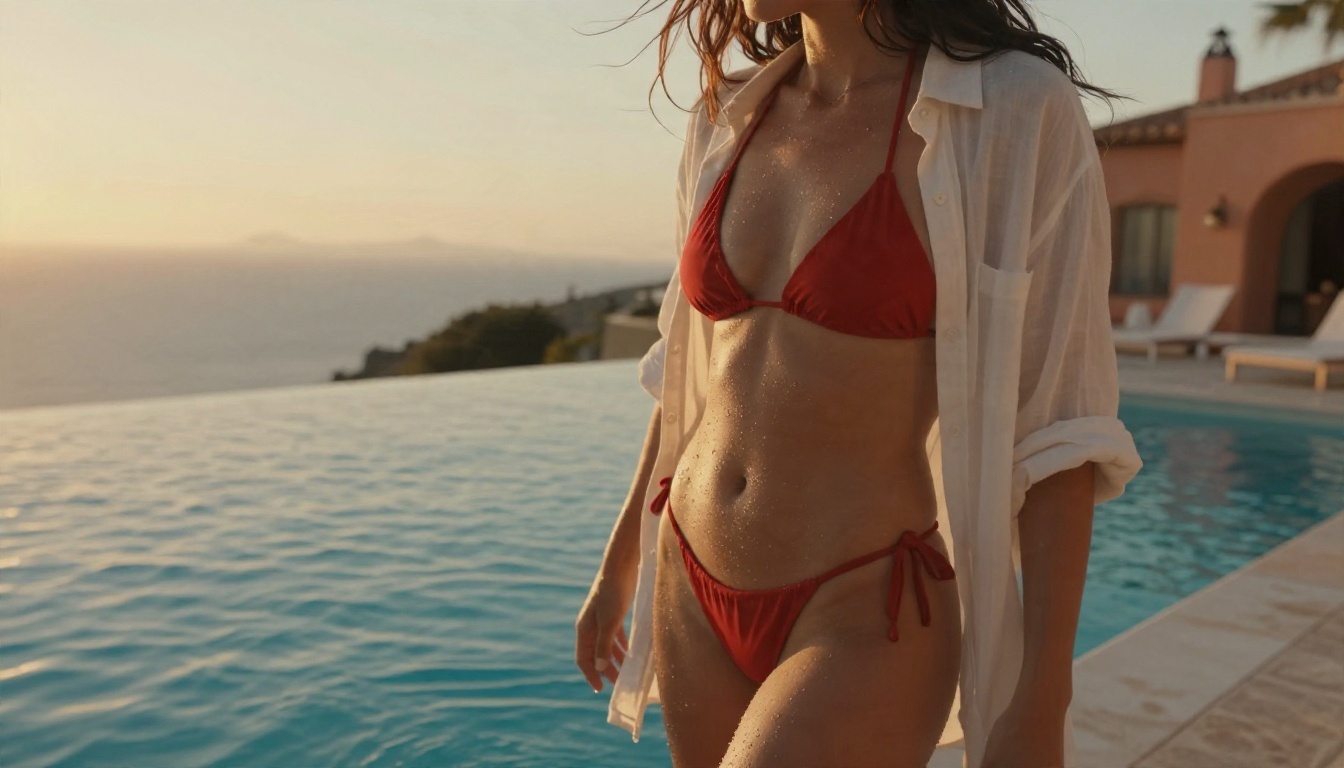
Here is a full example: "Low-angle shot of a woman in a red string bikini and open white linen shirt at the edge of a Mediterranean infinity pool at golden hour, wet skin with water droplets, warm sunset light from behind creating rim light, 35mm f/2 lens, terracotta villa in background, fine film grain, natural skin texture."
The Six Building Blocks
| Block | What to write | Example |
|---|
| Subject | Age range, hair, pose | "woman in her late twenties, wavy chestnut hair, seated" |
| Outfit | Garment plus fabric | "black satin slip robe, silk bralette" |
| Setting | Place plus props | "sunlit boutique hotel suite, white linen bed" |
| Light | Direction plus quality | "soft morning light from the left window" |
| Camera | Lens plus aperture | "85mm f/1.8 shallow depth of field" |
| Finish | Texture plus film | "visible pores, Kodak Portra 400 grain" |
Words That Make Results Look Real
- Skin: "fine pores," "faint freckles," "soft peach fuzz in backlight."
- Fabric: "micro creases in the satin," "woven linen texture," "wool knit."
- Camera: "85mm f/1.8," "35mm f/2," "shot on a full frame mirrorless camera."
- Film: "Kodak Portra 400," "fine organic grain," "subtle halation."
Words That Hurt Results
Skip "ultra 8K masterpiece trending" style stacking. It adds noise and often flattens the picture. Skip contradictory lighting like "harsh midday sun and soft candlelight." Pick one.
Prompts by Scene
Reusable starting points, each tuned for a different mood. Swap the details to make them yours.
Boudoir and Bedroom
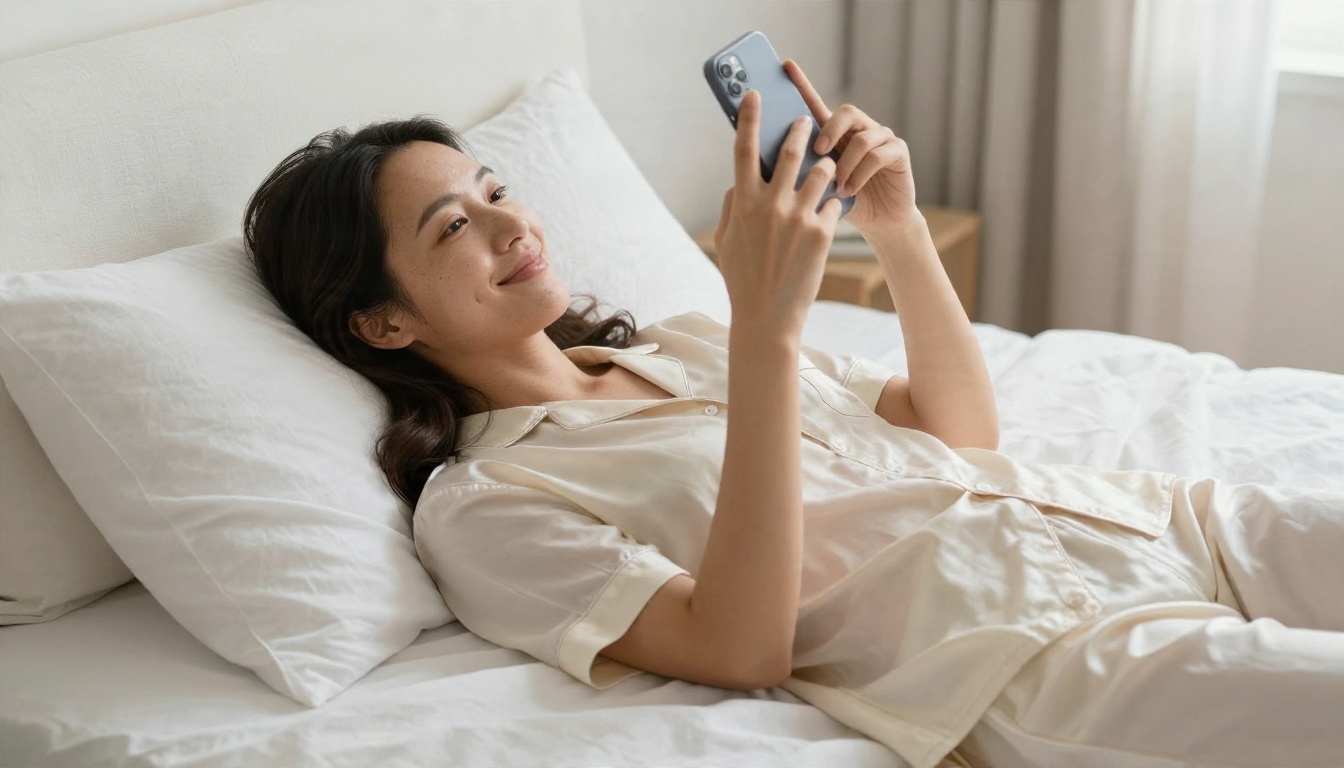
"Medium shot from above of a woman on rumpled white linen sheets in cream silk, holding a phone, soft diffused window light from the right, natural skin with freckles, 50mm f/2, muted peach and cream palette, Kodak Portra 400 grain."
Why it works: the overhead angle feels candid, and the muted palette reads as intimate rather than harsh.
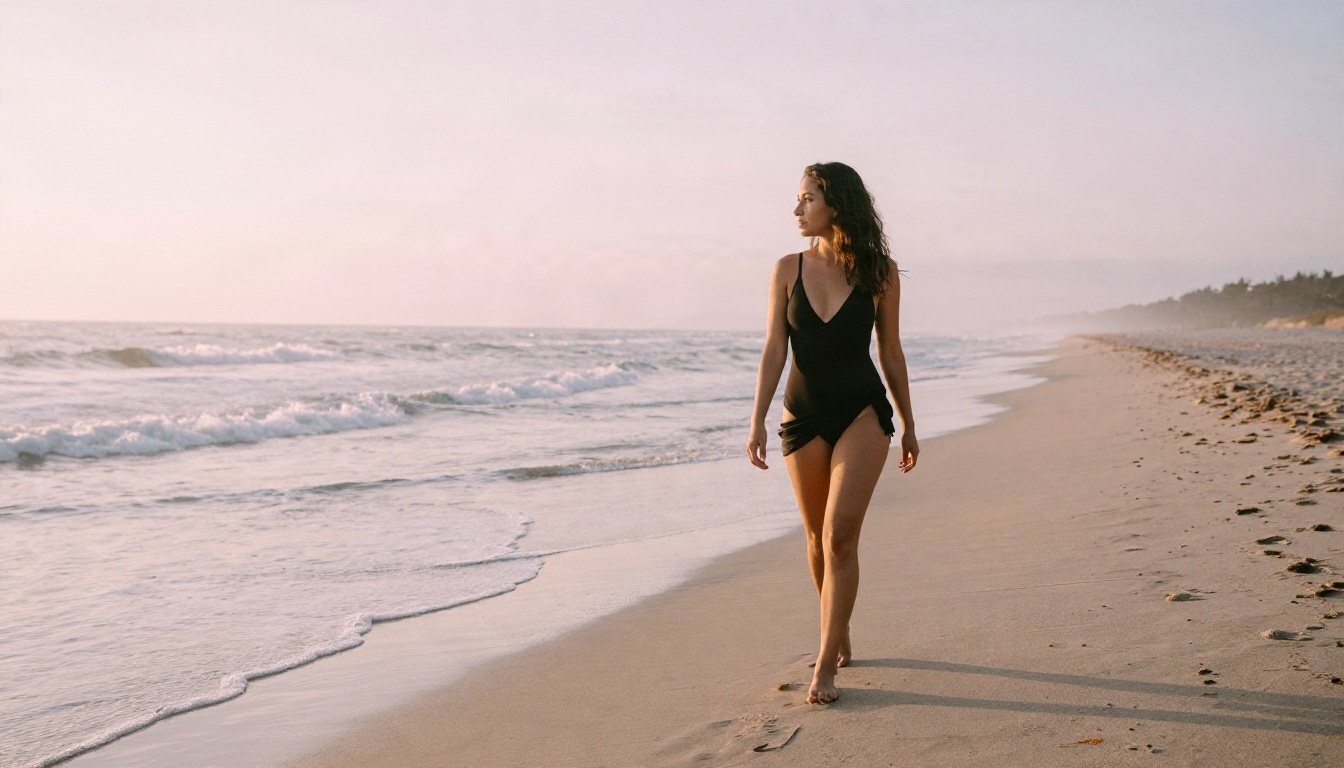
Beach and Swimwear
"Wide shot of a woman in a black one-piece and sarong walking along an empty white sand beach at sunrise, soft pink and gold light from the left, waves foaming at her ankles, wet footprints, 24mm f/4, atmospheric haze."
Why it works: a wide lens and a small figure in a big landscape give an editorial travel feel.
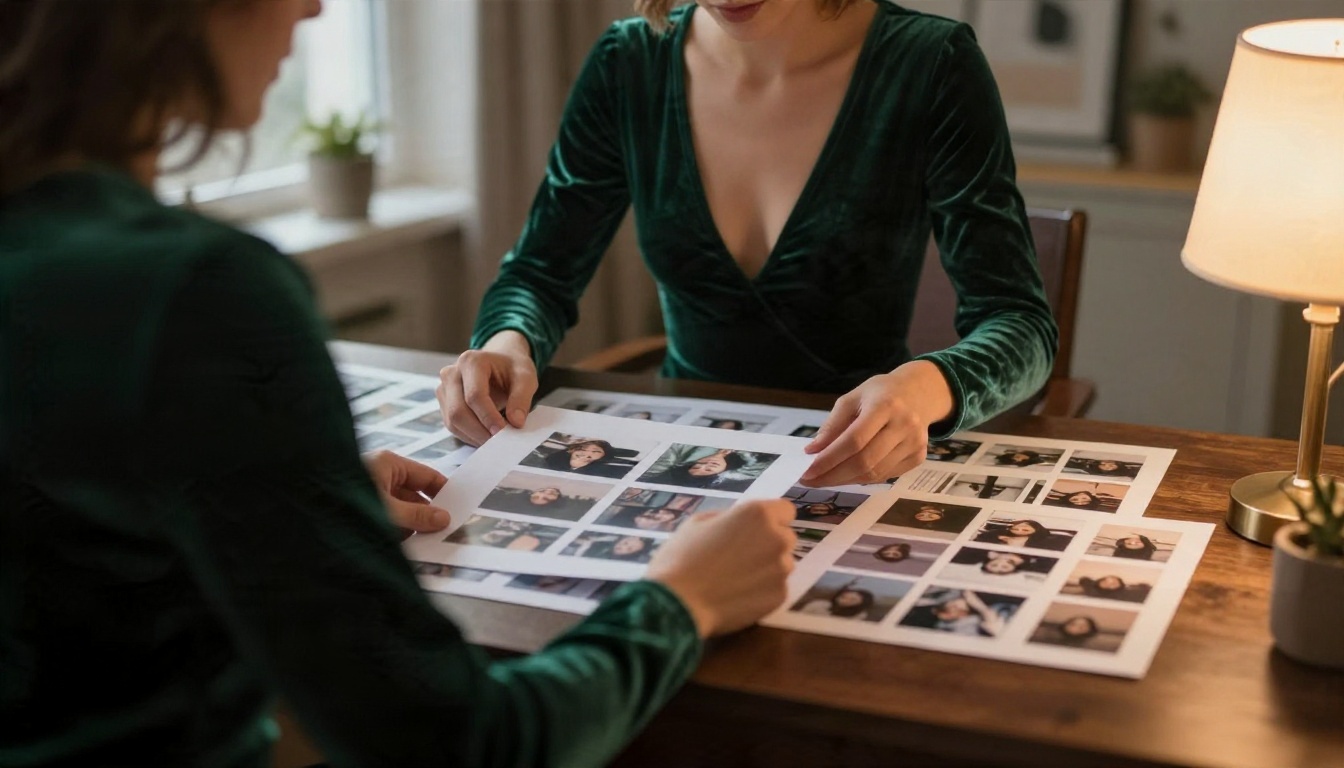
Studio and Loft Fashion
"Over-the-shoulder shot of a woman in a deep green velvet bodysuit reviewing printed contact sheets on a dark wooden desk, warm tungsten lamp from the right mixed with cool window light, 85mm f/1.8, velvet sheen, paper texture."
Why it works: mixed warm and cool light gives depth, and velvet catches highlights beautifully.
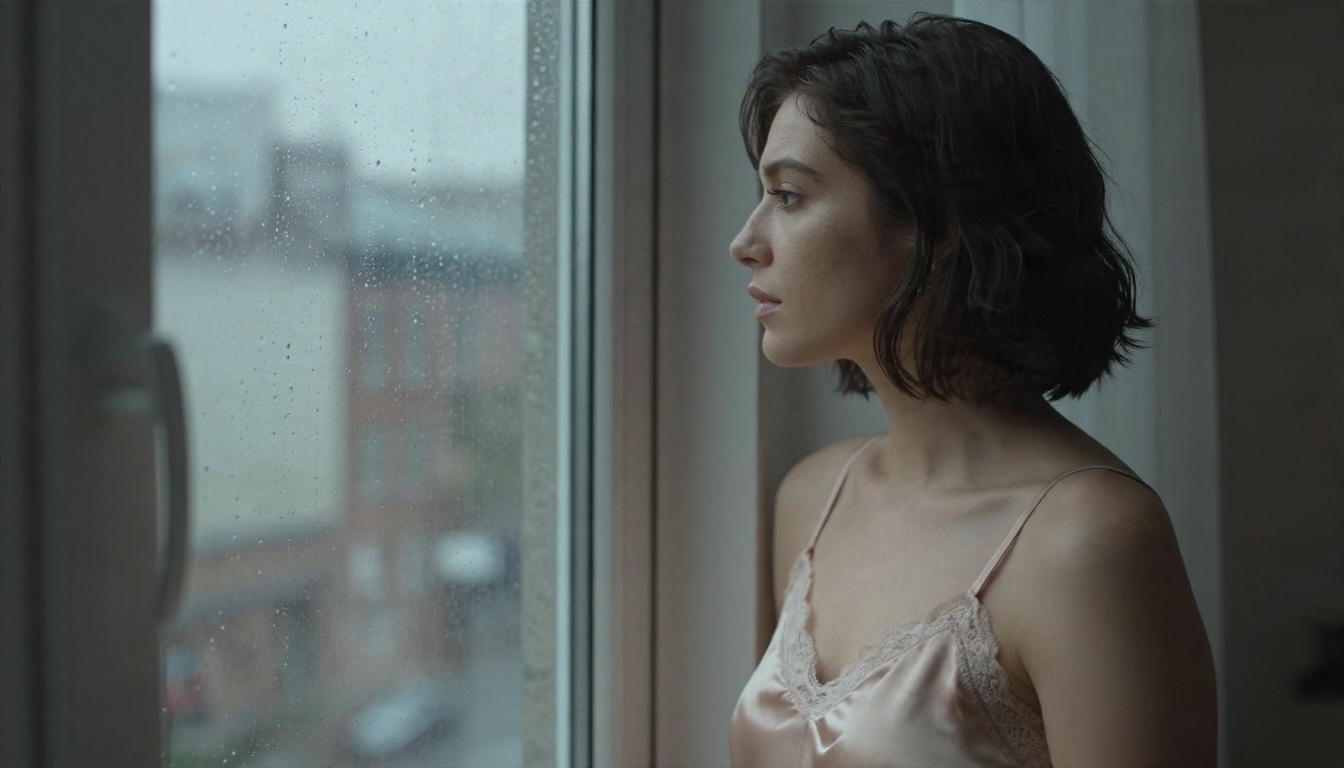
Moody Window Portraits
"Side profile portrait of a woman with a short dark bob in a champagne satin camisole, leaning on a window frame in a rainy city apartment, soft grey overcast light from the front left, raindrops out of focus, 105mm f/2."
Why it works: overcast light is forgiving. It smooths skin tones without losing texture.
Lighting Does the Heavy Lifting
If your images look flat, the answer is almost always light. Here is a quick reference.
| Light | Prompt wording | Mood |
|---|
| Golden hour | "warm sunset light from behind, rim light on hair" | Warm, romantic |
| Window light | "soft morning light from the left window" | Natural, intimate |
| Overcast | "soft grey light, no harsh shadows" | Calm, editorial |
| Tungsten lamp | "warm lamp light from the right" | Cozy, late evening |
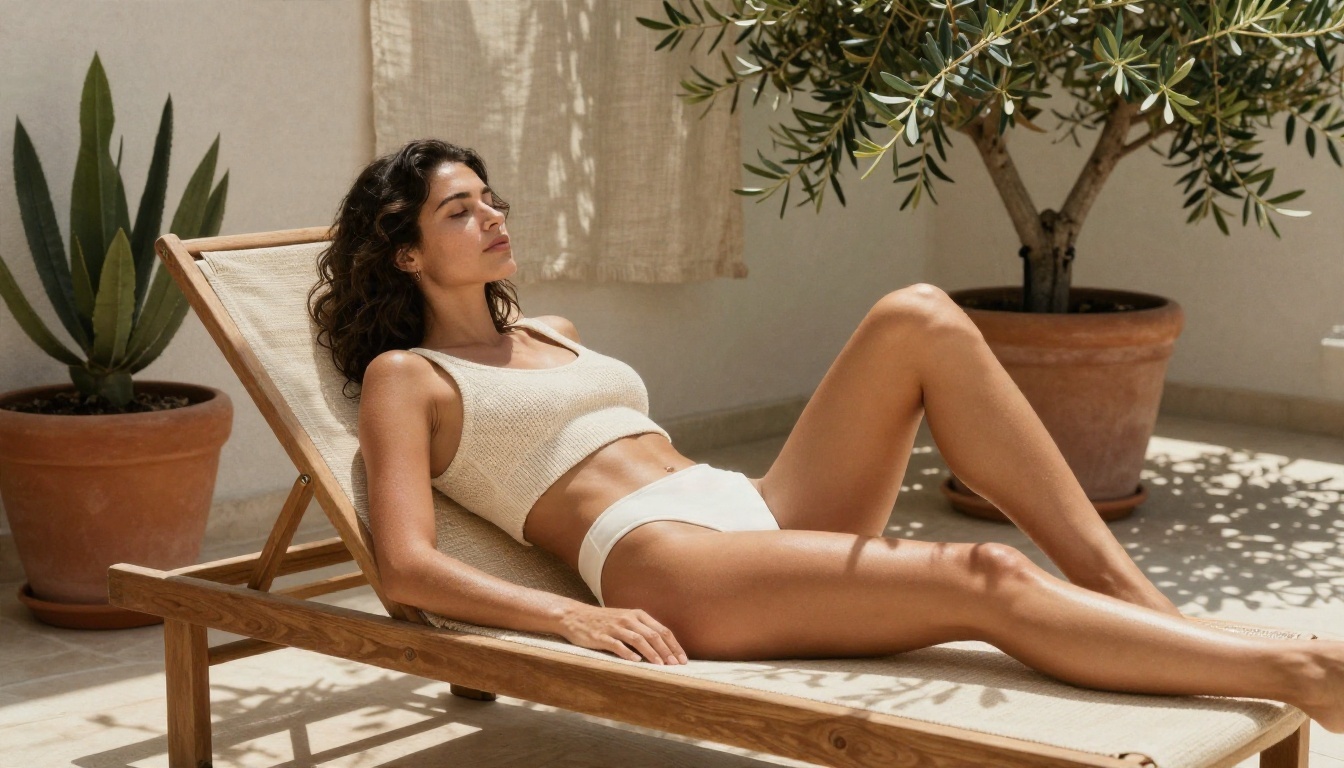
| Dappled shade | "sunlight through linen canopy, soft dappled shadows" | Relaxed, summer |
💡 Quick tip: Always state the direction of the light ("from the left," "from behind"). Direction creates shadows, and shadows create depth.
Fix Results With Image Editor Pro
Even great models give you a picture that is 90 percent there. The last 10 percent is where an editor saves you. PicassoIA Image Editor Pro offers unlimited generations, which changes how you work: instead of agonizing over one prompt, you iterate freely.
What to Use It For
- Outfit swaps: change a red bikini to white, or satin to lace, without regenerating the whole scene.
- Background changes: move the same pose from a pool to a terrace.
- Detail fixes: soften a harsh shadow, correct a strap, clean up a hand.
- Mood shifts: turn a midday scene into golden hour.
A Fast Editing Loop
- Generate a base image with Seedream 4.5.
- Upload it to Image Editor Pro.
- Describe one change in plain language, for example "make the lighting warmer and softer."
- Repeat until it looks right, then upscale if you need print size.
💡 Quick tip: Editing a good image beats regenerating a mediocre one. Save your favorite base shots and reuse them as starting points.
Alternatives When You Want Variety
No single model wins every scene. These are worth keeping in your rotation, each linked to its PicassoIA page.
Nano Banana Pro
Nano Banana Pro is strong at precise edits and clean detail. It is a good second opinion when a scene refuses to come together in another model.
Flux 2 Klein 9B Base LoRA
Flux 2 Klein 9B Base LoRA leans toward styled looks. If you want a specific visual signature across a set of images, it is a useful pick.
Z Image Turbo
Z Image Turbo is built for speed. Use it to test ten prompt ideas in a minute, then take the best idea to a higher quality model.
Realistic Vision v5.1
Realistic Vision v5.1 has a classic photographic feel that suits vintage portraits and film style looks.
Qwen Image 3 Pro
Qwen Image 3 Pro produces clean, photorealistic scenes and handles complex compositions well, which helps with busy interiors and detailed props.
💡 Note: Different models have different content rules, and those rules can change. If a prompt gets blocked, rephrase it in more descriptive, less blunt language, or move to a model that suits the scene better. Keep everything non-explicit and you will rarely hit a wall.
Common Mistakes to Avoid
Most disappointing results trace back to the same five errors.
- Vague prompts. "Sexy woman on beach" gives you a generic stock image. Add light, lens and fabric.
- Too many subjects. One person per scene gives cleaner anatomy.
- Ignoring the ratio. Landscape scenes want 16:9, portraits want 2:3.
- Skipping texture words. Without "pores," "linen weave" or "film grain," images drift toward plastic.
- Rerolling blindly. Change one variable at a time and note what helped.
Why Hands and Hair Still Fail Sometimes
Fine details like fingers and flyaway hair are the hardest things for any generator. Keep hands simple, resting on a surface or holding an object, and avoid prompts that ask for intertwined fingers. If a hand still looks off, fix it in the editor rather than rerolling the entire picture.
Privacy and Responsible Use
An image generator is a creative tool, and a few ground rules keep it that way.
- Only generate fictional people. Never create images that depict a real person without consent.
- Keep adult subjects clearly adult. Describe an age range such as "late twenties."
- Keep it non-explicit. Glamour, swimwear and boudoir photography are well established genres. Stick to them.
- Protect your own data. Avoid uploading personal photos to unknown sites, and read what a site says about storing your files.
What to Do With Your Images
Personal mood boards, character references for stories, fashion concept work and social content in line with each platform's rules are all common uses. Check the rules of the place where you post, since many platforms limit suggestive content even when it is tasteful.
Quick Answers
Is there a truly free NSFE image generator?
Yes. Several models let you generate for free on PicassoIA, and Image Editor Pro offers unlimited generations. Free tiers on random sites tend to be thin or full of ads.
Which model looks most realistic?
Seedream 4.5 is the strongest all-round choice for skin, fabric and lighting. Nano Banana Pro and Qwen Image 3 Pro are good second options.
Do I need a long prompt?
No. About 50 to 75 words covering subject, outfit, setting, light, lens and texture is plenty.
Can I fix a nearly perfect image?
Yes. Send it to Image Editor Pro and describe the single change you want.
Try It Yourself Today
You now have a model order, a prompt formula and a tidy editing loop. The only thing left is to run it. Open Seedream 4.5, paste one of the scene prompts above, and change the outfit, light or location to match your own idea. When you have a base you like, take it into PicassoIA Image Editor Pro and polish it with unlimited tries.
Want to see what else is out there? Browse the full lineup at picassoia.com/en/all-models, pick a model that fits your next scene, and start making images that look like they came straight off a film camera.