Typing "NSFW AI art app" into a search bar returns a wall of near-identical listicles, each claiming to be the best, each hiding the price somewhere below the fold. Most people just want three answers: what can I use for free, which online tool gives good photorealistic results, and what will it cost me after the first week? This article answers all three, in plain terms, with a comparison table, realistic pricing ranges, and a walkthrough for making adult glamour images that are suggestive and stylish without turning explicit.
What an NSFW AI Art App Really Is
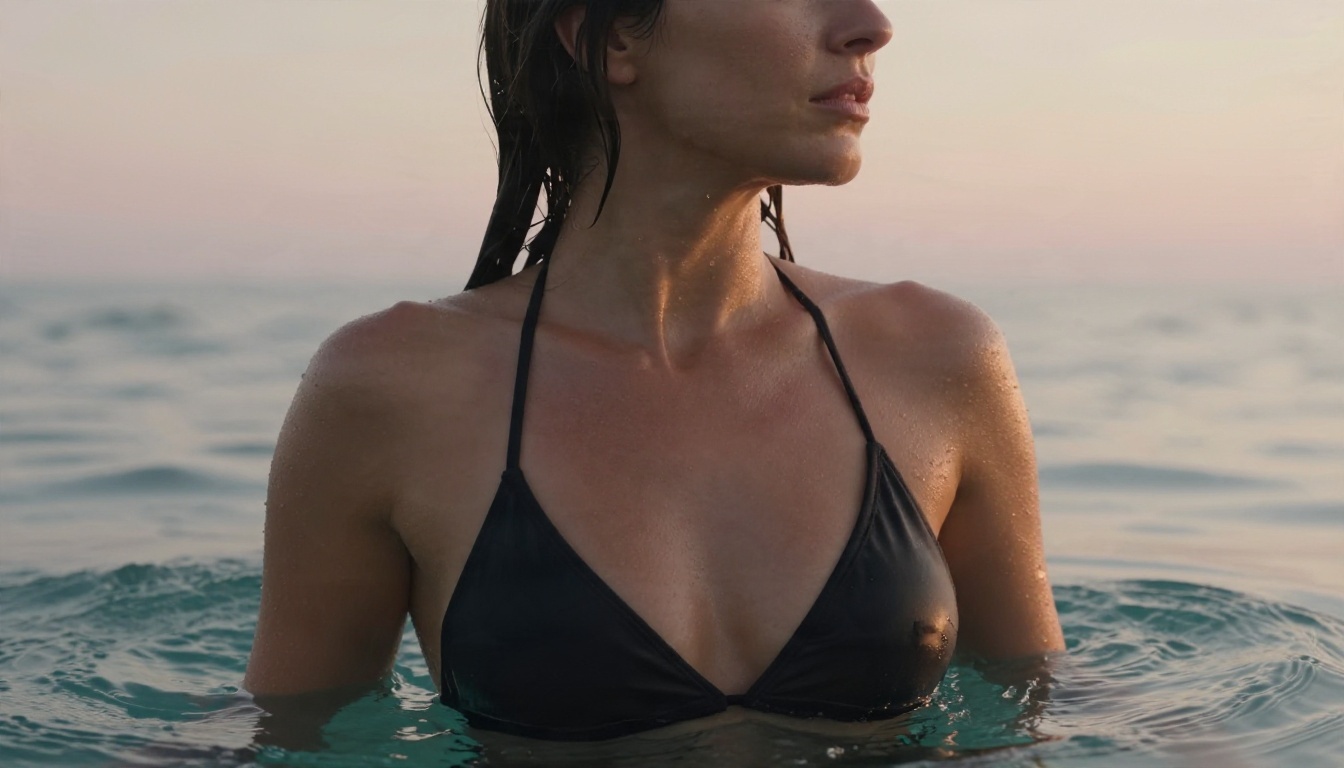
An NSFW AI art app is a tool that turns a written prompt, or a reference photo, into an image with adult themes: swimwear, lingerie, boudoir, glamour portraits, artistic nudity. The important word is app. Some are phone downloads, others live entirely in your browser, and a few are both. What they share is a model underneath that is allowed to produce mature subject matter, which mainstream art generators usually block.
The gap between tools is not about whether they can draw a bikini. It is about three things: how strict the filter is, how realistic the output looks, and how many images you can make before a paywall appears.
App or Browser Tool
Phone apps are convenient, but they come with store rules. App stores restrict adult content, so many "apps" are thin wrappers around a web service, and the strongest features sit behind a subscription. Browser tools skip that layer. You open a page, type a prompt, and get a result. There is nothing to install, nothing to update, and the same account works on a laptop, tablet or phone.
For most readers the browser route wins on flexibility. You get larger previews, easier prompt editing, and a straightforward way to download the files.
Who Uses These Tools
The audience is wider than people assume. Photographers use them to sketch lighting setups before a shoot. Fashion and swimwear brands mock up mood boards. Writers and game designers need character portraits. Hobbyists just enjoy making beautiful pictures. In every case, the most useful outputs are the photorealistic, magazine-style ones, not the cartoonish or over-smoothed results that older generators produced.
💡 Quick filter: if a tool's sample gallery looks plastic, with glassy skin and identical faces, skip it. Look for visible pores, believable fabric and natural lighting.
Free Options That Actually Work
Free is a loaded word in this niche. Almost every service offers something at zero cost, but the shape of "free" varies a lot.
Daily Credits and Free Tiers
The most common model is a daily or monthly credit allowance. Reviews of the popular names, SeaArt, Mage.space, OurDream and PromptChan among them, describe free tiers that range from a handful of images per day to a loose allowance with queue waits. One source describes Mage.space as usable without paying at all, while others reserve higher resolution and faster queues for subscribers.
Credits refill, which makes them good for testing. They are poor for a project where you need fifty variations of one concept, because you will hit the ceiling mid-session.
What Free Plans Hold Back
Free tiers tend to trim the same things:
- Resolution: smaller files, sometimes with a watermark.
- Speed: you wait behind paying users, sometimes several minutes.
- Privacy: images may appear in a public feed unless you pay to make them private.
- Editing tools: inpainting, upscaling and reference-image control often sit on higher plans.
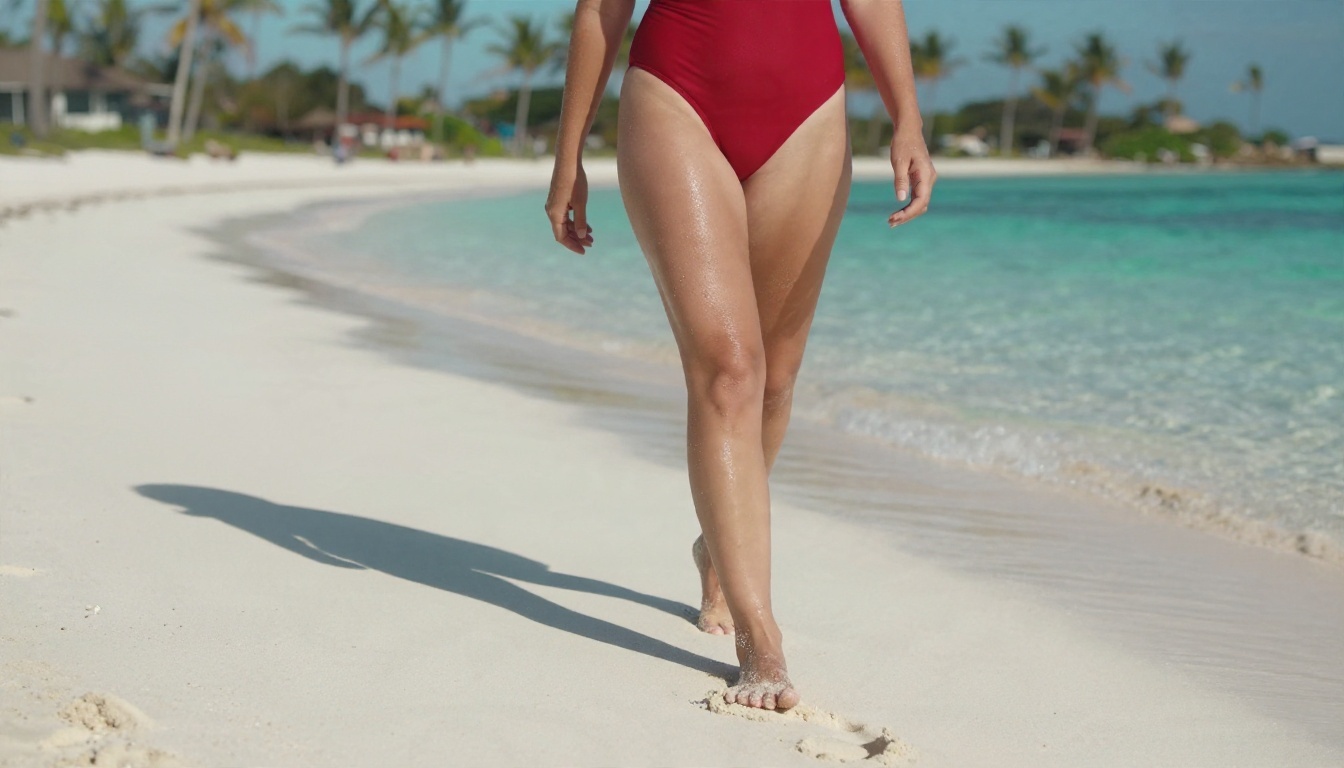
💡 Tip: before committing time to a free tool, generate one test image and check whether the result is public, whether it carries a watermark, and what the maximum resolution is.
Here is a practical side-by-side of the kinds of options you will meet. Specific plans change often, so treat the figures as typical ranges rather than quotes.
Quick Comparison Table
| Option type | Free access | Typical paid price | Realism | Best for |
|---|
| Community art sites (SeaArt style) | Daily credits | Around $10 per month | Good, varies by model | Variety and styles |
| Browser generators (Mage.space style) | Generous free tier | From roughly $4 per month | Good | Casual experiments |
| Companion-style platforms (OurDream style) | Limited free use | Mid-tier monthly plans | Good | Character consistency |
| General art apps | Free, but filtered | Varies | Excellent | Safe-for-work art only |
| PicassoIA | Free to start | See platform plans | Excellent, photorealistic | Fast adult glamour with strong models |
The "general art apps" row matters. Tools such as the popular mainstream generators produce lovely images, yet they block adult requests. If a prompt keeps getting rejected, the tool is working as designed, and you need a different one.
Speed Beats Feature Lists
Feature lists look impressive and mean little. What decides whether you keep using a tool is the time between pressing generate and seeing a result. A tool that returns a sharp image in seconds lets you try ten prompt variations in the time another tool finishes one. Faster iteration produces better pictures, because prompt writing is mostly trial and refinement.
The Real Cost of Pricing
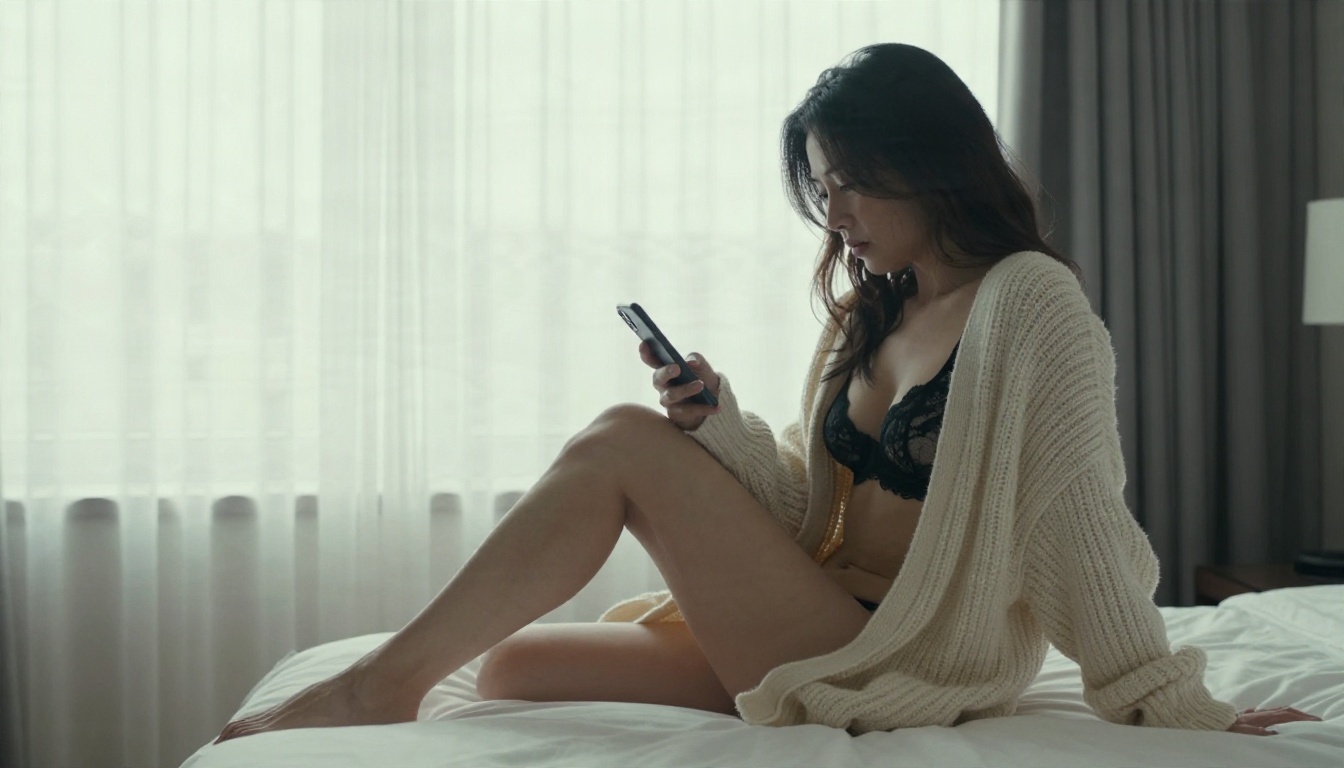
Subscriptions in this space look cheap on the landing page and add up quickly.
Typical Plan Ranges
From what reviews report, most services fall into a few bands:
- Free: limited credits, queues, watermarks or public galleries.
- Entry tier: roughly $4 to $10 per month, adding more images and higher resolution.
- Pro tier: around $12 to $13 per month, adding priority speed and private generations.
- Annual deals: close to $100 per year at the higher end, which lowers the monthly rate but locks you in.
- Premium outliers: a few sites charge $49 per month or more, often with little extra to show for it.
Cross-check any number on the vendor's own pricing page. Review sites in this niche are frequently affiliate driven, and their rankings contradict each other.
Hidden Costs
The sticker price is only part of it. Watch for credit systems where one image costs several credits, extra charges for upscaling, and auto-renewing annual plans. A cheap plan that meters every edit can end up costing more than a flat one that lets you generate freely.
💡 Math check: divide the monthly price by the number of usable images you realistically make. That cost per image is the only number that compares fairly across tools.
Why PicassoIA Leads for Adult Art
PicassoIA gathers a large library of image models in one place, so you pick the model that suits the picture instead of being locked into one engine. For adult glamour work, two stand out.
Seedream 4.5 for Photorealism
Seedream 4.5 is the first model to reach for. It produces sharp, high-resolution photographs with believable skin, fabric and light, and it is fast enough that you can iterate freely. It handles swimwear, lingerie and boudoir prompts without the heavy-handed refusals that make mainstream tools frustrating, and that combination of speed and flexibility is its main value. Photorealistic portraits like the emerald satin shot below are exactly what it is good at.
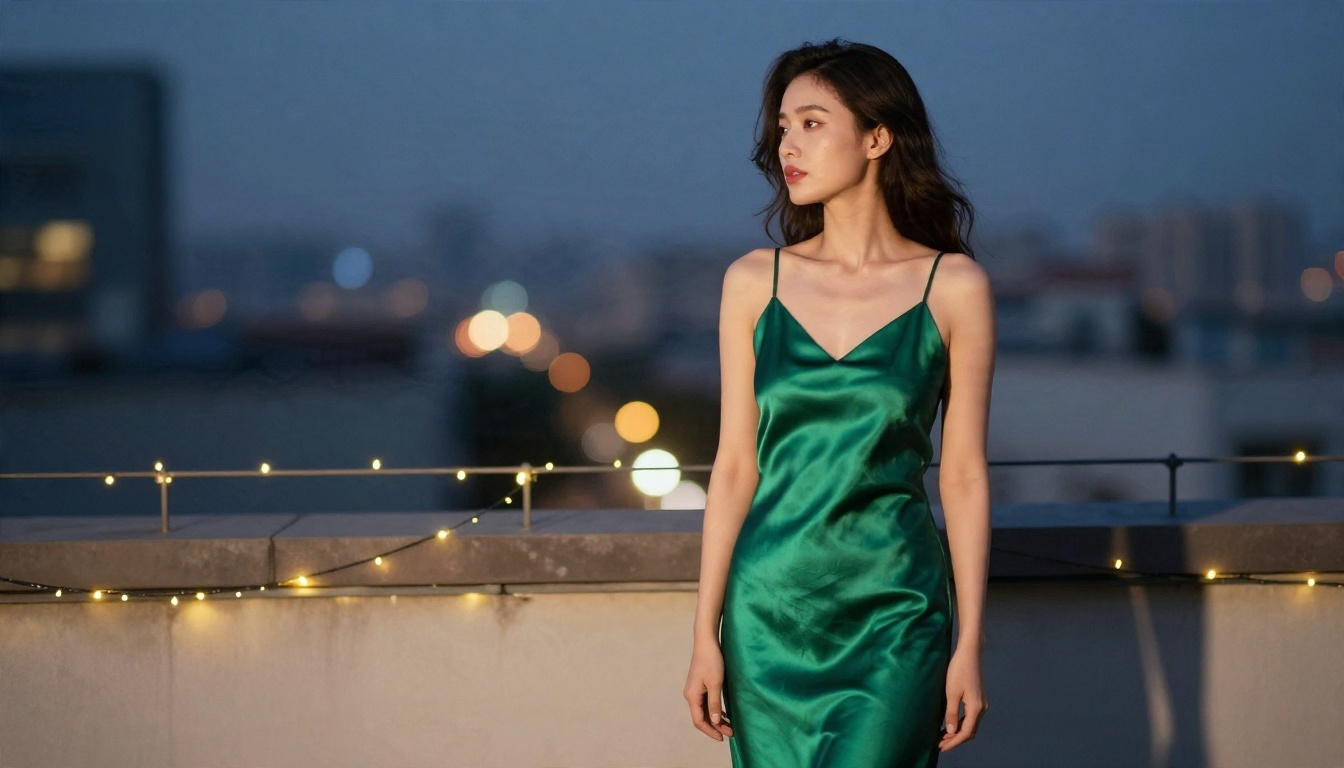
Image Editor Pro for Unlimited Edits
PicassoIA Image Editor Pro is the second stop. It works as an unlimited AI photo editor, so you can generate and revise as many times as you want without watching a credit counter. Change an outfit colour, swap a background, adjust the mood of a scene, then try again. Unlimited generations are what turn the question of free versus paid into a non-issue for heavy experimenters.
Other Models Worth Testing
Once you have the first two working, a few more are worth a look for specific jobs:
You can see the full list at picassoia.com/en/all-models.
How to Use Seedream 4.5 on PicassoIA
The workflow is short. Here is the routine that gives clean results quickly.
Step by Step
- Open the Seedream 4.5 page on PicassoIA.
- Write your prompt in one flowing paragraph: subject, outfit, setting, lighting, camera.
- Choose a 16:9 ratio for landscape scenes or a portrait ratio for full-body fashion shots.
- Generate, then compare the result against your prompt and note what drifted.
- Adjust one element at a time, such as the lighting or the lens, and generate again.
- Open the result in Image Editor Pro for final touches.
Prompt Tips That Work
- Name the light. "Soft golden hour light from the left" beats "nice lighting" every time.
- Specify the lens. "85mm f/1.8, shallow depth of field" gives portraits that look shot, not drawn.
- Describe texture. Mention silk sheen, knit weave, water droplets, visible pores.
- Pick a film look. "Kodak Portra 400, soft grain" warms skin tones naturally.
- Keep it tasteful. Suggestive framing and fabric draw the eye better than explicit detail, and it produces more elegant results.
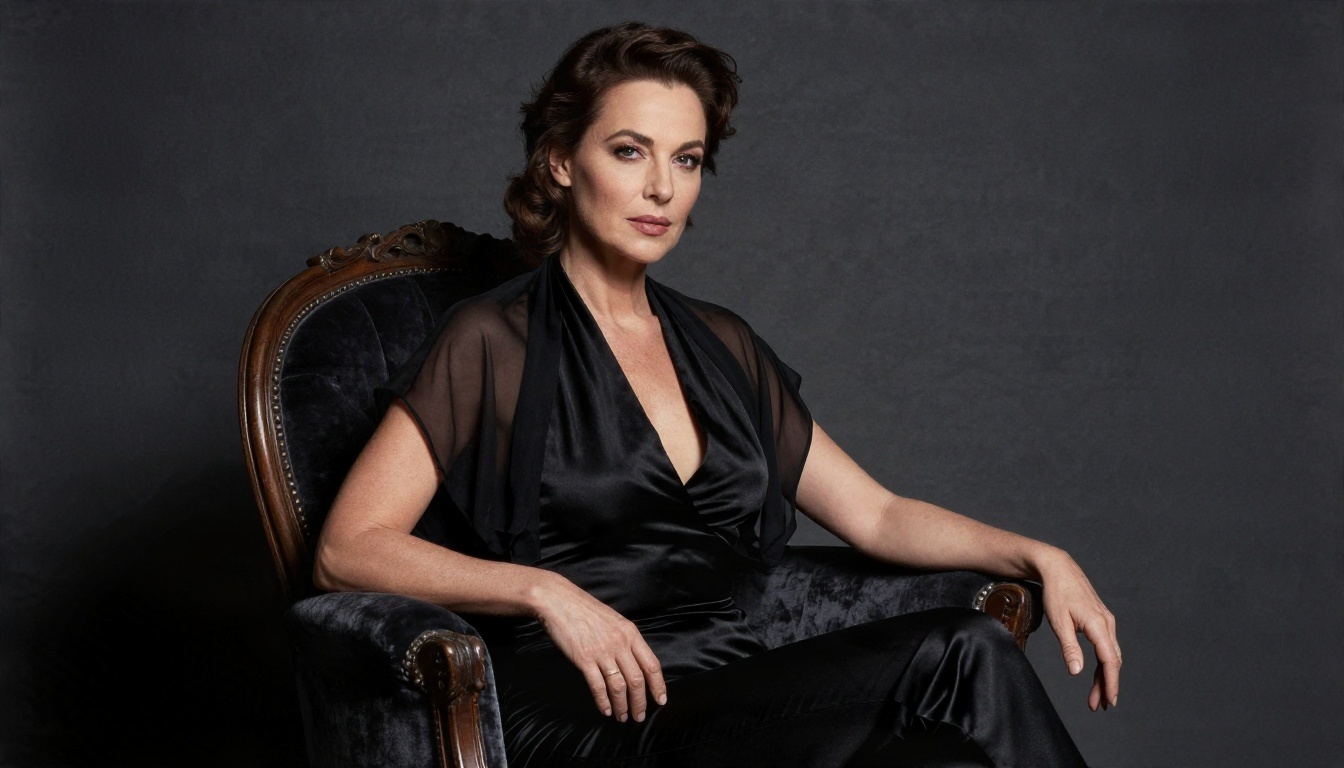
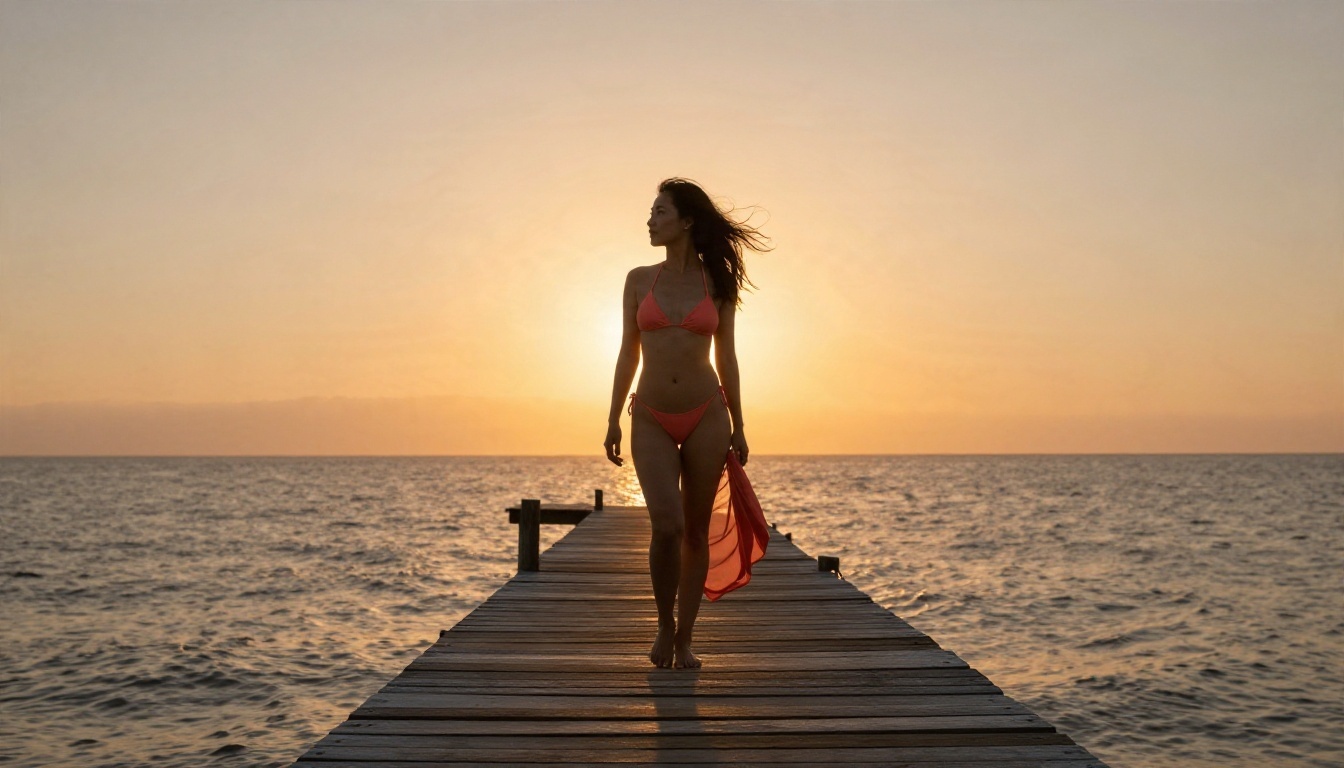
💡 Example prompt: "Adult woman in a coral bikini and sarong on a wooden jetty at sunset, warm backlight, sea mist, 35mm f/2, Kodak Portra 400, raw photograph."
Safety and Rules
Adult art tools come with responsibilities, and good habits protect you as much as anyone else.
Consent and Likeness
Create fictional adults only. Never generate images of a real, identifiable person without their clear permission, and never create anything that suggests a minor. Reputable platforms enforce this, and laws on synthetic adult imagery are tightening in many countries. Check the rules where you live.
Privacy Habits
Use a separate email for sign-ups, read whether your generations are stored or shown publicly, and avoid uploading personal photos to services you do not trust. Choose private generation when a plan offers it, and keep your downloaded files organised in a folder you control.
Make Your First Image Today
You do not need to pay, install anything or sit through a long setup to see what a strong model can do. Open Seedream 4.5 on Picasso IA, paste the sample prompt above, and change one detail at a time: the outfit, the hour of the day, the lens. Then bring your favourite result into Image Editor Pro and keep refining without counting credits.
When you are ready to try other engines, browse the full library at picassoia.com/en/all-models, pick a model, and start experimenting. Your first photorealistic glamour image is a prompt away.


