Most people searching for an NSFW AI chatbot with images want the same thing: a conversation that feels personal, plus a picture that actually matches what was just said. Plenty of apps promise both. Few deliver without a paywall popping up after three messages, a blurred preview, or a filter that kills the mood halfway through a scene.
This article sorts the noise. You'll see how picture chat works behind the screen, what free tiers really give you, where online apps fall short, and how to build a better setup by splitting the chat and the photos across two tools. Everything here stays on the tasteful side: glamour, swimwear, boudoir and editorial style, never explicit content. Every character is an adult, and every example assumes you are 18 or older.
💡 Quick answer: the best results come from pairing a chat model for personality and storytelling with a dedicated image model for the pictures. Apps that bundle both are convenient, but they rarely give you the best of either.
What Is Picture Chat, Really?
Picture chat sounds like one feature, but it is two systems taking turns. One writes the words. The other draws the photo. How well they cooperate decides whether the experience feels magical or clumsy.
Text Model Plus Image Model
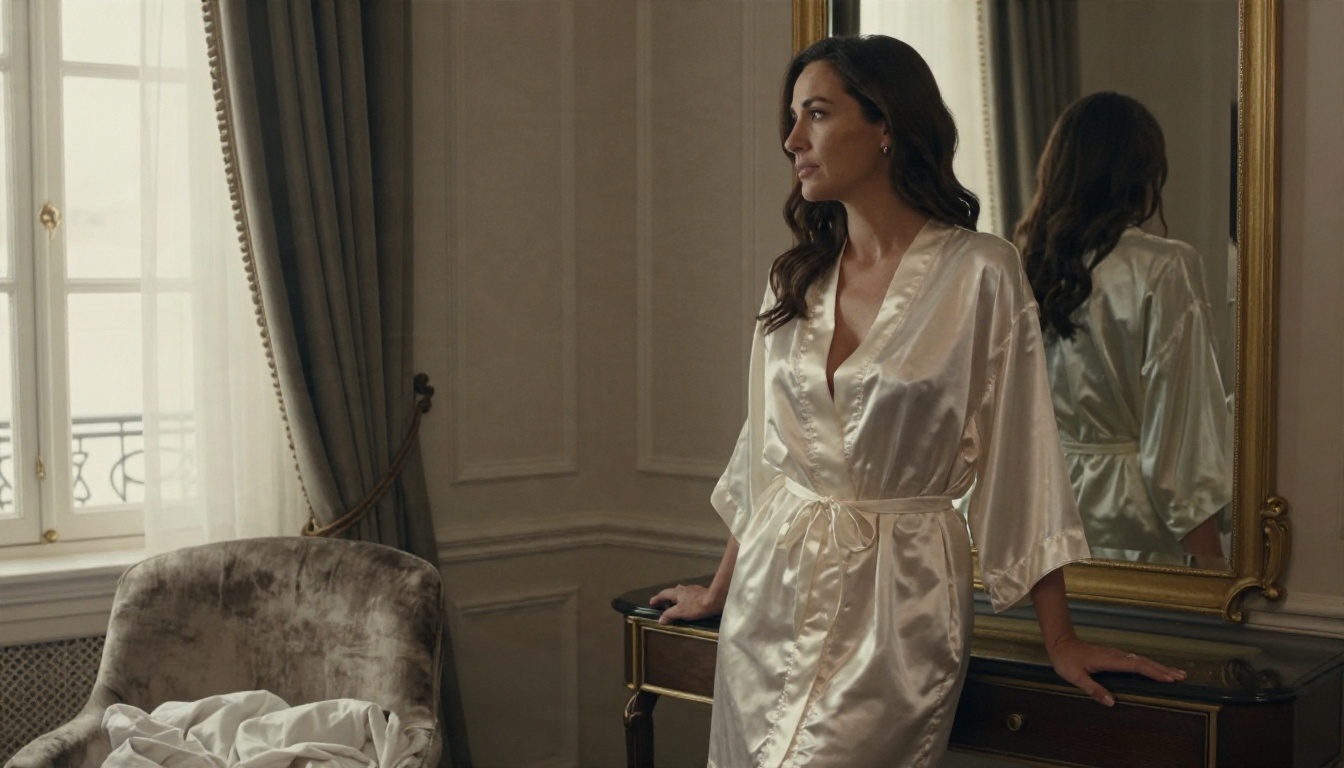
A chat model (a large language model) reads your message, remembers the character profile, and writes a reply in a voice you chose: playful, shy, teasing, confident. When the reply mentions a scene, say a silk robe by a hotel window, the app turns that moment into an image prompt and hands it to a separate image model.
That handoff is where most of the quality is won or lost. A vague prompt gives you a generic stock-photo pose. A precise prompt, with lens, light, wardrobe and setting, gives you something that looks like a magazine shoot.
Why Images Often Miss the Mark
If you have tried a few apps, you have probably noticed the same problems:
- The picture ignores the story. You were on a balcony in the chat, but the photo shows a bedroom.
- Faces drift. The character looks like a different person in every image.
- Anatomy glitches. Hands, jewelry and fabric edges show telltale errors.
- Over-smoothed skin. Cheap image engines give a plastic, airbrushed look.
- Silent filtering. The app swaps your request for something safer without telling you.
Consistency Is the Hard Part
Keeping one character recognizable across dozens of pictures is the hardest job in the category. Good apps store a short written description (hair, eye color, skin tone, signature outfit) and paste it into every image prompt. You can copy that trick manually, and it works with any model. Keep a fixed "character card" of 25 to 40 words and add the scene after it.
Free Picture Chat: What You Get
"Free" covers a wide range. Some free tiers are genuinely useful. Others are a demo with a countdown timer.
Typical Free Tier Limits
Free plans in this category tend to follow a few familiar patterns. Check the details on each app's own pricing page, because they change often.
| Limit | What it looks like | Impact on you |
|---|
| Daily message cap | A fixed number of replies per day | Stories stall mid scene |
| Image credits | A handful of pictures, then a top-up prompt | Photos become the scarce part |
| Watermarks | A logo stamped on each image | Hard to reuse the pictures |
| Low resolution | Small previews, HD behind a paywall | Faces look soft when zoomed |
| Queue times | Free users wait behind paying users | Slow back and forth |
| Blurred previews | Image visible only after upgrading | Frustrating for casual users |
Hidden Costs of "Free"
Money is only one cost. Free apps often pay their bills with your data: chat logs used for training, ads, or email lists. Some lock your character behind an account that disappears if you stop paying. Read the privacy section before you invest hours building a persona you cannot export.
When Free Is Enough
A free tier is plenty if you want to test the idea, try a few personalities, or generate a couple of pictures a week. Once you want consistent characters, higher resolution or dozens of images per session, the math flips. At that point a pay-as-you-go or unlimited image tool usually beats a monthly chat subscription with tight image credits.
Online Apps vs. a DIY Setup
You have two routes. Pick based on how much control you want.

Ready-Made Companion Apps
Companion and roleplay apps bundle a chat model, a character library and image generation in one window. Their strengths are speed and convenience: pick a character, type a message, get a reply and a picture. Their weaknesses are the ones listed above: credit systems, filters you cannot tune, and image quality you cannot upgrade.
Build Your Own Setup
A DIY setup separates the jobs. You write the story with one tool and create the pictures with another, using a short character card to keep the look consistent. It takes a few minutes longer per image, but you control the model, the style, the resolution and the cost.
| Factor | Bundled app | DIY with separate tools |
|---|
| Setup time | Under 2 minutes | 10 to 15 minutes once |
| Image quality | Fixed by the app | You choose the model |
| Consistency | Varies by app | Controlled by your character card |
| Cost control | Subscription and credits | Pay for what you use |
| Privacy | Chat stored by the app | You decide what to share |
| Flexibility | Limited filters | Wide range of styles |
💡 Rule of thumb: if the pictures matter more than the chat, put your effort into the image model. A great photo carries a mediocre reply. A great reply cannot rescue a bad photo.
Best Image Models for Chat Pictures
If you go the DIY route, the image model is the single biggest upgrade you can make. These are the ones worth trying on PicassoIA, in the order I would test them for adult glamour and swimwear photography.
Seedream 4.5 First
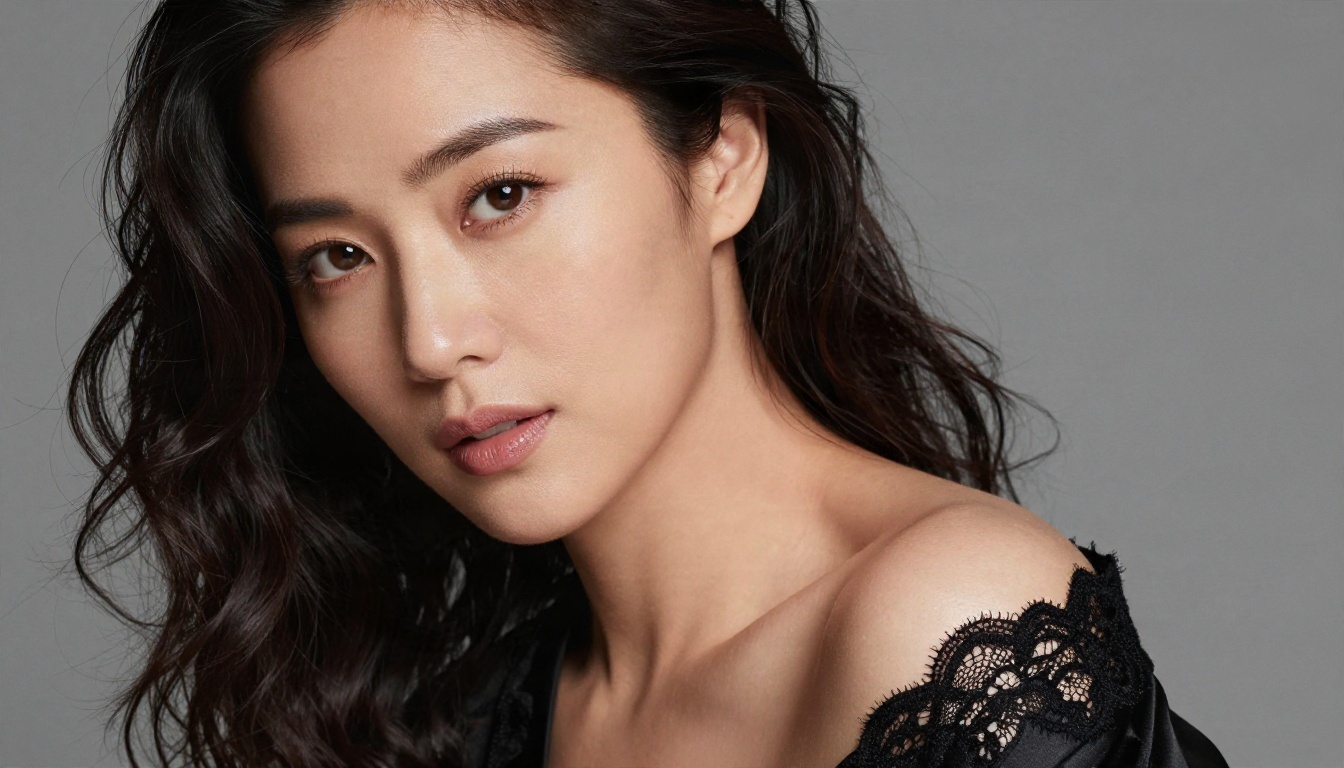
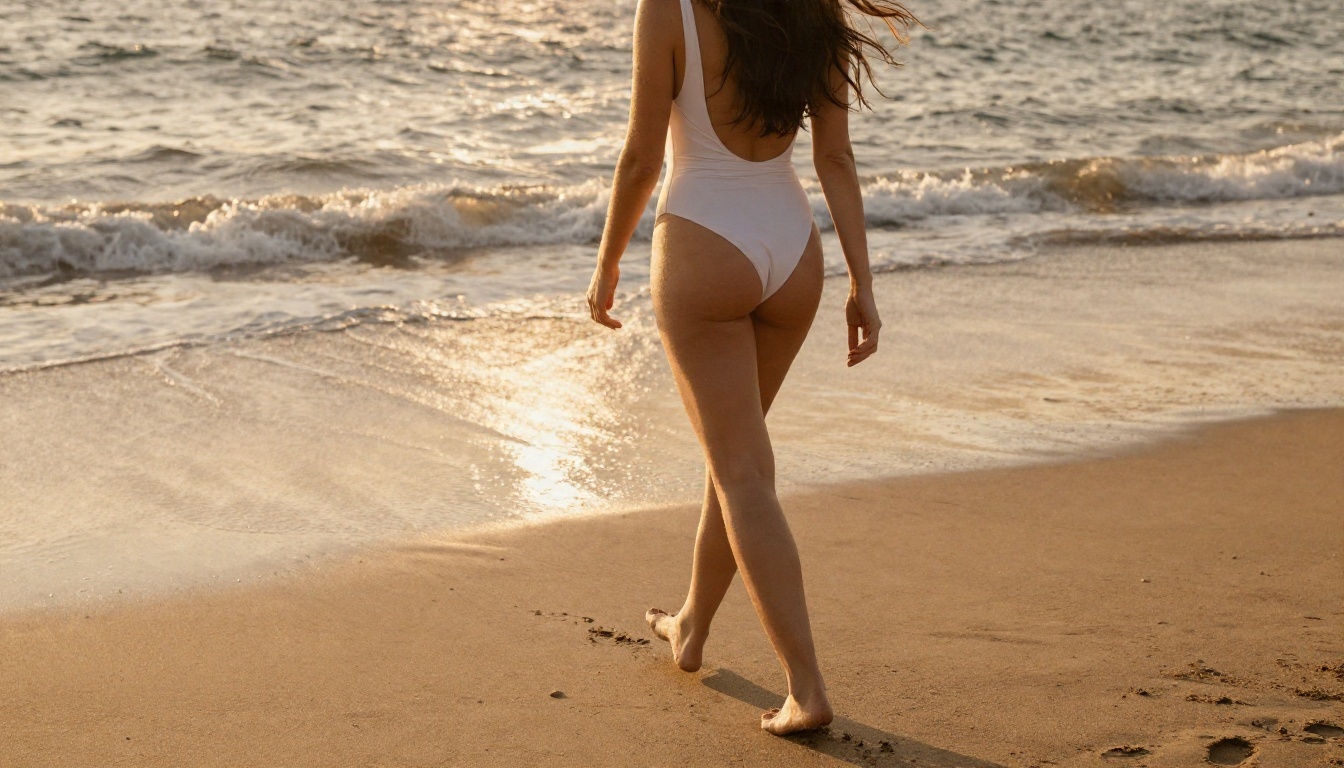
Seedream 4.5 is where I would start. It produces sharp, photorealistic images with natural skin texture, believable fabric and clean lighting, and it handles tasteful adult themes such as lingerie style fashion, swimwear and boudoir portraits without constantly refusing the request. It also renders quickly, so you can iterate on a scene in the time it takes to read a reply.
Use it for the "hero" picture in a conversation: the moment you want to look like a real photo shoot.
Image Editor Pro for Unlimited Runs
PicassoIA Image Editor Pro is the workhorse. It offers unlimited generations and uncensored creative freedom within non-explicit boundaries, which removes the biggest annoyance of free chat apps: the credit counter. You can generate, edit and regenerate until a pose, outfit or location is exactly right, then restyle the same picture instead of starting from scratch.
Other Models Worth Having
Different models have different personalities. Keep a few in your toolkit:
For the full catalog, browse picassoia.com/en/all-models.
Write Better Image Prompts
The prompt is the bridge between chat and picture. Spend thirty seconds on it and the result looks like a different tool.
A Simple Prompt Formula
Use this order every time:
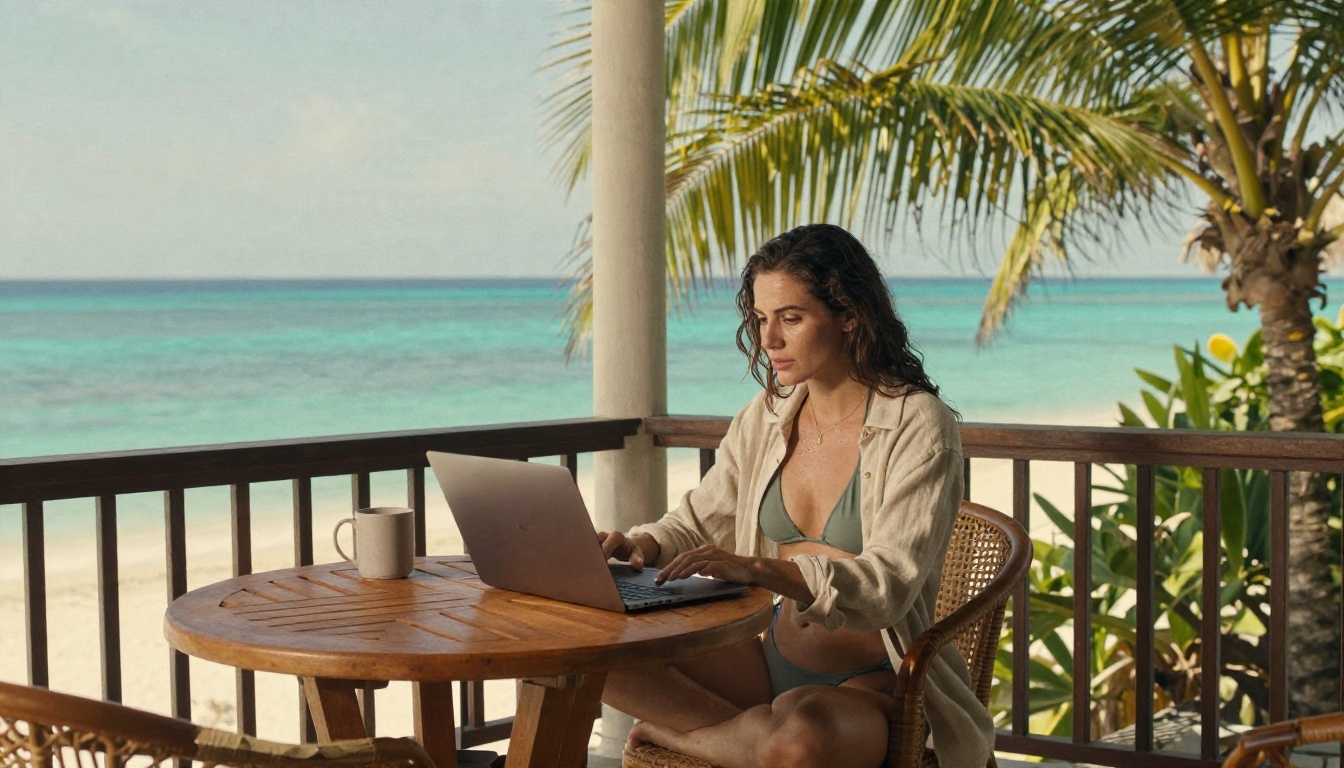
- Subject and pose: "adult woman in her late twenties, chestnut waves, leaning on a balcony rail"
- Wardrobe: "sage green bikini with an open linen shirt"
- Setting: "villa terrace, turquoise sea, palm fronds"
- Light: "warm low sun from the left, soft shadows"
- Camera: "85mm f/1.8, shallow depth of field, Kodak Portra 400 film grain"
- Texture: "natural skin pores, fabric weave, salt on the skin"
The camera and light lines matter most. They tell the model you want a photograph, not a glossy render. Words like "natural skin texture" and "film grain" cut the plastic look almost immediately.
💡 Tip: always say "adult" and give an age range in the prompt. It keeps the output clearly in adult territory and gives the model a more consistent face and body type.
Use an LLM as Your Prompt Writer
Chat models are excellent at expanding a short idea into a detailed prompt. Paste your scene and character card into a model such as GPT 5.6 Luna or Gemini 3.5 Flash and ask for a 60 word photography prompt with lens, light and texture details. Claude Sonnet 5 is another solid choice when you want a longer, more descriptive scene.
Mainstream language models keep their own content rules, so use them for personas, scene setting, flirty banter at a tasteful level and prompt writing. Then send the finished prompt to the image model. That split is the whole idea of a DIY picture chat.
Here is a sample request you can paste into any of them:
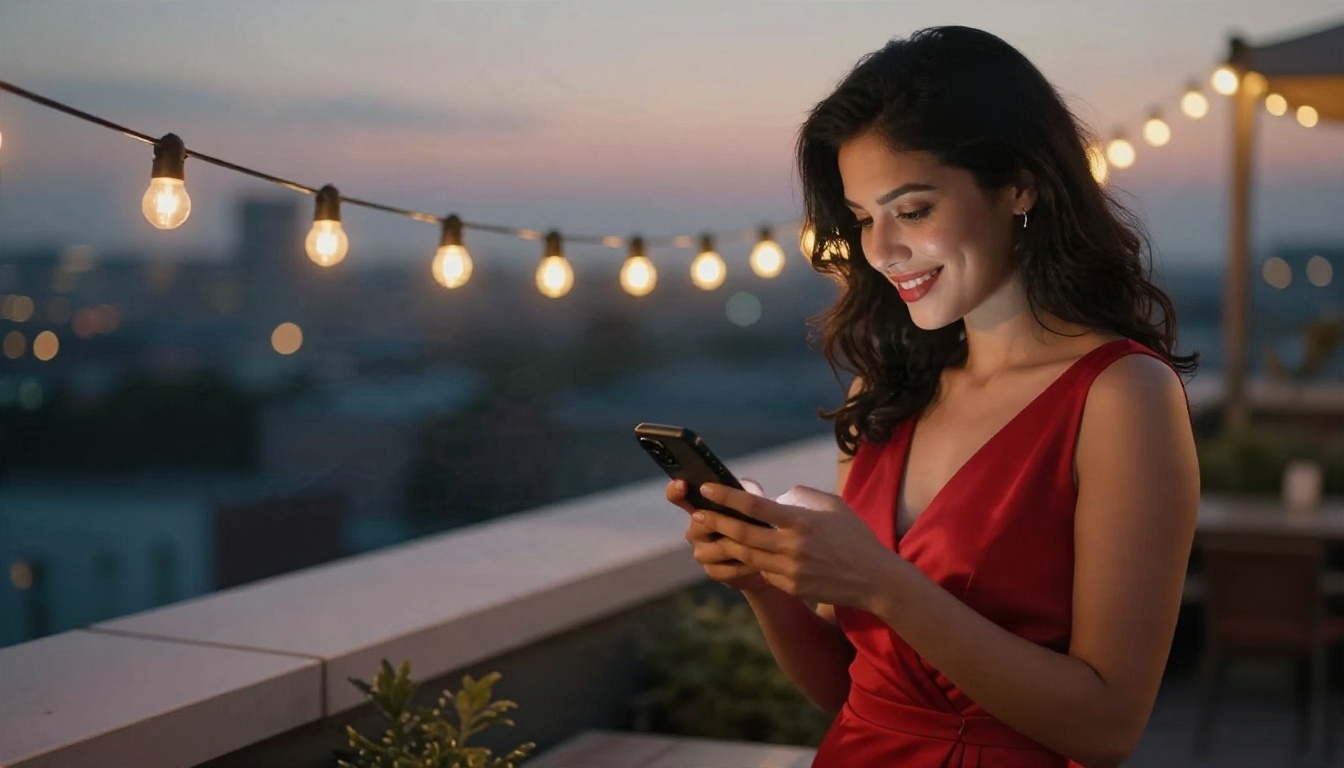
"Write a 60 word photography prompt for an adult woman in a red evening dress on a rooftop at dusk. Include lens, lighting direction, skin and fabric texture, and film stock. No text in the image."
Common Mistakes
- Stacking too many outfits or poses in one prompt. Pick one.
- Skipping the lighting line. Flat light makes everything look generic.
- Changing the character card between images. Copy and paste it unchanged.
- Asking for text in the picture. Image models still stumble on lettering.
- Rushing the first result. Generate four, pick one, then refine.
Privacy and Safety Checks
Adult content tools deserve a little more care than a recipe chatbot. A short checklist saves a lot of regret.
Age and Consent
Stick to fictional adult characters only. Do not recreate real people, coworkers, exes or celebrities, and never use a real person's photo without their clear permission. Reputable platforms block anything involving minors and so should you. If an app has no age check at all, treat that as a red flag.
Data and Account Safety
- Read the privacy policy for how chats and images are stored and whether they feed model training.
- Use a separate email and a strong unique password.
- Avoid sharing real names, addresses, workplaces or photos in a chat.
- Check for deletion options. You should be able to erase conversations and images.
- Watch payment pages. Pay only through trusted checkout screens and review recurring charges.
A Simple Workflow You Can Copy
Here is a repeatable loop that takes about two minutes per picture once it is set up.
- Write a character card. Thirty words: age range, hair, eyes, skin tone, signature style.
- Chat with a language model. Use GPT 5.6 Luna or Gemini 3.5 Flash to build the scene and story at a tasteful level.
- Ask for an image prompt. Request lens, lighting, wardrobe and texture details.
- Generate with Seedream 4.5. Create two to four versions and pick the strongest.
- Refine in PicassoIA Image Editor Pro. Adjust outfit, background or mood without limits on how many times you try.
- Save the winning prompt. Reuse the same character card next time to keep the look consistent.
| Step | Tool type | Typical time |
|---|
| Character card | Notes app | 3 minutes, once |
| Story and prompt | Chat model | 20 to 30 seconds |
| First images | Seedream 4.5 | A few seconds each |
| Refinement | Image Editor Pro | 1 to 2 minutes |
💡 Speed tip: use Z Image Turbo for quick draft previews, then switch to Seedream 4.5 for the final version once the composition looks right.
Try It Yourself Today
An NSFW AI chatbot with images does not have to mean a stack of credits, blurred previews and filters you cannot control. Split the work, use a strong language model for the story, and let a dedicated image model handle the photography. You get sharper pictures, steadier characters and a lot more freedom.
Open PicassoIA, start with Seedream 4.5 for your first glamour shot, then move to PicassoIA Image Editor Pro when you want unlimited tries. Write your character card, paste a prompt, and see how far a good photo can take a story. When you want more options, browse every model at picassoia.com/en/all-models.


