Type "NFSW AI generator" into a search bar (yes, the typo is more common than you would think) and you land in a mess of sketchy sites, fake "free" trials and tools that blur every second result. The reality is simpler. A handful of models can produce glamour, swimwear, boudoir and artistic suggestive photos that look like real photography, and a few of them cost nothing or close to it. What decides your results is not the tool alone. It is the prompt, the model you pick, and knowing where the limits sit before you burn through credits.
This article walks through what these generators can and cannot do, which free options are worth your time, the exact prompt structure that produces believable skin and lighting, real examples with the thinking behind them, and the limits nobody mentions on landing pages. Everything here stays on the non-explicit side: suggestive, attractive, editorial. Adults only, always.
What an NSFW AI Generator Does
Suggestive is not explicit
"NSFW" covers a huge range. At one end you have a bikini shot on a beach. At the other end is pornographic material. Most people searching for an NSFW AI generator want something in the middle: bikinis, lingerie, boudoir portraits, sensual beauty shots, glamour editorials. That is the territory where AI image models are strongest and where the results look best, because the model has seen millions of fashion and swimwear photographs.
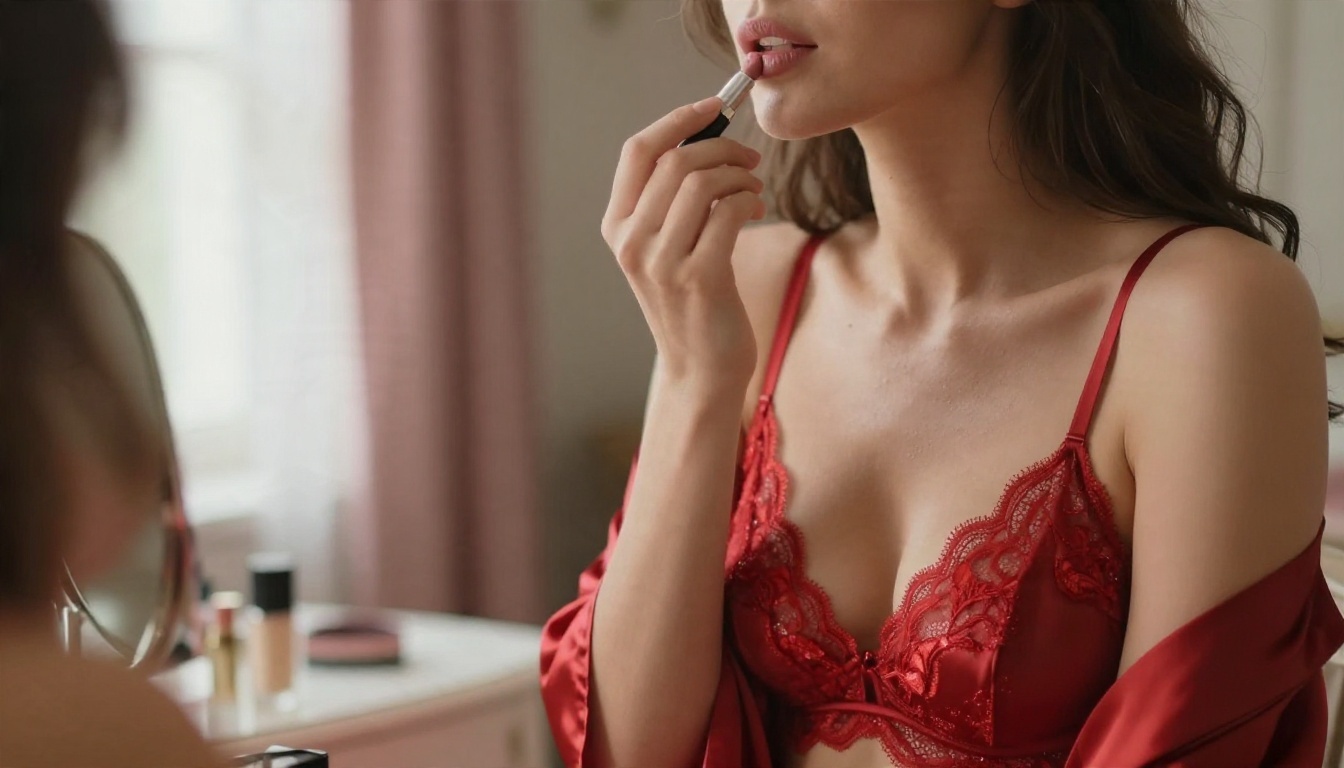
A good rule: if the shot would fit in a swimwear catalog or a perfume advert, a capable model will usually produce it. If a prompt pushes toward explicit acts, hosted models either refuse or return a blurred placeholder. That is a limit of the category, not a bug.
Who actually uses these tools
The audience is wider than you might assume:
- Content creators building original glamour or swimwear imagery without a studio budget
- Illustrators and art directors drafting mood boards for boudoir and fashion shoots
- Photographers testing poses and light setups before booking a model
- Writers and game designers who need adult-oriented character references
- Hobbyists who simply enjoy the craft of prompting
💡 Tip: Treat the generator like a photographer you are briefing. The more specific your brief about wardrobe, light and lens, the less random the output.
Free Options That Actually Work
"Free" comes in three flavors: truly unlimited, limited by daily credits, and limited by watermarks or slow queues. Here is how the best options compare for suggestive, photorealistic work.
| Option | Best for | Cost model | Realism | Filter strictness |
|---|
| Seedream 4.5 | Glamour and swimwear, high detail | Free to try, credits for volume | Excellent skin and fabric | Relaxed for non-explicit adult content |
| PicassoIA Image Editor Pro | Editing, outfit and scene changes | Unlimited generations | Very good | Relaxed for non-explicit adult content |
| Z Image Turbo | Fast drafts | Low cost per image | Good | Moderate |
| Flux 2 Klein 9B Base LoRA | Styled looks with LoRA control | Low cost per image | Good to very good | Moderate |
| Flux Schnell | Speed and iteration | Very low cost | Decent | Moderate |
Seedream 4.5 comes first
Seedream 4.5 is the model I reach for first when the brief is a glamour or swimwear photograph. It handles skin texture, satin and lace sheen, wet hair and sunlit fabric better than most of its peers, and it follows long prompts without dropping details. It also produces images up to 4K, which matters when you plan to crop or print.
Where it stands out for this topic: it respects wardrobe descriptions (a "black satin two-piece with thin straps" actually comes out as that), and it keeps faces consistent with the lighting you describe. It is also far less jumpy with suggestive-but-tasteful prompts than the heavily filtered mainstream tools.
Image Editor Pro for unlimited edits
PicassoIA Image Editor Pro solves a different problem. You already have an image you like and you want to change the outfit, the background, the light or the mood without starting over. Because generations are unlimited, you can iterate ten, twenty, fifty times on a single shot until the pose and fabric look right. That is the real value for anyone doing volume work: no counting credits on each tweak.
A practical workflow: generate the base image in Seedream 4.5, then bring it into Image Editor Pro to adjust the swimsuit color, swap the setting, or soften the lighting.
Fast models for rough drafts
Speed models are underrated. Z Image Turbo and Flux Schnell return images in seconds, which makes them ideal for testing prompts. Run ten variations on a fast model, pick the composition that works, then send the winning prompt to Seedream 4.5 for the final version. If you want a consistent look across a series, Flux 2 Klein 9B Base LoRA lets you apply a LoRA style on top of the base model.
For general-purpose editing and generation, Nano Banana Pro is strong too, but expect stricter handling of suggestive prompts than the models above.
Prompts That Produce Real Photos
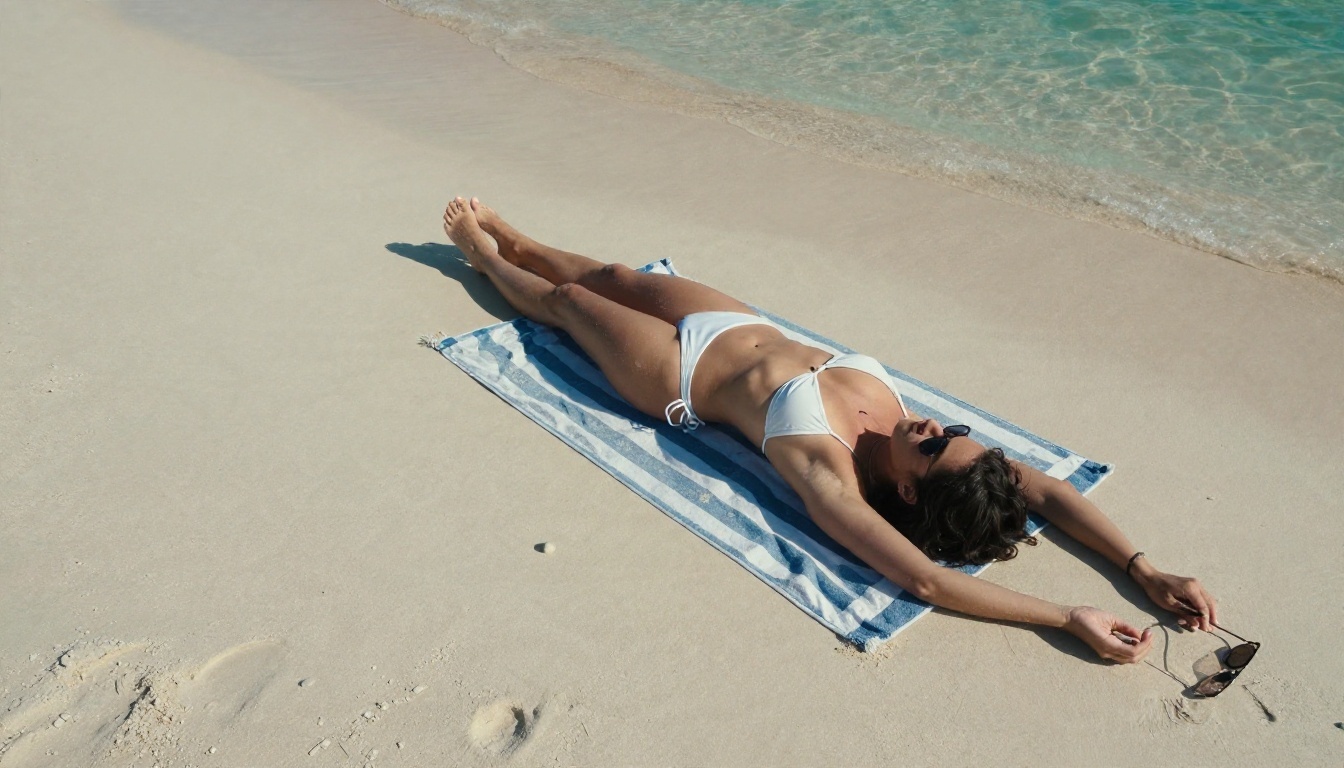
The five-part formula
Every strong prompt I have written for glamour work follows the same order:
- Subject and pose: who, doing what, with what expression
- Wardrobe: fabric, color, cut
- Environment: location, props, background depth
- Lighting: direction, time of day, quality (soft, hard, rim, window)
- Camera: lens, aperture, angle, film stock
Here is a full example: "A woman in her late twenties lounging on a white linen daybed, black satin two-piece swimsuit, loose silk robe slipping off one shoulder, villa terrace with olive trees, golden hour sun from the left, 85mm f/1.8, shallow depth of field, Kodak Portra 400 grain, visible skin pores."
The cover image of this article came from a longer version of exactly that structure.
Wardrobe and mood words
Fabric words carry more weight than people expect. Compare these:
| Weak | Strong |
|---|
| "sexy outfit" | "red lace bralette with a silk robe" |
| "bikini" | "white string bikini, wet fabric, sun-faded straps" |
| "dress" | "black satin slip dress with thin straps" |
| "pretty light" | "soft window light from the right, warm bounce from white sheets" |
Mood words that work well: candid, editorial, intimate, sun-warmed, relaxed, confident, glossy, unretouched. Words that tend to backfire: perfect, flawless, ultra HD, masterpiece. Those push models toward plastic, over-smoothed skin.
Lighting and lens choices
Light is where AI photos either look real or look fake. Specify a direction and a source: "late morning sun from the left," "tungsten lamp glow mixed with blue dusk," "soft beauty dish front-left with a reflector below." Then add a lens. An 85mm f/1.8 gives portrait compression and creamy backgrounds. A 35mm f/2 gives an environmental, candid feel. A 24mm from above works for beach and pool scenes.
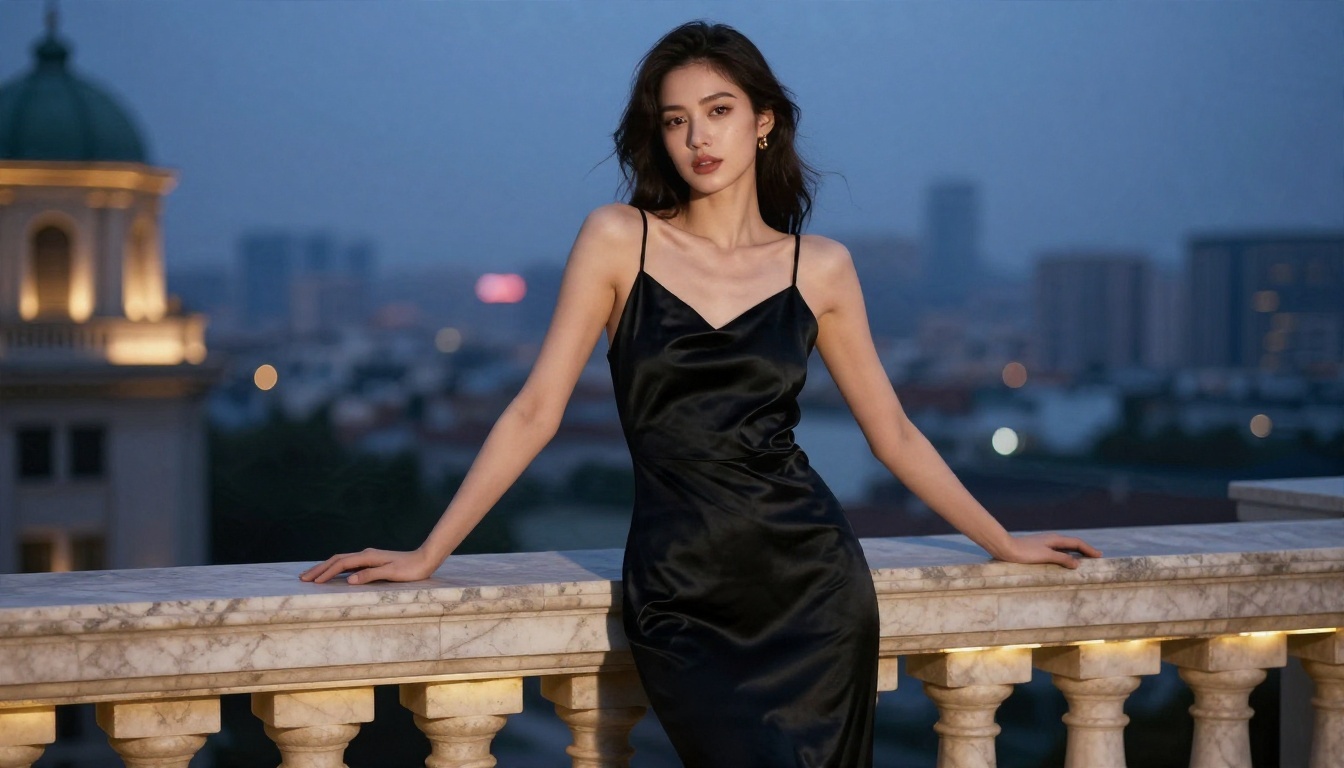
💡 Tip: Add "fine natural film grain, Kodak Portra 400" at the end of nearly every prompt. It pulls the image toward analog photography and away from the glossy AI look.
Examples With the Thinking Behind Them
Morning light, soft and intimate
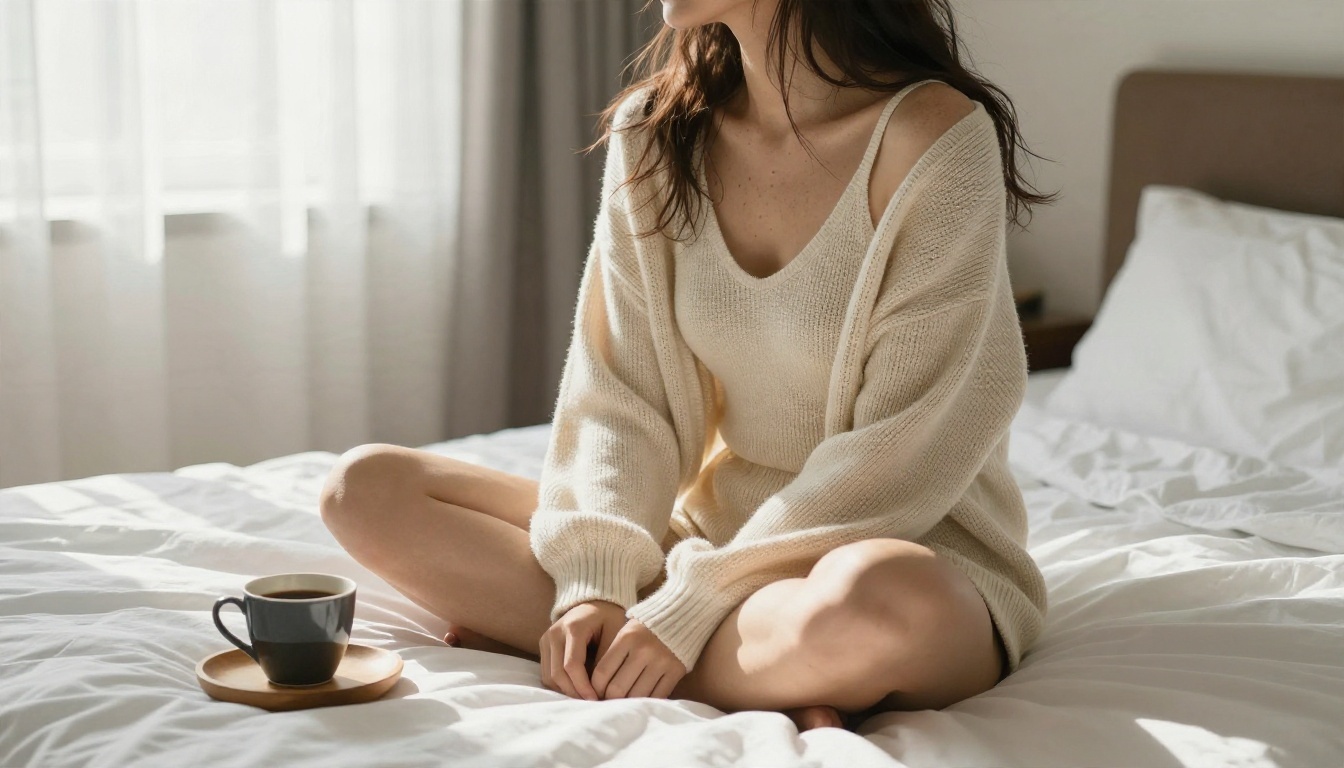
This shot works because of the diagonal shadows from sheer curtains and the loose, rumpled bedding. The prompt asked for a cream knit bodysuit under an open oversized shirt, a coffee tray, and a 35mm lens. Nothing about it is explicit, yet it reads as intimate. The lesson: props and context (a coffee cup, tousled hair) sell realism more than any single adjective.
Resort pool at sunrise
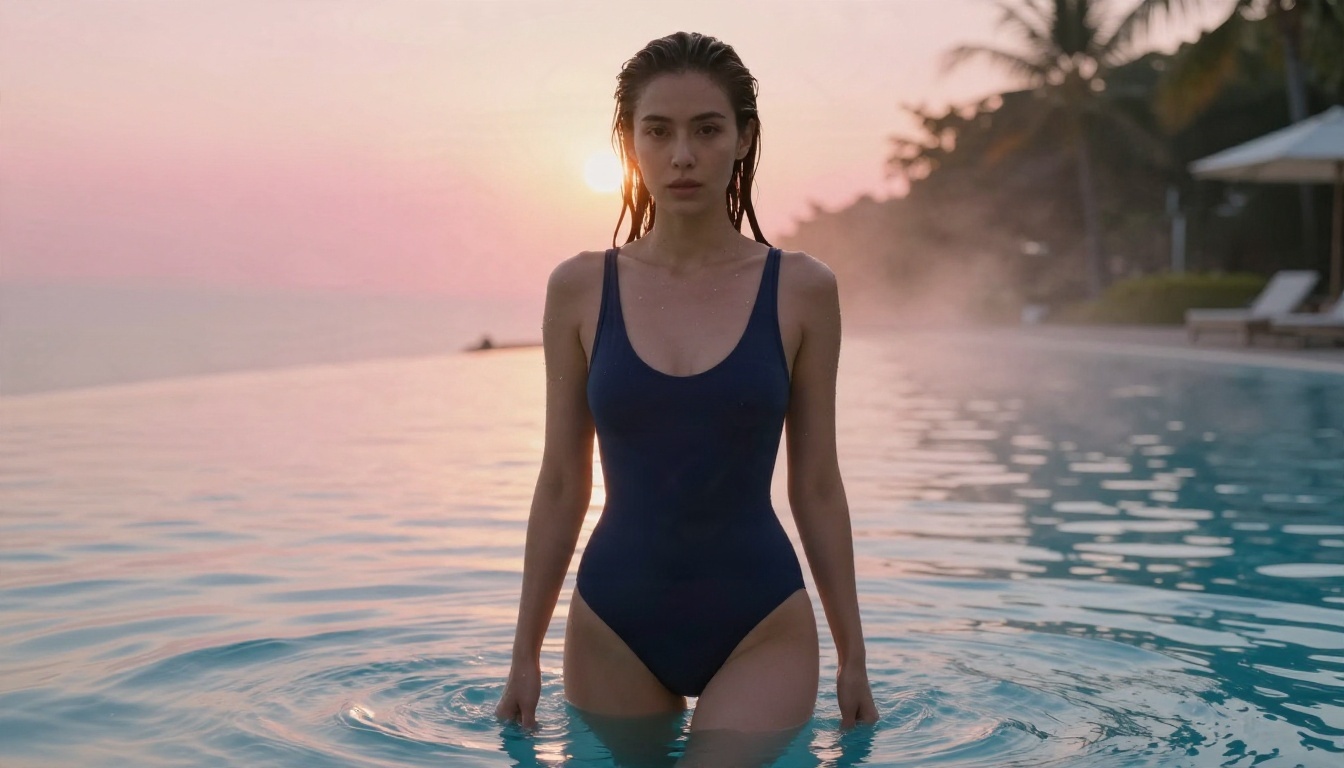
For the infinity pool shot, the trick was rim light from behind plus mist on the water. A low angle makes the figure look taller and more editorial. The navy one-piece keeps the image classy, and the water droplets on skin give the model something concrete to render.
Beauty portrait, tight crop
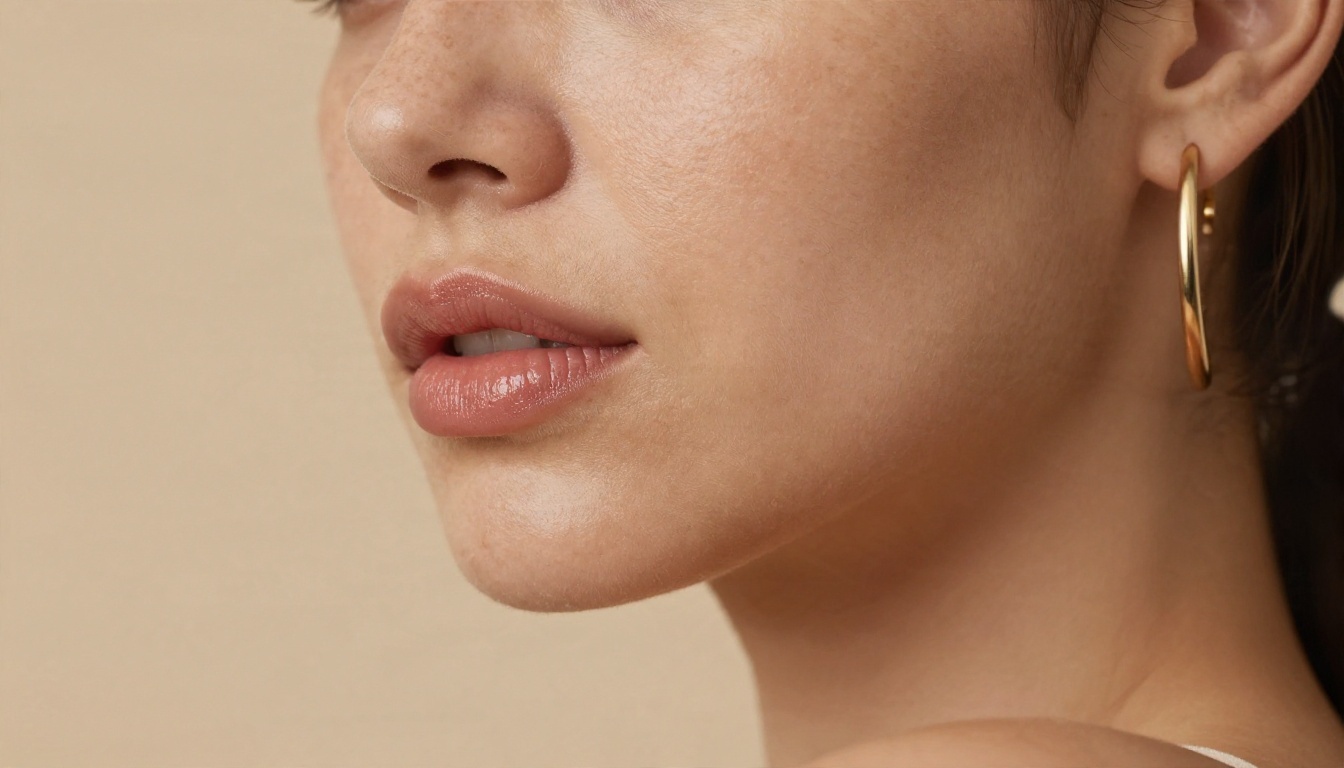
Close crops are the safest way to show off skin realism. A 105mm lens, a beauty dish and a plain warm backdrop leave the model nothing to mess up except the face. Ask for freckles, pores and peach fuzz and you will get texture instead of airbrushing.
Lingerie in a rustic bedroom
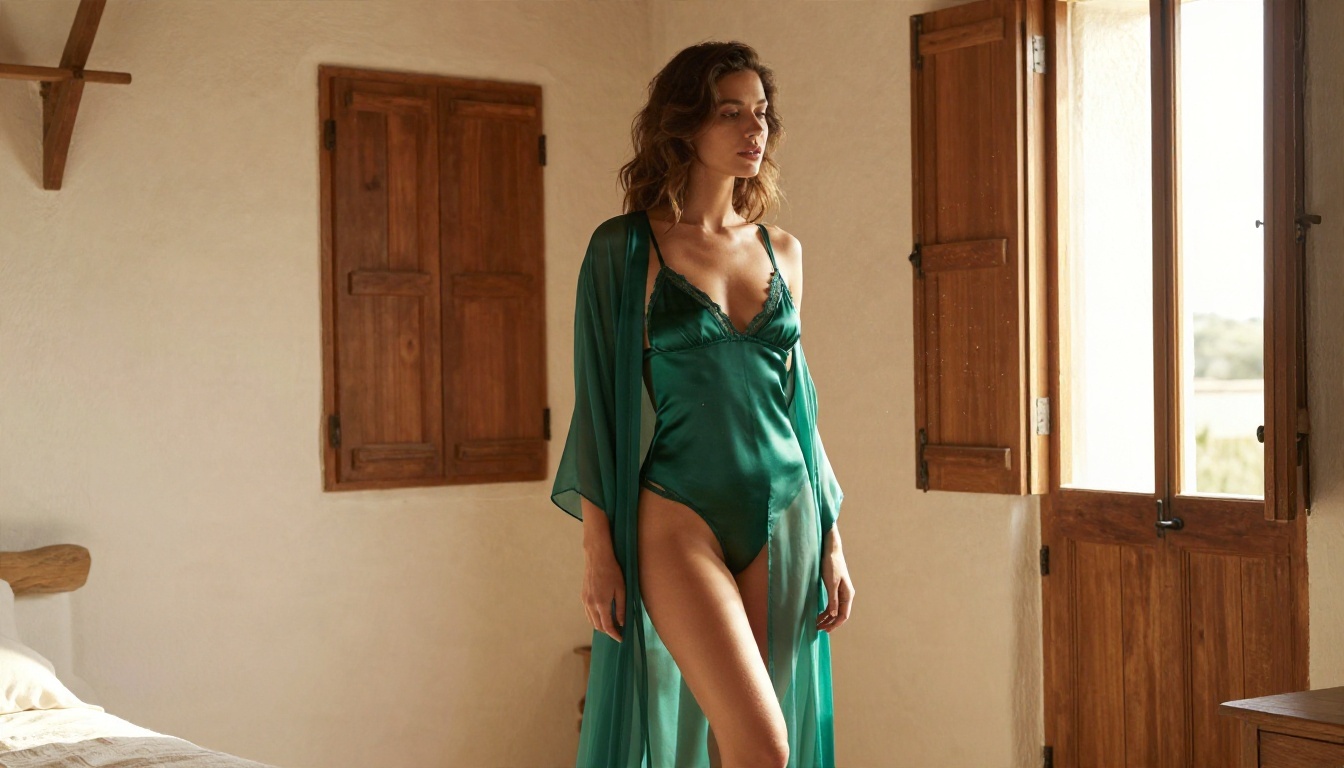
Artistic boudoir photography leans on atmosphere: whitewashed walls, open wooden shutters, dust motes in a sunbeam, linen sheets. The emerald silk set and sheer kimono give color against the neutral background. The prompt describes the room as carefully as the subject, which is why the image feels like a real location shoot.
Candid summer energy
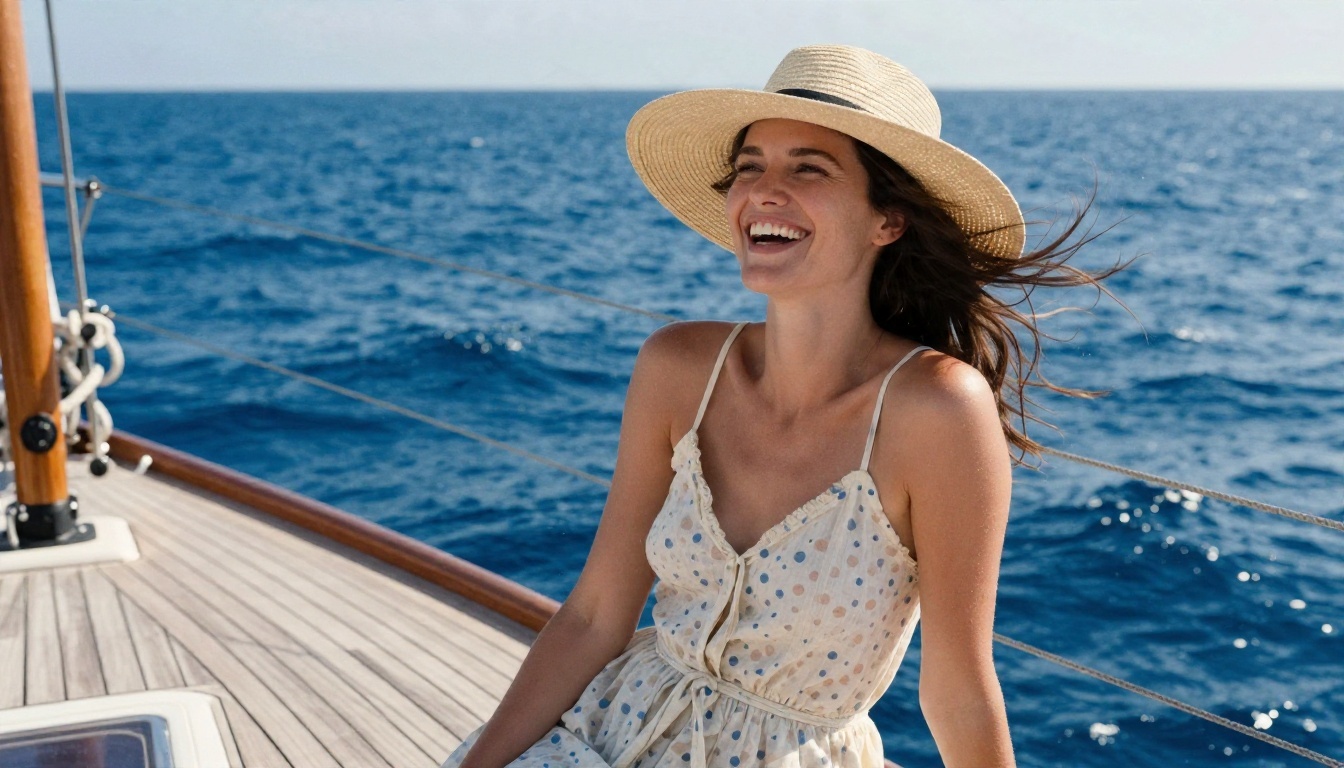
Not every NSFW-adjacent image needs to be posed. A backlit, windblown, laughing shot on a sailboat deck feels alive. Candid framing, a slight tilt and bright backlight give the picture movement. This one is also a reminder that a softer wardrobe prompt can be the better creative choice: one version of this scene with a skimpier outfit was blocked by a filter, and the summer dress version came out more natural anyway.
Limits You Will Hit
Filters and blocked prompts
Every hosted model has some form of moderation. Stricter tools block anything with swimwear plus a suggestive pose. Looser tools allow glamour and boudoir but refuse explicit content. When a prompt is blocked, you usually get an error or a blank image and still spend the credit on some platforms.
What helps:
- Describe the photograph, not the act. "Lounging on a daybed" beats anything suggestive in the verb.
- Be specific about wardrobe and setting so the model has non-ambiguous material to render.
- If a prompt is blocked, rewrite the wardrobe slightly rather than stacking more adjectives.
Hands, anatomy and consistency
Even the best models slip on fingers, jewelry, and overlapping limbs. Poses where hands rest on thighs or hold a glass are fine. Complicated poses with crossed arms and legs often glitch. Two safeguards: generate four to eight variations and keep the clean one, and use Image Editor Pro to fix a single flawed region instead of regenerating the whole picture.
Keeping the same face across multiple images is harder. A LoRA through Flux 2 Klein 9B Base LoRA or an edit-based workflow gives better consistency than prompting alone.
Free tier caps
Free access almost always has a catch. Watch for:
| Limit | What it means |
|---|
| Daily credit cap | A few images per day, then a wait |
| Watermarks | Output is branded until you upgrade |
| Resolution caps | Free images capped at 1024px or below |
| Queue priority | Free users wait longer at busy hours |
| Commercial use | Often restricted on free plans |
This is why unlimited generation in an editor matters. You can try fifty variations without counting.
How to Use Seedream 4.5 Step by Step
Here is the workflow I use when a shot has to look right.
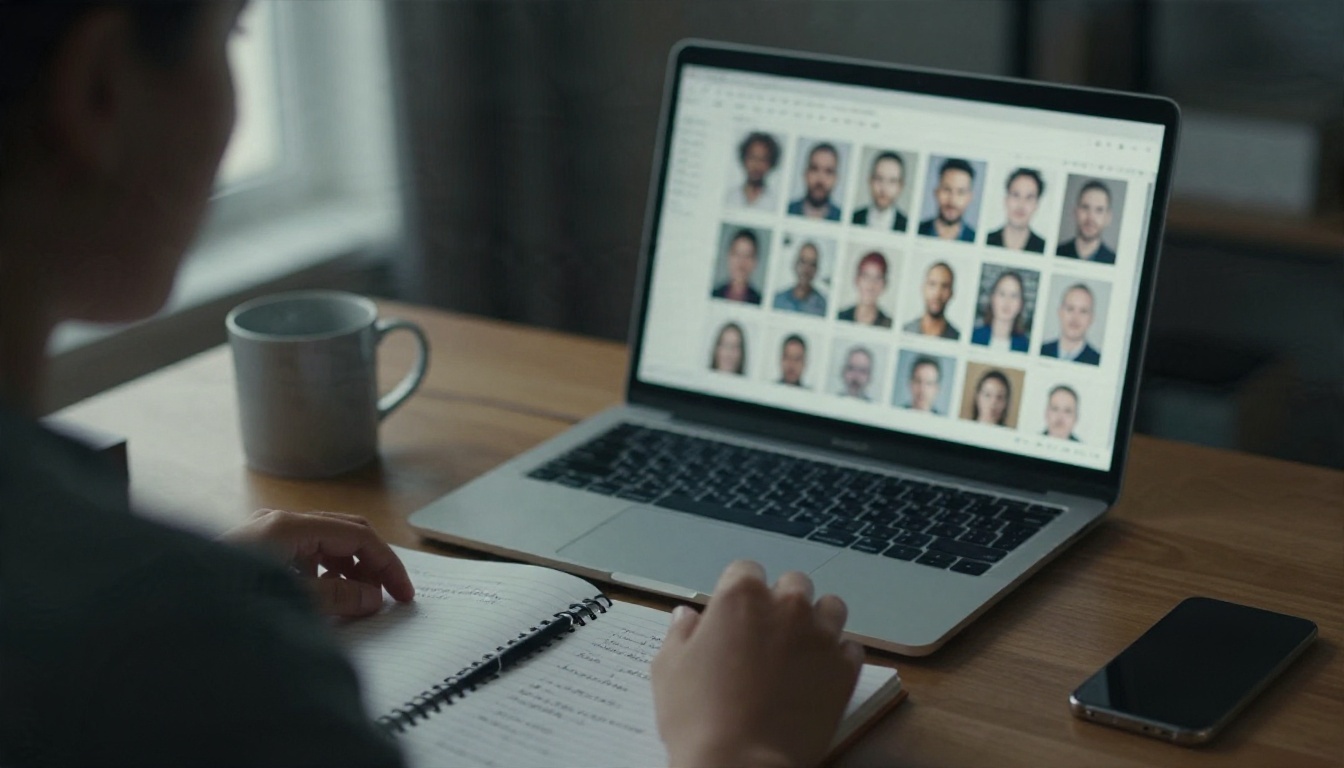
- Open the model page. Go to Seedream 4.5 on PicassoIA.
- Write the prompt in five parts. Subject, wardrobe, environment, lighting, camera. Keep it between 60 and 150 words.
- Set the aspect ratio. Use 16:9 for banners and scenic shots, 3:4 or 2:3 for portraits.
- Choose the resolution. Draft at a lower size, then rerun the winner at the highest setting.
- Generate several variations. Four is a good number. Compare hands, jewelry and fabric edges.
- Refine in the editor. Send the best image to Image Editor Pro to change color, background or small flaws.
💡 Parameter tips: Keep "photorealistic, natural lighting, fine film grain" in the prompt and avoid stacking quality words like "8K masterpiece ultra detailed." One or two grounded photographic terms work better than ten generic ones.
Safety Rules Worth Following
A few lines that are not negotiable:
- Adults only. Every subject must clearly be an adult. Never prompt for anything suggesting a minor.
- No real people. Do not use a real person's name or likeness, and do not upload someone's photo to change it without consent.
- Label AI images. If you publish, say they are AI generated.
- Check platform rules. Social networks have their own limits on suggestive content, even when it is allowed by the generator.
- Keep it non-explicit. Hosted tools enforce this anyway, and tasteful work performs better with wider audiences.
Make Your Own Images Today
You now have what you need: a short list of tools that work, a prompt formula that produces believable skin, light and fabric, and a realistic picture of the limits. Start with Seedream 4.5 for the first draft, polish it in PicassoIA Image Editor Pro where generations are unlimited, and use Z Image Turbo or Flux Schnell when you want quick tests.
Pick one scene from the examples above, copy the structure, change the wardrobe and location, and see what comes out. Then keep going: swap the light, change the lens, adjust the mood. That loop of small changes is where good results come from. Ready to try? Open Picasso IA, run your first prompt, and browse every available model at picassoia.com/en/all-models.


