You found a model you like, you wrote a script, and then the first response came back blocked. That is the everyday reality of an NSFW AI image generator API. Mainstream providers filter adult prompts at the gate, the few that allow them bill in ways that are hard to predict, and rate limits show up exactly when your project starts to work. This article lays out what these APIs cost, where the limits bite, what the output looks like, and which alternatives let you generate suggestive, glamour-style photos today without a billing surprise.
Everything below stays non-explicit: boudoir, swimwear, lingerie-style fashion and editorial glamour. That is also the safest zone for any production app.
What an NSFW Image API Does
An image generation API takes a text prompt (sometimes plus a reference photo) and returns an image file or a URL. An NSFW-capable one simply does not reject prompts that mention swimwear, lingerie, nudity-adjacent styling or sensual mood.
How the Request Flow Works
The typical flow is short:
- Your server sends a POST request with a prompt, size, seed and sometimes a model name.
- The provider queues the job, runs inference on a GPU, and runs a safety classifier on the result.
- You get back a hosted image URL, a base64 string, or a job ID you poll until it finishes.
Step 2 is where NSFW support lives or dies. Some providers filter the prompt, some filter the output, and some do both. A provider that filters only the prompt can still return a blank or blurred image if its output classifier disagrees with you.
Why Most Big APIs Refuse
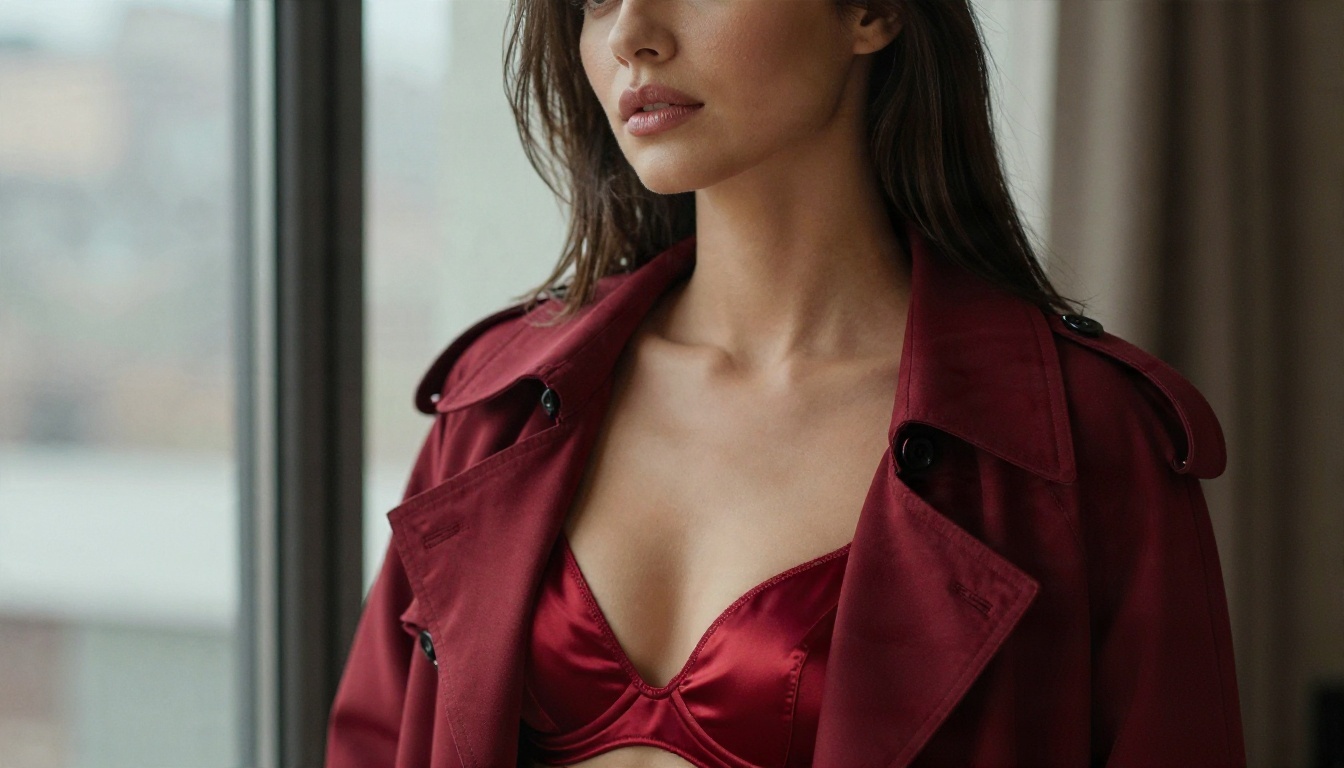
Large vendors carry legal and brand risk, so their usage policies generally prohibit sexual content. Even borderline prompts such as "woman in a bikini on a beach" can trigger false positives on strict classifiers. If you are building anything in the adult or glamour space, you will spend real time looking at refusal messages before you spend any money.
💡 Tip: Log every refusal with the prompt and the response code. After a week you will see which wording passes and which fails, and you can choose a provider on evidence instead of hope.
The Real Cost of Per-Image Billing
Prices in this market move fast and differ between vendors, so treat any number you read as a snapshot. The research I ran for this article turned up conflicting figures across low-quality price roundups, which is a good reason to check each provider's current pricing page before you commit. What stays stable is the structure of the bill.
Pricing Models You Will Meet
| Billing model | How it works | Best for | Risk |
|---|
| Flat per image | One price per output, often tied to resolution | Predictable apps | Costs scale linearly with retries |
| Credits or tokens | You buy a bundle and each call burns credits | Hobby projects | Credits expire, rates change |
| Compute seconds | You pay for GPU time used | Custom pipelines | Slow queue means higher bills |
| Monthly subscription | Fixed fee with a generation allowance | Steady output | Overage charges after the cap |
| Unlimited plan | Fixed fee, no per-image count | Heavy experimentation | Speed may drop under load |
A Worked Cost Example
Say your app generates 300 images a day. Not every image is usable: with glamour prompts, a realistic keeper rate is around one in three, because hands, fabric edges or lighting will fail on the rest. That means about 900 generations to ship 300 images.
Use this formula for your own numbers:
Monthly cost = (images shipped ÷ keeper rate) × price per generation × 30
If a hypothetical provider charged $0.04 per generation, the math runs like this: 900 × $0.04 = $36 per day, or about $1,080 per month. The same workload at a quarter of the price is still $270. The keeper rate matters as much as the sticker price, and that is the number most buyers forget.
Hidden Fees That Add Up
- Moderation surcharges: some platforms add a small fee when a safety classifier runs on each output.
- Upscaling: a 4K export may be billed as a second job.
- Failed jobs: check whether blocked or timed-out generations are still charged.
- Storage and bandwidth: hosted URLs sometimes expire, so you pay to re-fetch or re-host.
- Seed variations: generating four candidates per prompt quadruples cost without telling you.
💡 Tip: Before you sign up, send 50 test prompts and count how many are refused, how many come back usable, and how many are billed anyway. Fifty calls cost very little and give you the real price per usable image.
Limits That Break Production
A demo works with ten calls. A product works with ten thousand. These are the ceilings that show up in between.
Rate Limits and Queues
Image endpoints are heavier than text endpoints, so they usually have tighter requests-per-minute caps and a concurrency cap on top. The numbers vary widely by tier, and the free or entry tier is often the narrowest. The symptoms are the same everywhere: HTTP 429 responses, jobs sitting in a queue for minutes, or responses that succeed but arrive too late for your user.
Build for it from day one:
- Use a job queue with exponential backoff and jitter.
- Cap your own concurrency below the provider's limit.
- Cache results by prompt plus seed so you never pay twice.
- Show users a progress state instead of a frozen button.
Moderation and Policy Walls
Even a provider that allows suggestive content usually draws a hard line somewhere. Typical rules include: adults only, no real-person likenesses without consent, no minors or youthful-looking characters, and no explicit sexual acts. Policies can also change without notice, which means a prompt that worked in March can fail in November.
Output Size and Batch Caps
Check three things on the spec sheet: the maximum resolution, the batch size per call, and whether image-to-image or inpainting is available. Many glamour workflows need to fix one detail, such as a strap or a hand, without regenerating the entire picture. If the API cannot edit, your cost per usable image climbs.
Examples of What You Can Generate
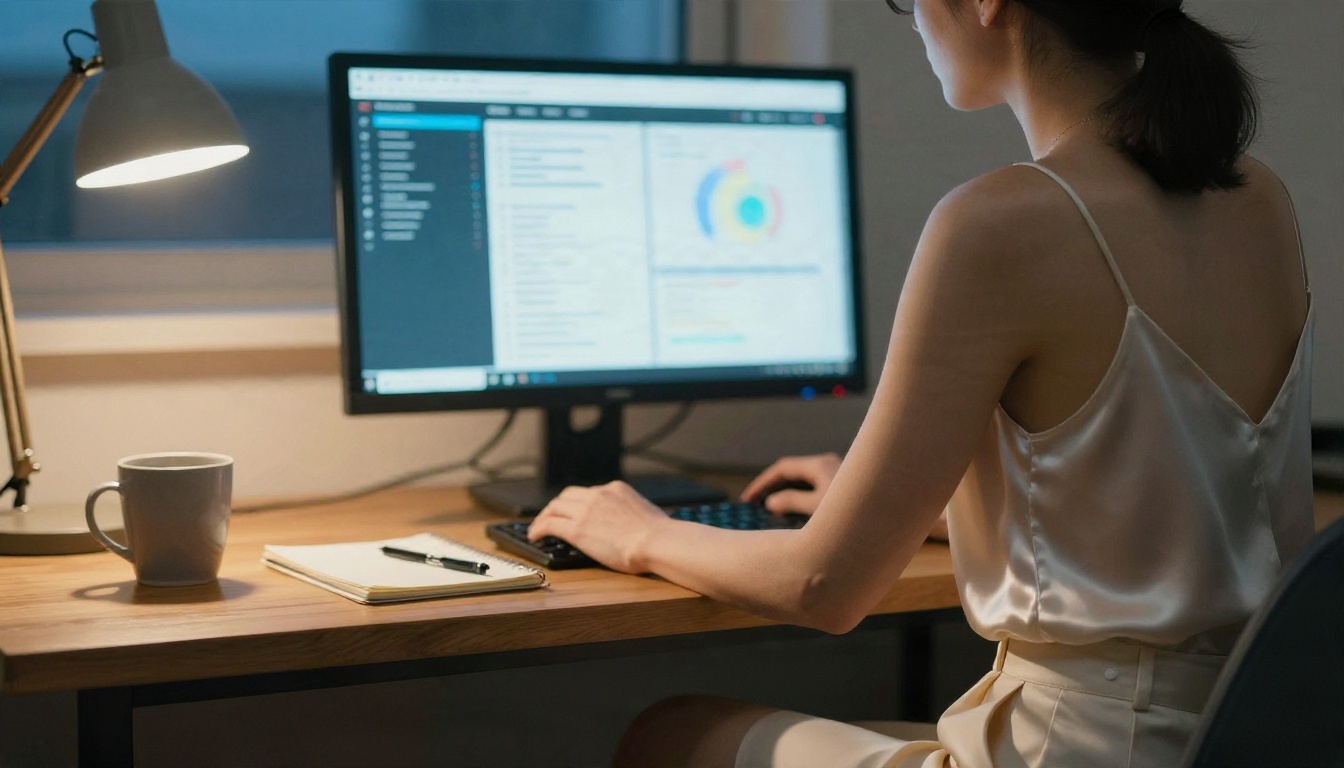
Here is what a suggestive but non-explicit output looks like when the model is allowed to do its job. Each scene below was built from a prompt that follows the same structure: subject and pose, environment, light direction, lens, and texture details.
Boudoir and Lingerie Editorial
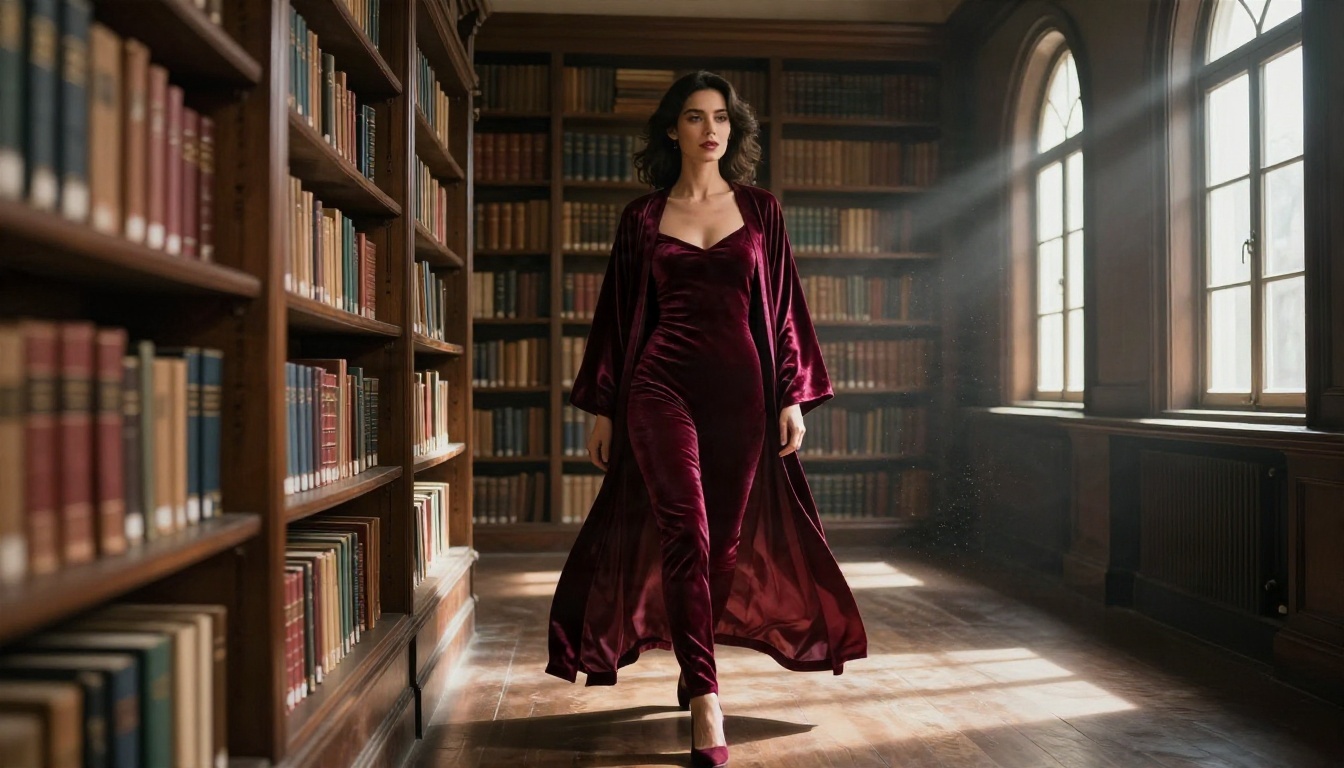
Boudoir prompts live or die on fabric and light. Satin, lace and velvet each need their own description, because "silk" alone gives flat, plastic results. Ask for specular highlights on the folds, soft window light from one side, and visible skin texture rather than airbrushed skin.
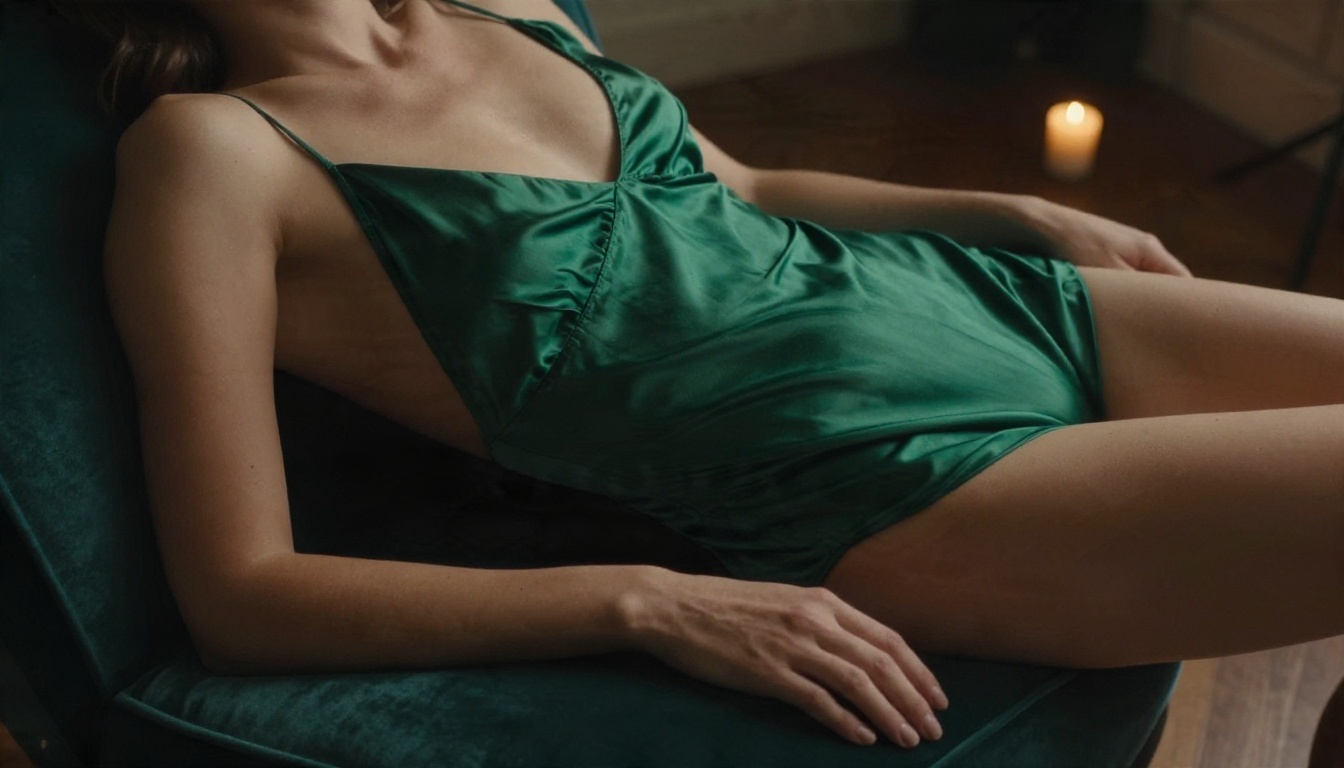
A prompt pattern that works well: "medium shot, high angle, woman in an emerald silk bodysuit on a velvet chaise, single softbox from front left, 70mm f/2, Kodak Portra 400 grain, realistic skin pores."
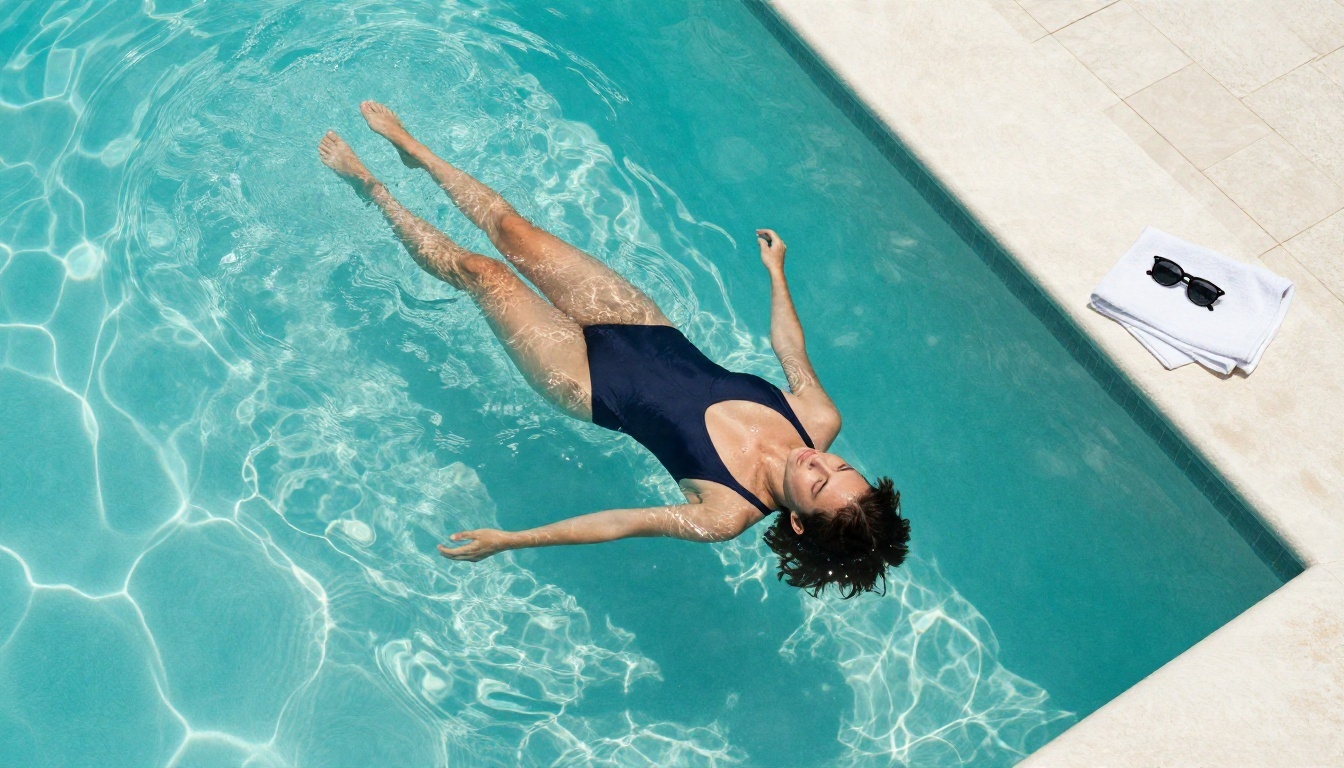
Swimwear and Poolside Shots
Water is a stress test for any generator. Caustic reflections, wet skin and fabric clinging to a body expose weak models quickly. Overhead framing also helps, because it hides the common hand and foot errors.
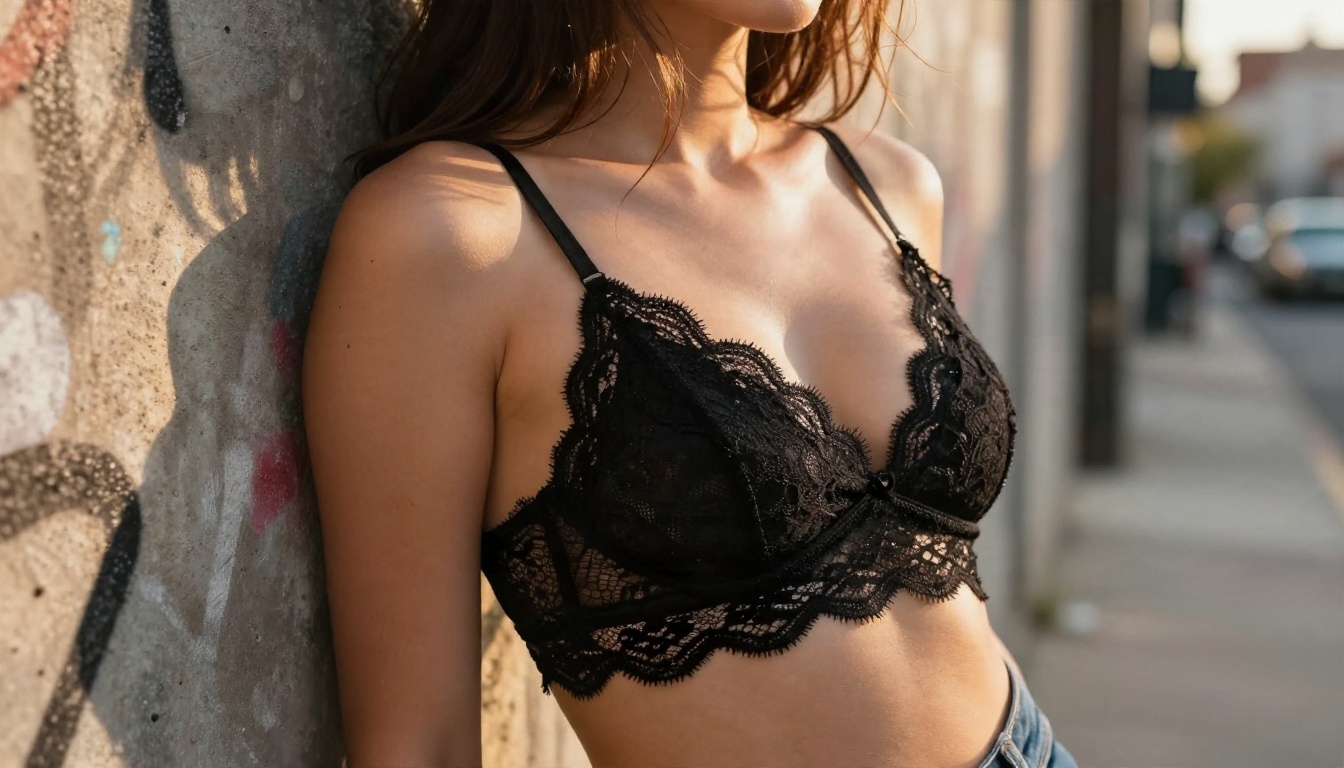
Street and Lifestyle Glamour
You do not need a studio for attractive results. A lace bralette under an open jacket, golden-hour side light and a shallow depth of field gives you a fashion-campaign feel with a casual setting.
Prompt Checklist for Better Output
| Element | What to write | Why it helps |
|---|
| Subject and pose | Clear action, one pose | Fewer anatomy errors |
| Fabric | Satin, lace, terry, velvet | Realistic sheen and folds |
| Light | Direction plus quality | Natural shadows on skin |
| Lens | 35mm, 50mm, 85mm with aperture | Believable depth of field |
| Texture | Pores, grain, droplets | Kills the plastic look |
| Negative cues | No neon, no CGI, no text | Keeps the photo look |
Alternatives You Can Use Today
If an API gives you refusals, tight quotas or a bill you cannot forecast, a platform with generous generation limits solves several problems at once. The models below are on PicassoIA, and the first two are where I would start for adult and glamour content.
Seedream 4.5 First
Seedream 4.5 is the lead option for this kind of work. It produces sharp, high-resolution photographic images, handles skin and fabric well, and follows long, descriptive prompts closely. For suggestive, non-explicit glamour it gives you the realism that boudoir and swimwear scenes demand. Note that Seedream 5 Pro is a different model, so test your prompts on 4.5 specifically.
Image Editor Pro for Unlimited Runs
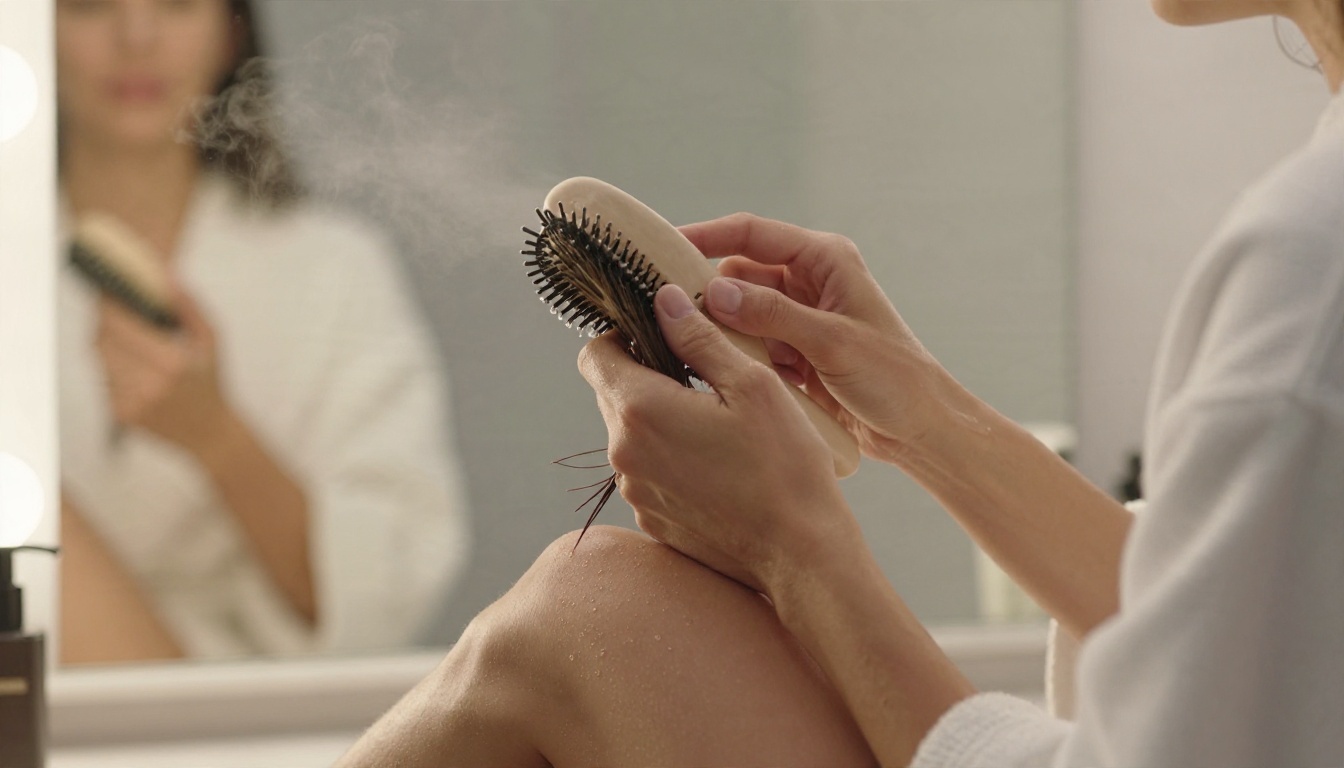
PicassoIA Image Editor Pro is built around unlimited generations, which changes the cost math from the earlier section. When the keeper rate is one in three, having no per-image meter means you can iterate freely until the strap, the hand and the light are right. It also works as an editor, so you can fix a single detail without starting over.
More Models Worth Testing
💡 Tip: Use a fast model for drafts and a high-detail model for the final pass. You keep speed during exploration and quality at export.
API Versus Web Tool: Which Fits
Choose an API when images must be generated automatically inside your own app, for example a personalized content pipeline. Choose a web tool when a person is making creative decisions image by image. Many creators think they need an API when they actually need an unlimited web workflow, and that choice alone can remove most of the pricing and limit problems described above.
How to Use Seedream 4.5 on PicassoIA
Here is the workflow I use for suggestive, non-explicit glamour shots with Seedream 4.5.
Step-by-Step Setup
- Open the model page and sign in to your PicassoIA account.
- Write a long prompt of 50 to 75 words. Use this order: subject and pose, environment, lighting direction, camera and lens, texture details.
- Set the aspect ratio to 16:9 for banners and editorial layouts, or 3:4 for portraits.
- Generate a batch and pick the best frame.
- Refine by changing one variable at a time, such as light direction or fabric.
- Finish in Image Editor Pro if one detail needs fixing.
Parameter Tips
- Name the lens (85mm f/1.8 for portraits, 35mm for environment shots).
- Add film language such as Kodak Portra 400 grain for natural color and soft contrast.
- Describe skin honestly: pores, fine peach fuzz, water droplets. Never write "perfect smooth skin".
- Keep text out of the frame. Image models still struggle with readable lettering.
- Reuse a seed when you like a composition and want small variations.
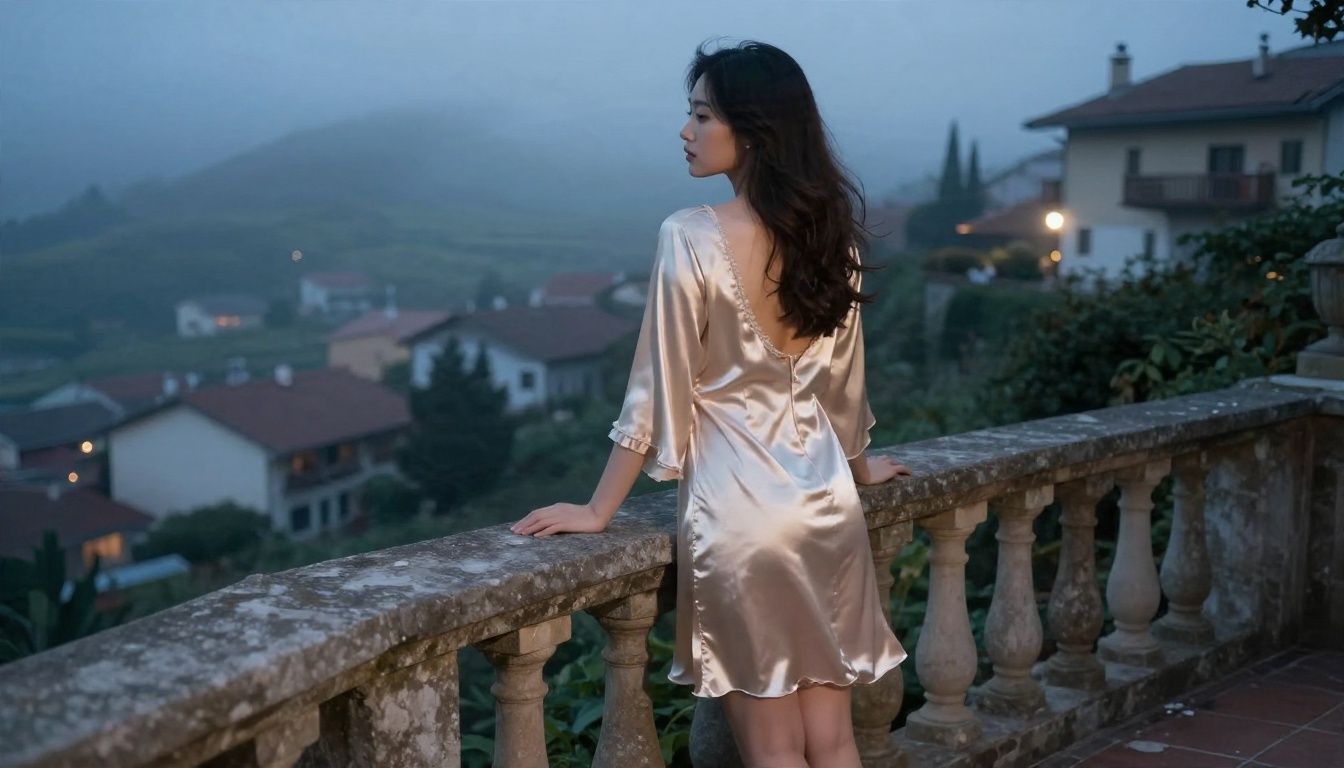
A Sample Prompt
"Full-length shot of a woman in a champagne satin nightgown standing barefoot on a balcony above a misty hillside village at dawn, soft diffused backlight, gown fluttering, cool blue haze, 35mm f/2 lens, fine film grain, realistic fabric folds and skin texture."
Safety Rules Worth Following
Staying non-explicit is a creative choice and a practical one. It keeps your content publishable on more platforms, and it keeps you inside most payment-processor rules.
Non-Negotiables
- Generate only adult subjects. Never depict minors or youthful-looking characters.
- Do not use real people's faces or likenesses without clear consent.
- Keep outputs suggestive, not explicit. Think fashion magazine, not adult site.
- Label AI-generated images where a platform requires it.
Protect Your Project
If you run an API-backed product, add your own checks on top of the provider's. A simple output classifier, an age-gate on your front end and a report button cost little and protect you from the worst outcomes. Keep logs of prompts and outputs for a reasonable period so you can review disputes.
Quick Answers Before You Buy
Is there a free NSFW image API? Rarely, and the free ones usually come with small quotas, queues and shifting rules. A platform with unlimited generations is often the better free-feeling choice.
What matters more, price or limits? Limits. A cheap endpoint that returns 429 errors at peak hours costs more in lost users than an expensive one that stays up.
Do I need to train a custom model? Usually not. A good base model plus a strong prompt gets you most of the way, and LoRA styles cover the rest.
How many test images should I run before choosing? Fifty is enough to measure the refusal rate, keeper rate and true price per usable image.
Start Creating Your Own Images
Per-image meters, surprise refusals and rate limits are the three things that slow down adult and glamour image projects. You can sidestep all three by testing your prompts where generation is unlimited and the models are tuned for photographic realism.
Open Seedream 4.5, paste one of the prompts from this article, and change a single detail each round: the fabric, the light or the lens. Then bring the best frame into PicassoIA Image Editor Pro for final fixes. When you want more choice, browse every available model at picassoia.com/en/all-models and build the workflow that fits your style on Picasso IA.


