You typed "NSFW AI image generator no login" because you want to make a picture, not fill in a form. You want to type a prompt, press a button and get a glamour-grade, photorealistic image in seconds. Most sites make that harder than it should be. Some bury the generator behind a signup wall. Others give you three free tries and then ask for a card. A few quietly blur or reject anything that looks like a swimsuit shoot.
This article cuts through that. You will see what "no login, free, online and without limits" can realistically mean, where the trade-offs sit, which models on PicassoIA produce the most convincing suggestive, non-explicit photography, and exactly how to write prompts that look like a real camera captured them.
💡 Scope note: everything here is about adult, non-explicit glamour: swimwear, lingerie-style fashion, boudoir mood and editorial portraits. Nothing pornographic, and no real people.
What "No Login" Really Means
Why people search for it
The search has three motives, and they are all reasonable.
- Privacy. Many adults simply do not want an email address attached to their creative experiments.
- Speed. Registration, email confirmation and onboarding quizzes kill the spark of an idea.
- Curiosity. People want to test what AI can do before committing time to a tool.
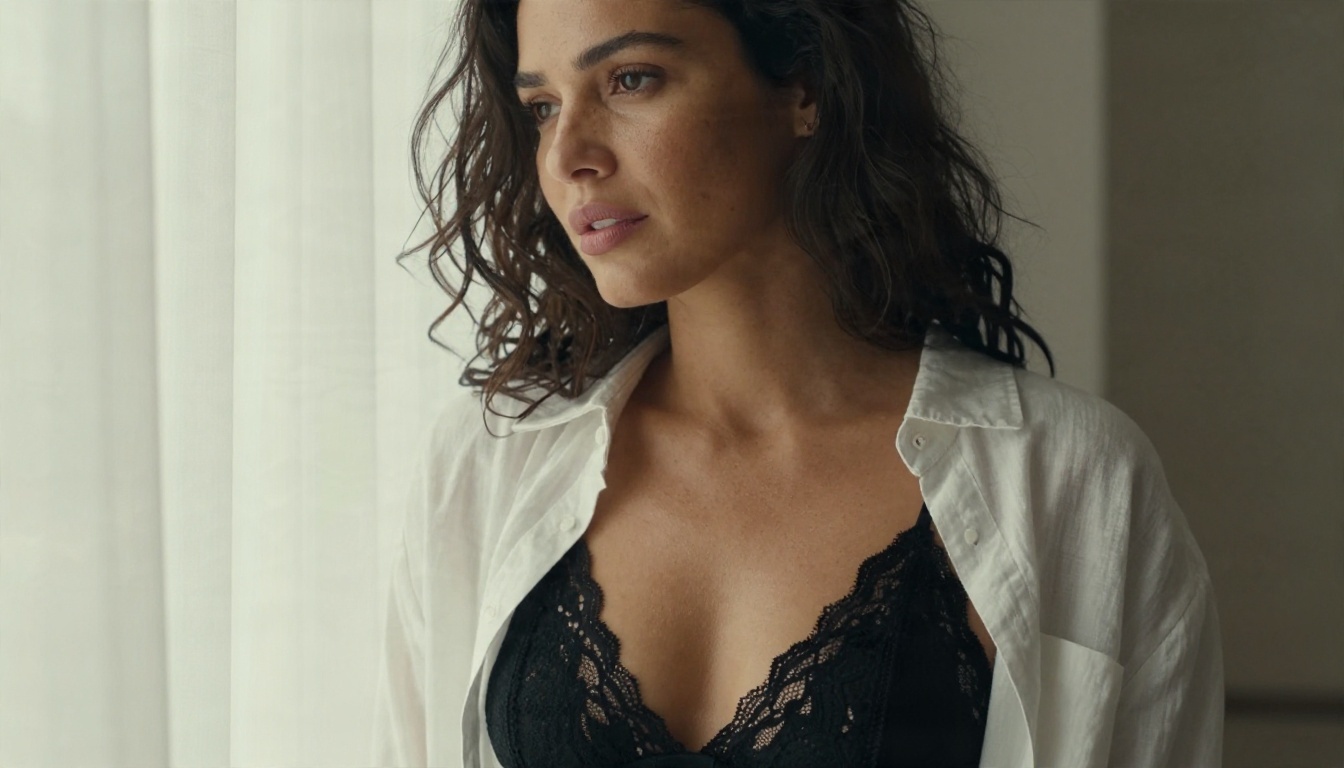
A soft, window-lit boudoir portrait like the one above is exactly the kind of result people hope to get in under a minute. The good news: modern photoreal models make it routine.
The trade-offs of anonymous tools
A generator that asks for nothing also tends to give you very little back. Here is what usually changes when a site removes the account:
| Feature | Anonymous tool | Account-based platform |
|---|
| Image history | Lost when you close the tab | Saved and searchable |
| Daily allowance | Tight, often shared by IP | Higher or unlimited |
| Resolution | Usually capped low | Up to 4K on strong models |
| Model choice | One locked model | Many models to compare |
| Editing tools | Rare | Inpainting, upscaling, face and body edits |
The pattern is simple. A login is how a platform remembers you, and remembering you is what makes unlimited generations, saved prompts and higher resolution possible. That does not mean you must hand over personal details. It means you should judge a tool by what it lets you do, not only by whether it asks for an email.
💡 Tip: if a site promises "unlimited, no signup, 4K, uncensored" all at once and gives no model names, treat it with suspicion. Real quality comes from named, documented models.
Free, Online, Without Limits: Can You Have All Three?
What "free" usually costs
Free generation is rarely free in the literal sense. You pay in one of four ways: watermarks, queue time, low resolution or data collection. The cleanest free offers are the ones that tell you plainly where the cap is.
What "unlimited" should mean
"Without limits" should mean two separate things:
- No hard cap on the number of images you can create in a session.
- No creative wall where harmless swimwear or glamour prompts get refused.
The second one matters as much as the first. Many mainstream generators block anything adjacent to adult themes, even a bikini on a beach. That is why people go looking for permissive tools in the first place.
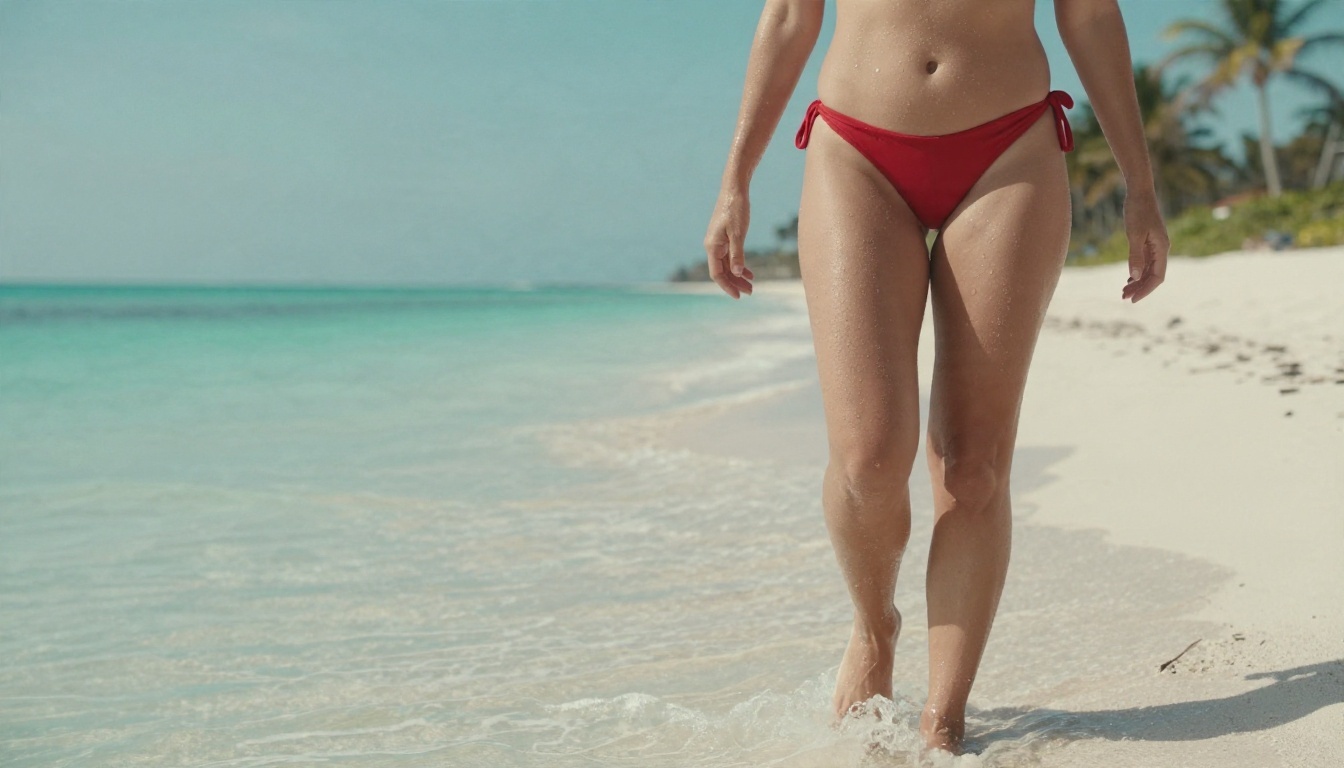
A simple beach scene, a red halter bikini and bright midday sun should never trigger a refusal. On models built for photographic realism, it does not.
Speed counts as a limit too
An image that takes four minutes to appear is a limit in disguise. When you iterate on a prompt ten or twenty times, generation time decides whether the session feels creative or tedious. Fast models let you adjust lighting, outfit and pose in a tight loop, and that loop is where good images come from.
Best Models for Glamour Images
PicassoIA hosts dozens of text-to-image models. For suggestive, photoreal, non-explicit work, these are the ones worth reaching for, in the order I would try them.
Seedream 4.5 comes first
Seedream 4.5 is the model I would open before any other for this kind of work. It produces sharp 4K-class photographs with natural skin texture, believable fabric and lighting that behaves the way a real lens would capture it. It follows long, detailed prompts well, which is exactly what glamour photography needs: pose, outfit, light direction and lens all in one sentence.
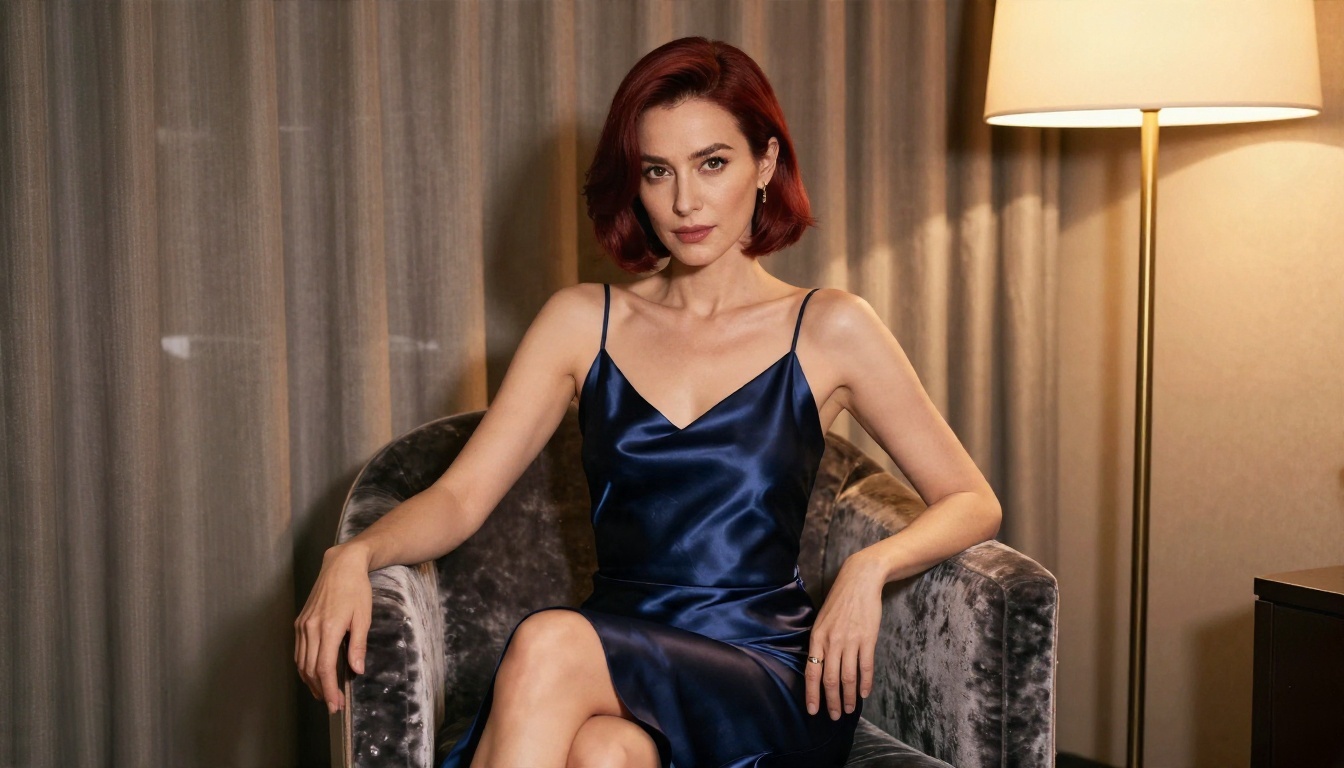
Satin is a good stress test. It needs soft specular highlights, fine creases and a believable fall of light. Seedream 4.5 handles all three without the plastic look cheaper models produce.
PicassoIA Image Editor Pro for unlimited runs
PicassoIA Image Editor Pro is where the "without limits" part of your search gets answered. It offers unlimited generations, so you can try thirty variations of an outfit, a pose or a background without watching a counter. It also works as an editor: take an image you like and adjust the clothing colour, the setting or the lighting instead of starting from zero.
Use it when you are iterating. Use Seedream 4.5 when you want the strongest first draft. Switching between the two is a natural workflow.
More models worth trying
Once those two feel familiar, widen the toolbox:
- Z Image Turbo: built for sharp images in seconds. Excellent for rapid drafts when you are still choosing a concept.
- Flux Dev: a long-standing favourite for photorealism, with confident hands, faces and natural light.
- Realistic Vision v5.1: tuned for lifelike photographic portraits with a classic, slightly filmic skin tone.
- Nano Banana Pro: strong for clean 4K output and for editing an existing picture with plain-language instructions.
- Qwen Image 3 Pro: a capable photorealistic model that is good at scene layout and small details.
💡 Rule of thumb: draft with a fast model, polish with Seedream 4.5, and use Image Editor Pro to fix details without paying for a fresh generation each time.
| Model | Best for | Speed feel |
|---|
| Seedream 4.5 | Highest-fidelity glamour portraits | Moderate |
| PicassoIA Image Editor Pro | Unlimited iteration and edits | Fast |
| Z Image Turbo | Quick concept drafts | Very fast |
| Flux Dev | Natural light, believable anatomy | Moderate |
| Realistic Vision v5.1 | Classic filmic portrait look | Fast |
| Nano Banana Pro | 4K output and plain-language edits | Moderate |
How to Use Seedream 4.5 on PicassoIA
Here is a repeatable process that works for swimwear, boudoir and editorial portraits.
Step by step
- Open the Seedream 4.5 page.
- Write your prompt in this order: subject and pose, outfit, setting, light direction, camera and lens, film look.
- Choose a 16:9 ratio for wide editorial scenes, or a portrait ratio for close-ups and full-length fashion frames.
- Generate, then judge the result on three things: eyes, hands and fabric edges.
- Change only one variable per run. If the light is wrong, adjust only the light sentence.
- When you like a frame, move it into PicassoIA Image Editor Pro for unlimited small adjustments.
Parameter tips that matter
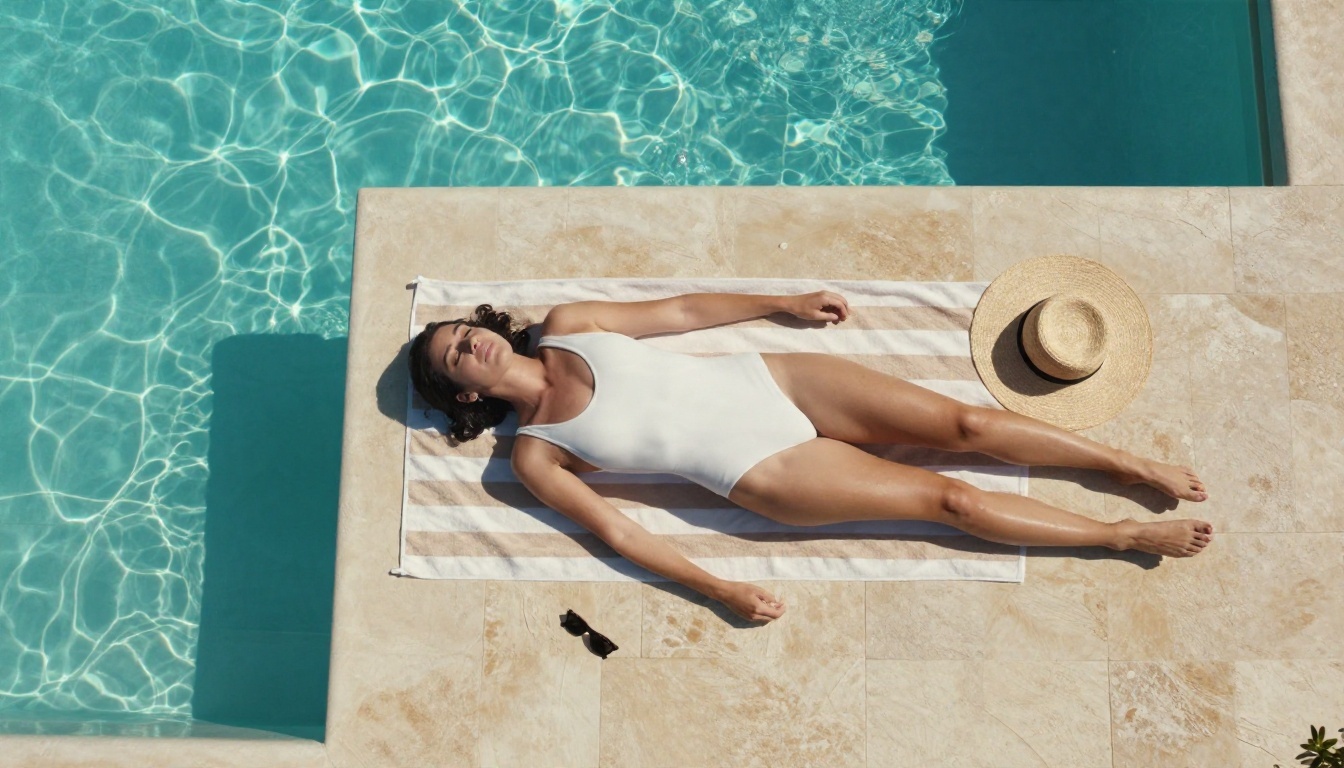
- Be specific about the lens. "85mm f/1.8" gives portrait compression and soft backgrounds. "24mm from above" gives the overhead pool shot above.
- Name the light. "Warm light from the left" beats "good lighting" every time.
- Describe skin like a photographer. Words like pores, freckles, fine peach fuzz and sunscreen sheen push the model away from airbrushed plastic.
- Keep prompts between 50 and 120 words. Shorter is vague. Longer starts to contradict itself.
Prompts That Look Like Photographs
The difference between an obvious AI picture and a convincing one is rarely the subject. It is the photographic detail you put into the prompt.
Lighting does the heavy lifting
Pick one main light and say where it comes from. Golden hour from behind gives a rim light along shoulders and hair. A window on the left gives soft, directional shadow. A single softbox in front gives clean studio glamour.
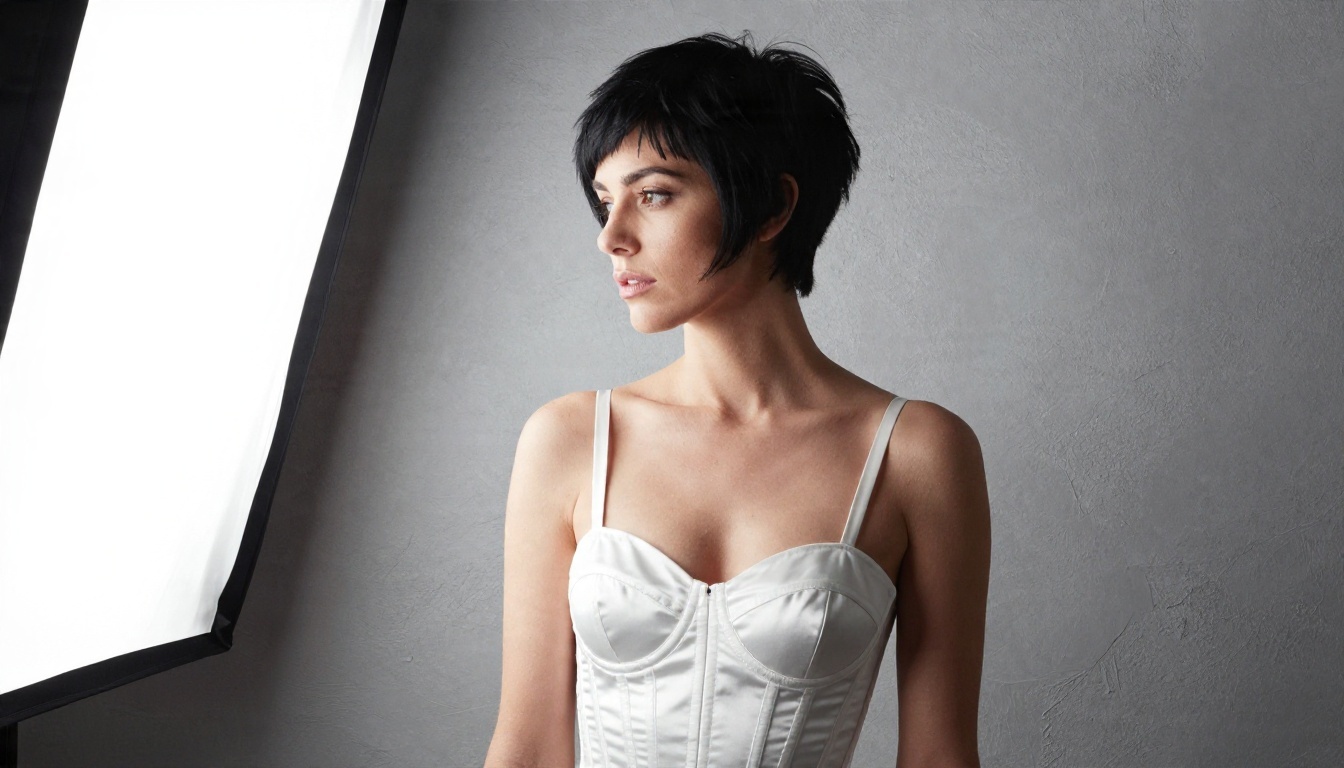
The studio frame above is nothing more than a plaster wall, one large softbox and a satin bodysuit. Simple setups are easier for a model to render convincingly than crowded ones.
Fabric and surface detail
Name the material. Silk, satin, crochet, linen, lace and denim each have a distinct way of catching light. Add one micro-detail per surface: "fine weave," "small creases," "salt-dried," "wet rock texture." These small phrases are what make a viewer's eye accept the image.
Camera, lens and film look
A reliable closing line for almost any glamour prompt:
Shot on a full-frame camera, 85mm f/1.8, shallow depth of field, Kodak Portra 400 colour palette, gentle film grain, natural skin tones, no text.
Swap the lens to change the feel. A 35mm gives a candid, environmental look. A 105mm gives tight, flattering portrait compression.
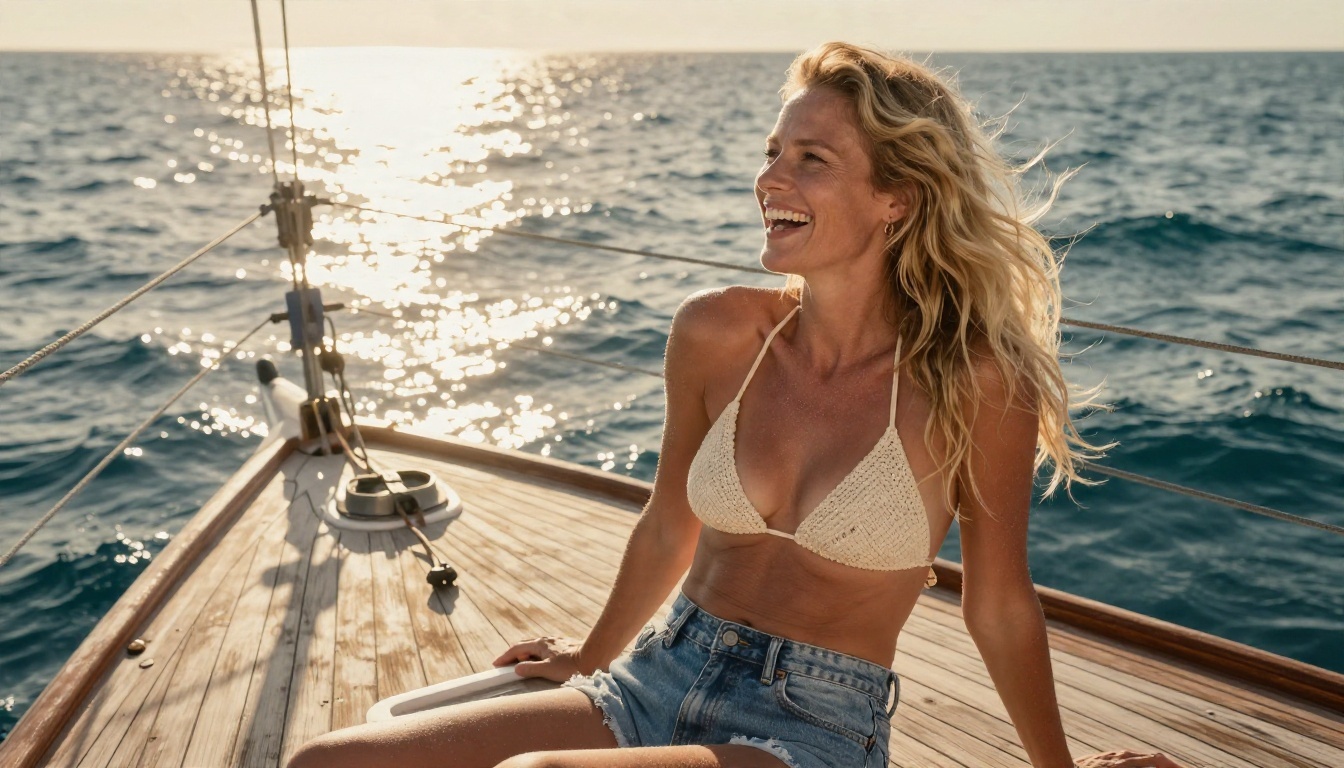
A candid moment, a mid-laugh expression and a bit of sea spray make an image feel captured rather than constructed. Ask for "candid" and "mid-laugh" and the model often delivers.
Staying Non-Explicit and Safe
Adults only, always
Every subject should be clearly an adult. Say "adult woman" or "woman in her late twenties" in the prompt. Never write prompts that suggest youth. This is a firm line, and any responsible platform enforces it.
No real people
Do not recreate a real person's face or body, whether a celebrity, a colleague or an ex. Invent a character instead. Synthetic faces are fine. Non-consensual likenesses are not, and in many places they are illegal.
Know where the line sits
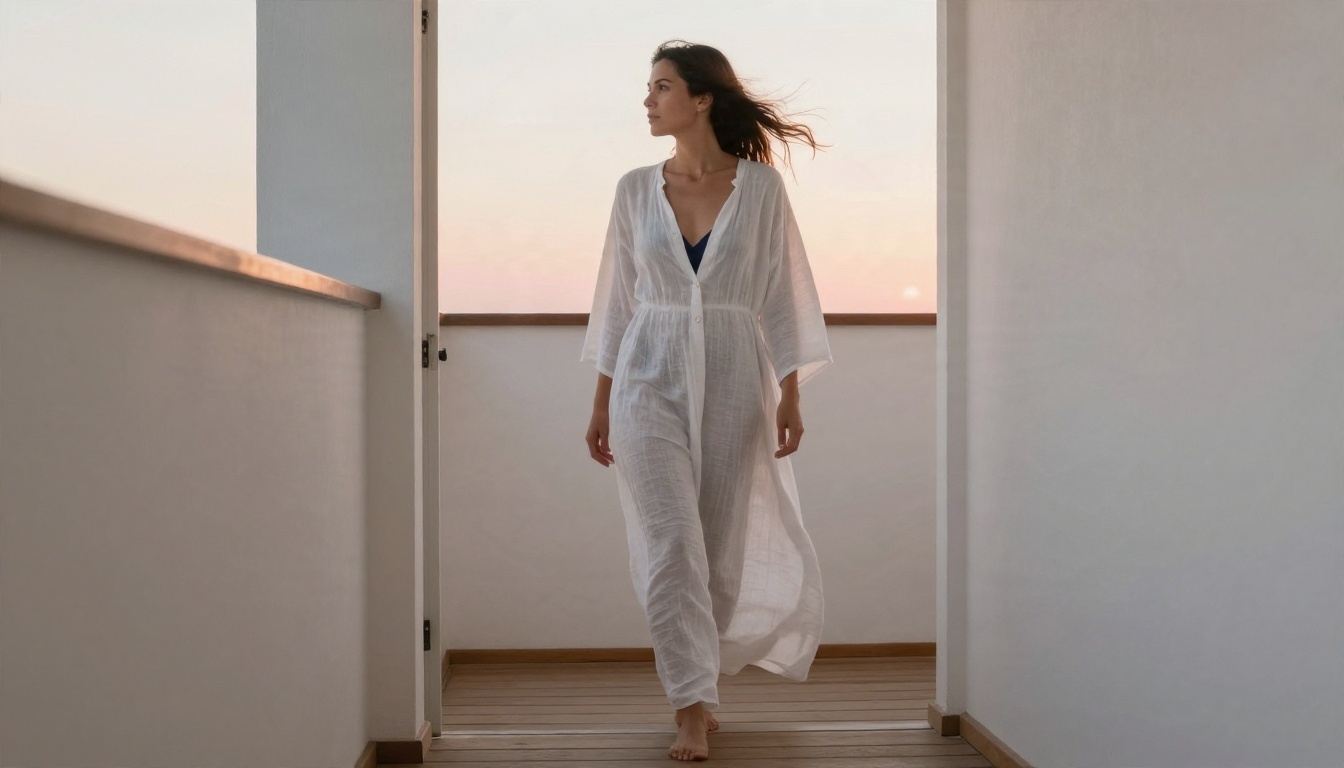
Suggestive and tasteful is the sweet spot: swimwear, lingerie-style fashion, boudoir lighting, implied intimacy. Explicit content is a different category, and a prompt pushed too far can get blocked by a model's safety layer, which is a normal part of using these systems. If a prompt is refused, rephrase it as a fashion editorial: swap vague "revealing" language for a specific garment, a location and a light. In my own run for this article, one prompt built around a sheer robe was rejected, and the same scene with a linen cover-up and a navy swimsuit went through at once.
Three Common Mistakes
Mistake one: chasing "uncensored" as the only goal
A model that accepts anything is not automatically a model that makes good pictures. Realism comes from the prompt and the model quality. A permissive tool with weak anatomy will still hand you six-fingered hands.
Mistake two: changing everything at once
If you rewrite the pose, the outfit, the light and the lens in a single run, you cannot tell which change helped. Edit one thing, compare, repeat. Unlimited generations in Image Editor Pro make this painless.
Mistake three: ignoring the background
A beautiful subject in front of a muddy, generic background looks fake instantly. Give the setting as much attention as the subject: tiles, plaster, wooden decks, tide pools, drapes.
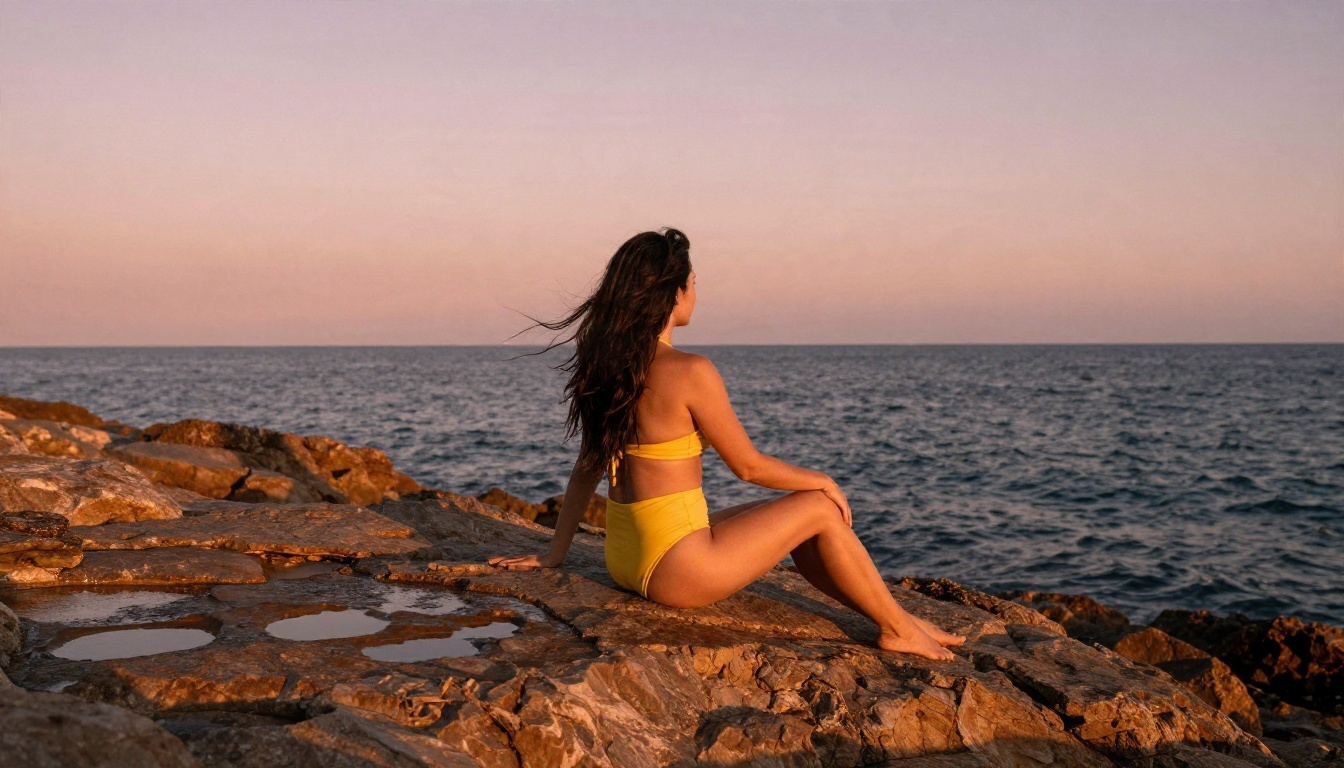
A real location with real texture, such as wet rock, tide pools and a dusk sky, does more for realism than any magic keyword.
A Realistic Workflow From Idea to Final Image
Here is how a short session might run once you have picked your tools.
- Concept (two minutes). Decide scene, outfit and mood in one sentence.
- Draft (five minutes). Run three or four quick versions on Z Image Turbo to find a composition you like.
- Polish (five minutes). Paste the winning prompt into Seedream 4.5 for the high-fidelity version.
- Refine (as long as you like). Take the best frame to PicassoIA Image Editor Pro and adjust outfit colour, background or lighting with no generation counter hanging over you.
- Save and organise. Keep your best prompts in a note so the next session starts from a proven recipe.
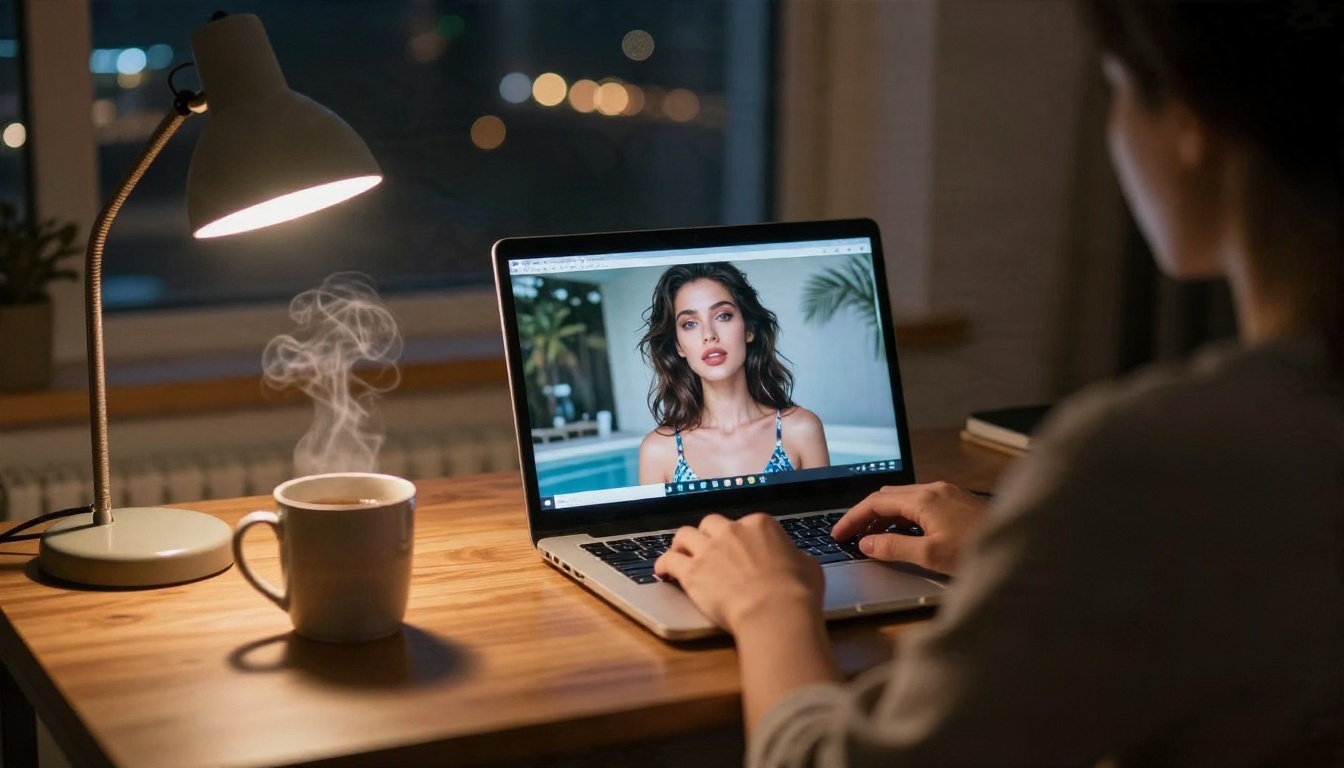
Start Creating Your Own Images
The honest answer to "free, online and without limits" is that you get the most freedom from a platform that gives you strong named models, fast generation and unlimited runs in the right place. That is what you get on PicassoIA: Seedream 4.5 for the sharpest first draft, and PicassoIA Image Editor Pro for unlimited iteration and edits, without the creative walls of heavily filtered mainstream tools.
Pick one scene from this article, a golden-hour terrace, a dusk cove or a studio satin shot, and rebuild it with your own character, outfit and light. Change one detail per run, keep what works and discard what does not. Within an hour you will have a personal prompt formula that produces images you would actually keep.
Ready to try more models? Browse everything available at picassoia.com/en/all-models and start your first generation today.


