Most people searching for an NSFW AI portrait generator want the same thing: a tool that does not flinch at a bikini, a lace bodysuit or a boudoir pose, costs little or nothing, and produces skin that looks like skin instead of wax. That sounds simple. In practice, many popular generators refuse adult glamour prompts, blur the result, or hide the good settings behind a paywall. This article sorts out which options actually work, gives you prompts you can paste today, and shows real examples of what a suggestive, photorealistic portrait looks like when the prompt, the light and the lens are right.
Everything here stays in non-explicit territory: glamour, swimwear, lingerie style editorials and artistic boudoir. That is where the best aesthetic results live anyway, and it is also where the tools are most reliable.
What an NSFW AI Portrait Generator Does
An NSFW AI portrait generator is a text-to-image model (or an image editor built on one) that accepts adult themed prompts without refusing them. It takes a written description, such as a woman in a satin slip dress by a sunlit window, and renders a photo-like portrait in seconds.
The difference between a mainstream generator and an adult friendly one is mostly about filters. Mainstream tools run strict content checks on both the prompt and the output. Adult friendly models are tuned to handle swimwear, lingerie, bare shoulders and sensual poses as normal photographic subjects.
Suggestive vs Explicit
There is a clear line worth keeping. Suggestive means the viewer senses intimacy through pose, fabric, light and expression. Explicit means nothing is left to the imagination. Suggestive images age better, share better, and look more like professional photography. Magazine boudoir work, swimwear campaigns and fashion editorials all live on the suggestive side, and that is the style the examples below follow.
💡 Pro tip: If a portrait feels flat, the fix is almost never "more revealing." Better light, a more natural pose and a confident expression do far more work than less clothing.
Who Uses These Tools
The audience is wider than you might expect:
- Photographers and models who storyboard a shoot before booking a studio
- Creators who need consistent glamour visuals for a personal brand or subscription page
- Writers and game designers who need character portraits with a sensual edge
- Hobbyists who simply enjoy making attractive, well lit photos
Free Options That Actually Work
"Free" can mean three very different things: a one time trial, a daily credit cap, or truly unlimited use. The table below shows how the options on PicassoIA compare, in the order I would try them.
Seedream 4.5 First
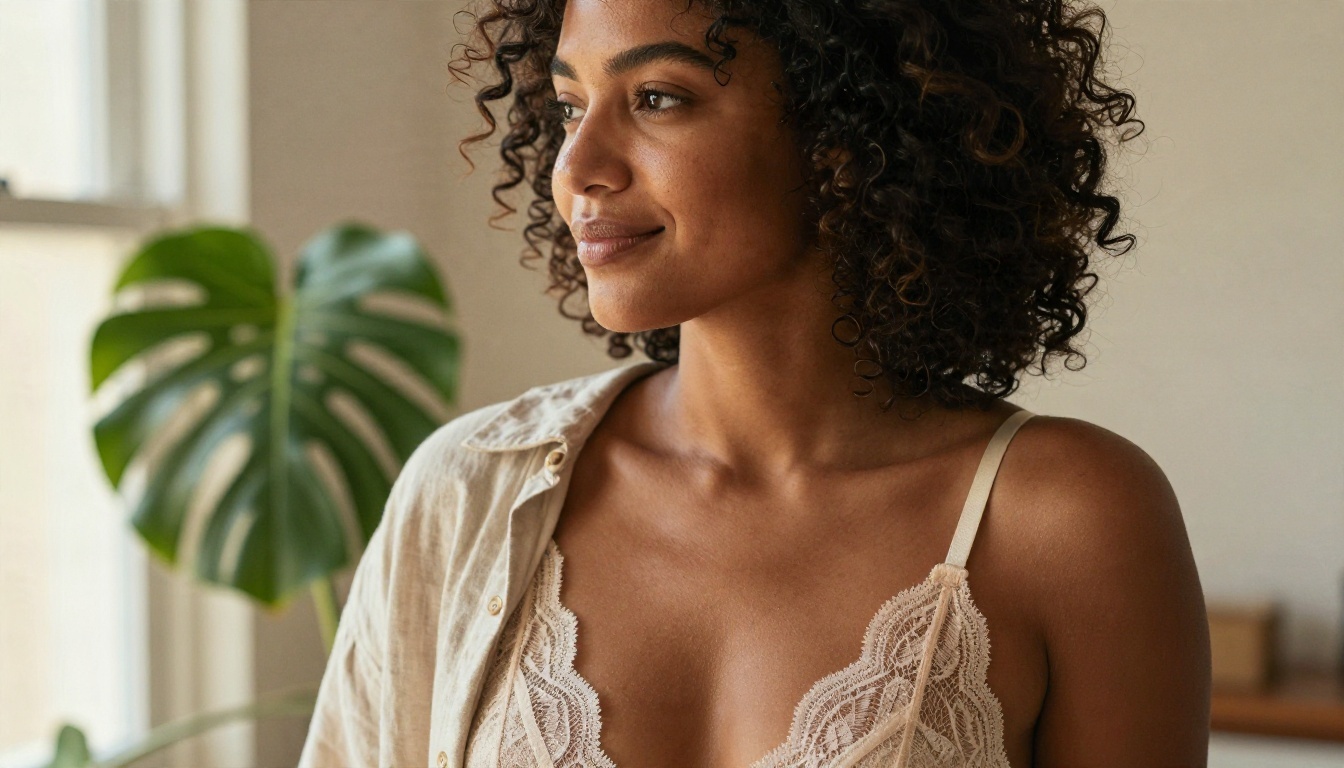
If you only try one model, make it Seedream 4.5. It produces sharp, high resolution portraits with believable skin pores, fabric folds and soft depth of field. It is also forgiving with adult glamour subjects such as swimwear, satin and lace, so you spend your time refining the picture instead of fighting a refusal message.
Its biggest strength is detail at speed. A prompt that describes a window, a lens and a mood usually lands within a couple of tries, which matters when you are iterating on a pose.
Image Editor Pro for Unlimited Runs
PicassoIA Image Editor Pro is the one to pick when you do not want to count credits. Generations are unlimited, so you can run fifty variations of one portrait, change the outfit, adjust the light, and keep going until the frame feels right. Because it also edits, you can start from a generated image and refine it: swap a dress color, soften a shadow, fix a background.
For anyone building a set of consistent portraits, unlimited runs are what turns a lucky single image into a repeatable workflow.
Other Models Worth Trying
Once you have a baseline from Seedream 4.5, test the same prompt elsewhere. Each model has a personality:
- Nano Banana Pro follows long prompts closely and renders clean 4K output.
- Z Image Turbo is the sketchbook: very fast, ideal for testing five pose ideas in a minute.
- Flux 2 Klein 9B Base LoRA is useful when you want a stylized fashion look with fine control.
- Realistic Vision v5.1 has a familiar, film like portrait feel that many photographers like.
- Qwen Image 3 Pro handles environments and natural light especially well.
- Flux Kontext Fast is handy for quick edits to an existing portrait, such as changing a background or an outfit color.
💡 Tip: Keep a single "test prompt" and run it through three models. The comparison teaches you more about each model in ten minutes than any review can.
Prompts That Produce Real Portraits
A weak prompt gives a weak portrait. "Sexy woman" produces a generic, over smoothed face. A good prompt reads like a photographer's shot list.
The Prompt Formula
Use this order: subject and pose, outfit and fabric, environment, lighting direction, camera and lens, skin and texture details, film look. Each part closes off one way the model could go wrong.
| Part | Weak version | Strong version |
|---|
| Subject | pretty girl | adult woman in her late twenties, olive skin, wavy chestnut hair |
| Outfit | sexy outfit | black satin slip dress, lace trim, one strap slipping off the shoulder |
| Light | good lighting | golden window light from the left through a sheer curtain |
| Lens | high quality | 85mm f/1.8, shallow depth of field, focus on the eyes |
| Texture | realistic | visible pores, fine freckles, peach fuzz on the collarbone |
| Look | nice photo | Kodak Portra 400 grain, subtle halation, raw 8K photograph |
Always state that the subject is an adult. It sets the right tone for the model and keeps your results clearly in the glamour category.
Boudoir Prompt
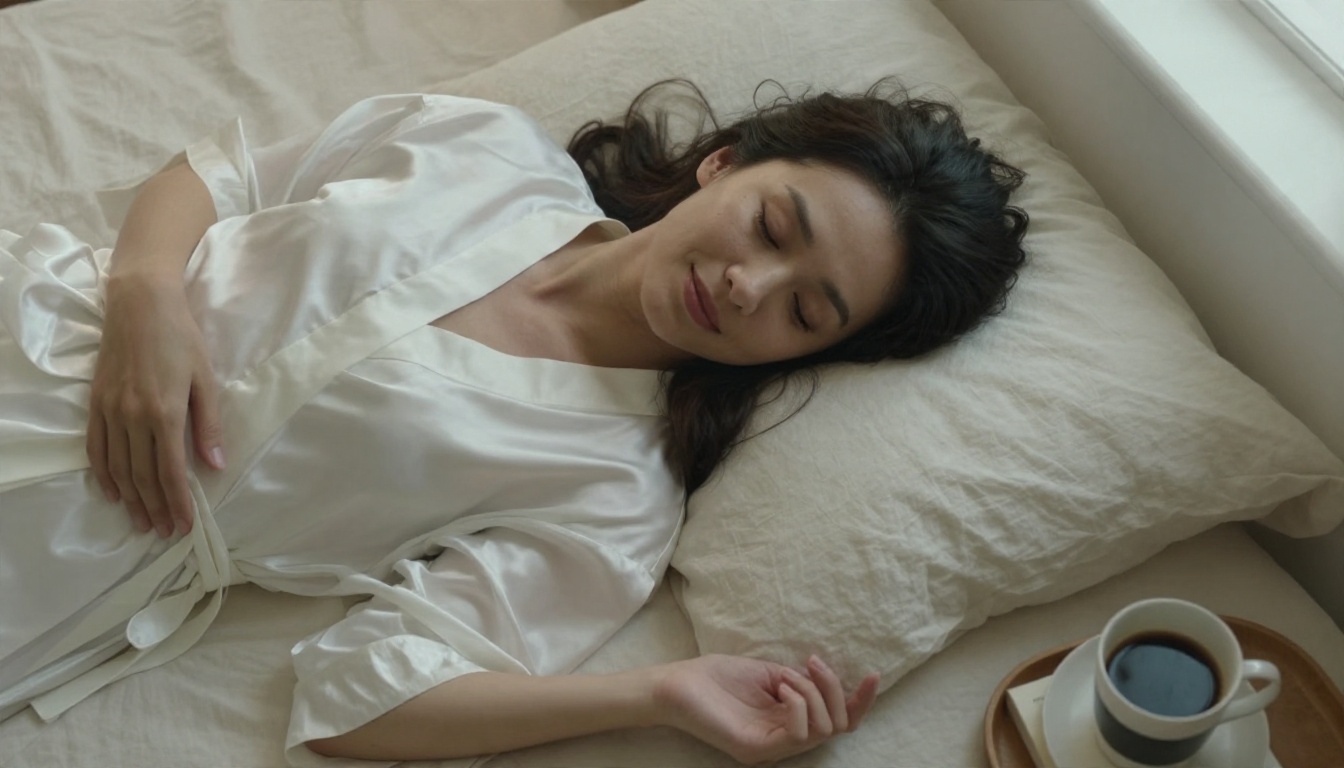
Raw 8K photograph, adult woman in a white silk robe loosely tied, lying on cream linen sheets, dark hair fanned across the pillow, eyes closed with a faint smile, coffee cup and paperback on a bedside tray, soft diffused daylight from a window above, overhead angle, 50mm f/2.8, visible fabric creases and silk sheen, subtle skin pores, Kodak Portra 400 tones
This works because the mood comes from the setting: linen, daylight, a quiet morning. The robe stays closed, and the image still feels intimate.
Swimwear Prompt
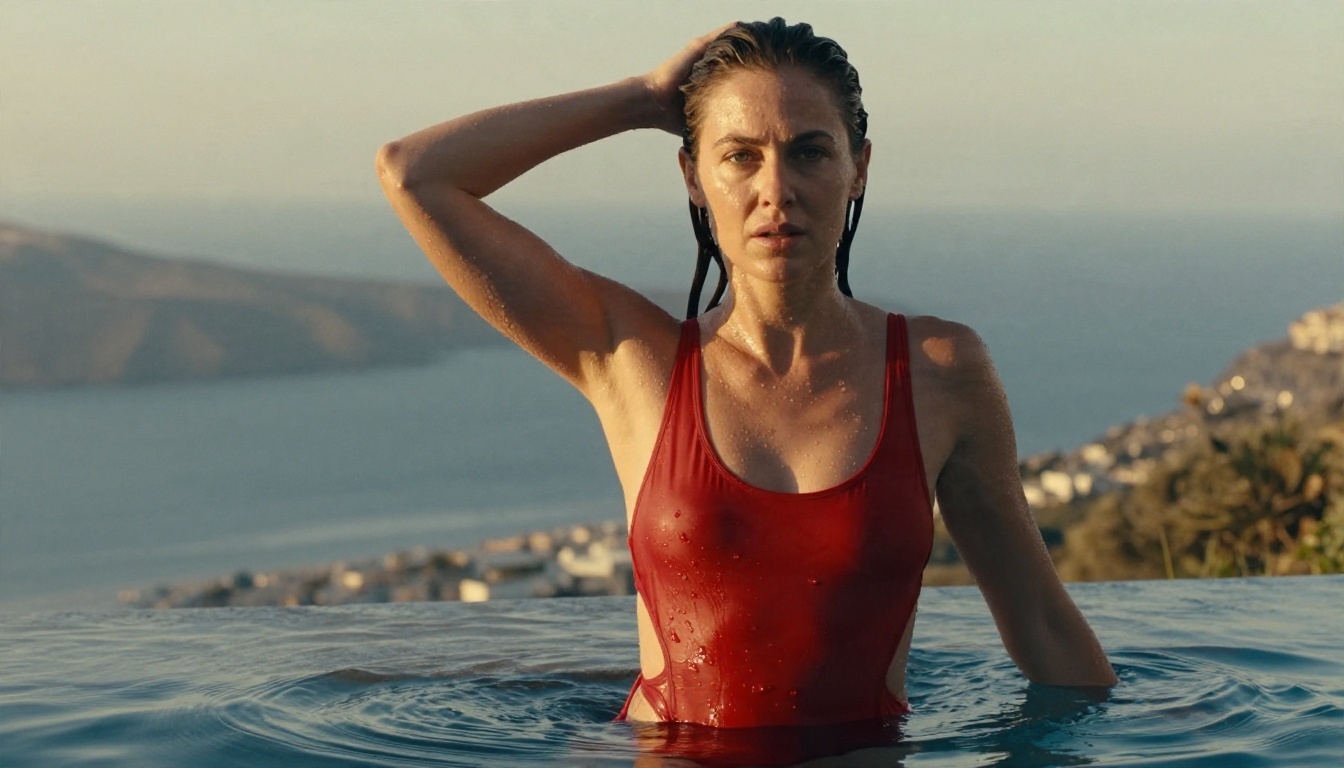
Low-angle shot of an adult woman in a red two piece swimsuit at the edge of an infinity pool at golden hour, wet hair slicked back, water droplets on her shoulders, hazy coastline behind her, low sun backlighting from the right creating a rim glow, 35mm f/2, realistic wet skin texture, film grain, raw 8K photograph
Water is a great detail for realism. Droplets, wet hair and reflected light are hard for a model to fake, and when they appear, they signal a genuine photograph.
Studio Editorial Prompt
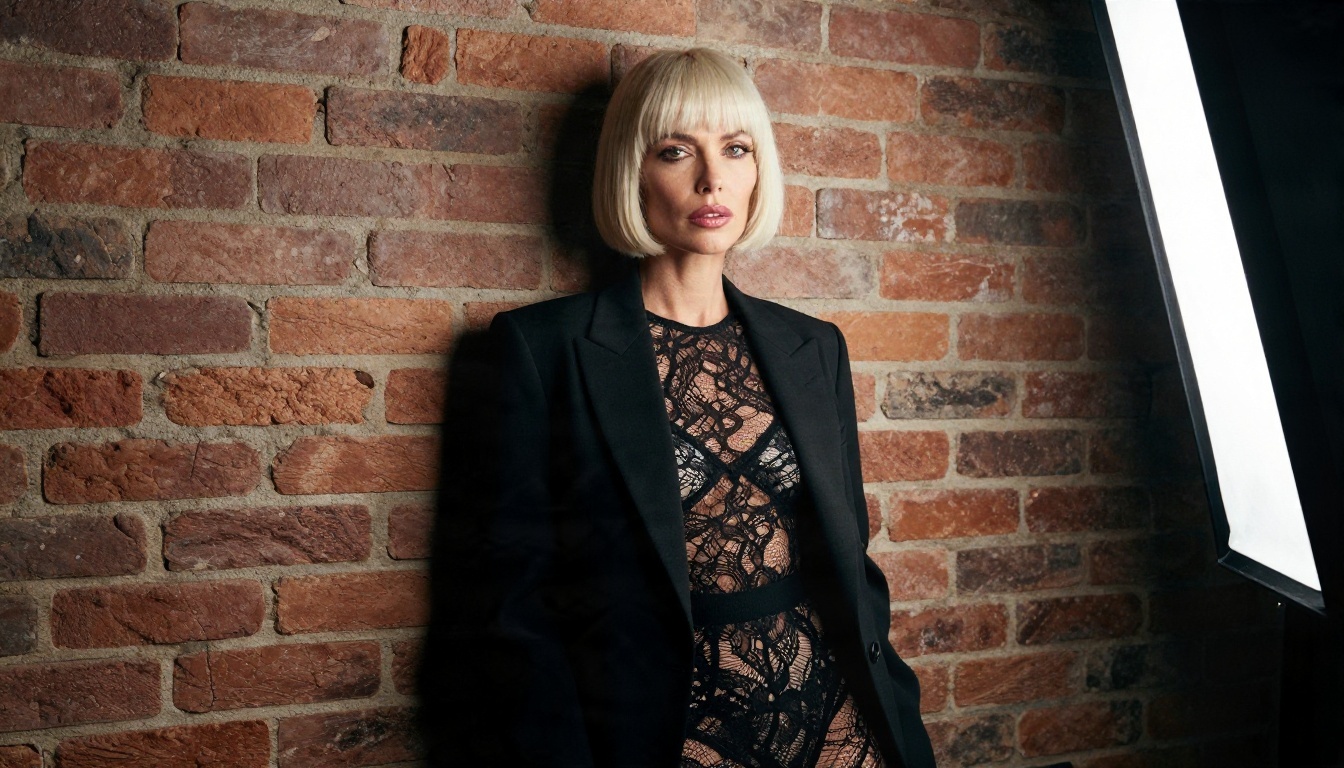
Medium shot of an adult woman with a platinum bob in a black lace bodysuit and an oversized tailored blazer, leaning on a brick wall in a dim studio, hard side light from a single softbox on the right with a crisp shadow, direct confident gaze, 85mm f/2, textured brick and lace detail, glossy lips, fine film grain
Mixing lace with a blazer gives the portrait a fashion editorial feel. The contrast between structured and delicate fabrics adds visual interest without any need to show more skin.
Lighting and Camera Choices
Light is the difference between a snapshot and a portrait. AI models respond strongly to lighting words, so use them deliberately.
Window Light and Golden Hour
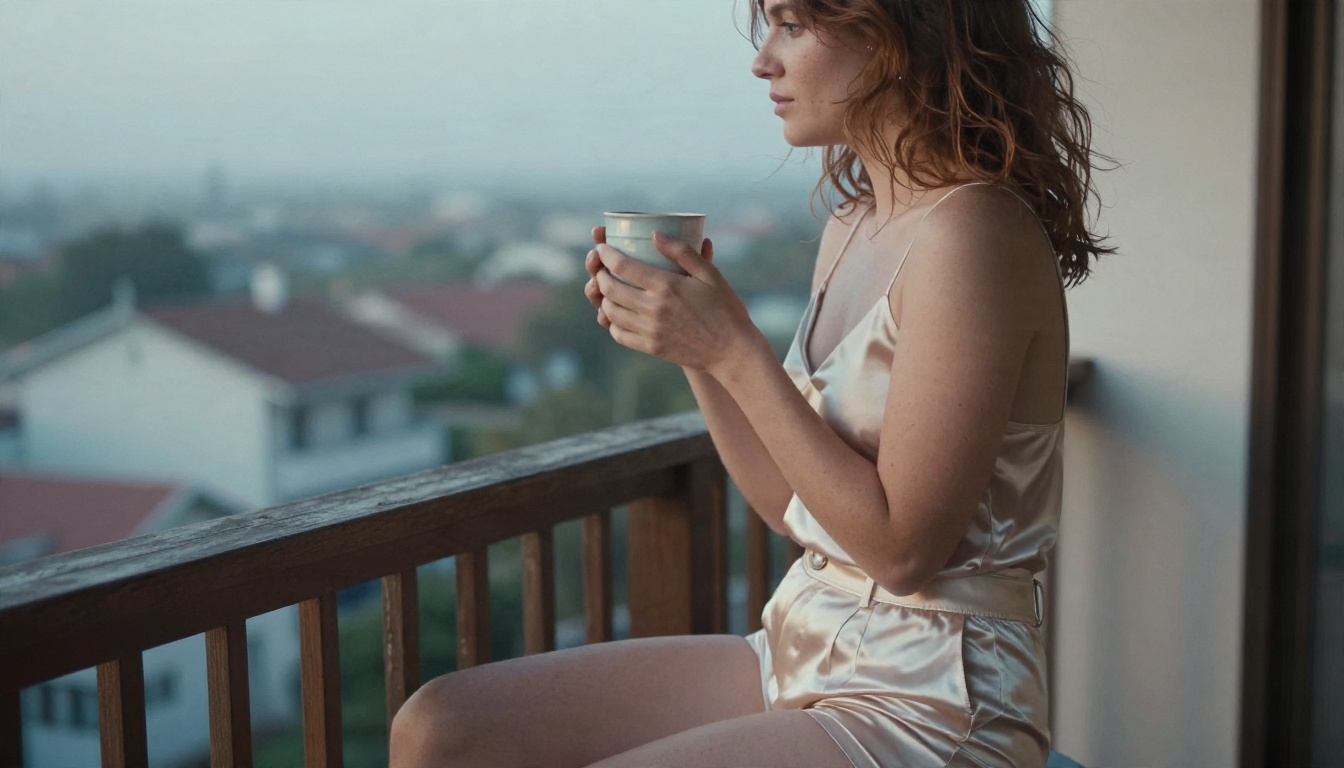
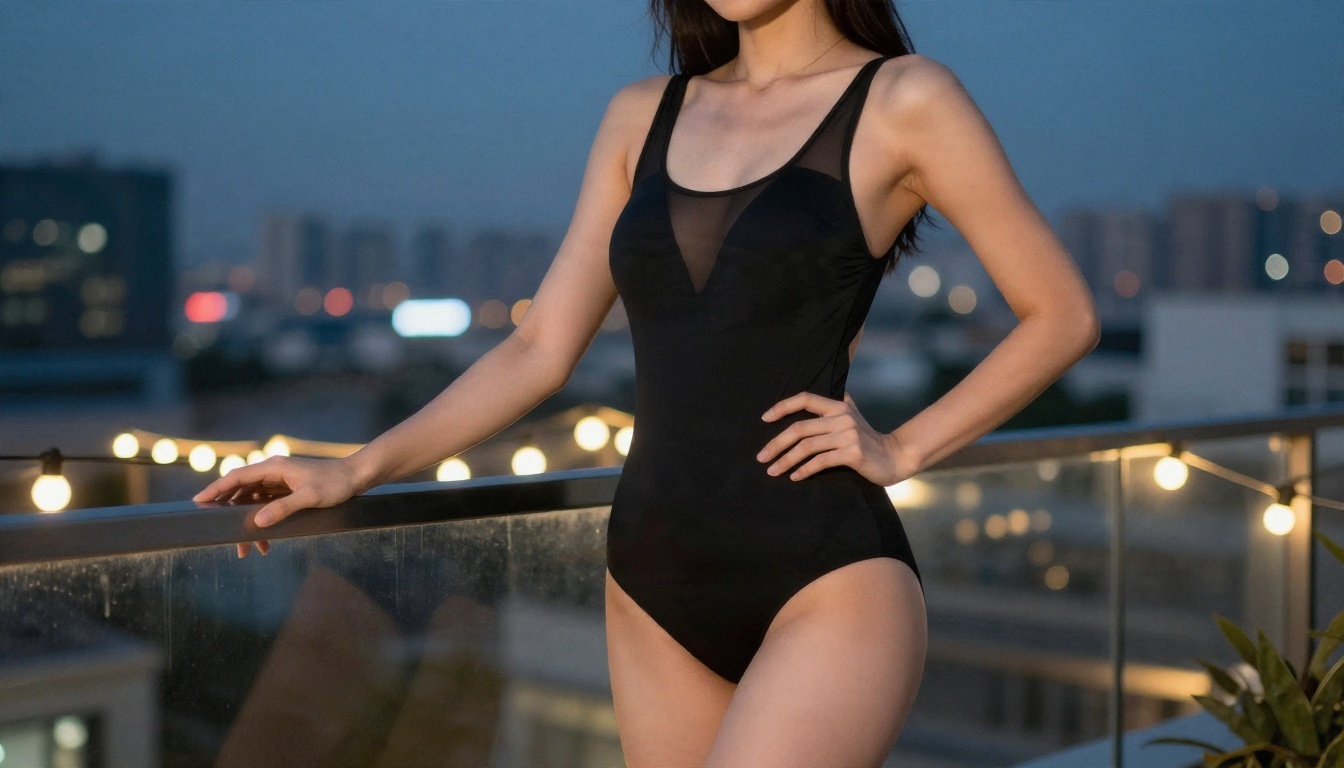
Window light from one side is the most flattering setup for adult portraits. It sculpts the face, creates soft gradients across the shoulders and gives the skin a natural glow. Golden hour gives you warm backlight and a rim glow on hair and shoulders. For a moodier result, ask for blue hour with warm practical lights, such as string lights or a lamp, in the background.
Hard side light from a softbox produces a more fashion driven image, with a crisp shadow and bold contrast. Rembrandt style light, with a small triangle of light on the cheek, adds drama to a close portrait.
Lens and Distance
Lens words change composition more than most people expect:
- 85mm to 135mm gives flattering compression and creamy background blur, perfect for close portraits.
- 50mm is a natural, honest view, good for half body and overhead frames.
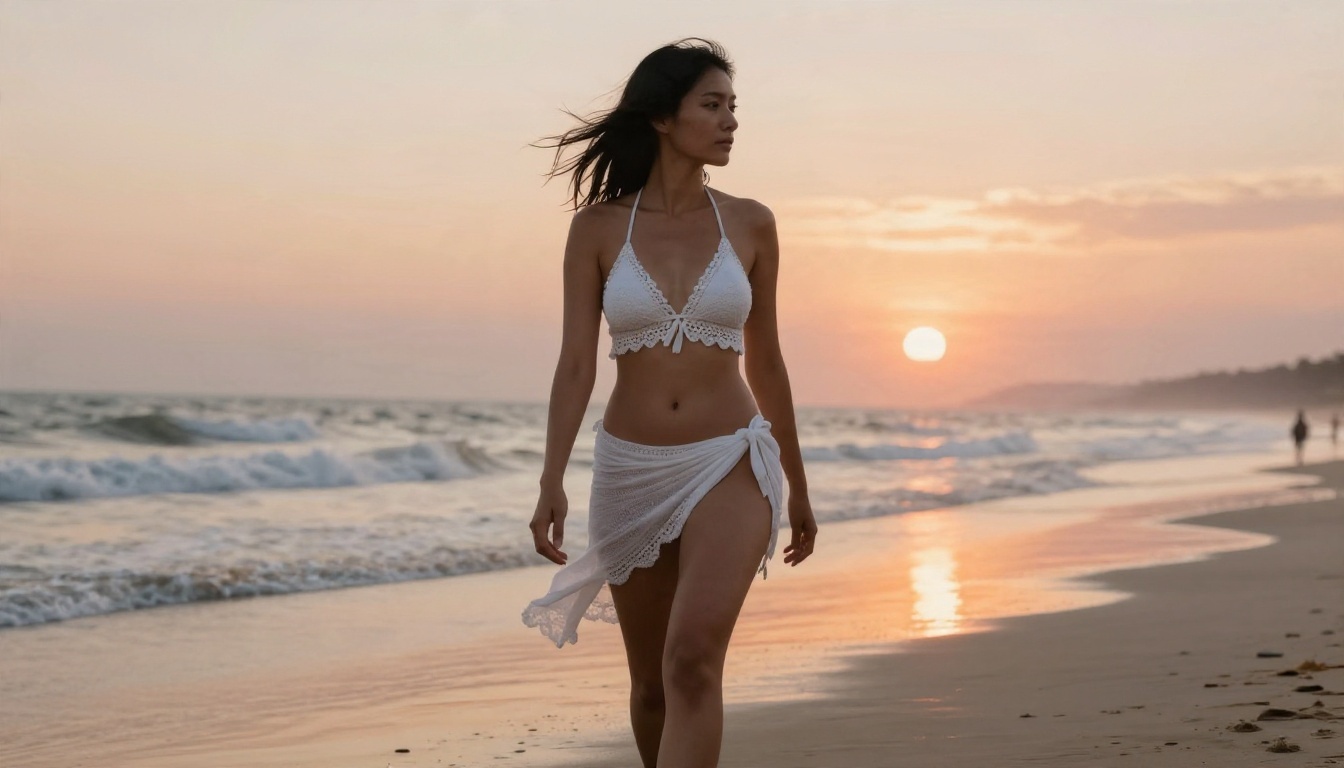
- 35mm adds environment and a sense of place, ideal for beach and pool scenes.
- 100mm macro brings out skin and eyelash detail in a beauty close-up.
Vary your angles too. A low angle adds confidence, an overhead frame feels intimate and quiet, and a side profile feels candid. A set of portraits where every frame has the same angle feels repetitive, even if each one is good.
| Goal | Lens | Angle | Light |
|---|
| Intimate close-up | 85mm f/1.8 | Eye level | Window, one side |
| Candid lifestyle | 135mm f/2 | Side profile | Soft dawn haze |
| Beach or pool | 35mm f/1.8 | Low angle | Golden hour backlight |
| Fashion editorial | 85mm f/2 | Slightly low | Single hard softbox |
| Beauty detail | 100mm macro | Straight on | Rembrandt, dark backdrop |
Five Steps to Your First Portrait
Here is a simple workflow using Seedream 4.5 and PicassoIA Image Editor Pro.
- Open Seedream 4.5 on PicassoIA and paste one of the prompts above as a starting point.
- Set a 16:9 or 3:2 ratio for scenes with environment, or a vertical ratio for single figure close-ups.
- Run two or three variations. Pick the one with the best expression and light, not the one with the most dramatic outfit.
- Move to Image Editor Pro for unlimited refinements: change the outfit color, soften a shadow, adjust the background or fix a small detail.
- Save and compare. Keep the winning prompt in a notes file, because a good prompt is reusable.
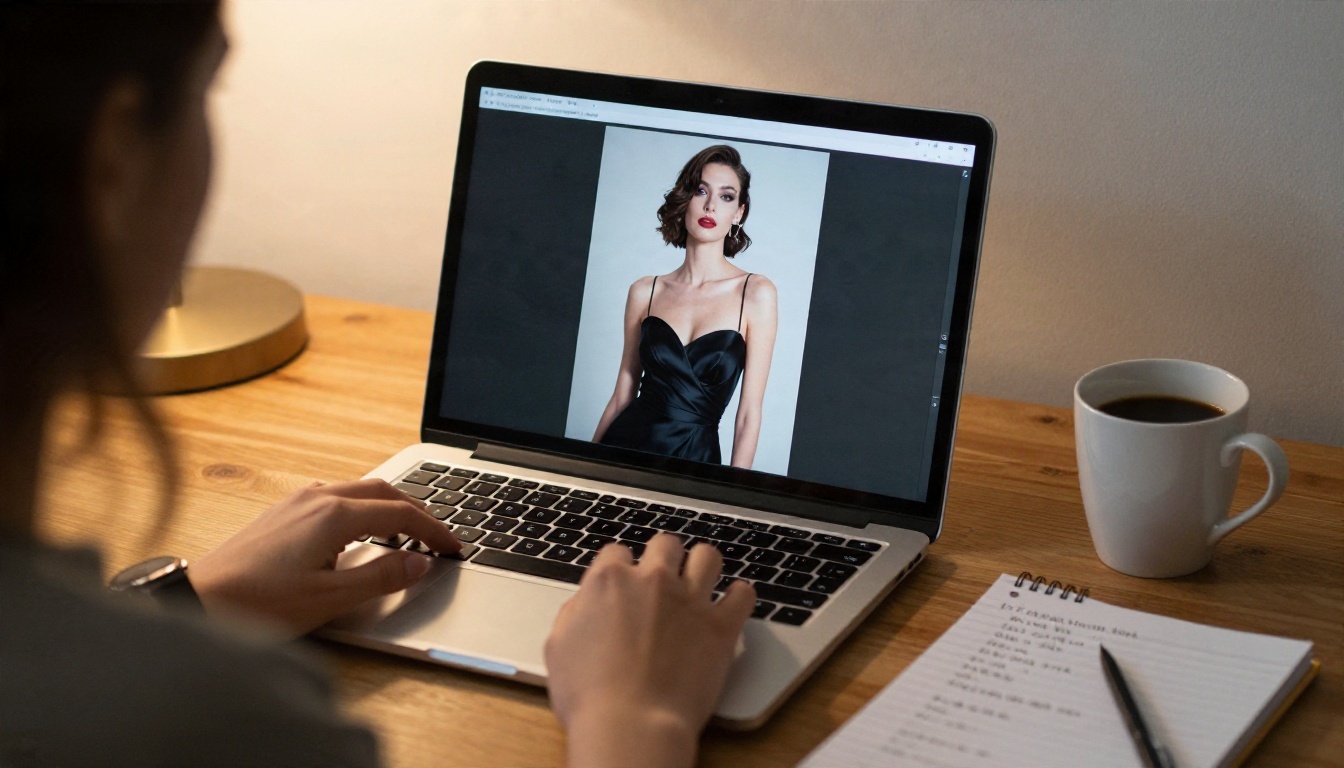
💡 Workflow tip: Change one thing per run. If you change the outfit, light and pose at once, you will not know which change helped.
Common Mistakes to Avoid
Most disappointing portraits come from the same small set of errors.
Plastic Skin and Over Smoothing
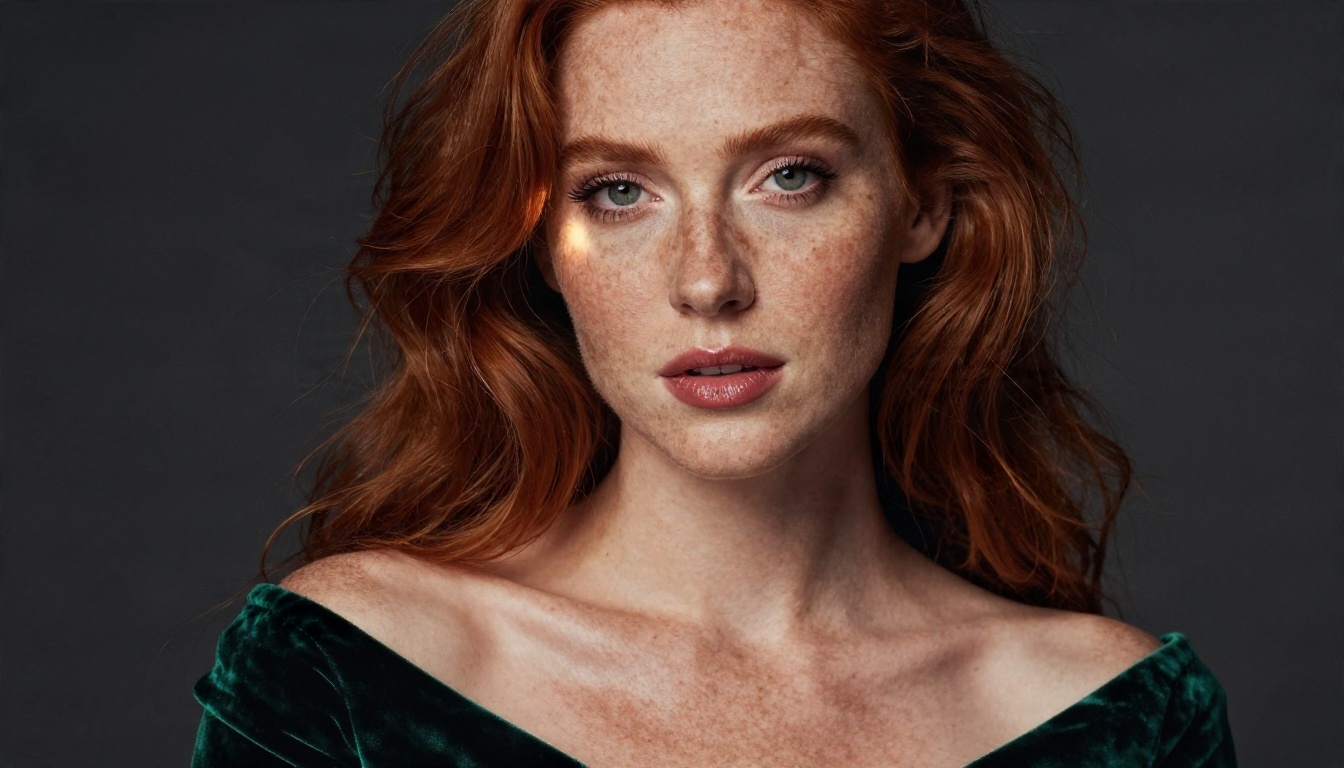
The most common giveaway is skin that looks airbrushed. The fix is to name real texture in your prompt: visible pores, fine freckles, peach fuzz, a natural sheen on the shoulders. Also avoid words like "flawless" and "perfect skin," which push the model toward a waxy finish. Adding film grain and a named stock such as Kodak Portra 400 brings back a photographic feel.
Vague Prompts and Mixed Styles
Prompts that mix "photo," "painting" and "anime" confuse the model and produce muddy results. Stay in one visual language. For portraits that look real, commit to photography terms only: lens, aperture, light direction and film stock. Avoid neon, glowing effects and heavy filters, which break the illusion immediately.
Another common error is stuffing the prompt with forty adjectives. Seven or eight precise details beat a long list of vague ones.
Safety, Consent, and Limits
A few ground rules keep this hobby enjoyable and safe.
- Only create fictional adults. Describe an invented adult subject. Never base an image on a real person without their clear consent.
- No minors, ever. Any prompt that implies a young subject is off limits, full stop.
- Do not imitate real people. Realistic portraits of celebrities or acquaintances can cause real harm, whatever the intent.
- Label AI images when you share them. It is honest, and many platforms require it.
- Keep it non-explicit. Suggestive glamour is easier to share, easier to publish and better looking in nearly every case.
Using a platform with clear model pages and transparent options also helps. You know what each model is for, and you can pick the one that matches your project instead of guessing.
Start Making Your Own Portraits
You now have the three things a good NSFW AI portrait needs: a model that does not refuse glamour, a prompt built like a shot list, and lighting and lens choices that make the skin look real. The quickest route is to open Seedream 4.5, paste the boudoir or swimwear prompt above, and change one detail at a time. When you want unlimited iterations, move the best frame into PicassoIA Image Editor Pro and keep refining without counting credits.
Then branch out. Try the same prompt in Nano Banana Pro, Qwen Image 3 Pro or Realistic Vision v5.1 and see which one fits your taste. Every model has a different feel, and the fastest way to find yours is to run a few portraits side by side.
Ready to see the full lineup? Browse every image model at picassoia.com/en/all-models and start creating your own photorealistic glamour portraits today.


