You typed a perfectly reasonable glamour prompt into Freepik's AI generator, hit enter, and got a warning or a bland, fully clothed result instead. That is the experience most people have when they search for NSFW AI prompts for Freepik. The platform is built for designers, marketers and stock users, so its safety filters lean strict. The good news: you can still get tasteful, suggestive, photorealistic images if you know how the filters behave, which free options exist, and which tools simply do not get in your way.
This article breaks down what Freepik tends to allow, the prompt structure that gets the best photographic results, ten copy-ready examples for swimwear, boudoir and fashion looks, and the alternatives worth switching to when a filter keeps blocking you. Everything here stays non-explicit: think magazine glamour, not pornography.
What Freepik Actually Allows
Freepik is a stock and design platform first and an AI lab second. Its image generator is meant to produce licensed, brand-safe content, so the moderation layer is tuned for advertisers, not for adult creators.
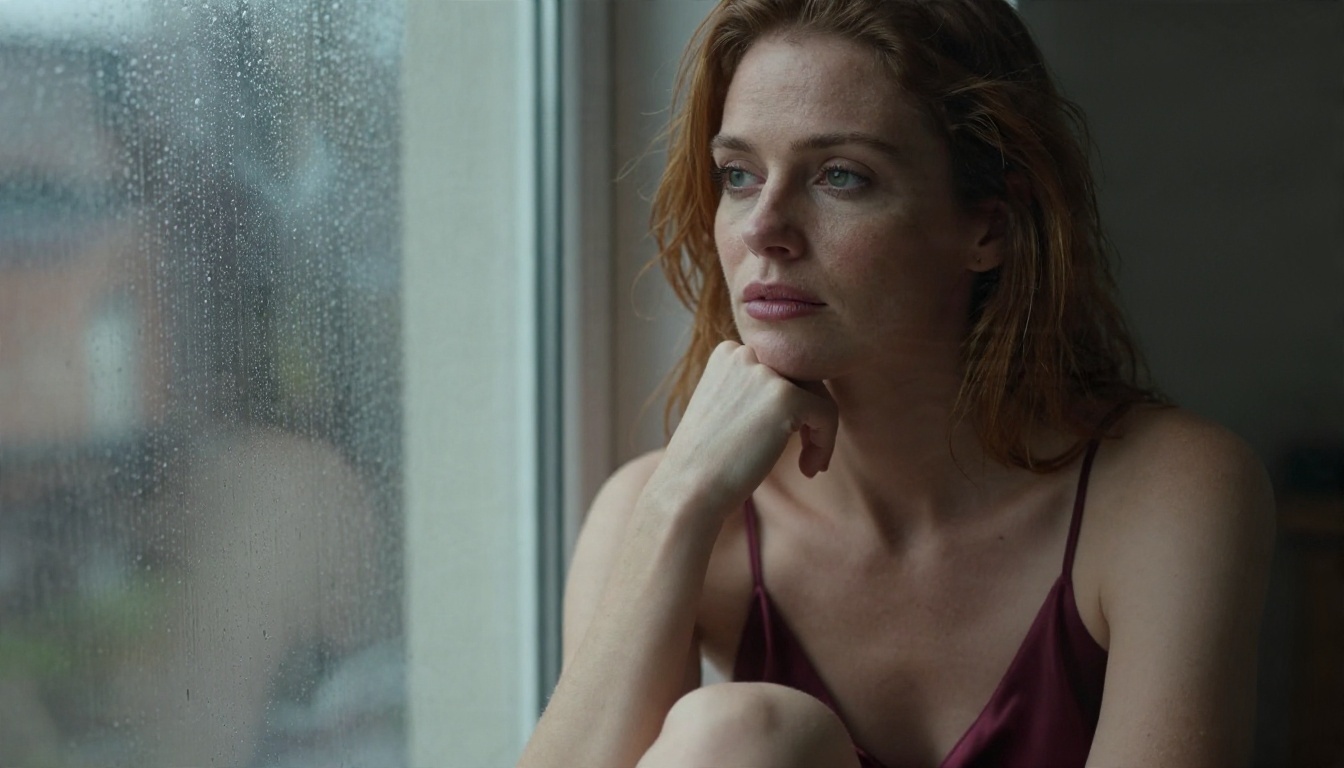
The Filter Reality
Reports from reviewers say Freepik does not generate adult content, and that its filters also catch some glamour and lingerie requests that most people would consider mild. Freepik's own pages do not spell out a detailed list, so treat any specific claim with caution and read its current content policy before you rely on a workaround. What is consistent across user reports:
- Nudity and explicit terms are blocked outright.
- Lingerie, bodysuits and very small swimwear are hit and miss.
- Prompts with a "sexy" tone often return a softened, more covered result.
- Policies change over time, so a prompt that worked last month may fail today.
💡 Tip: If a prompt is rejected, do not keep rewording the same sentence ten times. Repeated blocked attempts waste credits and rarely change the outcome. Change the scene, not just the adjectives.
Why Prompts Get Rejected
Filters usually work in two layers. The first scans your text for flagged terms. The second scans the generated image and discards it if it looks too revealing. That second layer is why a harmless-sounding prompt can still fail: the model drew something borderline, and the checker caught it.
This is also why vague, loaded words like "seductive" or "naughty" backfire. They push the model toward revealing output, which then gets blocked. Specific, photographic language such as outfit, location, lighting and lens gives you far more control.
Free Credits in Practice
Freepik offers a limited free allowance for AI generations, and the exact number has shifted over time and differs depending on which model you pick. Some outputs on free plans also carry restrictions such as watermarks. Heavier models eat credits faster, so a handful of experiments can empty a daily quota quickly. Check your account dashboard for the current numbers instead of trusting an old review.
Free Options Worth Trying
If you want to stay inside Freepik, free usage works for light, safe-for-work glamour. If you want fewer limits, there are better places to spend your time.
Freepik's Free Tier
The free tier is a fair place to test prompts for swimwear, beach lifestyle and fashion portraits. Keep outfits clearly editorial: one-piece swimsuits, sport bikinis, silk robes, evening dresses. Add context such as a villa, a yacht or a pool so the image reads as lifestyle photography. That framing helps the output slide past the image checker.
Limits to expect:
| Feature | Free tier reality |
|---|
| Daily generations | Small allowance, changes over time |
| Model choice | Some models cost more credits |
| Watermarks or restrictions | Can apply on free plans |
| Adult or lingerie content | Often blocked or softened |
| Commercial use | Check the license on your plan |
Unlimited Editing on PicassoIA
PicassoIA Image Editor Pro is the option to open first when you want freedom without counting credits. It offers unlimited generations, so you can iterate on a pose, an outfit or a lighting setup as many times as you need. It also works for editing: change an outfit, adjust the background, or refine skin tones on an image you already have.
Whether you stay on Freepik or move to another tool, the same structure produces cleaner, more photographic images. Treat a prompt like a shot list for a photographer.
The Six-Part Structure
Build every prompt in this order:
- Subject and pose: an adult woman, her age range, hair, and a simple natural pose.
- Outfit: fabric and cut, such as "cream satin robe" or "white high-cut swimsuit".
- Location: a specific place with details, like "sunlit hotel suite with marble floor".
- Lighting: direction and quality, such as "soft window light from the left".
- Camera: lens and aperture, such as "85mm f/1.8, shallow depth of field".
- Texture and mood: "visible skin pores, film grain, Kodak Portra 400".
Always state that the subject is an adult and keep the mood editorial. That sets the tone from the first word.
Lighting and Lens Words
Lighting does most of the work in glamour photography. A few phrases that reliably add realism:
- Golden hour backlight for warm rim light on hair and shoulders.
- Soft window light for boudoir and bedroom scenes.
- Single softbox from camera right for fashion studio looks.
- Overcast beach light for even, flattering skin tones.
For lenses, 85mm gives flattering portraits with soft backgrounds, 35mm works for environmental full-length shots, and a 135mm telephoto compresses poolside and resort scenes nicely.
Words That Trigger Blocks
On filtered platforms, the following tend to cause trouble: explicit anatomy terms, "nude", "topless", "see-through", "wet t-shirt" and anything implying a minor or a school setting. Swap them for outfit and scene descriptions. "Silk slip dress on rumpled sheets in morning light" says everything you need without tripping a text filter.
Prompt Examples to Copy
Each example below stays suggestive and tasteful. Paste them as written, then adjust hair, location or outfit to your taste.
Poolside Glamour
An adult woman in a yellow vintage bikini and straw hat sitting on the edge of an infinity pool at a tropical resort, feet in the water, cocktail glass beside her, palm trees and hazy mountains behind, late afternoon sun from the right, 135mm f/2 telephoto, water droplets on skin, film grain, Kodak Portra 400, raw 8K photography.
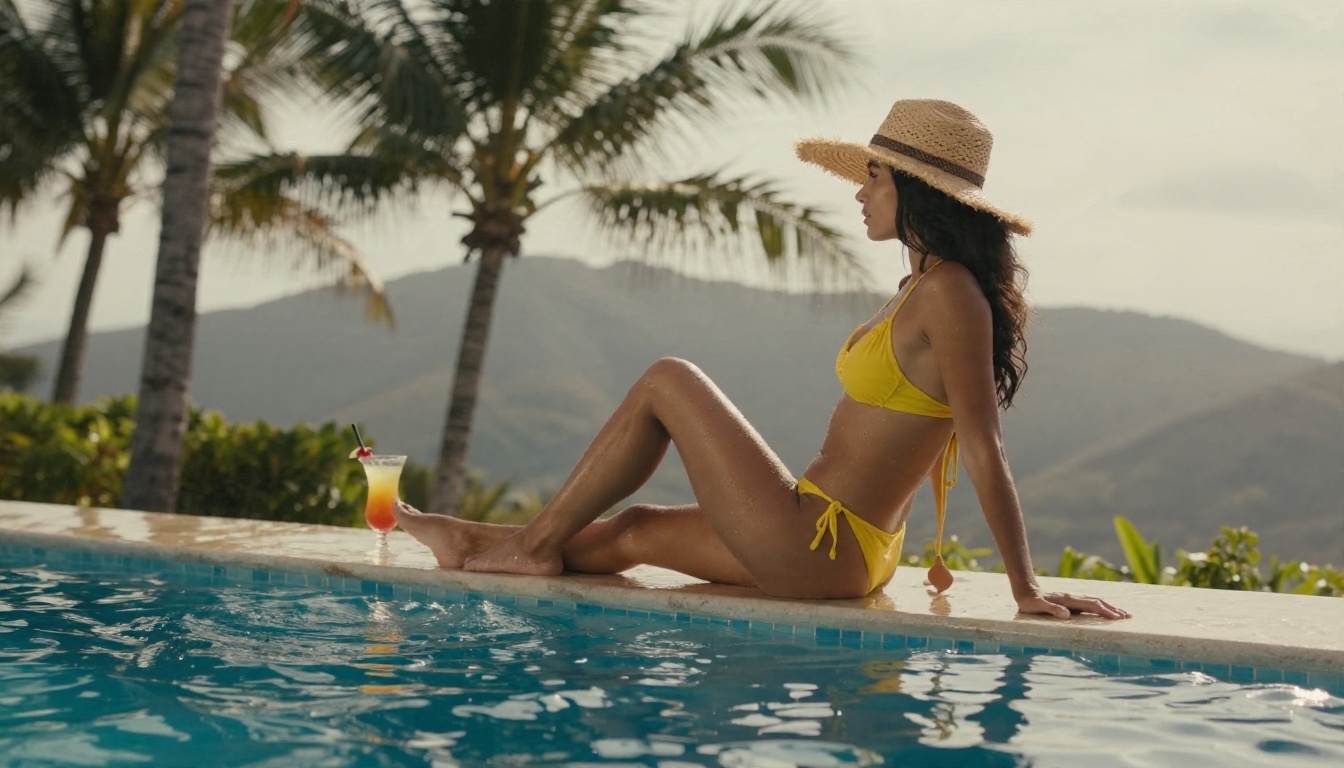
The telephoto lens flattens the background and keeps attention on the subject, while the water droplets sell the realism.
Beach at Sunrise
Over-the-shoulder shot of an adult woman in a white high-cut one-piece swimsuit walking along a quiet beach at sunrise, wet sand reflecting pink and gold sky, waves around her ankles, backlit hair strands glowing, 70mm f/2.8, soft sea mist, Kodak Portra 400 film grain.
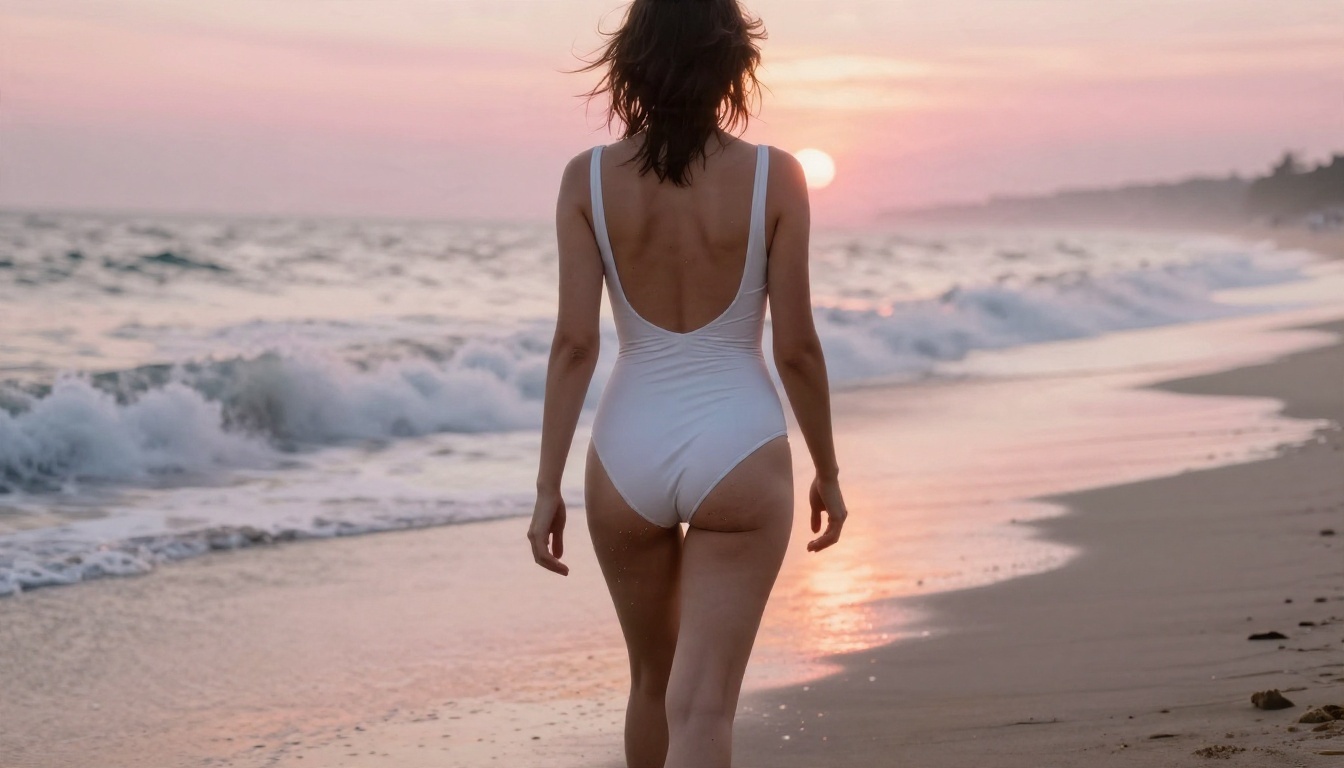
An over-the-shoulder angle is a quiet trick: it feels intimate and cinematic while staying well inside filter limits.
Fashion Studio Look
Medium shot of an adult woman with a short platinum bob wearing a black lace bodysuit under an oversized tailored blazer, leaning against a brick wall in a moody photography studio, single softbox from camera right, deep soft shadows, 50mm f/1.4, lace texture and skin detail visible, subtle film grain.
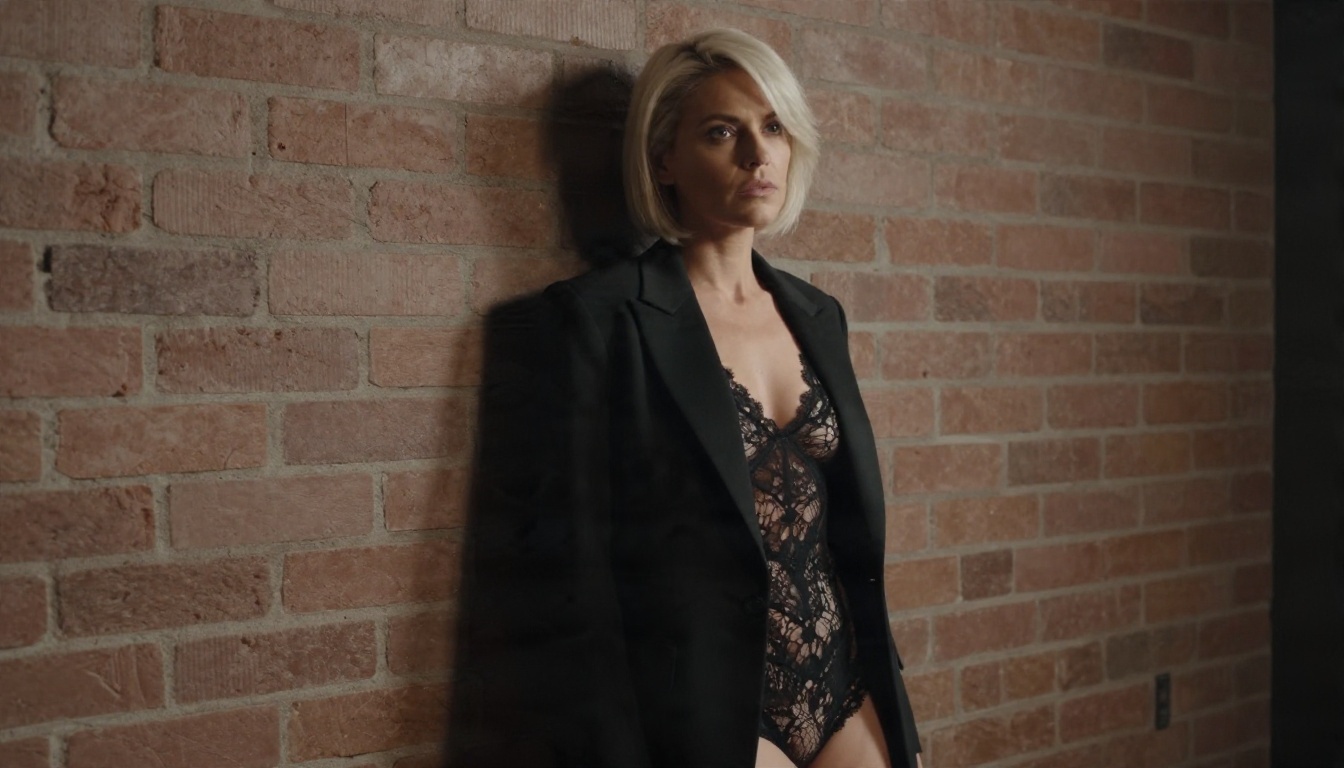
Layering a blazer over lace is the editorial approach. It reads as fashion first, which is exactly how a moderation system tends to classify it.
Silk Bedroom Morning
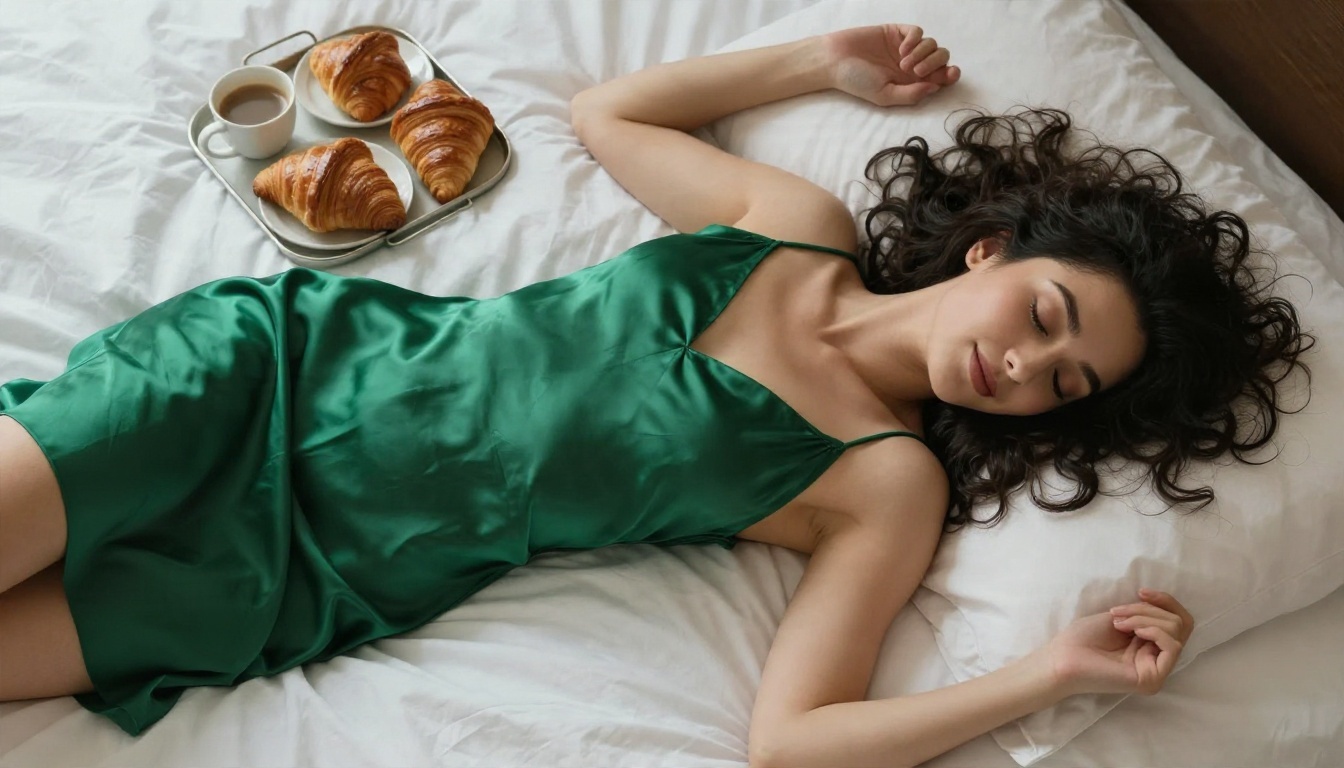
High-angle overhead shot of an adult woman in an emerald green silk slip dress lying on crumpled white bed sheets, dark curly hair spread on the pillow, eyes closed in a soft smile, breakfast tray with croissants and coffee beside her, diffused morning window light from top left, 50mm f/2, fabric sheen and skin texture detail.
More Quick Prompts
Use these shorter ones when you want to iterate fast:
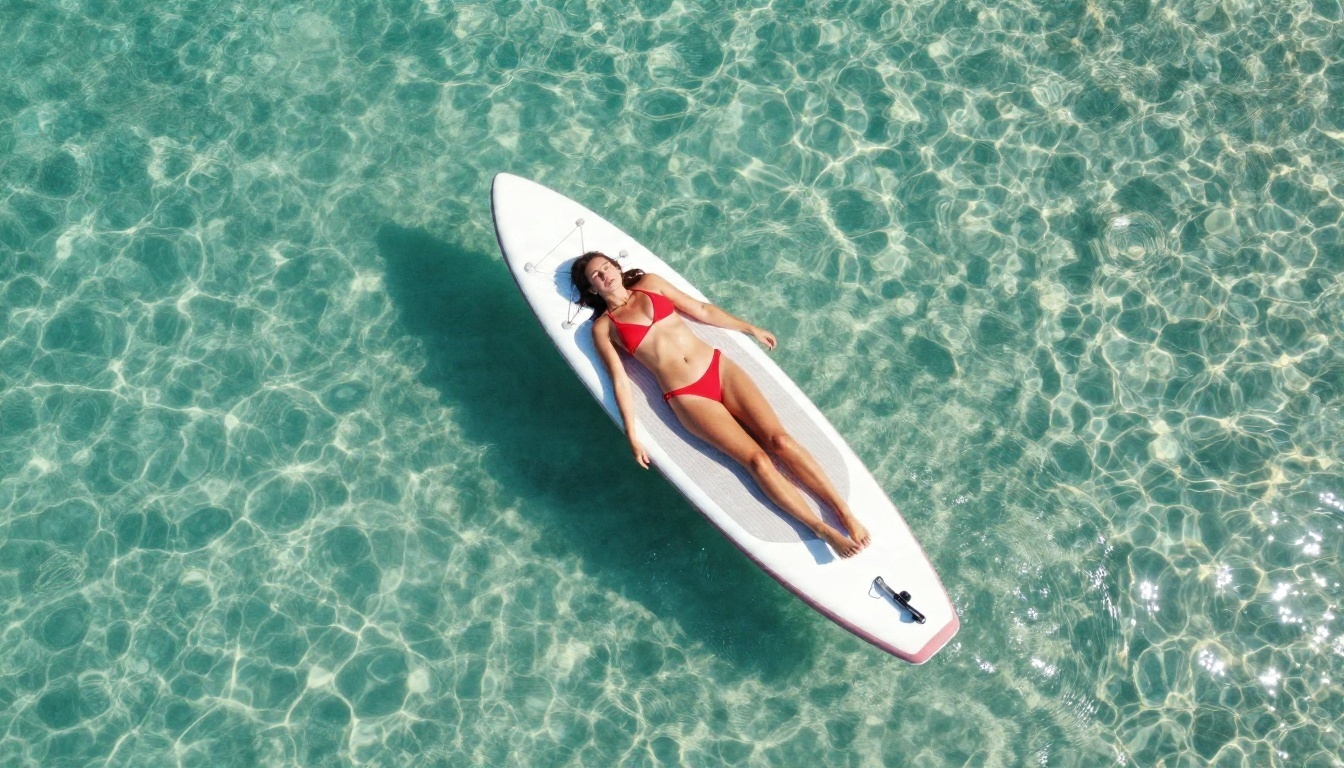
- Adult woman in a red bikini on a white paddleboard, aerial drone view, turquoise shallow water, midday sun, 24mm, water droplets on skin.
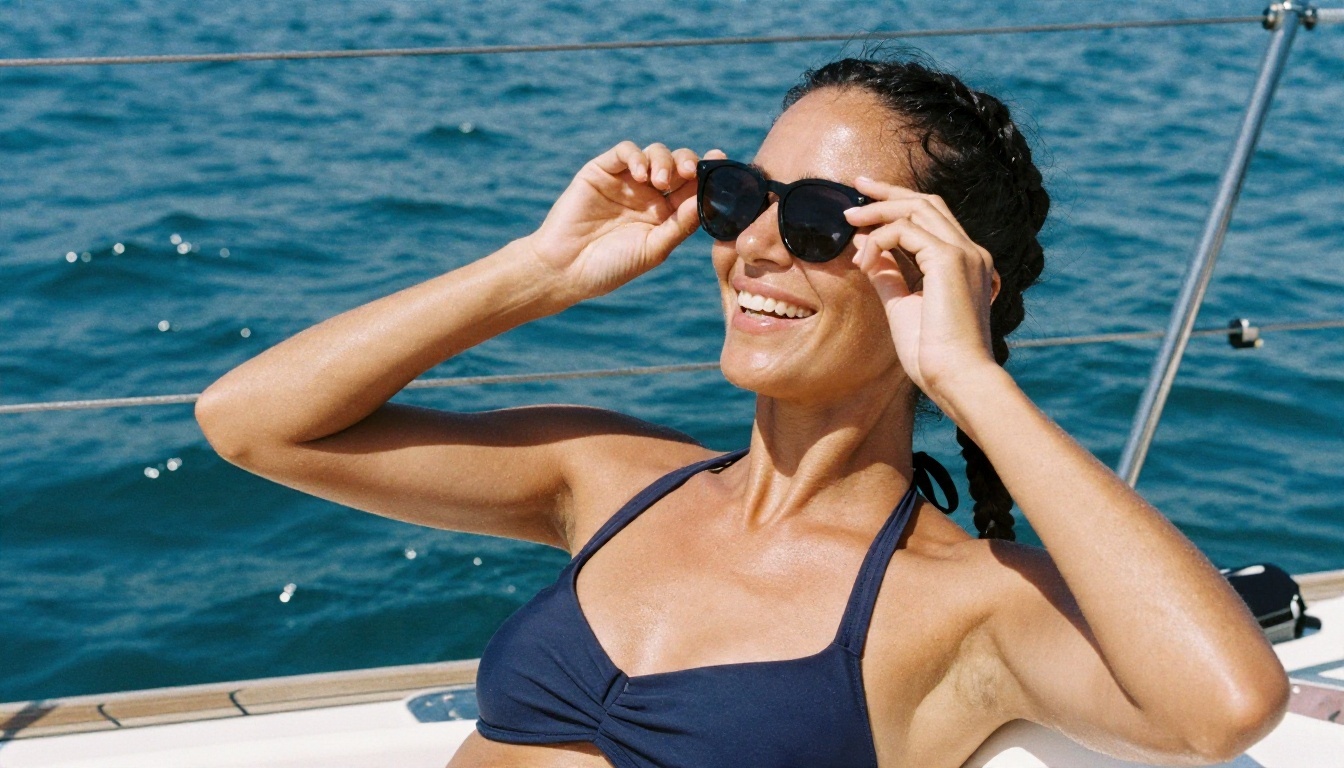
- Adult woman in a navy sport bikini top laughing on a sailboat deck, bright noon sun, salt spray on skin, 50mm f/2.
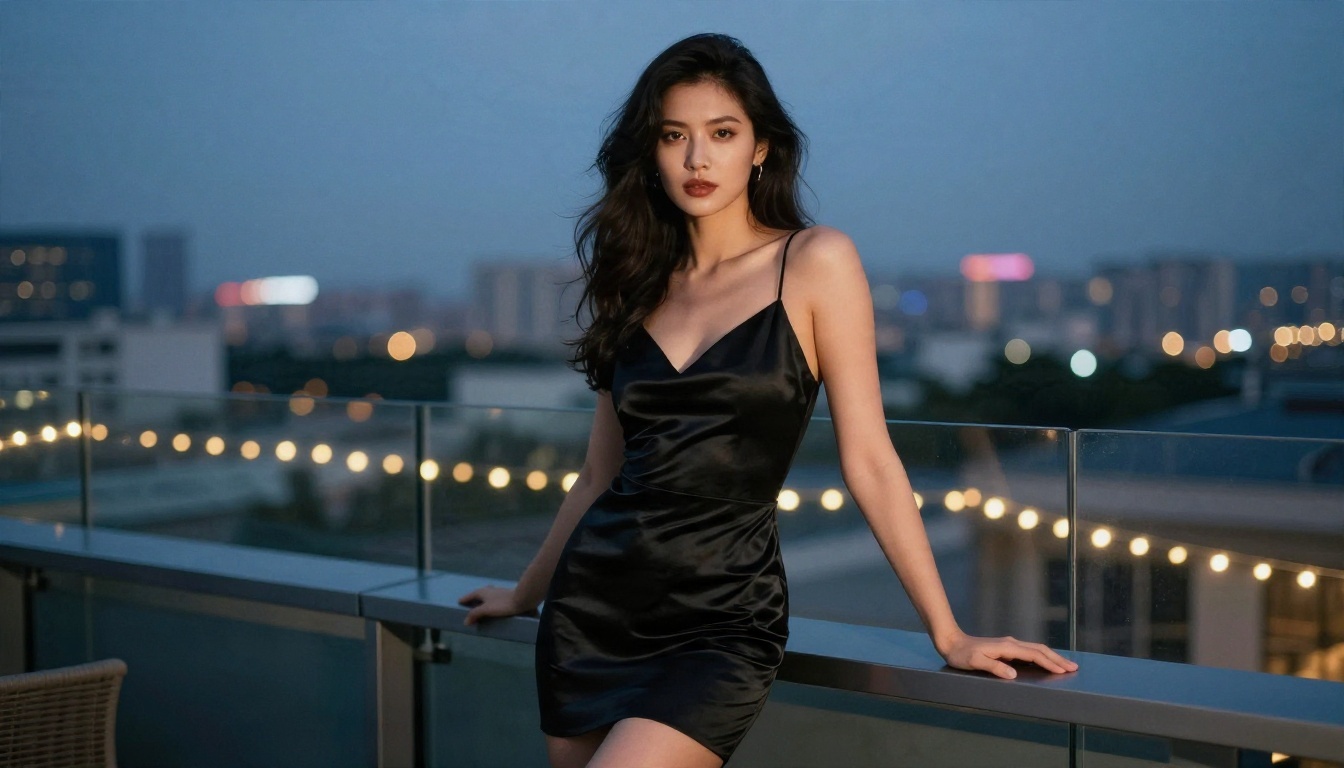
- Adult woman in a black satin mini dress on a rooftop at dusk, glass railing, city bokeh, 85mm f/1.8, warm string lights.
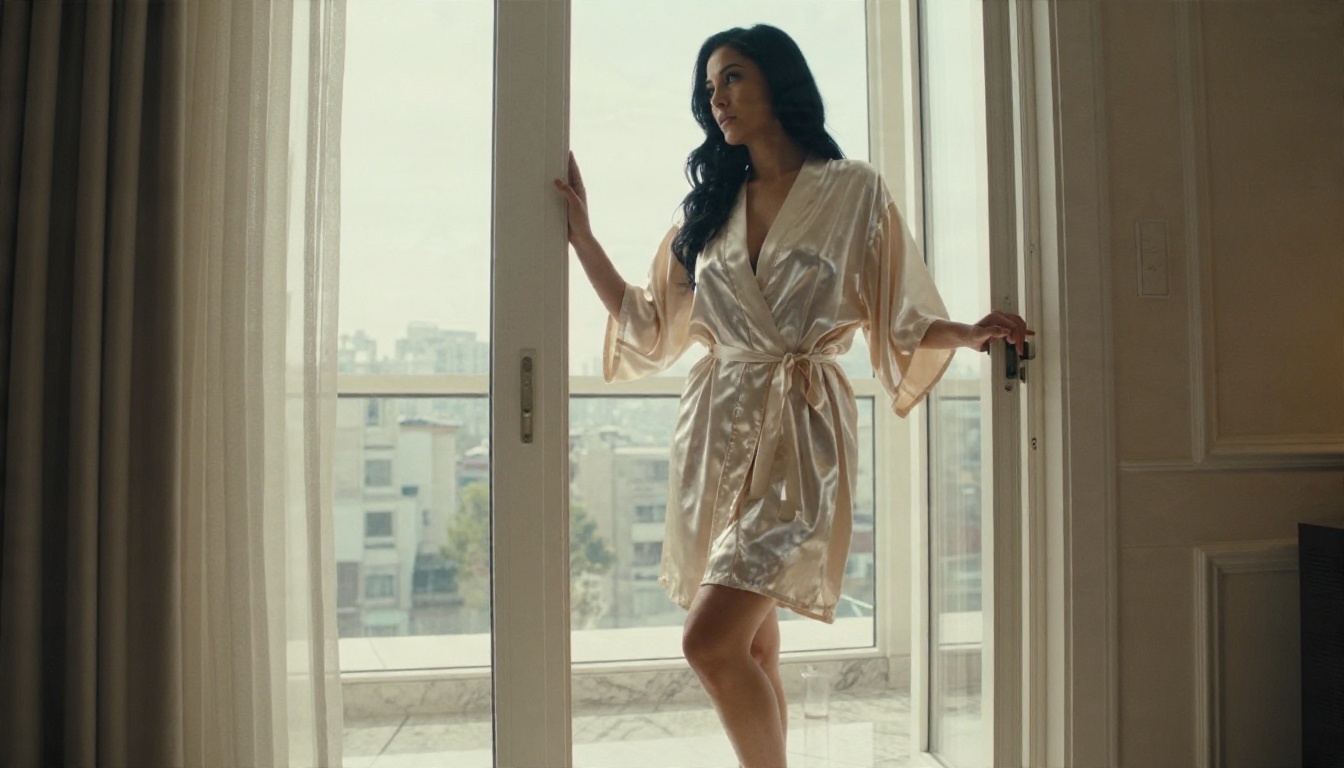
- Adult woman in a cream satin robe in a sunlit hotel doorway, low-angle full-length shot, 35mm f/2, marble reflections.
💡 Tip: Change only one variable at a time. If you swap the outfit, the location and the lighting all at once, you will not know which change helped.
Best Alternatives Compared
When Freepik's filters get in the way, these tools on PicassoIA are built for fewer restrictions and stronger photorealism. They are listed in the order I would try them.
| Model | Best for | Why try it |
|---|
| Seedream 4.5 | Photorealistic glamour, up to 4K | Sharp skin texture, accurate lighting, follows long prompts well |
| PicassoIA Image Editor Pro | Unlimited iteration and edits | No credit counting, quick outfit and background changes |
| Z Image Turbo | Fast drafts | Very quick results for testing prompt ideas |
| Hunyuan Image 3 | Detailed scenes | Handles complex environments and wardrobe detail |
| Qwen Image 3 Pro | Natural portraits | Realistic faces and balanced color |
| Realistic Vision v5.1 | Classic photographic look | Warm, film-like skin tones |
Why Seedream 4.5 Leads
Seedream 4.5 is the first model to open for adult glamour work. It produces crisp 4K output with believable skin pores, fabric weave and light falloff, and it takes the long, structured prompts from the formula above without losing details. Where Freepik may soften or reject a bikini scene, Seedream 4.5 on PicassoIA simply renders the photograph you described.
Speed and Freedom
The real advantage is workflow. On a filtered platform you spend half your session rewriting prompts to dodge a block. With PicassoIA Image Editor Pro, you describe the scene, generate, adjust and generate again with no cap on attempts. For quick drafts, Z Image Turbo returns results in seconds, so you can test five lighting variations in the time it takes one filtered request to fail.
💡 Tip: Draft on a fast model, then re-run your best prompt on Seedream 4.5 for the final high-resolution image.
How to Use Seedream 4.5 on PicassoIA
Here is the quickest path from prompt to finished image.
Step by Step
- Open the Seedream 4.5 page on PicassoIA and sign in.
- Paste a prompt built with the six-part structure. Start with one of the examples above.
- Choose a 16:9 aspect ratio for scenic shots or a vertical ratio for portraits.
- Pick the highest resolution available for final renders, and a lower one for drafts.
- Generate, review the skin texture and lighting, then adjust one detail and run it again.
- Send your favorite to PicassoIA Image Editor Pro to change the outfit, background or tone without starting over.
Parameter Tips
- Be specific about light. "Soft window light from the left" beats "good lighting".
- Name the film stock. "Kodak Portra 400, film grain" nudges the model toward warm, natural skin.
- Keep prompts between 50 and 100 words. Long enough for detail, short enough to stay focused.
- Use a fixed seed when you like a composition, so you can tweak small details without losing the pose.
Common Mistakes to Avoid
Most weak results come from the same handful of habits.
Vague Prompts
"Sexy woman on a beach" gives the model nothing to work with. You get generic faces, flat light and plastic skin. Describe the outfit, the time of day and the lens.
Overloading One Prompt
Packing ten outfits, three locations and four moods into one sentence confuses every model. Pick one idea per image.
Ignoring Skin Realism
Skip words like "perfect skin" or "flawless". They produce a waxy, airbrushed look. Ask for visible pores, freckles and a natural sheen instead, and the image immediately looks more like a real photograph.
Chasing Explicit Output
Stay editorial. Suggestive framing, interesting light and good styling make stronger images than anything explicit, and they remain usable on social platforms, portfolios and print. Keep every subject clearly adult and keep the scene tasteful.
Make Your First Image Today
Freepik is a strong choice for stock-style design work, but it is not built for adult glamour, and fighting its filters costs time and credits. Take the prompts in this article, swap in your own location and styling, and run them on Seedream 4.5. Then open PicassoIA Image Editor Pro to refine outfits, backgrounds and lighting with unlimited generations.
Want to compare more options? Browse the full catalog at picassoia.com/en/all-models, pick a model that fits your style, and start experimenting with Picasso IA. Your first photorealistic result is one prompt away.


