Every adult video tool on the internet promises "no limit," and almost every one of them hides a limit somewhere: a watermark, a five-second ceiling, a credit meter that drains faster than you expect. If you are shopping for an NSFW AI video generator with no limit, the useful questions are boring ones. What does one clip cost? How many seconds do you get? How long do free credits last before the paywall appears? This article answers those three questions with real numbers, then shows a workflow that keeps costs low while the output stays glamorous and tasteful.
💡 Quick answer: Expect 5 to 10 seconds per clip on most platforms, roughly $1 to $3 per paid clip on credit-based NSFW sites, and free tiers that mostly deliver one watermarked clip per day. A few models on PicassoIA break that pattern, and they are covered below.
What "No Limit" Really Means
The Marketing Claim vs Reality
"No limit" is a sales phrase, not a technical spec. In practice it usually means one of three things: no content filter on the prompt, no cap on how many times you can press generate, or no restriction on clip duration. Very few services deliver all three at once. A site might accept any prompt yet charge 50 credits per clip, which is a limit with a price tag on it. Another might offer unlimited generations but cap every clip at 5 seconds and 480p.
So read "no limit" as a question: which limit was removed, and which ones remain? The answer decides whether the tool fits your project.
Where Limits Hide
After comparing roundups and vendor pages, the same five restrictions keep surfacing:
- Watermarks stamped on every free export
- Resolution caps, often 480p or 720p on lower plans
- Duration caps, typically 5 or 10 seconds per generation
- Credit meters that charge more for longer or higher quality clips
- Queue priority, where free users wait while paying users skip ahead
A fair comparison puts all five side by side. A generator that is cheap but watermarked is not cheaper than one that costs a little more and exports clean files.
The Real Cost of Each Clip
Credit Math Per Clip
Prices change often, and most public pricing figures come from third-party roundups, so treat the numbers below as ballpark estimates and confirm them on each vendor's page before paying. Still, the pattern is consistent across the market.
| Pricing example (approximate) | Monthly cost | Credits included | Credits per 5s clip | Rough cost per clip |
|---|
| NSFW-focused Pro plan | $12.99 | 100 | 10 | about $1.30 |
| Credit pack on an uncensored site | $19.99 | 400 | 50 | about $2.50 |
| Mid-tier creative platform | from $25 | 400 | varies | varies by model |
| General video tool, standard tier | about $10 | 1,200 | varies | capped at 720p |
The takeaway: a plan that looks generous on paper can yield only 8 to 10 clips a month once you count how many credits one clip burns. And you will not keep every result. Plan on discarding 2 to 3 attempts for every usable clip, which pushes the real price per keeper to somewhere between $3 and $8 on credit-based sites.
Free Credits in Practice
Free credits sound like a trial, but they behave more like a teaser. A typical setup gives a one-time signup balance plus a small daily top-up. One popular video platform, for instance, is described as offering around 90 signup credits and 60 daily credits, which works out to roughly one watermarked short clip per day. That is enough to test a prompt, not enough to finish a project.
What free credits usually do not include:
- Commercial usage rights
- Clean, watermark-free downloads
- Access to the newest or highest quality model
- Priority rendering
💡 Tip: Spend free credits on your single best source image and a short, simple motion prompt. Wasting them on long, complicated scenes is the fastest way to hit zero.

Clip Length: 5, 10 or 30 Seconds
Why Short Clips Dominate
Nearly every NSFW video generator produces 5 or 10 second clips, and there is a technical reason. Video diffusion models have to keep a face, a body and a background consistent across every frame. The longer the clip, the more that consistency drifts: hands change shape, fabric flickers, faces slowly morph. Short clips hide those flaws, and they cost less to render.
Longer outputs also cost more. As a rule of thumb, a 10 second render costs about twice a 5 second one on most credit systems, so doubling the length rarely gives you any savings.
Stitching Longer Scenes
If you need 20 or 30 seconds, you have two options: use a model built for long output, or chain short clips together. Chaining works like this:
- Generate clip one from your source image.
- Grab the last frame of clip one.
- Use that frame as the starting image for clip two.
- Repeat, then join the clips in any editor.
It works, but each handoff adds a small risk of drift, so keep the lighting and outfit simple. Models that natively reach 30 seconds, like Seedance 2.5, skip the stitching step entirely.
Best Picks on PicassoIA
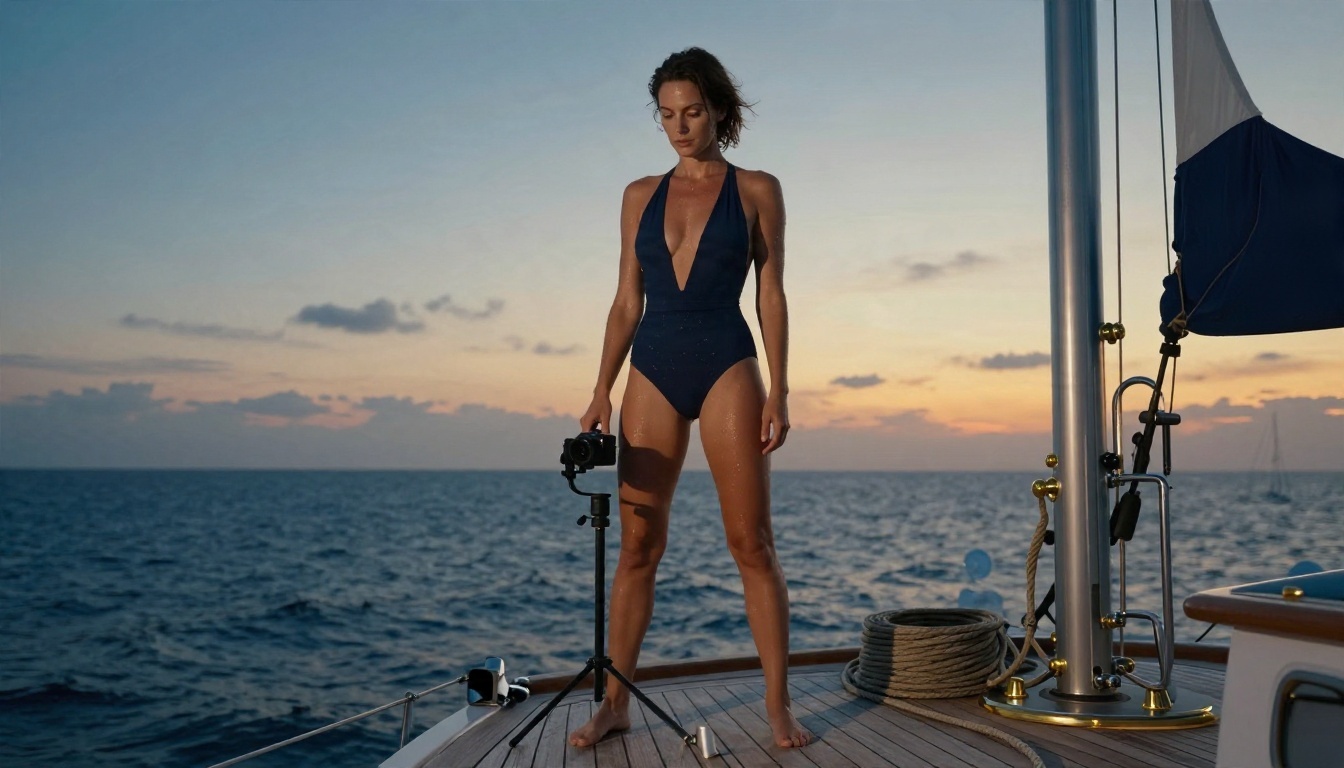
This is where the "no limit" promise gets practical. PicassoIA focuses on non-explicit adult content: glamour, swimwear, boudoir and editorial looks, built with fast models and no credit anxiety on the image side.
Seedream 4.5 for Source Frames
Start every video with a strong still. Seedream 4.5 is the model to lead with: it produces sharp, photorealistic 4K stills with believable skin texture and fabric detail, and it handles glamour and swimwear prompts without the over-filtering that frustrates users elsewhere. A clean first frame is the single biggest factor in how good the animated clip looks.
Image Editor Pro for Fixes
Rarely does the first render come out perfect. A strap sits wrong, the background is cluttered, the lighting is flat. PicassoIA Image Editor Pro is built for those corrections and offers unlimited generations, so you can iterate on a frame as many times as you like before spending anything on video. That one habit saves more money than any discount code.
For more variety in looks, two other image models are worth a try: Seedream 5 Pro for crisp 2K output and Qwen Image 3 Pro for photorealistic portraits.

Video Models Worth Trying
Once the still is locked, pick a video model by clip length and budget:
For budget-conscious creators, the sensible order is: test the motion idea with Seedance 2.5 Lite, then re-render the winner on a higher-end model like Kling v3 Video or Veo 3.1 when you want maximum polish.
From Still to Clip Workflow
Step by Step
Here is the routine that keeps credits low and quality high:
- Write the still prompt. Describe subject, outfit, setting, light direction and lens, for example "adult woman in a cream satin two-piece on a villa terrace, golden hour light from the left, 85mm f/1.8."
- Generate in Seedream 4.5. Make three or four variations and pick the sharpest.
- Polish in PicassoIA Image Editor Pro. Fix straps, background clutter and skin tones until the frame is final.
- Animate in Seedance 2.5 Lite. Upload the still, add a short motion prompt, render a draft.
- Upgrade the winner. Re-render the best draft with Wan 2.6 I2V or Kling v3 Video if you need more detail.
Prompt Tips for Motion
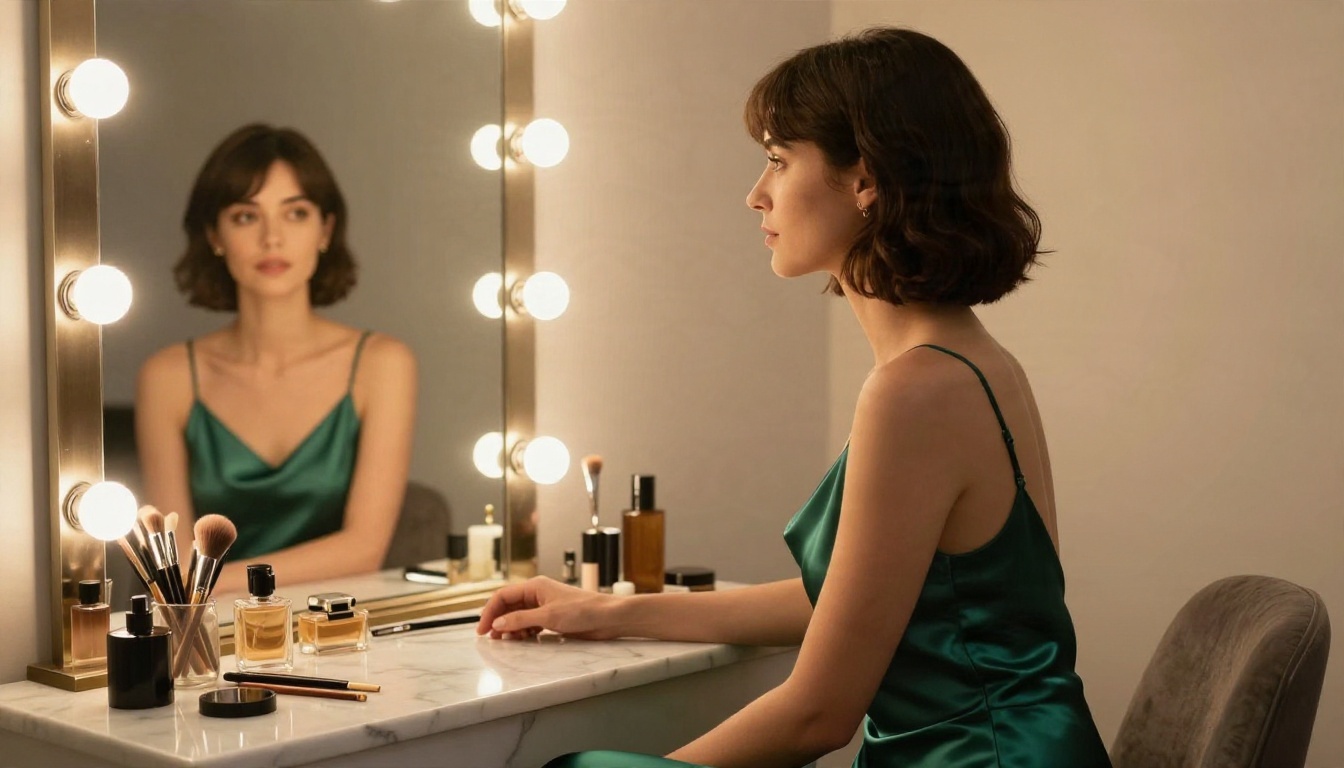
Motion prompts should read like a shot list, not a paragraph of adjectives. Describe one subject movement and one camera movement per clip:
- Subject: "she slowly turns her head toward the camera and smiles"
- Camera: "slow dolly-in, shallow depth of field"
- Atmosphere: "warm golden light, a light breeze moves her hair"
Skip stacked actions such as "turns, walks, spins and waves." Short clips cannot hold that much, and the model will smear it into mush. Keep the wardrobe simple too: fine lace, sequins and busy patterns flicker more than satin, cotton or solid swimwear.
💡 Tip: Name the lighting and the lens in your motion prompt, just as you did in the still. Matching the language keeps the clip faithful to the first frame.
Mistakes That Waste Credits
Skipping the Still Image Step
Text-to-video feels faster, but it gambles on both the subject and the motion in one roll. Starting from a still lets you fix the look first, then gamble only on movement. Users who go image first typically need fewer retries.
Chasing Maximum Length
A 10 second clip is not twice as useful as a 5 second one. Most social posts, previews and loops work perfectly well at 5 seconds, and the shorter render is cheaper and more consistent. Save long durations for scenes that truly need them.
Ignoring Resolution Caps
Check the output resolution before you commit. A cheap plan that exports 480p looks soft on a phone and worse on a monitor. If you need sharper footage, pair your clip with a super-resolution tool afterward rather than paying for the top tier on every render.
Trusting "Unlimited" Without a Test
Run one clip before you subscribe. Check the watermark, the resolution, the wait time and the real credit cost. Five minutes of testing beats a month of regret.
Rules for Adult Content
Cheap generation makes responsible habits matter more, not less. Keep these rules in place for every project:
- Adults only. Every subject must be clearly an adult, with no ambiguity.
- No real people without consent. Do not generate likenesses of actual individuals, including celebrities or acquaintances.
- Keep it non-explicit. Glamour, swimwear and boudoir aesthetics are the target, not pornography.
- Check platform rules wherever you publish. Social networks and ad platforms each have their own limits, and adult video carries more legal and platform risk than general AI footage.
Tools marketed as "free" and "uncensored" do not give permission to create illegal or non-consensual material, and nobody should use them that way.
Start Creating Your Own Clips
You now have the numbers: expect 5 to 10 seconds per clip, budget for retries, treat free credits as a sampler, and build every video from a polished still. The cheapest improvement you can make today is to move your trial and error to the image stage, where PicassoIA Image Editor Pro gives you unlimited generations, then spend your video renders only on frames you already love.
Open Seedream 4.5, write your first glamour prompt, and turn the best result into a clip with Seedance 2.5 Lite. When you want longer scenes or more cinematic movement, step up to Seedance 2.5 or Kling v3 Video. Picasso IA puts the image editor, the video models and the upscalers in one place, so you can experiment freely without juggling five subscriptions.
Ready to see what else is on the shelf? Browse every image and video model at picassoia.com/en/all-models and start building your own library of clips today.