Most people type "anime girl" into an image generator, hit enter, and get the same flat, over-smoothed face that every other user gets. Add the word NSFW and things get worse: the tool either refuses, blurs the result, or buries you in a paywall. An NSFW anime girl generator should do the opposite. It should take a clear idea, respect your taste, and hand back something attractive in seconds.
This article shows how that works in practice. You will get a prompt formula, real examples with the wording behind them, a step by step tutorial, a look at free online options, and a table of alternatives. Everything here stays on the suggestive, glamour side of the line: swimwear, lingerie-style outfits, costume looks and flirtatious poses. Nothing explicit.
💡 Quick answer: For the best balance of detail, speed and freedom, start with Seedream 4.5, then switch to PicassoIA Image Editor Pro when you want unlimited generations and quick edits.
What an NSFW Anime Girl Generator Does
At its core, this kind of tool turns a short text description into an image of an adult character with an anime-inspired look: big expressive eyes, bold hair colors, stylized outfits, a clean glamour pose. The "NSFW" part means the tool allows suggestive content that mainstream apps filter out.
Anime Style vs Photoreal Anime Looks
There are two broad directions, and choosing early saves a lot of wasted runs.
- Drawn anime style: flat shading, outlined shapes, cel-style color. Great for character sheets and fan art.
- Photoreal anime looks: a real-looking person styled like an anime heroine, with pastel wigs, sailor-style outfits, cat ears and dramatic eyeliner. Think high-end cosplay photography.
Every example in this article uses the second direction. The pictures were generated as photographs, with real skin texture, fabric detail and natural light, because that is where today's models are strongest and where results look the most polished.
What "NSFW" Means Here
In this article, NSFW means non-explicit and adult. Swimwear, lace, satin, off-shoulder tops, bedroom settings and playful poses are all fair game. Explicit nudity and sexual acts are not part of the picture. Every character is an adult, and none of the examples depict a real, identifiable person.
⚠️ Rule worth repeating: always describe your subject as an adult woman, give a plausible age range such as "mid twenties", and never base a prompt on a real person's name or face.
Vague prompts give vague pictures. A structured prompt gives the model fewer chances to guess wrong, which matters even more when you want a specific style.
The Six Part Structure
Use this order. Each piece is a short phrase, and together they read like a photographer's brief.
- Subject: "adult woman in her mid twenties, cosplayer, long pastel pink wig with blunt bangs"
- Outfit: "white and powder blue sailor-style two-piece swimwear, silver choker"
- Pose and expression: "hand lifting a strand of hair, playful half smile, head tilted"
- Setting: "sunlit balcony, city rooftops, potted plants"
- Light: "golden hour from camera left, warm rim light on the hair"
- Camera: "85mm f/1.8, shallow depth of field, Kodak Portra 400 grain"
Put the subject and outfit first. Models weigh the start of a prompt more heavily, so the things you care about most belong there.
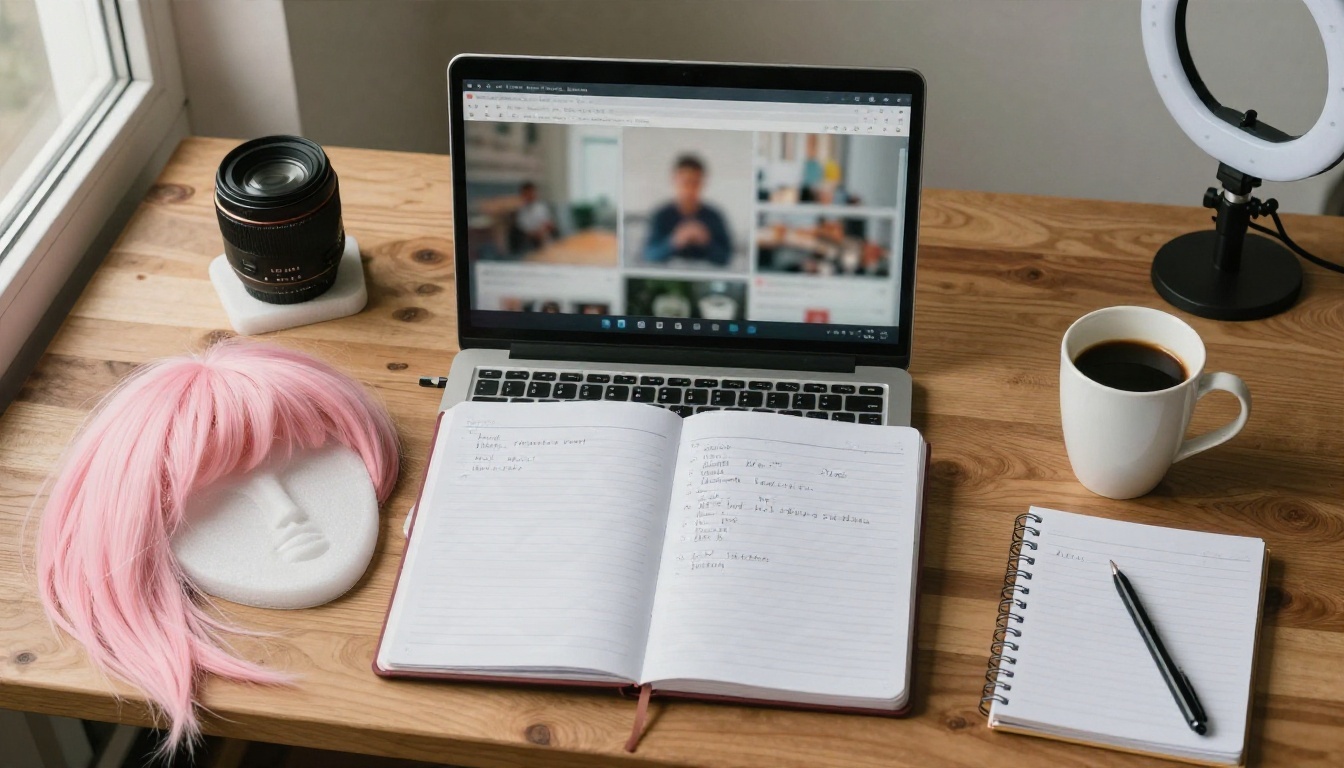
Wording for Suggestive, Not Explicit
The words you choose decide how the picture feels. These swaps keep the tone tasteful and tend to produce better lighting too.
| Instead of | Try |
|---|
| "sexy" | "glamour editorial, confident, flirtatious" |
| "revealing" | "off-shoulder corset top, lace camisole, bikini top" |
| "seductive pose" | "looking back over the shoulder, relaxed posture" |
| "naked look" | "oversized open shirt over a bralette" |
| "hot" | "warm golden light, glossy lips, soft skin sheen" |
Negative Details to Avoid
If your tool supports negative prompts, list what you do not want: extra fingers, plastic skin, blurred face, duplicated limbs, text watermark, harsh flash. If it does not, flip each item into a positive instruction: "natural skin texture", "five fingers on each hand", "sharp eyes".
💡 Tip: Name the wig. Writing "long silver-white wig with visible synthetic sheen" gives a far more convincing anime hair color than "silver hair", which often comes out gray and flat.
Ten Examples With Prompts
Here are the images behind this article, grouped by mood, with the core of each prompt so you can reuse the structure.
Beach and Pool Looks
Bright outdoor scenes are the easiest place to begin. Strong sunlight does most of the work, and swimwear keeps the outfit simple.
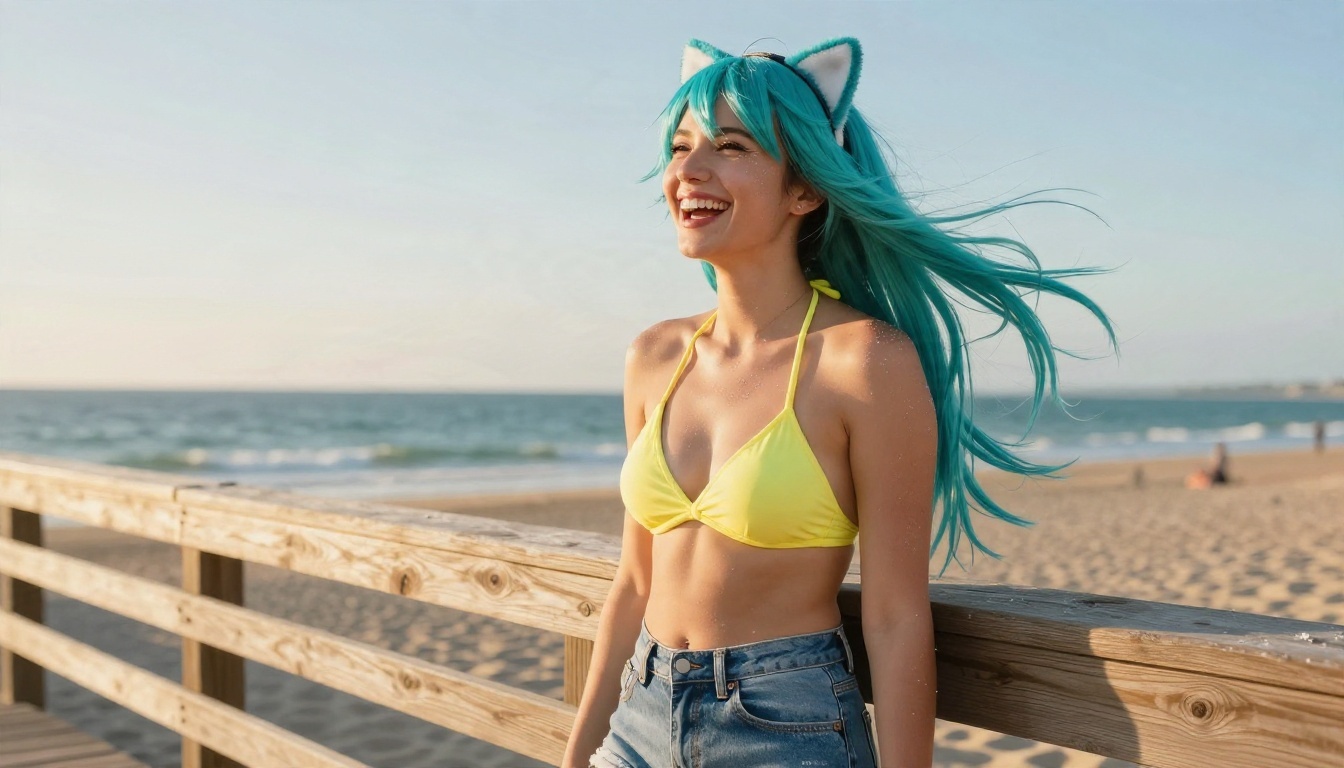
Prompt core: Low-angle photograph of an adult woman in a cat-ear headband and long twin-tail turquoise wig, pastel yellow bikini top, high-waisted denim shorts, laughing on a sunny beach boardwalk, warm late afternoon backlight, 35mm f/2, wind moving the wig strands.
Why it works: the low angle adds energy, the backlight gives a hair rim, and the wind detail stops the wig from looking pasted on.
Bedroom and Cozy Looks
Soft window light and rumpled linen create an intimate mood without any need for explicit content.
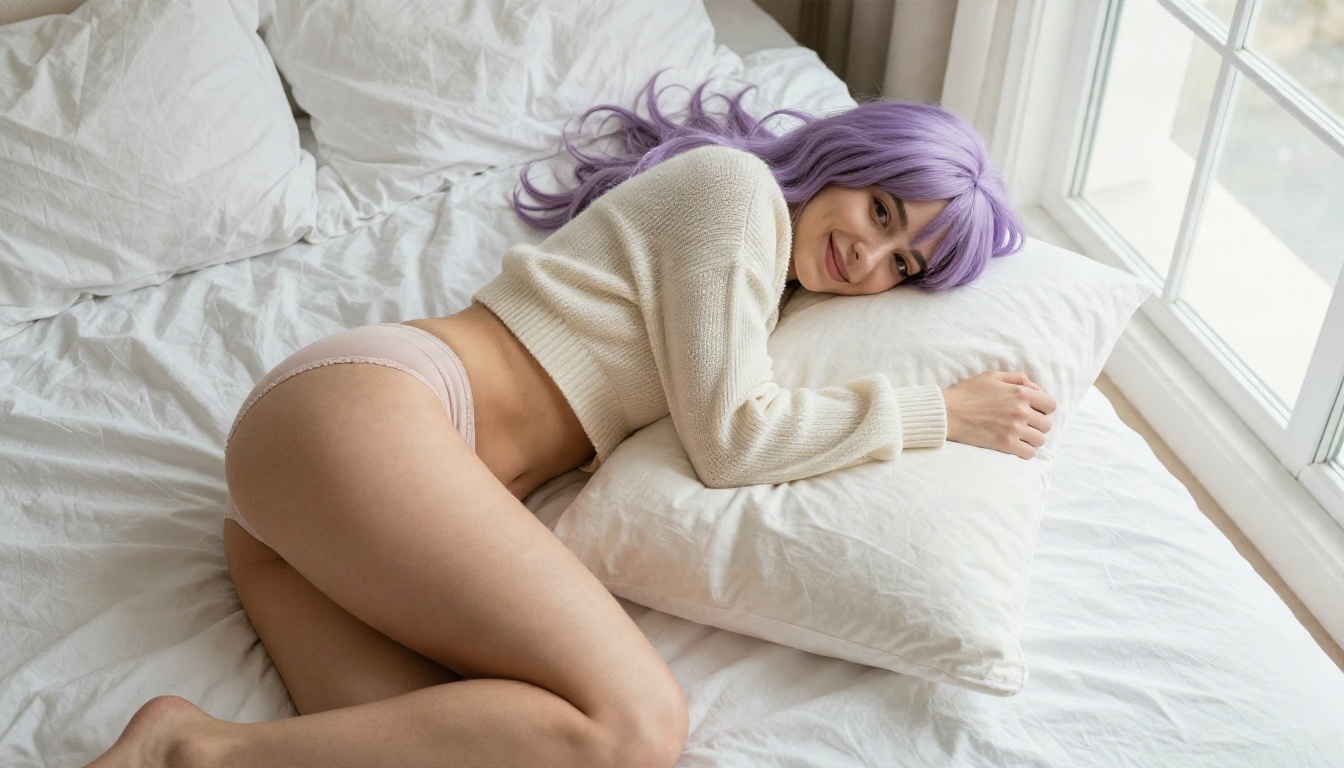
Prompt core: High angle photograph of an adult woman with a long lavender wig lying on a white bed with rumpled linen, cream knit crop sweater, soft pastel lounge shorts, hugging a plush pillow, overcast daylight from a large window on the right, 35mm f/2.8.
A second bedroom-style frame uses a window seat and a softer, close crop:
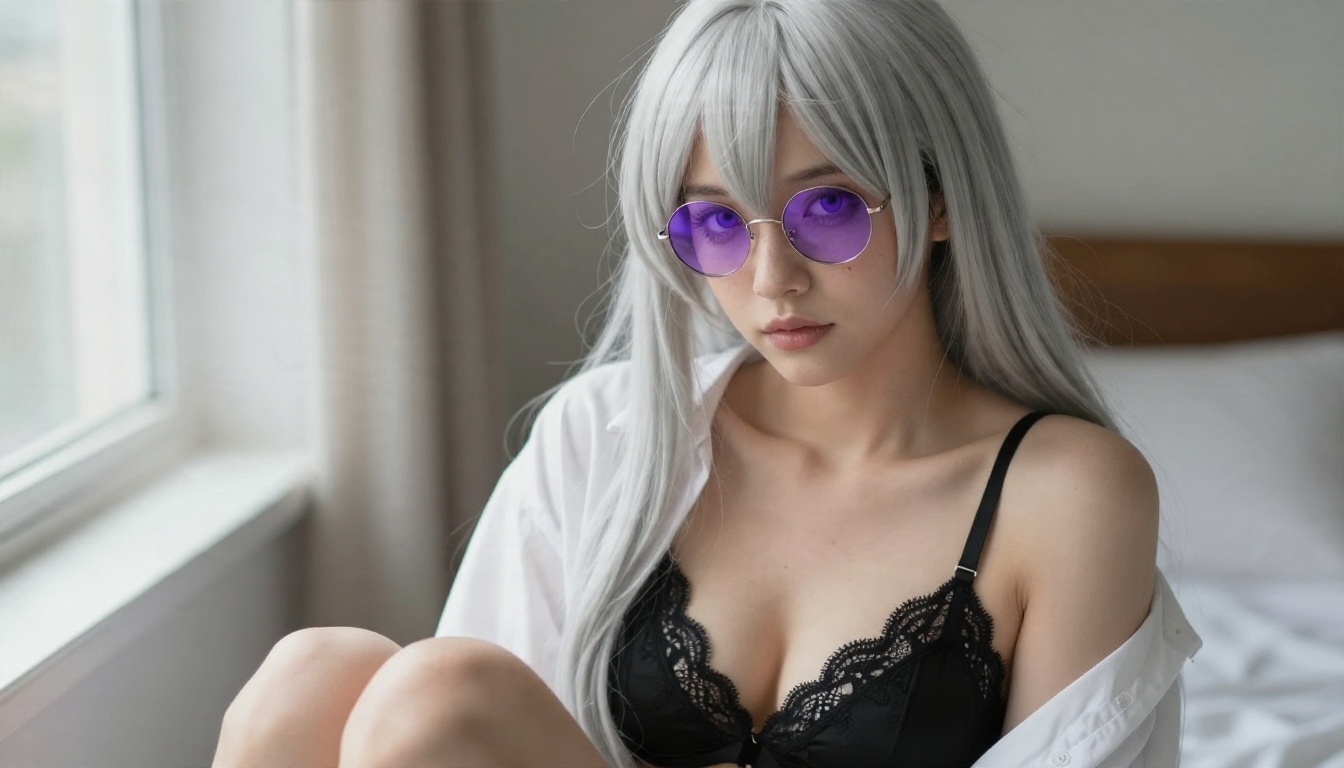
Prompt core: Close-up photograph of an adult woman cosplayer with a long silver-white wig and violet contact lenses, black lace-trimmed bralette under an open oversized white shirt, sitting on a bedroom windowsill, diffused morning light from the left, 85mm f/1.8, visible skin pores.
Specific details like "violet contact lenses" and "visible skin pores" are what separate a photo from a rendering.
Costume and Fantasy Looks
Costumes are where an anime girl generator really shines, since fantasy outfits and wigs are the whole point.
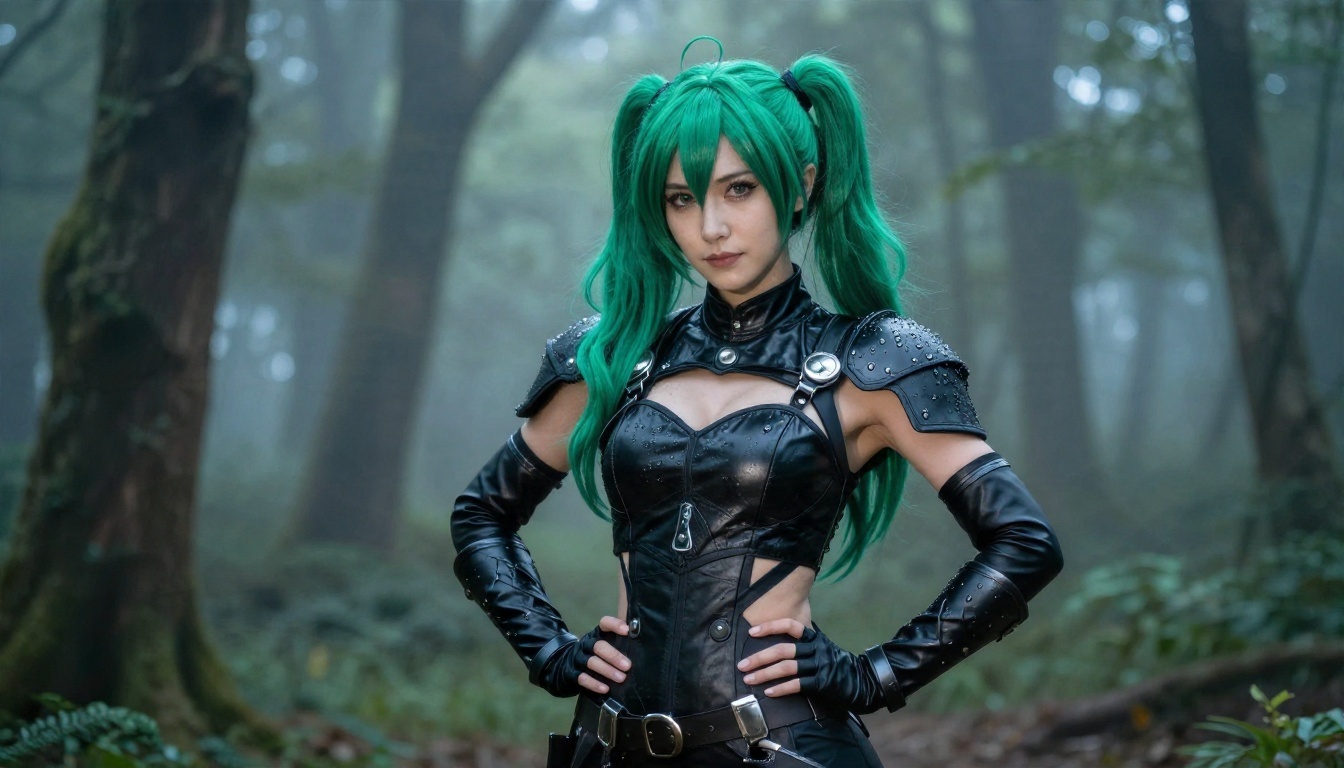
Prompt core: Full-length photograph of an adult woman cosplayer with an emerald green ponytail wig, sleek black leather two-piece warrior outfit with thigh straps and arm guards, misty forest clearing at dawn, cool light filtering through trees from behind, 70mm f/2.
For a moodier, indoor option, a kimono-inspired jacket over a satin bodysuit works well:
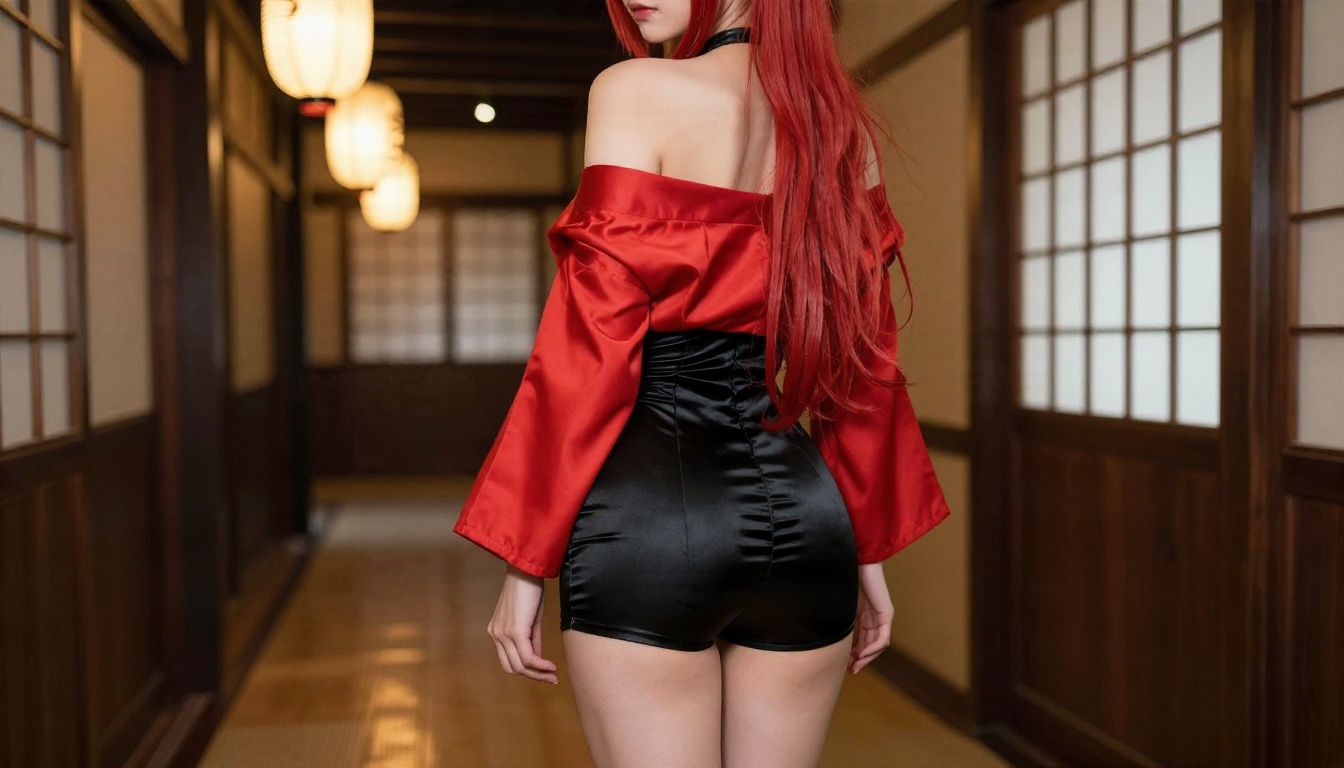
Prompt core: Over-the-shoulder photograph of an adult woman cosplayer with a long crimson wig, black satin bodysuit and short red kimono-style jacket, looking back at the camera in a dim Japanese hallway with paper lanterns, warm tungsten glow from the right, cool window light from the left, 50mm f/1.4.
Mixing a warm and a cool light source, as here, adds depth and a cinematic feel.
Portraits and Cafe Looks
Tighter crops let you focus on eyes, hair and expression, which are the features that define the anime look.
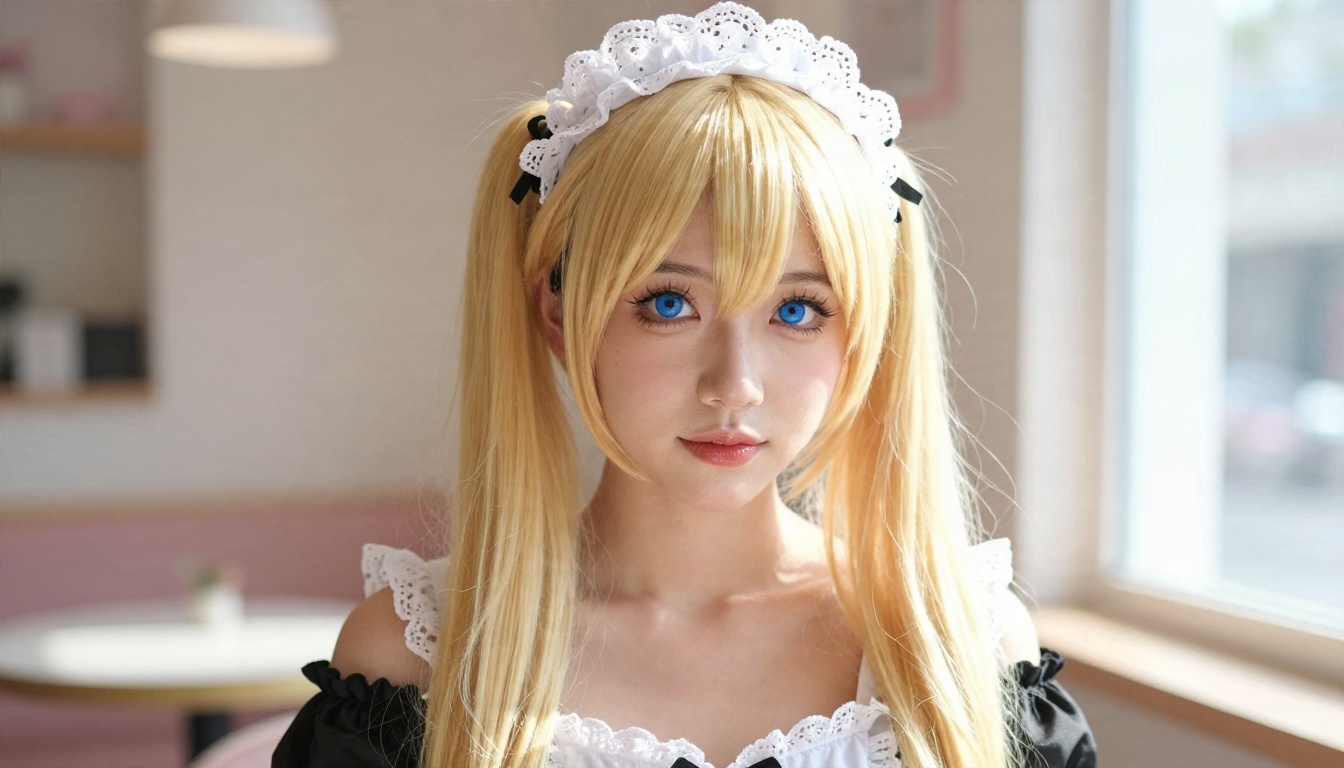
Prompt core: Close-up portrait of an adult woman with a long blonde twin-tail wig and bright blue eyes, white lace maid-style headband, black off-shoulder corset top, sunlit pastel cafe, soft window light from the right, 85mm f/1.4.
The school-library idea below pairs a short bob wig and round glasses with lace and plaid:
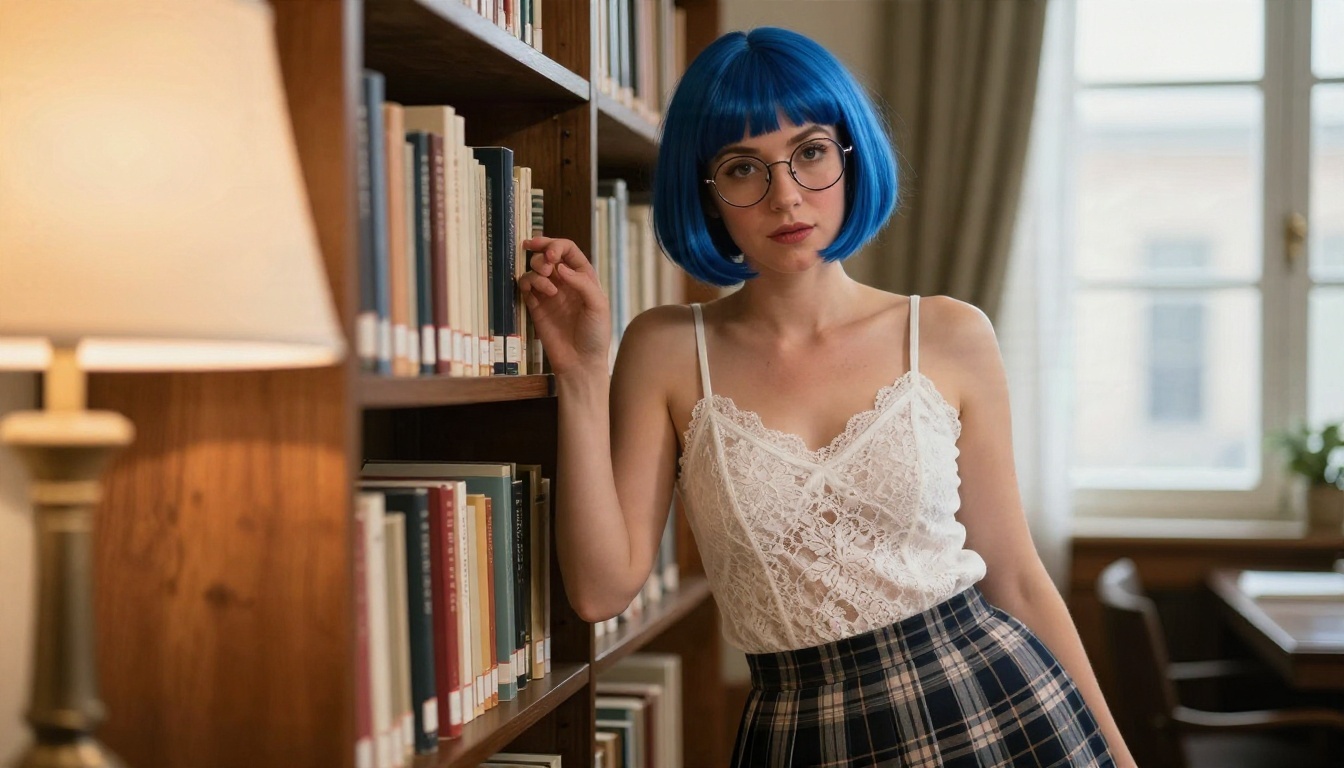
Prompt core: Medium shot of an adult woman with a short blue bob wig and round glasses, white lace camisole, pleated plaid mini skirt, leaning on a bookshelf in a warm library, lamp light from the left and window light from the right, 85mm f/1.8.
⚠️ Keep "school" themes strictly adult. Describe the character as a woman in her twenties in a costume, never as a student, and skip any wording that suggests youth.
Finally, a golden hour rooftop scene closes out the set:
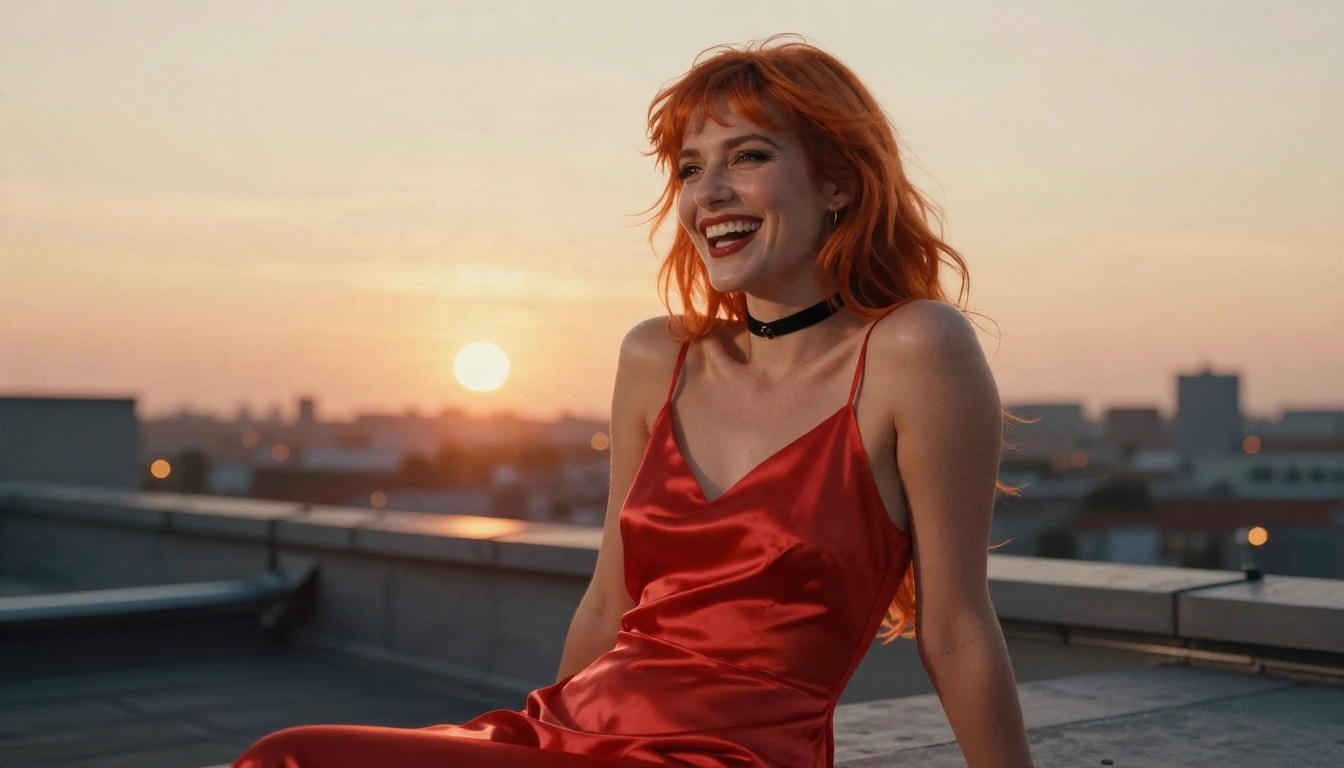
Prompt core: Candid photograph of an adult woman with a long orange wig, red satin slip dress and thin black ribbon choker, sitting on a rooftop ledge at sunset, laughing and looking to the side, warm sun from behind, 135mm f/2, soft bokeh city lights.
How to Use Seedream 4.5 on PicassoIA
Seedream 4.5 is the model I reach for first for this kind of work. It handles skin, hair strands and fabric very well, follows long prompts closely, and outputs sharp images at high resolution. It also accepts suggestive adult themes that stricter models reject, which is exactly what you need here.
Step by Step
- Open the Seedream 4.5 page on PicassoIA.
- Paste your six part prompt into the text box. Start with subject and outfit.
- Pick a 16:9 ratio for scenic shots or 3:4 for portraits.
- Generate, then review the face, hands and wig edges.
- Change one element at a time (light, wig color or setting) and run it again.
- Save the version you like and move on to variations.
Settings That Matter
| Setting | Recommended | Reason |
|---|
| Aspect ratio | 16:9 or 3:4 | Matches scene vs portrait framing |
| Prompt length | 50 to 90 words | Enough detail without confusing the model |
| Lens wording | 35mm to 135mm | Controls depth and perspective |
| Style wording | "RAW photograph, film grain" | Pushes toward photoreal textures |
| Iterations | 3 to 5 per idea | Faces vary, so sample a few |
💡 Tip: If the face looks too smooth, add "natural skin texture, tiny freckles, soft peach fuzz in the light". It nudges the result away from the airbrushed look.
Free Online App Options
Most people searching for a free online app want three things: no download, no long waiting list and no hard filter. A browser-based tool that lets you iterate quickly is worth more than a one-off high quality picture, since good results usually take a few tries.
Image Editor Pro for Unlimited Runs
PicassoIA Image Editor Pro is built for exactly that loop. You get unlimited generations, so you can test ten wig colors, five outfits and three lighting setups without watching a counter. It also edits: upload an image you like, then change the outfit, background or hair color with a plain sentence.
Typical uses:
- Swap a wig color from pink to silver without redoing the whole scene
- Change a background from beach to rooftop
- Adjust an outfit from a jacket to a satin slip
- Fix small details like a stray hair or an uneven eyeliner wing
What to Check in Any Free App
- Generation limits: daily caps slow you down more than any price tag.
- Content rules: read what is allowed before investing time.
- Speed: under 15 seconds per image keeps you in a creative flow.
- Resolution: 2K or higher gives you room to crop.
- Privacy: check whether your prompts and images are stored or shared.
Alternatives Worth Trying
No single model is best at everything. Here is how the options on PicassoIA stack up for anime-inspired glamour images.
If you want a drafting workflow, use Z Image Turbo to test ideas fast, then rebuild the best one in Seedream 4.5 for the final render. Model behavior and content filters can differ from one tool to the next, so run a quick test before you commit to a long session.
Want a more custom look? P Image Trainer lets you train a LoRA on your own reference images, which helps keep an original character consistent from one picture to the next.
Common Mistakes to Avoid
1. Stacking too many styles. "Anime, cinematic, vintage, glamour, fantasy, editorial" in one prompt gives a muddy result. Pick two.
2. Skipping the light. Without a light direction, models default to flat frontal lighting. Always name a side, a time of day and a mood.
3. Ignoring hands. Hide hands in a pocket, behind hair or holding an object when a render keeps getting them wrong.
4. Forgetting the wig. Wigs and natural hair look different. Describing "synthetic sheen" and "individual strands" makes the anime color believable.
5. Using the same camera angle every time. Alternate low angle, top-down, over the shoulder and close-up so your set feels varied.
6. Rewriting the whole prompt after each run. Change one thing, compare, and keep a note of what worked. This is the fastest way to build a personal prompt library.
A Short Prompt Library to Copy
Swap the bracketed words and you have a working starting point:
- Adult woman in her mid twenties, [wig color] wig, [outfit], [pose], [setting], [light direction and time], 85mm f/1.8, RAW photograph, film grain
- Over-the-shoulder shot, adult cosplayer, [wig], [satin or lace outfit], dim hallway, warm lamp from the right, 50mm f/1.4
- Low-angle beach shot, adult woman, [pastel swimwear], laughing, backlit sunset, 35mm f/2, wind in the hair
Start Creating Your Own
You now have the formula, the examples and the tools. The only missing piece is your own idea, so pick one wig color, one outfit and one location, and write the six part prompt.
Open Seedream 4.5 for your first render, then move to PicassoIA Image Editor Pro for unlimited variations and quick edits. Fast results, no filters getting in the way of tasteful glamour, and no counter ticking down.
Want to see what else is possible? Browse every model at picassoia.com/en/all-models, try a few side by side, and build a style that is unmistakably yours.


