Most people searching for NSFW art generation want the same thing: a tool that does not flinch at a bikini, a silk robe or a moody boudoir portrait, and that still produces a picture that looks like a real photograph. The problem is that the market is noisy. Some tools block anything suggestive, others bury you in credits, and plenty of "free" generators hand back plastic skin and melted hands. This article sorts that out. You will see which models are worth your time, prompts you can copy and adapt, the settings that change results the most, and the limits you should expect before you hit them.
One boundary first. Everything here is about non-explicit, adult, suggestive imagery: glamour, swimwear, lingerie, boudoir and artistic styling. Subjects are always adults, and you should never generate a real person's likeness without their consent.
Why NSFW Art Generation Took Off
Suggestive photography has always had a huge audience, from fashion editorials to swimwear campaigns. What changed is access. A single prompt can now give you a studio-quality shot that once needed a photographer, a stylist, a location and a retoucher. That is the whole appeal, and it is why searches for free, unrestricted tools keep climbing.
What "NSFW" Means Here
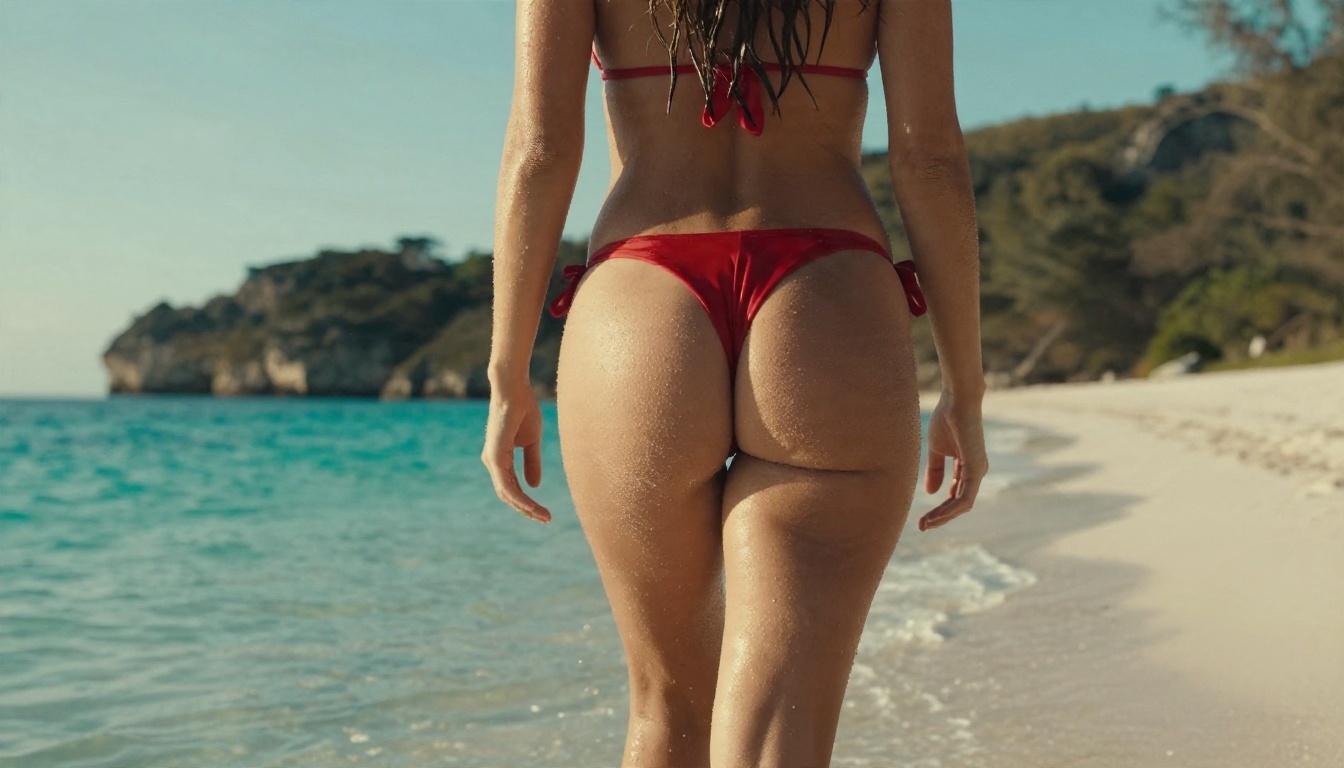
NSFW is a wide label. On one end you have swimwear and a low-cut dress. On the other end you have material no mainstream platform should host. The sweet spot for most creators, and the focus of this article, sits in the middle: suggestive, tasteful and beautiful. Think magazine glamour rather than anything graphic.
That scope also makes your life easier technically. Models handle skin, fabric and light far better when the prompt describes a photograph than when it tries to push against a filter.
What Free Really Means
"Free" is used loosely online. Many generators offer a handful of daily credits, then ask for a subscription. Others are free but cap resolution, slow you down in a queue or watermark the output. A few have even changed their policies and dropped adult content entirely, so a tool that worked last spring may refuse the same prompt today.
💡 Tip: Before you commit to a tool, run the same three test prompts on it: a beach shot, a lingerie portrait and a robe-by-the-window scene. How it handles those tells you more than any feature list.
Free Models Worth Using
Not every model treats adult glamour the same way. Some are strict, some are relaxed, and a few simply do not produce believable skin. Here is the order I would try them in.
Seedream 4.5 First
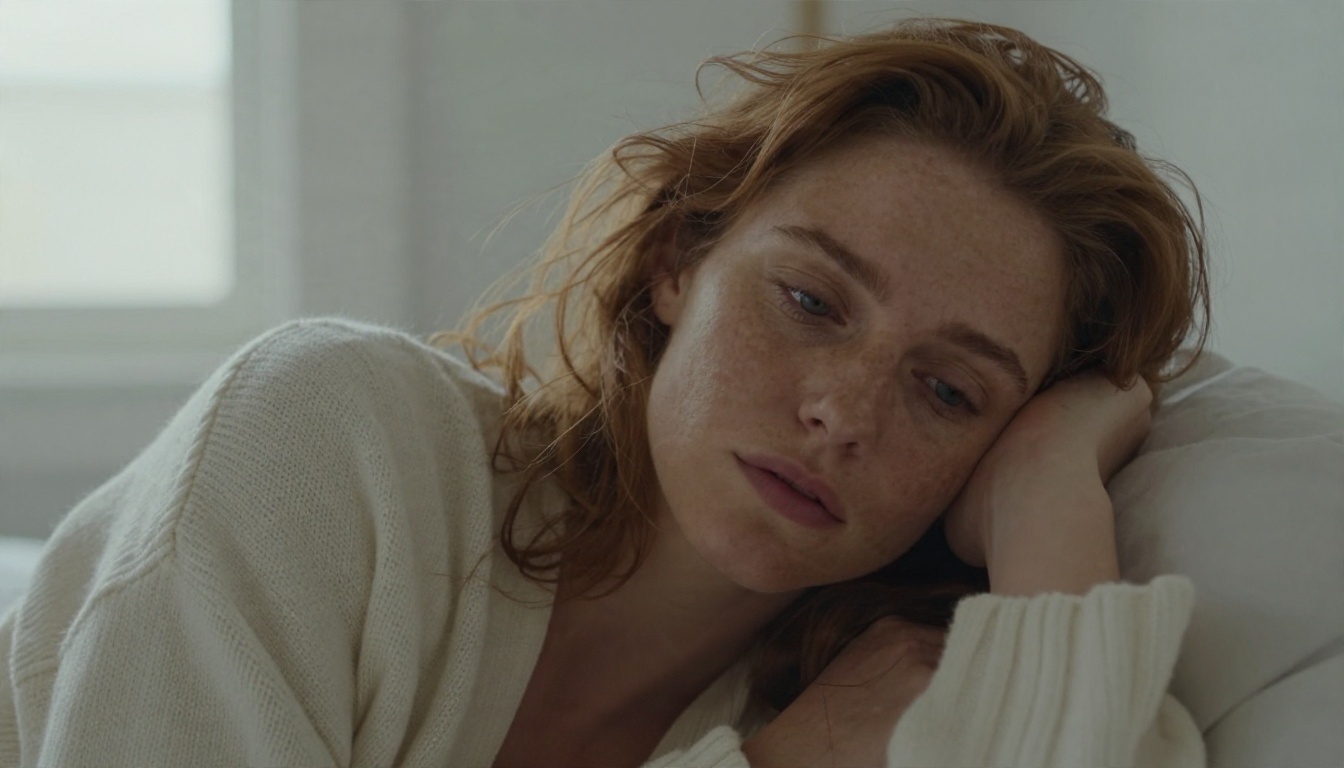
Seedream 4.5 is the model I would open before any other. It produces sharp, photographic output with convincing skin texture, believable fabric and clean lighting, and it follows long descriptive prompts closely. It handles swimwear, lingerie and boudoir scenes without turning every request into a refusal, and it outputs at high resolution, which matters when you want to print or crop.
Its strength is prompt obedience. If you ask for a low-angle shot with golden light from the left and a silk robe slipping off one shoulder, that is what you get. For anyone starting out, it is the fastest route to a result that looks professional.
Image Editor Pro for Unlimited Runs
PicassoIA Image Editor Pro is the second stop, and the main reason is volume. It gives you unlimited generations, so you can iterate on a concept thirty times without watching a credit counter. That changes how you work. Instead of writing one perfect prompt, you can try a rough idea, adjust the outfit, move the light, change the location and keep what works.
It also works as an editor. If a shot is nearly right but the background is off or the outfit colour is wrong, you can fix those details rather than starting from zero.
Other Models to Try
Once you have a baseline, these models are worth testing for different looks. Moderation behaviour varies by model, so run your own test prompts rather than assuming.
| Model | Best for | Look |
|---|
| Seedream 4 | Reliable portraits and swimwear | Clean, detailed, balanced colour |
| Flux Dev | Natural skin and soft light | Photographic, slightly filmic |
| Z Image Turbo | Fast drafts | Sharp, quick, good for testing prompts |
| Realistic Vision v5.1 | Classic photoreal portraits | Warm, grainy, vintage photo feel |
| Qwen Image 3 | Detailed scenes and environments | Rich backgrounds and fabric detail |
| Nano Banana Pro | Edits and consistent characters | Polished, high resolution |
💡 Tip: Use a fast model such as Z Image Turbo to test composition and wording, then move the winning prompt to Seedream 4.5 for the final render.
For the full catalogue, browse picassoia.com/en/all-models.
Prompt Examples That Work
A good adult glamour prompt reads like a photographer's shot list. It names the subject and pose, the setting, the light, the lens and the film look. Vague prompts such as "sexy woman" give generic results and are more likely to trip a filter. Specific prompts give you control and keep the tone tasteful.
Boudoir Portrait
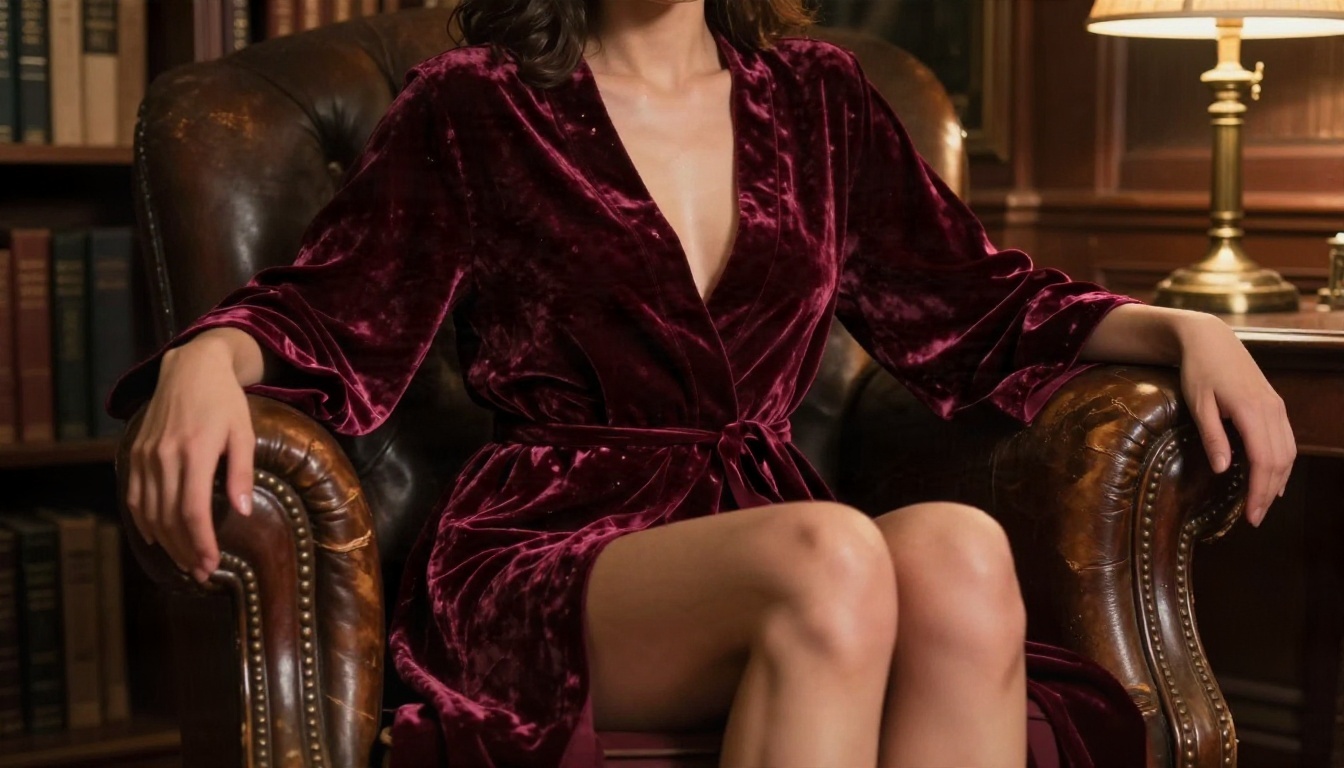
Medium shot of an adult woman in her late twenties in a burgundy velvet bodysuit and a sheer robe, seated on a vintage leather armchair in a dim library, warm lamp light from the right with deep soft shadows, 70mm f/2 lens, velvet pile texture, worn leather cracks, subtle skin highlights, film grain, raw photograph.
This works because every sentence fragment gives the model something physical to render: fabric, light direction, lens. The word "adult" and an age range keep the subject clearly defined.
Beach Glamour
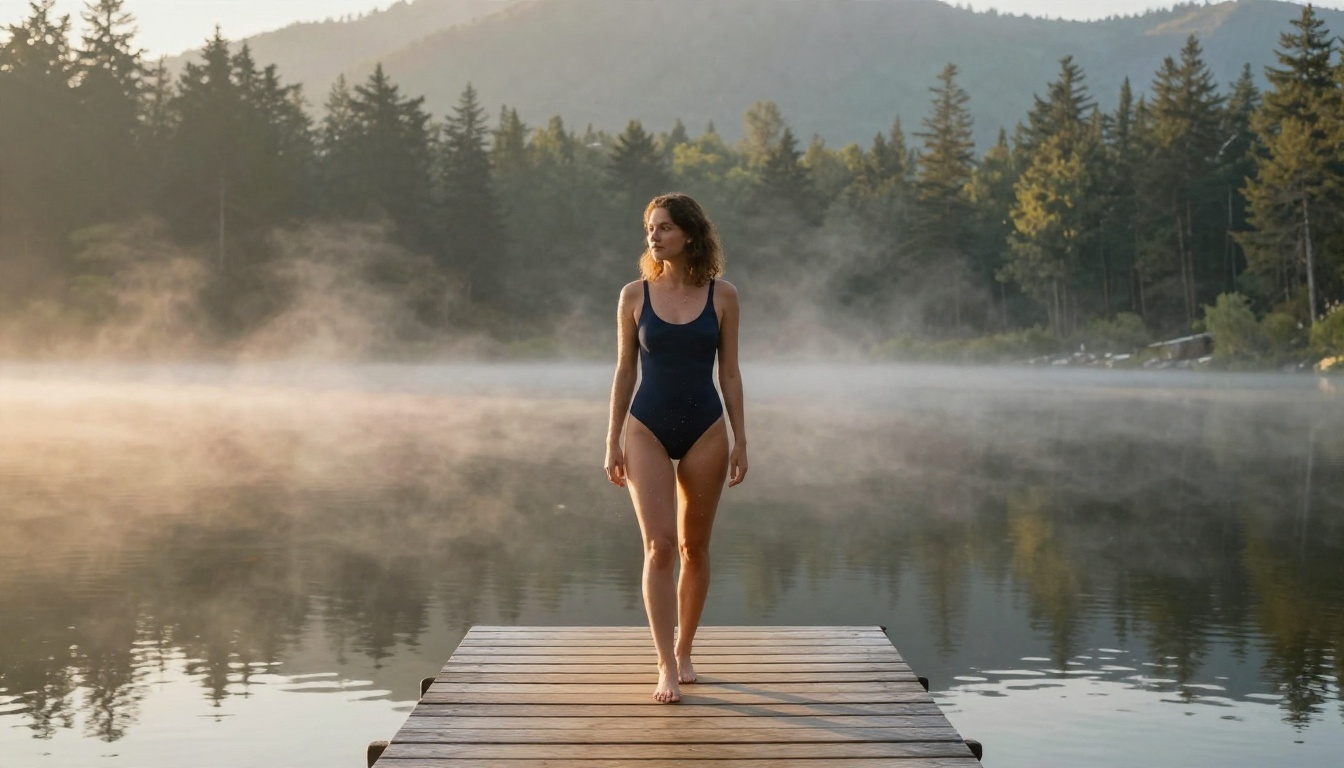
Aerial top-down shot of an adult woman in a white bikini lying on a striped towel on pale sand, sunglasses, one arm raised above her head, scattered seashells and a straw hat, harsh midday sun with crisp shadows, 24mm lens, sand grain texture, Kodak Portra 400 palette.
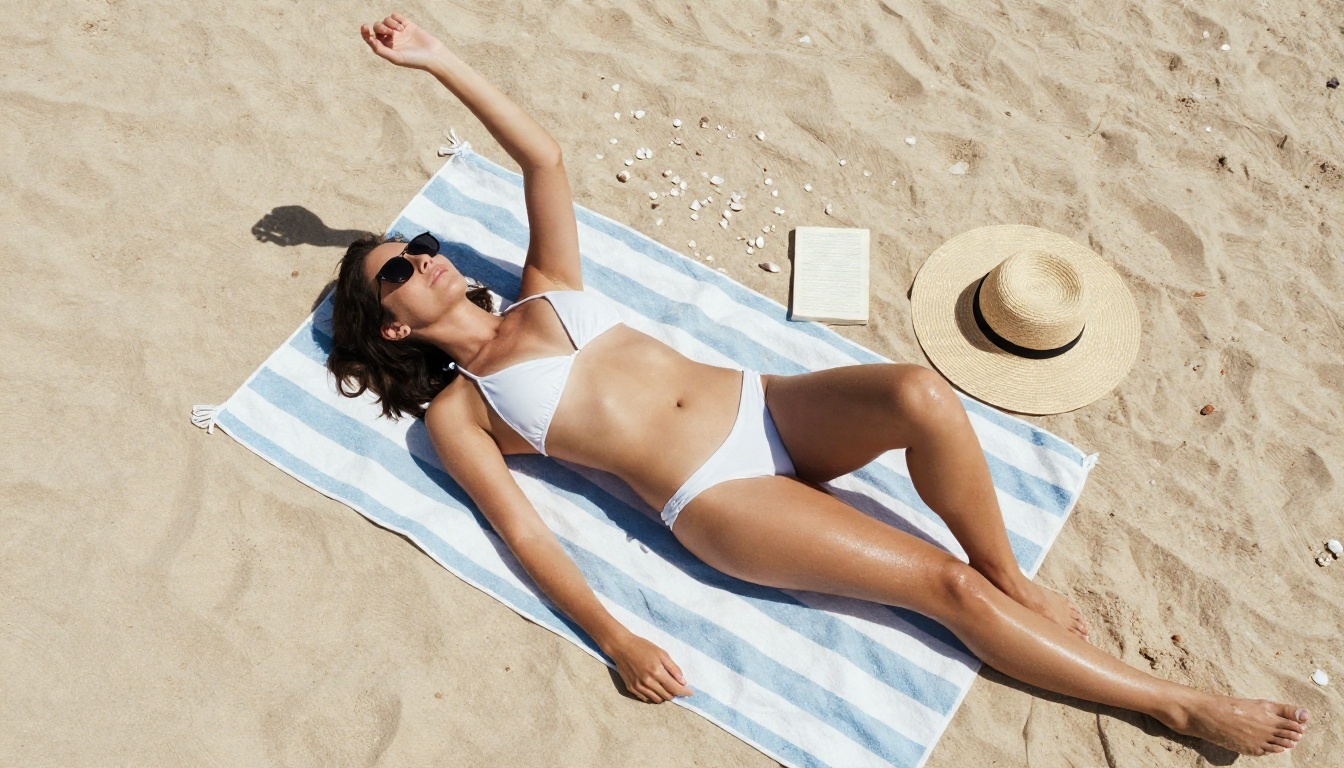
Notice the camera angle. Changing from eye level to aerial is the quickest way to make a beach set feel fresh, and it gives you a clean composition with plenty of props to ground the scene.
Editorial Lounge
Over-the-shoulder shot of an adult woman in an oversized white shirt over black lace shorts, sitting at a vanity mirror in a bright loft studio, reflection visible, soft diffused daylight from a large window on the right, 50mm f/2 lens, glass reflections, visible skin pores, film grain.
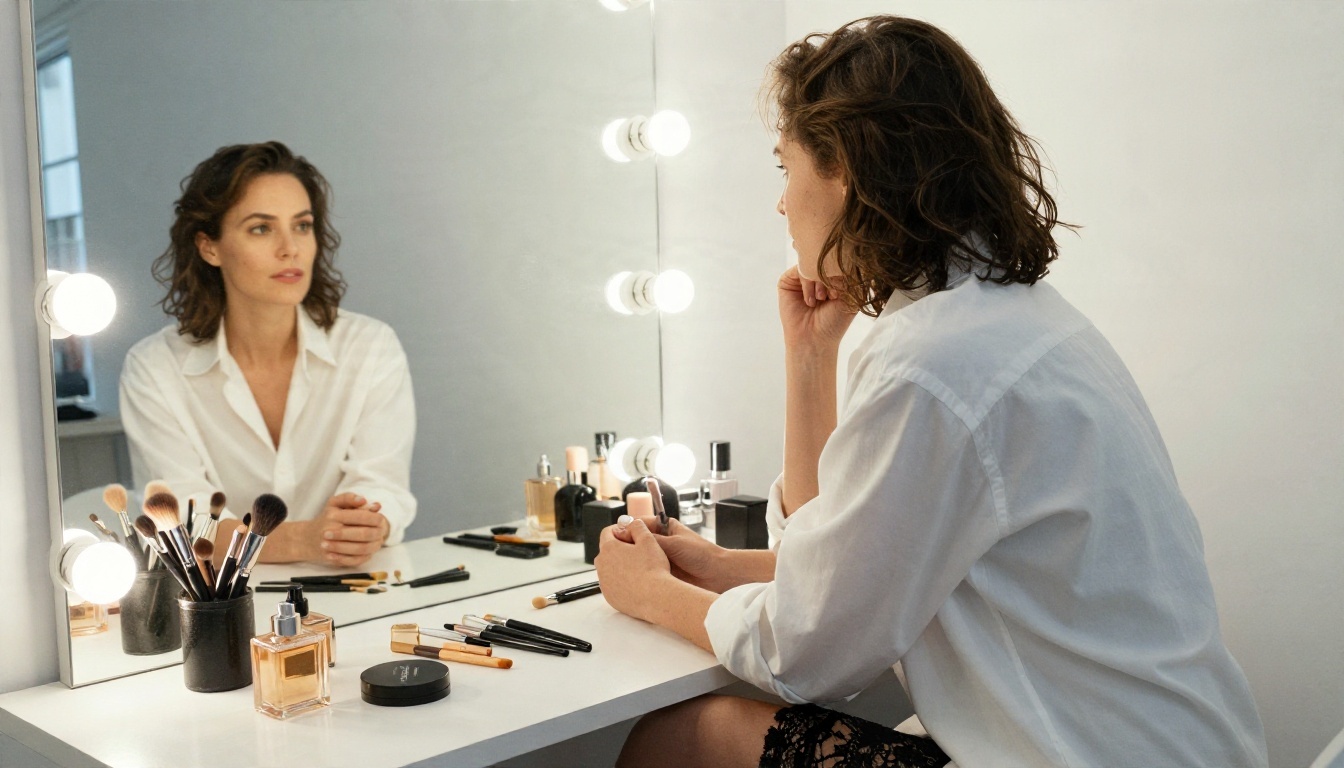
Mirrors are a good stress test. If a model can handle a believable reflection, it will usually handle everything else in the frame well.
Best Settings for Clean Results
Prompts get the attention, but settings decide whether the image is usable. Most models share the same handful of controls, and a few choices make a large difference.
Aspect Ratio and Resolution
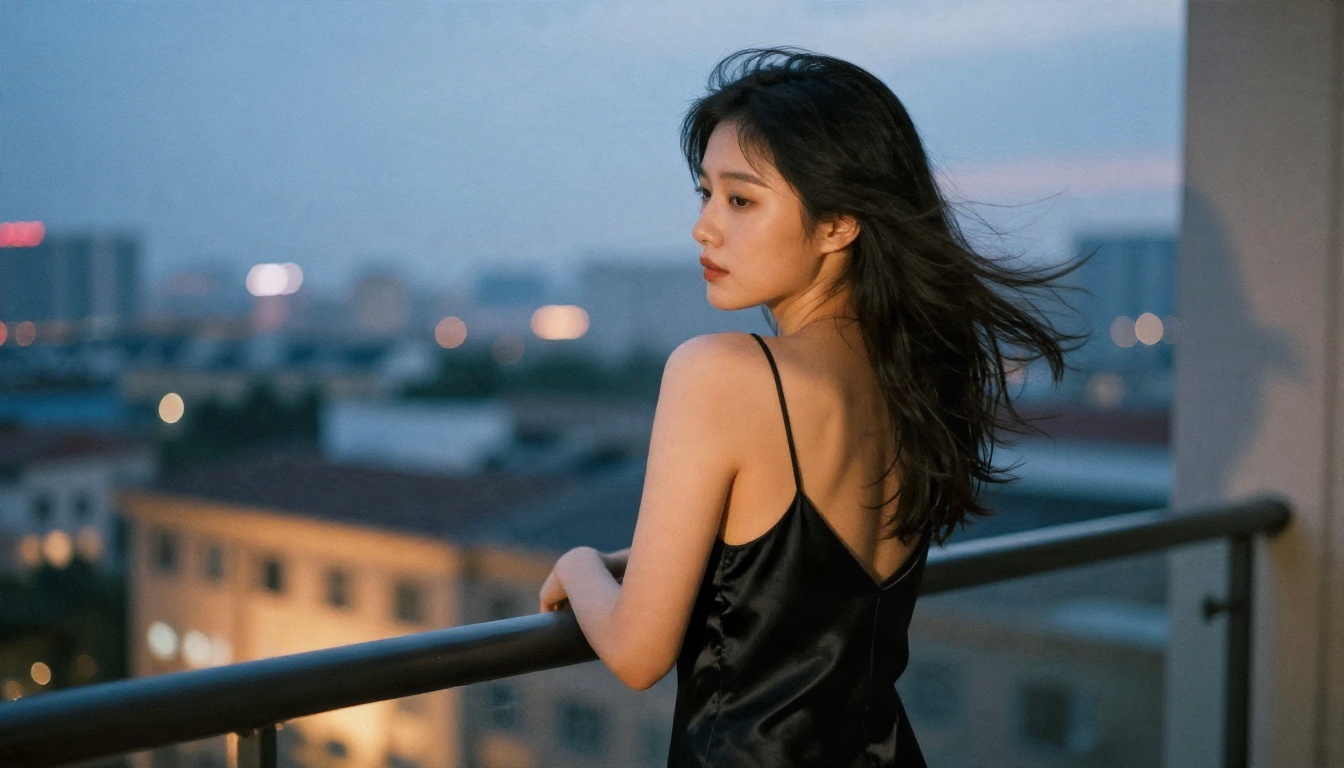
Pick the ratio before you write the prompt, because composition changes with it. A 16:9 frame suits beach and landscape scenes where the surroundings matter. A 3:4 or 2:3 frame suits full-length fashion shots and portraits. Square works for close-ups.
For resolution, start at the default for drafts. Move to the highest option only for the final render, since high-resolution runs take longer and, on credit-based tools, cost more.
Seeds and Iteration
If a tool exposes a seed, use it. Lock the seed when you like a composition and then change one thing at a time: the outfit, the colour of the light, the location. Without a locked seed, every run is a fresh roll of the dice and you cannot tell which change helped.
A simple routine looks like this:
- Generate four drafts with a random seed.
- Pick the best composition and note its seed.
- Lock it, then adjust one phrase per run.
- Render the winner at full resolution.
Lighting Words That Matter
Lighting does more for realism than any other single phrase. These work reliably:
- Soft window light from the left for natural, flattering skin.
- Golden hour rim light for glowing hair and shoulders.
- Warm lamp light with deep soft shadows for moody boudoir scenes.
- Harsh midday sun with crisp shadows for beach and poolside shots.
- Diffused daylight for clean, editorial interiors.
Pair the light with a lens, such as 85mm f/1.8 for portraits or 35mm for wider scenes, and add a film reference like Kodak Portra 400 for warm, natural colour.
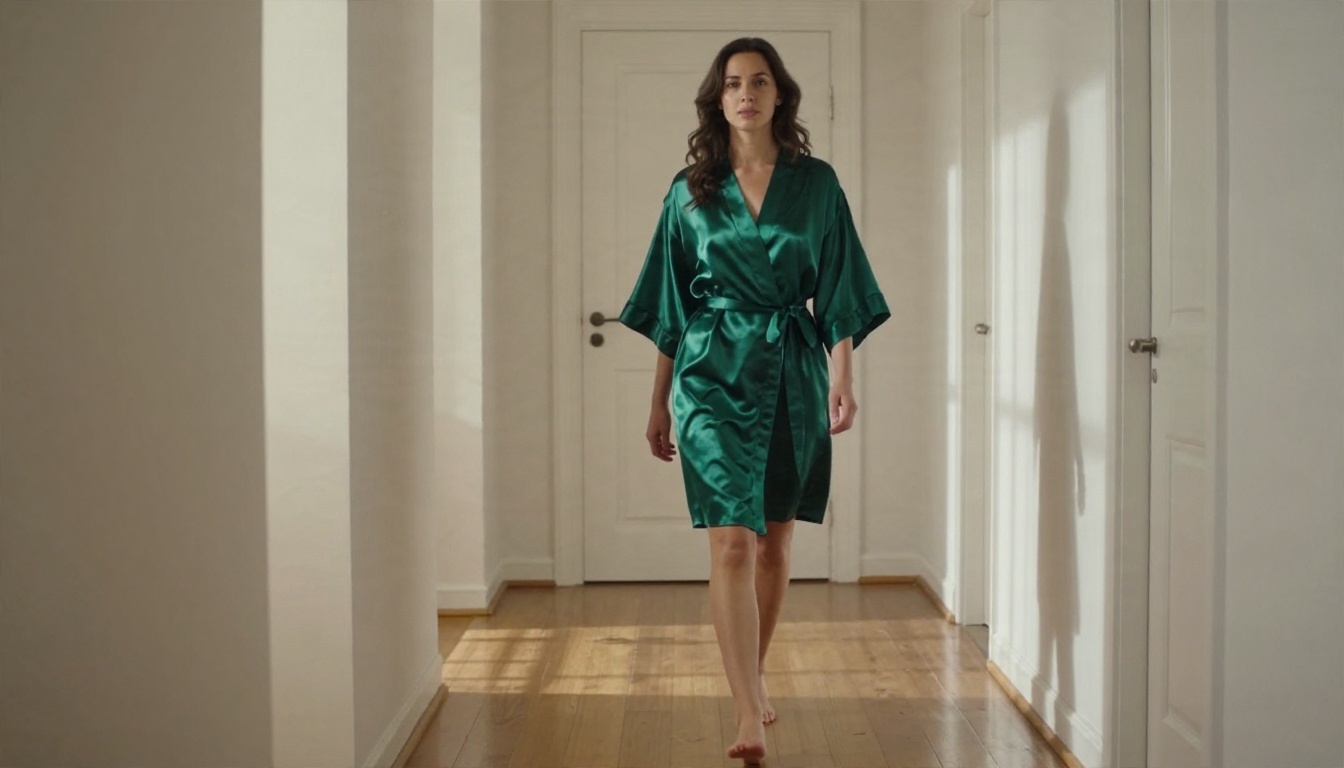
Image Limits and Filters
Every tool has limits, and knowing them in advance saves hours. Some are technical, some are policy.
Platform Limits
The most common limits are daily credit caps, queue times, lower resolution on free plans and watermarks. Policies also shift without notice: platforms have tightened or removed adult content in the past, and privacy practices vary, with many free tools saying little about how long they keep your prompts and images. Read the terms before you upload any personal photo.
That is why an unlimited option matters. A tool with no generation cap, such as Image Editor Pro, lets you experiment freely instead of rationing attempts.
Content Moderation
Most models run an automatic check on the prompt and on the output. These checks are blunt. They react to certain words and to certain levels of exposure, and they sometimes flag harmless images. When I generated the images for this article, one close-up bedroom portrait with lace lingerie was blocked on the first attempt, while an almost identical shot with different clothing went through immediately.
💡 Tip: If a prompt is blocked, do not keep hammering the same wording. Change the outfit, the framing or the setting and try again.
Fixing Blocked Prompts
When a prompt fails, work through this list:
- Remove vague charged words and replace them with concrete visual detail.
- Describe the photograph, not the intent: lens, light, fabric, location.
- Pull back the framing. A medium or wide shot is less likely to trigger a filter than a tight crop.
- Swap the garment. A silk robe, a swimsuit or an oversized shirt often passes where a very minimal outfit does not.
- Try a different model. Moderation differs from one model to the next.
How to Use Seedream 4.5 on PicassoIA
Seedream 4.5 is the model I recommend most, so here is the exact workflow.
- Open the model page. Go to Seedream 4.5 on PicassoIA and open the generator.
- Write your prompt in photo language. Use the structure: subject and pose, setting, light, lens, texture, film look. Aim for 50 to 80 words.
- Set the aspect ratio. Use 16:9 for scenes with scenery, 3:4 for portraits and full-length fashion shots.
- Choose the resolution. Keep it moderate for drafts and raise it for the final run.
- Generate and compare. Run several variations. Save the best one and note its settings.
- Refine one detail at a time. Change the light, the outfit colour or the location, never all three at once.
- Finish in the editor. Take your favourite into PicassoIA Image Editor Pro to adjust background details or run unlimited variations.
Parameter tips for Seedream 4.5:
| Setting | Recommended value | Why |
|---|
| Prompt length | 50 to 80 words | Enough detail without confusing the model |
| Aspect ratio | 16:9 or 3:4 | Matches scene type |
| Lighting phrase | One main source plus direction | Prevents flat, shadowless skin |
| Lens phrase | 35mm, 50mm or 85mm | Controls perspective and depth of field |
| Film phrase | Kodak Portra 400 | Warm, natural skin tones |
Note that Seedream 5 Lite blocks adult content, so it is not a fit for this kind of work. Stay with Seedream 4.5 and the models listed above.
Common Mistakes to Avoid
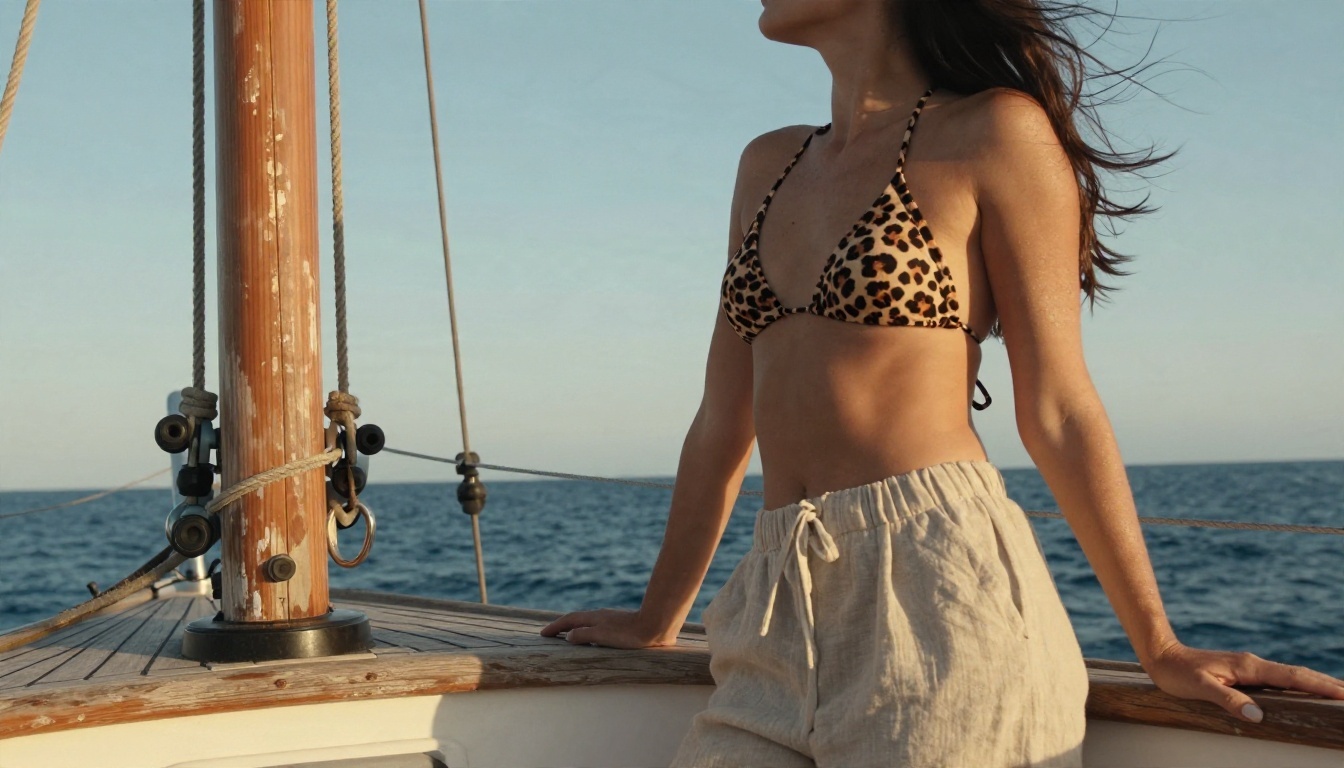
Most disappointing results trace back to the same few errors:
- Writing short prompts. "Beautiful woman in bikini" leaves everything to chance. Add light, lens and location.
- Asking for too much at once. Five outfits, three poses and a crowd give you chaos. One subject, one scene.
- Ignoring the background. Empty or messy backgrounds make a good subject look fake. Name specific props and materials.
- Chasing perfection in one run. Treat the first few images as drafts.
- Mixing styles. Words like "digital art" or "3D" pull the model away from realism. Stick to photographic language.
- Skipping the hands check. Zoom in on hands and edges before you save. Regenerate if anything looks off.
Your Turn to Create
You now have the full workflow: pick a strong model, write prompts like a photographer, lock your seed, change one thing at a time and respect the limits of each tool. The fastest way to improve is practice, so open Seedream 4.5, paste one of the prompts above and make it your own. When you want unlimited attempts, switch to PicassoIA Image Editor Pro and keep refining until the shot looks exactly right.
There are plenty more models to try, each with its own look, so browse the full list at picassoia.com/en/all-models and build your own set of favourites. Create your first image on Picasso IA today.


