Type a sentence, wait a few seconds, and get a glamour portrait that looks like it came out of a real photo studio. That is what a good NSFW art generator does in 2027, and the gap between the best tools and the worst ones is enormous. Some give you sharp, believable skin and fabric. Others hand you plastic faces, a watermark across the corner, and a paywall after two tries.
This article sorts the noise out. You will see which kinds of free online tools exist, what they really cost, which models are worth your time, and the exact prompt structure that produces photorealistic, suggestive but non-explicit images. Every example image below was made with a prompt you can copy and adapt.
💡 Quick answer: For the best mix of quality, speed and freedom, start with Seedream 4.5, then move to PicassoIA Image Editor Pro when you want unlimited generations. Details and links are in the sections below.
What an NSFW Art Generator Does
An NSFW art generator is an AI image tool that turns a text description (or a reference photo) into adult-oriented imagery: glamour, boudoir, swimwear, lingerie, fashion editorial and artistic portraits. Unlike mainstream generators that refuse most requests involving skin, these tools are built to allow mature themes.
Suggestive vs explicit
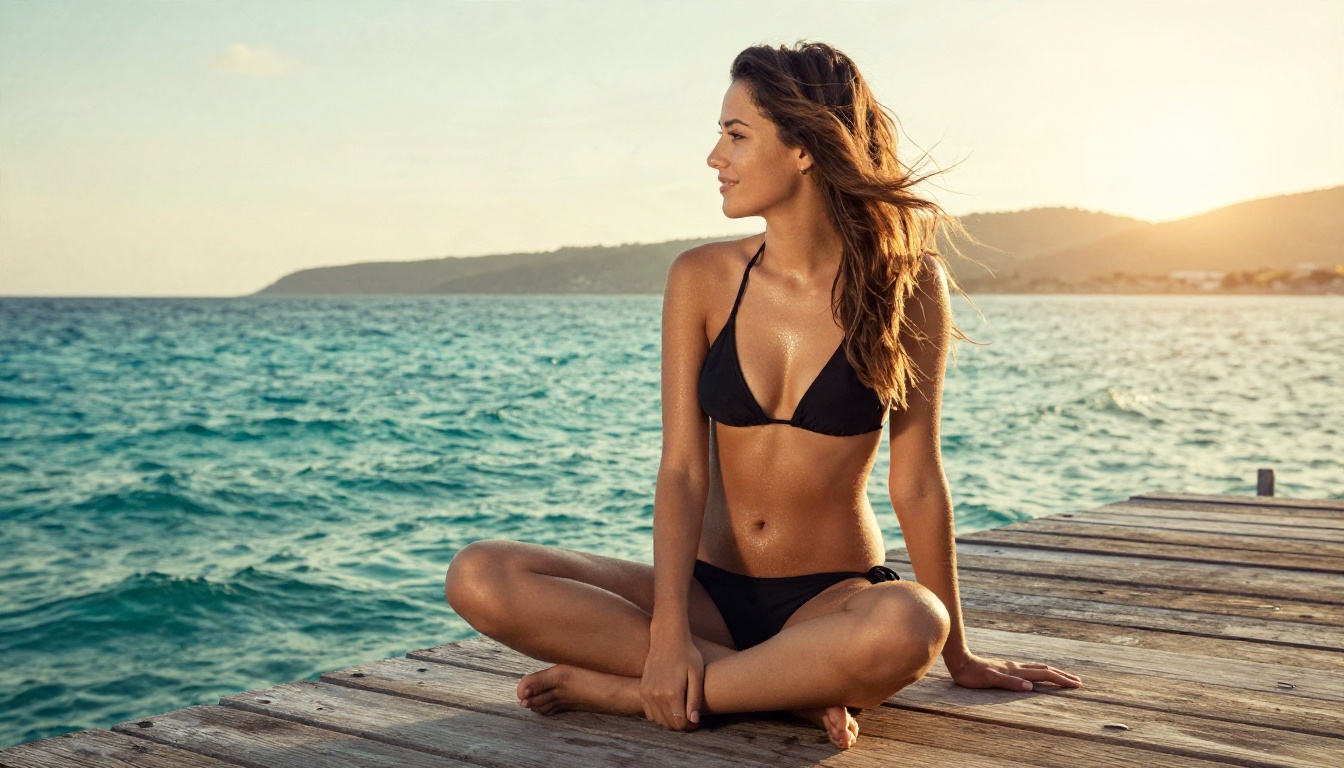
There is a wide spectrum between "a woman in a bikini on a pier" and fully explicit content. Most readers searching for this topic want the first end: attractive, sensual, tasteful images for personal projects, social posts, character references, mood boards or just curiosity. This article stays in that lane. Everything shown here is beautiful and suggestive without being pornographic.
Why photorealism wins
Anime and stylized output still has fans, but photorealistic results are what most people now want, and they are also the hardest to fake. A believable image needs three things: natural skin texture, correct light direction, and fabric that behaves like fabric. Models that get these right feel like a photograph. Models that miss them feel like a filter.
The market is crowded, and most of it is built around the same trick: a generous-looking free tier that nudges you toward a subscription. Here is how the landscape looks based on what I found in recent reviews. Prices shift often and reviewers disagree with each other, so treat these as rough ranges and check each site before paying.
| Tool type | Typical free access | Typical paid price | Main catch |
|---|
| Mage.space style web apps | Free tier, sometimes described as unlimited | Around $4 to $15 per month | Queue times, style limits |
| SeaArt style communities | Daily free credits | Around $10 per month | Credits run out fast |
| Promptchan style subscriptions | Little or no free tier | Roughly $14 to $25 per month | Pay before you can judge quality |
| Secrets AI style apps | Usually none | From about $13 per month | Locked behind payment |
| Local Stable Diffusion | Free software | Hardware cost only | Technical setup, strong GPU needed |
| PicassoIA | Generous access plus an unlimited editor | See the site for current plans | Browser only |
Free tiers and their limits
Free almost always comes with strings. Common ones are watermarks, a single image per day, low resolution, or downloads that cost credits. If a tool says "unlimited," read what it means by that: sometimes it is unlimited slow queue access, not unlimited fast generations.
Where PicassoIA fits
PicassoIA gives you a library of image models in one browser tab instead of a single locked engine. You can switch between models for the same prompt, compare outputs, then polish a favorite in an editor that has no generation cap. That flexibility is what makes it practical for testing prompts without burning credits on every attempt.
The Models Worth Using
Not every model handles skin, light and mature themes equally. These are the ones I would try first, in this order.
Seedream 4.5 comes first
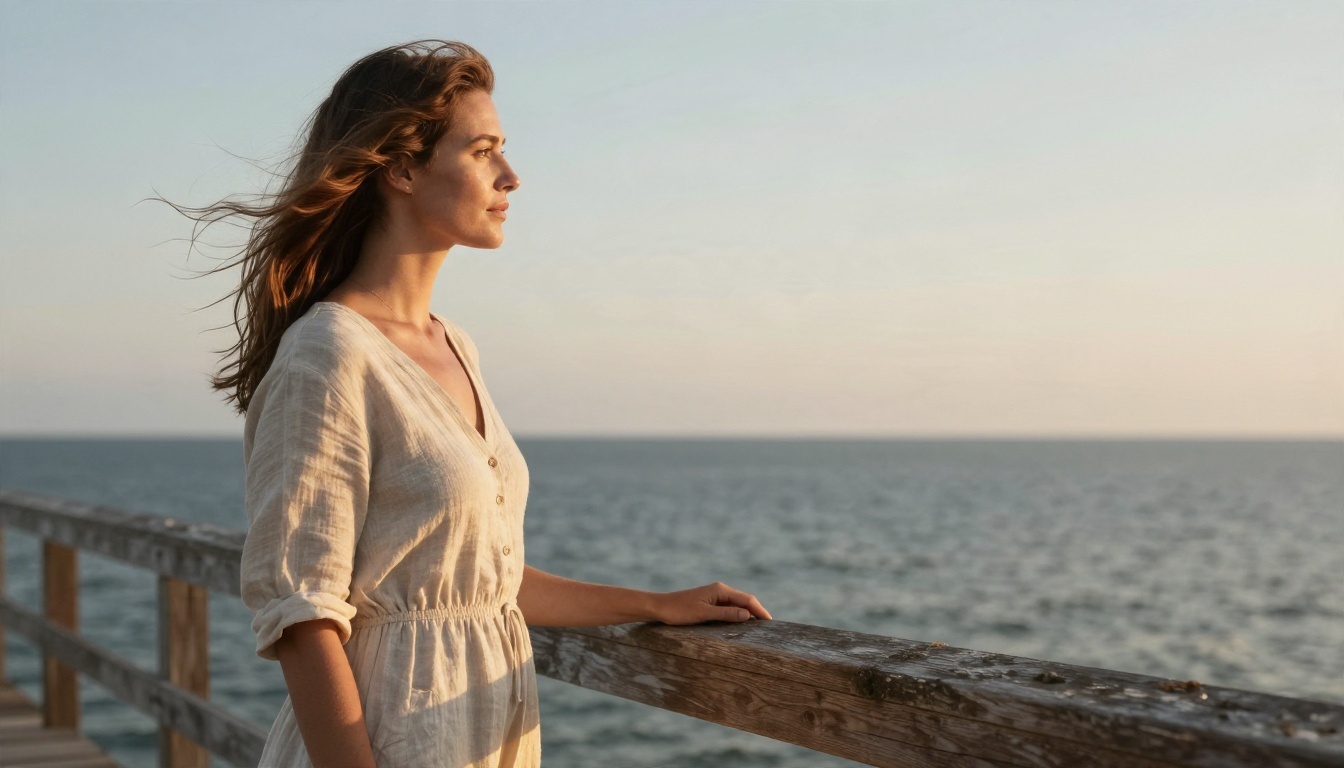
Seedream 4.5 is my first recommendation for photorealistic glamour. It follows long, detailed prompts well, produces sharp output up to 4K, and renders skin pores, hair strands and fabric weave with very little of the waxy smoothing you see elsewhere. It is also fast, which matters when you are iterating through ten variations of one idea.
Where it shines:
- Skin and hair: natural texture without over-smoothing
- Lighting: it respects directions like "window light from the left"
- Fabric: silk, satin, lace and knit all look different, as they should
- Prompt obedience: long prompts do not collapse into mush
Image Editor Pro for unlimited runs
PicassoIA Image Editor Pro is the one to use when volume matters. It offers unlimited generations, so you can run fifty variations of a pose or outfit without watching a credit counter. It is also an editor, which means you can take an image you already like and change the outfit, background, lighting or mood instead of starting over.
Other models to keep handy
If you want to browse everything else on the platform, the full list is at picassoia.com/en/all-models.
Prompts That Work
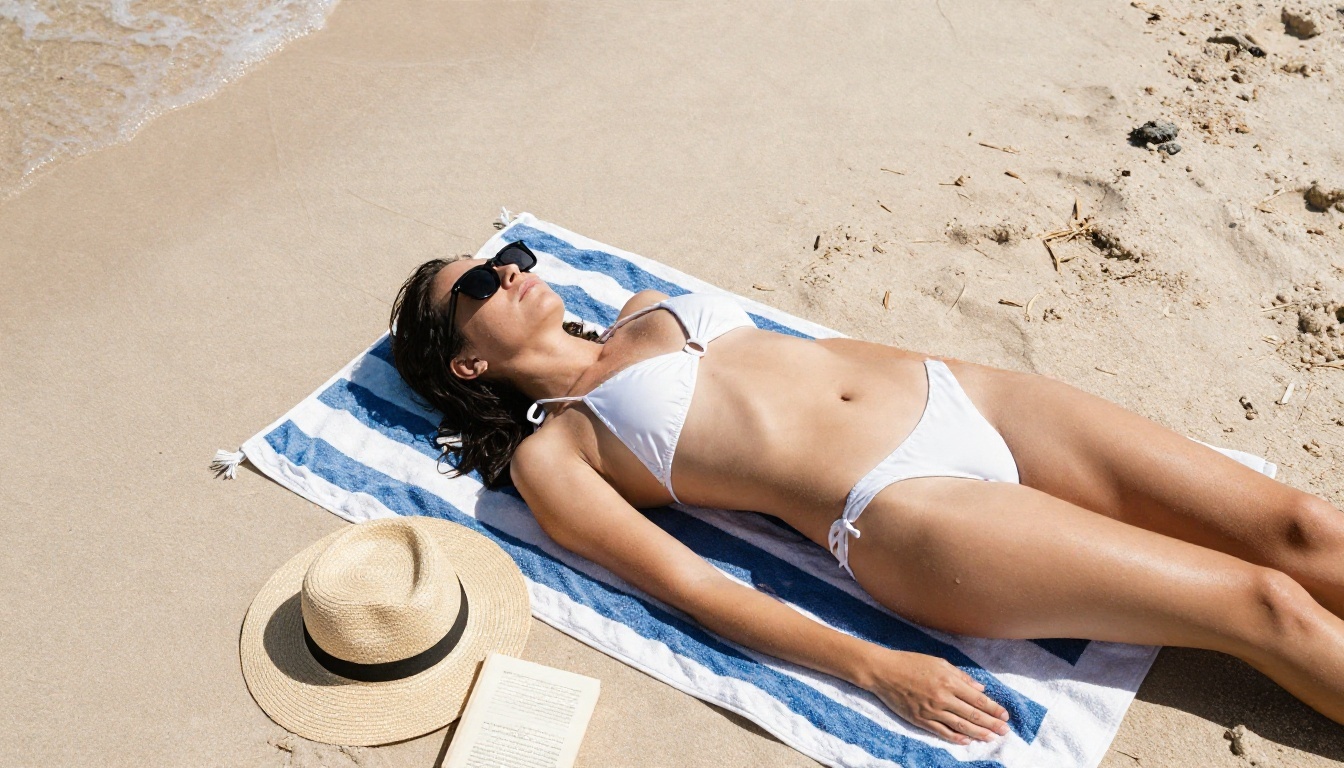
Most bad results come from short prompts. "Sexy woman, beach" gives the model almost nothing to anchor on, so it falls back on generic, airbrushed averages. Photorealism comes from specificity.
A prompt formula that works
Build every prompt from five parts, in this order:
- Subject and pose: who is in the frame and what they are doing
- Wardrobe: the exact garment, fabric and color
- Setting: specific location details, not just "indoors"
- Light: direction, time of day, softness
- Camera: lens, angle, depth of field and film feel
Here is the formula in action:
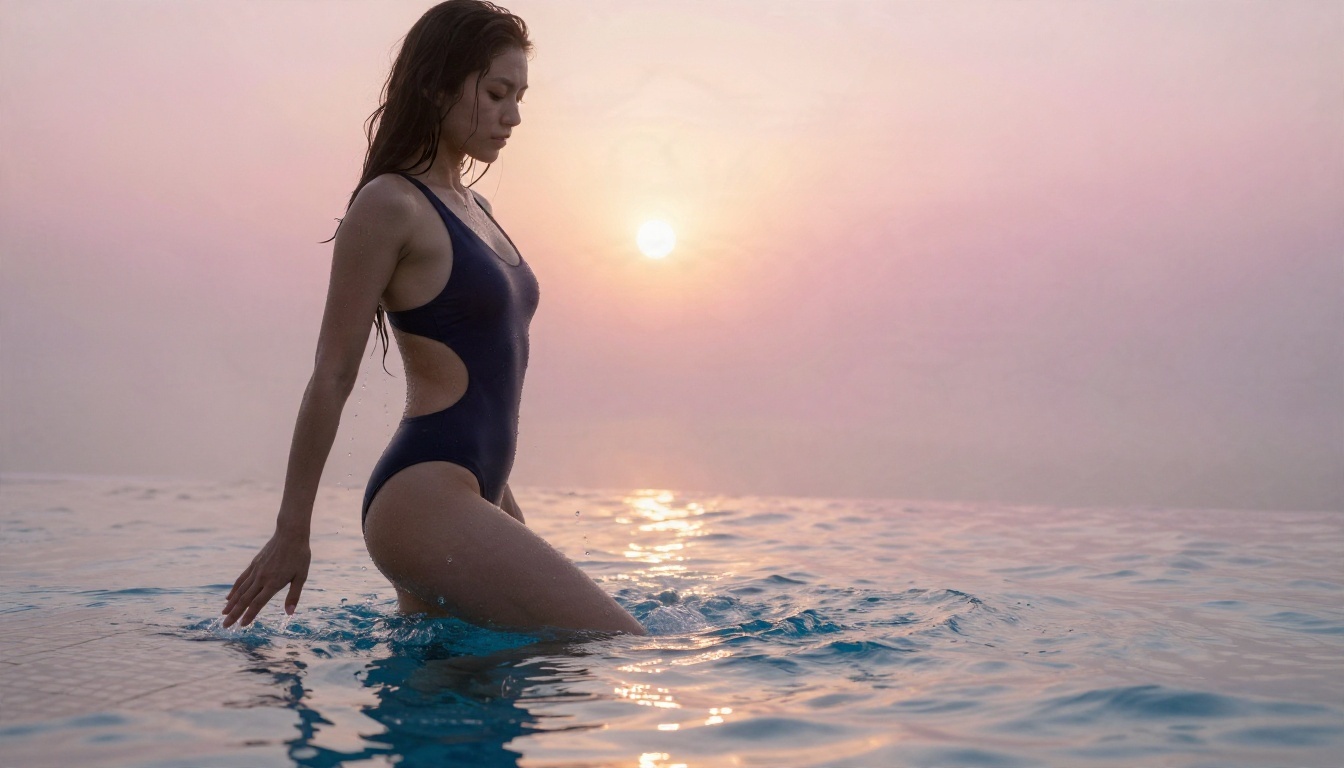
A woman in a navy one-piece swimsuit stepping out of an infinity pool at sunrise, water streaming down her skin, mist over the water, soft pink-gold light from behind creating rim glow, 135mm f/2 lens, water droplet detail, tiled pool edge texture, Kodak Portra 400 film grain, raw photograph.
Five prompt examples to copy
1. Pier portrait. Young woman in a black bikini sitting cross-legged on a wooden pier at golden hour, looking over her shoulder with a relaxed smile, turquoise sea behind her, warm low sun from the right, 35mm f/2 lens, salt-dried skin sheen, weathered plank grain, film grain.
2. Beauty close-up. Close-up portrait of a woman with dewy skin and deep red lipstick wearing black lace under a tailored blazer, beauty-dish light from above left, 100mm f/2.8 lens, visible pores and lashes, charcoal backdrop.
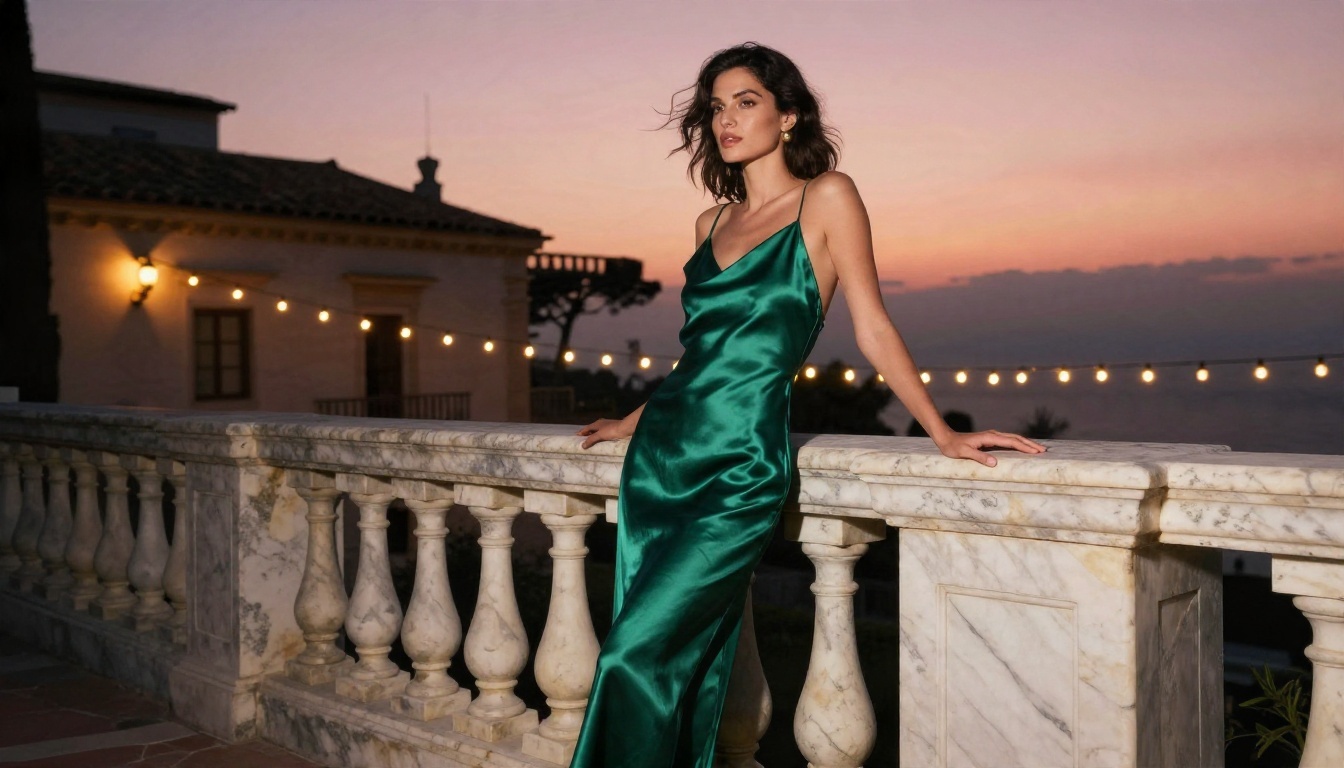
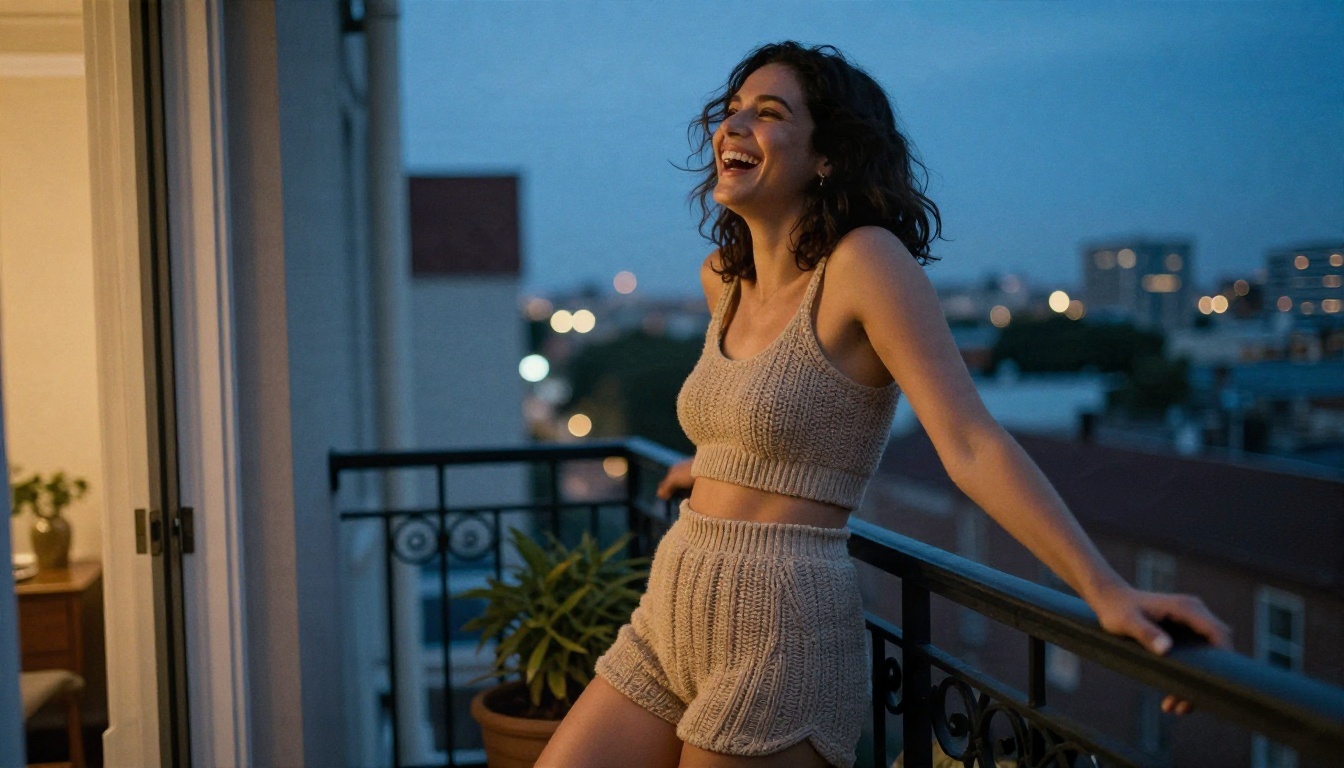
3. Terrace at dusk. Wide low-angle shot of a woman in an emerald satin slip dress leaning on a marble balustrade, string lights glowing behind her, pink-orange sky, 24mm lens, satin sheen and marble texture.
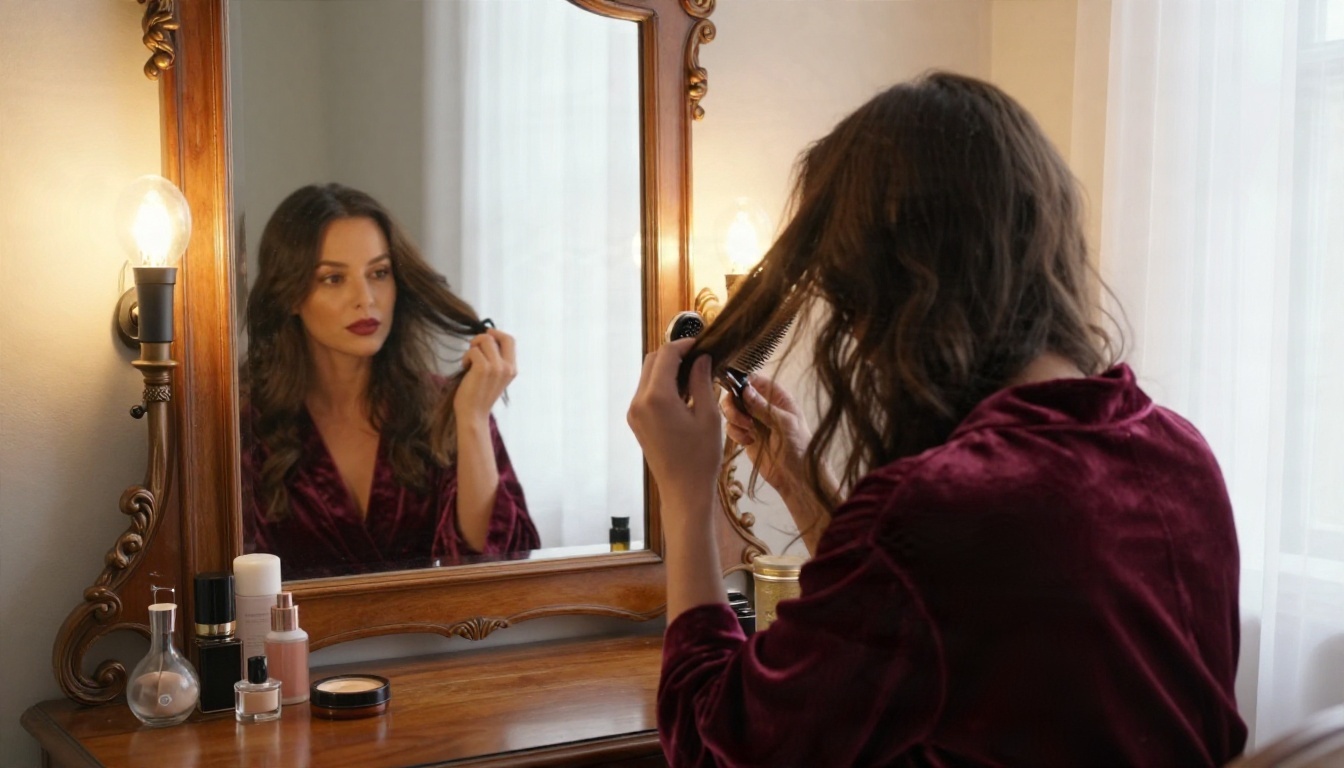
4. Dressing room. A woman in a burgundy velvet robe seated at a vintage vanity mirror, brushing her hair, reflection visible, warm tungsten bulbs around the mirror, 50mm f/1.4 lens, velvet pile texture.
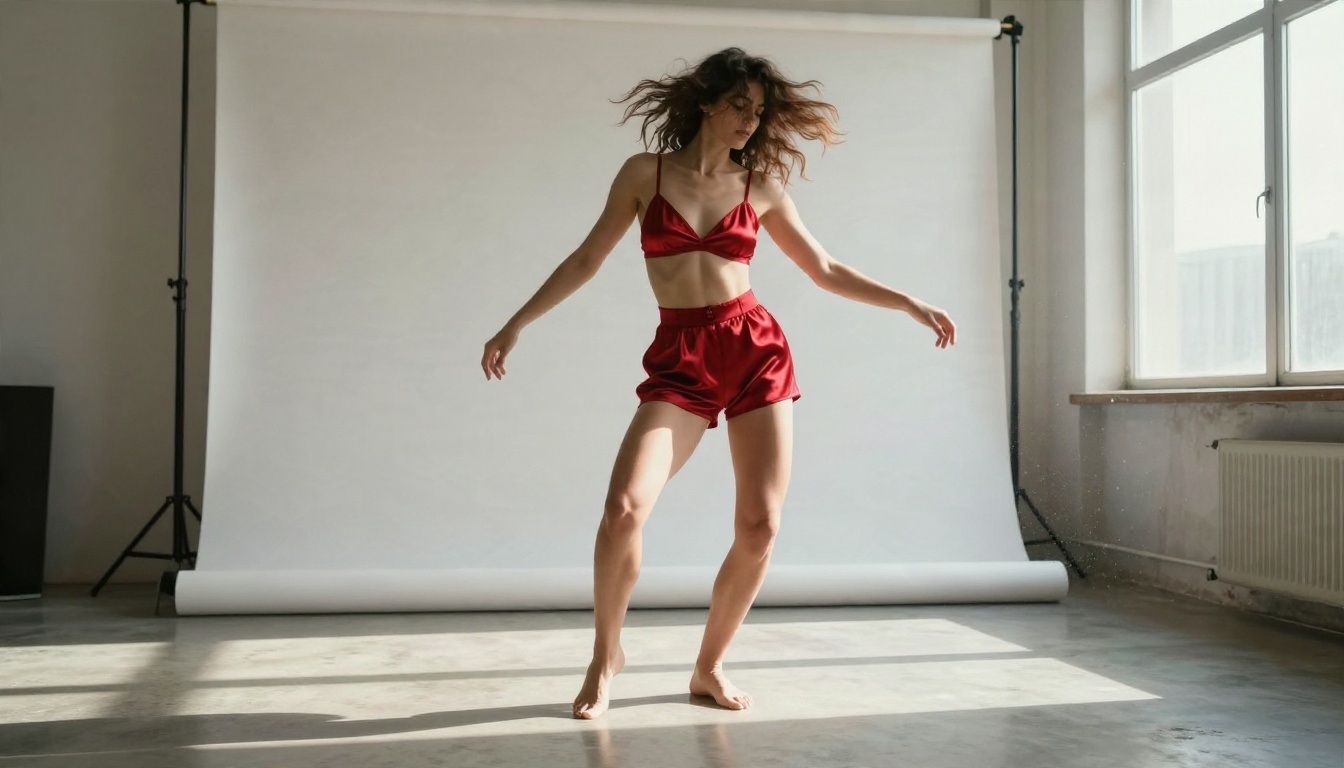
5. Studio movement. A woman in a red satin bralette and high-waisted trousers dancing barefoot in an empty sunlit studio, hair swinging mid-motion, big window light from the right, 28mm lens, concrete floor.
💡 Tip: Name a film stock like Kodak Portra 400 and a real lens length. These phrases push the model toward photographic color and depth rather than the glossy "AI look."
How to Use Seedream 4.5 on PicassoIA
Since Seedream 4.5 is the strongest starting point, here is the workflow I follow.
Step by step
- Open the Seedream 4.5 page on PicassoIA.
- Paste your prompt into the text box. Use the five-part formula above.
- Choose a 16:9 ratio for landscape scenes, or a tall ratio for full-length fashion poses.
- Pick the highest resolution your plan allows.
- Click generate and wait a few seconds.
- Review the result, change one detail in the prompt, and generate again.
- Send your favorite to PicassoIA Image Editor Pro to adjust outfit, background or mood without limits.
Parameter tips
| Setting | Recommendation | Why |
|---|
| Aspect ratio | 16:9 for scenes, 3:4 for portraits | Matches how the image will be used |
| Prompt length | 50 to 100 words | Enough detail without contradictions |
| Changes per run | One at a time | Lets you see what actually helped |
| Seed | Fix it when you like a result | Keeps the face and pose while you tweak wardrobe |
What It Really Costs
Pricing is the part most reviews blur, so here is a clear way to think about it.
Free, cheap and premium
- Free: fine for testing. Expect limits on speed, size or daily count.
- Around $4 to $15 per month: the sweet spot for casual use on subscription apps.
- $14 to $25 per month: premium tiers on specialist services, often with no free trial.
- Local setup: no monthly fee, but you pay in hardware and time.
My research showed that numbers conflict between sources. One site lists a tool as fully free while another lists the same tool at a few dollars a month. That is normal in this market because plans change. Always read the current pricing page.
Hidden limits to watch
💡 Before you pay, check four things: watermarks on free downloads, whether commercial use is allowed, how many images one credit buys, and whether your prompts and images are stored.
The cheapest option is not always the one with the lowest sticker price. A tool that charges per image can cost more in a week of experimenting than a flat plan costs in a month. This is why unlimited access in PicassoIA Image Editor Pro matters: you can be wasteful while you learn what works, and that is how good prompts get written.
Mistakes That Waste Credits
After many runs, the same errors keep showing up.
- Vague prompts. Short prompts produce generic faces. Add wardrobe, light and lens.
- Stacking too many ideas. One scene, one outfit, one light source.
- Ignoring hands and fabric. If hands look odd, rewrite the pose so they rest naturally or are partly hidden.
- Chasing explicit output. It breaks content rules on most platforms and rarely looks better than a well-lit suggestive shot. Tasteful images also travel further and are safer to share.
- Changing everything between runs. Alter one variable at a time or you will never find out what improved the result.
- Skipping the editor. A near-perfect image can often be fixed in minutes instead of regenerated from scratch.
A practical rule: write the prompt, generate four images, pick the best one, and refine from there. Four attempts with a sharp prompt beat twenty attempts with a lazy one.
Start Creating Your Own Images
Everything you saw in this article started as a single paragraph of text. The same tools are open to you right now. Start with Seedream 4.5 for your first prompt, copy one of the five examples above, and change one detail: the outfit, the light, the location. Then move to PicassoIA Image Editor Pro when you want to keep generating without a cap.
When you are ready to try other engines, Z Image Turbo, Flux 2 Klein 9B Base LoRA and Realistic Vision v5.1 give you different looks for the same prompt. The full catalog is at picassoia.com/en/all-models.
Pick a scene, write five lines of detail, and press generate. Your first photorealistic image is a few seconds away.


