Type "NSFW art maker free" into a search bar and you get a wall of tools that all promise the same thing: unlimited, uncensored, instant. Then you sign up, generate two pictures, and a paywall appears. If that sounds familiar, this article is for you. Below you will find what free plans actually include, what paid plans cost in practice, and which alternatives give you more room to create suggestive, photorealistic glamour art without playing credit roulette.
A quick note on scope: everything here is about non-explicit adult imagery. Think swimwear, lingerie-style fashion, boudoir lighting and implied artistic nudity. Nothing pornographic, and nothing involving real people without their consent.
What an NSFW Art Maker Actually Is
An NSFW art maker is an AI image generator that accepts prompts about mature or sensual themes instead of blocking them by default. Most mainstream tools refuse anything beyond a family-friendly swimsuit. Dedicated adult tools loosen those filters, and a few platforms sit in the middle.
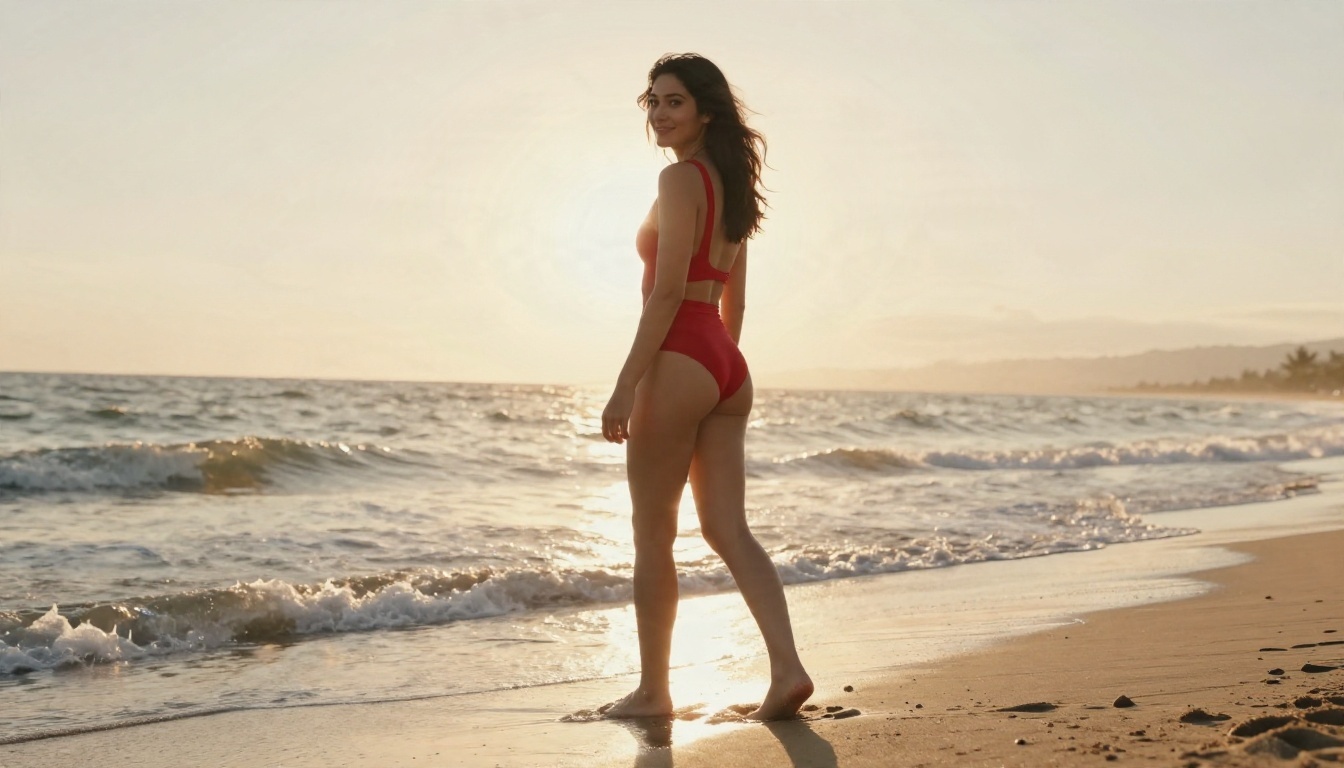
Suggestive vs explicit
There is a wide gap between the two, and it matters for both quality and safety.
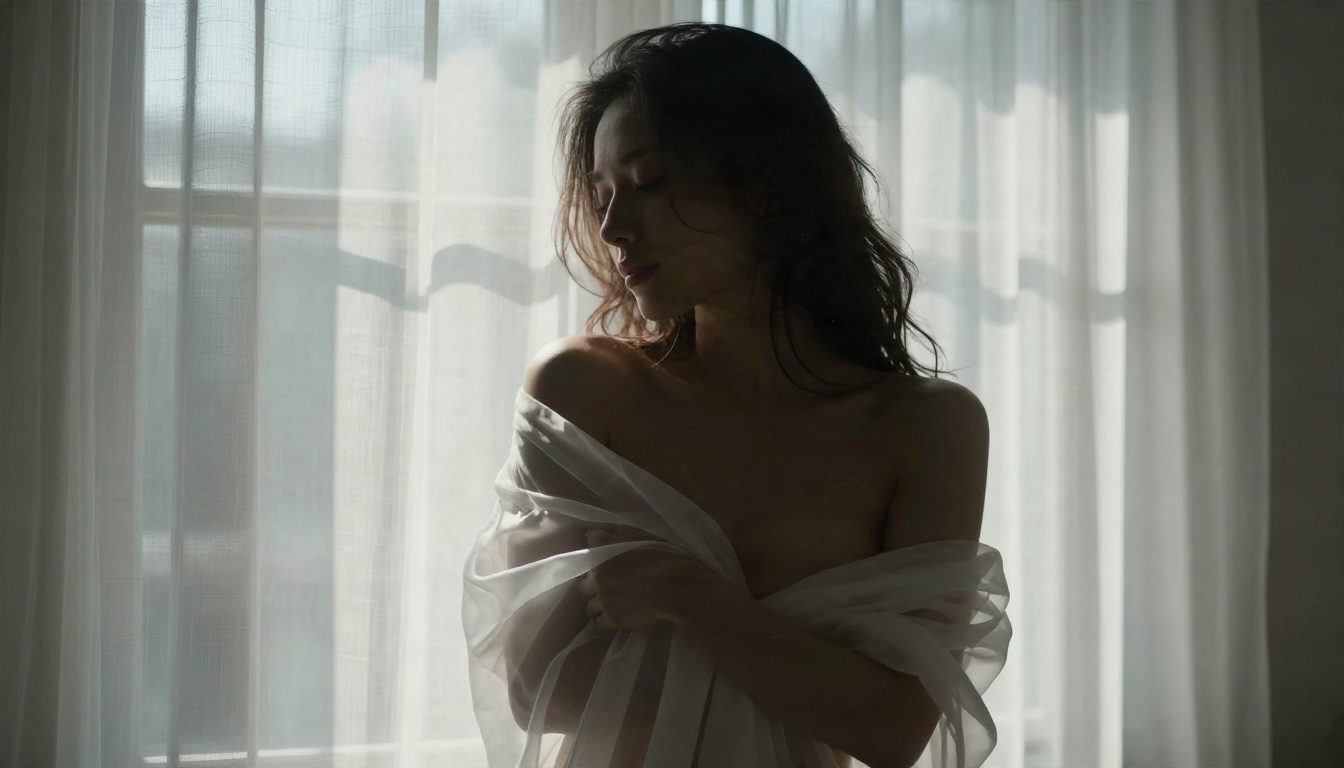
- Suggestive: swimwear, silk robes, slip dresses, bare shoulders, soft boudoir light, artistic implied nudity.
- Explicit: graphic sexual content. Many platforms ban it outright, and payment processors push hard against it.
The best results, honestly, come from the first category. Glamour photography has a century of visual language behind it, and AI models reproduce it far better than they handle anything graphic.
Who uses these tools
The audience is broader than you might expect:
- Digital creators building a consistent glamour portfolio
- Photographers who want to mock up a shoot concept before booking a studio
- Writers and game designers who need character portraits
- Fashion and swimwear brands drafting mood boards
- Hobbyists who simply enjoy making beautiful pictures
💡 Tip: Decide your goal before you pick a tool. A mood board needs variety. A portfolio needs consistency. A one-off wallpaper needs only one great render.
Free Online Options: What You Really Get
"Free" covers at least three very different things. Treating them as the same is the fastest way to waste an afternoon.
Daily credits and trial caps
The most common model is a small daily allowance. Platforms such as SeaArt and Mage.space have been reported to give free users either a handful of daily credits or a slower free tier, with paid plans layered on top. Some tools restrict you to a single generation per day, which is closer to a demo than a workflow.
What to check before you commit:
- How many images per day, and do credits roll over?
- Is the free queue slow enough to be useless at peak hours?
- Are free images watermarked or capped at low resolution?
- Do mature prompts work on the free tier, or only on paid?
Unlimited tiers and their trade-offs
Some services advertise unlimited free generation. Read the fine print. Unlimited often means unlimited at low priority, with smaller output sizes, a public gallery where your images are visible, or a weaker model than the one behind the paid plan.
Policies also change. At least one popular art platform announced in late 2025 that it was moving to fully safe-for-work operation and banning adult generation. A tool that worked for you in spring can quietly stop working by winter, so avoid building a workflow around a single provider.
Local setups on your own PC
Running an open-weight model on your own computer costs nothing per image once the hardware is paid for. The catch is real:
- You need a capable graphics card with plenty of video memory
- Setup involves installing software, downloading large model files and tuning settings
- Results depend on your skill with prompts and extensions
For most people, a browser-based tool wins on convenience. For heavy daily users with a strong PC, local generation can pay for itself.
Pricing: The Real Cost of NSFW Art
Reviews of NSFW generators disagree with each other on exact numbers, and many review sites earn affiliate commissions, so treat any single price list with suspicion. Still, a pattern shows up across the market.
| Plan type | Typical monthly cost | What you usually get | Common catch |
|---|
| Free tier | $0 | A few daily credits or a slow queue | Watermarks, low resolution, tight caps |
| Entry paid plan | About $4 to $13 | More credits, faster speed, no watermark | Credits still run out quickly |
| Mid-tier plan | About $10 to $30 | Higher resolution, priority queue, more models | Mature features sometimes locked higher |
| Local setup | $0 per image | Full control | Hardware cost and setup time |
Prices move often, so check each provider's current page before paying.
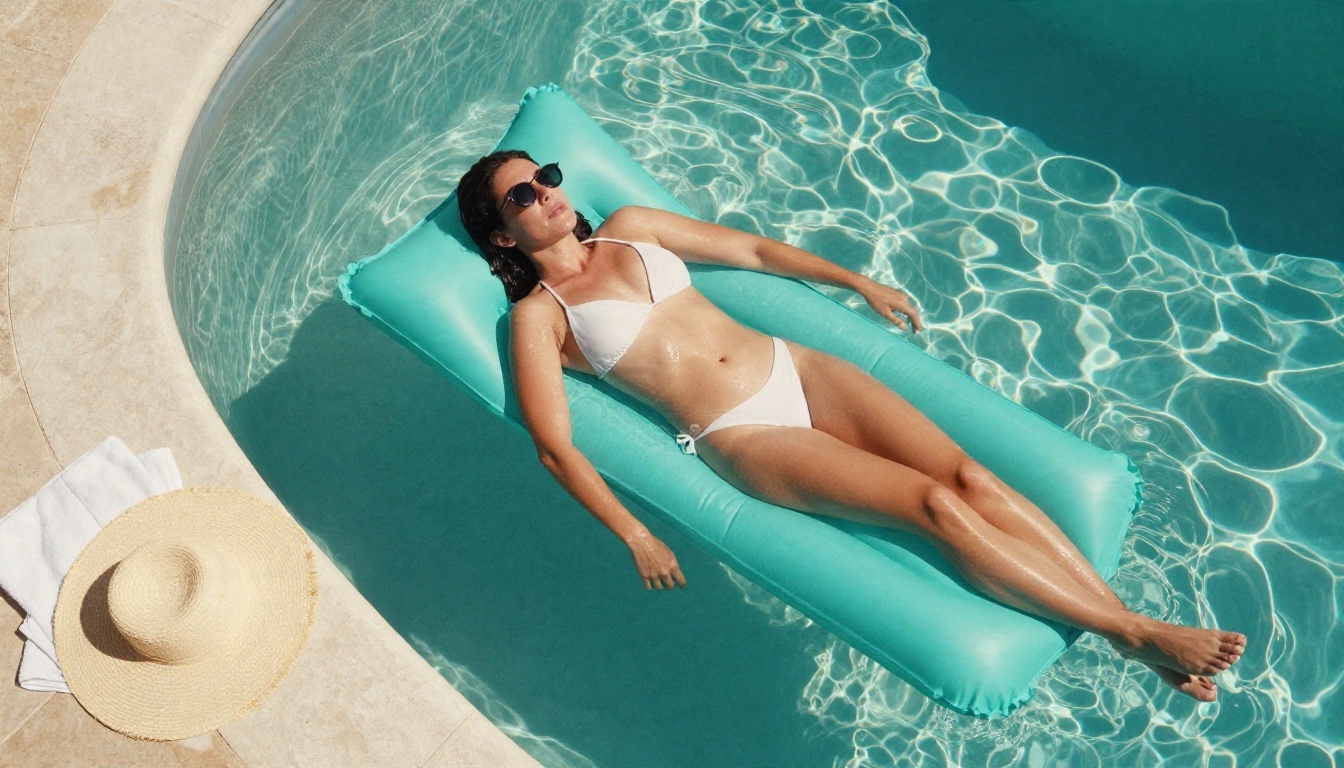
Typical monthly plans
Entry plans cluster around the $10 per month mark. At that price you normally buy a bucket of credits, not unlimited use. Heavy experimenters, who might run fifty variations to land one keeper, burn through those buckets fast.
Hidden costs to watch
- Credit multipliers: higher resolution, upscaling or video can cost several times the credits of a basic image.
- Failed generations: some platforms charge credits even when the output is blurred, cropped or rejected by a filter.
- Auto-renewal: annual discounts look great until you realize the tool changed its content policy after you paid.
- Public galleries: cheaper tiers sometimes make your outputs public by default.
💡 Tip: Calculate cost per good image, not cost per month. If you need ten attempts to get one usable render, a $10 plan with 200 credits really gives you about twenty keepers.
Best Alternatives on PicassoIA
If you want fewer limits and photorealistic results, start with these models, in this order.
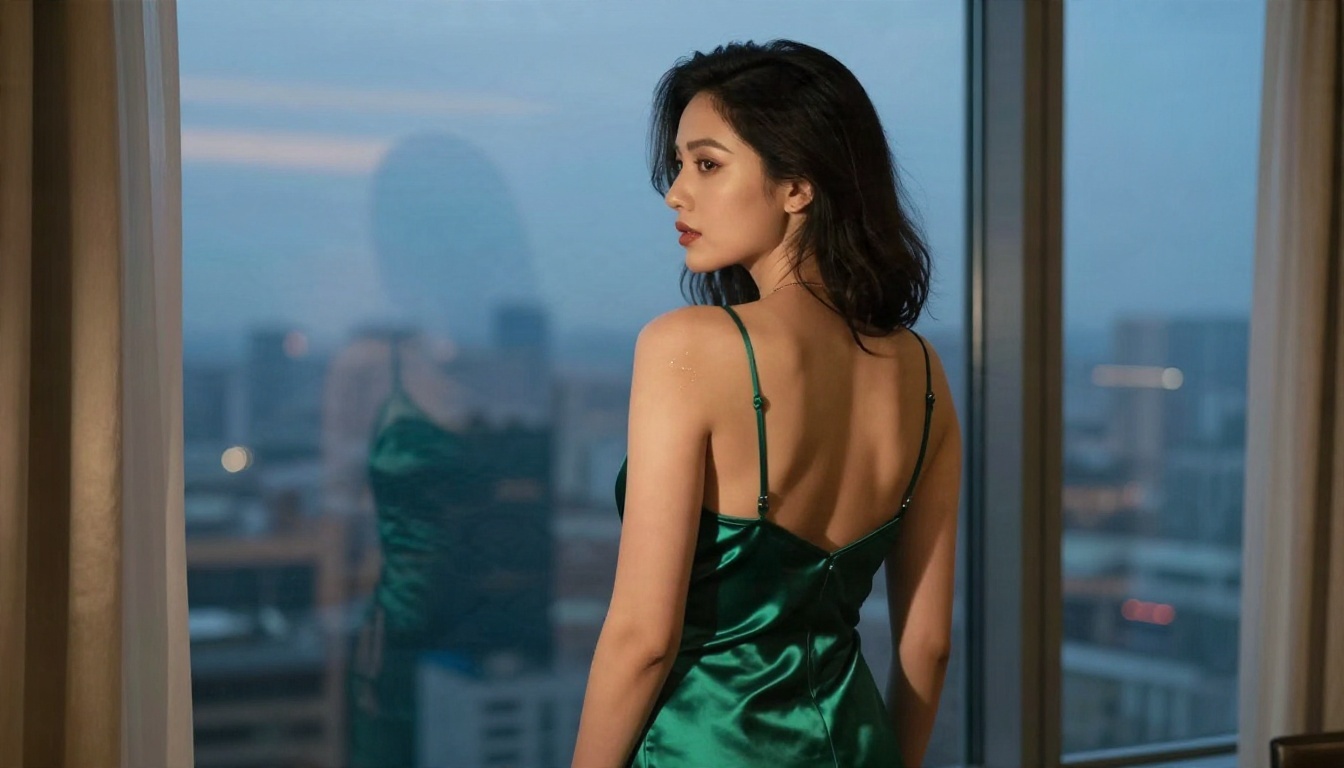
Seedream 4.5 comes first
Seedream 4.5 is the model I would test before any other. It produces sharp, high-resolution images with convincing skin texture, fabric detail and natural light, which are exactly the things that make glamour photography look real. It is also uncensored for suggestive adult themes, so you are not fighting a filter every third prompt.
Why it suits this kind of work:
- Excellent handling of satin, lace, wet skin and window light
- Strong prompt following, so a long, detailed description actually shows up in the image
- Fast enough to run many variations in a session
PicassoIA Image Editor Pro
PicassoIA Image Editor Pro is the second stop, and its biggest selling point is unlimited generations. That changes how you work. Instead of rationing credits, you can iterate freely: change the outfit, move the light, swap the location, try a new pose. It is built for editing as much as creating, so you can take a render you like and adjust it step by step.
More models worth testing
Once you have a feel for the first two, these are worth a spot in your rotation:
Each model reads prompts a little differently, so run the same prompt through two or three and keep the winner.
How to Use Seedream 4.5 on PicassoIA
Here is a simple workflow that works well for suggestive glamour images.
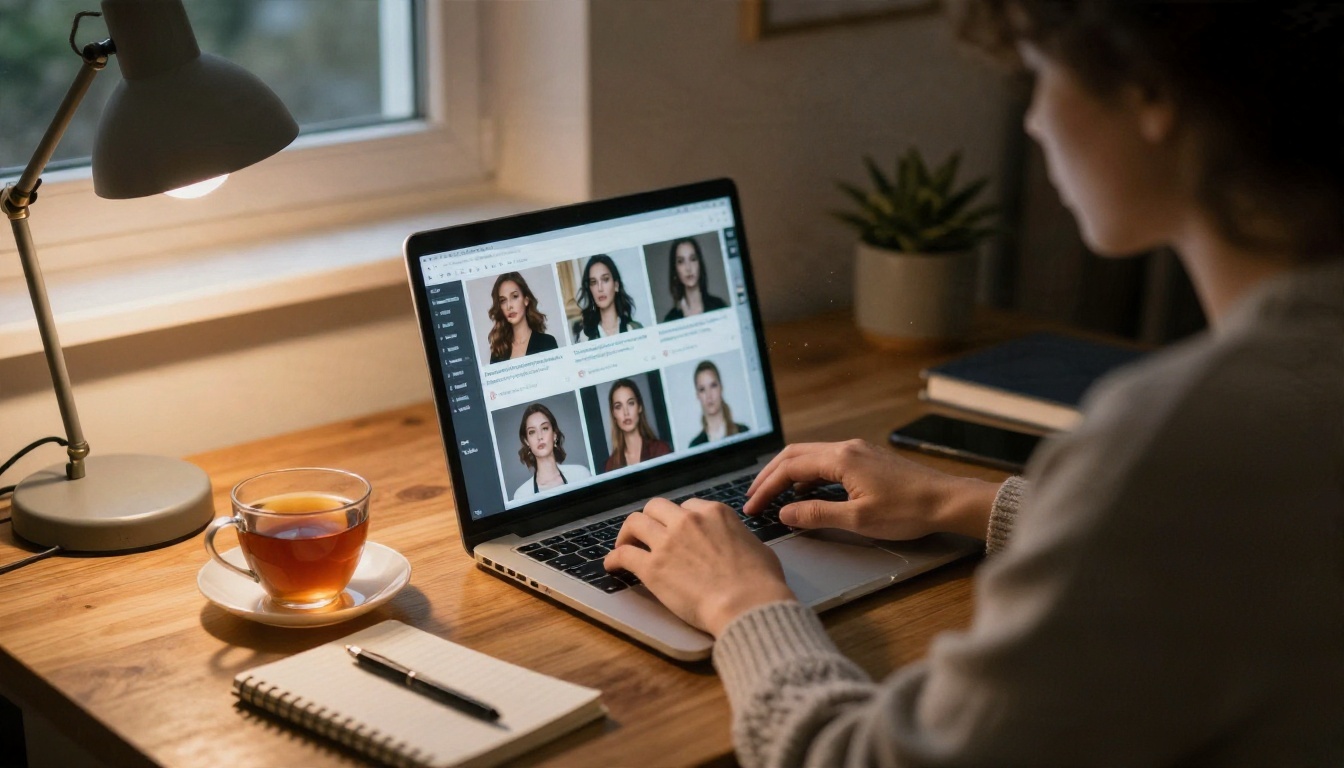
- Open the model page. Go to Seedream 4.5 on PicassoIA.
- Write a scene, not a keyword list. Describe the subject, outfit, setting, light direction and camera lens in one or two full sentences.
- Set a wide aspect ratio. 16:9 suits landscape scenes, 3:4 or 2:3 suits full-body portraits.
- Pick the highest resolution offered. Skin and fabric detail benefit from extra pixels.
- Generate a batch of variations. Treat the first result as a draft.
- Refine one thing at a time. Change light, then pose, then background. Changing everything at once makes it impossible to see what helped.
- Finish in the editor. Send your best render to PicassoIA Image Editor Pro for outfit swaps, background changes and small fixes.
💡 Tip: Keep a text file of prompts that worked. Reusing a good base prompt and swapping only the location gives you a consistent series.
Prompts That Look Like Photographs
The difference between "obviously AI" and "that could be a magazine shoot" is mostly in the prompt.
Light and lens
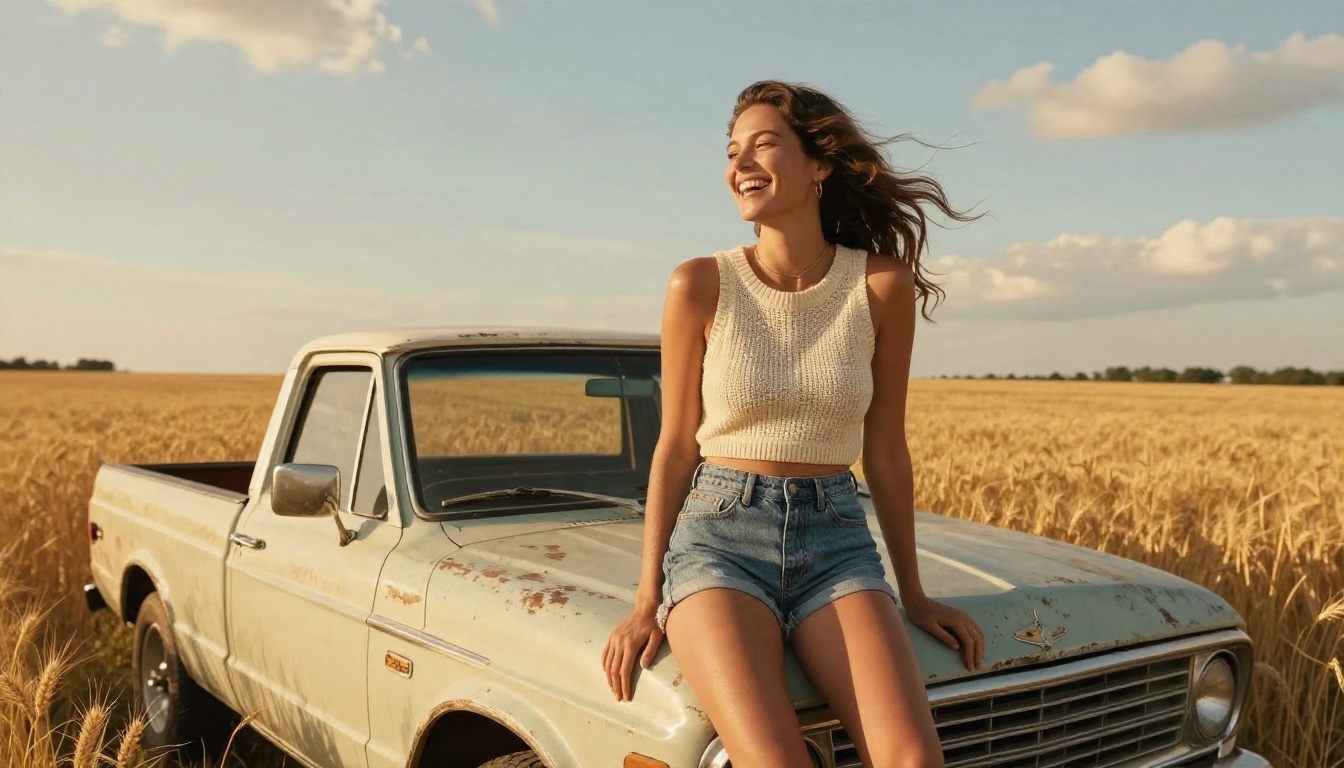
Name a light source and its direction: "warm morning window light from the left," "golden hour backlight," "soft overcast fill." Add a lens, such as 50mm for natural proportions or 85mm for flattering portraits, plus an aperture like f/1.8 for soft backgrounds. Models respond well to this vocabulary because it comes straight from photography captions they were trained on.
Fabric and skin
Ask for texture. Phrases like "fine skin pores," "satin sheen with soft folds," "knit sweater weave" and "water droplets on skin" push the model away from the plastic, airbrushed look. Add "Kodak Portra 400, fine film grain" for warm tones and natural contrast.
Three common mistakes
- Stacking contradictions. "Dark moody night" plus "bright midday sun" confuses the model.
- Overloading adjectives. Ten stacked words like "gorgeous, stunning, perfect" add nothing. One concrete detail beats five vague compliments.
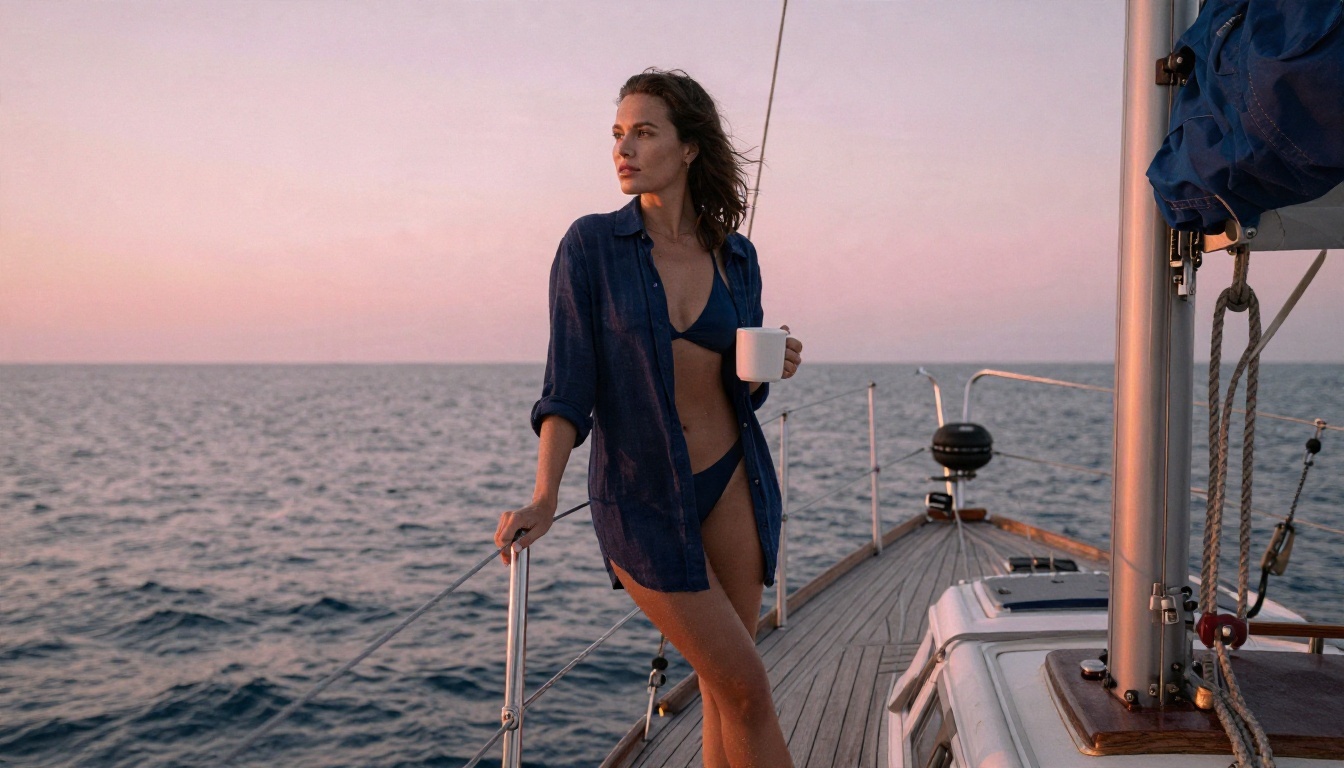
- Ignoring hands and framing. Give hands something simple to do, like resting on a collarbone or holding a mug, and avoid crowded poses.
Adult-themed AI art comes with responsibilities, and they are not optional.
- Adults only. Every subject you generate must be clearly an adult. Do not create anything that suggests otherwise.
- No real people without consent. Using a real person's likeness in intimate imagery is harmful, and in the United States the TAKE IT DOWN Act of 2025 makes publishing non-consensual intimate imagery, including AI deepfakes of identifiable people, a federal crime.
- Respect where you post. Social networks, stores and print-on-demand services each have their own adult content rules. Check them before you upload.
- Keep it non-explicit. Suggestive work travels further, gets banned less and ages better.
💡 Tip: Use invented characters. A fictional face that you reuse across a series is both safer and better for building a recognizable portfolio.
Make Your First Image Today
Free NSFW art makers are fine for a quick test, but the daily caps, watermarks and credit meters add up. If you plan to create regularly, pick tools that let you iterate without counting every render.
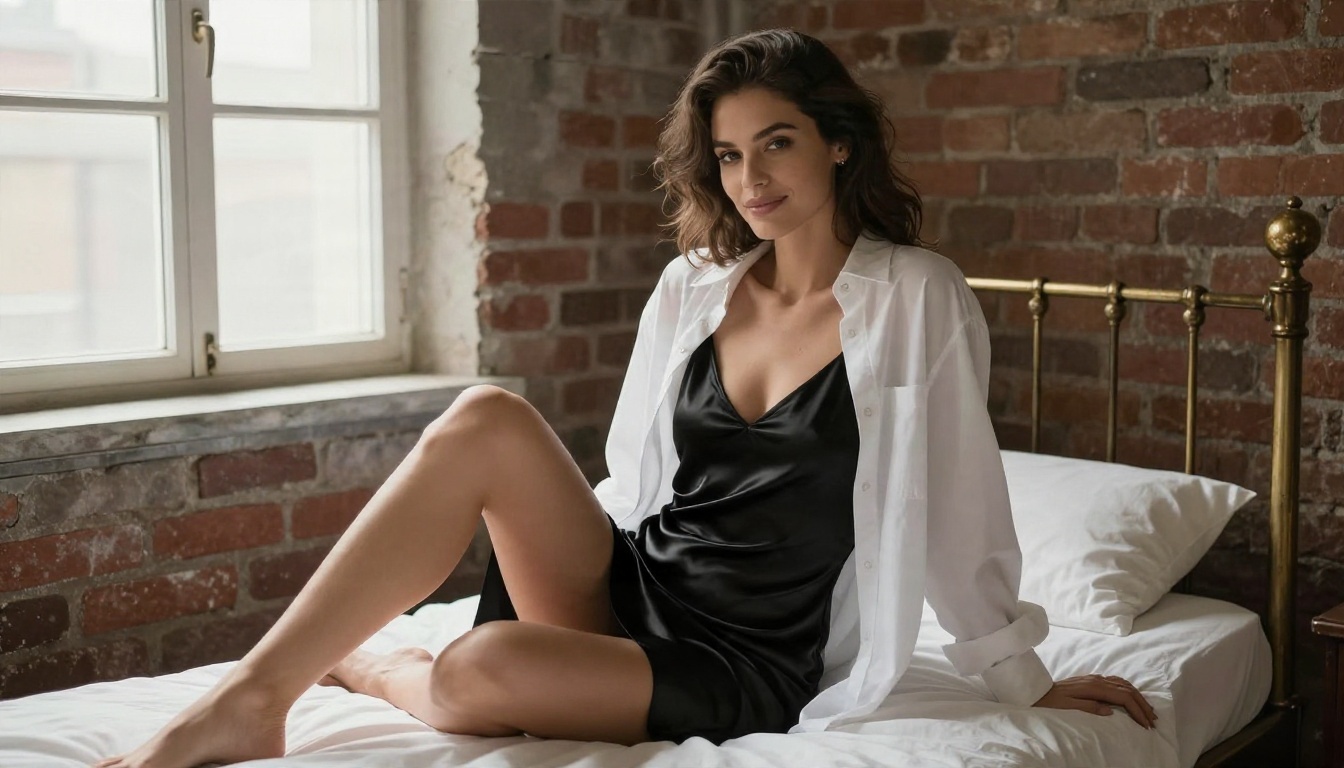
Here is a simple plan for your first session:
- Open Seedream 4.5 and write one detailed glamour scene with a named light source and lens.
- Generate a batch and pick your favorite.
- Open PicassoIA Image Editor Pro and use its unlimited generations to change the outfit, setting and mood.
- Compare the same prompt in Nano Banana Pro or Z Image Turbo.
Ready to try it yourself? Browse every available model at picassoia.com/en/all-models, pick one, and make your own photorealistic images with Picasso IA today. Experiment with light, fabric and location, and see how quickly a rough idea turns into a portfolio piece.


