Search for NSFW artificial intelligence and you land in a mess: sketchy chat apps that charge after three messages, image sites that blur every result, and "free" tools that quietly watermark everything. The good news is that the useful part of this space is simple. You need a text model for flirty, character driven chat, an image model that produces believable glamour photography, and a handful of prompts that don't fight the system. This article sorts through all three, shows what is worth your time, and keeps everything on the tasteful side: swimwear, lingerie, boudoir and glamour, never explicit.
💡 Quick answer: For images, start with Seedream 4.5, then move to PicassoIA Image Editor Pro when you want unlimited runs. For chat and prompt writing, pair a fast text model with the prompt formulas below.
What NSFW AI Actually Means
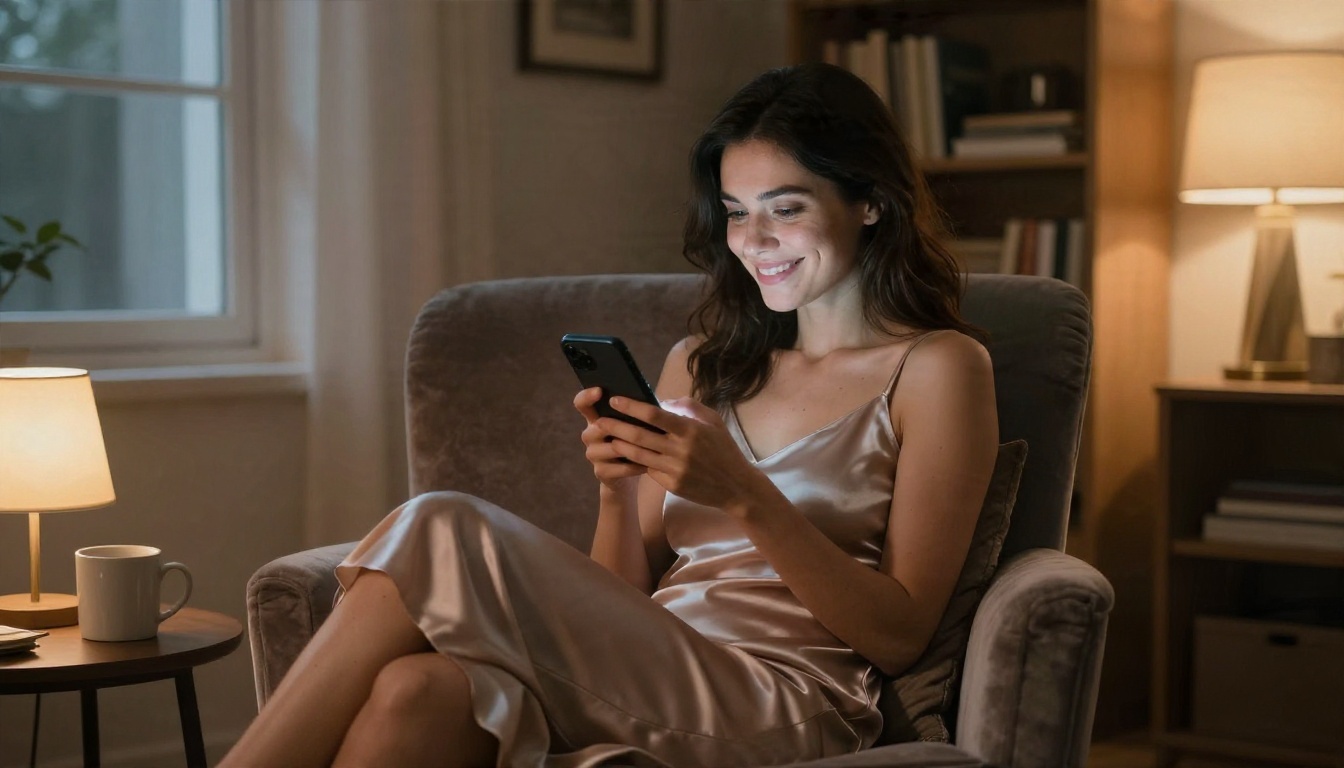
"NSFW" is a label, not a genre. It simply means not safe for work, and in AI it covers a wide spectrum. At one end sits a swimsuit photo shoot. At the other sits content that no mainstream platform will host. Most people searching for this topic want something in the middle: attractive, suggestive, personal, and unrestricted by overcautious filters that flag a bikini as a violation.
Chat, Images, and Video Split
The category breaks into three working parts:
| Part | What it does | Typical use |
|---|
| NSFW AI chat | Text conversation with a persona or character | Companionship, roleplay setup, story writing |
| NSFW AI images | Photorealistic glamour, swimwear, boudoir portraits | Wallpapers, creative projects, character art |
| NSFW AI video | Short animated clips from a still image | Motion for portraits and social posts |
Most tools only do one of these well. A chat app with a bolted on image generator usually produces plastic looking faces. An image platform with no text tools leaves you writing prompts alone.
Who Searches for It and Why
The audience is broader than the stereotype. Writers want character visuals for novels. Photographers test lighting ideas before a boudoir session. Creators build consistent fictional models for adult content brands. Some people just want a more relaxed chat partner. Every one of these groups hits the same wall: filters tuned so aggressively that harmless glamour gets rejected.
Best Free NSFW AI Chat Options
Free chat is where most people start, and also where most people get burned. Many apps advertise unlimited conversation and then cap messages, lock memory behind a subscription, or reset your character every session.
What Good Companion Chat Needs
Before you pick a tool, check five things:
- Memory: Does the character remember your name and earlier details?
- Consistency: Does the persona keep the same voice after 50 messages?
- Speed: Replies should arrive in a couple of seconds, not half a minute.
- Length control: You should be able to ask for short banter or a long scene.
- Privacy: Conversations shouldn't be used to train a public model without notice.
Text Models Worth Trying
On PicassoIA you can work with several large language models in one place, which is useful for character building, flirty dialogue drafts, story outlines and prompt writing. A few that suit the job:
- Deepseek v3.1: strong at long, coherent writing, handy for backstories and scene setting.
- Gemini 3.5 Flash: very quick replies, good for back and forth banter.
- Kimi K2.6: keeps long conversations organized and tracks details well.
- Llama 2 7B Chat: a light, free feeling model for casual conversation.
- Granite 4.1 8B: compact and fast, a decent drafting partner.
Each model keeps its own content behavior, so treat them as writing and planning partners, not as a promise of unfiltered output. Their best use in this workflow is turning a rough idea ("a confident photographer on a coastal trip") into a detailed character sheet and a set of image prompts.
Limits You Should Expect
⚠️ Honest note: No text model is a replacement for a person, and none should be treated that way. Chat tools are entertainment and creative aids. If a conversation starts to feel like a dependency, step away from it.
Expect these limits with nearly every free option: shorter context windows, occasional refusals on edgy topics, and weaker long term memory than paid plans. Workarounds are simple. Paste a short character summary at the start of each session, and keep your persona description under 150 words so the model never loses it.
Image generation is where the quality gap between tools becomes obvious. A great model gives you natural skin texture, believable fabric and coherent hands. A weak one gives you glossy, smoothed faces and warped fingers.
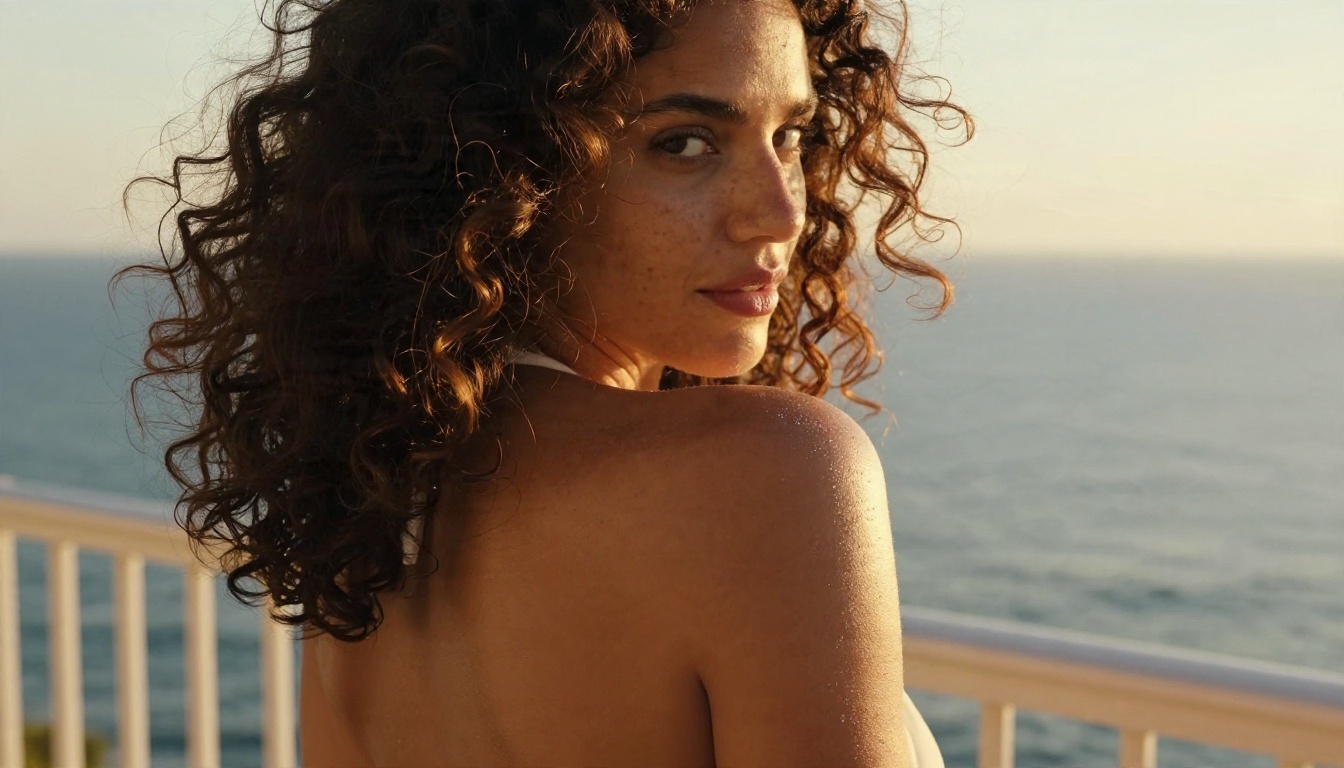
Seedream 4.5 Leads the List
Seedream 4.5 is the model to try first. It handles swimwear, lingerie, boudoir lighting and glamour portraits without the constant refusals that plague other generators, and it renders detail at high resolution. Skin keeps pores and fine texture. Silk, lace and satin show believable highlights. Faces stay consistent across a batch, which matters if you are building a recurring character.
What makes it stand out in practice:
- Realistic skin rather than the airbrushed look common in budget models
- Strong fabric rendering for satin, lace, wet cotton and knitwear
- Good prompt adherence, so "golden hour backlight from the right" really arrives from the right
- Fast generations, so you can test five variations in a few minutes
Image Editor Pro for Unlimited Runs
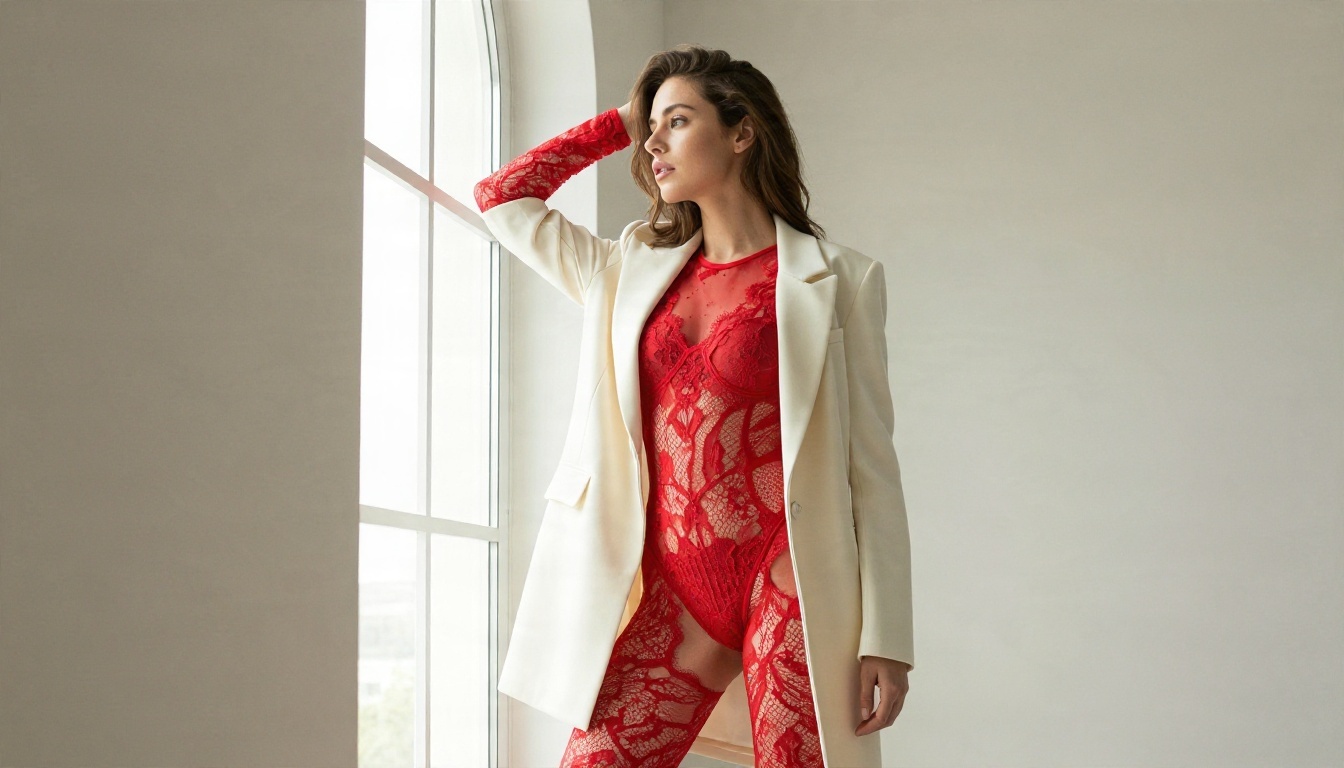
PicassoIA Image Editor Pro is where experimentation gets cheap. It offers unlimited generations, which changes how you work: you stop rationing attempts and start iterating freely. It also edits existing images, so you can change an outfit, adjust lighting, extend a background or fix a detail without starting over. Upload your best Seedream result, ask for a different dress color, and you keep the same face and pose.
💡 Workflow tip: Generate the base image in Seedream 4.5, then polish it in Image Editor Pro. The first gives you quality, the second gives you freedom to tweak without limits.
Other Models in Rotation
Different models suit different looks. Here is a quick comparison of the strongest options on the platform:
How to Make Images Step by Step
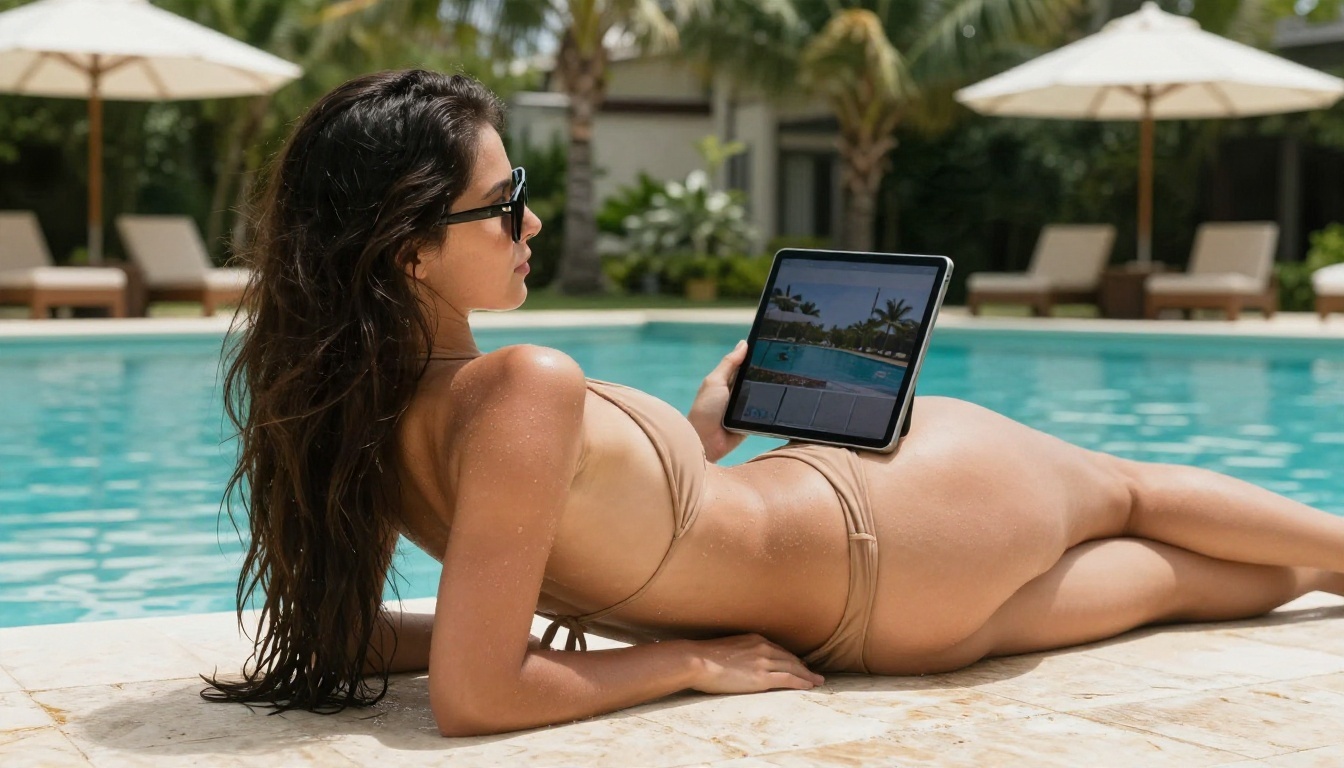
Here is the workflow, using Seedream 4.5 as the main generator.
Step 1: Open the Model
Go to the Seedream 4.5 page on PicassoIA. You will see a prompt box and a few settings.
Step 2: Write a Structured Prompt
Use the formula in the next section: subject, outfit, setting, light, lens, texture. One long, specific sentence beats five vague words.
Step 3: Set Aspect Ratio and Resolution
Pick 16:9 for wallpapers and banners, 3:4 or 2:3 for portraits, and 1:1 for profile images. Choose the highest resolution offered when you plan to print or crop.
Step 4: Generate a Batch
Run four to six variations. Keep the best one and note what worked in the prompt.
Step 5: Refine in Image Editor Pro
Open the winner in Image Editor Pro. Ask for small, single changes: "change the dress to deep green", "soften the background light", "add a straw hat". One change per request keeps the result stable.
Step 6: Upscale and Save
If you need extra sharpness, run the image through a super resolution model before posting or printing.
Prompts That Actually Work
Good prompts read like a photographer's brief. They name the light, the lens and the texture. Bad prompts list adjectives.
A Prompt Formula
Use this order every time:
- Subject and pose: age (always adult), hair, expression, posture
- Outfit: fabric and color, such as "black satin slip" or "white knit bikini"
- Setting: a specific place with two or three props
- Light: direction and quality, such as "soft window light from the left"
- Camera: lens and distance, such as "85mm f/1.8, shallow depth of field"
- Texture: "visible skin pores, fabric weave, fine film grain"
Ready Prompts to Copy
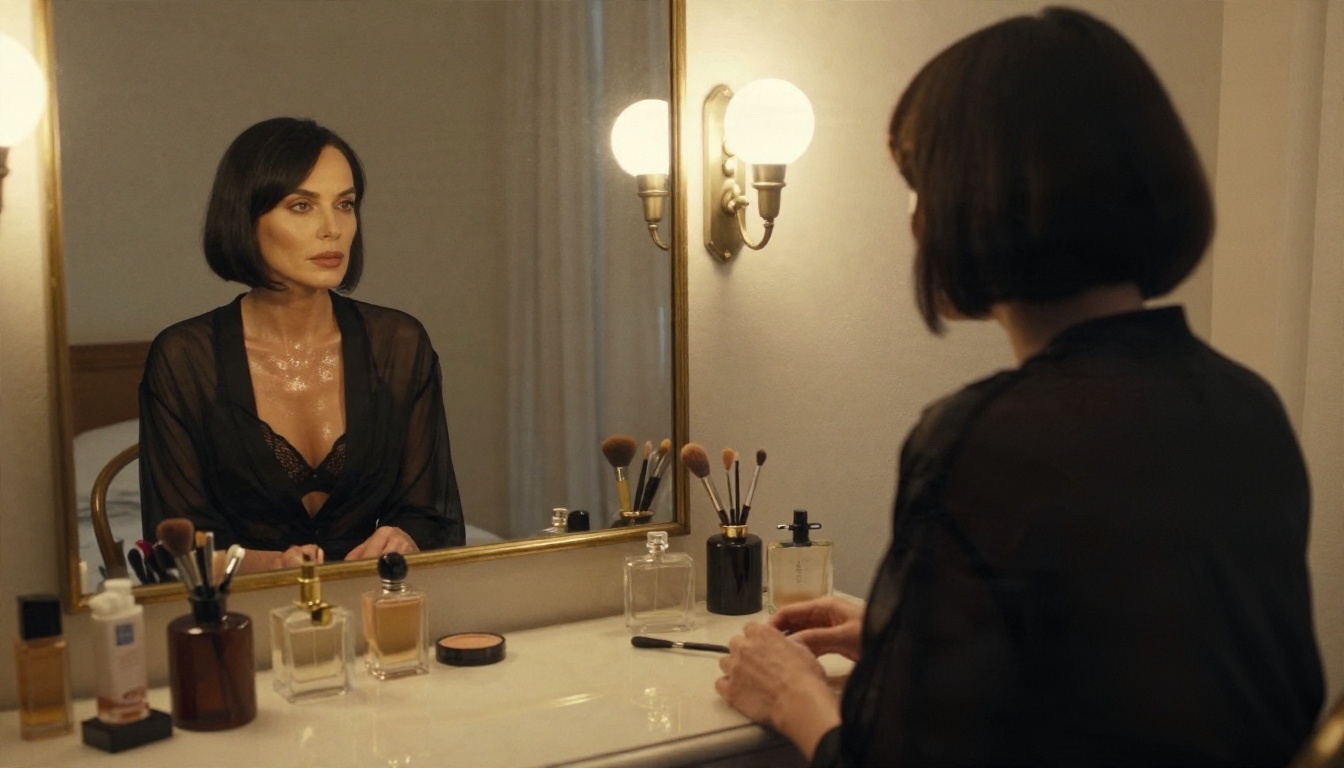
Boudoir portrait:
Adult woman with a sleek black bob in a sheer black robe over lingerie, seated at a vintage vanity mirror, warm tungsten bulbs around the glass, perfume bottles on the table, 85mm f/1.8 from behind her shoulder, natural skin sheen, Kodak Portra 400 grain.
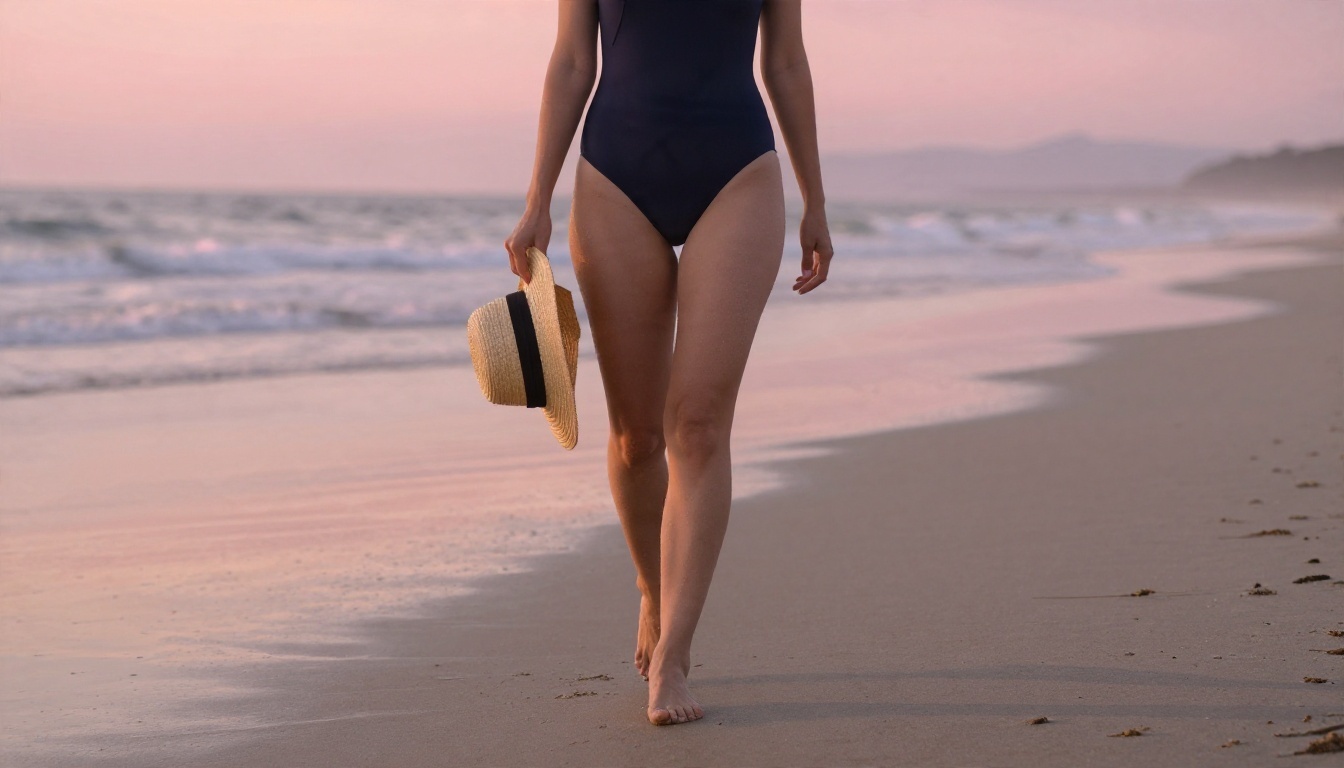
Beach glamour:
Adult woman in a navy one piece swimsuit walking along a quiet beach at sunrise, wet sand reflecting pink and gold sky, 24mm low angle, water droplets on skin, fine film grain.
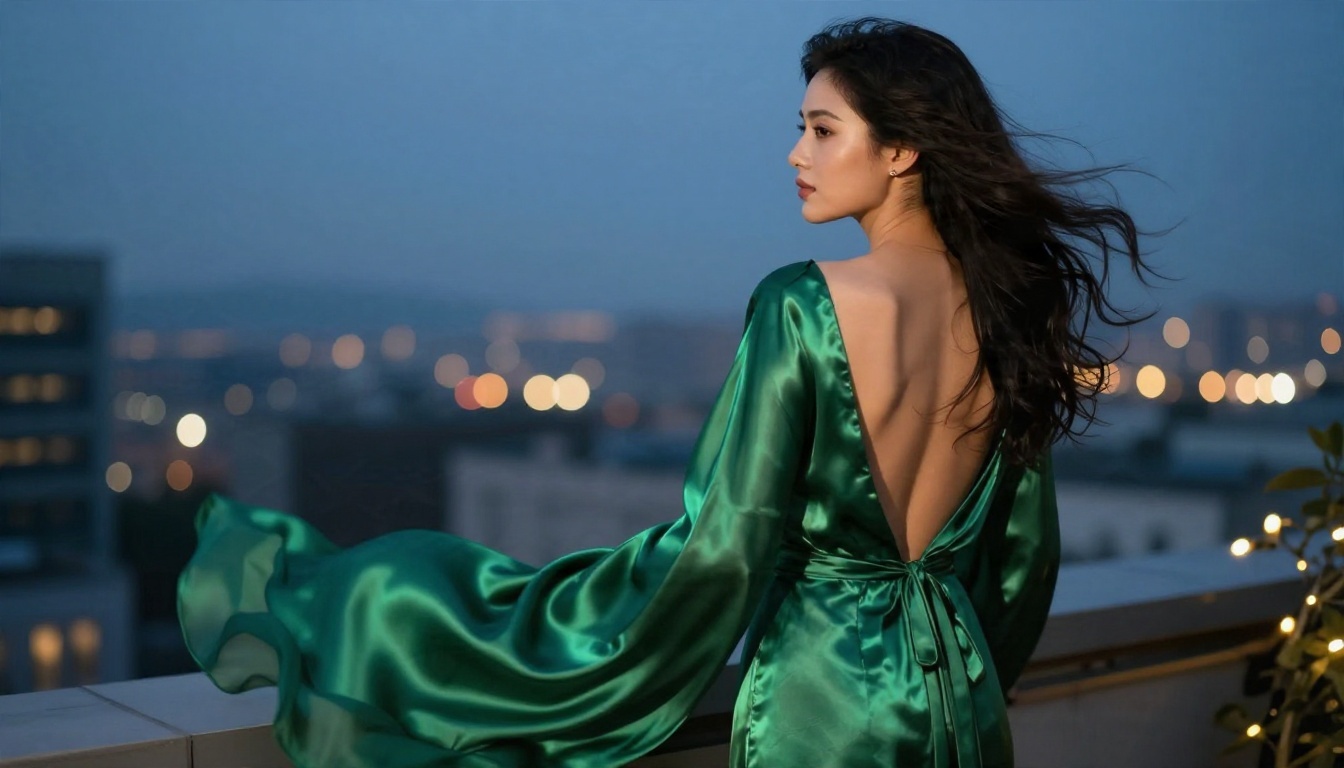
Evening elegance:
Adult woman in an emerald silk gown with an open back, seen from behind on a rooftop terrace at blue hour, warm string lights, wind in her hair, 85mm f/1.8, silk highlights, natural skin texture.
Words That Ruin Results
Some habits quietly wreck your output:
- "Perfect", "flawless", "ultra beautiful": these push models toward plastic skin.
- Piling on quality tags like "8K masterpiece trending": modern models ignore them or overcook the image.
- Contradictions: "dark moody night" plus "bright midday sun" confuses the lighting.
- No light direction: the model guesses, and it usually guesses flat.
💡 Fast trick: Ask a text model like Gemini 3.5 Flash to rewrite your rough idea into the six part formula. It takes ten seconds and the prompts improve noticeably.
Alternatives Worth Comparing
Seedream 4.5 and Image Editor Pro are the best starting pair, but they are not the only route. Different projects call for different tools.
Free Versus Paid Trade Offs
| Factor | Typical free app | Better setup |
|---|
| Generation limit | 3 to 10 per day | Unlimited with Image Editor Pro |
| Watermarks | Common | Avoid platforms that add them |
| Face quality | Smooth, repetitive | Natural texture with Seedream 4.5 |
| Editing | Rarely offered | Built into the workflow |
| Filter behavior | Blocks swimwear at random | Predictable glamour output |
Picking Based on Your Goal
- You want quality first: Seedream 4.5.
- You want to experiment without counting: Image Editor Pro.
- You want precise changes to an existing photo: Nano Banana Pro.
- You want fast, playful variations: Grok Imagine Image 2.
- You want a natural, photographic feel: Qwen Image 3 Pro.
Adding Motion to Stills
Once you have a strong portrait, you can animate it. Image to video models turn a still into a short clip with moving hair, fabric and light. Try Grok Imagine Video 1.5 for image to video with audio. Start from your best image, since a weak source frame produces a weak clip.
Safety Rules Worth Following
Freedom to create comes with a few firm lines. Following them keeps your work safe and your accounts intact.
Adults Only, Always
Every character you describe must be an adult, and the prompt should say so. Never create anything that suggests a minor. This is non negotiable on any platform and in any jurisdiction.
No Real People Without Consent
Do not generate images of real individuals, celebrities, coworkers or exes. Fictional characters and original models are the safe path. Deepfake style content of a real person causes real harm, and in many countries it is illegal.
Keep It Tasteful and Platform Ready
Stay with suggestive and elegant: swimwear, lingerie, glamour, implied boudoir. That style is also the easiest to share, since most social platforms and ad networks reject explicit material. Content that looks like a fashion editorial travels further and gets removed less often.
Protect Your Privacy
Do not paste personal addresses, phone numbers or financial details into any chat. Treat every conversation as something that could be stored. Use a separate email for experimental apps, and read the data policy before you sign up.
Check Local Rules
Laws on adult AI content vary by country and region. If you plan to publish or sell what you create, confirm the rules where you live, and check the terms of every platform you post on.
Start Making Your Own Images
You now have the full toolkit: text models for characters and prompt drafts, Seedream 4.5 for high quality glamour images, Image Editor Pro for unlimited tweaks, and a prompt formula that makes every attempt better than the last. The only thing left is to run your first batch.
Open Seedream 4.5, paste the boudoir or beach prompt from above, and change one detail: the outfit color, the time of day, the lens. Then move your favorite result into PicassoIA Image Editor Pro and keep iterating with no cap on attempts. Five minutes of testing teaches you more than an hour of reading.
Picasso IA puts uncensored feeling freedom, fast generations and unlimited editing in one place. Browse every available model at picassoia.com/en/all-models, pick the one that fits your style, and create your own set of photorealistic images today.


