Most people who try to build an adult AI character make the same mistake: they type "hot girl" into a box, hit generate, and get a stranger with a plastic face. Then they do it again and get a different stranger. The problem is not the model. It is that nobody decided who the character actually is. This article walks through NSFW character creation the way a photographer would approach a casting: pick the face, set the body, choose the wardrobe, light the scene, and write it all down as a prompt you can reuse. Every example here is a photorealistic, suggestive but non-explicit image of an adult, because glamour beats crude every time, and it keeps your results shareable.
💡 Quick take: A strong character is about 70% decisions (look, mood, outfit, light) and 30% tool. Make the decisions first, then pick the model.
What Character Creation Really Means
When people say "character creator," they usually mean one of two things. Either a customizer with dropdowns and sliders, or a prompt-driven generator where you describe everything in text. Both aim at the same thing: a repeatable person you can place in any scene.
Customizer vs Prompt: Pick Your Lane
A customizer gives you menus: face shape, hair color, skin tone, body type, outfit, pose. It is fast and forgiving, but you are limited to what the menu offers. A prompt-driven workflow has no menu, so you can ask for anything, but you have to know what to ask for.
| Approach | Speed | Control | Best for |
|---|
| Dropdown customizer | Very fast | Medium | First-time users, quick drafts |
| Prompt-driven generator | Fast | Very high | Unique looks, series, photoreal work |
| Customizer plus editor | Medium | High | Fixing details after the first render |
The best results usually come from mixing them. Use the customizer logic as a checklist, then write that checklist as a prompt. That is exactly what the rest of this article does.
Why Photoreal Beats Stylized
Stylized characters look the same after ten images. Photoreal ones carry texture: pores, flyaway hair, fabric weave, uneven light. That texture is what makes a viewer believe the person exists. It is also why film-style language ("Kodak Portra 400," "85mm f/1.8," "fine film grain") shows up in nearly every prompt below.
Customizer Options That Matter
If you were building a character sheet on paper, these are the fields you would fill in. Skip none of them, because each blank is a coin flip the model makes for you.
Face and Hair Choices
The face is the anchor of identity. Decide on age range (stay clearly adult, say "late twenties" or "early thirties"), eye color, eyebrow shape, skin details (freckles, a small mole, natural pores) and hair (length, texture, color, parting).
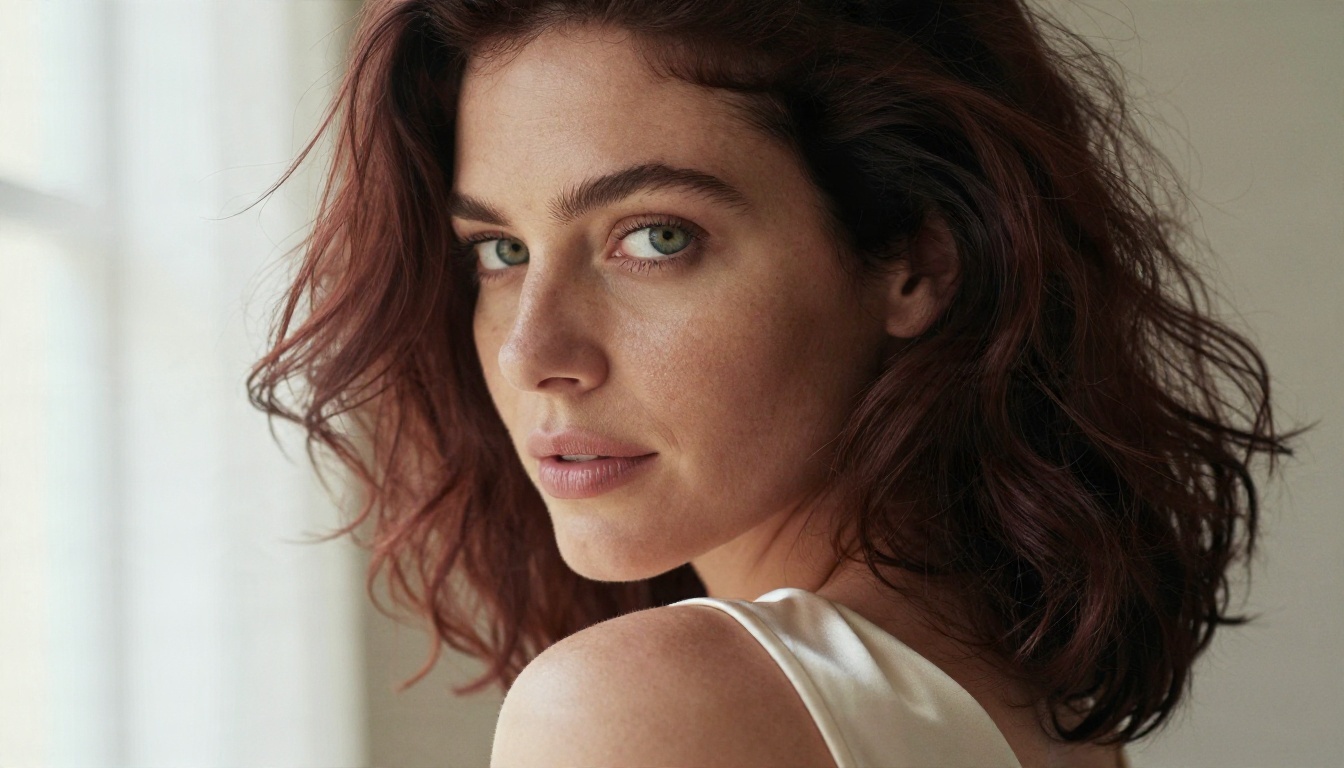
Notice how specific details do the work in the portrait above: green eyes, dark auburn waves, scattered freckles, a cream silk camisole. A vague prompt would have produced a generic face. A specific one produces a person.
- Face shape: oval, heart, square, long, round
- Eyes: color plus one adjective (almond, wide-set, hooded)
- Skin: tone plus texture (freckled, sun-kissed, dewy, matte)
- Hair: length, texture, color, and how it behaves (loose waves, wet, windblown)
- One signature detail: a beauty mark, a tattoo, gold hoops, a gap smile
That last one is the secret weapon. A signature detail gives you something to repeat in every prompt so the character reads as the same person.
Body Type and Proportions
Body descriptions work best when they are natural and photographic, not exaggerated. Words like athletic, curvy, petite, tall, slim, toned or soft are enough. Pair the body type with a pose and camera distance so the model has a clear frame to follow.
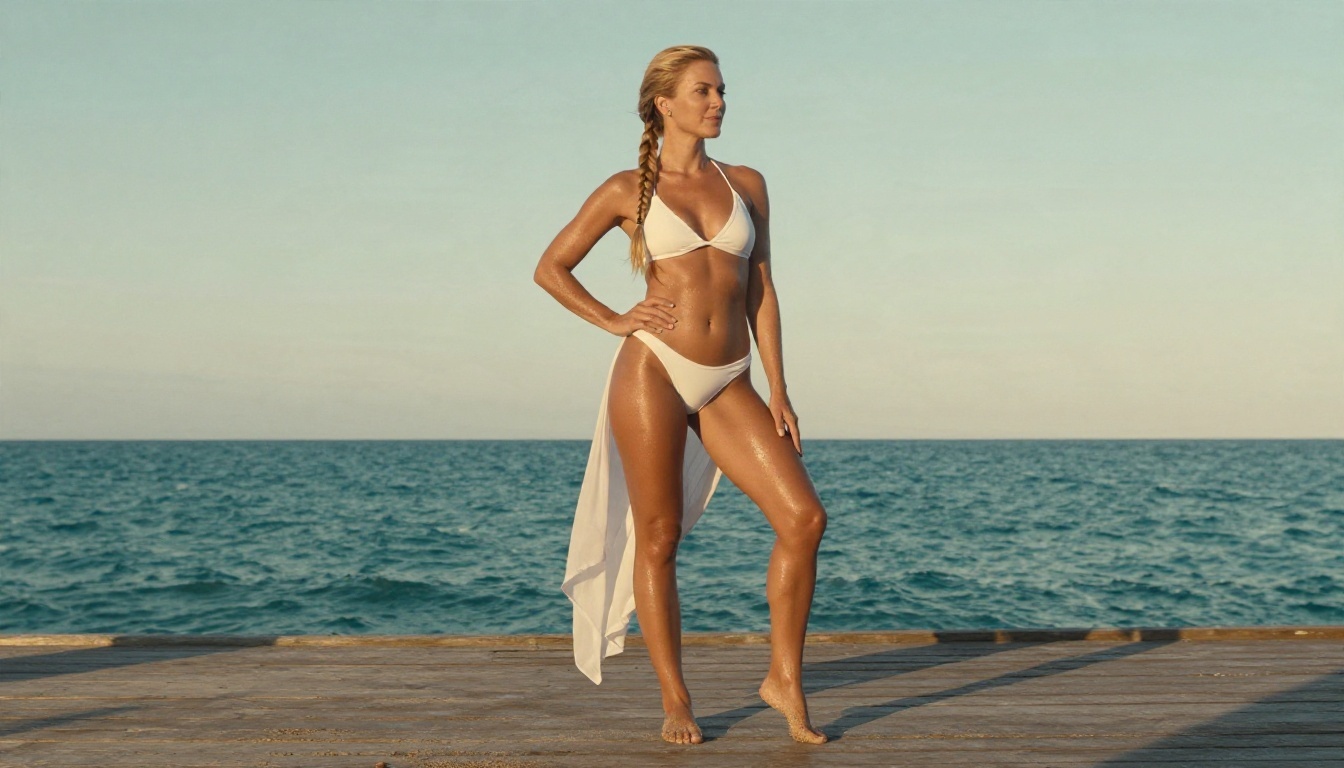
A low angle, a long lens and a golden-hour backlight flatter almost any body type and make swimwear shots look like real travel photography. If you want a different feel, change the angle first, not the adjectives.
💡 Tip: Avoid stacking five body adjectives in a row. Pick one or two and let the pose and lighting add the rest.
Outfits and Styling
Wardrobe is where "NSFW" becomes tasteful or tacky. Lingerie-inspired pieces, satin slip dresses, lace bodysuits, bikinis, silk robes and open blazers all give you a suggestive look without crossing into explicit territory. Describe the fabric (satin, lace, silk, linen, denim) and how it sits (strap off the shoulder, robe loosely tied, shirt half open over a swimsuit).
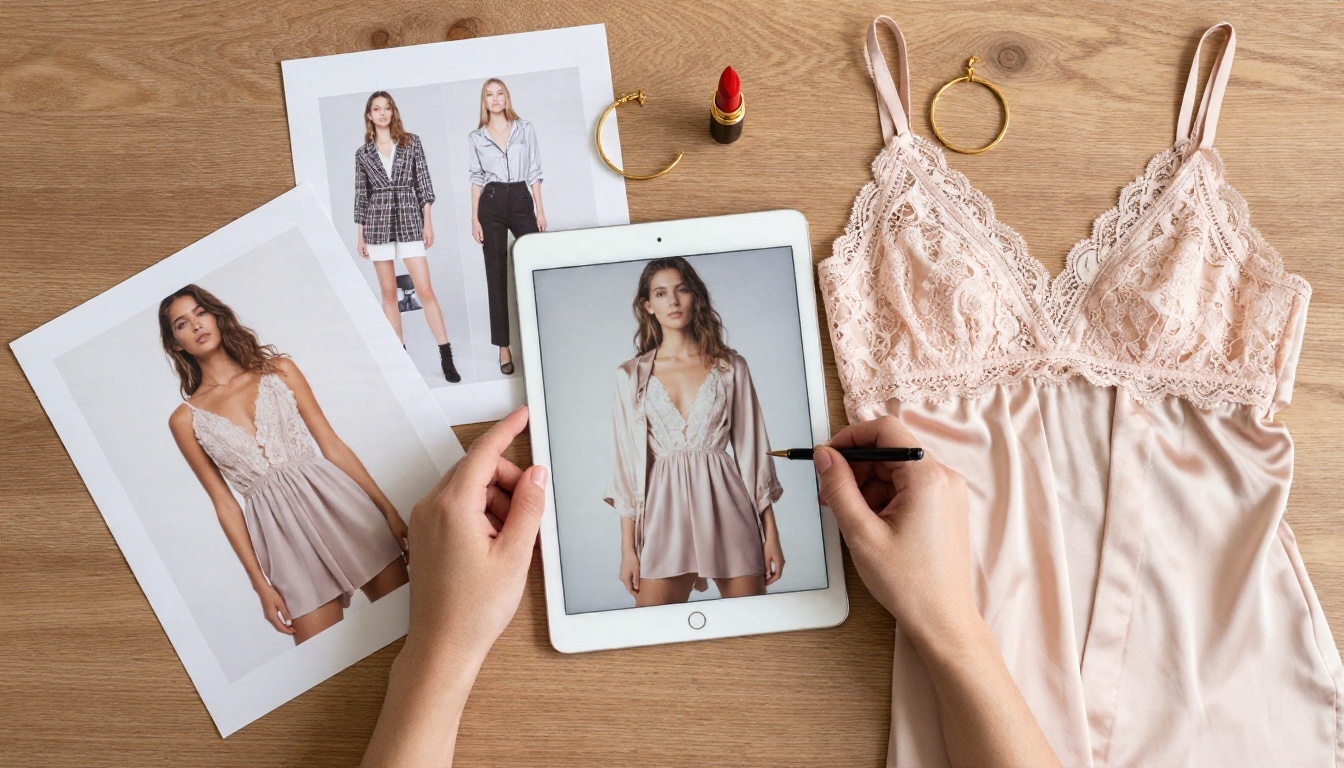
Treat the outfit like a mood board. Collect three or four reference fabrics and colors before you write the prompt, then keep the same palette across the entire series.
| Outfit style | Mood | Prompt words to try |
|---|
| Satin slip dress | Classic glamour | black satin, lace trim, strap off shoulder |
| Bikini and cover-up | Sunny, casual | white two-piece, sheer linen, wet skin sheen |
| Lace bodysuit and blazer | Night out | black lace, tailored blazer, velvet booth |
| Silk robe | Quiet, intimate | emerald silk, loosely tied, morning light |
| Denim and bandeau | Playful | high-waisted denim, black bandeau, sun-faded |
A good prompt is not long for the sake of it. It is organized. Think of five slots and fill each one.
The Five-Part Structure
- Subject: who she is (age range, hair, eyes, skin, signature detail)
- Wardrobe and pose: what she wears and what she is doing
- Setting: where she is, with two or three concrete objects
- Light: direction, quality, time of day
- Camera: lens, distance, angle, film stock
Put together, a working prompt looks like this:
Medium shot of an adult woman in her late twenties with a sleek black bob and bold red lips, black lace bodysuit under an open tailored blazer, leaning against a velvet booth in a dim cocktail lounge, warm tungsten lamps behind her, soft fill from the front, 50mm f/1.4 lens, amber bokeh, satin and lace texture, Kodak Portra 400 film grain, RAW photograph.
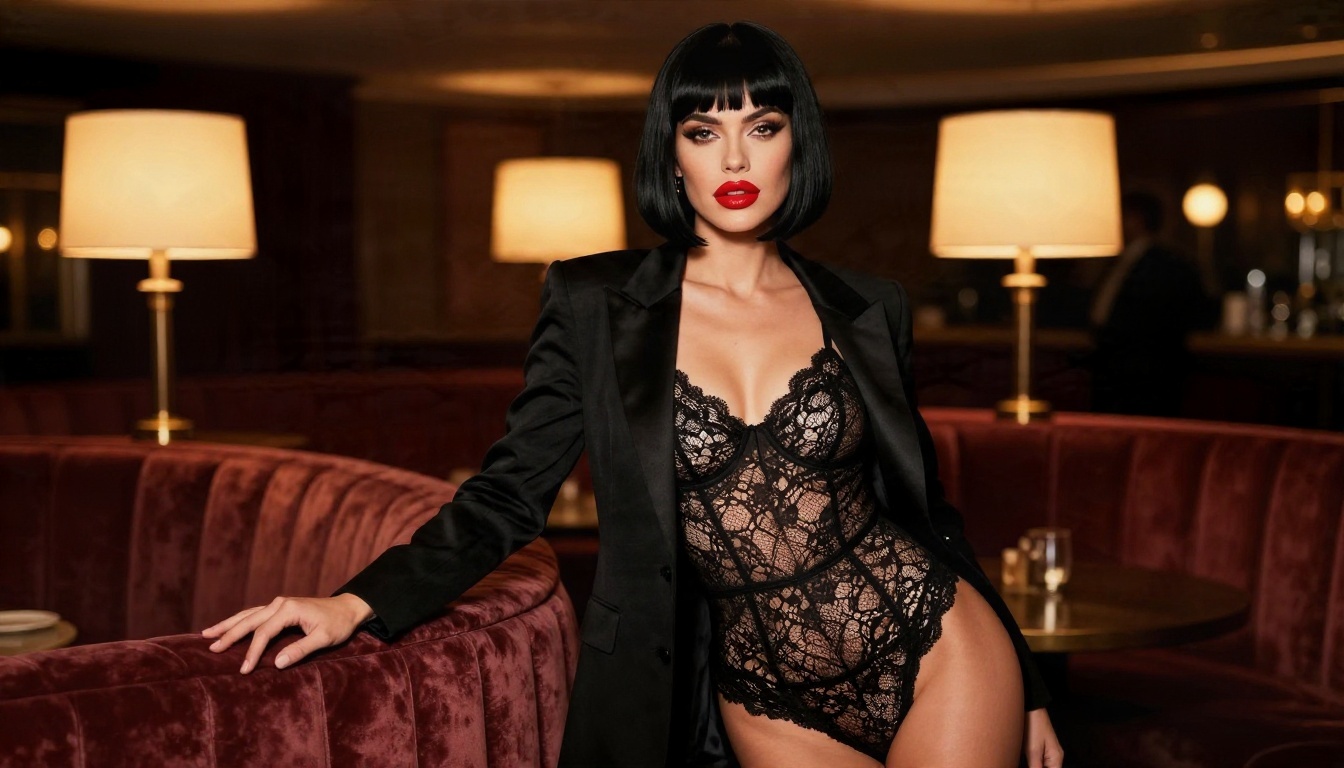
Every slot is filled: subject, wardrobe, setting, light and camera. Nothing is left to chance, which is why the result looks directed instead of random.
Lighting Words Worth Memorizing
Light is the cheapest way to make an image feel expensive. A handful of phrases cover most situations:
- Window light from the left: soft, flattering, natural skin tone
- Golden hour backlight: warm rim on hair and shoulders
- Warm tungsten practicals: intimate, evening, cinematic
- Overcast softbox look: even, clean, great for portraits
- Rim light with cool shadows: sculpted, moody mornings
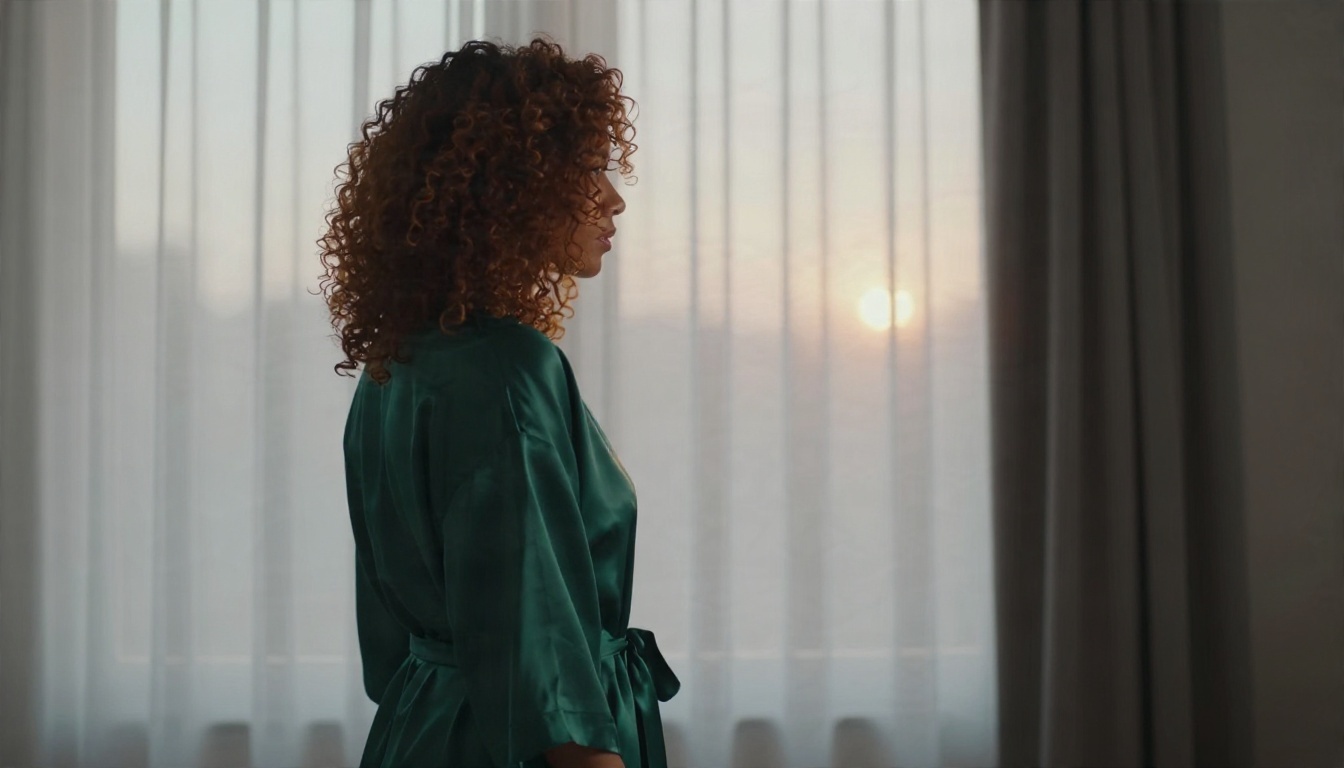
The sunrise shot above uses a single window as a rim light on the right, with cool shadows on the opposite side. No extra props, no complex setup, and it reads as intimate and tasteful.
💡 Copy and paste starter: "adult woman, [hair], [eyes], [signature detail], [outfit with fabric], [pose], [setting with 2 objects], [light direction and time], [lens and angle], Kodak Portra 400, fine film grain, natural skin texture, RAW photograph."
Best Models for the Job
Not every image model is happy to render adult-themed glamour. Some filter aggressively and refuse harmless swimwear. For this kind of work, the order I recommend is simple.
Seedream 4.5 Comes First
Seedream 4.5 is the first model to try. It renders skin, fabric and light with a photographic restraint that fits glamour work, handles detailed multi-clause prompts well, and outputs sharp, high-resolution images. If you only pick one model for character work, pick this one.
How to run it on PicassoIA:
- Open the Seedream 4.5 page.
- Paste your five-part prompt into the prompt field.
- Choose a 16:9 ratio for scenes or a portrait ratio for character sheets.
- Generate, then compare two or three variations before changing anything.
- Adjust only one slot per run (light, outfit or setting) so you can see what changed.
Image Editor Pro for Unlimited Fixes
PicassoIA Image Editor Pro is the second stop, and its big advantage is unlimited generations. That changes how you work. Instead of rationing attempts, you can iterate freely: change a hair color, swap a dress, relight a scene, fix a hand. It is also the easiest way to keep a character stable, because you edit the image you already like instead of rolling the dice again.
Alternatives Worth Trying
💡 Workflow that saves time: draft with a fast model, polish the winner in Seedream 4.5, fix small issues in Image Editor Pro, then upscale.
"Free" matters because character building is a numbers game. You rarely land the face on the first try, and the third or fourth version is often the best. Here is how to think about free and unlimited access without wasting it.
What to look for in a free tool:
- No hard cap on generations, or a cap high enough to iterate on one character
- Fewer content refusals on swimwear, lingerie and glamour themes
- Fast output, so a bad idea costs seconds instead of minutes
- Download without watermarks, so your series looks clean
- Editing features, not only generation
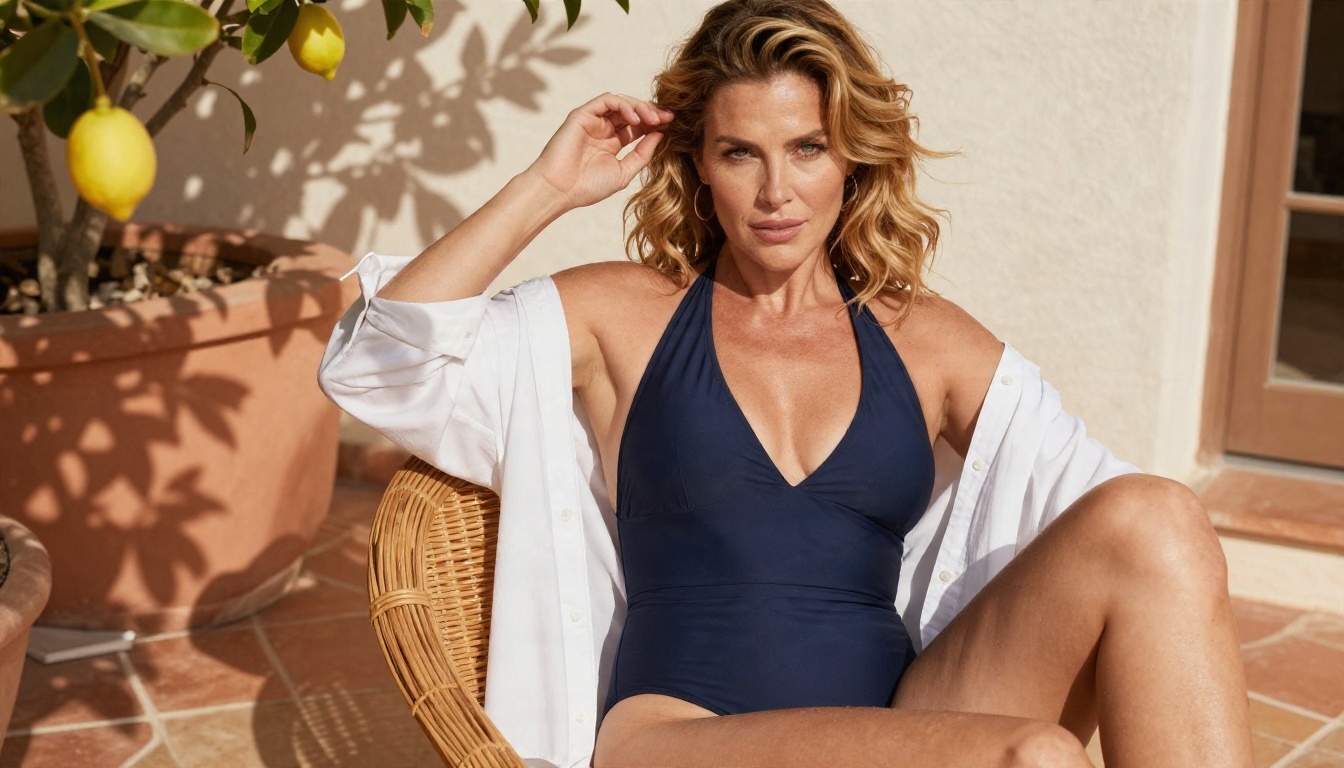
On PicassoIA, Image Editor Pro is the unlimited option, which makes it the natural home for the repetitive part of the job: variations, swaps and corrections. Use the other models for the bigger creative jumps, and keep your best prompts in a note so you never start from zero.
A simple free-runs plan:
- Run 1 to 3: test the face and hair only, with a plain background.
- Run 4 to 6: lock the outfit and pose.
- Run 7 to 10: change the setting and light, keep everything else identical.
- Final: upscale the best two.
If you want to see every model in one place, browse picassoia.com/en/all-models.
Keeping One Character Consistent
The hardest part of character creation is not the first image. It is the tenth. Faces drift, hair changes color, outfits wander. A few habits stop that.
Build a Character Sheet
Write a fixed block of text that you paste at the start of every prompt. For example:
adult woman in her late twenties, almond brown eyes, long straight black hair with a center part, small beauty mark under the left eye, gold hoop earrings, natural pores, soft freckles on the nose.
Then add only the variable block after it: outfit, pose, setting, light. This one habit does more for consistency than any setting in any tool.
Change One Thing at a Time
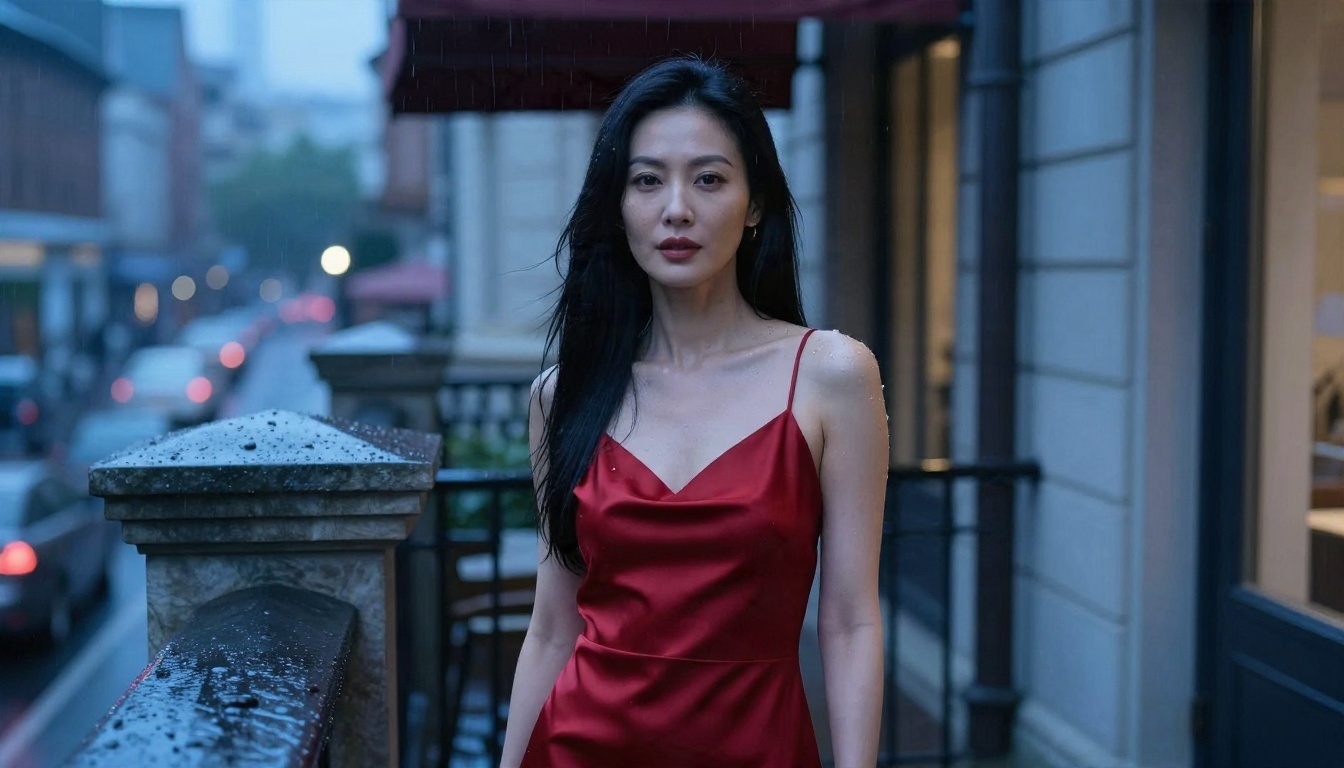
When you move from the cocktail lounge to a rainy balcony, resist the urge to also change the hair, the lipstick and the camera lens. Change the setting and light only. If a result drifts, use an editor to pull the face back instead of regenerating from scratch.
A personality also helps a series feel real. A laughing, tattooed driver on a desert road and a quiet woman at a sunrise window are different people, even before you read their descriptions.
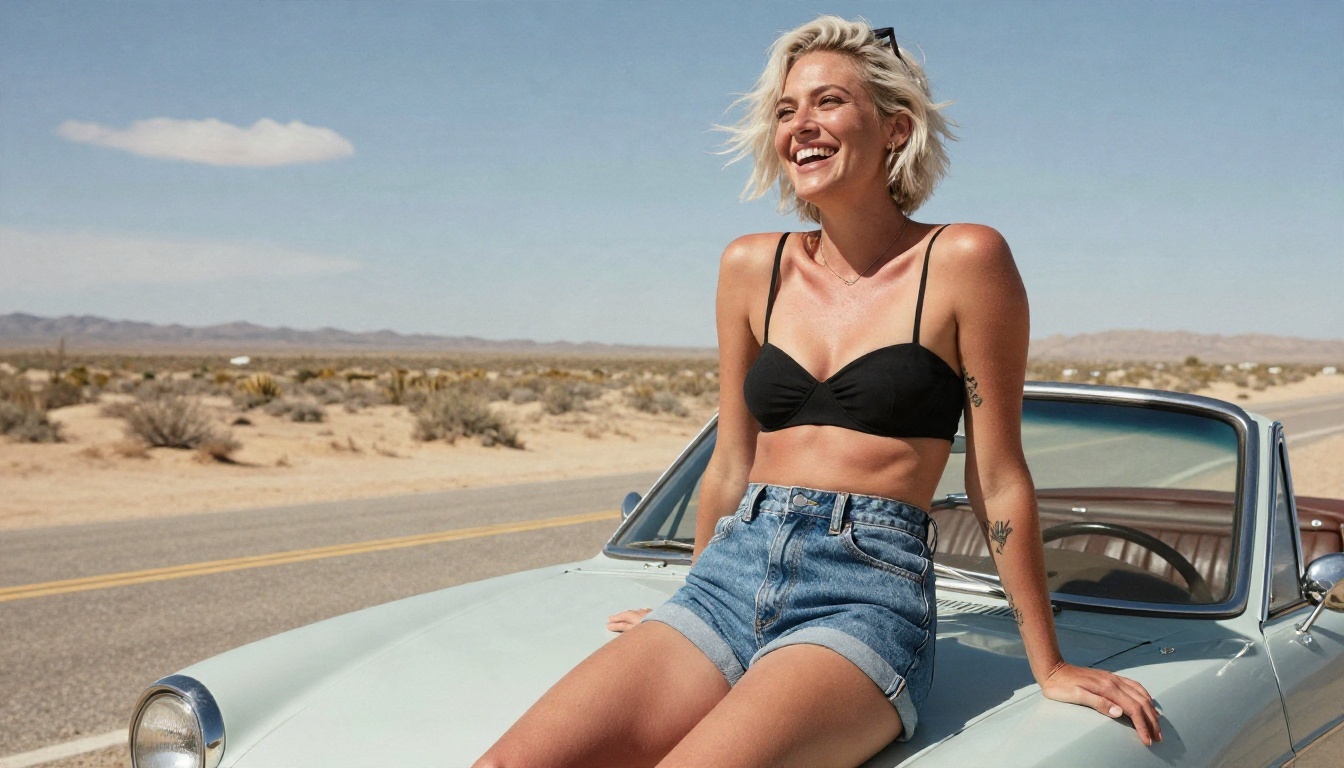
Give each character one mood word (playful, calm, bold, mysterious) and let it steer the pose, expression and wardrobe. That mood word belongs in the character sheet next to the eye color.
Where to Draw the Line
Good adult content is about suggestion. The strongest glamour images imply far more than they show: a strap sliding off a shoulder, a robe loosely tied, a glance over the shoulder. They also stay easier to publish, share and keep.
Suggestive, Not Explicit
Stay with swimwear, lingerie-inspired fashion, silk, lace and implied artistic styling. That is the territory where photoreal models perform best, where results look like editorial photography, and where you avoid the clumsy anatomy that explicit prompts tend to produce.
Adults Only, Always
Every character you build should be a clearly adult person. State an adult age range in the prompt, avoid youthful descriptors, and never create a likeness of a real person without their consent. A made-up character with a signature detail and a mood word is both safer and more interesting than a copy of someone who exists.
💡 Rule of thumb: If you would not be comfortable showing the image as a fashion editorial, rewrite the prompt.
Create Your First Character
You now have the full recipe: a character sheet with face, hair and signature detail, an outfit with named fabrics, a setting with two concrete objects, a light direction, and a lens. Fill in those slots, paste them into Seedream 4.5, and refine the winner in PicassoIA Image Editor Pro where you can generate without counting attempts.
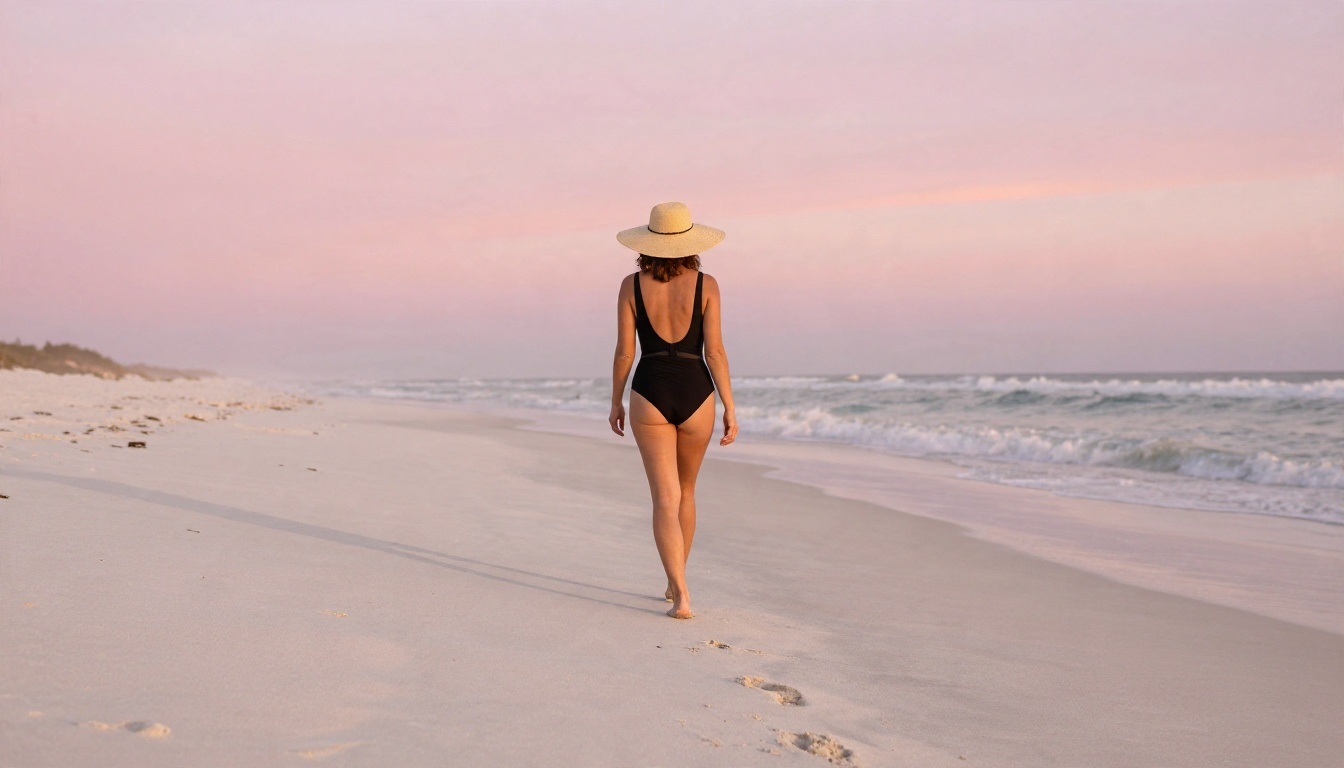
Start with one character and one mood. Make five images of her in five places. Notice what stays the same and what drifts, then tighten your character sheet. By the third round, you will have a recognizable person and a prompt library you can reuse for months.
Ready to try it? Open PicassoIA, pick a model from picassoia.com/en/all-models, and build your first adult character today. Keep it photoreal, keep it suggestive, and keep experimenting until she looks like someone you could have met.


