Most people who search for an NSFW character creator want the same thing: one believable woman, the same face every time, in outfits and places they choose, without a paywall or a filter that blocks half the prompt. That is a reasonable thing to want, and it is very doable today. You do not need a dozen tools or a GPU at home. You need one solid image model, a prompt structure that locks the character in place, and a few settings that stop the skin from looking like plastic.
This page shows the full process. You get a repeatable prompt formula, ten photo examples with the exact scene logic behind them, a settings table, and a short list of mistakes that ruin otherwise good results. Everything here is about adult characters only and non-explicit glamour: bikinis, silk, lace, bare shoulders and strong lighting. Think fashion magazine, not anything graphic.

What an NSFW Character Creator Does
A character creator in this context is not a slider game where you drag a nose wider. It is an image model plus a prompt that describes a person in enough detail that the model keeps returning her. You write the face, hair, skin and body once, then change only the outfit, pose and location.
The "NSFW" part simply means the tool will not refuse suggestive, adult themed requests such as swimwear, slips, bodysuits and sensual portraits. Many mainstream generators block these words outright. A good tool accepts them and still produces something tasteful.
Why people use one
The reasons are practical:
- Custom characters for fan fiction, comics, mood boards and storytelling
- Glamour and swimwear portraits without booking a studio
- Consistent social media personas with a stable look
- Reference sheets for artists who need a pose or lighting study
- Private creative play with full control over the result
What it is not
It is not a way to copy a real person. Every example here uses an invented adult character. Do not prompt for celebrities, classmates, exes or anyone who has not agreed. If a model would let you do it, the answer is still no.
💡 Rule of thumb: If you would not publish the image under your own name next to the real person's, do not generate it.
You want three things from a free tool: it accepts adult themes, it produces photoreal skin, and it does not meter you after four images. The order below is the one that works best for this kind of character work.
Seedream 4.5 for the base character
Seedream 4.5 is the model to open first. It handles long, detailed prompts without dropping half the description, it renders natural skin texture and fabric, and it outputs sharp, high resolution frames. For a character creator that is exactly the job: read a 100 word description and obey it.
PicassoIA Image Editor Pro for unlimited variations
PicassoIA Image Editor Pro is where the volume happens. It offers unlimited generations, so you can test twenty outfits, ten lighting setups and five hair colors without counting credits. It is also the tool for edits: change a dress color, swap a background or adjust a pose on an image you already like.
Other models for specific jobs
Different models have different strengths. These are useful when you want a different flavor of realism or a faster draft:
💡 Browse the full catalog at picassoia.com/en/all-models if you want to compare more options side by side. Adult content rules differ between models, so test a mild prompt first.
Vague prompts give you a different woman every time. Specific prompts give you the same one. The formula has two blocks: a character block you never change, and a scene block you swap freely.
The character block
Write it once and paste it into every prompt. Include:
- Age signal: "adult woman in her mid twenties"
- Face: eye color, face shape, brows, lips, any freckles or beauty marks
- Hair: color, length, texture
- Skin: tone and texture, such as "light tan skin with fine pores"
- Build: athletic, slim, curvy, tall
A working example: adult woman in her mid twenties, oval face, hazel eyes, soft freckles across the nose, long wavy chestnut hair, light tan skin with fine pores, athletic build.
The scene block
This part changes every time:
- Outfit and fabric (satin, lace, knit, silk)
- Pose and expression
- Location and props
- Lighting direction
- Camera and lens
Camera words that add realism
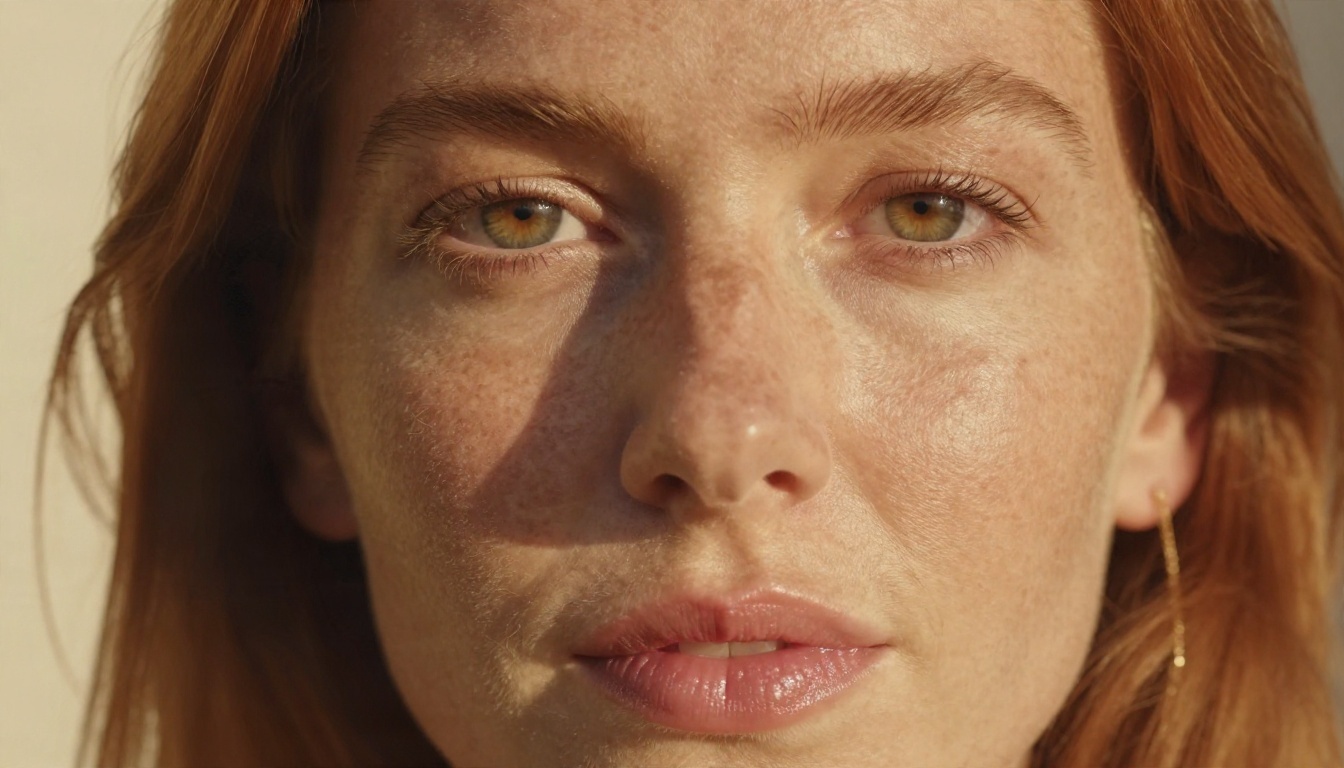
Photographic terms push the model toward real skin instead of airbrushed gloss. Reliable ones are 85mm f/1.8, 35mm f/2, Kodak Portra 400, film grain, natural window light and shallow depth of field. Skip words like "perfect skin" or "flawless". They produce the waxy look you are trying to avoid.
Ten Prompt Examples With Results
Each example below was generated as a photo style image. The prompts are short enough to copy and adapt. Swap in your own character block at the front.
Beach at sunrise
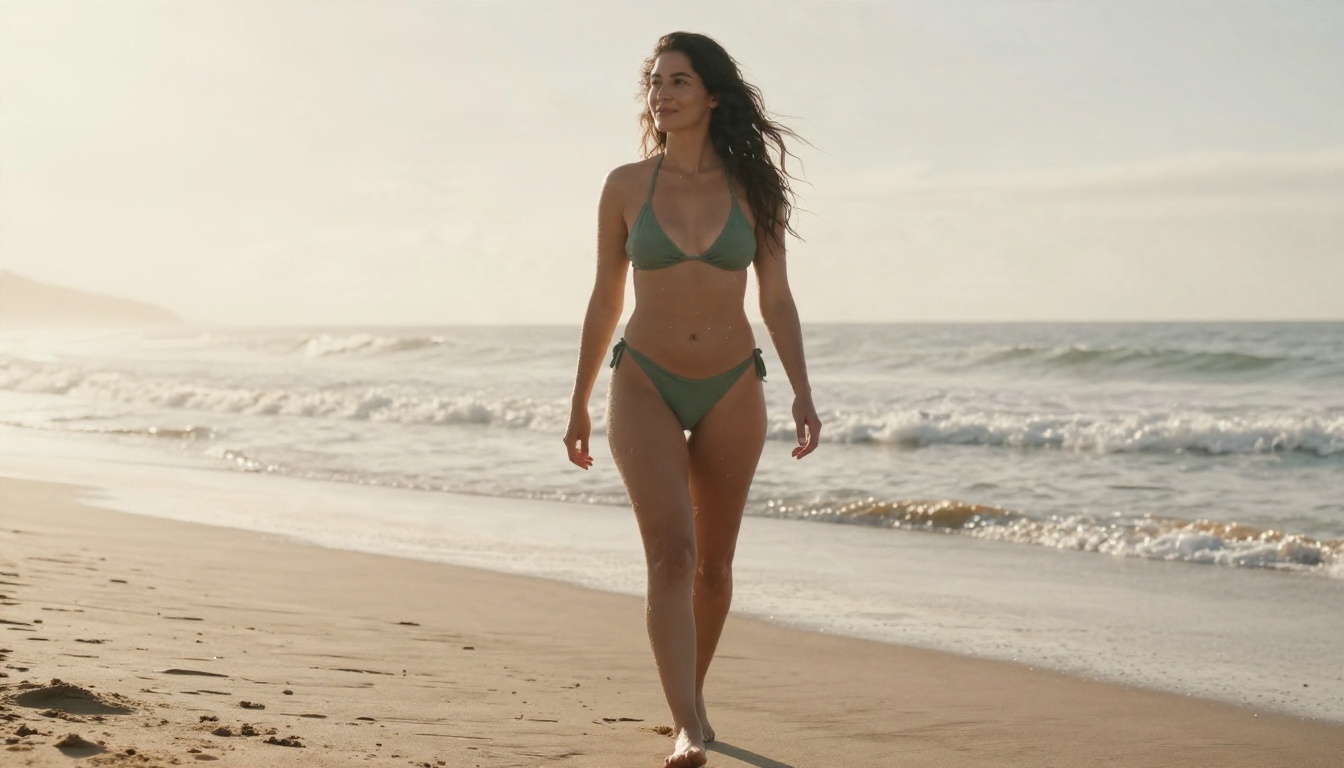
Prompt: Low angle full body shot, [character block], sage green bikini, walking along a wet beach at sunrise, wind in her hair, soft backlight rim glow, 35mm f/2.8, water droplets on skin, Kodak Portra 400 grain.
Why it works: the low angle adds height and presence, and backlight gives a natural glow without looking staged. Wet skin highlights read as real because the model has plenty of beach photos to draw from.
Silk slip in a hotel room
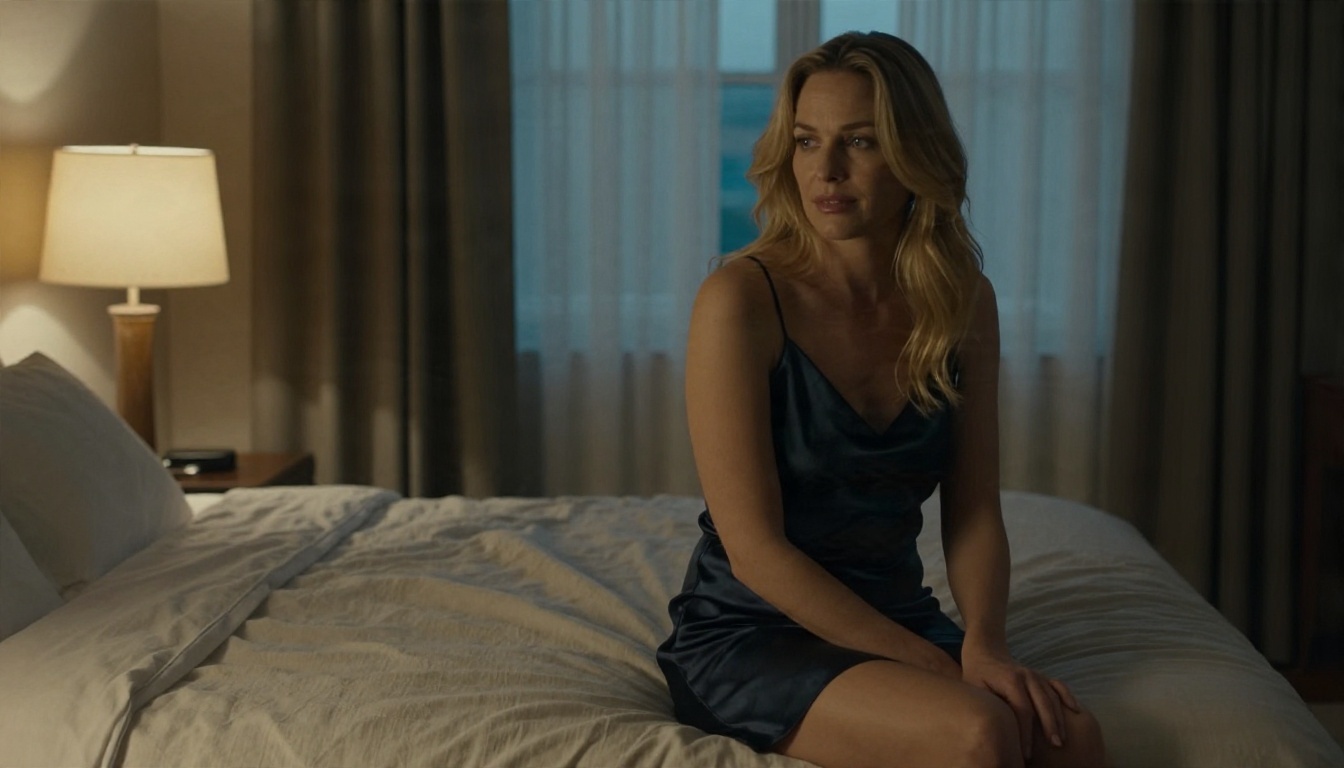
Prompt: Medium shot, [character block], black silk slip dress, sitting on the edge of a rumpled linen bed, looking over her shoulder, warm lamp light from left mixed with cool dusk window light, 50mm f/1.8.
Mixing a warm and a cool light source is the trick here. It gives the shadows a color, which makes the frame feel photographed rather than rendered.
Red dress on a rooftop
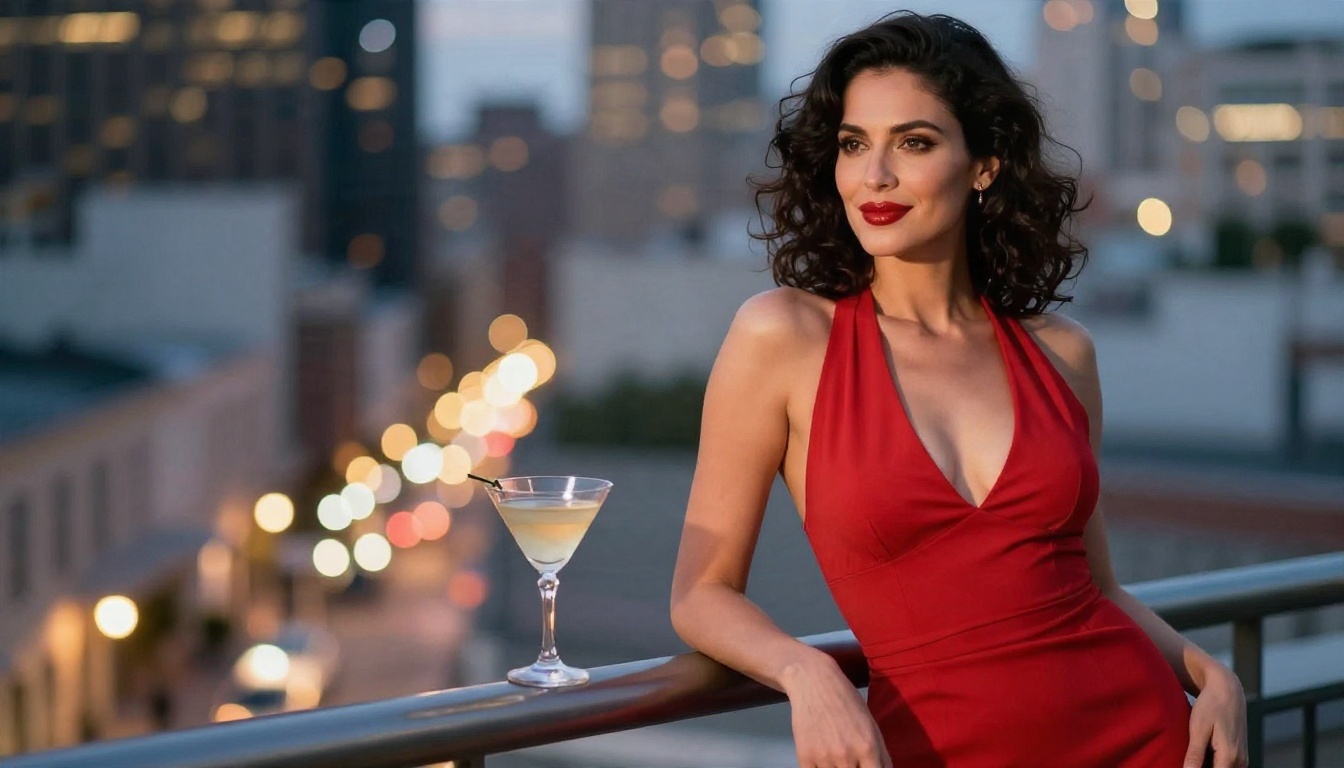
Prompt: Waist up, [character block], fitted red dress with a plunging neckline, leaning on a rooftop bar railing at dusk, blurred city lights, cocktail in hand, warm streetlight glow from below left, 85mm f/1.4.
A fast lens and a blurred skyline do most of the work. Keep the background soft so the model does not invent odd building details.
Gym mirror stretch
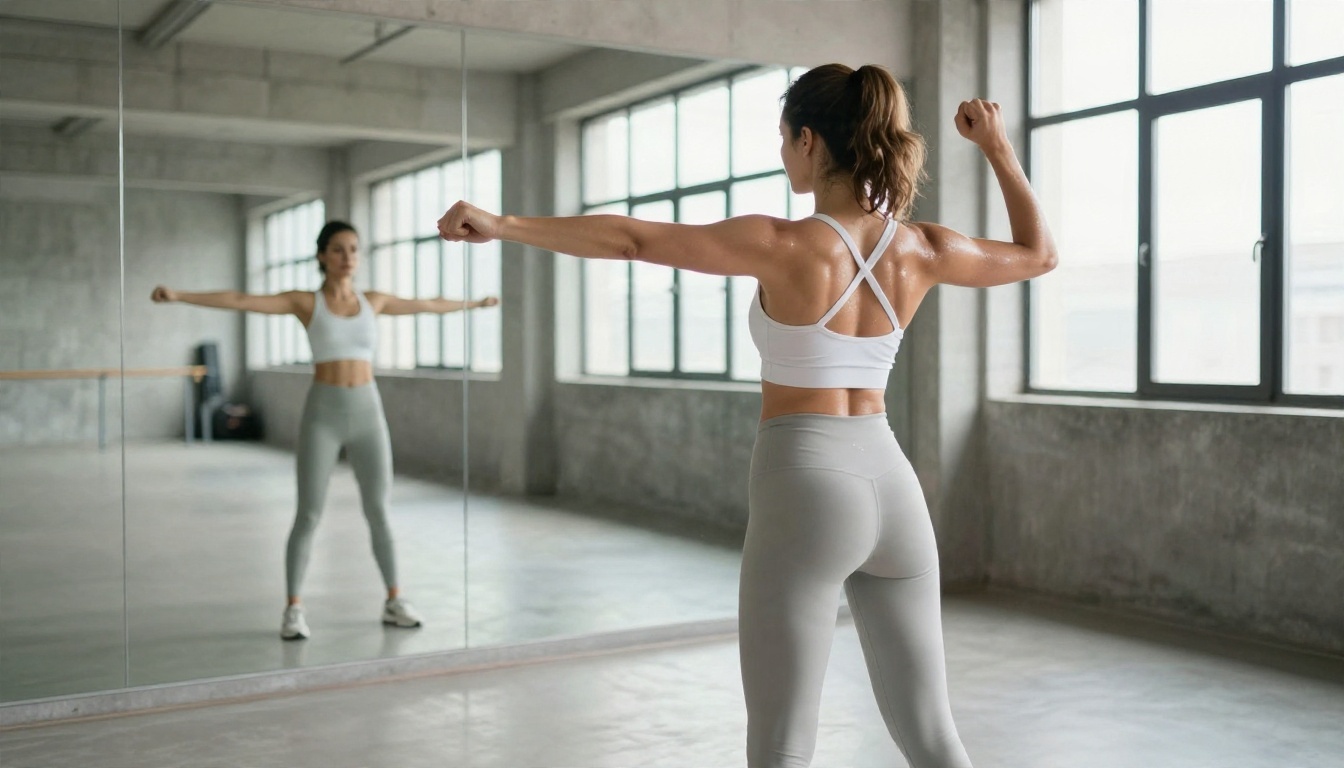
Prompt: Over the shoulder shot, [character block], white sports bra and high waisted leggings, stretching in front of a floor to ceiling mirror, light sheen of sweat, daylight from industrial windows on the right, 35mm f/2.
Athletic wear is the safest category for a first test. It is suggestive without being risky, and it shows how well the model draws a toned body and realistic fabric tension.
Poolside from above
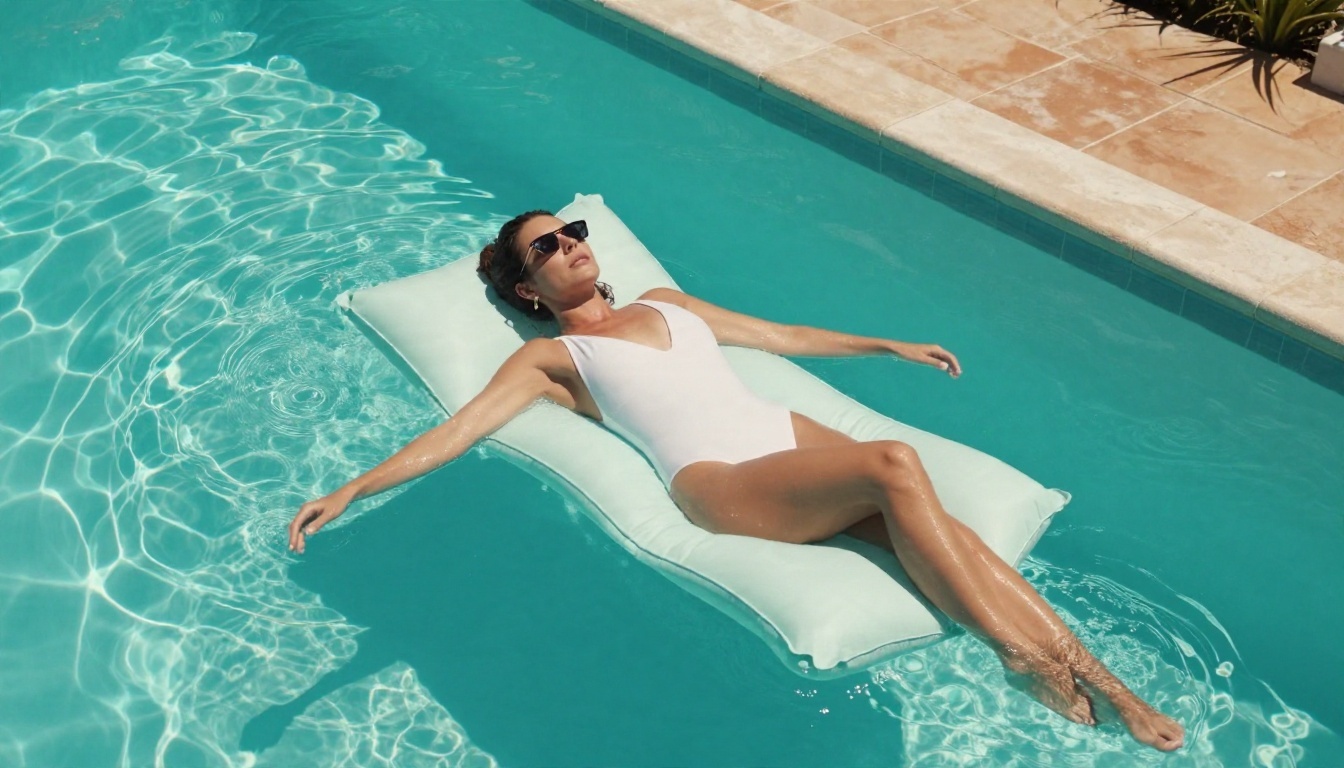
Prompt: Aerial high angle, [character block], white one piece swimsuit, lying on a turquoise pool float, one arm trailing in the water, hard midday sun, caustic reflections, 24mm f/4, terracotta tiles around the pool.
Overhead angles are underused. They make a composition that looks like a travel magazine spread and hide hands and feet, which are the usual trouble spots.
Studio editorial in lace
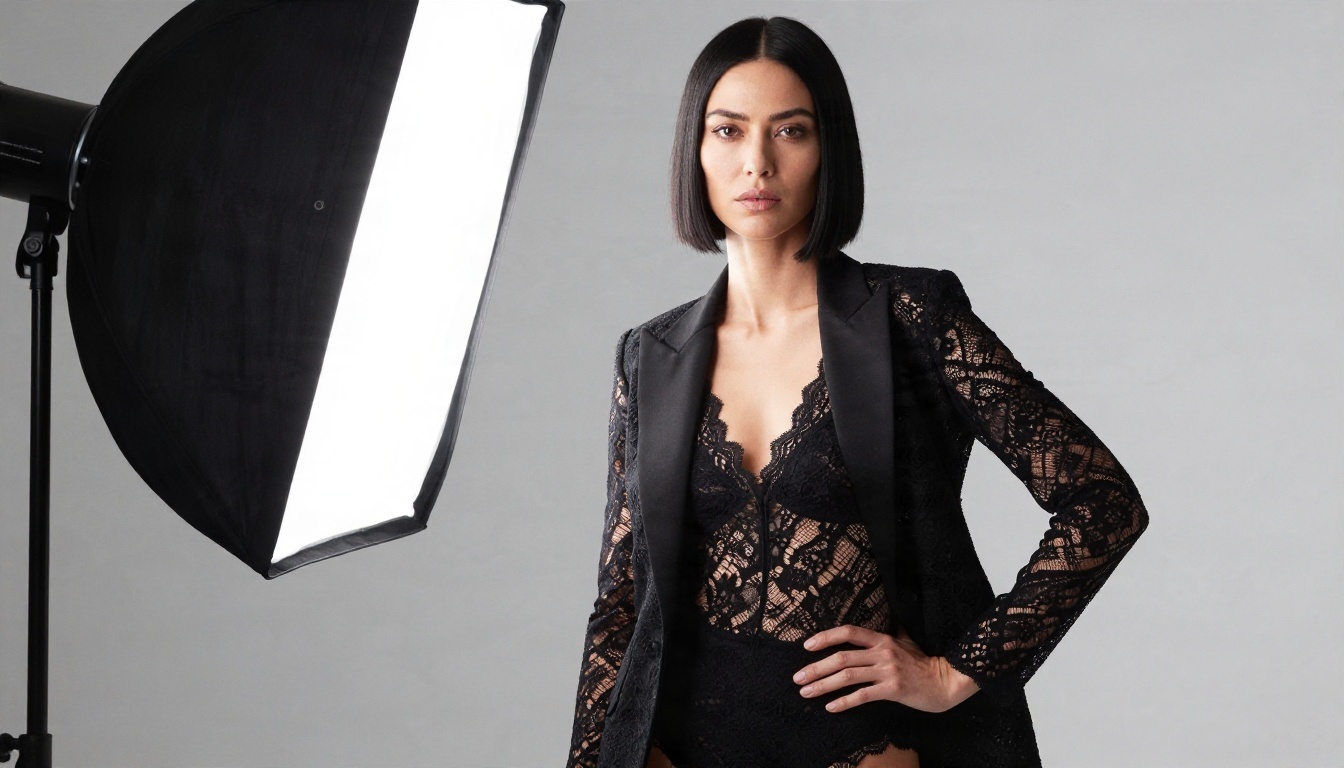
Prompt: Studio fashion photograph, [character block] with a sleek black bob, tailored black lace bodysuit under an open blazer, seamless gray paper backdrop, hand on hip, large softbox front left, kicker light behind, 70mm f/2.8.
A plain backdrop removes background errors entirely. If you want clean character reference images, this is the setup to use.
Cozy loft in an oversized knit
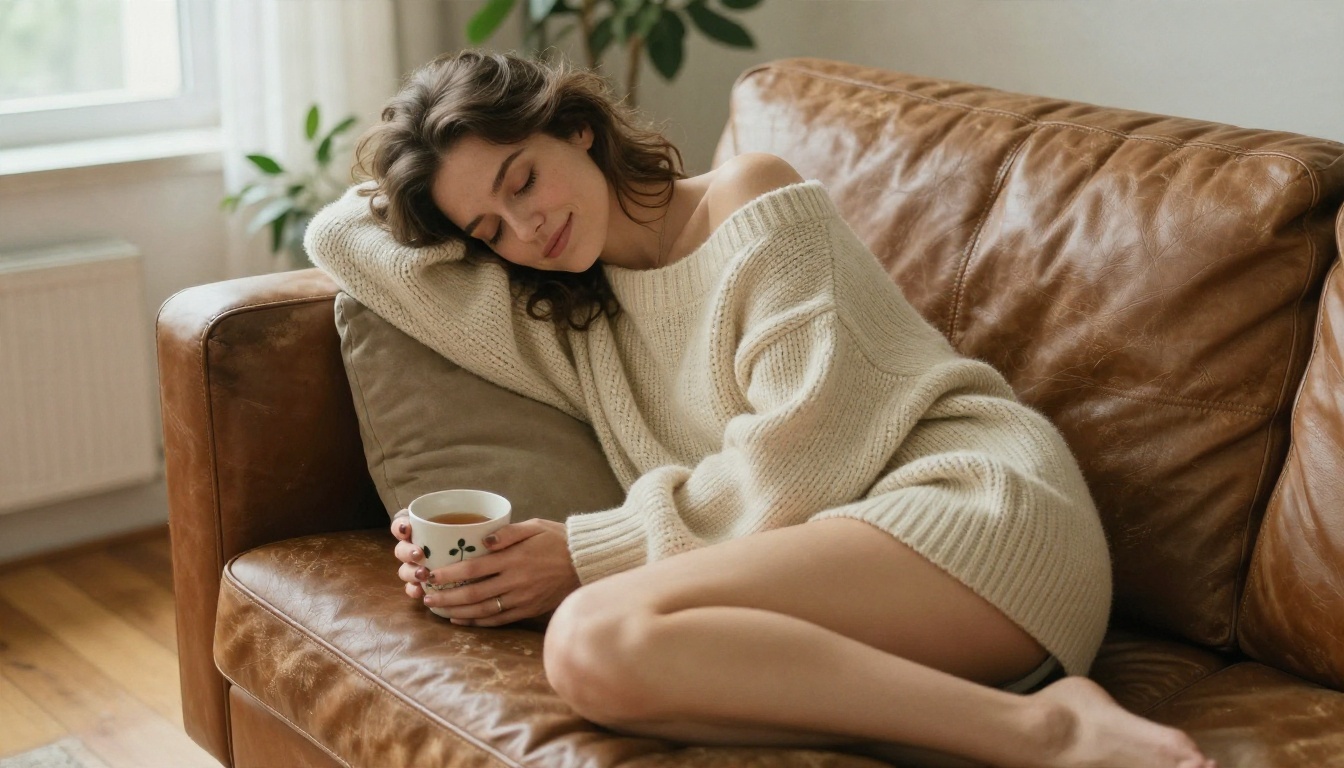
Prompt: Eye level, [character block], oversized cream knit sweater off one shoulder, curled on a worn leather sofa holding a mug of tea, messy bun, soft diffused window light from behind left, 50mm f/1.8.
Not every NSFW image needs to be loud. This kind of quiet, intimate frame often gets the most attention because it feels like a real moment.
Settings That Keep Skin Real
Most bad results come from settings, not prompts. These are sensible starting points that apply to most photoreal image models:
| Setting | Recommended | Why |
|---|
| Aspect ratio | 16:9 for scenes, 3:4 for portraits | Matches the way the shot is composed |
| Prompt length | 60 to 120 words | Long enough to lock details, short enough to stay obeyed |
| Lens words | 35mm, 50mm or 85mm | Natural proportions, believable blur |
| Lighting | One named direction | Stops flat, shadowless faces |
| Film look | Kodak Portra 400, light grain | Warm skin and a soft finish |
| Seed | Fixed when testing | Lets you change one word and see the result |
| Batch size | 2 to 4 images | Fast comparison without waste |
Fix plastic skin
If skin looks smooth and glassy, add visible pores, fine peach fuzz, natural skin sheen, subtle film grain. Remove words like "perfect", "flawless" and "airbrushed". Lower any guidance or style strength slightly if the tool exposes it.
Fix hands and faces
Hide hands behind props, in pockets or out of frame when you can. For faces, a mid distance shot with a fast lens is more reliable than an extreme wide shot, where faces shrink and lose detail. If a face drifts, send the image into PicassoIA Image Editor Pro and fix it with a short edit instruction.
Fix lighting that feels flat
Name the light: window light from the left, warm lamp light from the right, backlight at sunrise. Two sources with different colors add depth fast.
How to Use Seedream 4.5 on PicassoIA
Here is the workflow, start to finish.
Step by step
- Open Seedream 4.5 on PicassoIA.
- Paste your character block into the prompt box first.
- Add the scene block: outfit, pose, location, light, lens.
- Choose 16:9 for scenes or a portrait ratio for close ups.
- Generate two to four images and pick the one where the face matches best.
- Keep that image as your reference. Copy the character block exactly for every new scene.
- Send favorites to PicassoIA Image Editor Pro for small changes like outfit color or background.
Parameter tips
- Write the face first. Models weight early words more heavily.
- One outfit per prompt. Two outfits confuse the output.
- Describe light like a photographer. Direction, color and strength.
- Change one thing at a time when testing, so you know what caused a difference.
- Do not stack styles. Photoreal means photoreal. No "digital art" or "illustration" words in the same prompt.
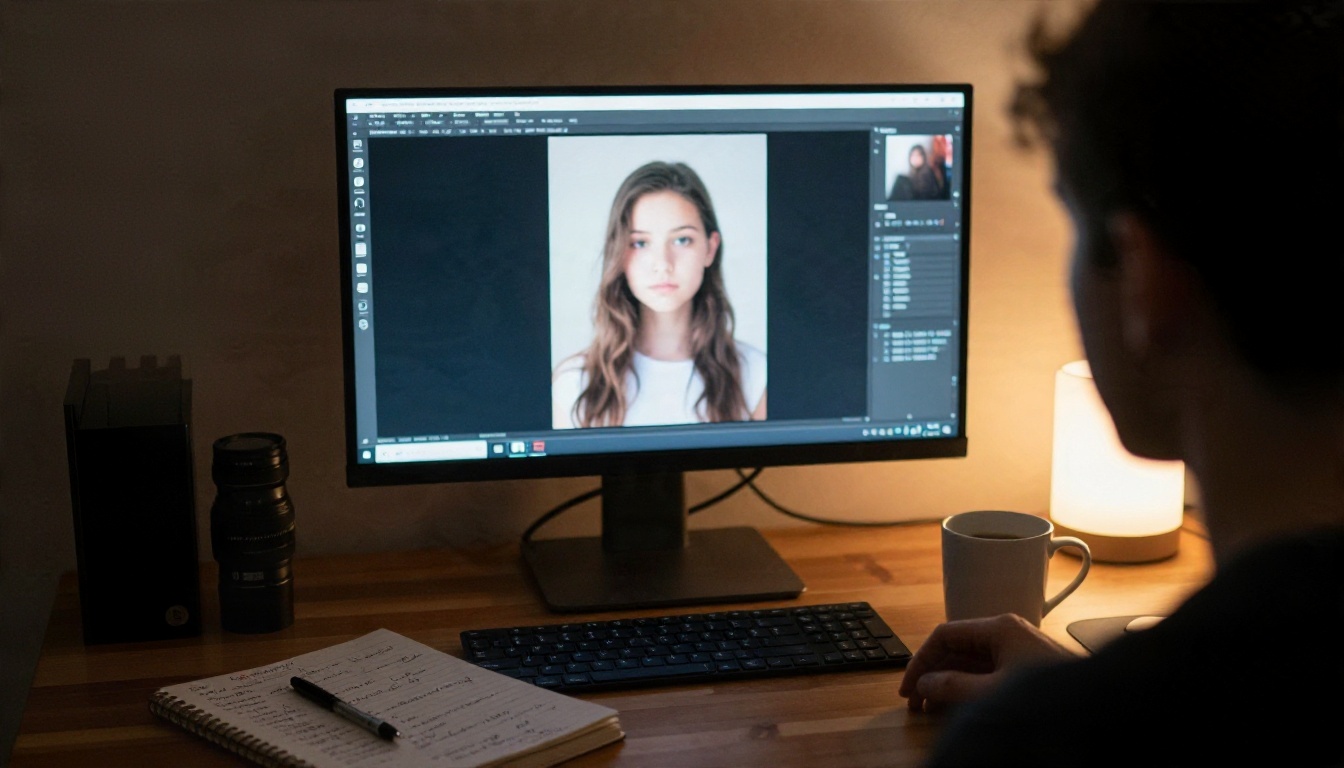
Keep a prompt notebook
Save your best character block and three or four scene templates in a plain text file. Once you have a face you like, you will reuse that text dozens of times. Small edits to a stable base beat rewriting from scratch.
Mistakes That Ruin Good Results
Most failed images share a handful of causes.
Changing the character block
Even one swapped word, such as "brown" to "chestnut", can shift the face. Copy and paste, never retype.
Overloading the prompt
A 300 word prompt with six outfits and three locations will get half ignored. Keep each prompt to one outfit, one place and one light.
Asking for explicit content
Models that allow adult themes still work best with suggestive, tasteful framing. Glamour, swimwear and lingerie style photos give sharper, more natural images than anything pushed further. Keep it non-explicit and the output quality stays high.
Ignoring age and consent
Always write an adult age signal in the character block. Never base a character on a real person. This is the line that matters most.
Skipping the edit pass
Rarely is the first generation the final one. A quick edit on an almost perfect frame beats generating fifty more from scratch.
💡 Quick check before you post: hands count, eyes match, jewelry is symmetrical, fabric has real folds, and the background has no melted objects.
Build Your Own Character Today
You now have the process: a fixed character block, a swappable scene block, photographic lighting words and a short list of settings that protect skin quality. Open Seedream 4.5 to create your base character, then move to PicassoIA Image Editor Pro for unlimited outfit, hair and background variations without watching a credit counter.
Start with one of the prompts above, paste in your own character description, and generate four images. Pick your favorite face, lock it in, and build a set of ten scenes around it. If you want to try other looks, the full lineup is waiting at picassoia.com/en/all-models. Picasso IA is built for exactly this kind of experiment, so open it, write your first prompt, and see how fast a character comes to life.


