Type a few lines of description, press generate, and a fully formed adult character appears in front of you: face, hair, outfit, lighting, mood. That is the promise of an NSFW character generator, and in 2027 the best ones deliver photorealistic results that would have needed a studio, a model and a retoucher not long ago. The catch is that tools vary wildly. Some block anything beyond a sundress, some bury you in credits after three images, and some produce faces that melt the moment you ask for a second pose.
This article sorts through that mess. You will see which options are genuinely free to start with, how to write prompts that give you glamour and sensual styling without crossing into explicit territory, how to keep the same character across many images, what limits you will hit, and which alternatives are worth keeping in your toolbox.
💡 Scope note: everything below is about non-explicit adult content: swimwear, lingerie styling, boudoir, evening glamour, implied and artistic looks. Characters are fictional adults only. Never generate images of real people without their consent, and never anything involving minors.
What an NSFW Character Generator Does
An NSFW character generator is simply a text to image model (or an image editor built on one) that does not shut down when your prompt includes adult themes. Instead of refusing "bikini", "lingerie" or "boudoir portrait", it renders them. The better ones also let you hold a character steady across a series of shots.
Characters, not just pictures
A single pretty portrait is easy. A character is harder: the same freckles, the same hairstyle, the same eye color, appearing in a beach scene, a hotel suite and a rainy street. That is where most free tools fall apart, because every prompt is a fresh roll of the dice.
Three things decide whether a generator is good at characters:
- Prompt adherence: does it follow a long, specific description without dropping details?
- Photorealism: natural skin texture, believable fabric, sensible light.
- Editing and reference support: can you take an existing image and change the outfit or background while keeping the face?
Why filters differ so much
Every service sets its own line. Mainstream assistants from big companies tend to block almost anything suggestive. Dedicated adult-friendly platforms tolerate far more. In between sit general models that allow glamour and swimwear but refuse explicit material. Knowing where each tool sits saves you from burning generations on prompts that will be rejected.
Free Options That Actually Work
"Free" can mean three very different things: truly unlimited, a daily allowance, or a trial that ends after a handful of images. Here is how the realistic choices line up.
Unlimited generation with Image Editor Pro
PicassoIA Image Editor Pro is the first stop if you want to experiment without counting credits. It offers unlimited generations, which matters more than it sounds: building a character is an iterative process, and you will often need 20 to 40 attempts before the face, hair and styling feel right. It also edits existing images, so you can keep a face you like and change the outfit, the room or the lighting with a plain-language instruction.
Seedream 4.5 for sharp portraits
Seedream 4.5 is the model to lead with when image quality is the priority. It produces crisp, high resolution portraits with realistic skin, clean fabric detail and strong prompt following, and it is comfortable with adult glamour themes such as swimwear, lingerie styling and boudoir lighting. Speed is another plus: results come back in seconds, so testing a prompt variation costs you almost no time.
Open models for tinkerers
If you like to push settings around, several open and community models are available on PicassoIA:
| Option | Best for | Speed | Free to try | Character consistency |
|---|
| Image Editor Pro | Unlimited iteration and edits | Fast | Unlimited generations | Strong (edit from a reference) |
| Seedream 4.5 | Sharp photoreal portraits | Fast | Yes | Good with a fixed description |
| Flux Dev | Natural light, realism | Medium | Yes | Good with LoRA |
| Z Image Turbo | Quick drafts | Very fast | Yes | Moderate |
| Realistic Vision v5.1 | Filmic portrait look | Fast | Yes | Moderate |
💡 Tip: use a fast model like Z Image Turbo to audition ideas, then re-run your favorite prompt in Seedream 4.5 for the final, high-fidelity version.
How to Use Seedream 4.5 on PicassoIA
Since Seedream 4.5 is a strong default for character work, here is the workflow I would follow from blank page to finished portrait.
Step by step
- Open the Seedream 4.5 page on PicassoIA.
- Write your character sheet first: age range (always an adult), hair, eyes, skin details, body build, signature features.
- Add the outfit and pose: "black satin slip robe, lace bralette, reclining on a linen daybed".
- Add the setting and light: "boutique hotel suite, golden morning light from the left through sheer curtains".
- Add the camera language: "85mm lens, f/1.8, shallow depth of field, Kodak Portra 400 film grain".
- Pick a 16:9 ratio for scenic shots or a portrait ratio for close-ups, then generate.
- Keep the winning image. Reuse its character sheet in your next prompt and change only the outfit, place and pose.
Settings that matter
| Setting | What to try | Why |
|---|
| Aspect ratio | 16:9 for scenes, 3:4 for portraits | Matches the composition you describe |
| Seed | Fix it while refining | Isolates what your prompt change did |
| Resolution | Highest available for finals | Skin and fabric texture improve visibly |
| Prompt length | 50 to 90 words | Long enough for detail, short enough to stay focused |
💡 Tip: change one thing per generation. If you swap outfit, location and lighting together, you will never know which edit caused the problem.
Prompt Ideas That Work
Good prompts read like a photographer's brief. They name a subject, a setting, a light source and a lens. Below are ready-to-adapt ideas that stay in glamour territory.
Glamour and lingerie editorial
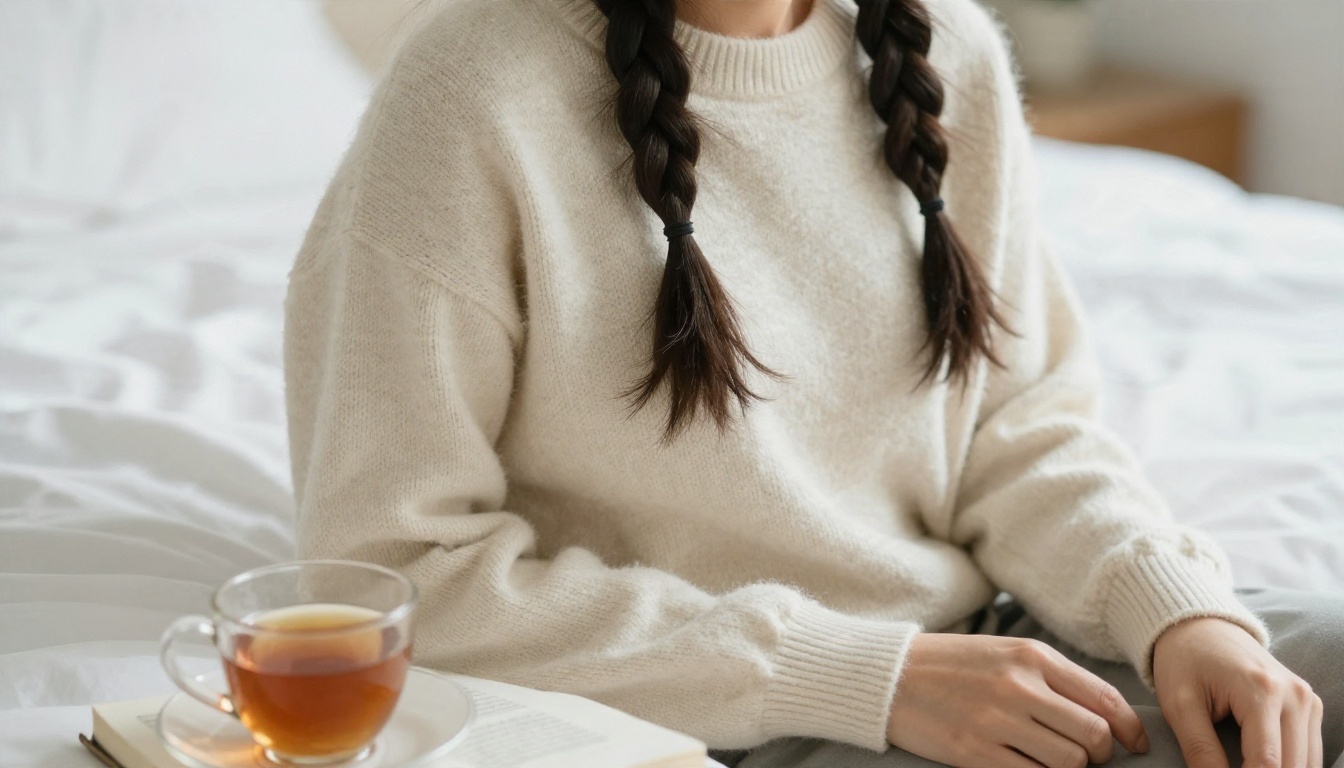
Soft, intimate and tasteful. Think magazine boudoir rather than anything explicit.
- "Adult woman with long dark braids, cream knit sweater sliding off one shoulder, sitting on a bed with rumpled white sheets, soft window light from behind, 50mm lens, slightly high angle, film grain."
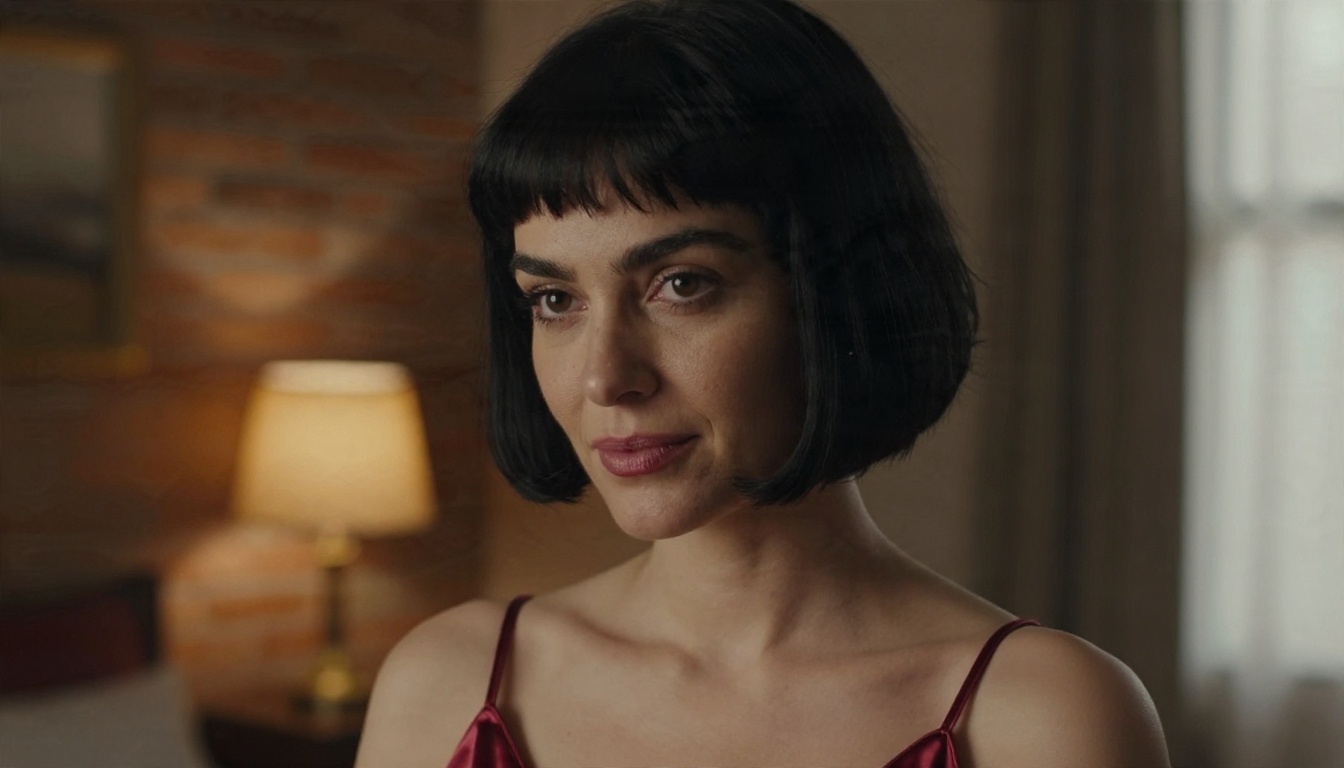
- "Short black bob, dark red silk camisole, glancing over her shoulder in a vintage apartment with exposed brick, warm tungsten lamp, 85mm f/1.8."
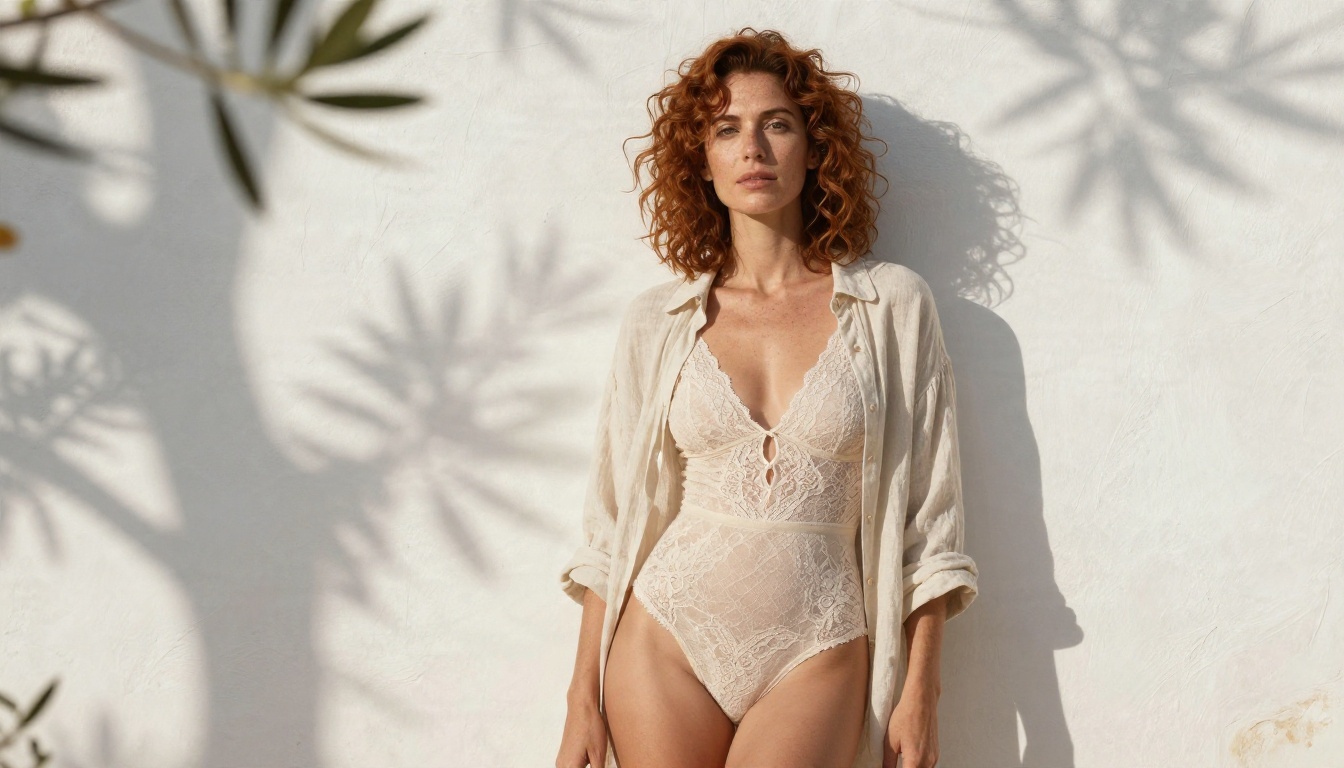
- "Curly auburn hair, ivory lace bodysuit under an open linen shirt, leaning on a white plaster wall, dappled olive tree shadows, midday sun."
Beach and pool scenes
Swimwear is the easiest and most reliable category, and sunlight does a lot of the work for you.
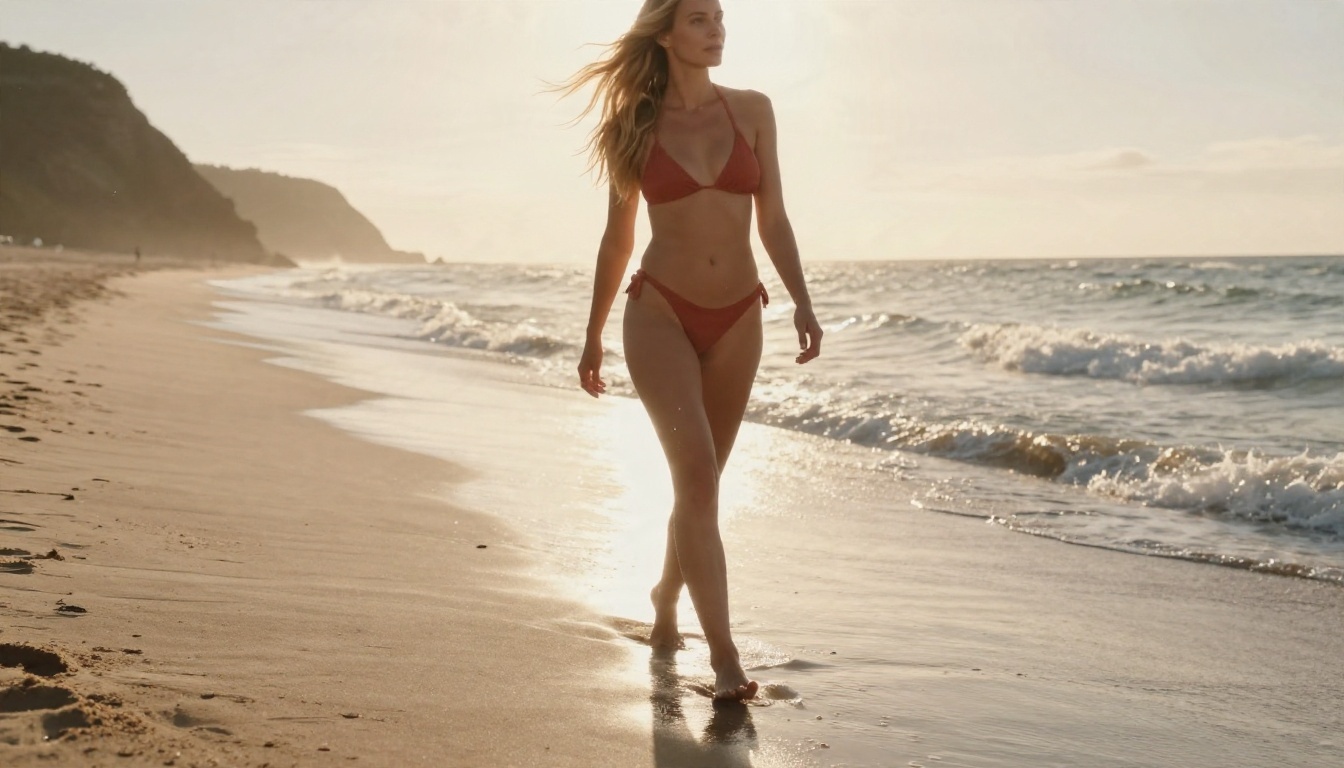
- "Wide low-angle shot, woman in a terracotta bikini walking along a pale beach at golden hour, backlit, wet sand reflections."
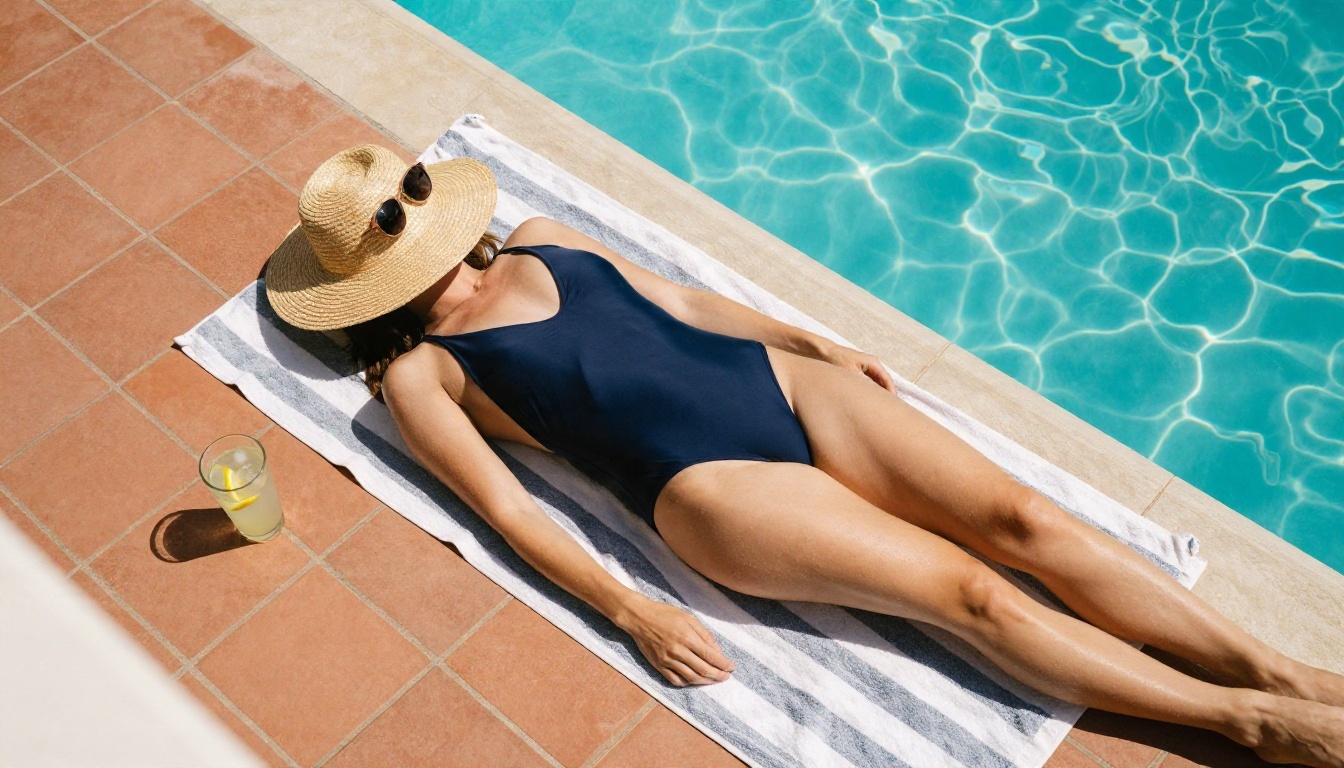
- "Aerial top-down shot, navy one-piece swimsuit, striped towel, turquoise infinity pool, straw hat, glass of lemonade, crisp midday shadows."
- "Candid side profile, white ribbed tank and high waisted shorts, stretching beside an open loft window, golden backlight, dust in the air."
Evening and street looks
Contrast makes these pop: warm practical lights against cool dusk, silk against stone, leather against rain.
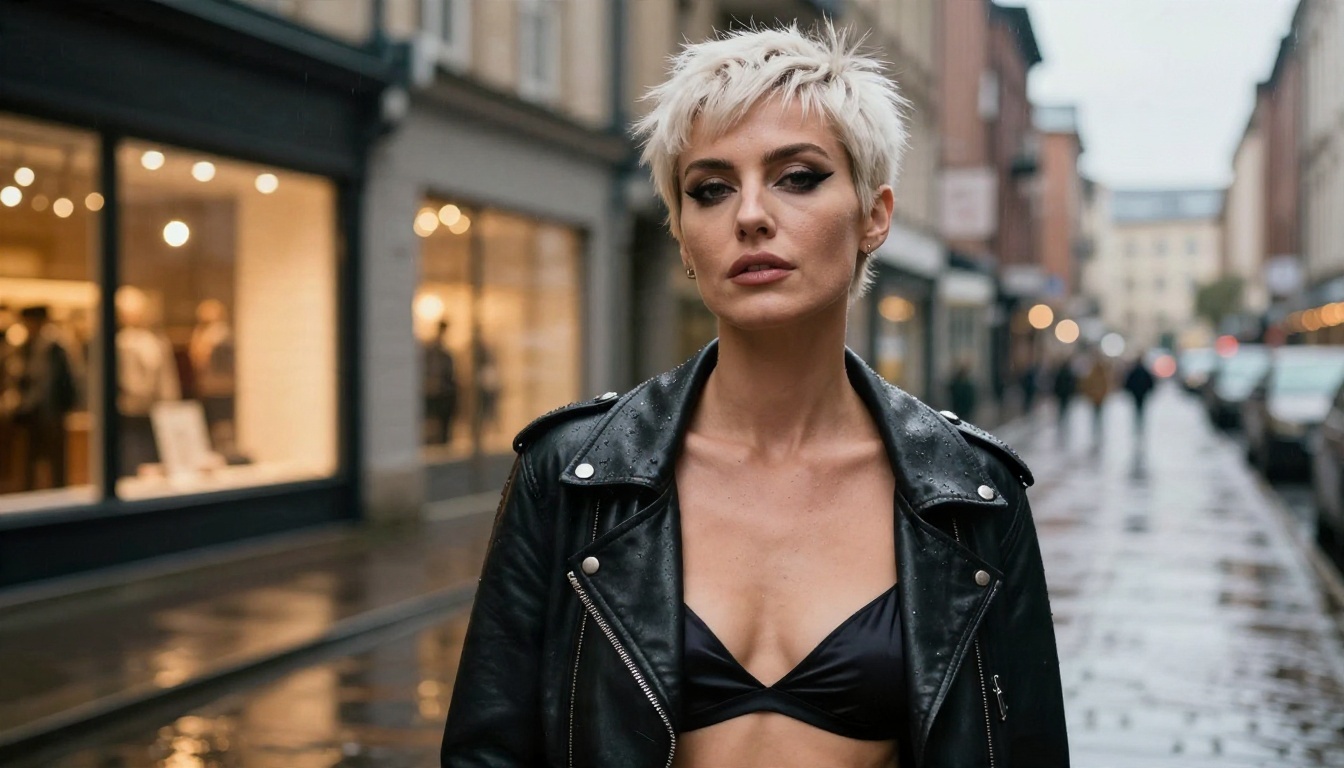
- "Low angle, platinum pixie cut, bold winged eyeliner, black leather jacket over a satin bralette, rainy street at dusk, warm shop window light."
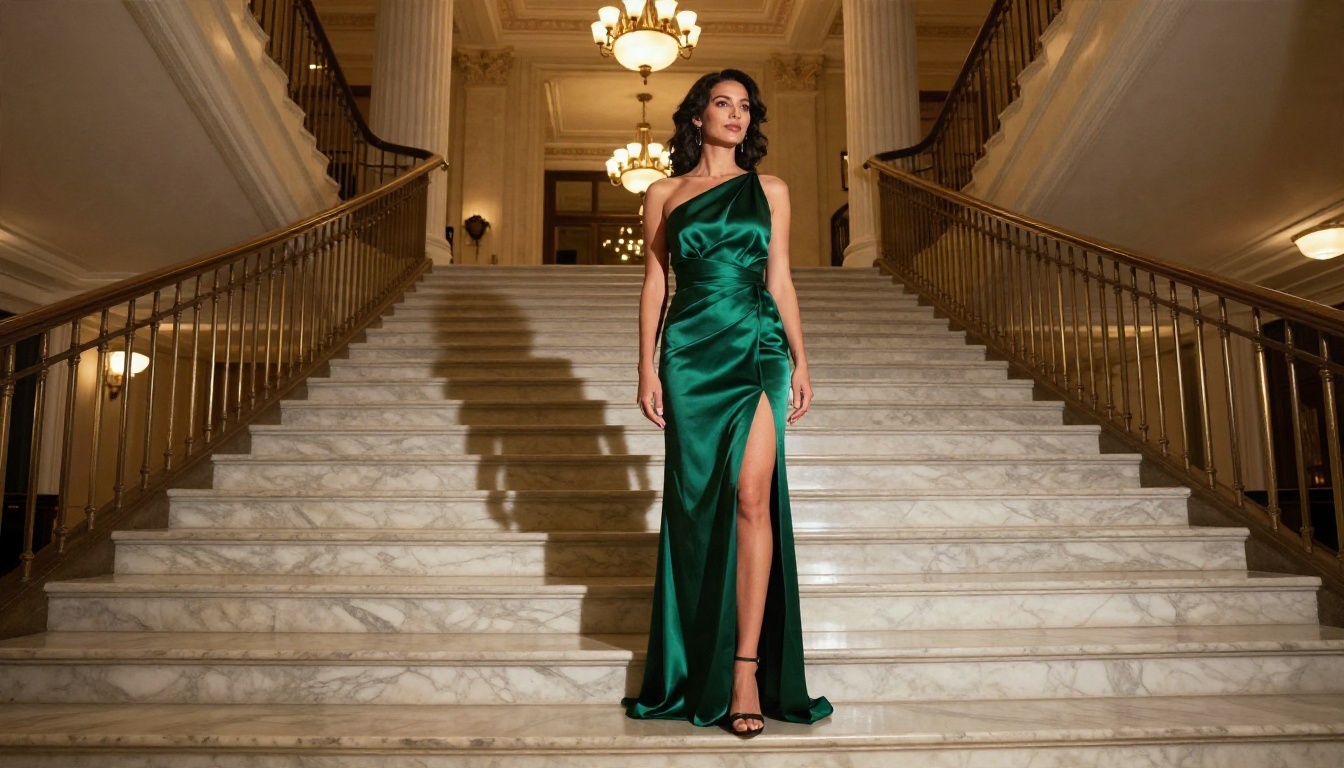
- "Full-length, emerald silk gown with a high leg slit, top of a marble staircase in a grand hotel lobby, chandelier glow."
A reusable prompt formula
Copy this skeleton and fill in the brackets:
[Adult character sheet] + [outfit] + [pose and expression] + [environment] + [light direction and quality] + [lens and camera angle] + [texture and film details]
Texture words are worth the extra effort. Phrases like "visible skin pores", "silk sheen", "knit wool fibers" and "fine film grain" push the model away from the plastic, over-smoothed look that gives AI portraits away at a glance.
Keeping One Character Consistent
This is the part that separates a one-off picture from a recurring character you can build a gallery, a story or a social account around.
Lock the description
Write your character sheet once and paste it, unchanged, at the start of every prompt. Be specific about the details that identify a face: hair length and color, eye color, freckles or beauty marks, eyebrow shape, skin tone. Vague descriptions like "pretty brunette" will give you a different woman every time. Specific ones like "chestnut wavy hair past the shoulders, hazel eyes, light freckles across nose and cheeks" hold up much better.
💡 Tip: keep a simple text file with your character sheet, preferred lens language and the seed numbers of your best results. It saves a surprising amount of time.
Use reference editing and LoRA
Two approaches give the strongest consistency:
- Edit from a reference. Generate one image you love, then use PicassoIA Image Editor Pro to change the outfit, room or time of day while keeping the face. Because editing is unlimited, you can iterate until it looks right.
- Train or apply a LoRA. Models such as Flux Dev LoRA and Flux 2 Klein 9B Base LoRA accept LoRA weights, which teach the model a specific look so it can reproduce it in new scenes.
Limits You Should Expect
No generator is perfect, and being honest about the weak spots saves you time and frustration.
Content filters
Even adult-friendly tools draw a line. On PicassoIA, the focus is non-explicit glamour: swimwear, lingerie styling, boudoir, implied and artistic looks. Prompts that push into explicit territory will be refused or produce unusable output, and that is by design. Some models, including newer lightweight releases from big labs, block adult content altogether, so check what a model allows before building a workflow around it.
Hands, skin and anatomy errors
Even strong models occasionally produce odd fingers, mismatched earrings, warped jewelry or skin that looks airbrushed. Quick fixes:
- Ask for hands in simple poses (resting in hair, on a railing, in a pocket).
- Avoid complicated props held in both hands.
- Add natural texture cues so skin keeps pores and fine hairs.
- Regenerate once or twice before rewriting the whole prompt.
Rules about real people and age
These are not optional limits, they are hard lines:
| Rule | What it means |
|---|
| Adults only | Every character must be clearly an adult. Never describe youth, school settings or childlike features. |
| No real people | Do not recreate celebrities, coworkers, exes or anyone without consent. |
| No deception | Label AI images as AI when you publish them where it matters. |
| Respect platform terms | Social networks and marketplaces each have their own adult content rules. |
💡 Tip: if you plan to post your characters publicly, read the adult content rules of each platform first. Many allow swimwear and glamour but restrict anything more suggestive.
Alternatives Worth Trying
No single model wins every scenario. These are the alternatives I keep close, in the order I would reach for them.
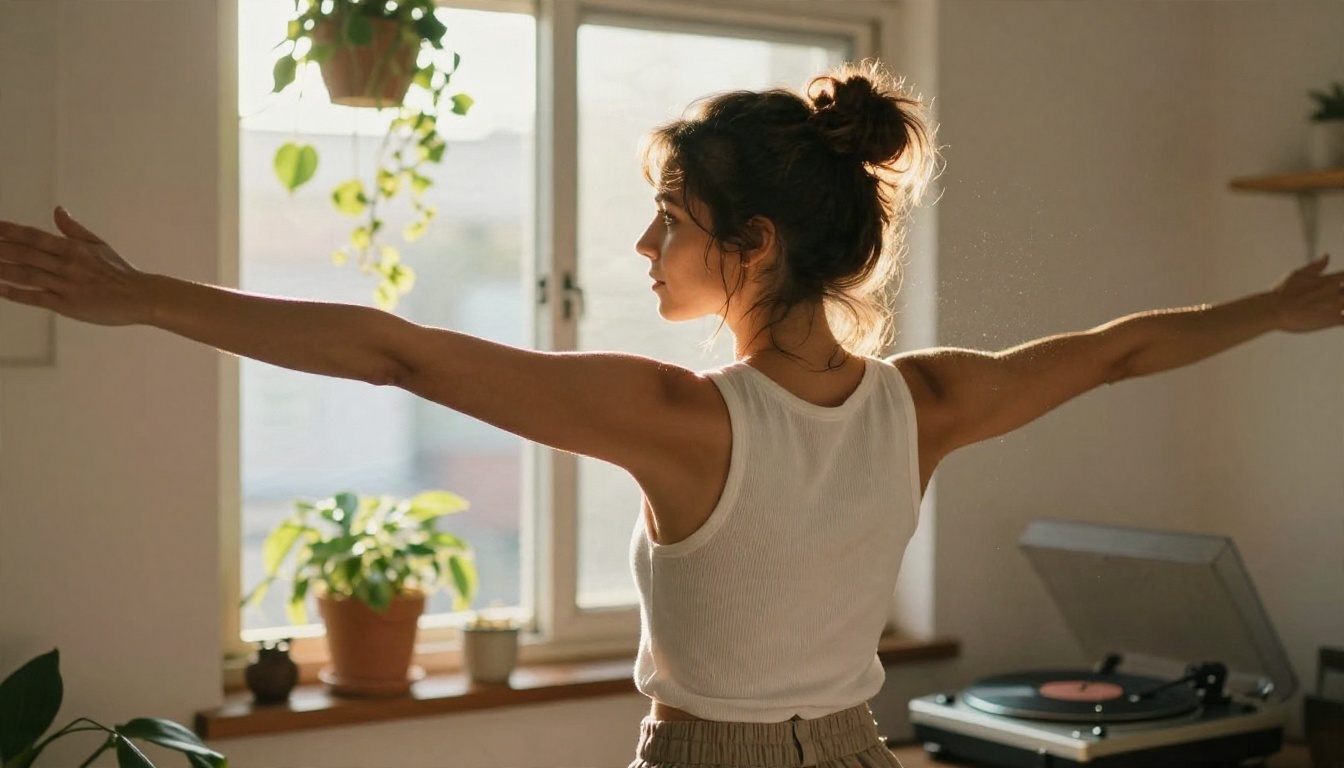
If you are weighing these against closed commercial services, the pattern is consistent: tools with strict filters are fine for general content but frustrating for adult glamour, while platforms with broader model access give you room to choose the right engine for each look. Having several models in one place also means you are never stuck when one of them struggles with a particular pose or outfit.
You can browse the full list of image models at picassoia.com/en/all-models.
Make Your First Character Today
Pick one of the prompt ideas above, swap in your own character sheet, and run it. Start with Seedream 4.5 for a sharp first portrait, then move to PicassoIA Image Editor Pro to change outfits, locations and moods without worrying about a credit counter. Within an hour you can have a small gallery of one consistent character in beach, boudoir and evening scenes.
Try it on Picasso IA, keep your prompts specific, change one detail at a time, and treat each generation as a test shot. When you want to branch out, the full catalog is waiting at picassoia.com/en/all-models.


