Type "NSFW chat bot" into a search bar and you get a wall of near-identical review sites, each promising unlimited messages, zero filters and a free forever plan. Then you open the app, send twelve messages, and a paywall appears. This article sorts the marketing from the reality: what these bots are, which free options actually hold up, what a good roleplay session looks like, and where every platform runs into a ceiling.
I kept the focus on adults who want flirtatious, character-driven conversation, and on the practical side of it: caps, memory, privacy and cost. You will also see how to pair a chat with photorealistic, non-explicit AI imagery so your characters look as good as they sound.
💡 Quick answer: Free NSFW chat exists, but it always trades something. Either you get a daily message cap, a weaker model, slower replies, or a memory that forgets your story after a few dozen turns.

What an NSFW Chat Bot Really Is
An NSFW chat bot is a conversational AI configured to allow romantic, flirtatious or mature themes that mainstream assistants refuse. Under the hood it is the same kind of large language model behind any chatbot. The difference is the layer around it: a character description, a permissive system prompt, and a moderation policy that is looser than usual.
How the Technology Works
Every reply is predicted from the text that came before it. The platform feeds the model a hidden block of instructions (who the character is, how they speak, what they want), then your conversation history, then your newest message. The model continues the story.
That is why quality varies so much between apps. Three things decide the experience:
- The base model: larger models hold a personality longer and write less repetitive prose.
- The character card: a vague card gives vague replies, a detailed card gives a voice.
- The context window: the amount of past conversation the bot can see at once.
Who Uses These Bots
The audience is wider than the stereotype. Writers use them to draft romance scenes and test dialogue. Role players use them as a patient partner who never logs off. Some people just want a flirty, low-pressure chat at the end of the day. Others use them to practice conversation before dating.
Whatever the reason, the same practical questions come up: what does it cost, what will it refuse, and who can read my chats?
Free Options and What They Cost
Pricing changes constantly in this niche, and many review sites are affiliate pages written to push a signup. Treat any number below as a snapshot from recent reporting, and check the current terms inside each app before you commit.
Typical Free Tier Rules
Free tiers usually fall into one of four patterns:
- Daily message cap: you get a fixed number of messages each day, then wait for a reset.
- Monthly allowance: a pool of messages that runs out and does not refill until next month.
- Lighter model: unlimited or generous messaging, but replies are shorter and less nuanced than on paid plans.
- Bring your own key: the platform is free, but you pay a model provider per message through your own account.
App Comparison Table
Here is how the best-known platforms are described in recent 2026 coverage. Details differ between sources, so use this as a starting map, not a contract.
| App | Free tier reported | NSFW stance | Common catch |
|---|
| SpicyChat AI | Often described as having no hard daily cap | Mature content behind a toggle | Free model is lighter, shorter replies |
| CrushOn AI | Reportedly moved to roughly 50 messages per day in April 2026 | Mature content mostly on paid plans | Low cap, paid tier needed for volume |
| Janitor AI | No platform cap, depends on connected model credits | Permissive, user configured | Per-message API costs add up |
| Character.AI | Free and unlimited | Filtered, not an NSFW platform | Romance gets blocked quickly |
| Chai | Free with daily limits | Looser than mainstream apps | Message caps, ad prompts |
| NovelAI | Limited free usage, reportedly around 100 messages per day | Story-focused, permissive | Currency-style meters for retries |
💡 Tip: If a site claims "100% free, unlimited, no filter," test it with ten messages before you write a long character card. The restrictions show up fast.
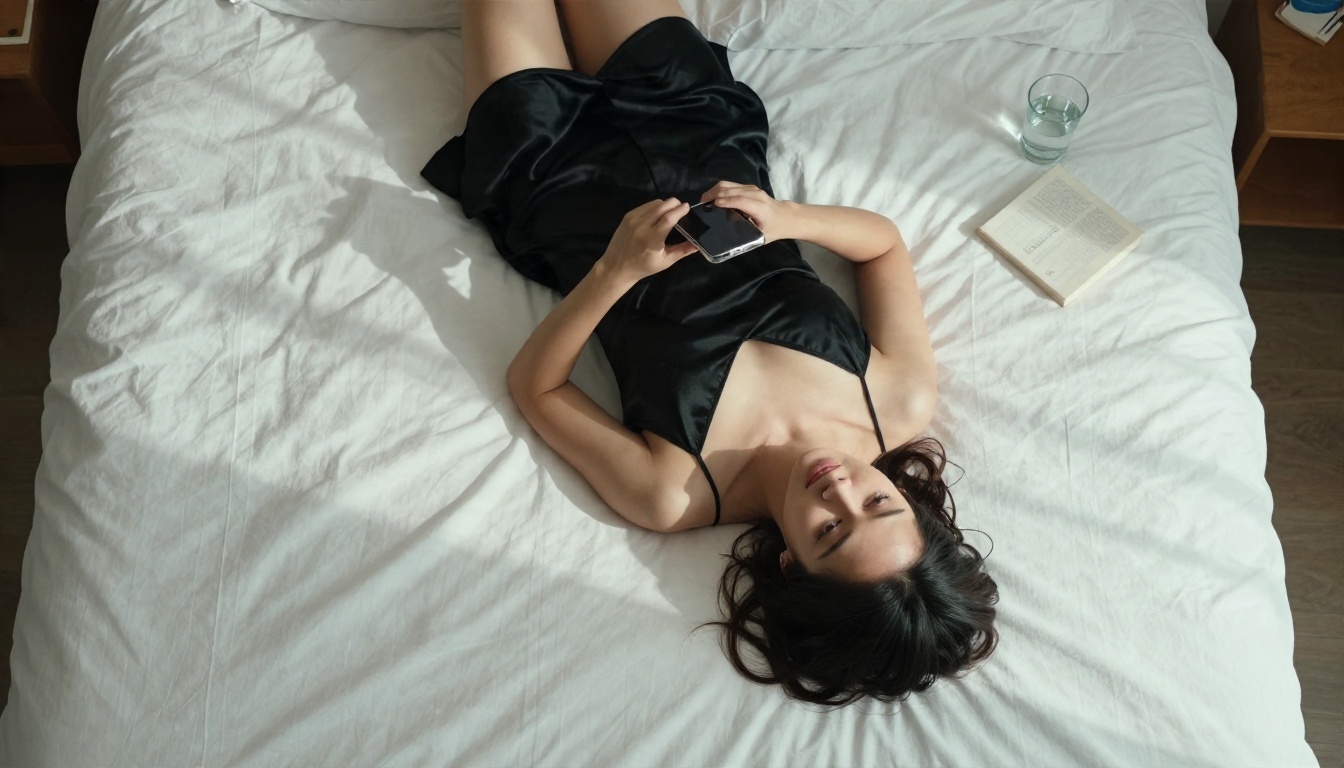
Roleplay Examples That Work
Good roleplay is a collaboration. The bots that feel alive are the ones you feed with specific details, an emotional beat, and a clear next move. Below are three starter scenes. They stay suggestive and fade to black on purpose, which also happens to be what most platforms handle best.
Slow Burn Romance
Setup prompt: "You are Elena, a night-shift bartender in a quiet hotel lounge. You are guarded, dry-humored and observant. I am a guest who has come down for a drink three nights in a row."
Opening line from you:
I slide onto the same stool and nod at the empty glass. "Same as yesterday, or are you finally going to recommend something?"
Typical bot reply:
Elena polishes a glass, hiding a smile. "You've been drinking the same whiskey for three nights. Either you're loyal, or you're waiting for someone." She sets down a different bottle. "Tell me which one it is."
Why it works: the bot has a voice, a hook and a question. Your next message can push toward tension or pull back, and the pacing stays in your hands.
Fantasy Adventure
Setup prompt: "You are Kaelen, a rogue and smuggler with a sharp tongue. We are stuck in a ruined watchtower while a storm rages outside, and we have been rivals for years."
Opening line from you:
I wring out my cloak. "If we're sharing this fire, you could at least pretend to be civil."
Typical bot reply:
Kaelen tosses a log onto the embers, eyes flicking to you. "Civil costs extra." The firelight catches a half-smile. "But the storm's long, and I'm easily bored."
Why it works: rivals-to-allies is one of the most reliable arcs. Banter creates chemistry without any explicit text.
Enemies to Lovers
Setup prompt: "You are Mara, a sharp-tongued lawyer. We were opposing counsel on a case that just ended. You have shown up at my door at midnight."
Opening line from you:
I open the door, tie loose, folder still in hand. "Shouldn't you be gloating somewhere?"
Typical bot reply:
Mara steps past you without being asked, rain on her coat. "I came to say you argued well. I did not come to say I'd lost." She turns, and the silence stretches. "I'm still deciding why I came."
Why it works: unresolved tension. The reader (you) is invited to answer, which is what keeps a story going.
💡 Roleplay rule of thumb: end every message with something the character can react to, such as an action, a question or a small provocation. Replies that go nowhere make the bot loop.
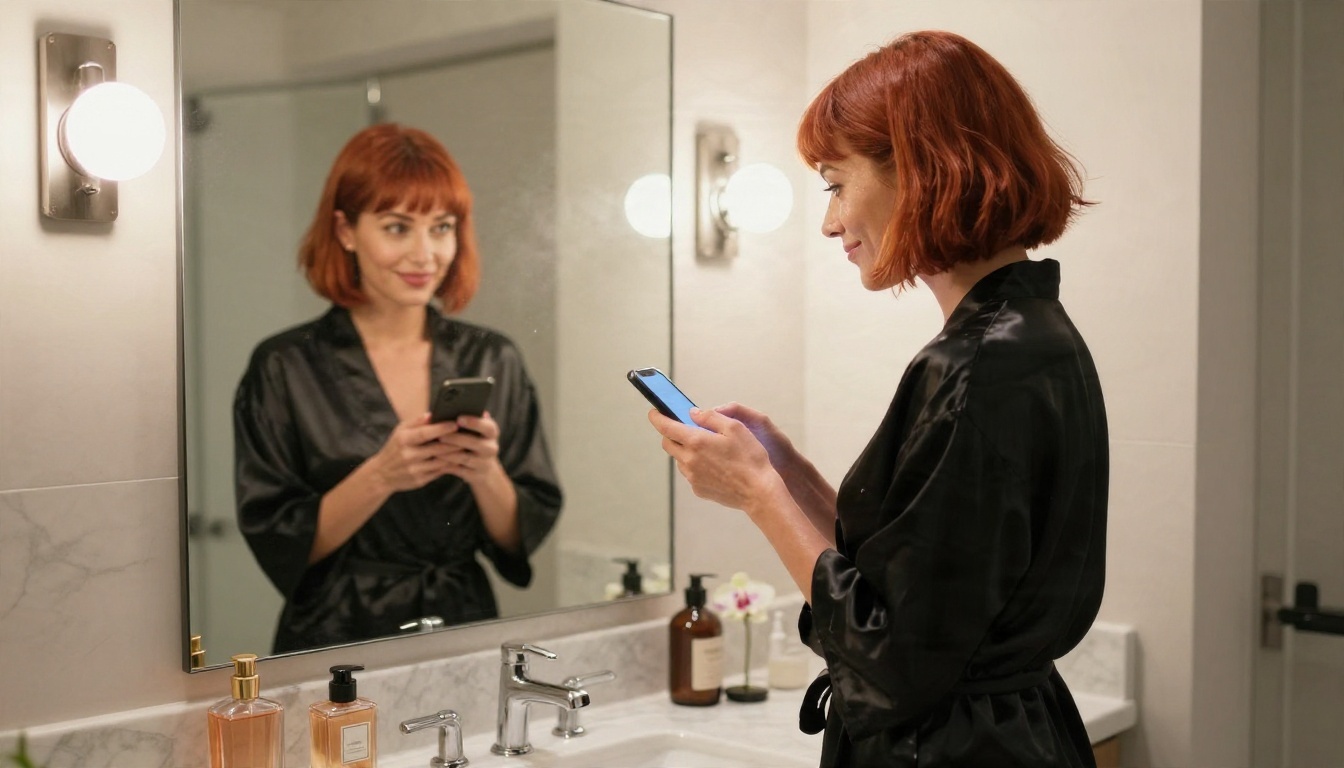
Limits You Will Hit
Even the most permissive platform has walls. Knowing where they are saves time and money.
Message Caps
Caps are the most obvious wall. A daily cap of 50 messages sounds fine until you realize that every regeneration, retry and continue button may count as a message. A single scene with a few retries can burn the whole allowance in one sitting.
Memory and Filters
Memory is the quieter limit. Models only see a window of recent text, so details like a character's scar, your name or the fact that you made up an hour ago can vanish. Some apps add a summary or "memory" panel to patch this. Use it, and keep the important facts short.
Filters are the other limit. Even platforms that allow mature themes block certain content outright, such as anything involving minors, non-consent or real people. These blocks are not bugs you can prompt around, and they should not be.
| Limit | What it looks like | Practical fix |
|---|
| Daily message cap | "Come back tomorrow" banner | Plan scenes, avoid wasteful retries |
| Short context | Bot forgets earlier details | Pin facts in the memory panel |
| Lighter free model | Short, repetitive replies | Write richer prompts, use paid model sparingly |
| Hard content filter | Refusals or blank replies | Steer the scene, change the topic |
| Reset or deletion | Chats vanish after updates | Copy important scenes elsewhere |
Privacy Risks
This is the one people skip. Your chats may be stored, reviewed for moderation, or used to train future systems, depending on the terms. A few habits protect you:
- Use a throwaway email, not your main address.
- Never share your real name, workplace, address or photos of yourself.
- Read the data retention section of the privacy policy before you pour hours into a character.
- Assume anything typed could someday be read by a person.

Writing Better Character Cards
The biggest gap between a flat bot and a magnetic one is the character card. Free tier or paid, a strong card carries the conversation.
The Five Parts of a Strong Card
- Voice: one sentence on how they speak (dry, teasing, formal, shy).
- Want: what the character is after in this scene.
- Flaw: something that creates friction, such as pride or distrust.
- Setting: a concrete place with two or three physical details.
- Boundaries: what the character will never do, which makes their choices feel real.
Use a Writing Model to Draft Cards
You can use a general model on PicassoIA to outline characters, plot beats and dialogue style before you paste a card into a roleplay app. Claude Sonnet 5 handles voice and tone well, Gemini 3.5 Flash is quick for brainstorming dozens of variations, and GPT 5.6 Luna is a fast option for rewriting a card until it reads right.
These mainstream models follow their own safety rules, so they will not write explicit material. That is fine for this job: you are drafting personality, setting and banter, not the mature scenes themselves. If you want to check text for policy problems before sharing it, Llama Guard 4 12B is a moderation model built for exactly that.

Add Photorealistic Images to the Story
Text alone is only half of the experience. Once a character feels real, many people want a face, a style and a setting to match. This is where image models come in, and where you are not stuck behind a message cap.
For adult-themed, non-explicit visuals (glamour portraits, bikinis, boudoir lighting, suggestive but tasteful scenes), the order I would try them in is below.
Why Seedream 4.5 Comes First
Seedream 4.5 is the model to start with. It produces sharp, photorealistic skin, fabric and lighting, and it follows long prompts closely, which suits a character you have already described in detail. Write the prompt like a photographer: subject, pose, setting, light direction, lens and film stock.
Example prompt:
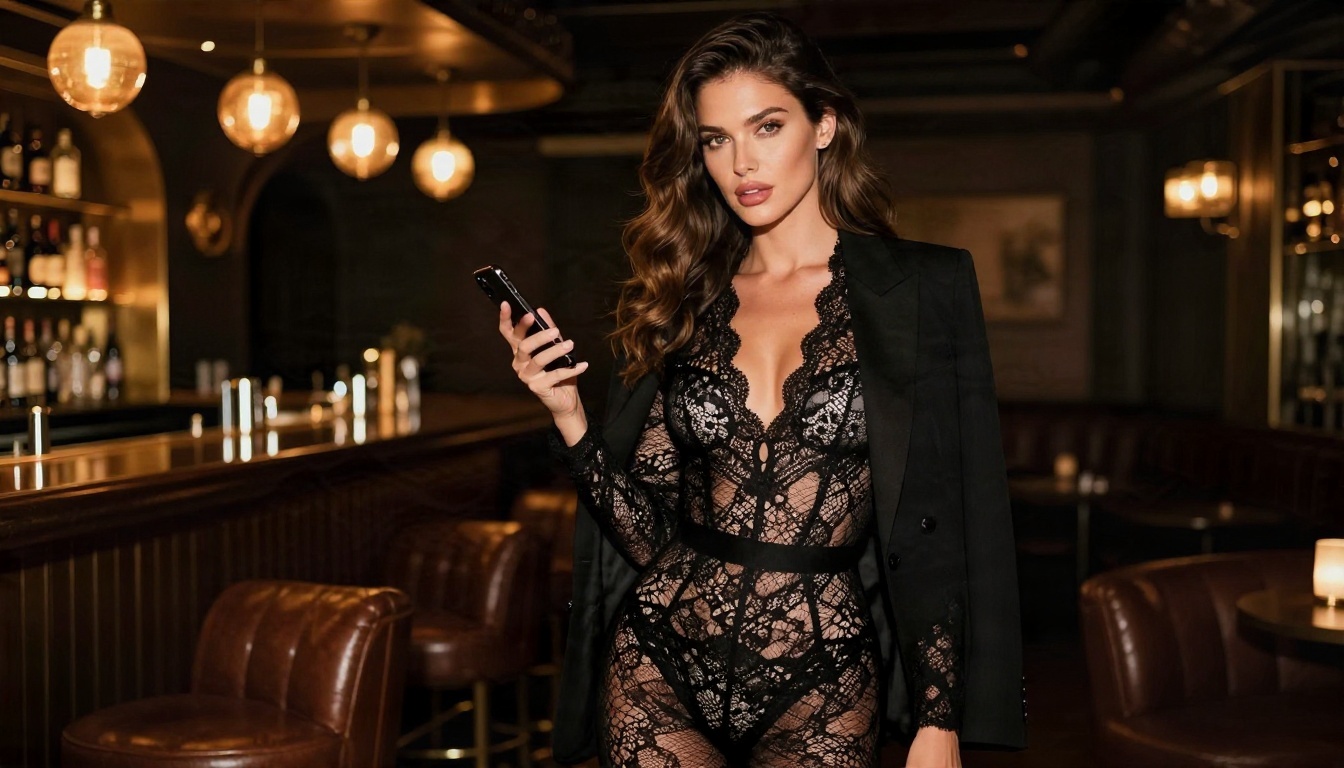
"RAW photograph of a woman in a black silk robe seated at a hotel bar at night, warm amber practical lights behind her, 85mm lens at f/1.8, soft skin texture, Kodak Portra 400 film grain, tasteful glamour portrait."
Editor Pro for Unlimited Edits
PicassoIA Image Editor Pro offers unlimited generations, which makes it ideal for iteration. Generate a portrait, then change the outfit, the hair, the background or the lighting without watching a counter. For a recurring character, this is the fastest way to keep the face consistent across a whole set of scenes.
Other Models Worth Trying
💡 Why this matters for chat fans: the chat apps cap your messages, but image generation on PicassoIA is built around quick, uncensored-feeling iteration without those daily walls. You write the character in your chat app, then bring the description here and give her a face.
Match a Chat to an Image in Four Steps
- Copy the character card. Pull out the physical details: hair, eye color, build, style of dress, mood.
- Turn it into a photo prompt. Replace personality words with visual ones. "Guarded and dry-humored" becomes "slight smirk, arms crossed, direct gaze."
- Generate in Seedream 4.5. Pick a 16:9 ratio for scenes, or portrait for a profile picture. Add lens and lighting details for realism.
- Refine in Editor Pro. Adjust clothing, background or lighting until it matches the scene you are playing.
Keep the images tasteful and non-explicit. Glamour, bikini and boudoir styles look better in photoreal models anyway, because the lighting and the pose do the work.
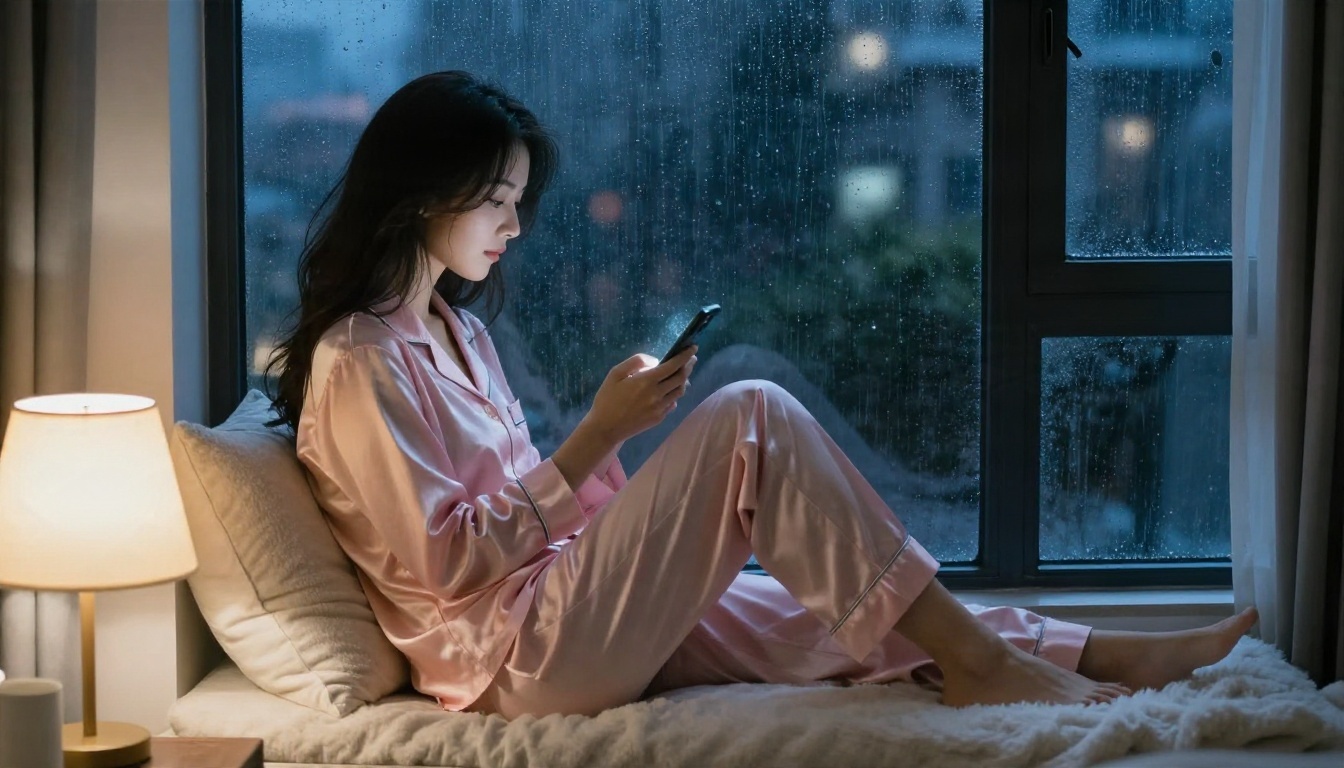
Safety and Age Rules
A few lines are worth stating plainly, because they apply on every platform.
- Adults only. These tools are for people 18 and over, and every character in a scene must be an adult.
- No real people. Do not create romantic or suggestive images or chats of real individuals, including celebrities or people you know.
- Consent matters in the story. Platforms block non-consensual themes, and they are right to.
- Watch the habit. If late-night chats start to crowd out sleep, work or real relationships, set a timer or a daily budget of messages.
These rules keep the experience enjoyable and keep your accounts in good standing.
Try It on Picasso IA
If you have spent an evening hitting message caps, there is a better use of your time. Write your character in a chat app, then bring the description to Picasso IA and give them a face. Start with Seedream 4.5 for a first portrait, move to PicassoIA Image Editor Pro to adjust the outfit and the light as many times as you like, and see how far a single well-written prompt can go.
Pick a character, write a three-line card, and generate your first image today. Every model is listed at picassoia.com/en/all-models, so you can try a few and keep the one that suits your style.


