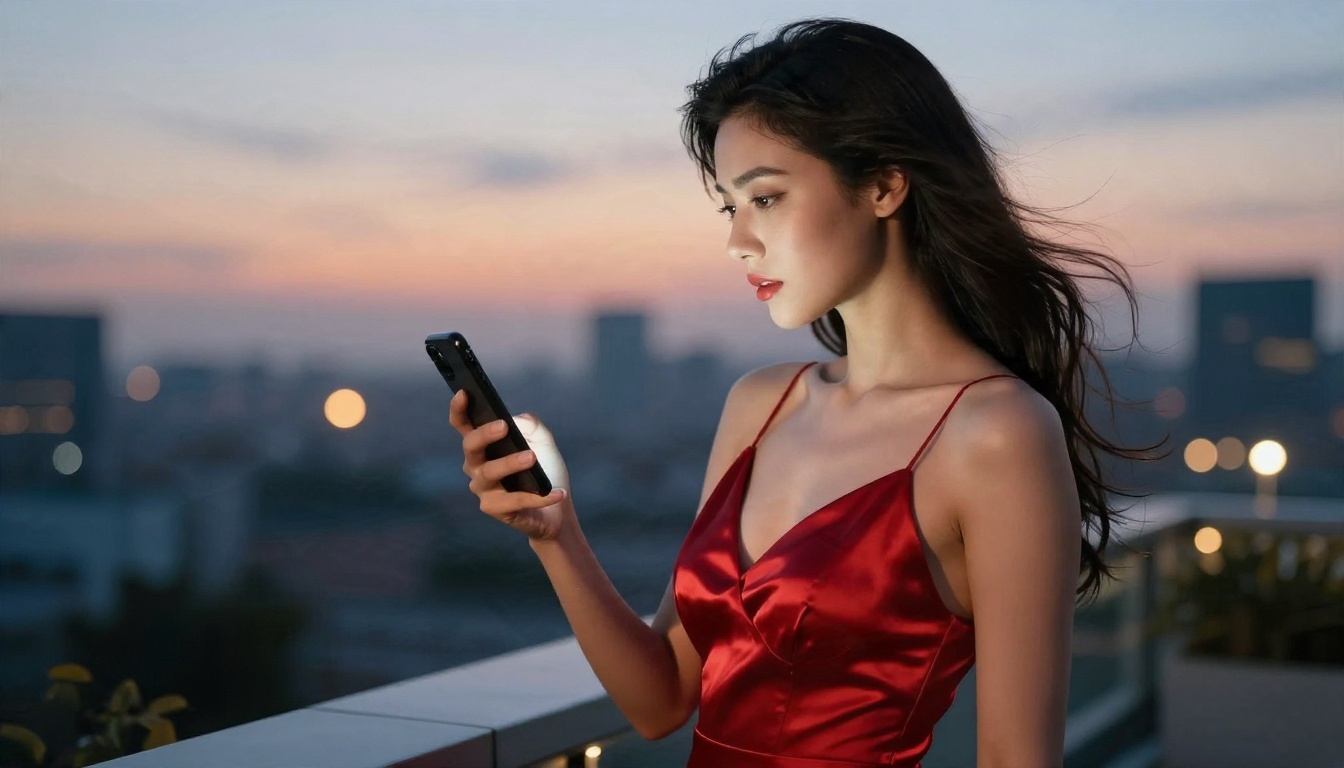
What free NSFW chat bots really offer in 2027: daily message caps, paywalled image chat and voice, copy-ready roleplay prompts, filter and age-check limits, plus how to make your own glamour images on PicassoIA without caps.
Most people searching for an NSFW chat bot want three things: a character that stays in character, a free plan that doesn't die after ten messages, and some way to see the person they are talking to. The market sells all three, but rarely in the same place and almost never for free. Daily message caps, locked image features and blurry age checks are the norm, and the reviews you find online are often written by the same companies selling the subscriptions. This article sorts out what free really means, how image chat works, which roleplay prompts hold a persona together, and where the hard limits sit.
What NSFW Chat Bots Actually Are
An NSFW chat bot is a conversational AI tuned, or simply left unfiltered, to handle flirtatious and adult-leaning roleplay. Some are built around a single companion character. Others work like a library where users publish thousands of personas and you pick one. Underneath, they are language models with a character sheet pinned to the top of every conversation.
Text companions versus image chat
A text companion only sends words. It is cheap to run, so free plans are more generous. Image chat adds generated pictures to the thread: the bot describes a scene and renders it, or you ask for a selfie and one appears. Rendering a picture costs far more than writing a sentence, which is why image features are the first thing to disappear behind a paywall.
Why people pick them
Low-pressure conversation: no judgment, no scheduling, no social cost.
Creative fiction: collaborative storytelling with a partner that never gets tired.
Custom characters: you write the personality, the backstory and the voice.
Visual payoff: image chat turns a text story into something you can look at.
💡 A bot is a pattern generator, not a person. It will remember what you wrote in the current window and very little beyond that unless a memory feature is switched on.
Free Options and What They Really Give You
Free tiers exist, but they are capped. Independent write-ups mostly agree on the pattern: text is the generous part, while image generation, voice and long-term memory tend to sit behind a subscription. One popular character platform is reported to run a free plan with daily message limits that make heavy use impractical. Another advertises unlimited free messages, which is a vendor claim worth testing for yourself before you build a long story on it. Mainstream chat apps such as Character.AI do not allow adult content at all, so they are not an option for this use case.
Typical free tier limits
Feature
Usual free plan
Usual paid plan
Daily messages
Capped, sometimes by hour
Higher cap or unlimited
Response speed
Queue during peak hours
Priority
Image generation
Few or none
Monthly allowance
Voice replies
Rare
Included or add-on
Memory length
Short, resets often
Longer, editable
Custom characters
Allowed, limited slots
More slots
Adult toggle
Behind age confirmation
Same
Treat that table as a pattern, not a price sheet. Terms change often, and the reviews that list exact numbers are frequently affiliate pages that age badly. Check the pricing page of any service before you commit time to it.
Sign-up versus no sign-up
Truly anonymous adult chat is getting harder to find. Age verification rules are spreading, and services that skip sign-up often skip it because they have no account system to protect your history. A bot that asks for an email and a birth date is not a red flag by itself. A bot that asks for a payment card just to "verify" a free account deserves a second look.
Signs a free bot is a trap
The free plan hides a countdown that locks the chat mid-scene.
Generated images arrive blurred until you pay.
The privacy page is missing or copied from another site.
The app asks for contacts, photos or microphone access it does not need.
The reviews all sound the same and all link to the same signup page.
Image Chat: Pictures Inside the Conversation
Image chat sounds simple, but it is two systems taped together. A language model writes the scene. An image model renders it. The quality of the picture depends almost entirely on how well the text model turned your story into a visual description, and on which image model sits behind it.
Where image chat usually breaks
Face drift: the character looks different in every picture because nothing locks the face.
Wardrobe drift: the outfit described in the text is not the outfit rendered.
Generic poses: the stock "looking at camera" pose repeats.
Quota walls: three images and the allowance is gone.
Build the images yourself on PicassoIA
If the image side of a chat bot is the weak link, you can skip it and generate the pictures directly. That gives you control over wardrobe, lighting, framing and consistency, with none of the quota walls. For glamour and adult-leaning imagery, these are the models to try, in this order:
Seedream 4.5 is the first stop. It handles skin texture, fabric and soft lighting well, and it is fast enough to iterate on a scene in minutes.
PicassoIA Image Editor Pro offers unlimited generations, so you can refine wardrobe, background and mood as many times as the picture needs without watching a counter.
Qwen Image 3 Pro gives photorealistic results with strong prompt following, useful when your character sheet is long.
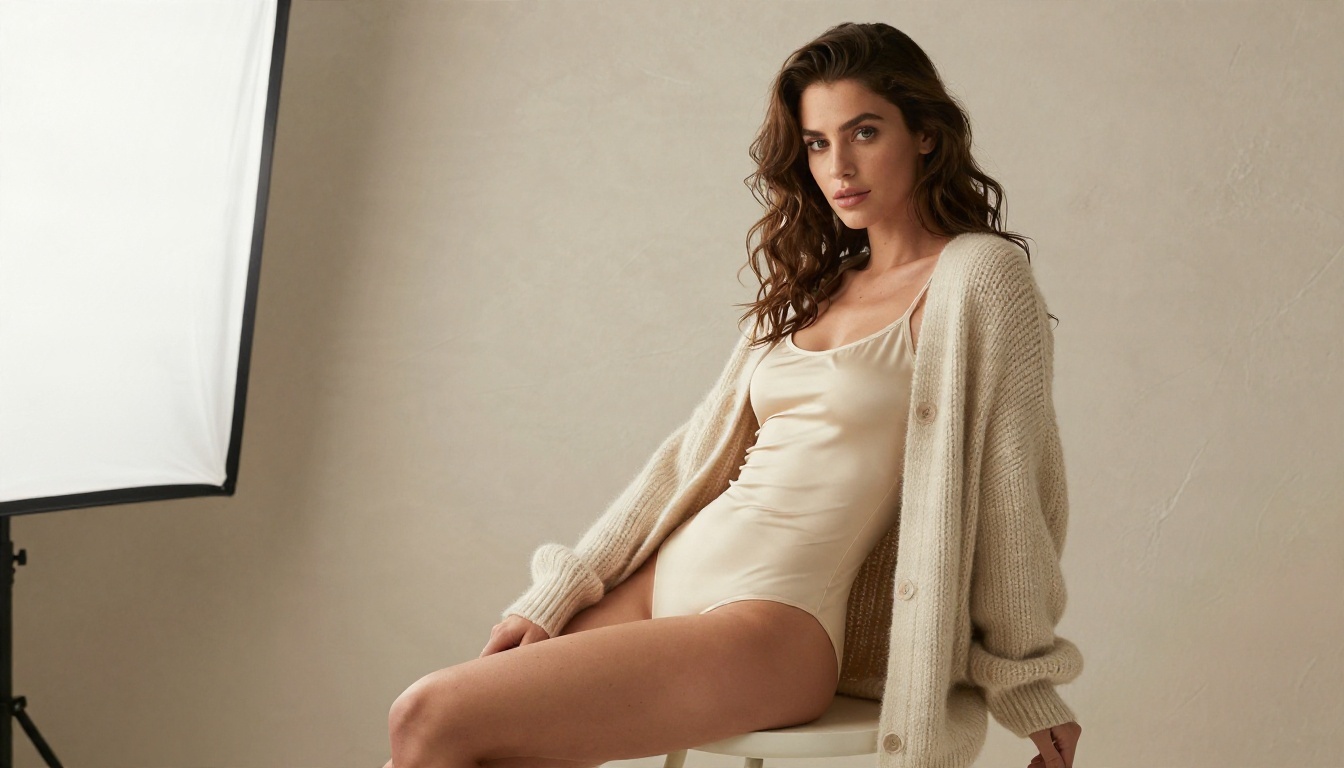
On PicassoIA the focus is suggestive and tasteful glamour: swimwear, lingerie-style outfits, evening looks, implied intimacy. Explicit material is outside what the platform produces, and that is a sensible line for anyone sharing or storing images.
💡 Copy the physical description from your chat character sheet straight into the image prompt. Same hair, same eye color, same signature jewelry. That alone fixes most face drift.
Roleplay Prompts That Work
A good roleplay prompt does two jobs. It gives the model a stable personality, and it sets the rules of the scene so you don't have to repeat them. Long, vague prompts produce long, vague characters. Short, specific ones hold up better.
A character card template
Paste something like this at the start of a chat, then edit the brackets:
You are [Name], a [age 21+] [job] who lives in [city].
Personality: [three traits, one contradiction].
Voice: [short sentences / teasing / dry humor].
Setting: [where we are right now].
Rules: stay in character, keep replies under 120 words,
end each reply with a question or an action I can respond to.
Keep the tone flirtatious and suggestive.
The contradiction matters. "Confident but secretly shy" gives the model a tension to play with. Three flat traits give it nothing.
Scene opener prompts
The slow burn: "We are the last two people at a rooftop party. You walk over with two glasses. Start the conversation."
The old flame: "We meet again after three years at an airport bar. You pretend not to recognize me for exactly one reply."
The holiday: "We share a villa for a week. It is the first evening and the power just went out. Describe the room and speak first."
The workplace: "We are working late. You are the senior colleague who has noticed me noticing you."
Keeping a character consistent
Models forget. After 30 or 40 exchanges the personality softens into something generic. Three habits help:
Repeat the card. Paste the short version again every 25 messages.
Write a recap. Ask the bot to summarize the story so far in five lines, then paste that into a fresh chat.
Correct early. If the character slips, say so in one sentence. Waiting makes the drift permanent.
Using a general model to write the card
You can draft character cards and scene outlines with a general-purpose model on PicassoIA, then move the finished text wherever you chat. Claude Sonnet 5, GPT 5.6 Luna, Gemini 3.5 Flash and Deepseek v3.1 are all good at personality design, dialogue style and backstory. They follow their own content rules, so keep the material to character building, setting and suggestive tone. Ask them for a voice sample, a list of speech habits or a visual description you can feed to an image model.
💡 A strong workflow: write the character with a general model, render her with Seedream 4.5, then paste both into whichever chat app you prefer.
The Limits Nobody Mentions
Free plans advertise what they allow. They rarely advertise what they quietly restrict. These are the constraints that cause the most frustration.
Message caps and memory
A cap is a count of messages per day or per hour, and it resets on a timer. Memory is how much of the conversation the model can see at once. They are separate. You can have unlimited messages and still lose the plot after an hour, because the early part of the chat has scrolled out of the model's window. Long stories need recaps, not just more messages.
Filters and content rules
Every service has a line. Some enforce it before the model replies, some after, and some by silently changing the answer. Common symptoms:
Replies that suddenly turn vague or repeat the same refusal.
A character who abruptly changes the subject.
Images that arrive covered up compared with what the text described.
Rewording the prompt rarely helps and sometimes violates the service terms. If the line is in the wrong place for you, switch services rather than fight the filter.
Age checks
Adult content requires adult users, and checks are tightening. Expect a birth date prompt at minimum, and in some regions a document or card check. Characters should also be adults. Any bot, prompt or image that suggests a minor is unacceptable, and responsible services block it outright. Write every character as 21 or older and say so in the card.
Quick reference on limits
Limit
What it means
What to do
Daily cap
Chat locks until reset
Plan long scenes for one sitting
Short memory
Early details vanish
Paste recaps every 25 messages
Filter drift
Replies get vague
Change the scene or the service
Image quota
Few renders per day
Generate images separately
Age gate
Verification required
Use only services you trust with the data
Privacy and Safety Habits
Intimate chats are personal data. Treat them that way.
Use a throwaway email for services you are only testing.
Never share your real name, address, workplace or face photos in a roleplay thread.
Read the retention policy. Some services keep chats indefinitely and use them to train models.
Avoid uploading real people's photos. Using someone's likeness without consent is a legal and moral problem, whatever the tool allows.
Don't pay through unknown processors. If checkout looks improvised, close the tab.
Keep a boundary between fiction and life. A bot that tells you what you want to hear is not a substitute for friends.
💡 Open the chat in a private window, skip the "remember me" box, and clear the history when a story ends. It takes ten seconds and removes most of the exposure.
Picking the Right Setup
There is no single best choice, only trade-offs. Match the tool to what you care about most.
Split the job in two and the free-tier problem mostly goes away. Chat wherever the caps suit you, and make pictures where the caps don't exist.
Make Your Own Images Today
The weakest part of most NSFW chat bots is the picture. You can fix that in an afternoon. Write your character's look in two sentences, open Seedream 4.5, and render a first portrait. Then move to PicassoIA Image Editor Pro to adjust outfit, setting and mood as often as you like, with no meter running. If you want a different look, try Qwen Image 3 Pro or Flux 2 Klein 9B Base LoRA with the same description and compare results.
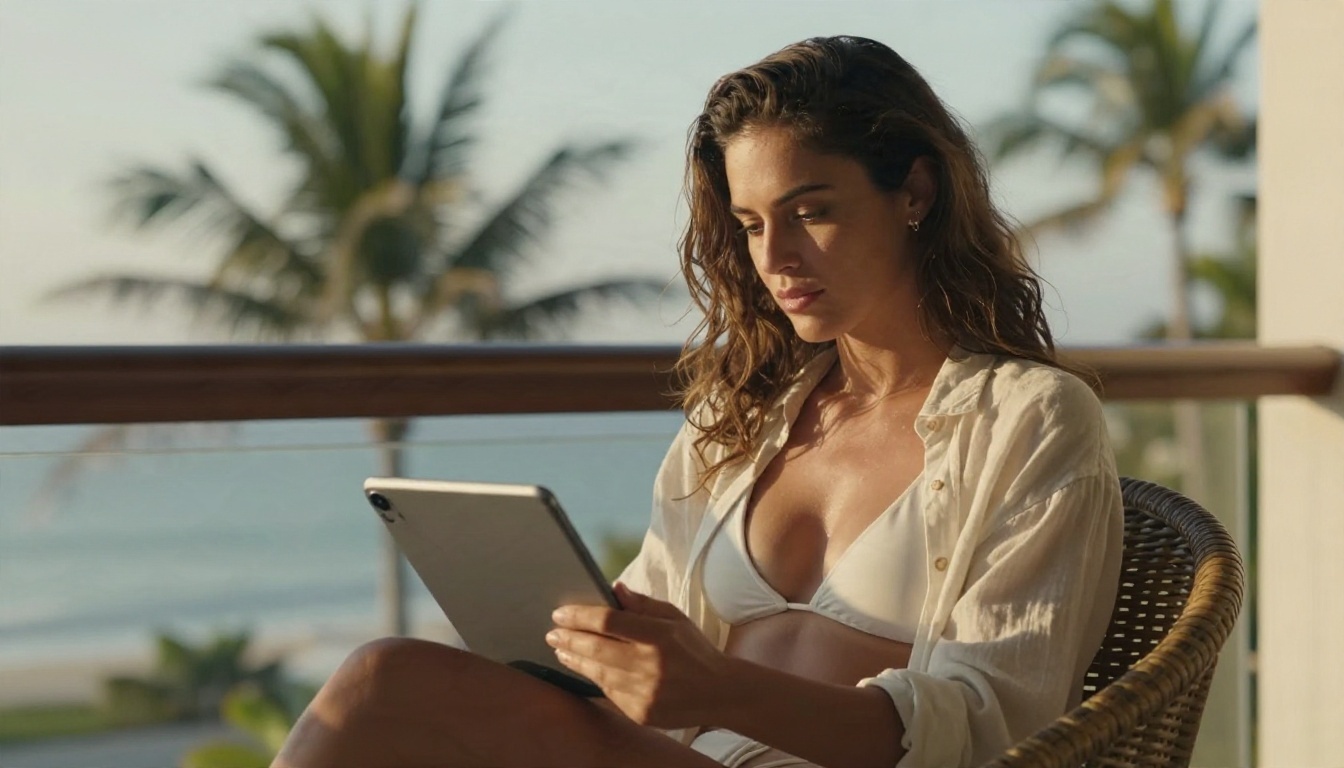
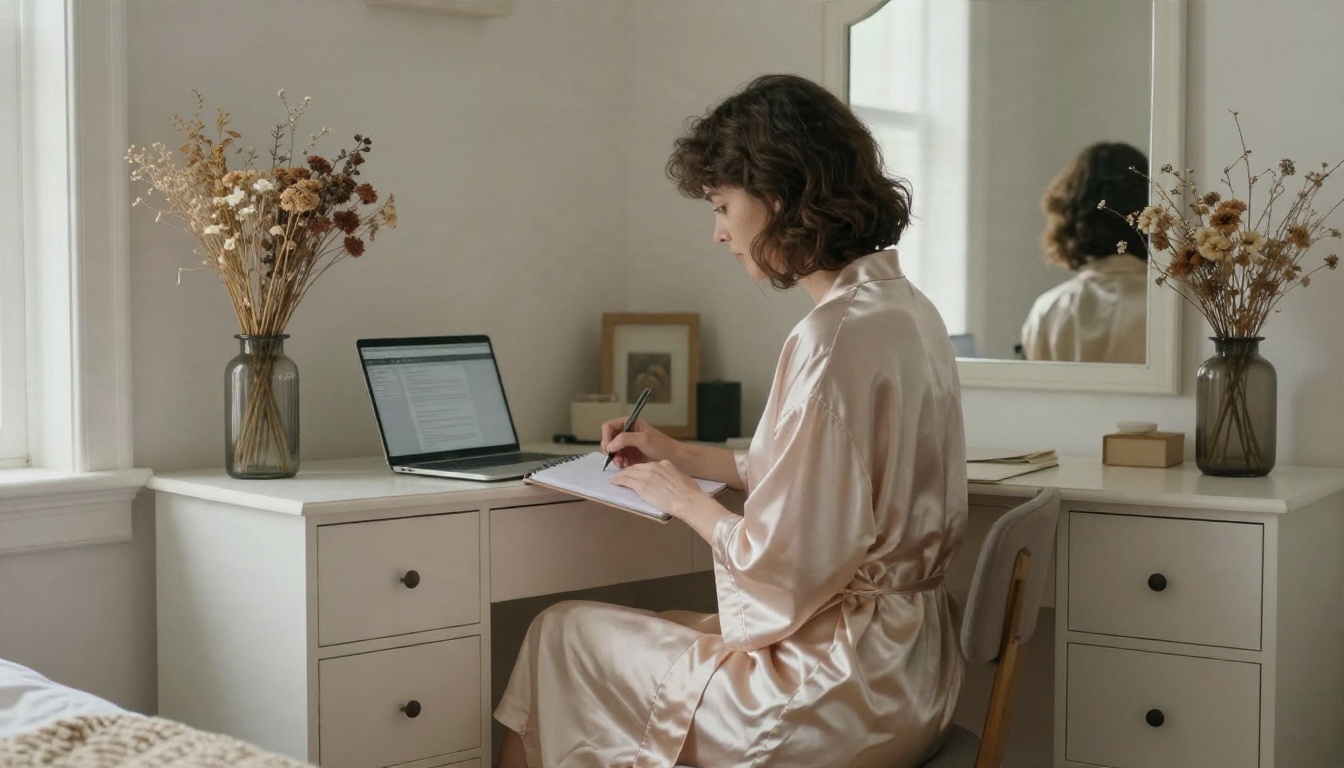
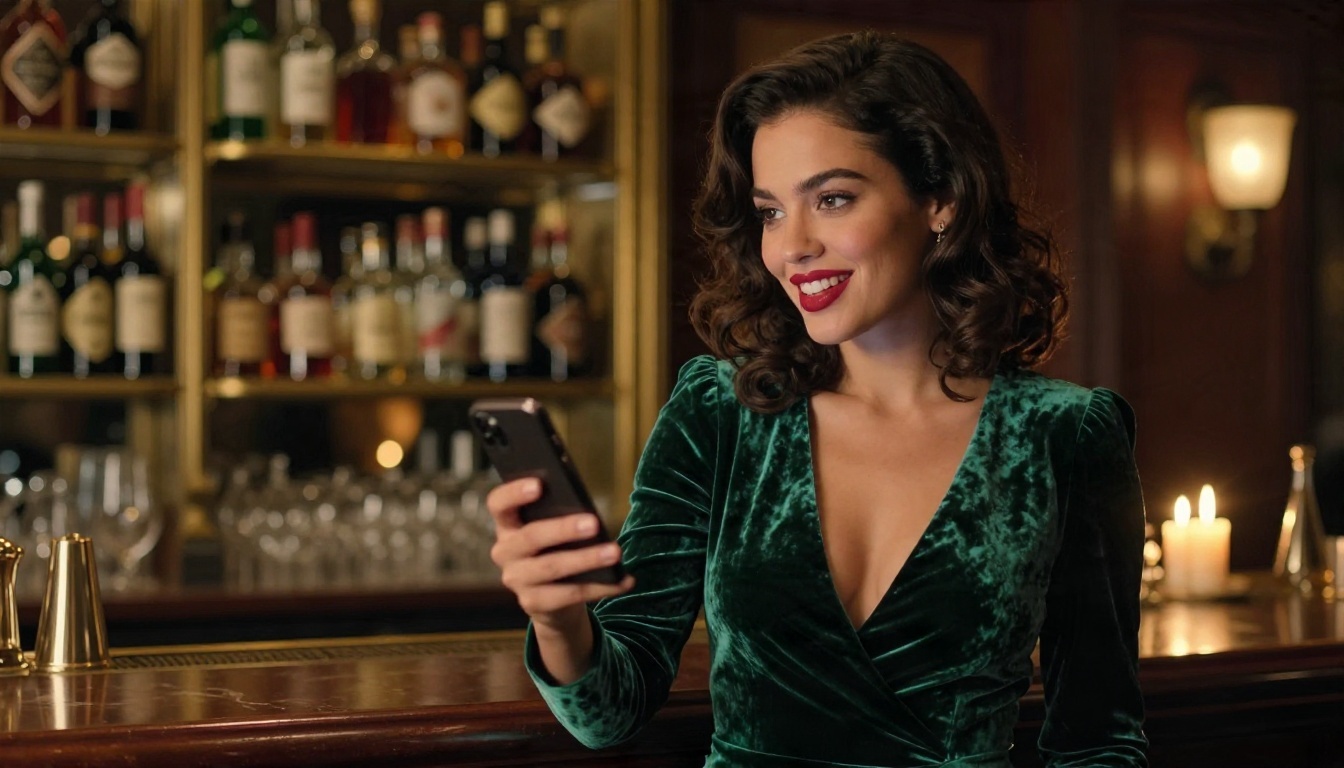
Start with a swimwear shot on a balcony, an evening dress at a bar, a robe on a lounger at sunrise. Keep the lighting specific, name the lens, describe the fabric. Small details make a face look real. When you are ready for more options, browse everything at picassoia.com/en/all-models and build the character you actually had in mind.