Most people who search for an NSFW free video tool run into the same wall: the generator accepts the prompt, thinks for a minute, and then refuses it because the word "bikini" looked suspicious. Or it hands back a watermarked three-second clip that looks like a screensaver. This article is about the opposite experience. You will see where to make suggestive, good-looking clips online without paying for every attempt, which models handle glamour and swimwear well, and exactly what to type so the result looks like a real camera shot instead of a plastic render.
One boundary up front: everything here stays suggestive and non-explicit. Think beach editorials, silk robes, evening dresses and studio glamour, all with adult subjects. That is the content these tools do best, and it is also the content that gets shared, saved and used by creators without trouble.
What "NSFW Free Video" Really Means
Suggestive is not explicit
When people type "NSFW free video" into a search bar, they usually want one of three things: a sensual swimwear clip, a boudoir or lingerie-style mood piece, or a glamour portrait that moves. None of those require explicit content. They require good skin rendering, believable fabric, soft light and slow, natural motion. That is a technical problem, not a content problem, and modern image-to-video models solve it well.
💡 Quick rule: if the idea would fit in a fashion magazine summer issue, an AI video model can animate it. If it would not, skip it. You will get better clips and fewer refusals.
Why most free tools disappoint
Free generators usually fail in four predictable ways:
- Hard caps. Two or three clips per day, then a paywall.
- Watermarks. A logo in the corner makes the clip useless for anything public.
- Over-blocking. Normal swimwear or lingerie words trigger a refusal.
- Weak motion. The subject melts, the face drifts, hands grow extra fingers.
The fix is to stop treating video as one big step. The cleanest workflow builds a still image first, checks it, and only then animates it. That is where nearly every example in this article comes from.
Where to Make NSFW Clips Online
Start with a still image
Text-to-video gives you a lottery ticket. Image-to-video gives you control. You generate one strong frame, you approve the face, outfit, lighting and composition, and the video model only has to add five or ten seconds of motion. If the still looks wrong, you fix it in seconds before spending a single video attempt.
For stills, Seedream 4.5 is the first model to try. It renders skin with real pores, handles satin and lace without smearing, and respects detailed lighting instructions. For edits and variations, PicassoIA Image Editor Pro offers unlimited generations, which matters when you are testing ten outfit colors or five crops of the same shot.
Pick a video model
Once you have a still, any of these video models can animate it. They differ in length, speed and how well they keep a face stable.
| Model | Best for | Typical strength |
|---|
| Seedance 2.5 Lite | Free, unlimited drafts up to 10 seconds | Volume and fast iteration |
| Seedance 2.5 | Longer clips, up to 30 seconds | Story-style sequences |
| Wan 3 | Cinematic camera movement | Smooth pans and dollies |
| Hailuo 02 | 1080p portrait motion | Clean body and hair movement |
| Veo 3.1 Fast | Clips with synced audio | Ambient sound like waves and wind |
| LTX 2.5 Fast | Quick turnaround | Speed when you test many ideas |
Free and unlimited options
If your goal is volume, start with Seedance 2.5 Lite for drafts and Image Editor Pro for stills. Both are built for repeated attempts, so you can burn through ten prompt variations without watching a credit counter. When one draft looks right, re-run the same still on a higher-end model for the final version.
💡 Budget trick: draft every idea on the free model, pick the best two, and only then use a premium model. You will waste far fewer generations.
Step by Step Workflow on PicassoIA
This is the routine that produces the most usable clips with the least waste.
Build the first frame with Seedream 4.5
- Open Seedream 4.5.
- Write a prompt with subject, setting, light, lens, texture, in that order.
- Set the ratio to 16:9 for landscape clips or 9:16 for vertical feeds.
- Generate three versions. Pick the one with the most natural face and clean hands.
A strong starting prompt looks like this:
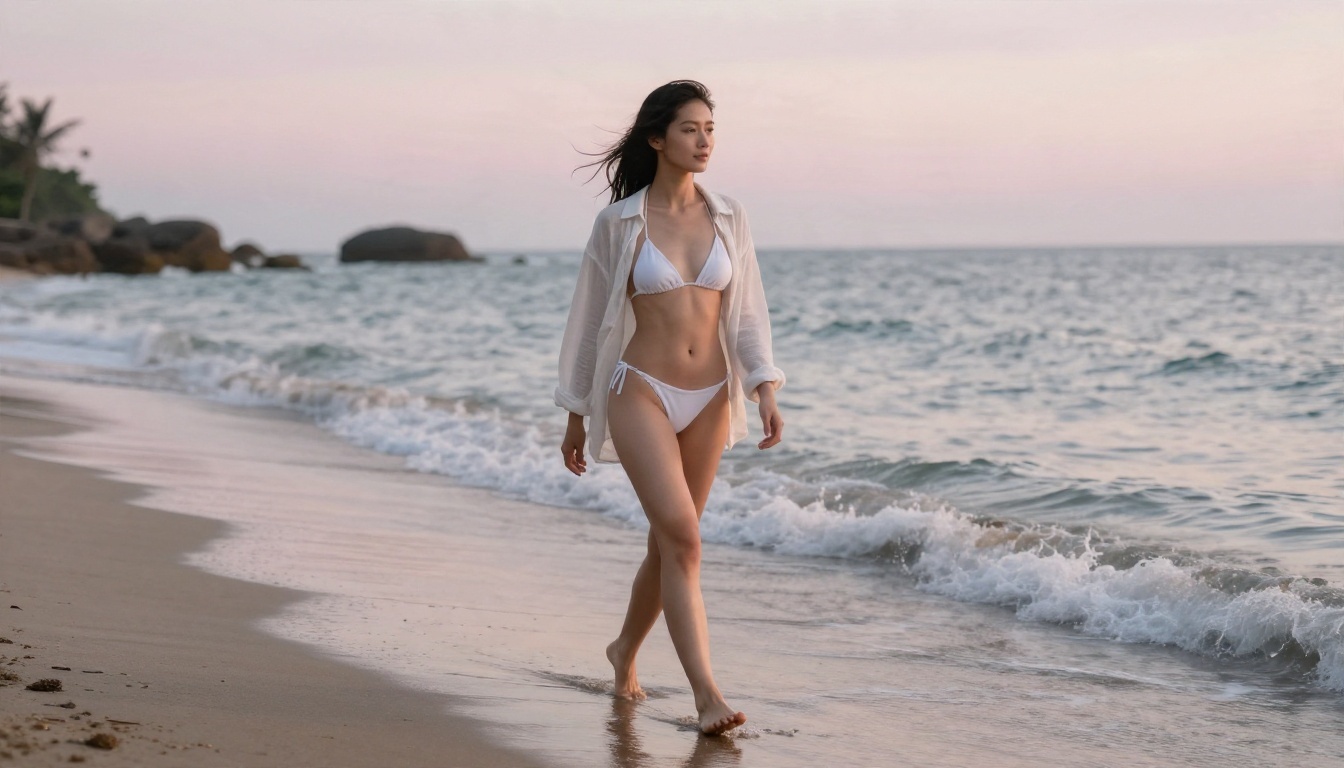
Adult woman in a black satin two-piece swimsuit standing waist-deep in a turquoise infinity pool at golden hour, hand brushing wet hair back, warm light from the left, 85mm f/1.8 lens, visible skin pores, water droplets, Kodak Portra 400 film grain.
Refine with Image Editor Pro
Open the winning frame in PicassoIA Image Editor Pro and fix the small things that become obvious in motion: a strap that sits oddly, a background object that cuts through the head, a color that clashes. Because generations are unlimited, you can try as many small edits as you like. Static flaws turn into distracting flicker once the clip plays, so this step saves time later.
Animate with Seedance 2.5 Lite
- Open Seedance 2.5 Lite.
- Upload your approved still as the first frame.
- Write a motion prompt, not a scene prompt. The image already defines the scene.
- Choose the longest duration that suits the shot. Slow moments like a hair flip or a breeze through curtains work well at 5 to 8 seconds.
- Generate, watch twice, and adjust one variable at a time.
A motion prompt for the pool frame above could read:
She lifts her hand slowly through her wet hair and turns her head toward the camera with a faint smile. Water ripples gently around her waist. Slow push-in, golden light, soft breeze.
Prompts That Work
The prompts below are written as still-image prompts first, because that is where quality is won. Each one pairs with a motion line you can paste into the video step.
Beach and pool
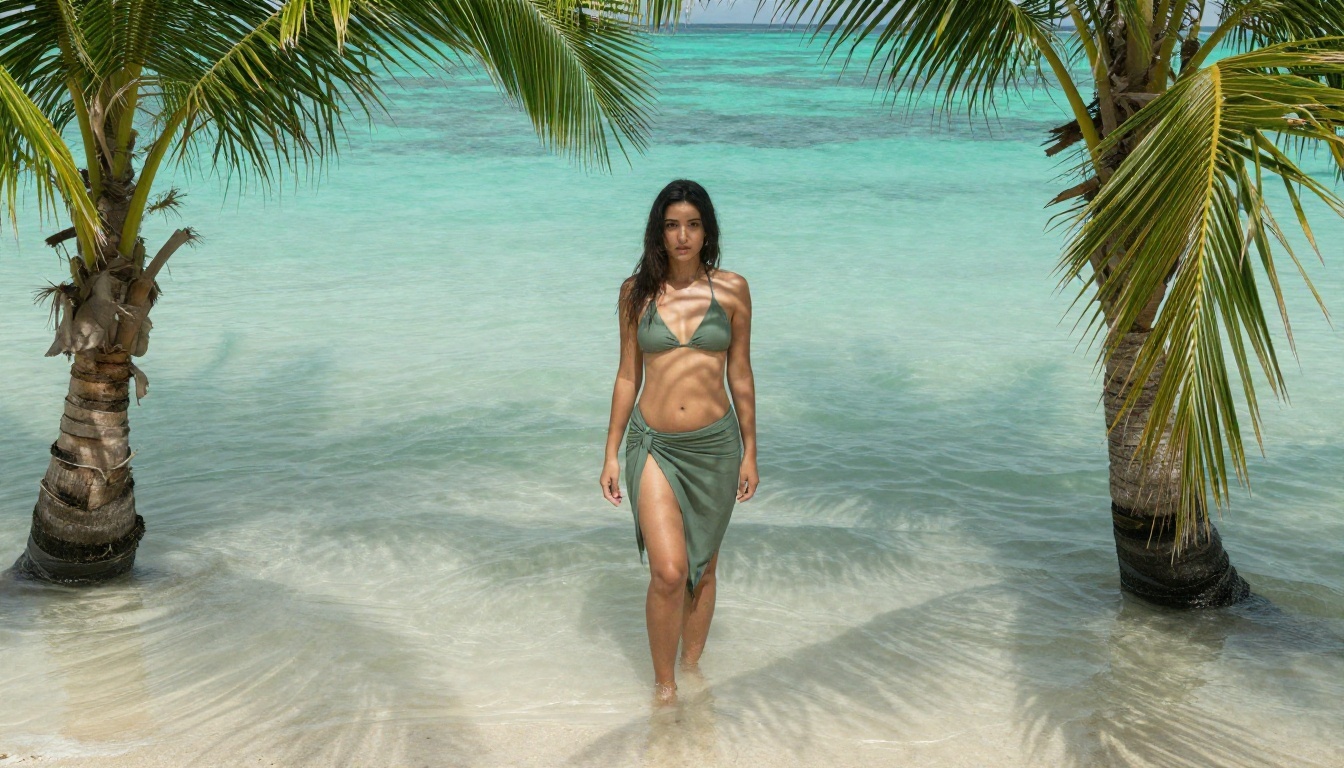
Still: Wide shot of an adult woman in a sage green bikini top and a sarong standing in a shallow tropical lagoon, palm fronds framing the frame, dappled turquoise reflections on her stomach, 28mm lens, soft overcast light, natural skin, film grain.
Motion: Small waves move past her legs, the sarong flutters, the camera drifts slowly to the right.
Why it works: the wide frame hides small face errors, and water gives the video model something natural to animate besides the subject.
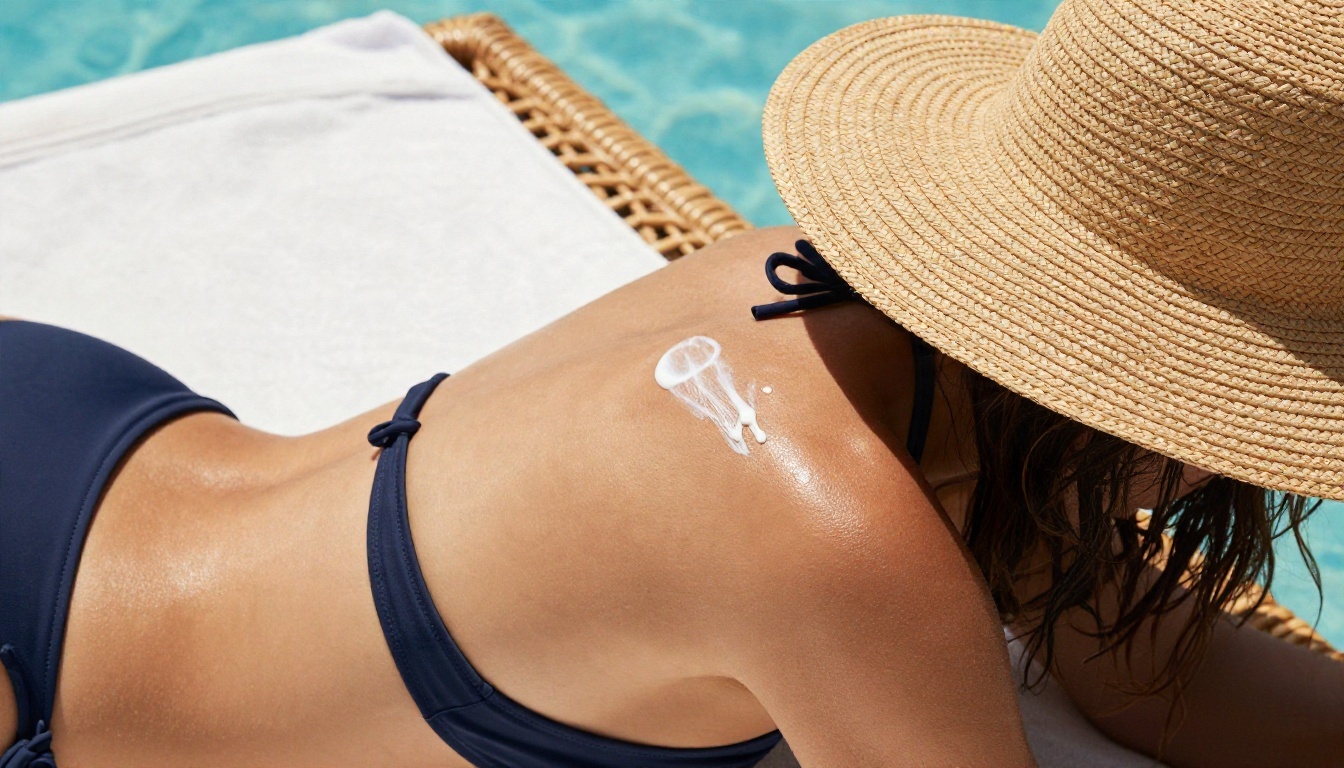
Still: Close-up from a high angle of an adult woman in a navy halter bikini and oversized straw hat applying sunscreen to her shoulder beside a rattan cabana, bright summer morning, glossy skin highlights, 70mm f/2.8.
Motion: Her hand glides along her shoulder, she tilts the hat brim up with two fingers, light flickers across her face as leaves move overhead.
Boudoir and silk
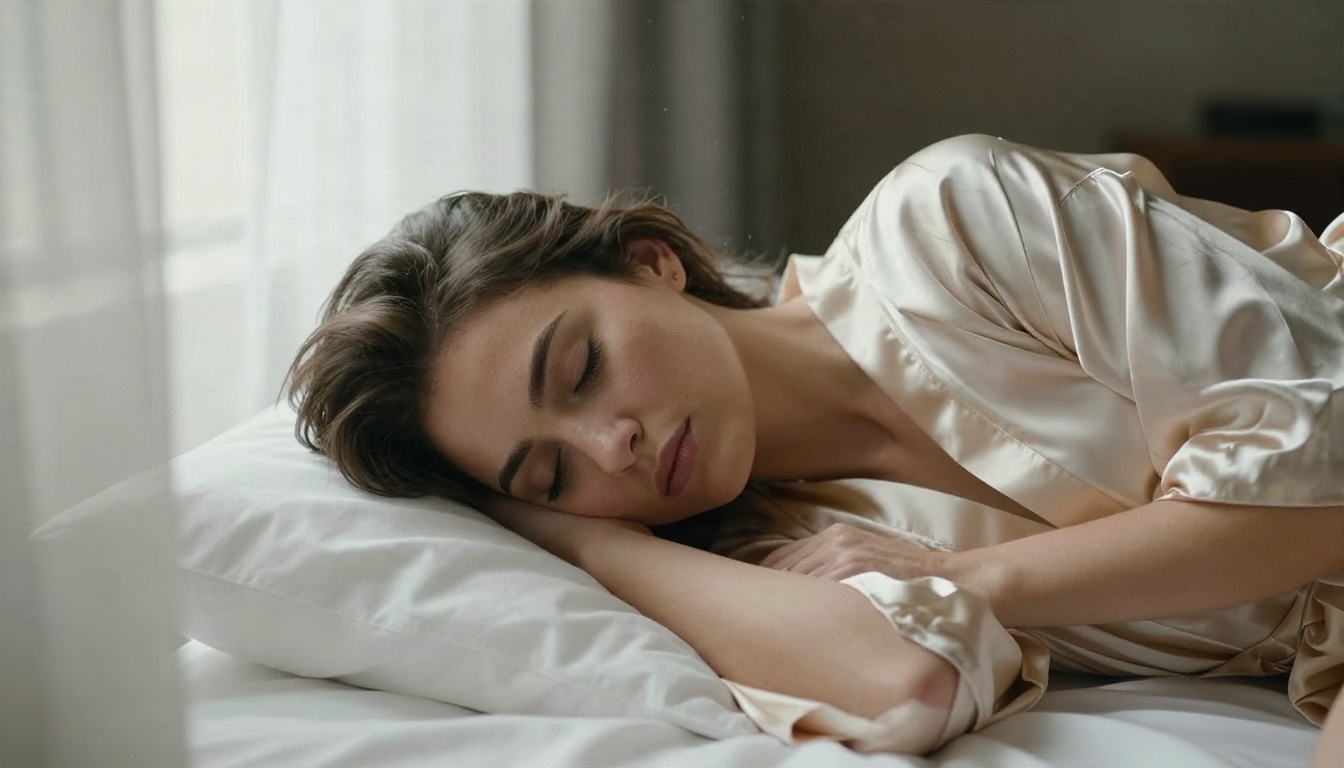
Still: Close-up of an adult woman lying on rumpled white linen in a champagne silk robe slipping off one shoulder, soft morning light through sheer curtains from the left, 85mm f/1.4, razor thin depth of field, visible pores and fabric creases.
Motion: She breathes in slowly, her eyes open and settle on the lens, the sheer curtain moves in the light, dust drifts through the sunbeam.
Boudoir clips live on subtlety. Keep movement small. A slow blink does more than a dramatic turn.
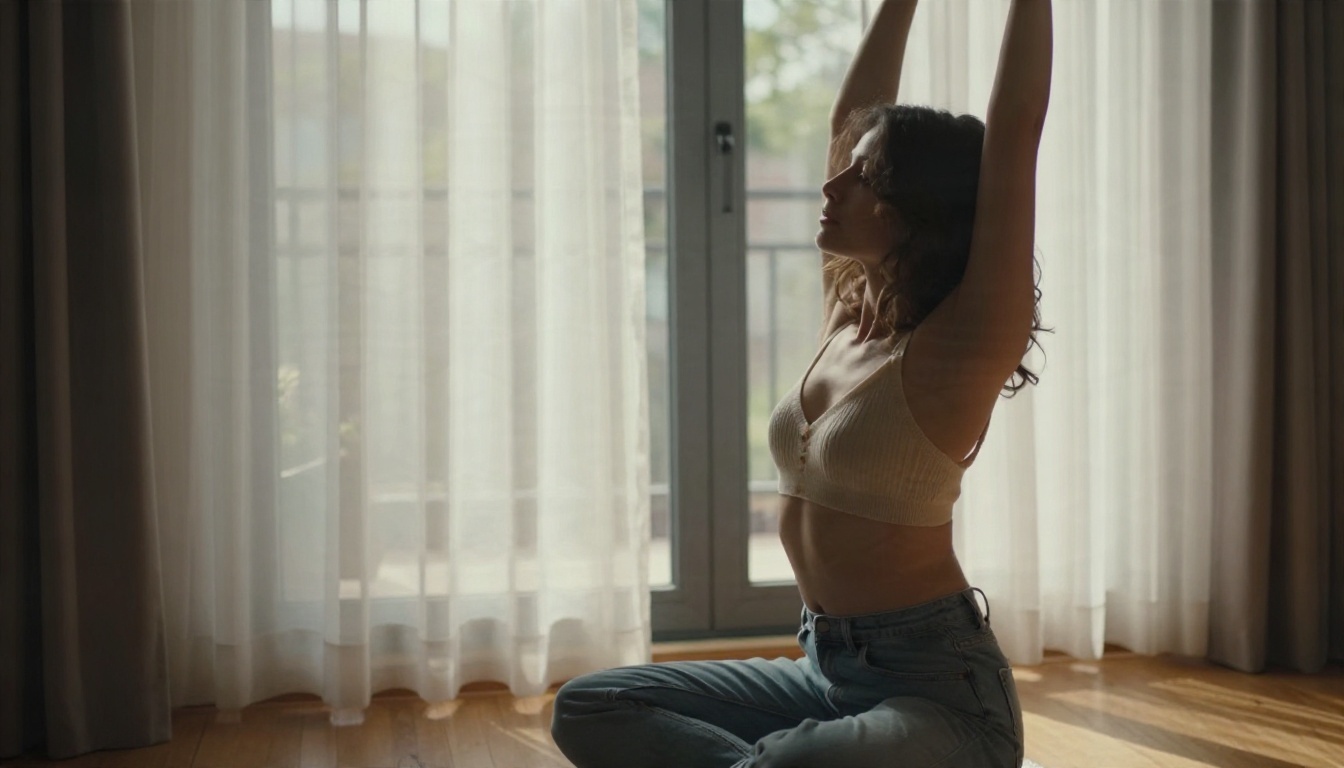
Still: Profile view from a low angle of an adult woman in a cream knit bralette and high-waisted jeans stretching beside a large bedroom window, sheer curtains billowing, warm afternoon light from the right, 50mm f/1.6.
Motion: She lifts her arms overhead in a slow stretch, curtains swell inward, light shifts across her skin.
Evening and city
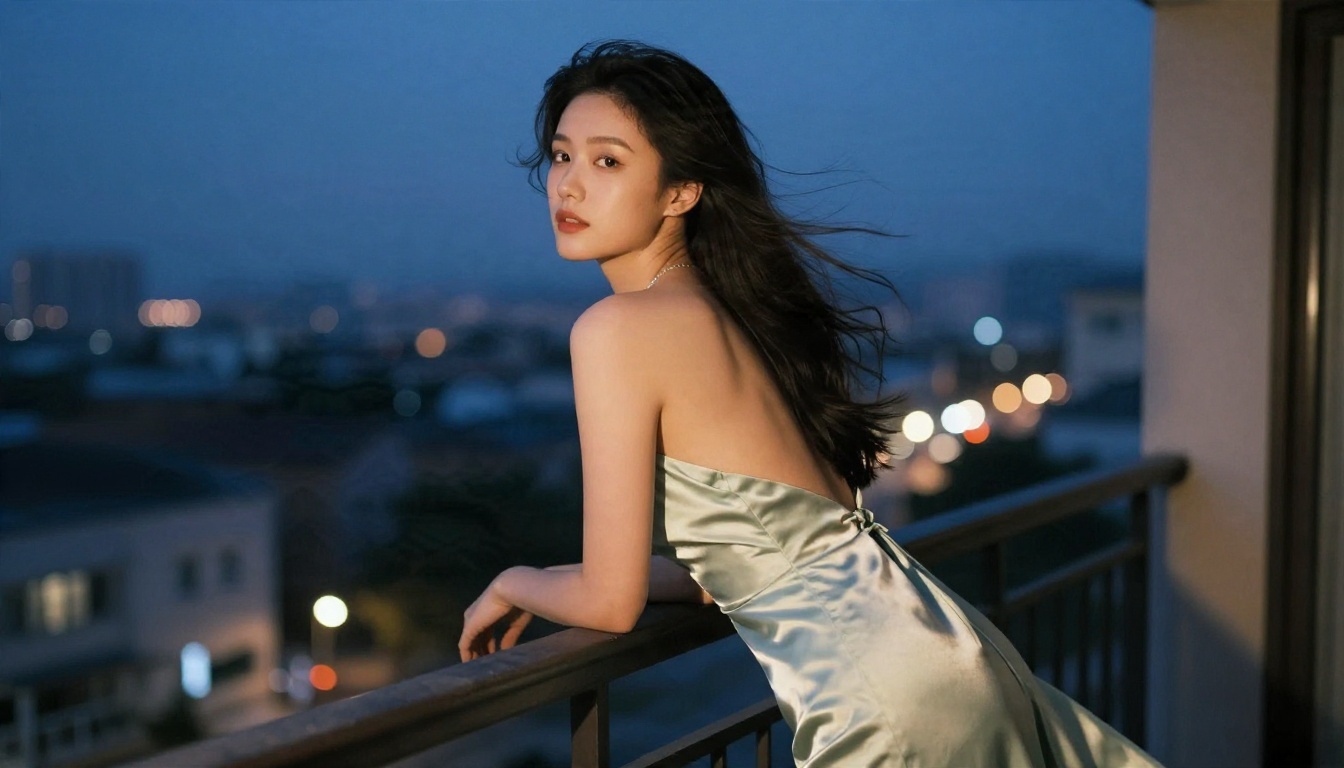
Still: Three-quarter rear view of an adult woman in a backless emerald dress leaning on a hotel balcony railing at blue hour, city lights blurred below, warm lamp light from the doorway, 50mm f/1.8.
Motion: Wind lifts the hem of the dress, she glances over her shoulder, the city lights shimmer softly behind her.
Studio glamour
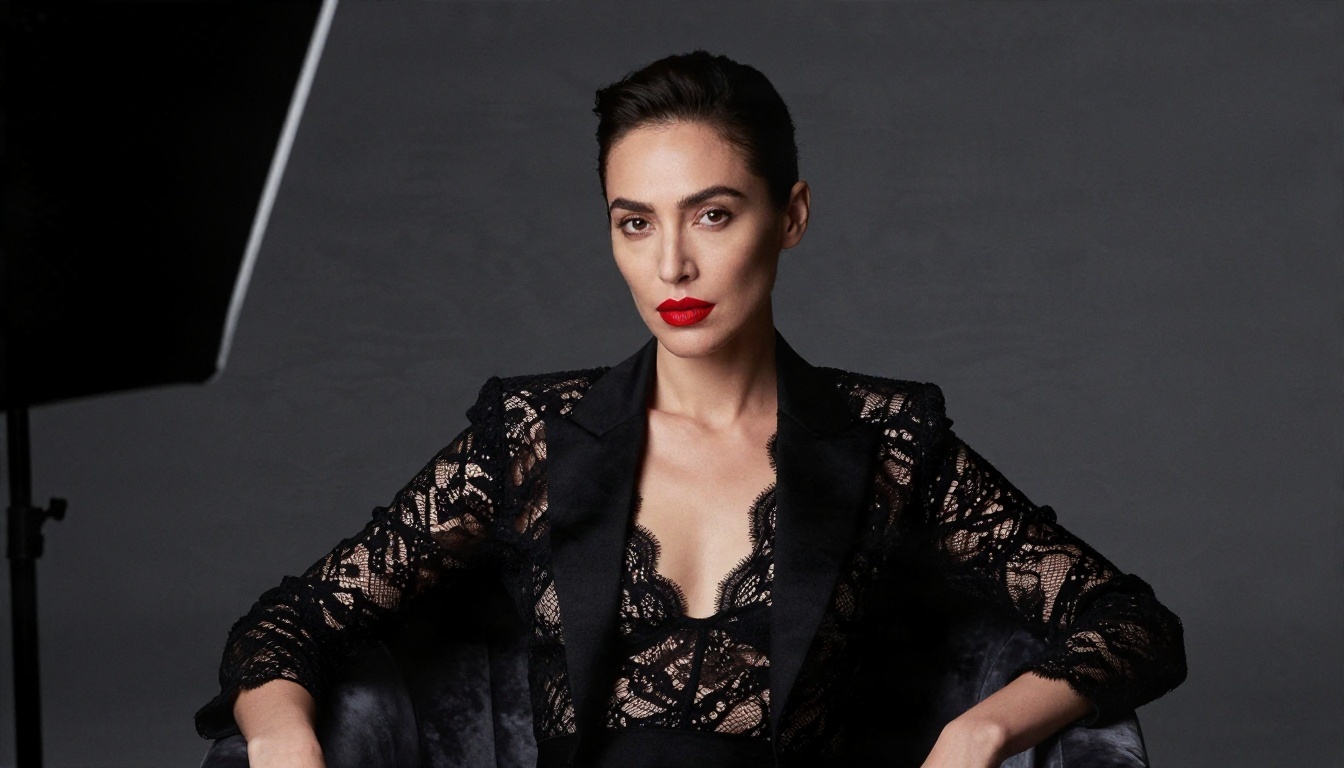
Still: Studio portrait of an adult woman with a sleek low bun and red lips in a black lace bodysuit under an open blazer, seated on a velvet armchair against a charcoal backdrop, one large softbox from camera right, 105mm f/2.
Motion: She crosses one leg over the other, tilts her chin down then up, locks eyes with the camera. Very slow dolly-in.
Studio shots are the most forgiving for beginners because the background is simple and the light is controlled.
Motion Words That Actually Help
Video models respond to a small vocabulary. Use these, and keep each prompt to one or two actions.
| Goal | Words to use | Words to avoid |
|---|
| Soft movement | slowly, gently, drifting, faint | rapidly, wildly |
| Camera | slow push-in, gentle pan, slight orbit | shaky, whip pan |
| Hair and fabric | lifts in the breeze, flutters, settles | explodes, flies |
| Face | slow blink, small smile, glance to camera | extreme expressions |
| Light | shifting sunlight, moving shadows | flashing, pulsing |
💡 One action per clip. A single clean motion beats a list of five. Models handle "she turns her head and smiles" better than "she dances, spins, walks and laughs."
Mistakes That Ruin Clips
Over-writing the prompt
Long motion prompts confuse the model. If the still already shows a woman by a pool, do not describe the pool again. Describe only what changes.
Ignoring hands and edges
Hands, straps, jewelry and hair edges are the first things to glitch. Check them in the still before animating. Fixing a hand in the image editor takes seconds, fixing it in video takes many retries.
Chasing big movement
Large body motion is where face drift and limb errors appear. For a believable result, let the world move around the subject: water, wind, light, curtains, camera.
Skipping the lens language
"85mm f/1.8" and "Kodak Portra 400 film grain" are not decoration. They tell the model to render shallow focus and soft natural color, which is what separates a photographic look from a glossy artificial one.
Judging on the first output
Models vary from run to run. Generate two or three drafts, then pick. This is exactly why free, unlimited draft options matter.
A few practical points keep your work safe to share:
- Adult subjects only. Always describe the subject as an adult woman or man, and keep the styling clearly adult and tasteful.
- No real people. Do not use a photo of a real person without their clear consent. Do not recreate celebrities or someone you know.
- Stay non-explicit. Social platforms and ad networks remove explicit content quickly. Suggestive, well-lit swimwear and glamour clips survive and perform.
- Label AI content where a platform asks for it.
- Check your local law if you plan to sell or advertise the clips.
Make Your First Clip Today
You do not need a studio, a model or a budget to produce a good-looking clip. You need one strong still, one short motion line and a few drafts to compare. Start with Seedream 4.5 for the first frame, clean it up in PicassoIA Image Editor Pro, then animate it with Seedance 2.5 Lite. When a draft is ready for a final pass, try Wan 3, Hailuo 02 or Veo 3.1 Fast on the same frame.
Pick one of the prompts above, change the outfit color or the location, and run it. Ten minutes of testing will teach you more than any list of tips. When you want to see what else is available, browse every option at picassoia.com/en/all-models and build your own set of clips with PicassoIA.


