If you typed "NSFW Grok free" into a search bar, you probably want one of two things: a way to make suggestive, attractive images with Grok without paying, or a straight answer on whether that still works. Here is the short version. Free access to Grok's spicy side has shrunk a lot in 2026, the filters are tighter than the headlines from 2025 suggest, and the smartest move for most people is to keep Grok for what it does well and run glamour content through tools built for it.
This article lays out what actually happens when you try, where the walls are, and which free alternatives give you bikini, boudoir and editorial-style results without the friction. Everything here stays on the non-explicit side: suggestive, stylish, magazine-quality imagery. No pornography, no real people, adults only.

What "NSFW Grok" Actually Means
When people say NSFW Grok, they almost always mean Grok Imagine, the image and short video generator built by xAI and tied to the Grok app and X. Its early reputation came from a "spicy" mode that allowed more suggestive output than most mainstream generators.
That reputation is the reason the search term exists. It is also the reason the experience has changed so much since.
Grok Imagine in one paragraph
Grok Imagine turns text prompts into images and turns images into short clips with audio. It is fast, it follows prompts well, and it handles photoreal skin and lighting nicely. The consumer app version produces roughly six-second clips at 720p, and those carry a visible watermark.
What spicy mode was
Spicy mode was a toggle that loosened the default filter. It made Grok popular among people who wanted glamour and lingerie-style content without hunting for niche tools. It also drew heavy criticism after reports of misuse, including deepfake-style images of real people.
💡 Worth stating plainly: generating sexualized images of real people without consent is harmful and, in many places, illegal. Everything in this article assumes fictional adult subjects.
Is NSFW Grok Free in 2026?
Mostly no. Based on what I could find in recent reporting, the picture looks like this, though sources do not fully agree and xAI changes terms often, so check the current rules in the app before you commit to anything.
- January 2026: after a wave of criticism over explicit deepfakes, image generation was reportedly limited to paying subscribers and extra safety filters were added.
- March 2026: several sources say free Imagine access was cut, so free accounts got zero or almost zero generations.
- Paid tiers: a SuperGrok subscription (around 30 dollars a month) brings access back with higher limits, but the filter still applies.
- Spicy mode: reports describe it as pushed toward the mobile apps for paying users, restricted by region, and tuned down to something close to PG-13.
So the honest answer to "is it free" is: not reliably, and not in the way the old tutorials describe. Any page that promises unlimited free spicy Grok is either outdated or selling something.
Why free tiers keep disappearing
Image and video generation is expensive to run. Add moderation costs, legal pressure and public backlash, and a free spicy tier becomes a liability. Expect the pattern to continue: more verification, more paywalls, more filtering.
Scams and fake "unlimited" sites
Search results for this topic are full of clone sites that claim to offer free uncensored Grok. Most of them ask for logins, payment details or app installs. Treat them with suspicion. A real service has a clear company, a clear pricing page and a clear content policy.
What Still Works on Grok
Not everything is blocked. If you stay inside the filter, you can still get attractive, polished results.
Prompts that usually pass
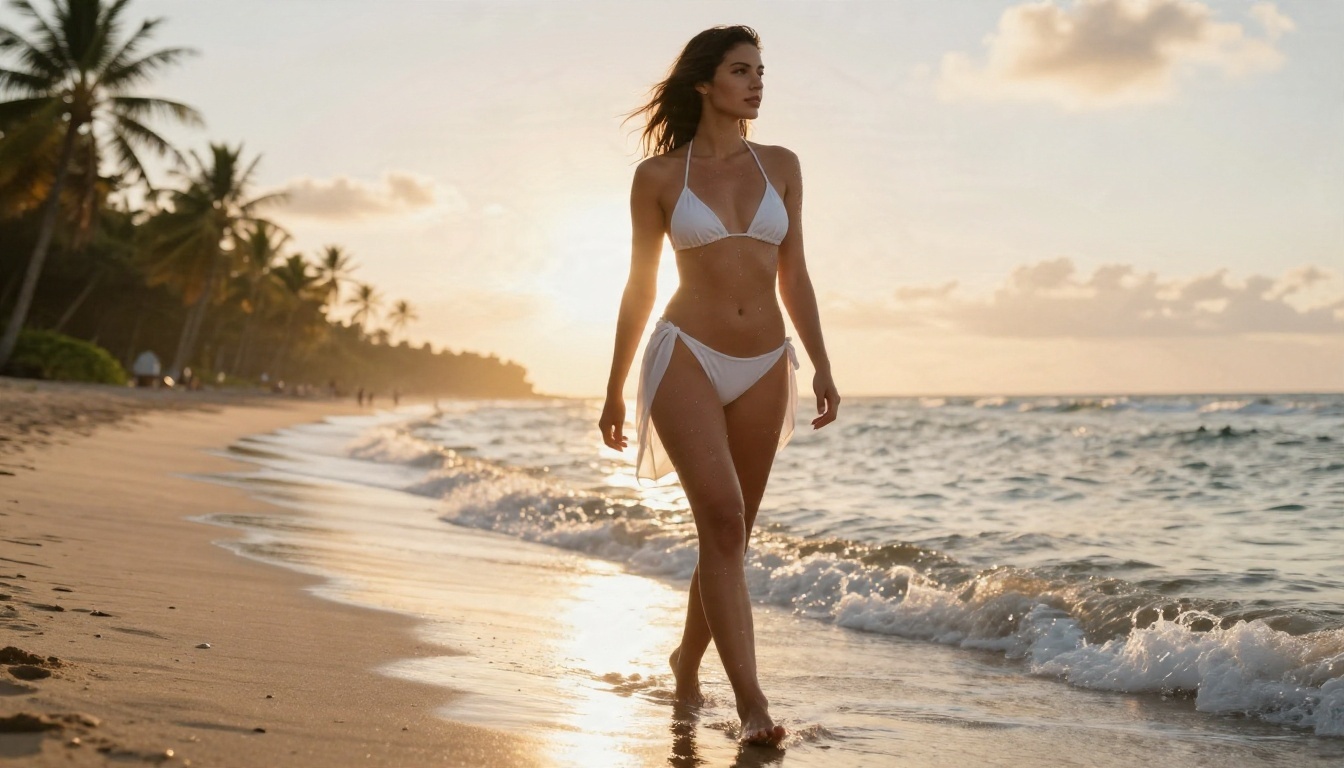
- Swimwear on beaches, pools and boats
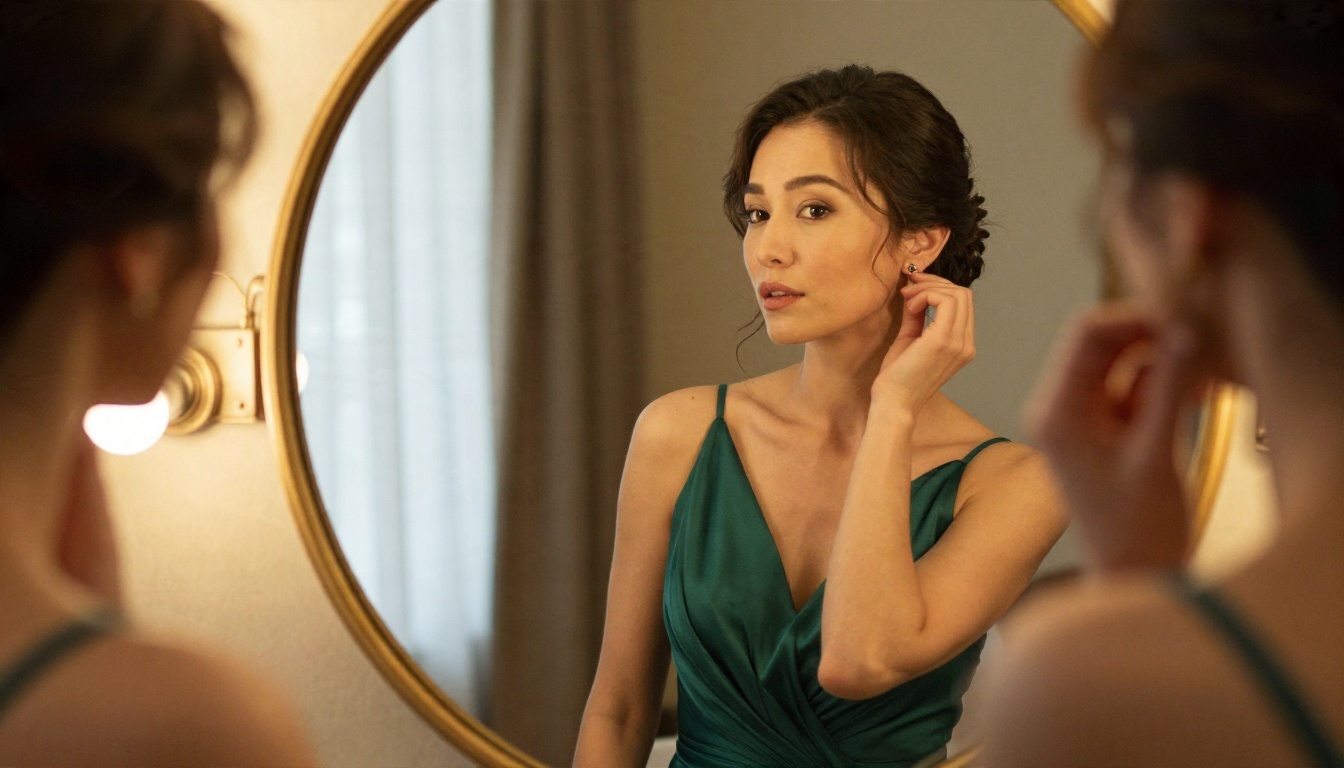
- Fashion editorial shots, evening gowns, lace details seen in portraits
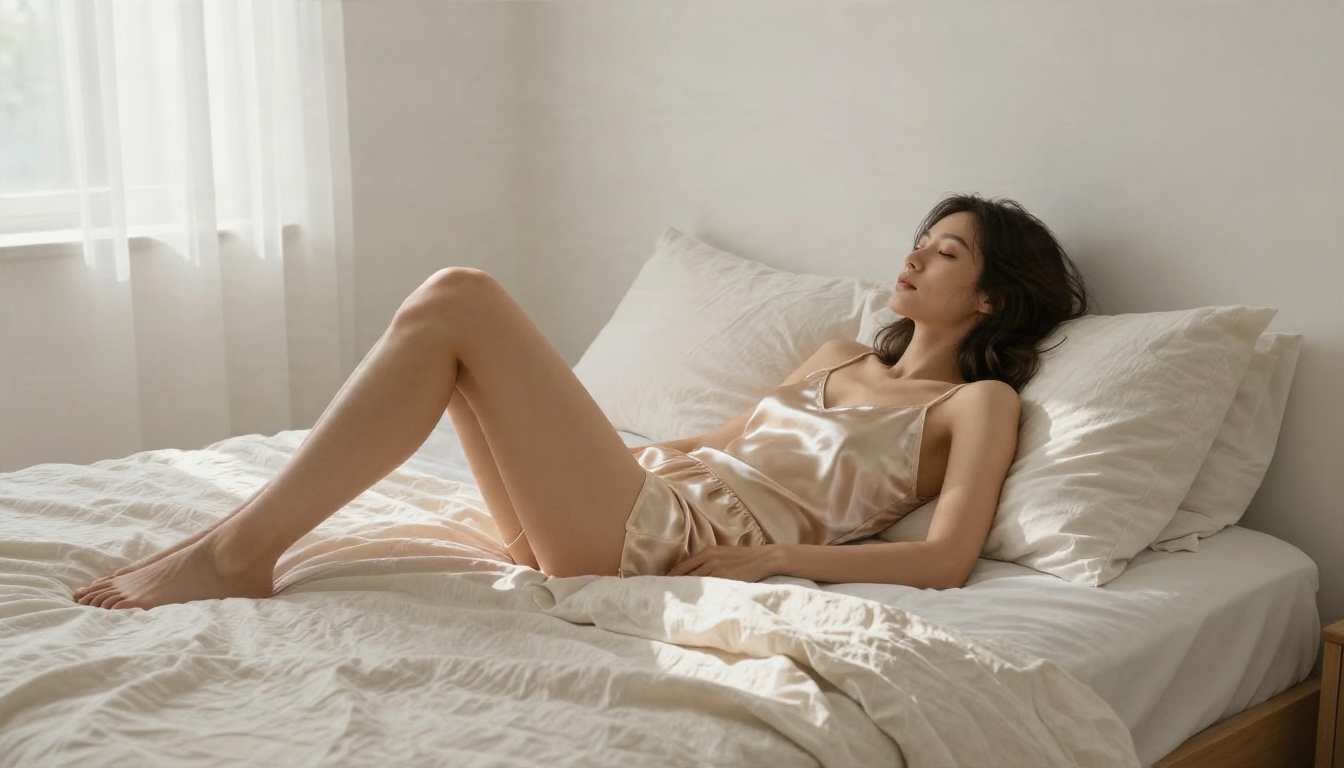
- Boudoir-style scenes with implied, covered poses
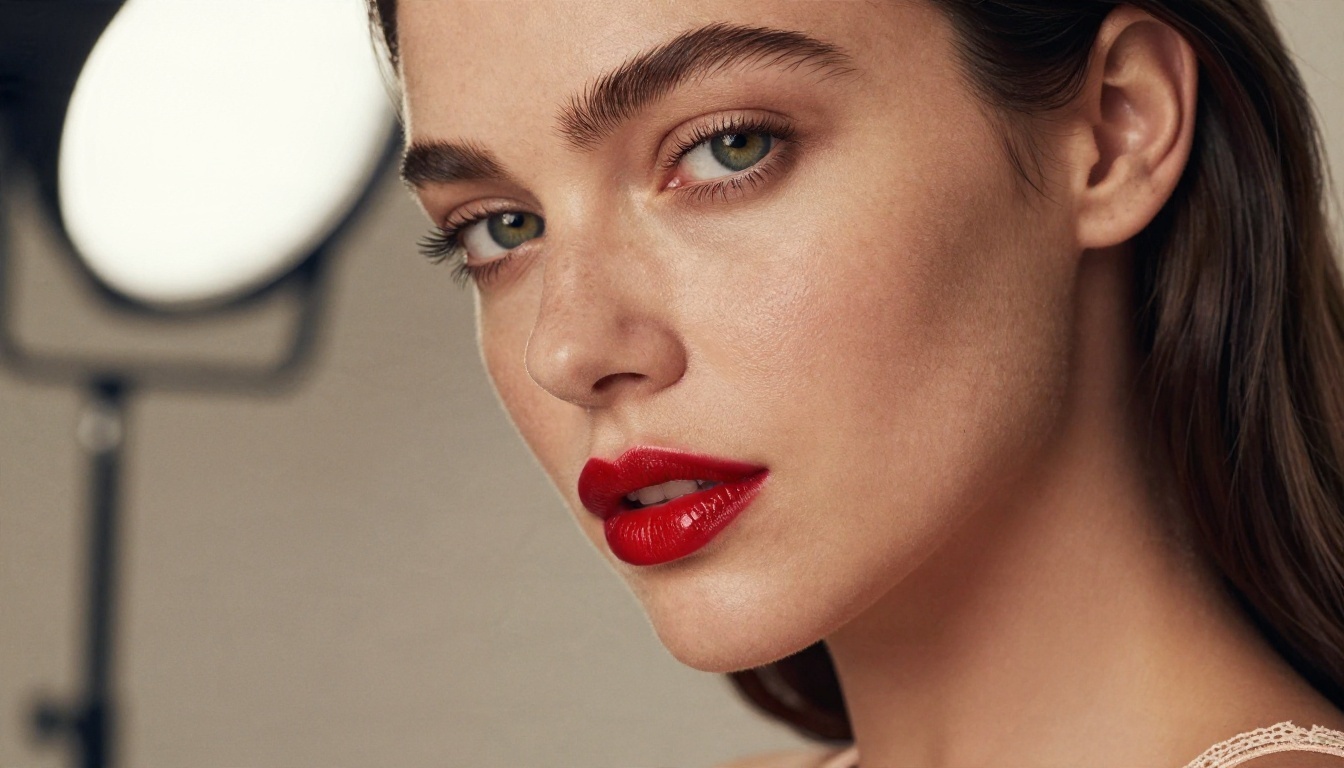
- Beauty close-ups with strong lighting
The trick is to write like a photographer, not like a request for something forbidden. Name the lens, the light, the location and the fabric. Prompts that read like a shoot brief get through more often than vague, loaded ones.
Prompts that get blocked
Anything explicit, anything that names or resembles a real public figure, anything involving minors or youthful-looking subjects, and anything the system reads as sexual violence. Even borderline wording can trigger a refusal or a blurred, toned-down result.
💡 Tip: if a prompt gets refused, do not hammer the same wording ten times. Change the framing: add a location, a lens, a clothing description, and a calm mood. The filter reads context, not just single words.
The Real Limits You Will Hit
Even when you get a result, there are friction points that matter for anyone producing content regularly.
| Limit | What it means for you |
|---|
| Paywall | Free users get little or nothing; real volume needs a subscription |
| Moderation | Results can be refused, softened or silently altered |
| Watermark | Consumer clips carry a visible mark |
| Clip length | Short videos of about six seconds at 720p |
| Regional rules | Some features depend on country and app platform |
| Policy changes | What worked last month may fail today |
Inconsistency is the biggest annoyance
The same prompt can pass on Monday and fail on Thursday. That makes it hard to build a repeatable workflow, which is a problem for creators, designers and anyone planning a batch of images.
Platform lock-in
Your access depends on one company's decisions. If they change the filter, raise the price or remove a feature, your workflow breaks with no warning.

Free Alternatives That Deliver
This is where PicassoIA comes in. The platform hosts dozens of image and video models in one place, so you are never tied to a single filter or a single company's mood. For suggestive, glamour-style, non-explicit content, here is the order I would try them in.
1. Seedream 4.5 first
Seedream 4.5 is the model I would start with. It produces sharp, photoreal 4K images, handles skin, fabric and lighting with real discipline, and is far more relaxed about swimwear, lingerie-style and boudoir prompts than mainstream tools. If your goal is the look people originally wanted from spicy Grok, this gets you closest.
2. PicassoIA Image Editor Pro
PicassoIA Image Editor Pro offers unlimited generations, which is the thing free Grok no longer gives you. It works both for creating new images and for editing existing ones: swap an outfit, change a location, fix lighting or adjust a pose. Because there is no meter running, you can iterate freely until the shot looks right.
3. Other models worth testing
Where Grok models fit on PicassoIA
Grok is not absent here. Grok Imagine Image 2, Grok Imagine Image Quality and Grok Imagine Video 1.5 are all available. They are excellent for general photoreal work and animating stills with audio, but they keep their own content rules, so do not expect them to behave like the old spicy mode. For adult-leaning, non-explicit glamour, use Seedream 4.5 and Image Editor Pro, and keep the Grok models for everything else.
💡 Quick comparison: Grok is polished but restricted and increasingly paid. Seedream 4.5 is the better creative fit for glamour. Image Editor Pro wins on volume because generations are unlimited.
How to Use Seedream 4.5 on PicassoIA
If you want the closest replacement for what spicy Grok used to offer, this workflow is quick and repeatable.
Step 1: Open the model
Go to the Seedream 4.5 page and open the generator.
Step 2: Write a photographer's prompt
Describe five things: the subject and pose, the location, the light direction, the lens, and the texture details. For example: an adult woman in a champagne silk camisole reclining on ivory linen, soft morning light from a sheer window on the left, 50mm lens at f/1.8, visible fabric folds, natural skin texture, Kodak Portra 400 grain.
Step 3: Set the format
Choose a 16:9 ratio for landscape scenes or 3:4 for portraits. Pick the highest resolution offered if you plan to print or post on a large screen.
Step 4: Generate and compare
Create three or four variants. Look at hands, fabric edges and lighting direction. Pick the strongest one rather than polishing the first.
Step 5: Refine in Image Editor Pro
Take the best result into Image Editor Pro to swap an outfit, adjust the background or tidy small details. Since generations are unlimited, you can keep going until it is right.
Parameter tips
| Setting | Recommendation |
|---|
| Prompt length | 50 to 90 words, specific and concrete |
| Lighting | Name a direction: "from the left", "backlit golden hour" |
| Lens | Mention 35mm, 50mm or 85mm for natural perspective |
| Skin | Ask for visible pores, freckles and natural sheen |
| Style | Add "film grain" and a stock like Kodak Portra 400 |
| Avoid | Words like "perfect", "flawless", "airbrushed" which flatten skin |
Good glamour work is about restraint. Suggestion beats exposure every time, and it also keeps you comfortably inside every platform's rules.
The bikini and resort formula
[Adult woman] in a [colour] bikini, [location: beach, pool, boat deck], [time of day] sunlight from [direction], water droplets on skin, [lens], film grain. Swap the location and the colour and you get a whole collection that feels like one photo shoot.
The boudoir formula
[Adult woman] in a [silk or lace] set, reclining on [linen or velvet], diffused window light, bedsheet draped, implied pose, [lens], shallow depth of field. The word "implied" and the soft light keep it elegant.
The editorial formula
[Adult woman] in [evening gown, backless dress, tailored shirt], [dressing room or studio], mixed warm light, [lens], documentary realism. This is the safest category and often the most striking.
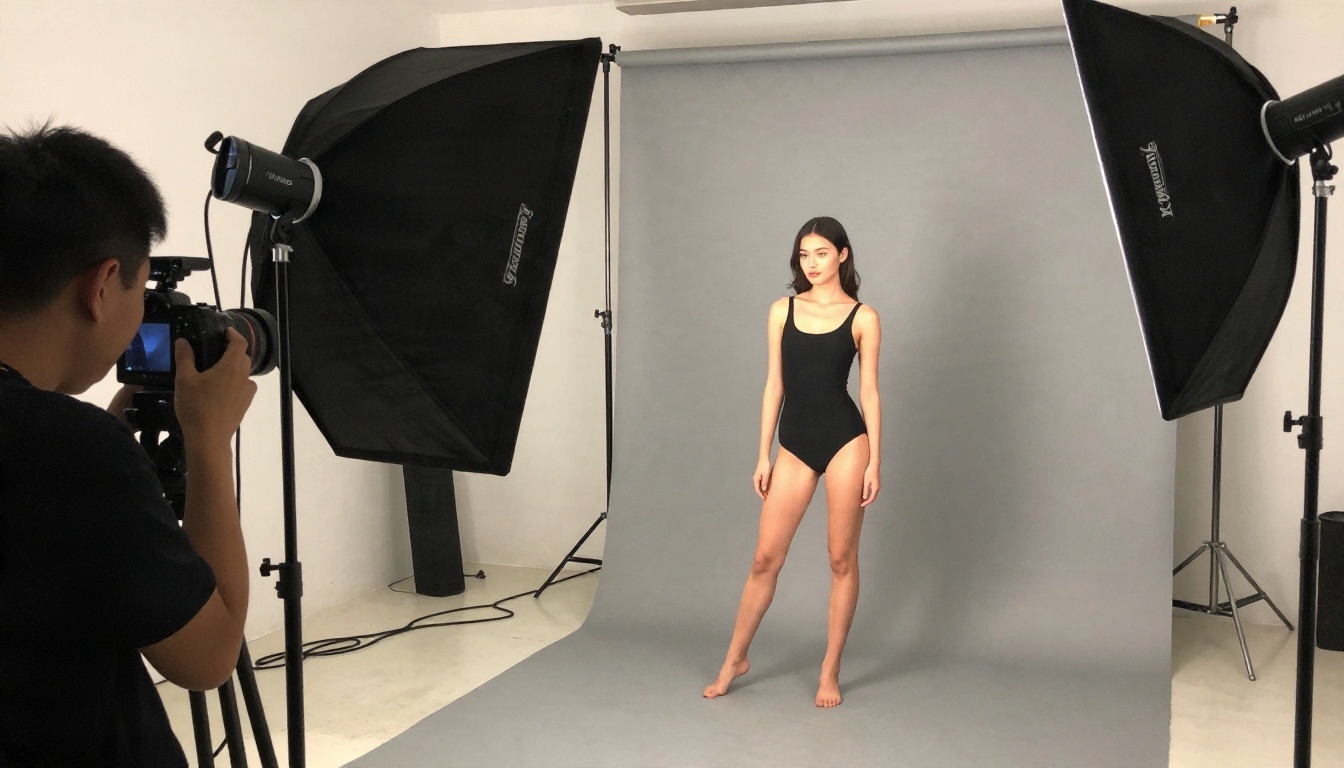
Common mistakes to avoid
- Stacking too many adjectives. Three precise details beat ten vague ones.
- Skipping the light. Without a light direction, images look flat and artificial.
- Ignoring hands and edges. Check fingers, straps and hems before you save.
- Using real names. Never prompt with a real person's name or likeness.
- Chasing a single prompt. Change one variable at a time and compare.
Adding Motion Without Paying for Grok
Grok's pitch was always image plus short video with sound. You can build the same pipeline with free tools on PicassoIA.
Animate your best still
Take a finished still, such as a beach walk or a sailboat deck, and send it to a video model. Grok Imagine Video 1.5 handles image-to-video with audio, and LTX 2.5 Fast is a quick option for speedy clips. Keep motion prompts gentle: hair moving in the wind, waves at the ankles, a slow camera push.
Keep the same style across clips
Use the same lens language and lighting words in every prompt. A consistent look makes a set of clips feel like one production rather than a pile of random generations.

Safety Lines Worth Keeping
Whatever tool you use, a few lines should stay fixed.
- Adults only. Every subject should be clearly an adult, in description and in appearance.
- No real people. No celebrities, no private individuals, no look-alikes.
- No explicit content. Stay with suggestive, tasteful framing.
- Label AI work. If you publish, say that the images are AI-generated.
- Respect each platform's rules. Social networks have their own limits on swimwear and lingerie imagery.
These habits protect you, protect other people, and keep your accounts from getting flagged.
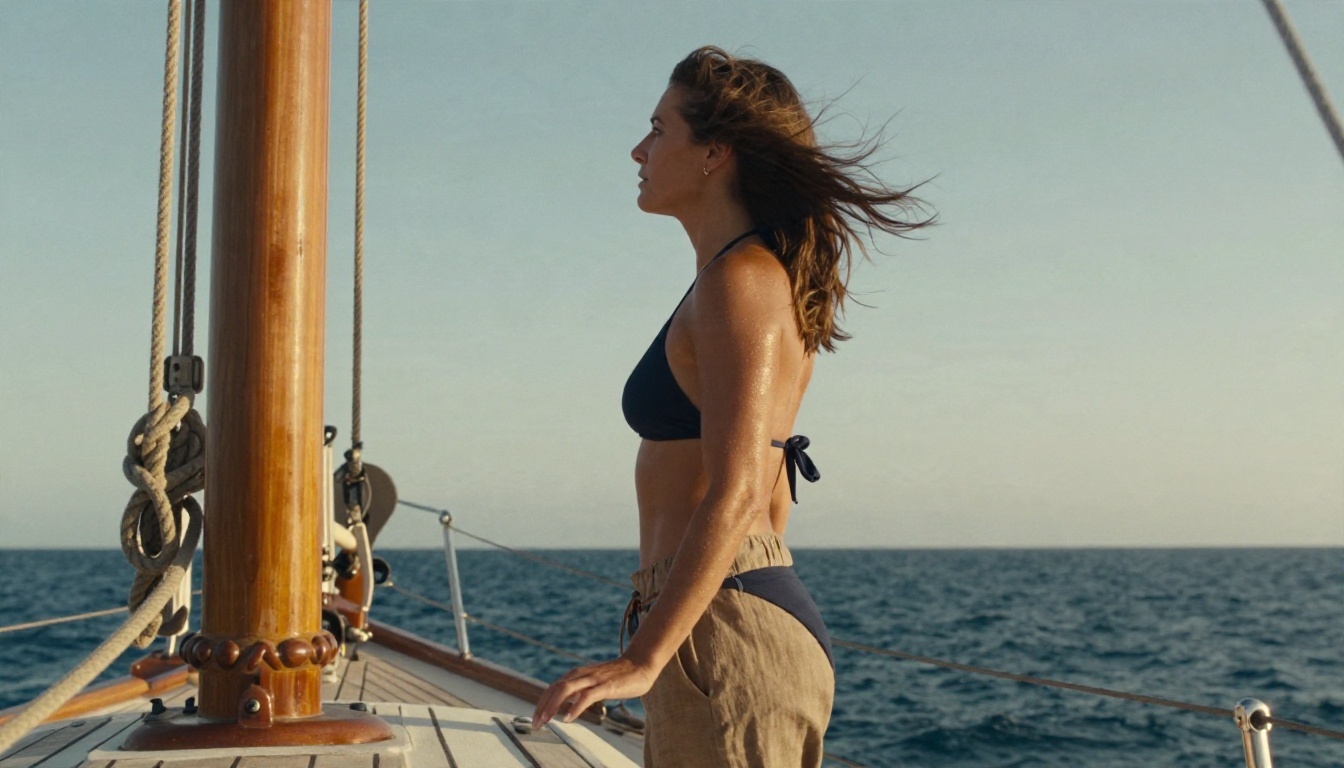
Which Option Fits You?
Try It Yourself Today
You do not need a subscription, a mobile-only toggle or a lucky day with the filter to produce striking glamour imagery. Start with a single photographer-style prompt in Seedream 4.5, polish it in PicassoIA Image Editor Pro, and then animate your favorite result if you want motion.
Run five prompts, change one detail each time, and see which look is yours. When you are ready for more options, browse the full catalog at picassoia.com/en/all-models and pick the model that fits your next idea. Fast, unlimited and uncensored by the arbitrary limits of a single platform: that is the real value of having everything in one place.


