Most people who search for an NSFW image generator hit the same wall within five minutes: a paywall, a blurred preview, or a result that looks like plastic. The tools are not the only problem. Weak prompts and default settings ruin more images than any filter does. This article sorts out which free online options are worth your time, which prompts produce suggestive, attractive, photorealistic results, and which settings make the difference between a flat render and a picture that looks shot on film.
One boundary up front: everything here is about non-explicit glamour. Think bikinis, boudoir, silk, evening wear, beach light and magazine-style portraits of adults. It is about aesthetics, not pornography.
What an NSFW Image Generator Does
An NSFW image generator is a text-to-image model (or a service wrapped around one) that accepts prompts about swimwear, lingerie, sensual portraits and glamour scenes without refusing them outright. Many mainstream generators block anything remotely suggestive. The ones that don't are what people mean by "NSFW" or "uncensored" tools.
Non-Explicit vs Explicit
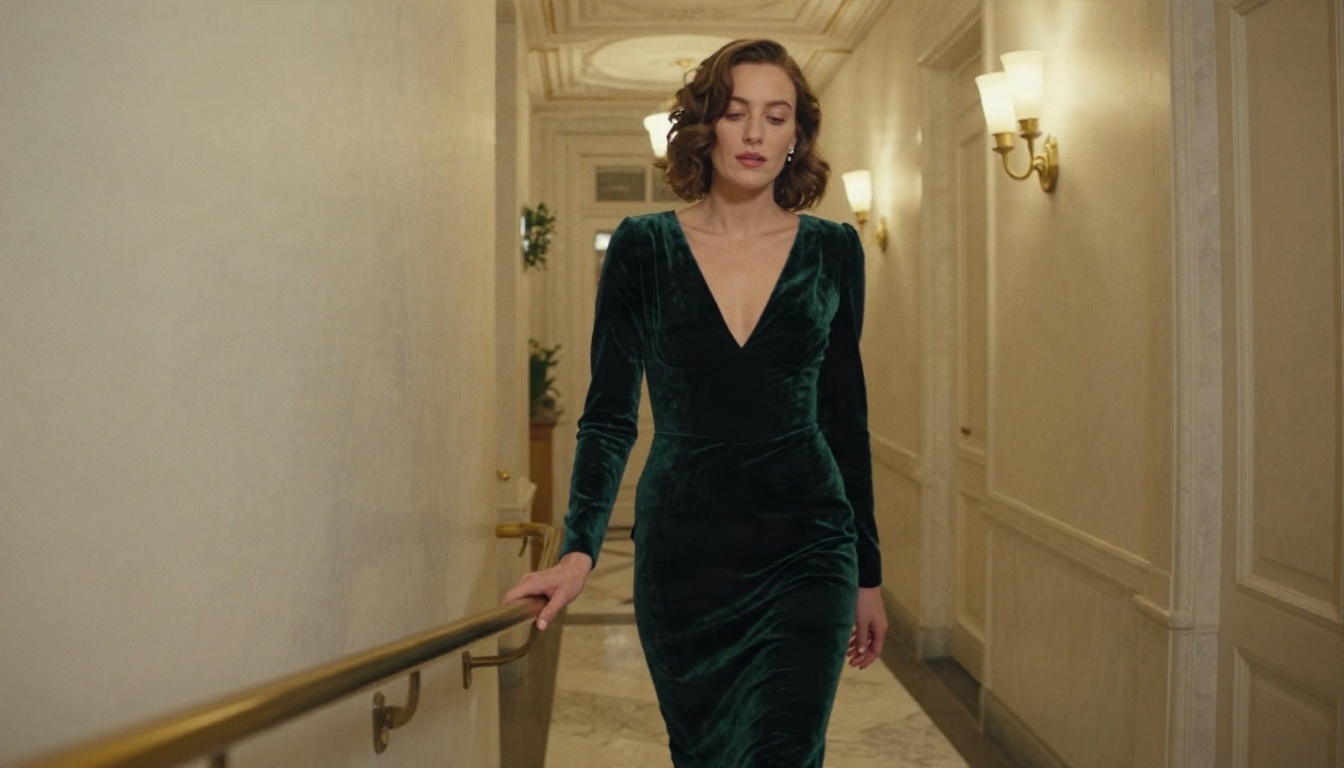
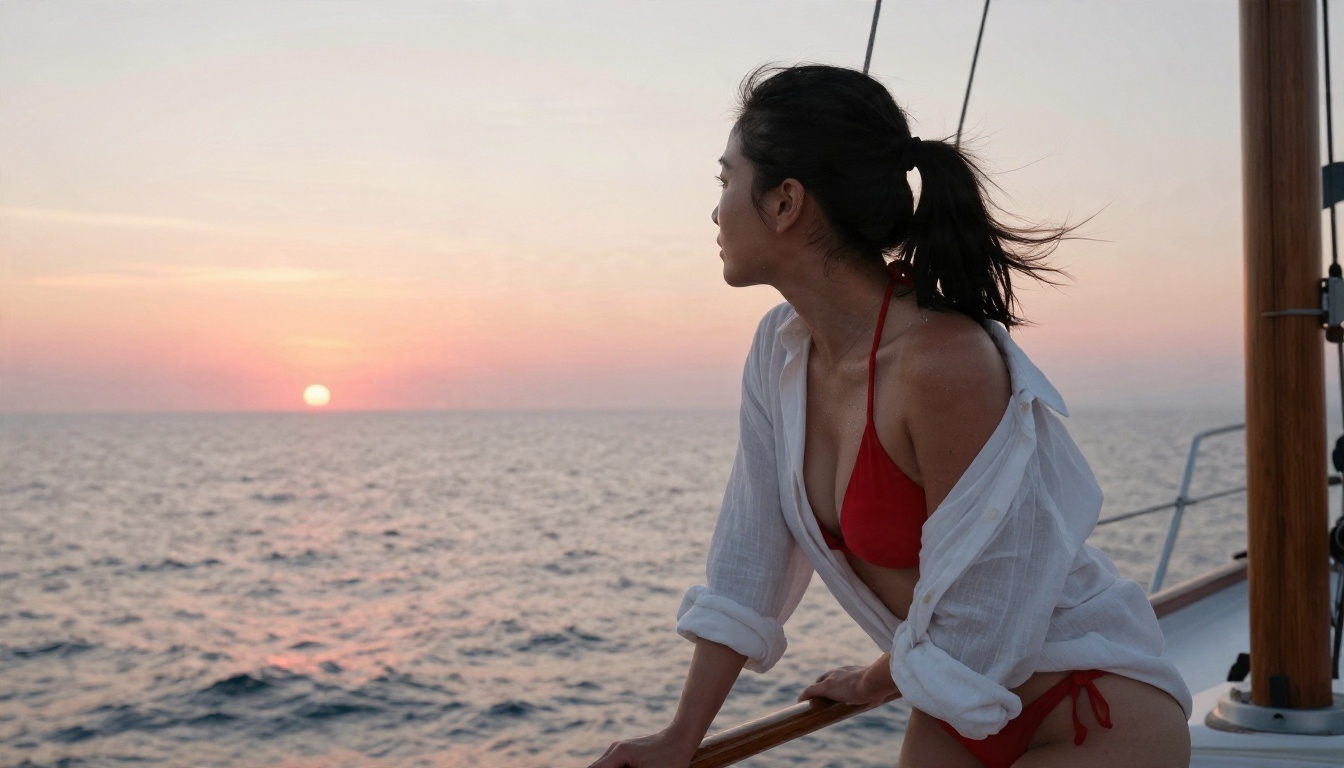
There is a wide space between a family-friendly portrait and explicit material. Most good work lives in the middle: a woman in a silk robe by a window, a bikini shot on a sailboat, a velvet gown in a candle-lit hallway. This is the style of editorial magazines and swimwear catalogs, and it is where photorealistic models do their best work because the references in their training data are abundant and well lit.
Why Free Tools Hit Limits
Reviews of free NSFW generators online disagree wildly on rankings, and many are thinly disguised sales pages. The pattern behind them is consistent, though:
- Daily credit caps that run out after a handful of images.
- Low resolution on the free tier, with sharp versions locked behind a plan.
- Unclear data policies, since many free cloud tools say little about how long prompts and outputs are stored.
- Slow queues at peak hours.
💡 Tip: Before you invest time in any generator, check three things: how many free images you get, what the maximum resolution is, and whether the terms mention how your prompts are stored.
Here is how the options compare for photorealistic, non-explicit glamour. All of the models below are available on PicassoIA, so you can switch between them without opening five different accounts.
| Model | Best for | Strength | Weak spot |
|---|
| Seedream 4.5 | Glamour, swimwear, skin realism | Sharp 4K output, natural skin | Needs detailed prompts |
| PicassoIA Image Editor Pro | Unlimited generations and edits | No credit anxiety while testing | Best with a clear starting idea |
| Nano Banana Pro | Editing and consistent looks | Strong instruction following | Can be conservative with some wardrobe |
| Qwen Image 3 Pro | Photorealistic portraits | Clean faces and hands | Slower than lightweight models |
| Z Image Turbo | Fast drafts | Seconds per image | Less fine detail |
| Realistic Vision v5.1 | Classic photographic look | Warm, film-like tones | Older architecture |
| Flux 2 Klein 9B Base LoRA | Styled, consistent series | LoRA flexibility | Takes some experimenting |
Seedream 4.5: The First Model to Open
Seedream 4.5 is where I would start for tasteful adult glamour. It follows long, descriptive prompts closely, renders skin with believable pores and sheen, and handles fabric like silk, lace and wet cotton without melting it. Swimwear, boudoir and evening scenes come out sharp at 4K.
PicassoIA Image Editor Pro: Unlimited Tries
PicassoIA Image Editor Pro matters for one reason: unlimited generations. Good results come from iteration, and iteration is exactly what credit-based free tiers punish. When you can run twenty variations without watching a counter, you learn faster and your prompts improve.
Fast Drafts with Lighter Models
Z Image Turbo is useful for testing composition. Run your idea there, pick the framing you like, then move the refined prompt to a heavier model for the final render. Nano Banana Pro and Qwen Image 3 Pro are good second opinions when a prompt keeps producing the same stiff pose.
A Film-Look Option
If you want warm, slightly grainy images that resemble 35mm stock, Realistic Vision v5.1 still has a loyal following. For a repeatable look across a whole series, Flux 2 Klein 9B Base LoRA gives you style control through LoRA weights.
How to Use Seedream 4.5 on PicassoIA
This is the fastest route from idea to a finished photo.
- Open the Seedream 4.5 page on PicassoIA.
- Paste a prompt that follows the formula in the next section: subject, wardrobe, setting, light, lens.
- Choose a 16:9 ratio for wide scenes, or a portrait ratio for full-body looks.
- Select the highest resolution the page offers for final renders. Use a lower one while drafting.
- Generate, review, and change one variable at a time (light, wardrobe or angle) before running again.
- When one frame is close, run it again with a small wording tweak rather than rewriting the whole prompt.
💡 Parameter tip: Keep your first prompt between 40 and 90 words. Shorter prompts leave the model guessing. Much longer ones start to contradict themselves.
For unlimited experimentation, run the same prompt in PicassoIA Image Editor Pro and compare the two outputs side by side.
Prompts That Actually Work
A prompt is a photo brief. The more it reads like instructions to a photographer, the better the image looks.
The Five-Part Formula
Every strong glamour prompt answers five questions:
- Who and what pose? Adult woman, late twenties, glancing over her shoulder.
- What is she wearing? Navy triangle bikini, champagne silk robe, black lace bralette.
- Where is she? Mediterranean beach, boutique hotel suite, marble hallway.
- What is the light doing? Golden hour backlight, window light from the left, warm lamp glow.
- What camera made it? 85mm f/1.8, shallow depth of field, Kodak Portra 400 film grain.
Always state that the subject is an adult. It sets the age range of the output and keeps your prompts clear and responsible.
Copy-Ready Prompt Examples
Swimwear on the beach:
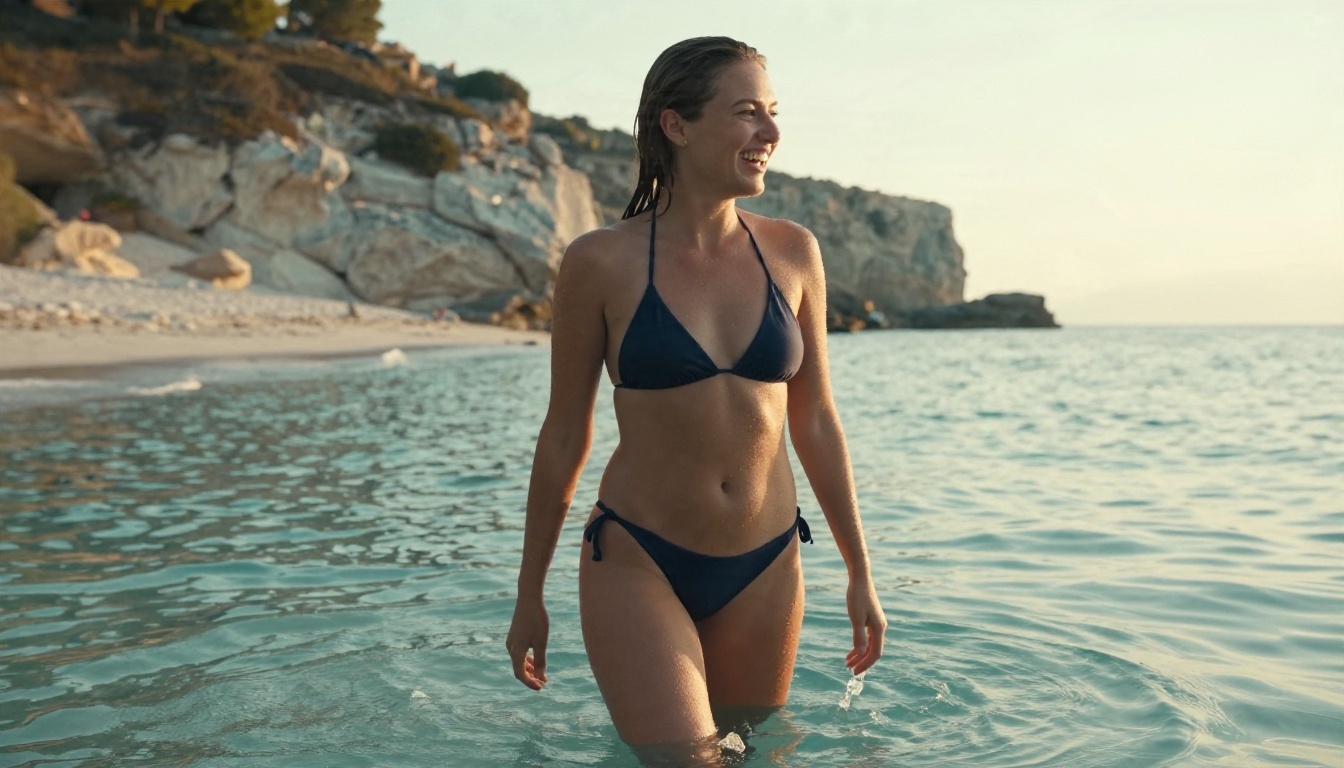
Adult woman in a navy triangle bikini standing knee-deep in turquoise water, wet hair slicked back, laughing over her shoulder, late afternoon golden backlight from the right, white sand and limestone cliffs, 35mm f/2 lens at eye level, water droplets on tanned skin, film grain, Kodak Portra 400.
Boudoir at the vanity:
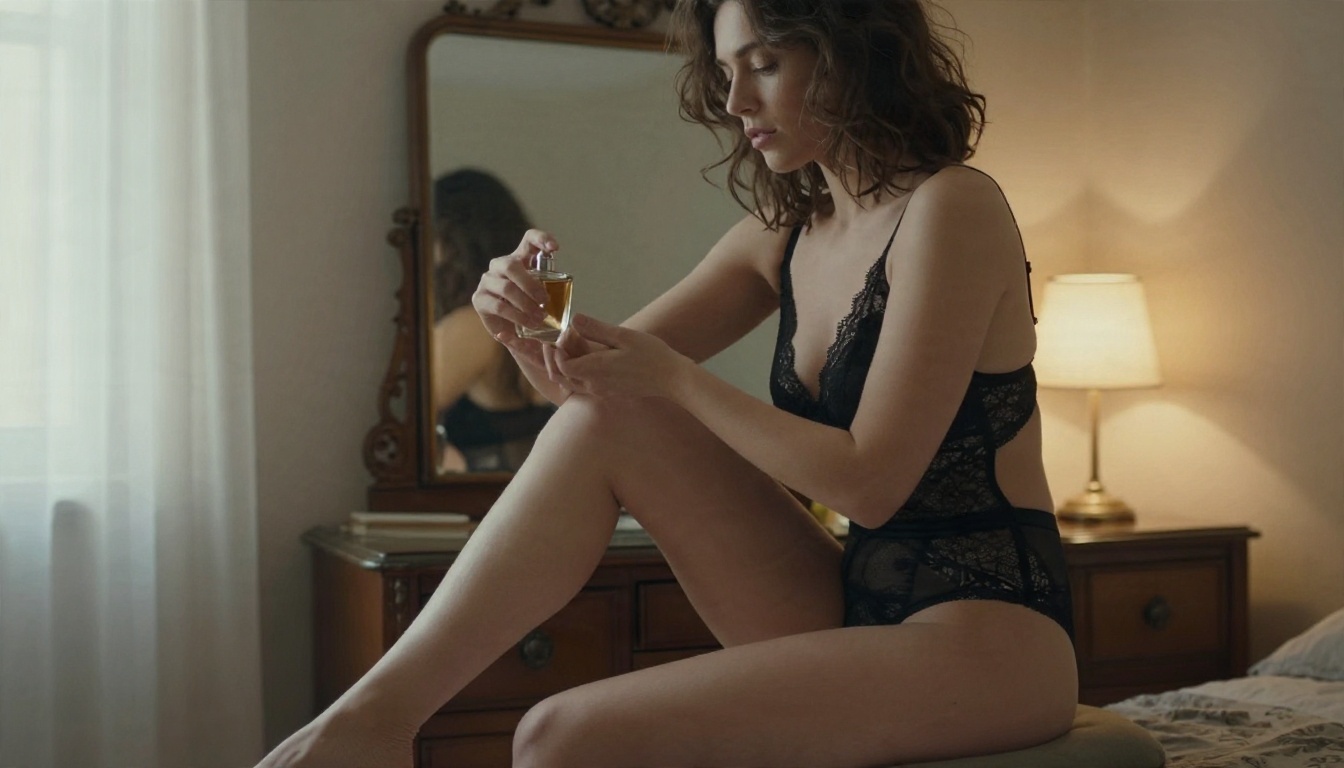
Adult woman in black lace bralette sitting on a vintage vanity stool, applying perfume to her wrist, antique mirror behind her, warm lamp glow from the right and pale window light from the left, 85mm f/2 lens, visible lace detail, natural skin texture.
Evening glamour:
Adult woman in a dark green velvet gown with a deep neckline walking through a candle-lit marble hallway, low angle, warm sconce light on the right, 35mm f/1.8, subtle fabric motion, film grain.
Lighting and Lens Words Worth Using
| Goal | Words to add |
|---|
| Soft, flattering skin | window light from the left, soft bounce fill, 85mm f/1.8 |
| Warm romantic mood | golden hour backlight, warm tungsten lamp glow |
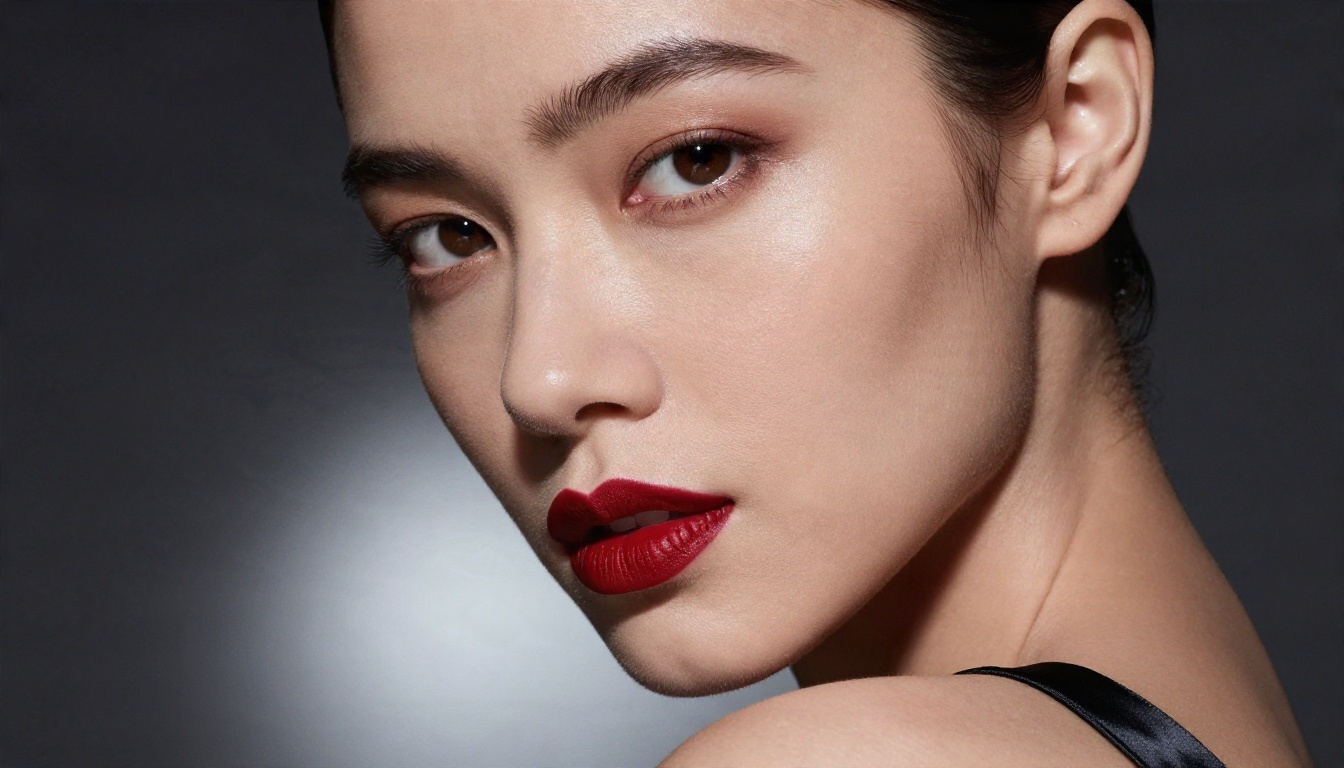
| Magazine punch | silver reflector below the chin, dark charcoal backdrop |
| Film character | Kodak Portra 400, film grain, subtle halation |
| Realistic skin | visible pores, fine flyaway hairs, natural sheen |
Words That Hurt Your Results
Stuffing a prompt with buzzwords like "ultra HD, masterpiece, best quality, 8K, trending" rarely helps modern models. They respond better to physical descriptions: what the skin looks like, where the light comes from, what lens was used. Skip generic quality tags and spend those words on texture and light.
Settings That Change Results
Prompts get the credit, but settings decide whether the image is usable.
Aspect Ratio and Framing
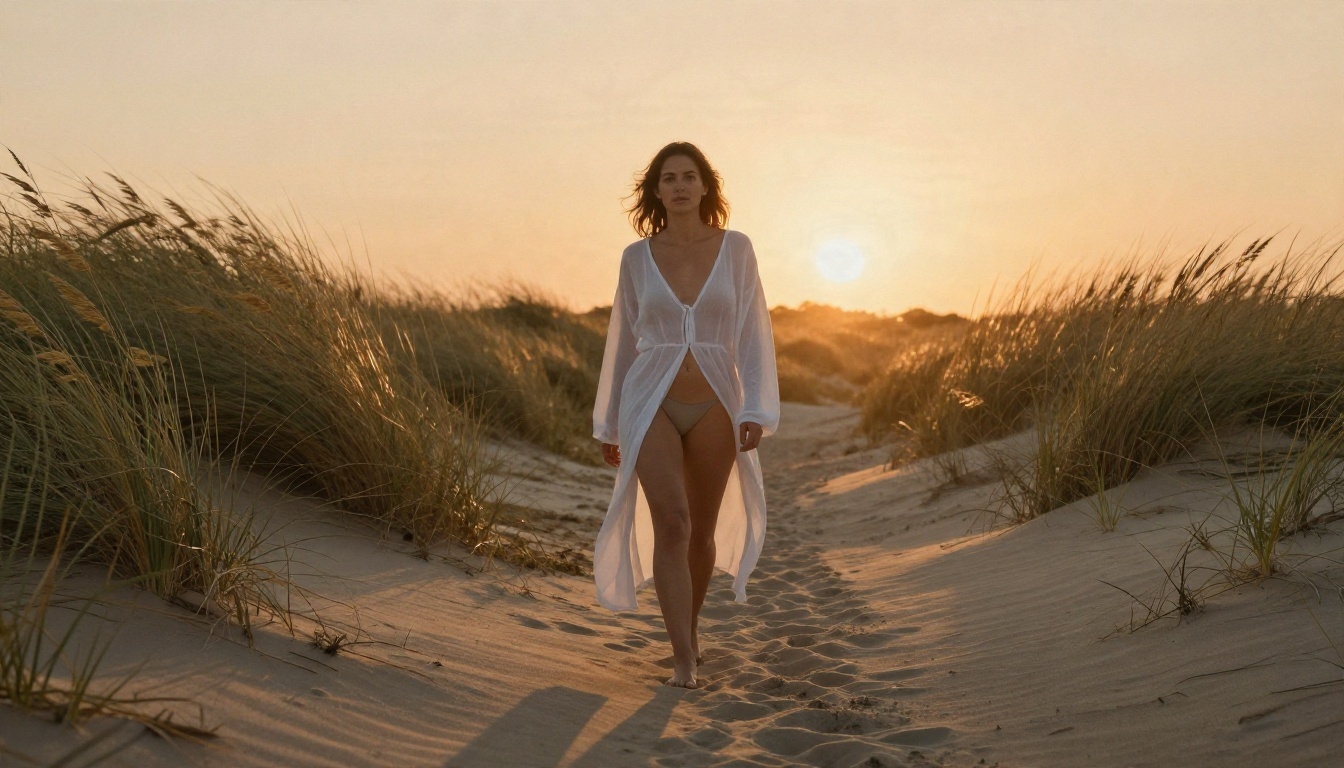
- 16:9 suits beach scenes, hotel rooms and anything with an environment worth showing.
- 3:4 or 2:3 suits full-body fashion and boudoir portraits.
- 1:1 works for close-up beauty shots and social posts.
Pick the ratio that matches your subject before you generate. Cropping afterward throws away detail you paid for.
Resolution and Detail
Draft at a low resolution to test composition quickly. Switch to the maximum for the final render, because skin pores, lace patterns and wet hair strands only show up at higher pixel counts. If your favorite frame came out at a smaller size, run it through a super resolution model on PicassoIA to scale it up 2x to 4x without a fresh generation.
Seeds and Iteration
If a tool exposes a seed value, lock it once you like a composition. Then change a single phrase, such as the wardrobe color or the light direction, and compare. This is how you build a consistent set of images instead of a pile of random ones.
Editing Instead of Rerolling
When an image is 90 percent right, do not start over. Use inpainting to fix a hand, an uneven strap or a distracting background object. Outpainting extends the canvas when you need more sky or more beach. Both are faster than re-rolling and keep the parts you already like.
Common Mistakes to Avoid
Vague prompts. "Sexy woman on beach" gives the model nothing to work with and returns the same generic face every time. Add wardrobe, light and lens.
Stacking conflicting light. "Golden sunset, harsh noon sun and neon glow" produces mud. Choose one main light source and one fill.
Ignoring hands. Bad hands are the quickest tell of an AI image. Give hands a simple job, like resting in hair or holding a perfume bottle, and avoid complicated finger poses.
Over-smoothing the skin. Words like "flawless" and "perfect skin" create wax figures. Ask for natural pores, freckles and a light sheen instead.
Changing everything at once. If you edit the pose, light and outfit in one pass, you cannot tell which change helped. Move one variable per run.
Chasing free tiers across ten sites. Each new account means a new interface, new terms and new limits. Pick two or three models in one place and learn how they behave.
Rules for Safe, Legal Use
The technology moves faster than the law, so a few habits protect you and other people.
- Adults only. Every subject in your prompts should be an explicitly adult, fictional person. Never generate anything involving minors.
- No real people. Do not create suggestive images of a real individual without their consent. That includes celebrities, coworkers and exes.
- Respect local laws. Rules on adult content and synthetic media differ by country and change often. Check the current rules where you live and where you publish.
- Check platform terms. Social networks and ad platforms have their own limits on suggestive imagery, even when it is non-explicit.
- Label AI work. If you share or sell images, say they are AI generated.
💡 Rule of thumb: If you would not be comfortable showing the prompt to the person depicted, do not write it.
Build a Repeatable Workflow
A reliable routine beats lucky guesses. This one works well:
- Write a five-part prompt with the formula above.
- Draft in Z Image Turbo to settle framing in seconds.
- Move the winning prompt to Seedream 4.5 for the final render.
- Iterate freely in PicassoIA Image Editor Pro, where generations are unlimited.
- Fix small flaws with inpainting, then upscale the keeper.
- Save your best prompts in a notebook so every good result becomes a template.
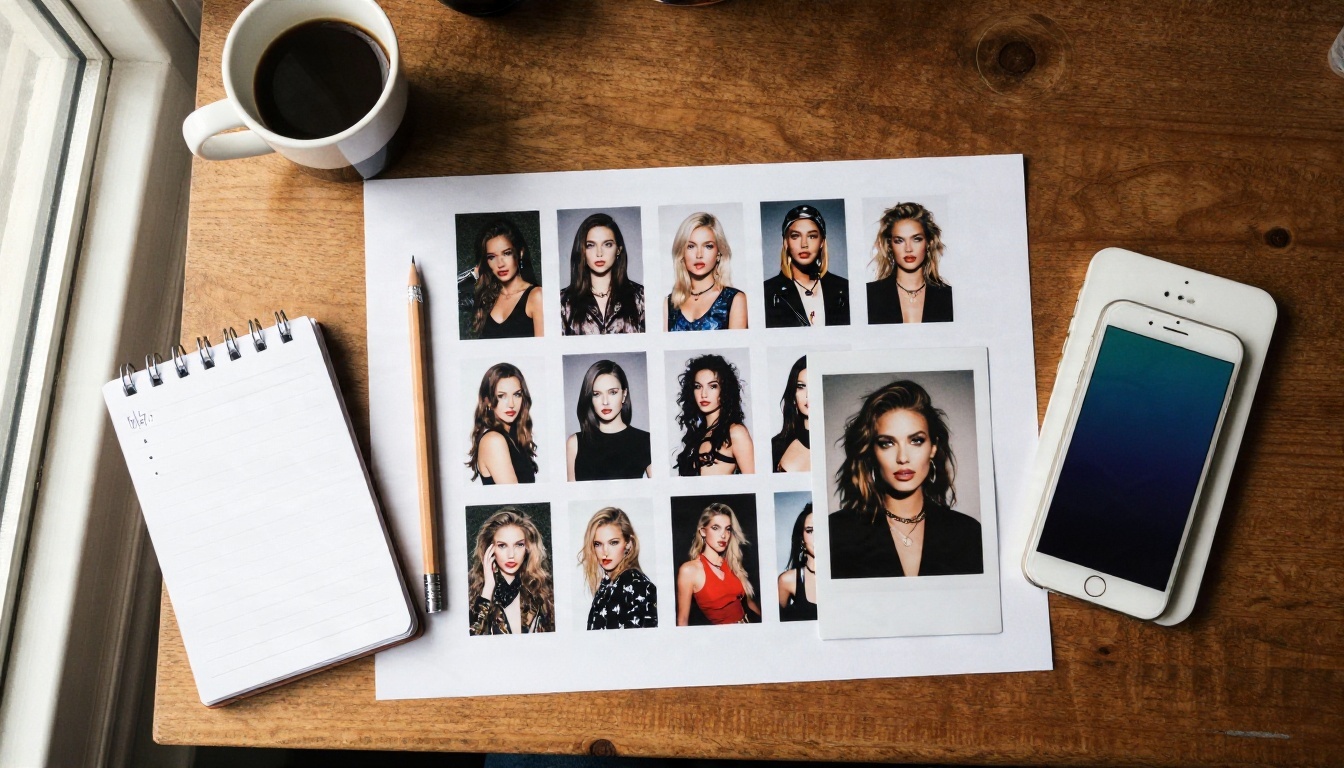
Make Your Own Images Today
You now have the pieces: a short list of capable models, a five-part prompt formula, lighting and lens words that work, and settings that stop you from wasting renders. The only thing left is practice.
Open Seedream 4.5, paste one of the prompts above, and change a single detail. Swap the bikini color, move the light to the other side, try a 50mm lens instead of an 85mm. Then run the same idea in PicassoIA Image Editor Pro with no generation limit and see how far a few small edits can push the result.
When you want more options, browse every available model at picassoia.com/en/all-models and build a toolkit that fits your style. Your first great image is probably two or three prompt tweaks away.


