You have a gorgeous still. The lighting is right, the pose is right, and the mood is exactly what you wanted. Then you try to make it move, and the tool refuses, slaps a watermark across it, or gives you three seconds of a frozen face. That is the everyday reality of NFSW Image to Video: Free Online Tools, Prompts, and Length Limits, and it is why most people give up after one or two attempts.
It does not have to go that way. Short, tasteful, suggestive clips (think glamour, swimwear, boudoir and fashion editorial) are a well supported use case once you pick the right model, write a motion prompt that describes movement rather than appearance, and respect the clip length each model can handle. This article walks through all three, with tables you can copy from and prompts you can paste.
💡 Scope note: Everything here is about non-explicit, adult, artistic content. Nothing below involves pornographic output, and nothing involves real people without their consent.
What NSFW Image to Video Really Means
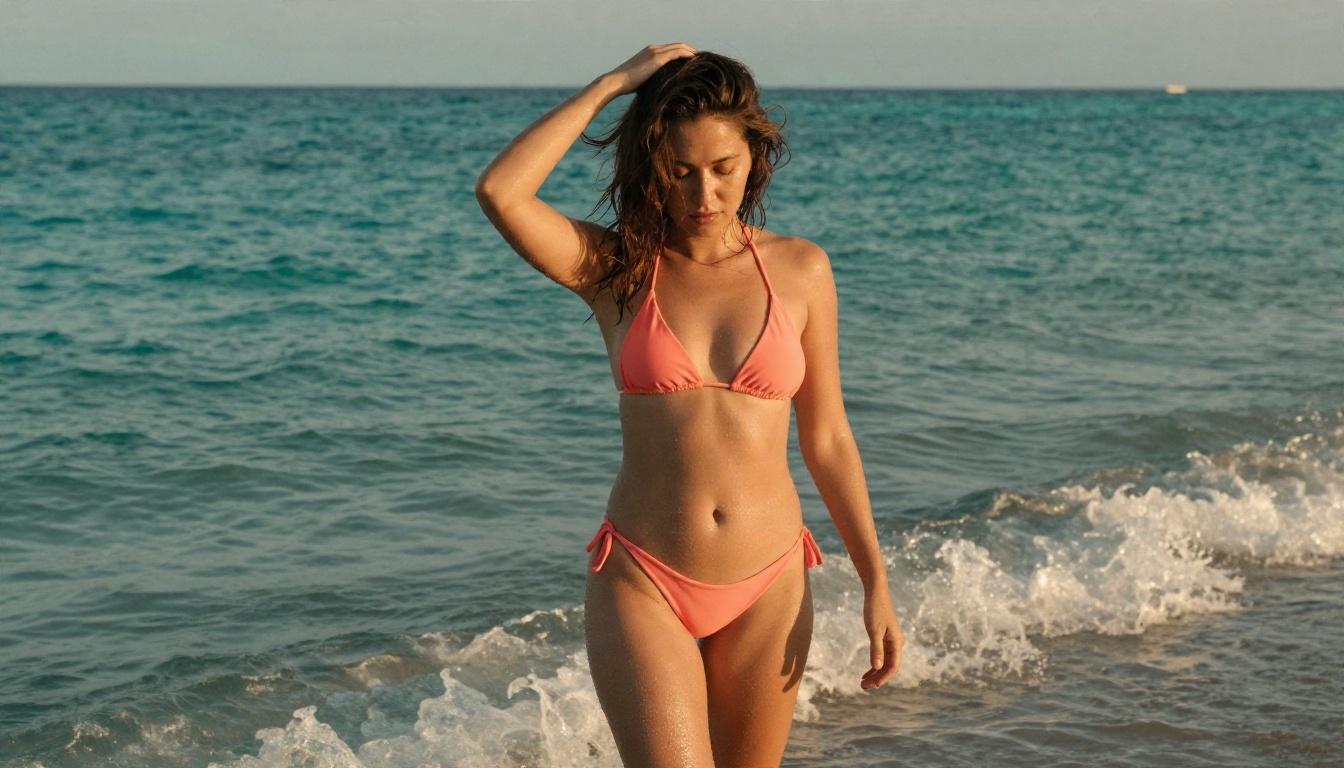
Still Photo In, Motion Out
Image to video takes one picture as the first frame and asks a model to predict what happens next. You provide the photo and a short text prompt. The model supplies the motion: hair lifting in a breeze, water moving around ankles, a slow head turn, a camera that drifts closer.
For glamour and swimwear content, this is far more controllable than text to video. Your subject, wardrobe, location and lighting are already locked in the still. The model only has to animate, so faces stay consistent and the style does not drift between takes.
Where the Line Sits
"NSFW" is a wide label. In practice it covers three bands:
| Band | What it looks like | Typical handling |
|---|
| Suggestive | Bikinis, lingerie, silk robes, wet hair, bedroom light | Works on most tools and is the focus of this article |
| Artistic nudity (implied) | Draped sheets, sheer fabric, covered poses | Depends on the tool, often filtered |
| Explicit | Pornographic content | Not covered here and not something to build clips around |
Stay in the first two bands and you will have far fewer rejected jobs, cleaner results and fewer account problems.
What "Free" Usually Costs
A quick scan of the current market shows a clear pattern. Most "free uncensored" image to video sites hand you a short trial, and the catch shows up in one of four places:
- Watermarks burned into every free export.
- Short caps on duration, commonly in the 3 to 5 second range.
- Low resolution, often 480p or 720p on free plans.
- Credit walls after a handful of generations, with paid tiers needed to lift the limits.
Many sites that advertise themselves as having no filters still reject some prompts, and review sites that rank them often earn affiliate fees, so treat bold claims with caution. Test with one image before you commit to any plan.
Free Options on PicassoIA
If you want a long list of choices without hopping between sites, a few models stand out for this workflow:
- Seedance 2.5 Lite is a free and unlimited video generator that produces clips up to 10 seconds. That is double the length most free tools allow.
- PicassoIA Video is a free, unlimited generator that accepts a text prompt or a starting image.
- Hailuo 2.3 Fast animates photos quickly, which is handy when you want to test several motion prompts on one still.
- Wan 2.7 I2V is built for animating a single image into a clip.
💡 Content filters differ from model to model. If a clip is blocked, soften the wording (swimwear, evening wear, silk robe) and keep the motion natural rather than switching tools immediately.
Open Source on Your Own PC
A local ComfyUI setup running open weights such as Wan has no per-clip cost and no site policy, but it needs a strong graphics card, time to configure and patience with troubleshooting. It suits hobbyists who already run local image models. For everyone else, a browser based tool is faster.
Start With a Strong Source Image
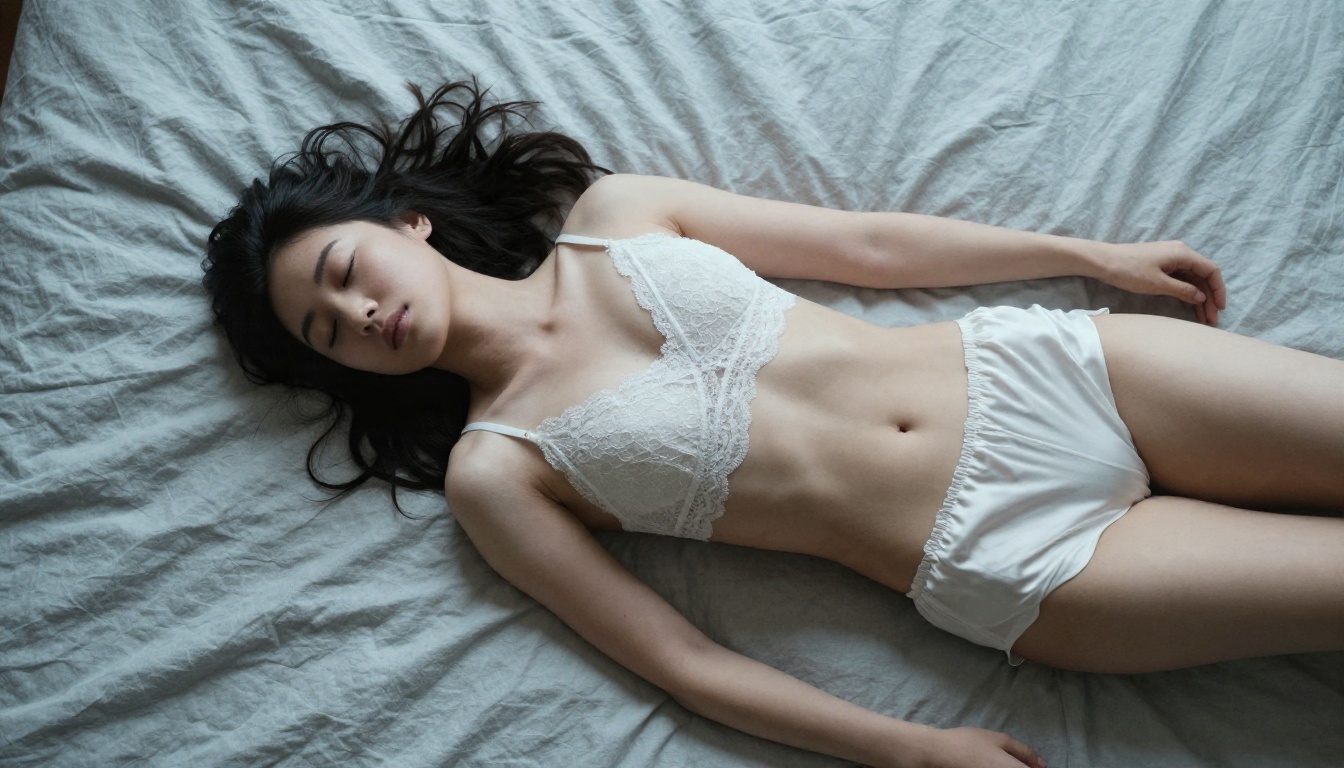
The source image decides about 80 percent of the final clip. A blurry, over processed or awkwardly posed still produces a blurry, awkward video. Spend your effort here first.
Build the Still With Seedream 4.5
For adult glamour stills, lead with Seedream 4.5. It renders convincing skin texture, fabric weave and natural light, and it handles swimwear, lingerie and boudoir scenes without the constant refusals you get from stricter models. Write the prompt like a photographer's shot list:
- Subject and wardrobe: "adult woman, late twenties, white lace bralette, silk shorts"
- Setting: "pale grey linen bed, soft morning window"
- Light: "diffused window light from above left"
- Lens: "24mm, f/4, aerial angle"
- Texture and grain: "visible fabric weave, subtle film grain, Kodak Portra 400"
Pick poses that suggest motion: a hand mid reach, hair caught by wind, a head turning. A frozen, stiff pose gives the video model nothing to continue.
Fix Details in Image Editor Pro
When the still is nearly right but a hand looks odd or the background distracts, bring it into PicassoIA Image Editor Pro. It offers unlimited generations, so you can refine as many times as you like without watching a credit counter. Typical fixes:
- Repair a finger or strap that came out wrong.
- Swap a busy background for a calm one.
- Change a wardrobe color to match your palette.
- Even out lighting before animation.
Other image models on the platform are useful for variety, including Seedream 5 Pro, Qwen Image 3 Pro and Wan 2.7 Image Pro.
Prompts That Move the Frame
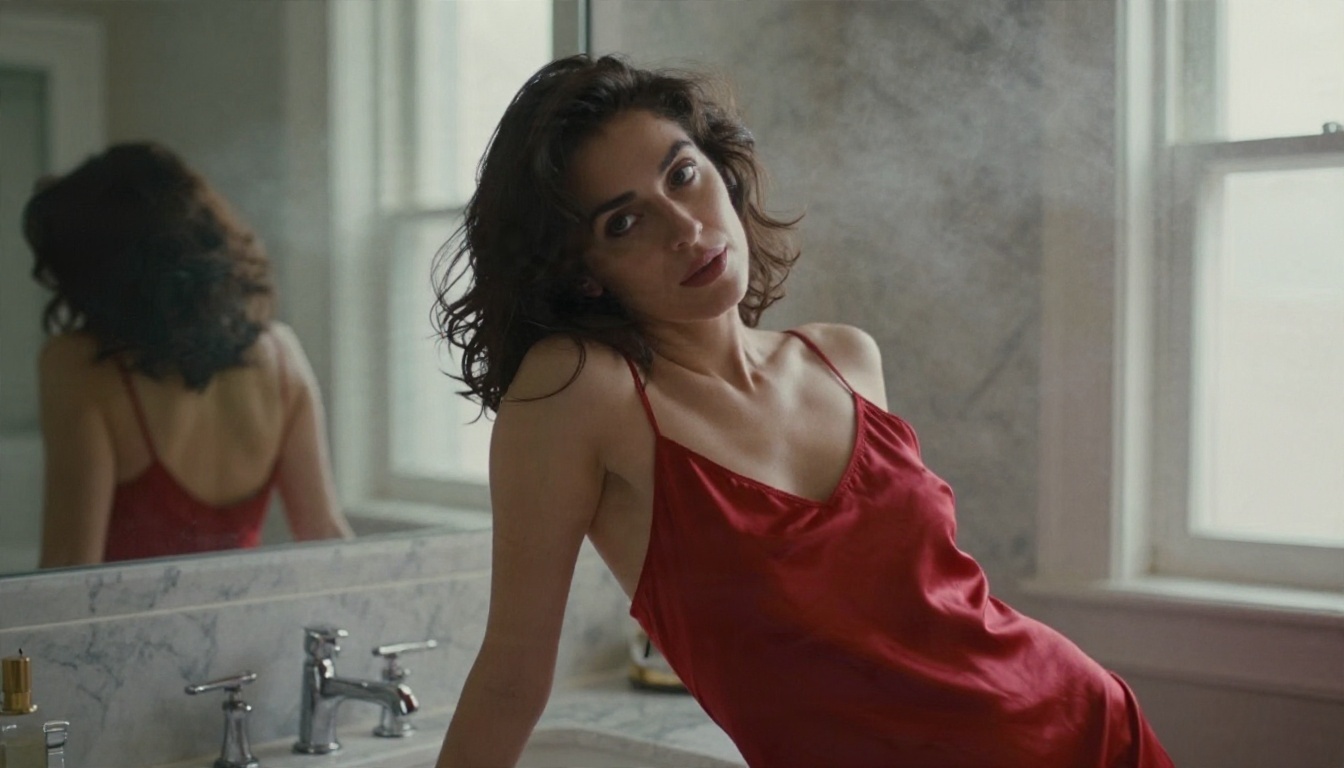
The Motion Prompt Formula
The most common mistake is re describing the photo. The model can already see it. Your prompt should only describe what changes over time. A reliable formula:
Subject movement + camera movement + atmosphere
Example: "She tilts her head and smiles, hair settles on her shoulder, slow dolly in, steam drifts across the mirror, soft window light."
Keep it to one or two actions. Piling on five movements creates jitter, warped limbs and melting fabric.
Eight Prompts to Copy
| Scene | Motion prompt |
|---|
| Beach at golden hour | She lifts a hand to push hair from her face, small waves roll around her ankles, slow low angle push in, warm backlight glows on her shoulders |
| Silk robe in a hotel room | She glances over her shoulder with a calm smile, curtains stir in the breeze, gentle pan right, soft morning light |
| Marble bathroom | She tilts her head with a playful look, mirror steam drifts, slow dolly in, warm tones |
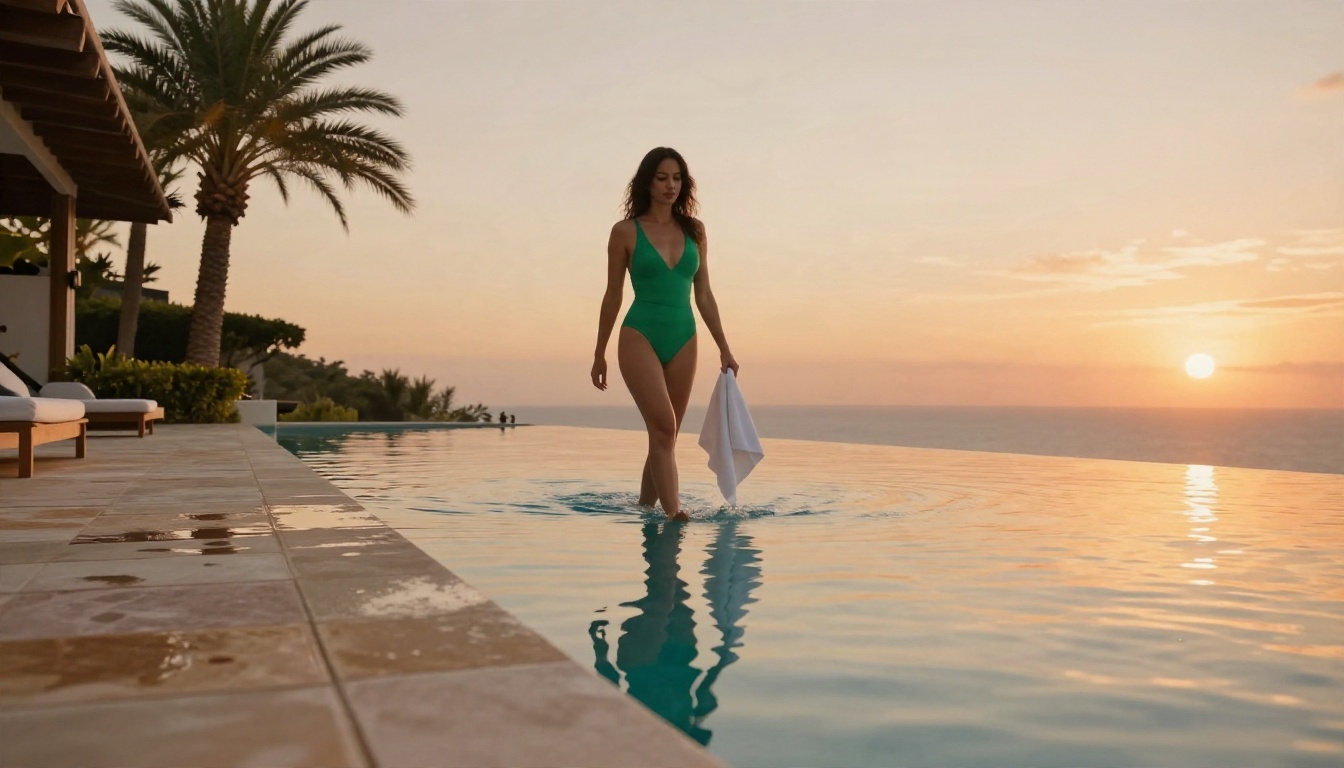
| Infinity pool at sunset | She walks along the pool edge trailing a towel, water ripples catch orange light, camera tracks sideways at a steady pace |
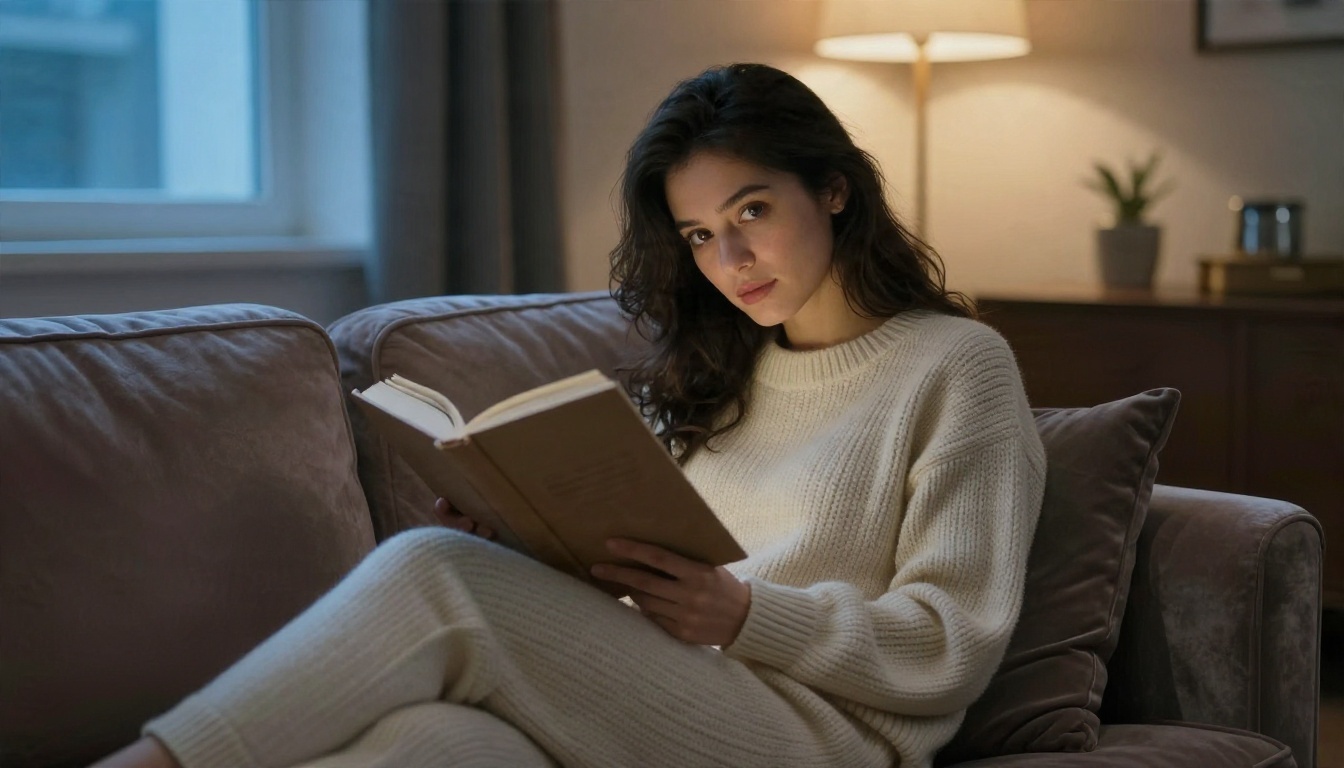
| Velvet sofa | She looks up from a book toward the lens, lamp light flickers softly, subtle handheld drift |
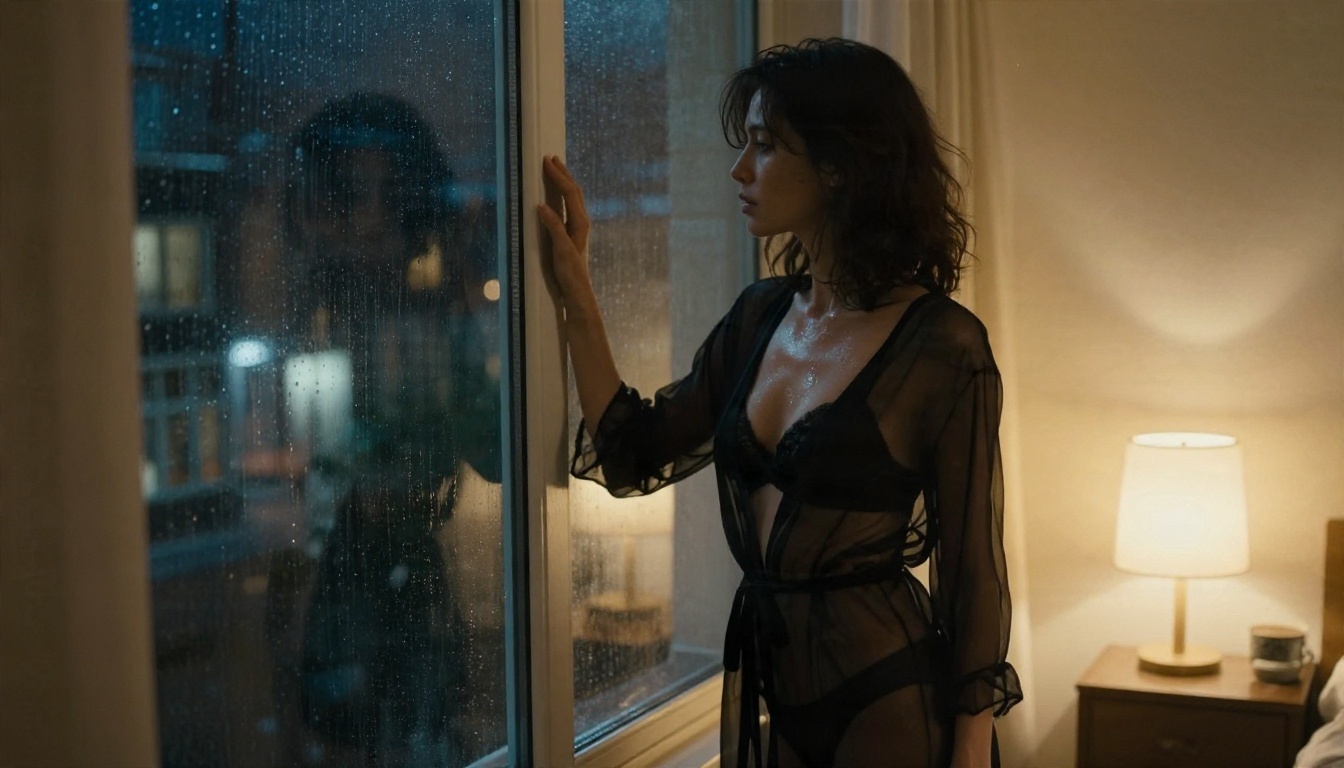
| Rain streaked window | She rests a hand on the glass, raindrops slide down, city lights shimmer, slow push in |
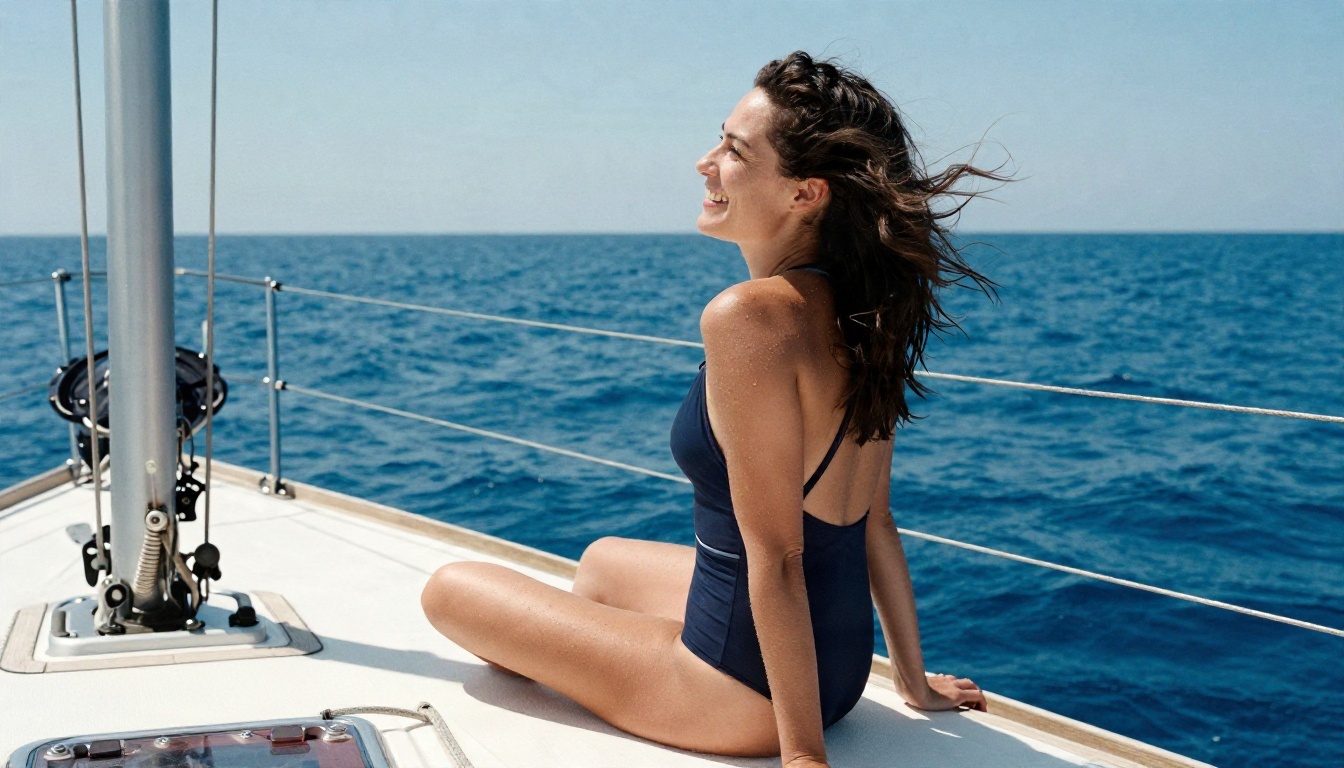
| Sailboat deck | Wind lifts her hair as she laughs toward the horizon, sea spray glitters, gentle camera sway |
| Close-up beauty portrait | Eyes blink slowly, a strand of hair moves across her cheek, very slow zoom in, soft studio light |
Camera Moves That Work
Camera language does a lot of the work in short clips. These moves hold up best:
- Slow dolly in: adds intimacy and hides small motion errors.
- Gentle pan: reveals the setting without stressing the subject's anatomy.
- Low angle tracking shot: gives a confident, editorial feel.
- Subtle handheld drift: adds realism to quiet portraits.
- Static camera with environmental motion: safest for faces, since only hair, water or curtains move.
Avoid fast whip pans, 360 degree orbits and big body turns on a first attempt. They are the most likely to produce warped hands or a face that shifts identity.
💡 Tip: Negative wording rarely helps. Instead of "no distortion," write what you do want: "steady, natural movement, consistent face."
Length Limits Explained
Typical Clip Durations
Most image to video models generate between 4 and 10 seconds per run. Free tiers on third party sites often sit at the bottom of that range, while paid tiers raise the ceiling. A rough picture:
| Tool type | Usual length per run | Notes |
|---|
| Free trial sites | 3 to 5 seconds | Watermark, lower resolution |
| Free tier on mainstream models | 5 seconds | Usage caps apply |
| Seedance 2.5 Lite | Up to 10 seconds | Free and unlimited |
| Seedance 2.5 | Up to 30 seconds | Longer scenes in one run |
| Local open weights | Depends on your hardware | No fee, more setup |
Shorter is not a flaw. A 5 second loop of a woman turning toward a window can be more striking than a rambling 20 second clip where the face slowly drifts.
Stretching Past the Limit
If you need more than one run allows, stitch clips together with these steps:
- Generate clip one from your source image.
- Capture the last frame of clip one as a still.
- Use that frame as the first frame of clip two, with a new motion prompt.
- Repeat, then join the clips in any video editor.
- Add a short crossfade, or hide the cut with a camera move.
If the face drifts after two or three links, return to your original source image and begin a fresh chain. Alternatively, use a model with a longer native limit such as Seedance 2.5 and avoid stitching entirely.
Which Model for Which Job
Different models shine at different tasks. Use this table as a starting point and run the same still through two of them, since results vary by image.
Once you have a clip you like, it also helps to run a finished video through an upscaler or a video editing model from the full model list to clean up edges and add polish.
Common Mistakes to Avoid
Three Habits That Ruin Clips
- Describing the image instead of the motion. The model already sees the bikini and the beach. Tell it what moves.
- Starting with a low quality still. Compression artifacts and soft focus get amplified in motion. Upscale or regenerate first.
- Asking for too much. One subject action plus one camera move beats a long chain of instructions every time.
Consent and Responsible Use
Use fictional, AI generated characters or photos of yourself. Never animate a real person's photo without their clear permission, and never create content that places a real person in a compromising scene. That is a legal risk in many places and harms real people. Keep every character clearly adult, and keep the output non explicit. Following those rules also keeps your account in good standing.
Quick Troubleshooting
| Problem | Likely cause | Fix |
|---|
| Face changes mid clip | Too much motion | Use a static camera and lighter movement |
| Warped hands | Fast arm movement | Hide hands or use a simpler pose |
| Job rejected | Filter triggered | Reword with wardrobe terms like swimwear or silk robe |
| Flat, lifeless video | Prompt too short | Add camera move and atmosphere |
| Flicker in fabric | Busy pattern | Use solid colors like black satin or cream knit |
Make Your First Clip Today
You now have the whole workflow in one place. Here is the short version, so you can try it in the next ten minutes:
- Generate a clean, well lit still with Seedream 4.5.
- Polish it in PicassoIA Image Editor Pro, where generations are unlimited.
- Send it to Seedance 2.5 Lite with one subject action and one camera move.
- If the result is close, try Wan 2.7 I2V or Hailuo 2.3 Fast with the same still and compare.
- Need more seconds? Switch to Seedance 2.5, or chain clips from the last frame.
Picasso IA puts the image models and the video models in one place, so you can go from prompt to still to moving clip without exporting files between five different sites. Pick one of the prompts from the table above, run it on your own still, and see how much life a few seconds of motion adds. Browse every available option at picassoia.com/en/all-models and start experimenting today.


