You have a stunning still. The light is right, the pose is right, the mood is exactly what you wanted. Then you wonder what it would look like if the hair moved, the water rippled and the camera slowly pushed in. That small question is behind almost every search for NSFWimg 2 Video: people want to take a suggestive, glamour-style picture and give it five seconds of life, without paying for a pile of subscriptions or fighting filters that reject everything.
This article is about doing that well. It covers what the workflow really is, which free options hold up, how to write motion prompts that don't melt faces, and where the hard limits sit. Every example photo here is a tasteful swimwear or lifestyle still, because that is the zone where image to video works best and where moderation is least likely to ruin your afternoon.
💡 Quick answer: build a clean, well-lit still first, then animate it with a short, specific motion prompt. The still decides about 80% of the quality. The video model only adds movement.
What NSFWimg 2 Video Really Means
The phrase is shorthand. It doesn't point to one product. It describes a two-step pipeline: generate or edit an image with adult, suggestive styling, then feed that image to an image-to-video model so it becomes a short clip.
Image to video in plain terms
An image-to-video model takes your picture as the first frame. You add a text prompt describing the motion, and the model predicts the next 5 to 10 seconds. It keeps the subject, outfit, background and lighting from your still, then invents movement that fits your description.
That is why the source image matters so much. A blurry or anatomically odd picture gives you a blurry, odd video. A sharp, natural one gives you something that looks like a behind-the-scenes clip from a photoshoot.
Why people search for it
Three reasons come up again and again:
- Creators who want short looping clips for portfolios, mood boards or social posts.
- Photographers and models who want to test how a shoot concept would look in motion before booking a location.
- Hobbyists who like experimenting with AI and want results that look real instead of plasticky.
Free Options That Actually Work
"Free" is a slippery word in this space. Some tools give you three credits and a watermark. Others hide the good settings behind a paywall. Here is how to sort the useful from the annoying.
Start with the right still
You don't need to pay for the image either. PicassoIA Image Editor Pro is described on its model page as an unlimited AI photo editor, which makes it a comfortable place to generate variations until one still is perfect. For fresh generations with strong skin texture and lighting, Seedream 4.5 is the first model to try for adult-styled glamour work.
Free video tools on PicassoIA
For the motion step, PicassoIA Video is built as a free, unlimited video generator that accepts text or an image. If you want to compare how different engines handle the same still, these image-to-video models are also on the platform:
Each model has its own moderation behavior. One may animate a bikini photo without fuss while another refuses the same file. Test with a mild still first, then adjust.
What "free" usually hides
| Common catch | What it looks like | How to avoid it |
|---|
| Watermarks | Logo burned into every frame | Pick a tool that exports clean files |
| Credit walls | 2 to 3 clips, then a paywall | Use unlimited options for iteration |
| Low resolution | 480p output that looks soft | Check resolution before you commit |
| Queue times | 20 minute waits | Try a "fast" model variant |
| Silent moderation | Clip returns static or blank | Rewrite the prompt, soften the still |
Building the Source Image
Most failed clips fail before the video model even starts. The still was wrong. Spend your effort here.
Seedream 4.5 for the still
Seedream 4.5 handles skin pores, fabric weave and light falloff well, which is exactly what image-to-video models need as reference. Write the prompt like a photographer's shot list:
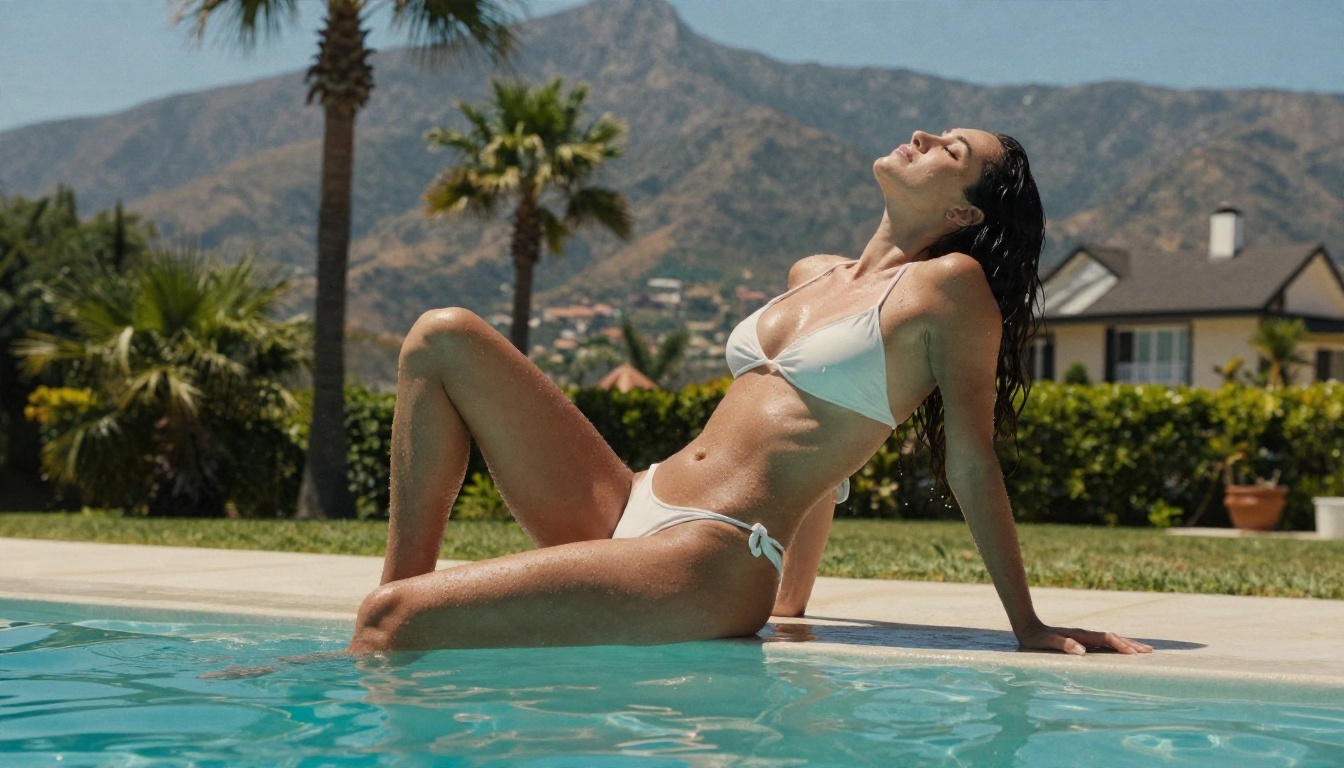
- Subject and pose: "adult woman in a white bikini, seated at pool edge, head tilted to the sun"
- Environment: "infinity pool, villa, palm trees, midday"
- Light: "overhead sun, crisp highlights on wet skin"
- Lens: "35mm f/2.8, low angle at water level"
- Texture: "droplets on shoulders, film grain, Kodak Portra 400 palette"
Keep hands simple. Hands resting on a surface, in hair or holding a railing animate far better than fingers wrapped around a phone or a glass.
Image Editor Pro for fixes
Found a great pose with one flawed detail, like a strap that merges with skin or a strange shadow? PicassoIA Image Editor Pro lets you edit and re-run without worrying about a generation counter. Fix the still, then animate. Fixing a flaw after the video exists is nearly impossible.
💡 Pre-flight check: zoom to 200% on the face, hands and any fabric edges. If anything looks odd at 200%, it will wobble in motion.
Prompts That Move Well
A motion prompt is not a second image prompt. Don't re-describe the outfit and the room. The model already sees them. Describe only what changes across five seconds.
The motion prompt formula
Use this structure:
[Subject action] + [secondary motion in the scene] + [camera move] + [light and mood]
Example: "She slowly turns her head toward the camera and smiles, her hair lifts in a light breeze, the curtains drift, slow push-in, soft morning light stays steady."
Three rules keep it clean:
- One main action. Two or three simultaneous actions confuse the model and cause limb warping.
- Slow verbs. "Slowly lifts," "gently sways," "turns softly." Fast verbs produce jitter.
- Name the camera. If you don't, the model picks one at random, and it is often a restless handheld shake.
Ten prompts to copy
| # | Scene | Motion prompt |
|---|
| 1 | Pool edge | She kicks her feet gently in the water, ripples spread outward, slow low-angle drift to the right, sunlight sparkles on the surface |
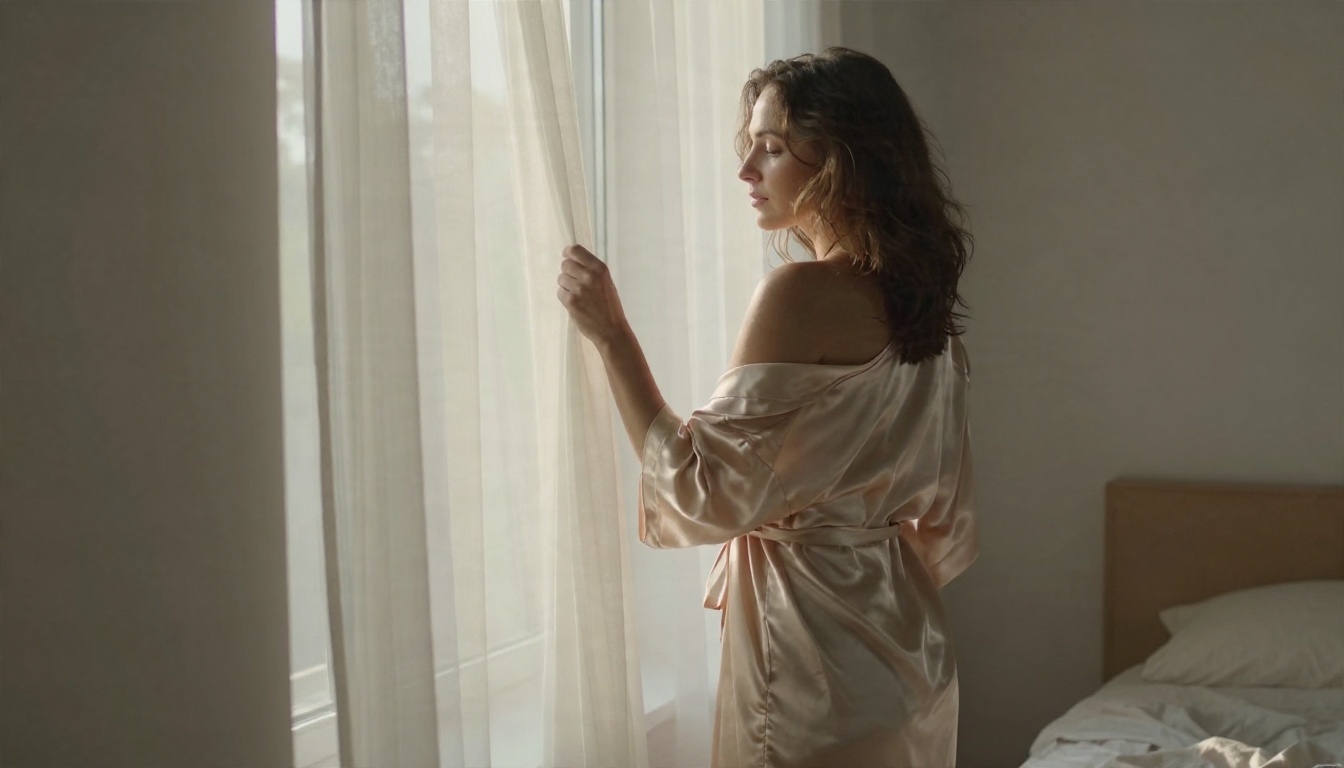
| 2 | Silk robe at window | Curtains billow softly, she brushes her hair back with one hand, slow dolly-in, warm morning light |
| 3 | Beach walk | She walks forward along the surf, foam rolls over her ankles, camera tracks backward at the same pace |
| 4 | Yacht deck | Wind lifts her sarong and hair, waves move in the background, slow pan from left to right at sunset |
| 5 | Rooftop pool exit | Water streams from her hair as she steps up, she smooths it back, slow tilt up from the water to her face |
| 6 | Mirror portrait | She turns slightly toward the mirror, fabric shifts, the lamp light flickers faintly, slow push-in |
| 7 | Loft bed | She looks up from her lap, laughs, tucks hair behind her ear, static camera with a very slow zoom |
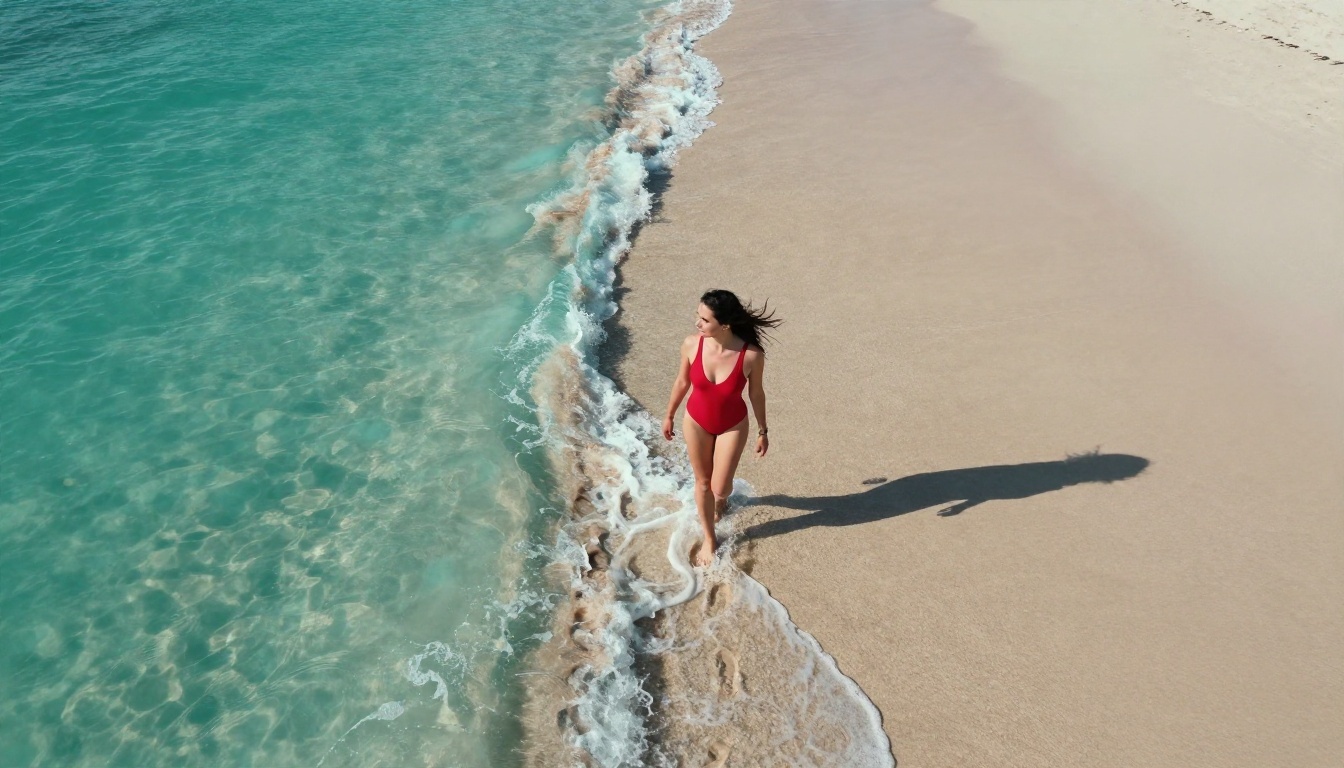
| 8 | Aerial shoreline | Waves wash in and retreat, she keeps walking, camera rises slowly and tilts down |
| 9 | Close portrait | Eyes blink naturally, the lips curve into a small smile, a light breeze moves loose hair, locked camera |
| 10 | Sunset silhouette | Sun dips lower, rim light intensifies slightly, her hair drifts, slow orbit to the left |
Camera moves that help
| Camera move | Best for | Risk |
|---|
| Slow push-in | Portraits, close-ups | Face can drift if held too long |
| Tracking shot | Walking scenes | Background may stretch |
| Orbit | Full-body shots | Outfit details can change |
| Static with ambient motion | Safest, highest quality | Less dramatic |
| Tilt up or down | Water exits, reveals | Anatomy proportions can shift |
When in doubt, choose static camera plus ambient motion: breeze, water, light flicker, breathing. It is the lowest-risk way to get a clip that looks like real footage.
Examples: Stills and Motion Notes
Here is how a few source images pair with motion. The photos are the start frames. Under each one is the plan I would give a video model.
Aerial shoreline. A wide shot with a long shadow and clean sand ripples. The water gives the model easy, forgiving motion. Prompt: "Waves wash in and retreat, she continues walking, footprints fill with water, the camera rises slowly." Wide shots hide small facial errors, so this one is beginner friendly.
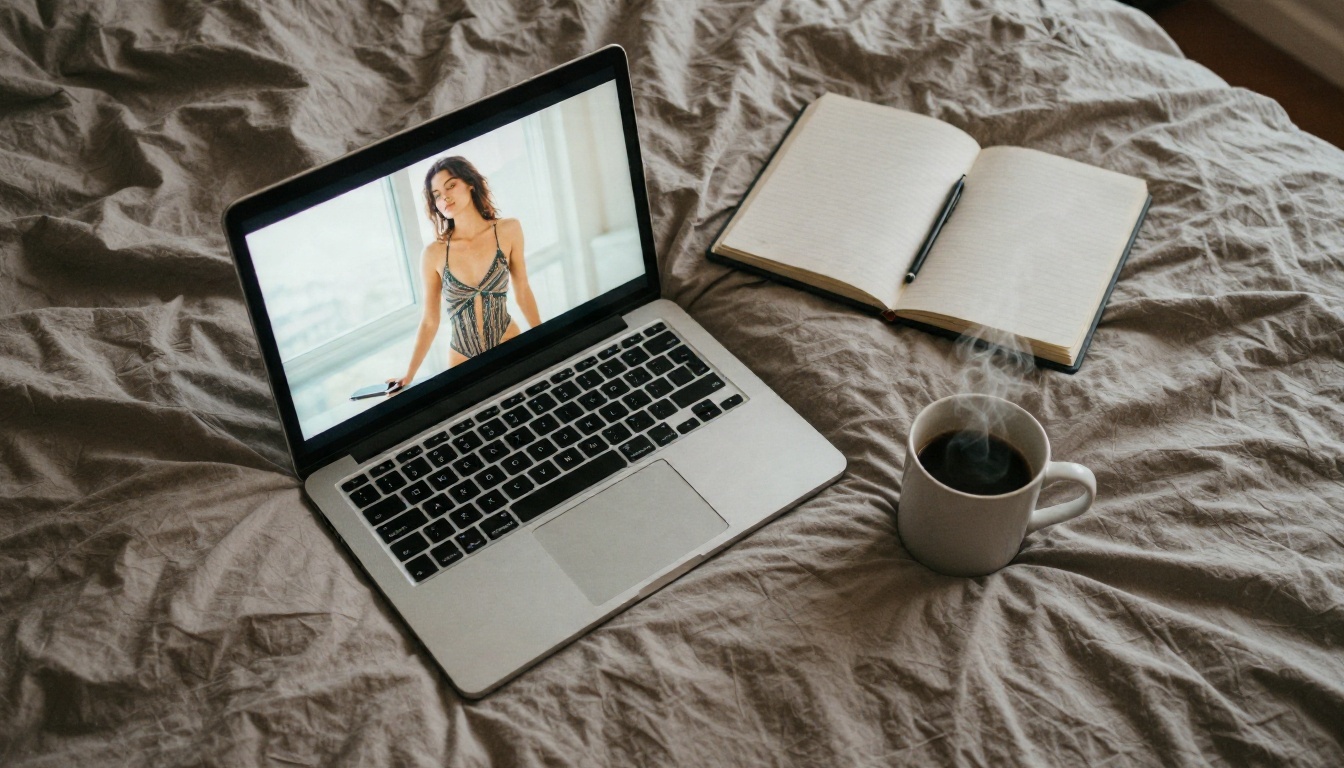
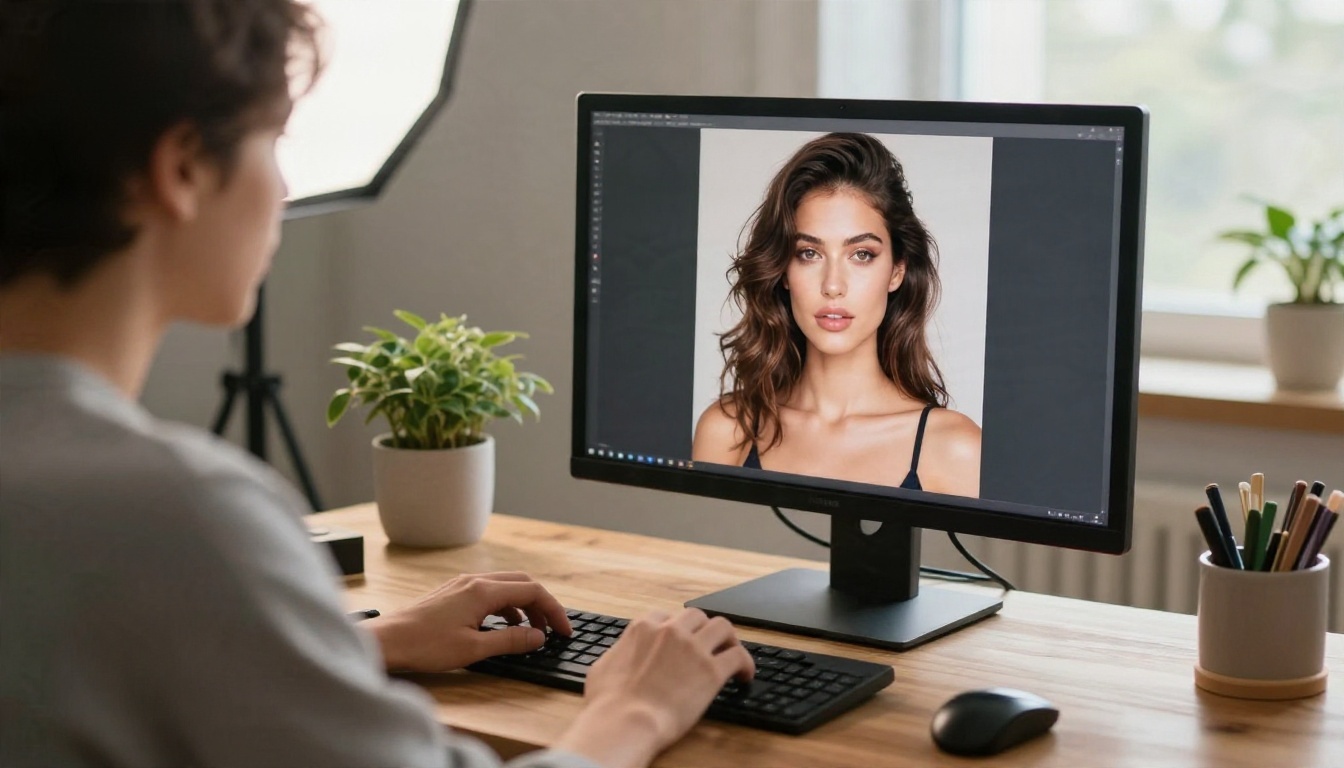
Laptop workflow shot. Not every frame needs a person. Props, steam and morning light are easy wins for ambient motion. Prompt: "Steam rises from the mug, soft light shifts across the sheets, static camera." Useful as a cutaway between clips.
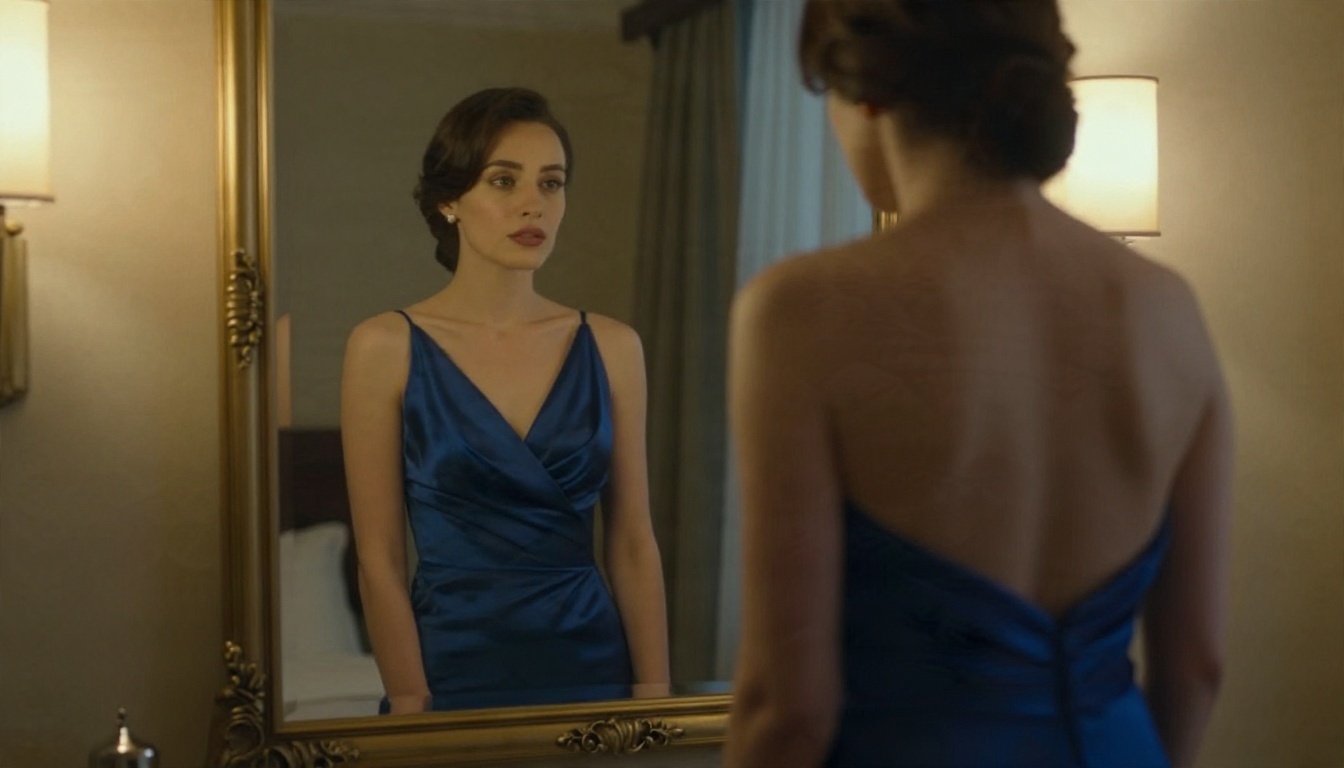
Mirror portrait. A hard one. Reflections are where models struggle most, because the mirror image has to match the real one frame by frame. Prompt: "She turns her head slightly, the lamp glows steadily, slow push-in." Expect to run it three or four times and pick the best take.
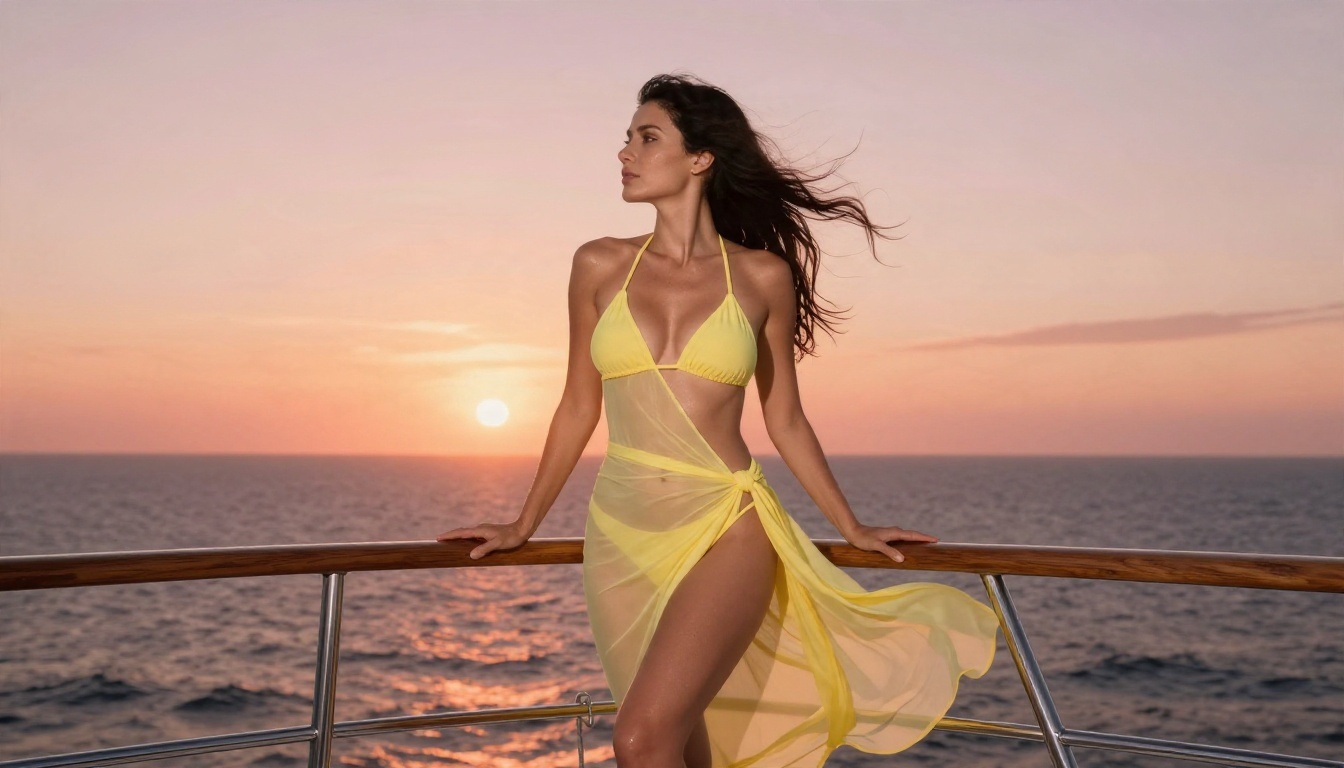
Yacht sunset. Strong rim light, flowing fabric and moving sea. Ideal for models with good physics. Prompt: "Wind lifts the sarong and her hair, the sea swells gently, slow pan left to right." Fabric is the part to watch: thin sarongs sometimes clip into skin.
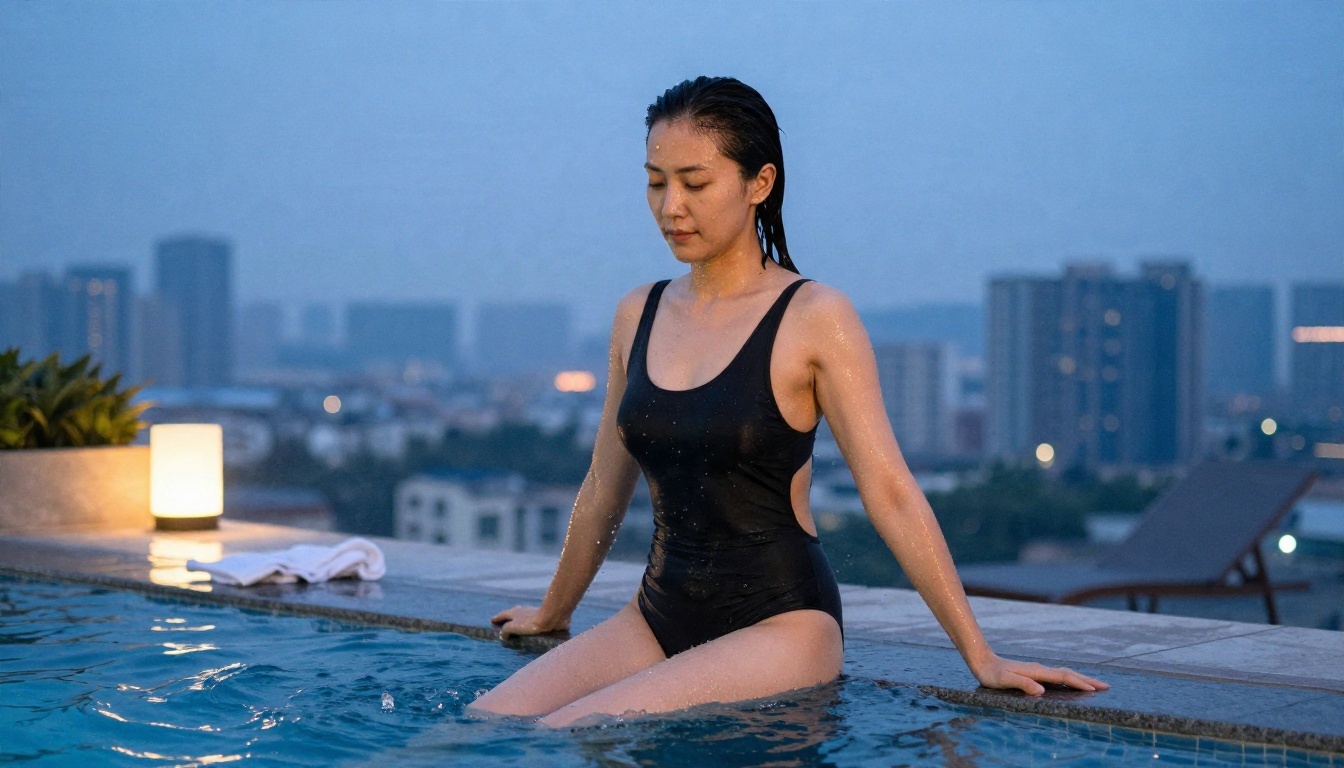
Rooftop pool exit. Water droplets frozen in the still give the model a clue about how water should behave. Prompt: "Water streams down as she stands, she smooths her hair back, slow tilt up." A strong test of how well a model keeps wet-skin highlights consistent.
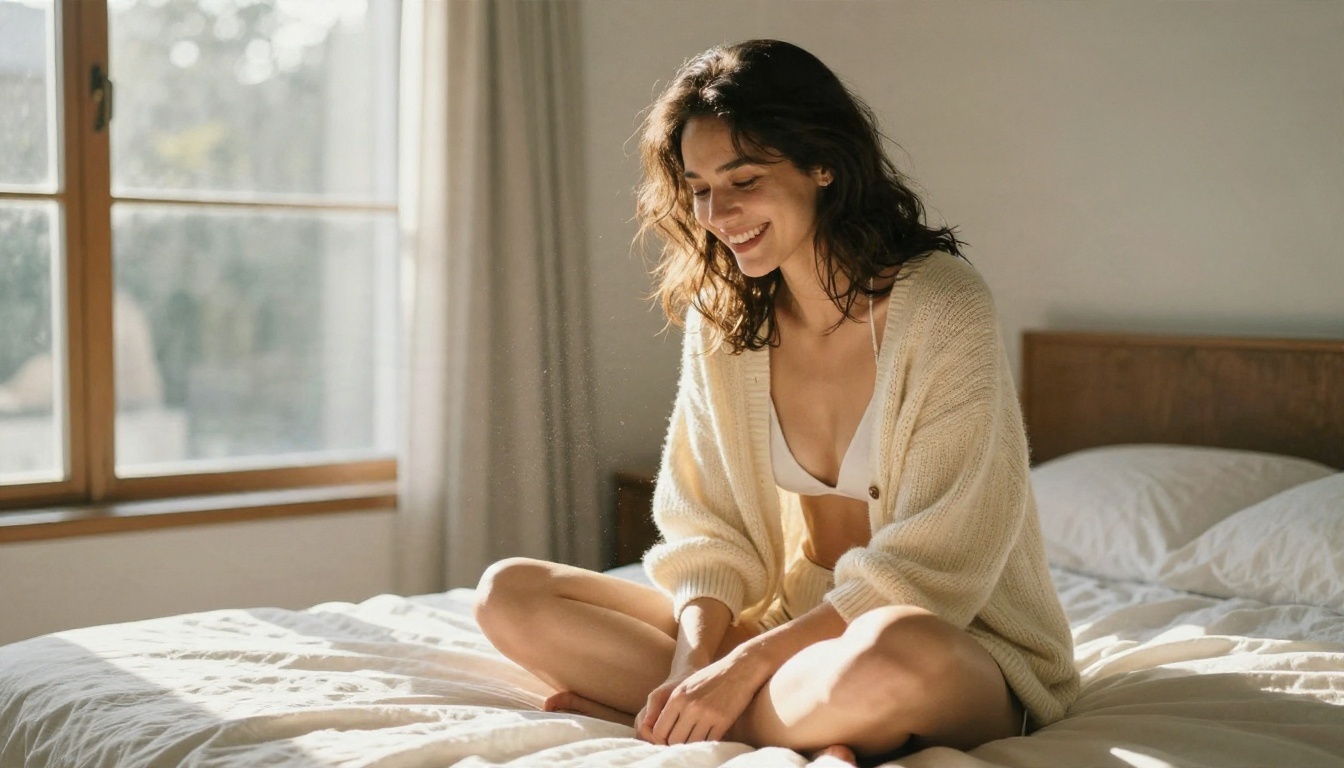
Loft lifestyle. A quiet, human moment. Small gestures like a laugh or tucking hair work better than large body movement. Prompt: "She laughs softly, glances up, tucks her hair behind her ear, static camera." Soft, believable, and the least likely to trigger a filter.
The Real Limits
Here is where expectations meet reality. No tool removes every constraint.
Moderation is not a bug
Platforms draw a line between suggestive and explicit, and they draw it at different places. Images with swimwear, silk or glamour styling usually pass. Explicit content is blocked by most hosted generators, and an image-to-video step is often stricter than the image step. While producing the photos for this article, one boudoir-style prompt was rejected by a safety filter, and a swimwear-based rewrite of the same idea went through. Expect that kind of friction and plan around it.
💡 If a clip comes back blank or frozen, try a softer still, a calmer motion prompt, or a different model. Moderation varies a lot from one model to the next.
Clip length and drift
Almost every image-to-video model gives you roughly 5 to 10 seconds per generation. Past that, the subject starts to drift: the face changes slightly, a strap moves, the background morphs. The workaround is to treat each clip as one shot and edit several together, not to chase a single long take.
| Limit | Typical result | Workaround |
|---|
| Clip length | 5 to 10 seconds | Edit multiple shots together |
| Face consistency | Small drift after 4 to 5 seconds | Use close-ups sparingly, choose wider shots |
| Hands | Extra or merged fingers | Hide hands or keep them still |
| Fabric | Clipping into skin | Choose structured fabrics over thin sheer ones |
| Reflections | Mismatched mirror image | Avoid mirrors, or generate several takes |
| Text and logos | Garbled letters | Keep frames text free |
Consent and likeness
Use fictional, generated subjects. Animating a photo of a real person who has not agreed to it is harmful, often illegal, and against the rules of every serious platform. Everyone depicted in your clips should be an adult, and the content should stay non-explicit. If you are working with a model or creator who has consented, keep that agreement in writing.
Which Video Model Fits
A sensible routine: draft with a fast or free model, find the prompt that works, then run that same still through one premium model for the final take. Keep the seed, the still and the prompt constant so you can compare fairly.
Make Your Own Clips Today
You now have the full loop. Generate a still with Seedream 4.5, clean it up in PicassoIA Image Editor Pro, then bring it to life with PicassoIA Video and one motion prompt from the table above. Start with a wide beach or pool shot, since water and wind are the most forgiving kinds of movement. Once that works, try portraits and close-ups.
Run the same still through two or three engines and keep the best take. The differences between models are bigger than most people expect, and a ten minute test saves hours of frustration.
When you want more choice, browse every image and video model at picassoia.com/en/all-models and build the pipeline that suits your style. Pick a still, write one slow motion prompt, and see what five seconds can do.


