Type "free uncensored AI chat" into a search bar and you get a wall of near-identical roundups, each promising unlimited messages, zero filters and a companion who remembers everything. Then you open the app, send a dozen messages, and hit a paywall, a memory reset or a polite refusal. If that sounds familiar, you are exactly who this article is for. An NSFW language model is a simple idea wrapped in a lot of marketing, and the gap between the promise and the reality is where most people lose an evening.
Here is the plain version: some chat products allow adult roleplay, some models ship with strict safety training, and some open-weight models can be run privately on your own computer. Each route has real limits on price, privacy, memory and rules. Below, you will find how those routes differ, what free tiers usually cost you in practice, and which alternatives make sense if what you actually want is adult-themed creative output, including images.
What an NSFW Language Model Is
The phrase gets used for three different things, and mixing them up is the main source of disappointment.
Filtered, tuned and uncensored
A language model is the engine that predicts text. A chat product is the app wrapped around it, with its own system prompt, filters and business rules. When someone says a model is "uncensored," they might mean any of these:
- The app allows adult roleplay between consenting adult characters, even though the underlying model is a mainstream one.
- The model was fine-tuned by a community to refuse less often.
- The weights are open and you run them locally, so no third party sits between you and the output.
These are very different situations. Only the last one gives you real control, and it also gives you all the responsibility.
💡 Quick test: if a site cannot tell you which model powers its chat, assume the "uncensored" label is a marketing choice, not a technical fact.
Why people search for it
Most searches are not about anything shocking. People want romance fiction, flirty companion chat, mature storytelling with violence or dark themes, or simply a model that stops lecturing them mid-scene. Writers building adult characters hit refusals constantly with mainstream assistants. That frustration is the whole market.
Free Options and Their Real Limits
Free is the most overused word in this space. A free tier is a sample, and the sample is designed to end.

Hosted companion apps
Names that come up again and again in roundups include SpicyChat, Janitor AI, Candy AI and Perchance. I checked what current roundups say about them, and the honest summary is that the claims conflict. One list says a popular free tier allows roughly 100 uncensored messages a day. Another says the same platform is unlimited. A third mentions that a different app asks for ID verification before adult chat unlocks and describes a very high daily figure only through a workaround.
Treat all of that as unverified. These products change their limits often, and several of the roundups read like affiliate marketing. One thing the articles do agree on: free limits are usually the first thing a company trims when it needs revenue.
Open weights at home
The other route is running an open model on your own machine. Families like Llama, Mistral and IBM Granite have open-weight releases, and community fine-tunes of those families are what people usually mean by a "raw" uncensored model. The trade-offs:
- Cost: the software is free, but you need a decent GPU or a lot of patience on a CPU.
- Privacy: your chats stay on your disk, which is a genuine advantage.
- Setup: you install a runner, pick a model file, tune settings and fix problems yourself.
- Quality: small models forget details, repeat phrases and drift out of character faster than large hosted ones.
Side by side
| Route | Real cost | Message limits | Privacy | Effort |
|---|
| Hosted companion app, free tier | Free, then subscription | Daily caps, vary by app | Your chats sit on their servers | Low |
| Hosted companion app, paid | Monthly fee | Looser, often tiered | Same as above | Low |
| Open weights on your PC | Hardware only | None | Stays on your machine | High |
| Mainstream assistant | Free or paid | Fair-use caps | Provider policy applies | Low |
Where PicassoIA Language Models Fit
Let me be direct, because this matters for your time: the language models on PicassoIA are mainstream models from major labs, and they run with their providers' default safety behavior. PicassoIA is not an uncensored chat app, and I will not pretend a hosted model is something it is not. If your goal is explicit roleplay with no restrictions, the hosted models below are not the tool for that.
What they are good at is everything around the adult-creative workflow: writing character backstories, drafting romance and glamour fiction that stays within provider rules, building persona sheets, brainstorming scene settings and producing image prompts.
Models worth a try
What to expect
Expect these models to write sensual, romantic and glamour-style prose and to decline explicit material. That is a feature if you want a dependable writing partner, and a limit if you want something else. Knowing which one you want saves you the frustration of fighting a tool that was never built for the job.
Limits Nobody Mentions Upfront
The advertised message cap is rarely the thing that ruins the experience. These are.
Memory and context
Every model has a context window, the amount of conversation it can hold at once. When a chat gets long, older details fall out. A companion that forgets your character's name after an hour is not broken, it has simply run out of room. Hosted apps patch this with "memory" features, but those are often a paid tier. Local small models have the smallest windows of all.
Privacy
Hosted chat means your conversations pass through someone else's servers. Before you type anything personal, check whether the app stores logs, trains on chats or lets you delete your history. Avoid real names, workplaces and anything that could identify you or someone else. A local model removes that worry, which is its strongest selling point.
Rules that still apply
An uncensored tool removes platform filtering. It does not remove the law or common sense. A few lines hold everywhere:
- Adults only. Any character must be clearly an adult. Content involving minors is off the table everywhere, and providers report it.
- No real people. Do not write sexual content about real individuals without consent, and do not build chatbots impersonating them.
- Age checks are normal. If an app asks you to verify your age, that is the platform following local rules.
- Check your local law. Rules on adult content differ by country and region.
💡 Rule of thumb: if you would not be comfortable with the person involved reading it, do not write it.
Pair Chat With Visuals
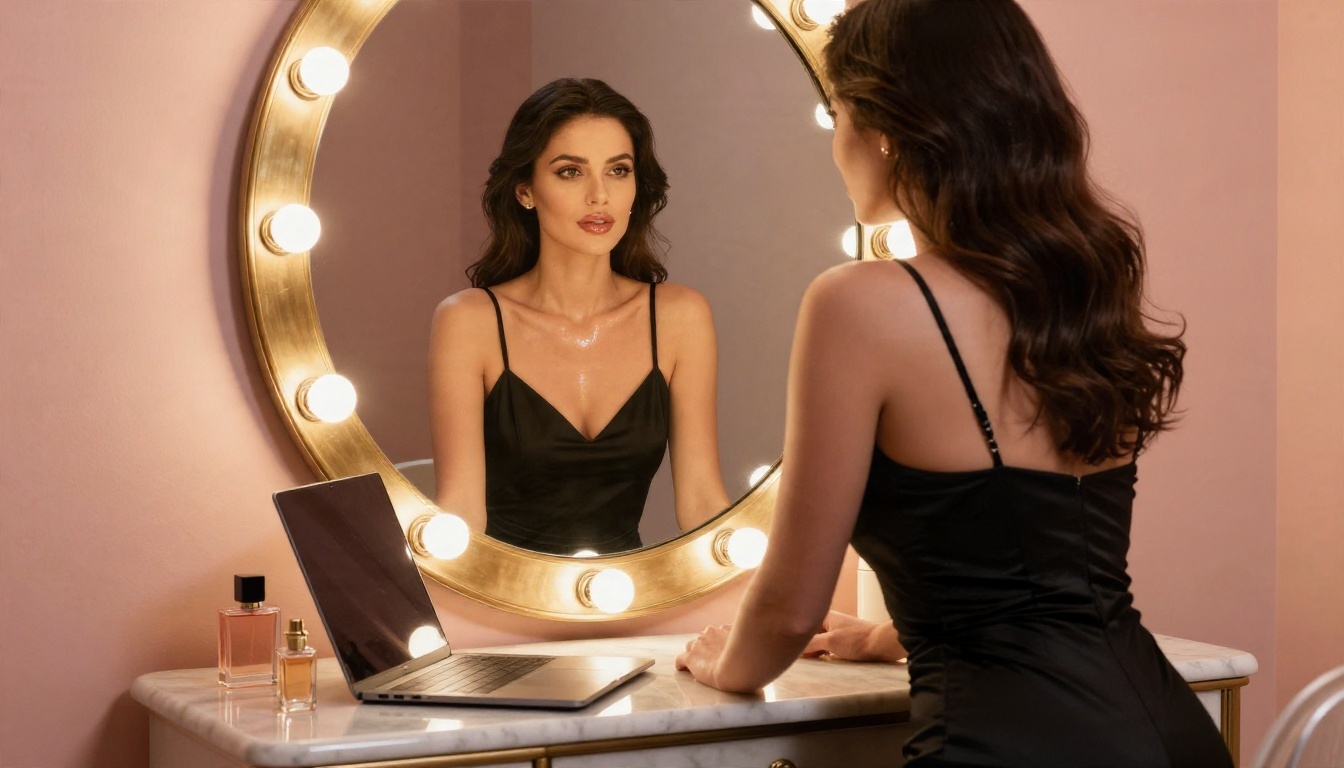
Many people who go looking for an NSFW language model are really after a character: a face, a voice, a story. Text alone only gets you part of the way. The faster win is to write the character with a language model, then give her a look with an image model.
The image models, in order
For adult-themed glamour imagery (suggestive, stylish, non-explicit), this is the order I would try them:
- Seedream 4.5 is the first stop. It handles skin texture, fabric, lighting and swimwear or lingerie-style fashion shots with very natural results, up to 4K.
- PicassoIA Image Editor Pro gives you unlimited generations, which matters when you iterate on a character fifty times to get the face right. It is also the quickest way to edit and refine an existing image.
- Qwen Image 3 Pro is a strong photorealistic option when you want a different look from the same prompt.
- Flux 2 Klein 9B Base LoRA suits styled looks and quick experiments.
If you want more choices, the full catalog lives at picassoia.com/en/all-models.
How to Create Character Visuals with Seedream 4.5
This is the practical part: turning a text persona into consistent images.
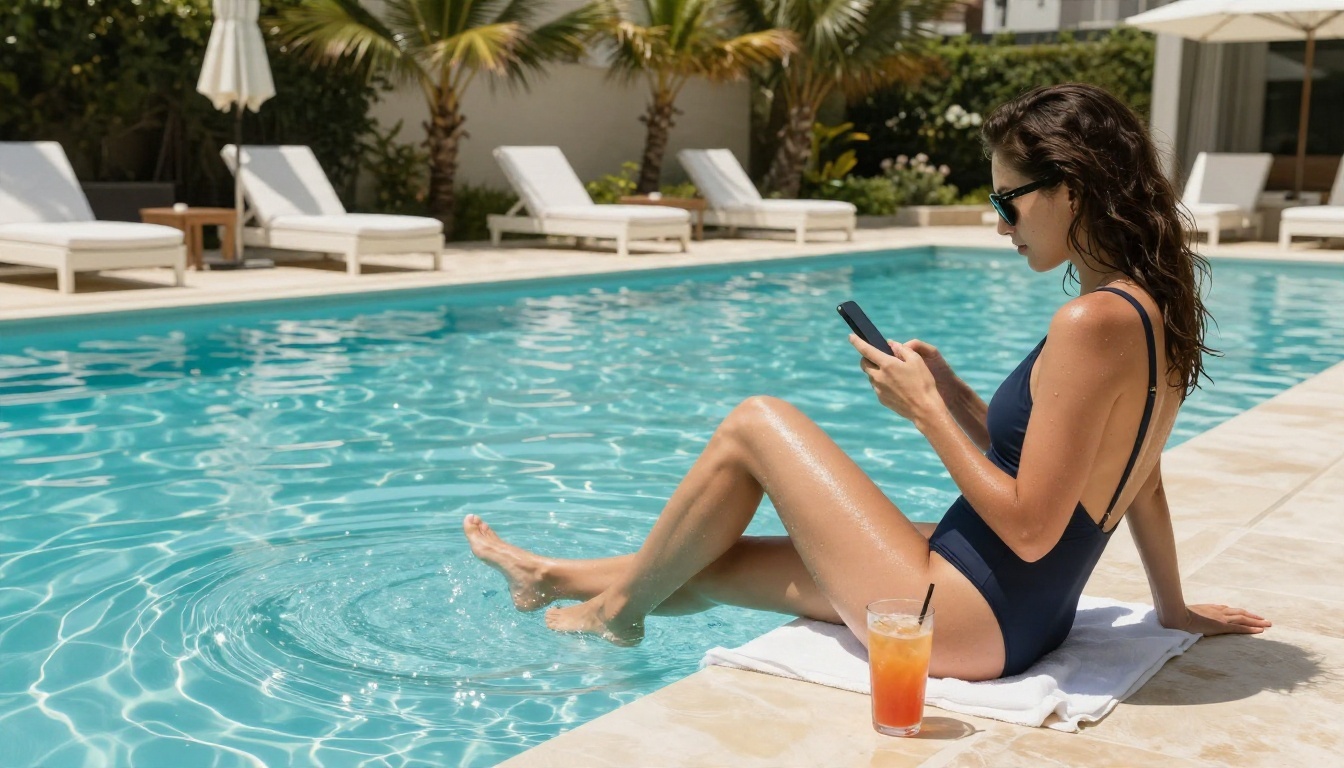
- Write the persona first. Ask a language model such as Gemini 3.5 Flash for a short visual description: age (always an adult), hair, eyes, style, signature outfit, setting.
- Open Seedream 4.5 on PicassoIA and paste that description as the prompt.
- Add photography language. Include the lens (for example "85mm f/1.8"), the light ("warm lamp light from the left") and the film feel ("Kodak Portra 400, fine grain"). These details are what separate a plastic look from a real photo.
- Pick a 16:9 or portrait ratio depending on whether you want a scene or a close-up.
- Keep the outfit and hair wording identical across prompts. Changing one adjective is the quickest way to lose consistency.
- Refine in Image Editor Pro. Because generations are unlimited, you can adjust small details without counting credits.
| Parameter | Suggested setting | Why |
|---|
| Aspect ratio | 16:9 for scenes, 3:4 for portraits | Matches how the image will be used |
| Prompt length | 50 to 90 words | Enough detail without contradictions |
| Lighting words | One main source, one fill | Prevents flat, artificial results |
| Style words | "photorealistic, film grain" | Keeps skin and fabric believable |
| Wardrobe | Same phrase every time | Holds the character together |
💡 Tip: keep the look suggestive and tasteful. Glamour and swimwear photography reads better, shares better and stays on the right side of most platform rules.
Safer Habits for Adult Chat
A few small habits make any of these routes better, whether you use a hosted app or a local model.
Protect your data
- Use a separate email address for companion apps.
- Skip real photos of yourself or anyone you know.
- Read the deletion policy before you share anything you would regret.
Set the scene properly
Language models respond to setup. A solid opening message that defines the characters, the tone and the boundaries gets you better scenes than ten corrections later. If a model drifts, restate the character sheet in a single short message rather than arguing with it.
Mind the money
Subscriptions in this category often renew automatically and sell extra "credits" on top. Set a monthly limit, check what the free tier does before paying, and cancel the day you stop using it. Remember that a cheaper plan with honest limits beats a flashy plan with hidden caps.
Pick the Right Option
Match the route to your goal:
| If you want... | Use this |
|---|
| Casual flirty chat and you accept daily caps | A hosted companion app on its free tier |
| Total privacy and control, and you can handle setup | An open model run locally |
| Strong character writing, backstories and scene drafts | A mainstream model such as Claude Sonnet 5 or GPT 5.4 |
| Glamour and lingerie-style images of your character | Seedream 4.5, then Image Editor Pro |
| Unlimited retries while you refine a look | PicassoIA Image Editor Pro |
The honest answer to "which NSFW language model is best and free" is that no single one wins. Hosted apps are easy but capped. Local models are private but demanding. Mainstream models write beautifully inside their rules. Choose by what you will actually do with it, not by which landing page shouts "unlimited" the loudest.
Try It Yourself
If your real goal is a character you can both write and see, start with the part that is easiest to get right today: the visuals. Open Seedream 4.5 on PicassoIA, paste a short persona description, add a lens and a lighting setup, and generate your first glamour portrait in seconds. Then take it into PicassoIA Image Editor Pro, where unlimited generations let you adjust the look until it matches the character in your head.
Need a writing partner for the backstory? Pick a model from the language model collection and draft the persona first. When you want to see everything on offer, browse the full catalog at picassoia.com/en/all-models and experiment. A few prompts in, you will know which combination fits the way you like to create.


