Hosted chatbots refuse a surprising amount of harmless adult fiction. You write a slow-burn romance, the model lectures you, and the scene dies. An NSFW local LLM fixes that problem at the root: the model lives on your own graphics card, answers to nobody, and never sends a single word to a server. It costs nothing per message, and the only limit is the hardware sitting under your desk.
This article walks through the whole path. You will see which uncensored models people actually run, how much VRAM each one needs, how to install a free setup in about 20 minutes, and what to use when your PC is too weak. Since a good story often wants a picture to go with it, there is also a section on pairing your text with tasteful, non-explicit AI imagery.
💡 Quick answer: If you have 8 GB of VRAM, start with an 8B fine-tune in Q4 quantization. With 16 to 24 GB, move to a 22B to 24B roleplay model. Install Ollama or LM Studio, add SillyTavern if you want character cards, and you are done.
Why Run an LLM Locally
People search for an NSFW local LLM for three reasons: privacy, freedom, and cost. Each one is real, and each one has limits worth knowing before you spend a weekend downloading 40 GB of weights.
Privacy That Is Real
When a model runs through llama.cpp on your machine, your prompts never leave the machine. There is no account, no conversation history stored by a company, and no moderation team that could flag a chat. For adult creative writing, that matters more than any benchmark score.
No Filters, No Surprises
Hosted assistants change behavior between updates. A scene that worked on Monday gets refused on Friday. A local model is a file. It behaves the same way tomorrow, next month, and next year, which is why long-running roleplay communities lean on local setups.
Zero Cost Per Message
After the download, every token is free. You pay with electricity and patience, not with a subscription. If you chat for hours a day, the savings add up quickly compared with paid API usage.
What "Uncensored" Actually Means
The word gets thrown around loosely, so here is the practical meaning. A standard instruct model is trained to decline certain requests. An uncensored model has had that behavior removed or reduced, usually in one of two ways.
Fine-Tuned vs Abliterated
Fine-tuned models, like the Dolphin and Hermes families, are retrained on datasets that contain no refusals. They tend to be coherent and well-behaved in long chats. Abliterated models take a normal instruct model and surgically remove the internal direction that triggers refusals. They are quick to produce, but some lose a little intelligence in the process.
Your Base Model Still Matters
Removing refusals does not add talent. A weak 7B base will write flat prose, uncensored or not. Community roleplay favorites are usually fine-tunes of strong bases such as Mistral Small and Mistral Nemo, Llama 3.x, and Qwen 2.5, further trained on fiction and chat data so the writing has voice and the characters stay consistent.
⚠️ Heads up: Model names, quant files, and download counts change weekly. Check the model card before you download, and confirm the license allows your use.
The Best NSFW Local LLM Models
No single model wins everywhere. The leaderboard champion and the model that runs on your laptop are different picks, so the best choice depends on your VRAM. The community favorites below come up again and again in roleplay and fiction circles. Treat the list as a starting point and expect newer fine-tunes to replace some of them.
| VRAM tier | Typical pick | Base family | Best for |
|---|
| 6 to 8 GB | Lexi Uncensored V2 (8B) | Llama 3.1 | Fast chat, short scenes |
| 8 to 12 GB | Nemo-based roleplay GGUFs (12B) | Mistral Nemo | Character chat, good prose |
| 12 to 16 GB | Dolphin 3.0 Mistral, Hermes 3 | Mistral, Llama 3.x | Balanced, stable |
| 16 to 24 GB | Cydonia (24B), Mistral Small abliterations | Mistral Small | Best quality per GB |
| 24 GB plus (quantized) | Eva Qwen 2.5 variants | Qwen 2.5 | Long, detailed fiction |
| 48 GB or more | Euryale (70B) | Llama 3.3 | Top-tier roleplay depth |
Small Cards (8 GB)
On a modest GPU, an 8B fine-tune like Lexi Uncensored V2 is the safe choice. It is fast, it loads in seconds, and a Q4 or Q5 quant fits with room for context. The prose is simpler than bigger models, but for quick scenes and chatty banter it does the job.
The Mid-Range Sweet Spot
This is where most enthusiasts end up. A 12B Nemo-based fine-tune on 12 GB, or a 22B to 24B Mistral Small fine-tune on 16 to 24 GB, gives a noticeable jump in memory, tone, and consistency. If you can afford one GPU upgrade, this tier is the best value.
High-End Rigs (48 GB Plus)
A 70B model like Euryale needs two consumer cards or a workstation GPU, or a Mac with a lot of unified memory. The payoff is writing that tracks subtle details over hundreds of messages. It is excellent, but not necessary to enjoy this hobby.
💡 Pro tip: Hermes 3 and Dolphin are strong all-rounders. If one fine-tune feels repetitive, switch to another with the same base. The difference in voice can be larger than the difference in size.
Hardware You Actually Need
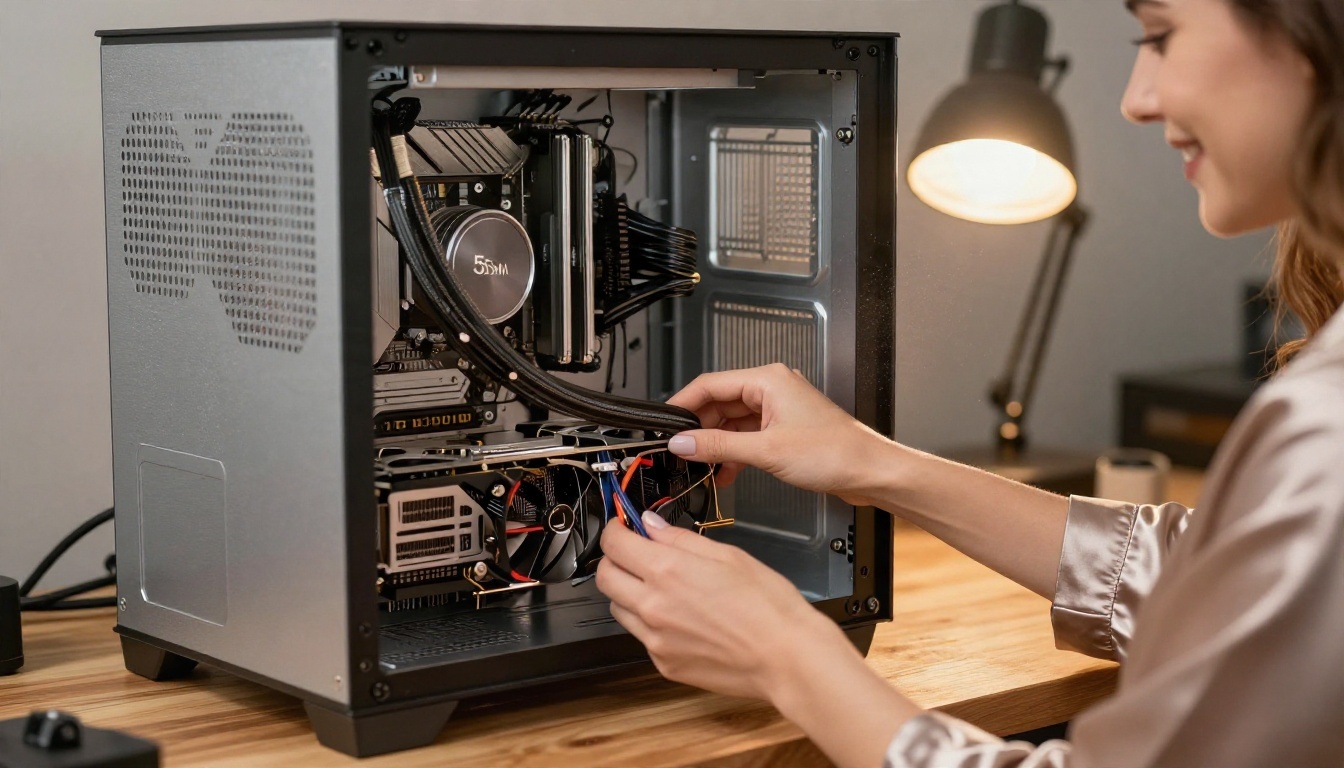
Speed and quality come down to one number: how much of the model fits in video memory. Everything that spills into system RAM slows generation sharply.
The VRAM Math
A quick rule of thumb: a Q4 quantized model uses roughly 0.55 to 0.65 GB per billion parameters, plus a few GB for the context window. That gives rough numbers like these:
- 8B model: about 5 to 6 GB
- 12B model: about 7 to 9 GB
- 24B model: about 14 to 16 GB
- 70B model: about 40 to 45 GB
Longer context windows eat extra memory, so a 24B model with a huge context may want 20 GB or more. Always leave a margin.
Quantization Choices
Quantization shrinks the model by storing weights in fewer bits. Q4_K_M is the usual balance of size and quality. Q5 and Q6 are a little sharper if you have room. Q8 is near-lossless but large. Dropping below Q3 saves space but the writing quality falls fast.
CPU and Mac Options
No GPU? A modern CPU with plenty of RAM can run small models, though at a few tokens per second. Apple Silicon Macs are a good middle path, because unified memory lets a 32 GB or 64 GB machine hold larger models than most gaming PCs. Expect slower speed than a high-end Nvidia card, but far better than a CPU-only desktop.
Free Setup in 20 Minutes

Both main tools are free. Pick Ollama if you like the terminal, or LM Studio if you prefer a window with buttons.
💡 Update first: Newer model architectures need a recent llama.cpp build. If a GGUF refuses to load, update your tool before blaming the file.
The Ollama Route
- Install Ollama for Windows, macOS, or Linux.
- Open a terminal and pull a model from its library, or point Ollama at a GGUF file with a short Modelfile.
- Run the model and start chatting. A command like
ollama run followed by the model name is all it takes.
- Set the system prompt to describe your character, setting, and tone.
Ollama also exposes a local API, which is what front ends like SillyTavern connect to.
The LM Studio Route
- Install LM Studio and open the model search tab.
- Search for the fine-tune you want and pick a quant that fits your VRAM, usually Q4_K_M.
- Download it, load it, and chat in the built-in window.
- Adjust temperature, context length, and GPU offload in the side panel.
LM Studio shows you how much VRAM a file will use before you download it, which saves a lot of guessing.
Add SillyTavern for Characters
If your goal is roleplay, SillyTavern is the front end most people use. It connects to Ollama or LM Studio, supports character cards, lorebooks, and group chats, and keeps long conversations organized. Settings worth tuning first:
| Setting | Starting value | Why |
|---|
| Temperature | 0.8 to 1.0 | Creative but coherent |
| Min P | 0.05 | Cuts off nonsense tokens |
| Repetition penalty | 1.05 to 1.1 | Stops looping phrases |
| Context length | 8K to 16K | Balance memory and VRAM |
Online Alternatives Worth Trying
Not everyone has a spare GPU. If your PC is too slow or you do not want to maintain software, a hosted model is the fast route. Be honest with yourself about the tradeoff: hosted models run on someone else's servers, and most apply content filters.
Hosted LLMs on PicassoIA
PicassoIA hosts a long list of language models you can use from the browser with no install. For suggestive, romantic, or mature-themed fiction that stays non-explicit, several of them are good writing partners:
Honest Limits
These are general-purpose assistants. They will write romance, tension, and sensual atmosphere, but they can decline explicit requests. If you want zero refusals in text, a local fine-tune is still the only dependable answer. That is the real division of labor: local for unrestricted text, online for convenience and quality.
💡 Hybrid trick: Draft the plot, outline, and character sheets with a hosted model, then run the actual roleplay locally. You get polish and privacy.
Pair Your Story With Images
A text story gets better with a face to match. Your local LLM cannot draw, but you can feed its character descriptions into an image model. For glamour, boudoir, swimwear, and artistic adult-style imagery, the PicassoIA lineup is built for fewer restrictions and fast results.
Seedream 4.5 Comes First
Seedream 4.5 is the first model to try. It produces sharp, photorealistic people with believable skin, fabric, and lighting, and it handles suggestive, attractive content without the constant blocking you get elsewhere. Paste in the character description your LLM wrote, add a camera and lighting line, and generate.
Prompt tips that work well:
- Describe outfit fabric (satin, lace, linen) because texture sells realism
- Name the lens and light, such as "85mm f/1.8, warm lamp from the left"
- Keep the setting specific: a hotel room, a poolside villa, a studio
- Ask for 16:9 for scenes and 3:4 or 2:3 for character portraits
Image Editor Pro for Unlimited Edits
PicassoIA Image Editor Pro is the second stop, and the main draw is that generations are unlimited. Use it to change an outfit, fix a hand, adjust the background, or keep one character consistent across a series of scenes. Because there is no meter running, you can iterate as many times as you like until the portrait matches the character in your story.
💡 Workflow: Write the character in your local LLM, generate the portrait in Seedream 4.5, refine it in Image Editor Pro, then paste the final image into your SillyTavern character card.
Everything here is about glamour and style, not explicit content. Stay inside those lines and you get beautiful results with very few headaches.
Safety Habits That Matter

Freedom comes with responsibility. A few habits keep this hobby safe for you and for other people.
Adults and Fictional Characters Only
Write only about adult, fictional characters. Never use a model to depict a real person without their consent, and never create anything involving minors. This is a firm line, and every responsible community enforces it.
Download From Trusted Sources
Stick to well-known model repositories and read the comments. Prefer GGUF files, which are plain weights, over random executables. Never run a "model installer" from an unknown site.
Keep Your Machine Private
If you expose Ollama or SillyTavern to your network, add a password and avoid opening ports to the internet. A local model is only private if you keep the door closed.
Check Licenses
Some fine-tunes inherit restrictive licenses from their base models. If you plan to share outputs commercially, read the license first.
Start Creating Today
You now have everything for a working NSFW local LLM: the models worth downloading at each VRAM tier, the free tools that run them, and the hosted options when your hardware falls short. Pick one model that fits your card, spend an evening tuning the settings, and see how it feels.
Then give your characters a face. Open Seedream 4.5 for photorealistic glamour portraits, refine them with PicassoIA Image Editor Pro with unlimited generations, and browse every other option at picassoia.com/en/all-models. Experiment, iterate, and build the story you wanted to read in the first place.


