You can run an adult image model on your own computer, and plenty of people do. No account, no monthly fee, no one looking at your prompts. The catch is that "free" quietly turns into a graphics card purchase, a weekend of installing things, and a folder of files you have to trust. This article lays out what NSFW local models actually demand, what you can run for free, where they fall short, and when an online tool gets you to the same picture in a fraction of the time.
💡 Quick answer: For sharp 1024 pixel images you want a GPU with 12 GB of VRAM or more. Lighter models run on 8 GB. If you do not have that, or you do not want to spend a weekend on setup, a hosted model such as Seedream 4.5 gets you glamour and suggestive photography in seconds.
What "Local" Really Means
Running a model locally means the weights, the software and the generated pictures all live on your machine. Nothing is sent to a server. That is the whole appeal, and it is also the whole cost: your hardware does all the work.
Local versus hosted
With a hosted tool you type a prompt, wait a few seconds, and download a picture. With a local setup you install a front end, download model files that weigh several gigabytes each, pick a sampler, a resolution, a seed, and then wait while your own GPU does the math.
| Factor | Local setup | Hosted online model |
|---|
| Upfront cost | GPU, storage, time | None |
| Per image cost | Electricity | Free tiers or credits |
| Privacy | Maximum, files stay on disk | Depends on the service |
| Speed | Depends on your card | Seconds, any device |
| Maintenance | You update everything | None |
| Model variety | Whatever you download | Many models, one place |

Who it suits
Local makes sense for three kinds of people. The first already owns a gaming PC with a strong card, so the hardware cost is sunk. The second wants total control: custom checkpoints, trained LoRAs, odd workflows nobody sells as a product. The third simply cares about privacy above convenience.
If you are none of those, keep reading anyway. The online section below might save you a lot of trouble.
Hardware Needs by Tier
Most guides circle around one number: video memory. Everything else is secondary.
VRAM is the number that matters
The model has to fit in your graphics card memory while it works. When it does not fit, generation slows down badly or fails with an out of memory error. Based on what community guides report in 2026, the tiers look roughly like this:
| VRAM | What you can run | What to expect |
|---|
| 6 GB | Older SD 1.5 class models, small SDXL builds | Lower resolution, patience required |
| 8 GB | SDXL community checkpoints, quantized newer models | Workable, with tweaks |
| 12 GB | Most SDXL checkpoints comfortably, Flux in compressed form | Good everyday tier |
| 16 GB | Flux class models with fewer compromises | Smooth for most work |
| 24 GB and up | Full size Flux checkpoints, big batches | No compromises at 1024 pixels |
A single Flux style checkpoint often weighs between 12 and 23 GB on disk. Compressed formats such as GGUF, FP8 and NVFP4 shrink that, with reports of VRAM savings around 40 percent for FP8 and more for NVFP4. You trade a little fidelity for the ability to run the model at all.
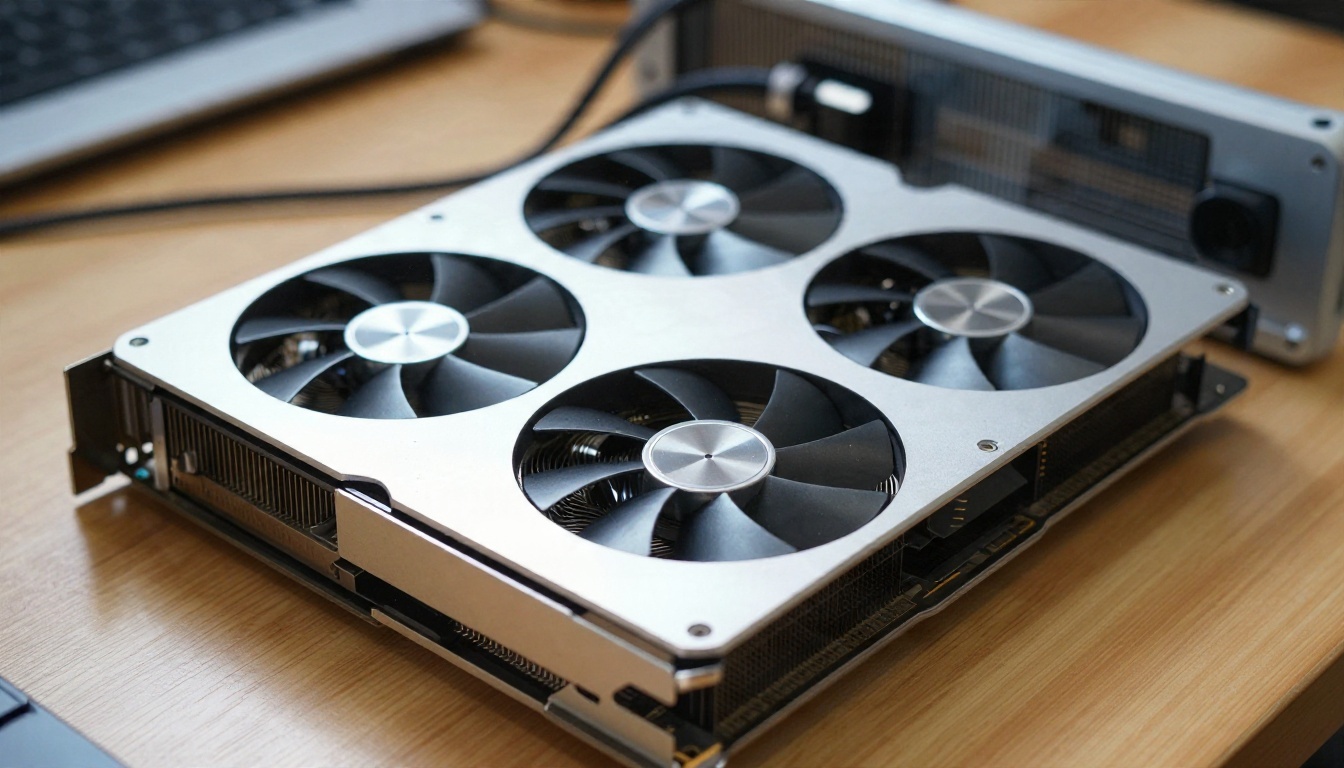
💡 Rule of thumb: SDXL is the safer pick if you have 8 GB and want a deep library of LoRAs. Flux is the better pick from 12 GB upward if you want cleaner anatomy, better hands and more natural skin.
RAM, CPU and storage
The card gets the headlines, but the rest of the machine still matters.
- System RAM: 16 GB is the minimum, 32 GB is much nicer when you switch between large models.
- CPU: Almost any recent processor is fine. It rarely limits image generation.
- Storage: Plan on 200 GB or more free. Checkpoints, LoRAs, upscalers and thousands of outputs add up quickly.
- Drive type: An SSD cuts model loading from minutes to seconds.
- Power and cooling: A card at full load for hours produces heat and noise. Check your power supply.
Laptops, Macs and old cards
Gaming laptops with 8 GB or more of VRAM work, though they throttle under long sessions. Apple Silicon machines can run image models using unified memory, but speeds are slower than a comparable desktop card and some tools lag behind. Cards from several generations ago may lack the speed or memory format newer models expect. If you are unsure, check the model page for its stated requirements before you download 20 GB of files.
Free Options You Can Run
Free software exists in abundance. Free of effort does not.
Open weight image models
The families you will see most often are SD 1.5, SDXL and Flux. SDXL has the biggest pile of community fine tunes and LoRAs. Flux produces more realistic output with fewer anatomy mistakes, at the cost of heavier hardware. Newer lightweight models keep appearing too, and some are designed to run on mid range cards.
You can also try many of these model families online before you commit to downloading anything. Z Image Turbo is a fast option for quick tests, and Flux 2 Klein 4B Base LoRA lets you see how a style adapter changes the result without installing a thing.
Front ends: ComfyUI and Forge
You do not run a model directly. You run it through an interface.
- ComfyUI: Node based, extremely flexible, steep first week. It supports GGUF nodes for low VRAM Flux and most new releases first.
- Stable Diffusion WebUI Forge: A more traditional layout with tabs and sliders. Easier for beginners.
- Others: Several simpler launchers wrap these tools in one click installers.
Expect to spend a few hours on your first working install, mostly on Python versions, driver updates and finding the right folder for each file.
Community checkpoints and LoRAs
Official releases of the big models ship with filters or training choices that block explicit output. Community fine tunes are how people change that. Civitai is the best known source for checkpoints and LoRAs, and entries are flagged with an adult badge.
⚠️ Be careful here. Many uploaders are anonymous. Prefer the safetensors format over older pickle based files, read the license terms, check comments for problems, and keep your downloads on a machine you can afford to wipe. Guides that tell you to edit configuration files to disable safety checks should be read skeptically, so verify any claim against the model card.
A local LLM for prompts
Image prompts are half the work. A small language model running on the same machine can rewrite rough ideas into detailed prompts. If you want to try that without installing anything, Llama 2 7B is available online as a free text generator, and works well for drafting scene descriptions with lighting, lens and fabric details.
The Limits Nobody Mentions
Local is powerful. It is also full of friction that tutorial videos skip.
Time and troubleshooting
The first install rarely works perfectly. A driver mismatch, a missing node, a model in the wrong folder, a workflow that needs a custom extension. Each fix takes minutes, and there are many fixes. Then models update, extensions break, and you are debugging again.
Quality gaps
Bad hands, odd fingers, inconsistent faces between images, plastic skin. Local models can fix all of these, but only with extra steps: ControlNet for pose, inpainting for hands, upscalers for detail, face restoration for consistency. Each step is one more workflow to build and test.
Safety, files and legal
Three points deserve a straight answer.
- Consent and likeness: Never generate adult content of a real person without their clear permission. That rule applies no matter how private your machine is.
- Adults only: Every subject must be an unmistakable adult. Anything else is off the table, full stop.
- Local law: Rules around adult AI images differ by country. Check yours. This article is not legal advice.
On the practical side, downloaded model files are executable risk if they come from the wrong place. Use trusted formats and a clean environment.
| Local limit | Why it hurts | Typical workaround |
|---|
| VRAM ceiling | Large models will not load | Quantized builds, lower resolution |
| Setup time | Hours before the first image | One click launchers |
| Storage growth | Hundreds of GB | External SSD |
| File trust | Unknown uploaders | Safetensors only, read comments |
| No device flexibility | Tied to one PC | Remote access or hosted tools |
Easy Online Alternatives
If you want attractive, suggestive and glamour style images without the hardware bill, a hosted model is the shorter road. PicassoIA gathers many image models in one place, so you can switch between them with a dropdown instead of a download.
Seedream 4.5 comes first
Seedream 4.5 is the model to try first. It handles skin texture, fabric, lighting and composition very well, and it produces sharp images up to 4K. For swimwear, lingerie style fashion, boudoir lighting and glamour portraits, it follows long, detailed prompts closely. No VRAM to worry about, no files to manage, and results arrive in seconds.

Image Editor Pro for unlimited runs
PicassoIA Image Editor Pro is the second stop. It offers unlimited generations, which matters when you are iterating on a look. Try a prompt, change the outfit, change the light, change the mood, and repeat as many times as you like without watching a credit counter. It also edits photos, so you can adjust a scene instead of starting over.
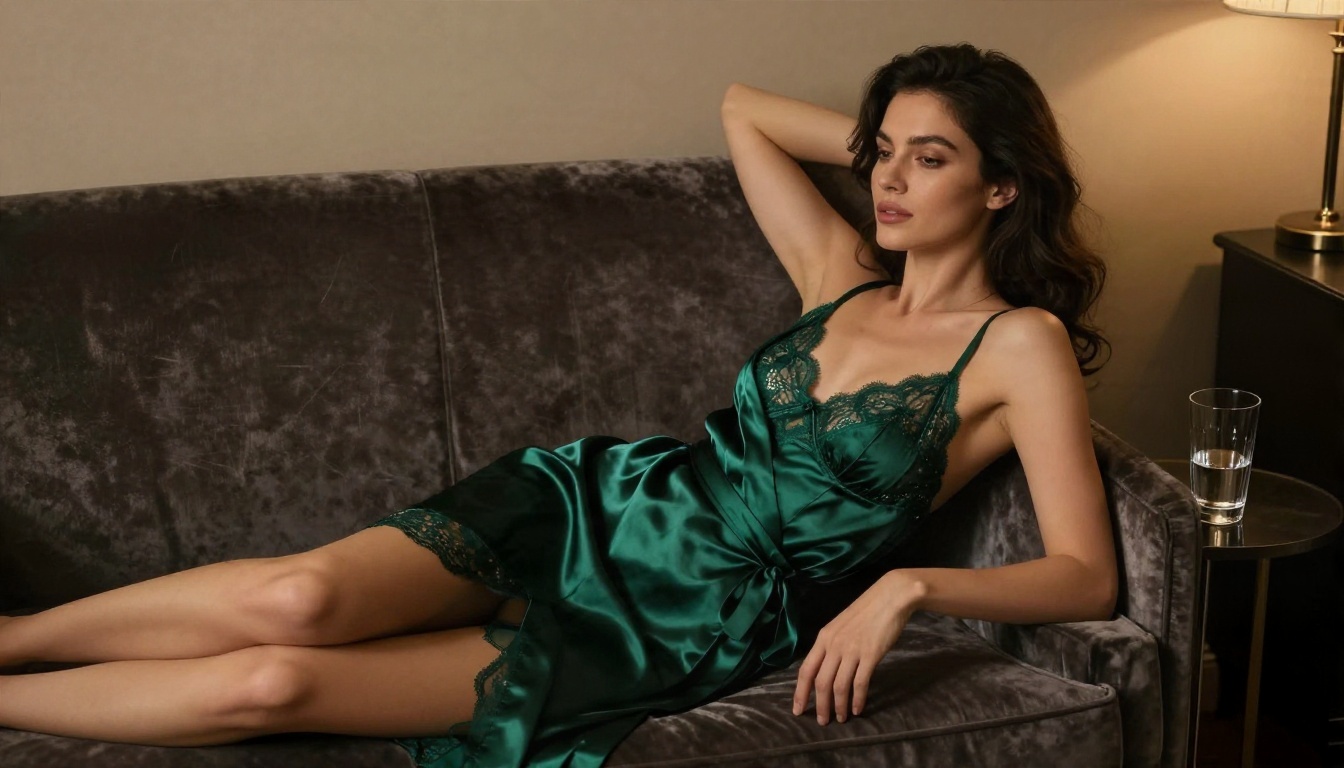
💡 Heads up: Not every model allows adult content. Seedream 5 Lite blocks it, so skip that one for this kind of work and stay with the models listed here.
Other models worth trying
After those two, these give you different looks for comparison:
You can browse every available model at picassoia.com/en/all-models.
Get Results in Five Minutes
Here is the shortest path from idea to image on PicassoIA, using Seedream 4.5.
- Open the model. Go to the Seedream 4.5 page.
- Write a photographic prompt. Include the subject, the outfit, the setting, the light direction, the lens and the film look.
- Pick a wide ratio. 16:9 suits editorial scenes, 3:4 or 2:3 suits portraits.
- Generate and compare. Run two or three variations, change one detail at a time.
- Refine in Image Editor Pro. Move the result into Image Editor Pro for unlimited tweaks to clothing, background or mood.
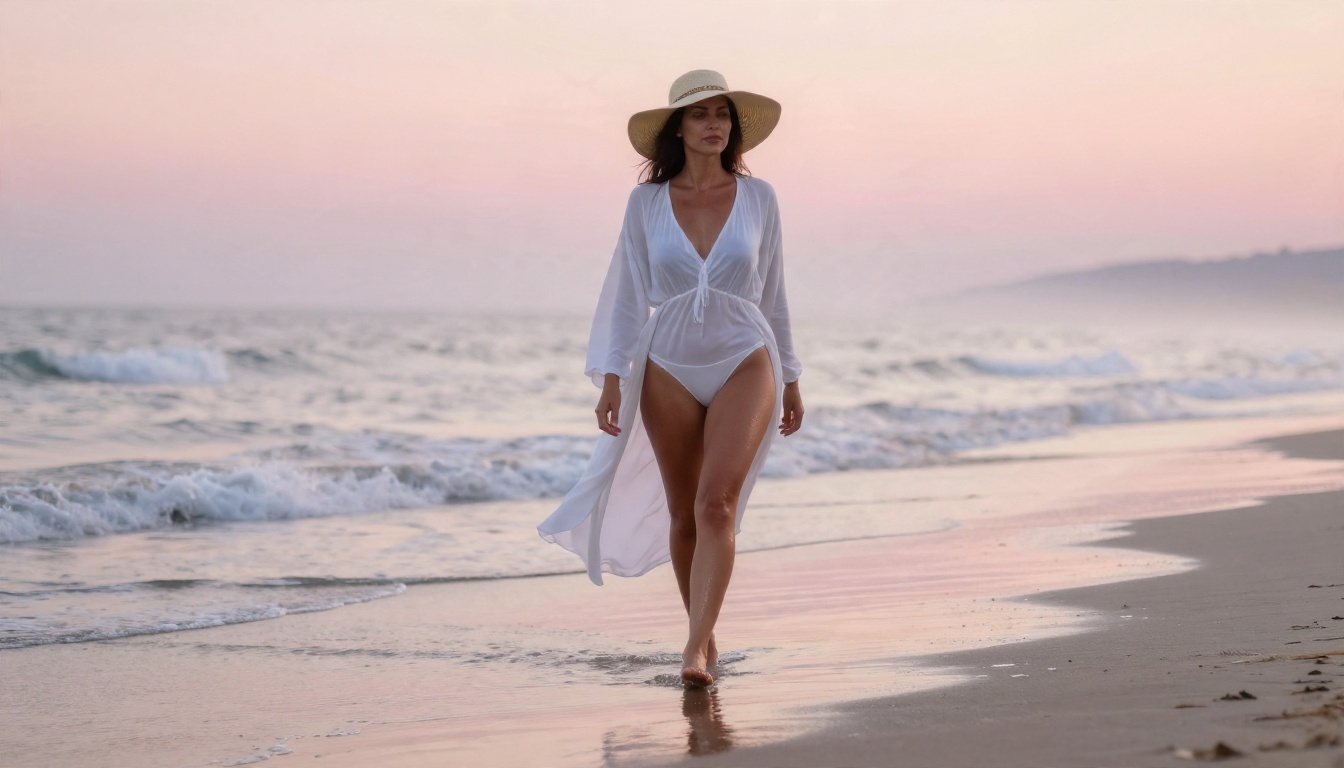
A prompt that works
Try something like this and adjust it:
"Adult woman in a black satin bralette and silk shorts on a cream linen sofa, sunlit loft, soft morning window light from the left, 85mm f/1.8 lens, natural skin texture, Kodak Portra 400 grain, tasteful glamour."
The structure is always the same: subject and pose, setting, light, lens, texture, film look. Specific details beat long strings of adjectives.
Edit instead of regenerating
When an image is 90 percent right, do not roll the dice again. Edit it. Change the dress color, soften a shadow, replace the background. That habit saves more time than any hardware upgrade.
Local or Online? Pick Fast
Use this table as a shortcut.
| Your situation | Best choice |
|---|
| 24 GB card, enjoy tinkering, want custom LoRAs | Local with ComfyUI |
| 8 to 12 GB card, want a few good images | Mix of both |
| No dedicated GPU | Online |
| Laptop or phone only | Online |
| Want unlimited iterations without setup | Image Editor Pro |
| Want the sharpest glamour portraits quickly | Seedream 4.5 |
| Privacy matters above everything | Local |
Many people end up using both. They keep a local install for experiments and use online tools when they just want a result.
Try It Yourself Today
You do not need to buy a card or learn a node graph to start. Open Seedream 4.5, paste in the sample prompt above, and see what comes back. Then take the best result into PicassoIA Image Editor Pro and push it in a new direction with unlimited generations. When you want to compare more looks, the full catalog is waiting at picassoia.com/en/all-models. Try three prompts, change one detail each time, and see which style fits you.


