You typed a prompt for a glamour portrait, hit generate, and the base model gave you a stiff, over-dressed, oddly polite result. That is the exact moment most people go looking for an NSFW LoRA. A LoRA is a small add-on file that nudges a big image model toward a look, a pose set, or a level of anatomical detail it would not produce on its own. The catch is that the LoRA world is messy: hundreds of files with confusing names, mixed quality, and a lot of blog posts that are really ads.
This article sorts it out. You will see which adapters people keep recommending for Flux and SDXL, where to download them without grabbing something sketchy, which settings stop them from wrecking your images, and which free options let you skip the local install entirely. Everything here is about adults and consenting, fictional or self-created subjects, and the images in this article stay suggestive and non-explicit on purpose.
What an NSFW LoRA Actually Does
LoRA in plain terms
LoRA stands for Low-Rank Adaptation. Instead of retraining a multi-gigabyte model, someone trains a tiny set of extra weights on a few hundred images. You load that file on top of a base model, and the base model behaves as if it had been taught a new trick. Files are usually between 20 MB and 700 MB, which is why you can keep dozens on a drive and swap them per project.
An NSFW LoRA is the same idea pointed at adult content. Some focus on body proportions and skin rendering, some on lingerie and fabric behavior, some on poses and camera framing, and some simply loosen the restrictions a base model was trained with.
Why base models fall short
Most mainstream models were trained with filtered data and refusal behavior. The result is usually one of three things:
- Soft, blurred, or awkward anatomy when a pose gets slightly ambitious
- Fabric that ignores physics, so lace and satin look pasted on
- Repetitive faces and poses because the safe training set was narrow
A good LoRA fixes the gap without replacing the base model. That is why the same adapter can look great on one checkpoint and muddy on another.
💡 Quick rule: a LoRA is trained for a specific architecture. An SDXL LoRA will not load on Flux, and a Flux LoRA will not load on SDXL. Always check the "base model" label before you download.
Best NSFW LoRA Picks Right Now
Names change fast, and download counts shift weekly, so treat this as a shortlist of what keeps coming up in community discussions rather than a permanent ranking. I could not verify every file myself, so open each page, read the recent comments, and check the sample images before you commit to a download.
Flux picks
Flux adapters tend to be lighter and need gentler strength values. The most cited option is a tiny single-trigger-word adapter, around 19 MB, that loosens the base model's restrictions with very little side effect on faces or lighting. Its reputation comes from being predictable: you switch it on, and the style of the base model mostly stays intact.
The heavier alternative is a roughly 650 MB NSFW Flux LoRA aimed at anatomical detail on top of the unlock effect. It gives stronger results on difficult poses but can push skin toward a plasticky sheen if you run it hot.
- Light adapter: best when you like your base checkpoint and want minimal drift
- Heavy adapter: best for detailed anatomy, but needs lower strength and a good negative workflow
- Hardware: plan on 12 GB of VRAM or more for comfortable local Flux work
SDXL picks
SDXL has the larger back catalog. The adapter most often recommended for variety is NSFW POV All In One SDXL, which covers a wide range of poses and camera viewpoints and works on most SDXL checkpoints. If you want broad coverage from one file, that is the usual starting point.
SDXL is also the friendlier option for older hardware, with 6 to 12 GB of VRAM being enough for most workflows. If you want to see what SDXL-style control looks like in the browser, the SDXL Multi Controlnet LoRA model on PicassoIA combines pose and structure control with LoRA weights, and Realistic Vision v5.1 is a long-running photoreal base that many people pair with SDXL-era workflows.
Multi-architecture picks
A newer trend is a single named LoRA released in versions for several architectures, including Flux, Wan 2.2, Qwen, and Z-Image. One called Mystic XXX keeps getting recommended for this. The appeal is consistency: you keep a similar look when you change models. The downside is that each version is trained separately, so quality varies between them.
SDXL or Flux?
| Factor | SDXL | Flux |
|---|
| LoRA library size | Very large | Growing fast |
| VRAM needed locally | 6 to 12 GB | 12 GB or more |
| Skin and hand realism | Good, needs fixes | Better out of the box |
| LoRA strength | Around 0.6 to 1.0 | Often 0.3 to 0.8, tune in small steps |
| Prompt style | Tag-like phrases | Natural sentences |
| Best use | Variety and older GPUs | Realism and clean detail |
If you care most about photographic realism, Flux usually wins. If you care about choice and speed on modest hardware, SDXL still holds its ground.
Where to Download NSFW LoRAs Safely
Civitai
Civitai is where most LoRAs live. Every listing shows the base model it was trained for, a version history, sample images from other users, and comments. Use the filters: set the base model to match your checkpoint, sort by most downloaded this month instead of all time, and read at least ten recent comments. Comments will tell you about broken versions long before the description does.
Expect account walls and content filters. Many NSFW listings need you to be logged in with mature content enabled, and availability changes with the site's policies, so a file you saw last month may be gone today.
Hugging Face
Hugging Face hosts many LoRAs in a more bare-bones way. There is less social proof, but you get clean file listings, model cards, and often the training notes. It is the better place to check whether a popular Civitai adapter has an original upload from the creator. When a listing offers both a .safetensors file and a pickle-style file, take the safetensors one every time.
Red flags and consent lines
Treat a download as risky if you see any of the following:
- A file in an executable or archive format instead of
.safetensors
- A listing that asks you to install a separate downloader or "loader"
- A creator account with no history and a flood of identical reviews
- Training data that uses real, identifiable people without their consent
- Anything that depicts, or appears to depict, a minor
That last pair is not a gray area. Adapters built on real people's likeness without permission cause real harm, and anything involving minors is illegal almost everywhere. Skip them, report them, and move on.
💡 Safety habit: scan every downloaded file, keep LoRAs in one folder per base model, and rename them with the version and strength you liked. Future you will thank present you.
Free NSFW LoRA Options Without Local Setup
Running LoRAs locally means a GPU, a UI, driver updates, and hours of tuning. If you just want attractive, adult-oriented images, you can skip most of that. This is where browser tools come in.
Seedream 4.5 first
Seedream 4.5 is the first model I would try. It produces sharp, high-resolution images with believable skin, fabric, and lighting, and it follows long descriptive prompts well. You do not need to download or stack anything: a good prompt does the job a LoRA would do. For glamour, lingerie, swimwear, and boudoir styles, it handles texture details like lace edges and satin folds better than most open checkpoints do without help.
Image Editor Pro
PicassoIA Image Editor Pro is the next stop, and the big draw is unlimited generations. That changes how you work. Instead of rationing attempts, you can iterate ten or twenty times on a pose, outfit, or lighting setup until it lands. It is also strong for edits: change an outfit, adjust a background, or fix an expression on an image you already like.
Other models worth a spin
If you want to stay close to the LoRA workflow, these PicassoIA models are the nearest match:
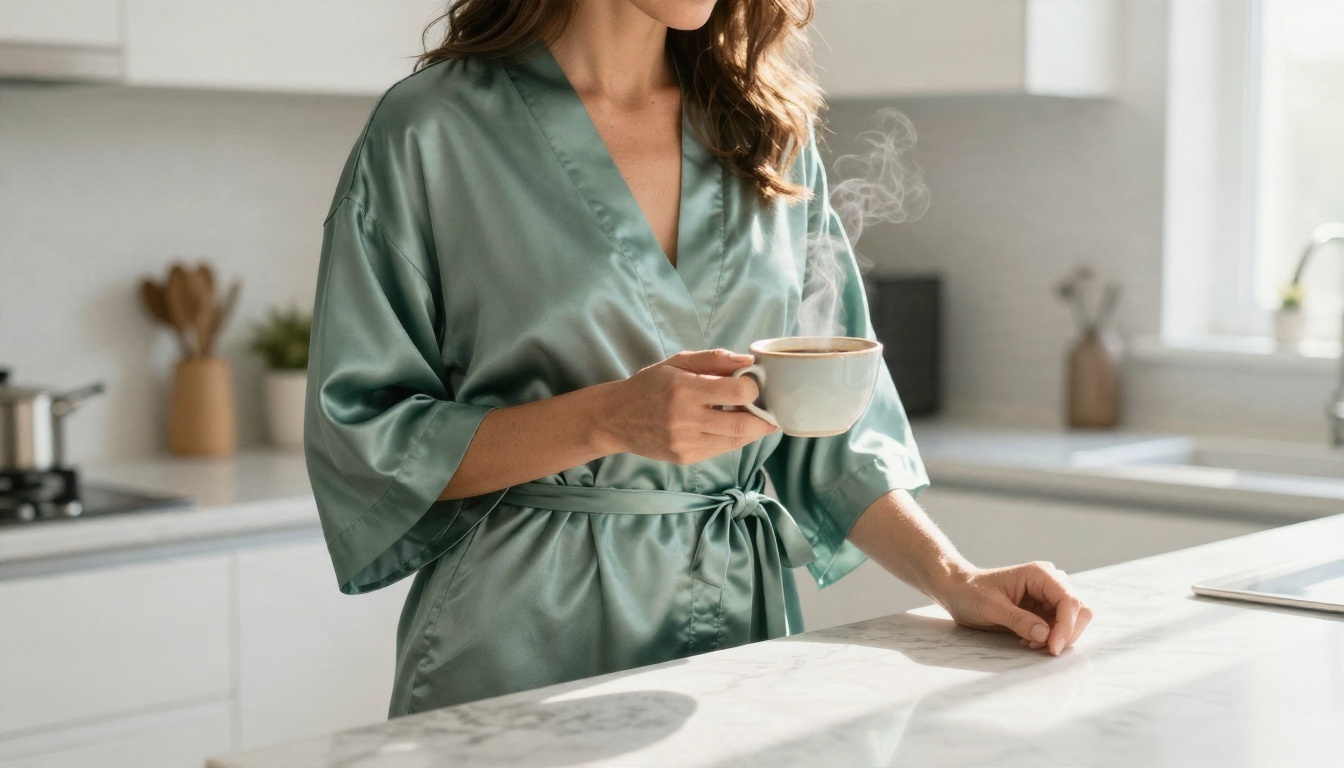
💡 Why this matters: every LoRA you skip is one less file to vet, one less version mismatch, and one less chance of downloading something broken.
Settings That Make LoRAs Work
Whether you run LoRAs locally or on a hosted LoRA model, the same handful of settings decide whether you get a clean image or a melted one.
Strength
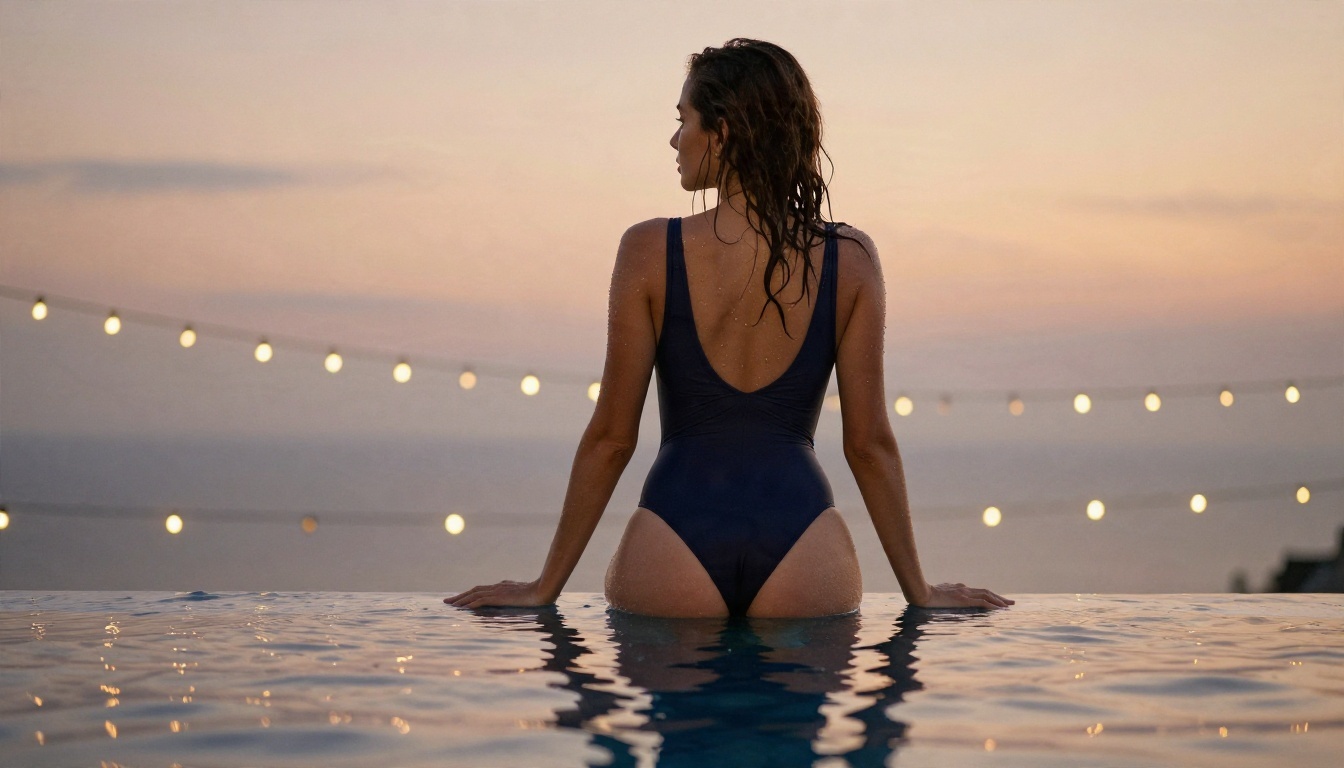
Strength (sometimes called weight or scale) controls how loudly the LoRA speaks. Too low and nothing changes. Too high and you get burned skin, repeated faces, and warped hands.
- SDXL: start near 0.7, move in steps of 0.1
- Flux: start near 0.5, and adjust in steps of 0.05, since small changes show up fast
- Sweet spot: the lowest value where the effect still shows
Stacking
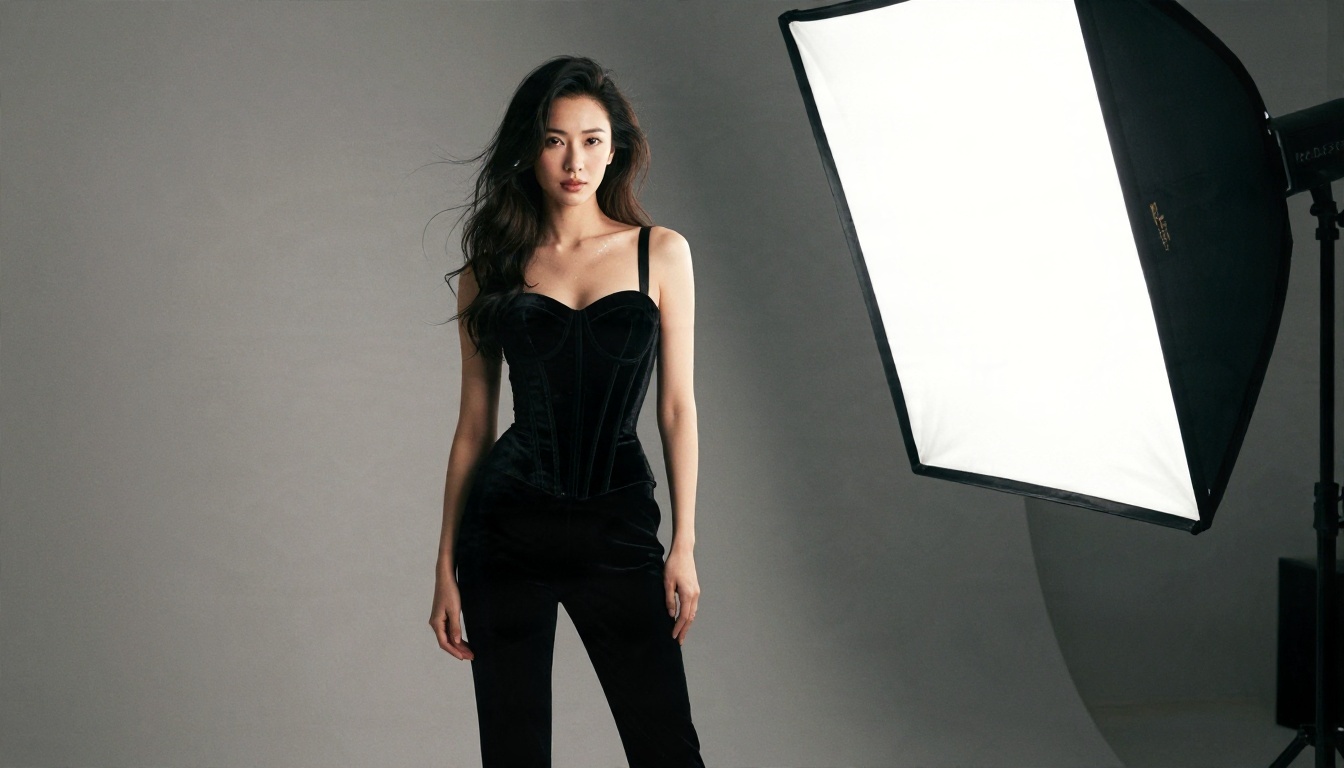
Stacking means loading more than one LoRA at once, for example one for skin and one for a pose set. It works, but every extra adapter adds drift. A practical limit is three LoRAs, with the combined strength kept moderate. If your image falls apart, remove adapters one at a time until it stabilizes.
Prompt habits
A LoRA does not replace a good prompt. These habits make a visible difference:
- Lead with the subject and wardrobe, then lighting, then camera
- Name a lens and a film stock such as "85mm f/1.8, Kodak Portra 400" for photographic realism
- Describe texture: skin pores, lace weave, satin sheen, flyaway hair
- Use the trigger word exactly as written on the LoRA page
- Keep prompts natural on Flux and tag-like on SDXL
💡 Testing trick: lock the seed, change one thing at a time, and save the winners. Without a locked seed you will never know which change helped.
How to Get Similar Results on PicassoIA
You do not need a LoRA file to get a polished adult-glamour look. Here is a simple path using Seedream 4.5:
- Open the model page and choose a 16:9 or portrait aspect ratio that suits your shot.
- Describe the adult subject first: age range, hair, skin tone, wardrobe such as lace lingerie, a satin slip, or a swimsuit.
- Add the setting and light: "sunlit villa suite, warm window light from the left, sheer curtains."
- Add camera details: "85mm f/1.8, shallow depth of field, Kodak Portra 400, subtle film grain."
- Add texture words: "natural skin pores, fabric weave, soft highlights."
- Generate, compare, and adjust one phrase at a time.
- Move to PicassoIA Image Editor Pro when you want to tweak outfits, backgrounds, or expressions without limits.
If you want to train your own style later, the Qwen Image LoRA Trainer Legacy model is built for that, and Flux Kontext Dev LoRA is useful for editing existing photos with LoRA weights.
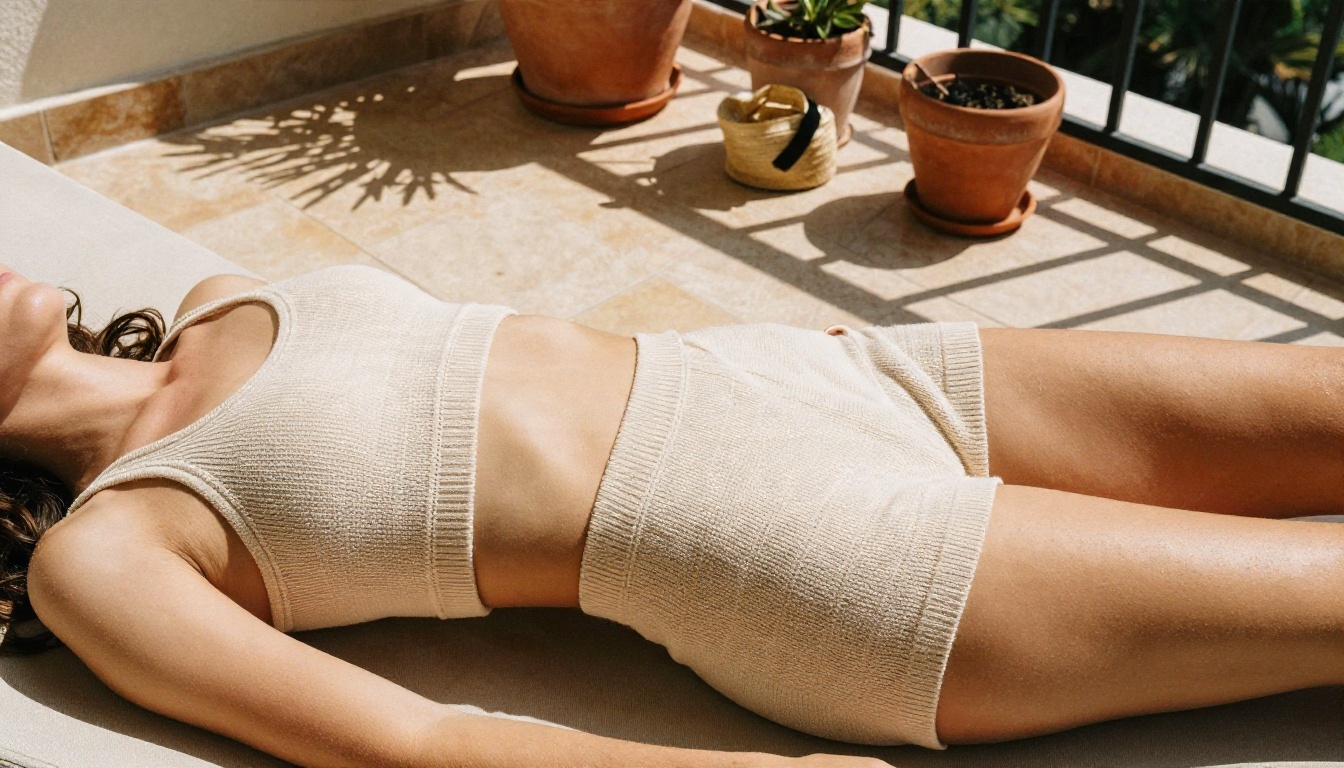
Parameter tips that save time:
- Keep prompts between 60 and 120 words. Longer is not always better.
- Describe one clear lighting source instead of several competing ones.
- Generate a few variations before editing, then polish the best one.
- Ask for a specific wardrobe material, since fabric words add realism fast.
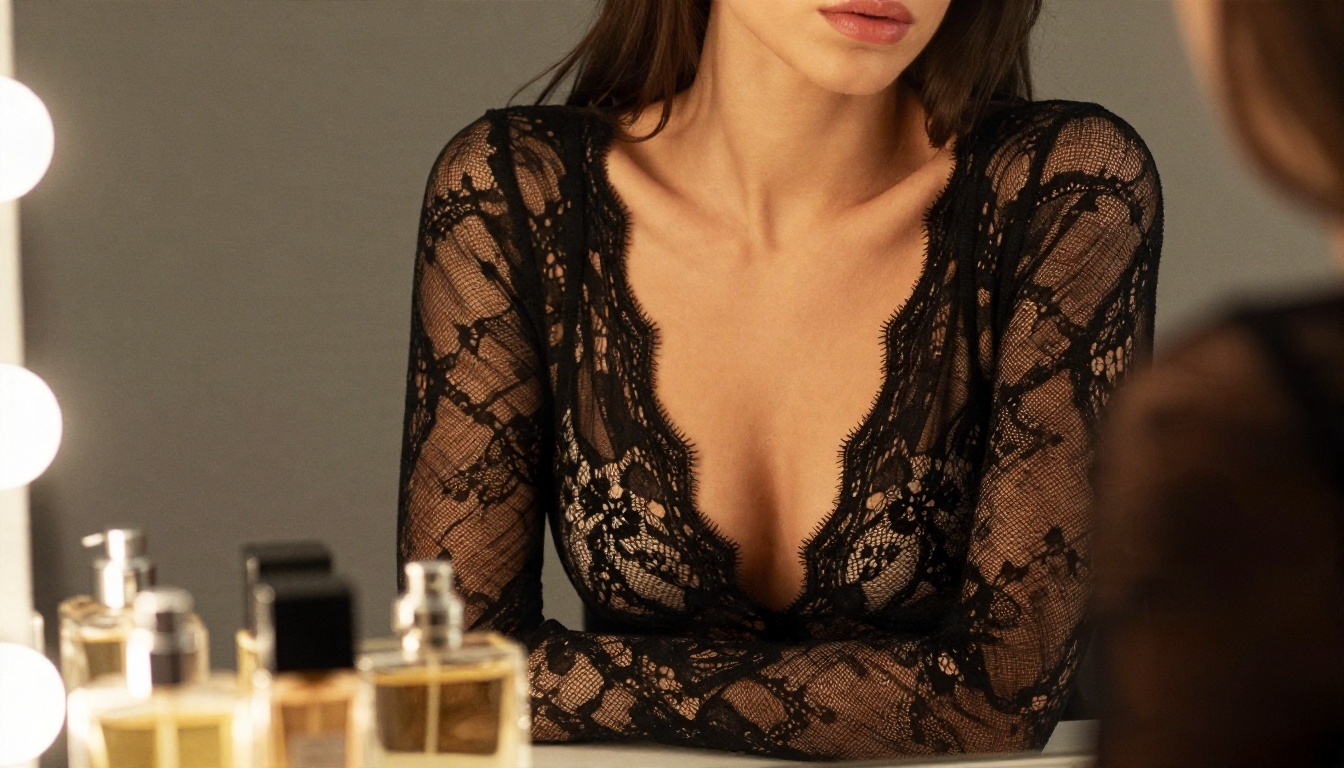
Make Your Own Images Today
The honest summary is simple. NSFW LoRAs can improve realism, pose range, and anatomy, but they come with version mismatches, mixed quality, and sketchy download sources. If you enjoy tuning files, Flux and SDXL adapters give you deep control. If you would rather spend your time on the pictures, a strong hosted model gives you most of the result with none of the setup.
Start with Seedream 4.5, then move to PicassoIA Image Editor Pro for unlimited iterations and edits. Write a detailed prompt, name a lens, describe the light, and keep every subject an adult. When you want to try more, browse the full catalog at picassoia.com/en/all-models and pick the model that fits your style. Open a prompt box today and make your first image.


