Typing "free NSFW maker" into a search bar usually ends one of two ways: a wall of sign-up forms and credit paywalls, or a tool that blurs your result the moment it looks like a bikini photo. Neither is what you wanted. You wanted a quick way to turn a written idea into a beautiful, photorealistic, suggestive image without hand-holding, without a credit card, and ideally without handing over your email.
This article lays out what actually works. You will see which online tools deliver realistic glamour results, how to write prompts that produce magazine-quality swimwear, boudoir and evening looks, what "no sign up" really means in practice, and a clean workflow built around Seedream 4.5 and PicassoIA Image Editor Pro. Every example image below was generated with AI, and everything stays on the non-explicit side: suggestive, stylish, and safe to publish.
What an NSFW Maker Really Does
An NSFW maker is an AI image generator that does not flinch at adult-leaning themes. You describe a scene in plain language, the model draws it, and the result can include swimwear, lingerie, sheer fabric, bare shoulders and sensual poses. The better tools do it with real photographic texture rather than the waxy, plastic look that gave AI portraits a bad name.
Suggestive Versus Explicit
There is a wide gap between glamour and pornography, and this article lives entirely on the glamour side. Think swimsuit editorials, boudoir portraits, satin robes at a hotel window, a bikini on a sailboat. That is the territory where AI looks best anyway, because lighting, skin texture and fabric do the work instead of anatomy.
💡 Tip: Implied is almost always more attractive than shown. A silk strap slipping off a shoulder, warm light across a collarbone and a confident glance do more than any explicit frame.
Why People Want It Free and Instant
Most people searching this topic share the same four needs:
- Speed. A result in seconds, not a queue of twenty minutes.
- No cost. Testing an idea should not require a subscription.
- Privacy. Prompts about adult themes feel personal, and many users prefer not to attach them to an account.
- Realism. Flat, cartoonish output is useless for anyone who wants a believable photo look.
Those four needs are the yardstick for everything that follows.
Not every generator is built for this. Some filter aggressively, some deliver soft, over-smoothed skin, and some hide the useful controls behind a paywall. Here is how the options on PicassoIA compare for glamour work.
Seedream 4.5: The First One to Try
Seedream 4.5 is the strongest starting point for this kind of image. It follows long, detailed prompts closely, renders skin with believable pores and sheen, handles fabric like satin, lace and wet swimwear convincingly, and outputs at high resolution. If you only try one model, make it this one.
PicassoIA Image Editor Pro: Unlimited Runs
PicassoIA Image Editor Pro is where you go when you want to keep iterating without counting generations. It supports unlimited generations, which matters more than it sounds. Great glamour images rarely appear on the first try. You tweak the lighting, change the outfit color, adjust the pose, and run it again. Unlimited runs turn that loop from a cost into a habit. It is also built for editing, so you can adjust an existing image instead of starting over.
More Models Worth Testing
Different models have different personalities. Once you have a base result, try these for variety:
| Model | Best For | Speed | Realism |
|---|
| Seedream 4.5 | Detailed glamour scenes, fabric and skin | Fast | Excellent |
| Image Editor Pro | Unlimited iteration and editing | Fast | Very good |
| Z Image Turbo | Quick drafts | Very fast | Good |
| Nano Banana Pro | Edits, consistent faces | Fast | Very good |
| Flux 2 Klein 9B Base LoRA | Film-style looks | Medium | Very good |
| Qwen Image 3 Pro | Prompt accuracy | Medium | Excellent |
| Realistic Vision v5.1 | Classic photo feel | Fast | Good |
How to Use Seedream 4.5 on PicassoIA
The workflow is short, and you can have a first result in under a minute.
Step by Step
- Open the Seedream 4.5 page on PicassoIA.
- Paste a detailed prompt into the text box (examples are in the next section).
- Set the aspect ratio. Use 16:9 for wide scenes, 3:4 or 2:3 for portraits, 1:1 for social posts.
- Choose the highest resolution available if you plan to print or crop.
- Generate, then review the eyes, hands and fabric edges first. Those are the spots where weak results show.
- Change one thing in the prompt and run it again. Changing five things at once makes it impossible to tell what helped.
Settings That Matter
- Prompt length: 50 to 100 words works well. Too short and the model guesses; too long and details start to conflict.
- Aspect ratio: match it to the final use. A tall prompt in a wide frame leads to awkward cropping.
- Seed: if you like a composition, reuse its seed while editing the prompt to keep the layout stable.
- Refinement: send a favorite result into PicassoIA Image Editor Pro for unlimited tweaks.
💡 Tip: Describe the camera. Words like "85mm f/1.8" or "35mm at eye level" push the model toward a real photograph and away from an airbrushed illustration.
Prompts That Actually Work
A good prompt reads like a photographer's shot list. It names the subject, the setting, the light and the lens. It also says what the photo should feel like.
A Simple Formula
Use this order and you will rarely go wrong:
Subject and pose + outfit + setting + light direction + lens + texture details + mood
For example: "A woman in a black satin bikini reclining on a white linen daybed on a villa terrace, golden hour light from the left, 85mm f/1.8, visible skin pores, soft film grain, Kodak Portra 400 colors, relaxed and confident mood."
Copy-Ready Prompt Examples
| Style | Prompt Starter |
|---|
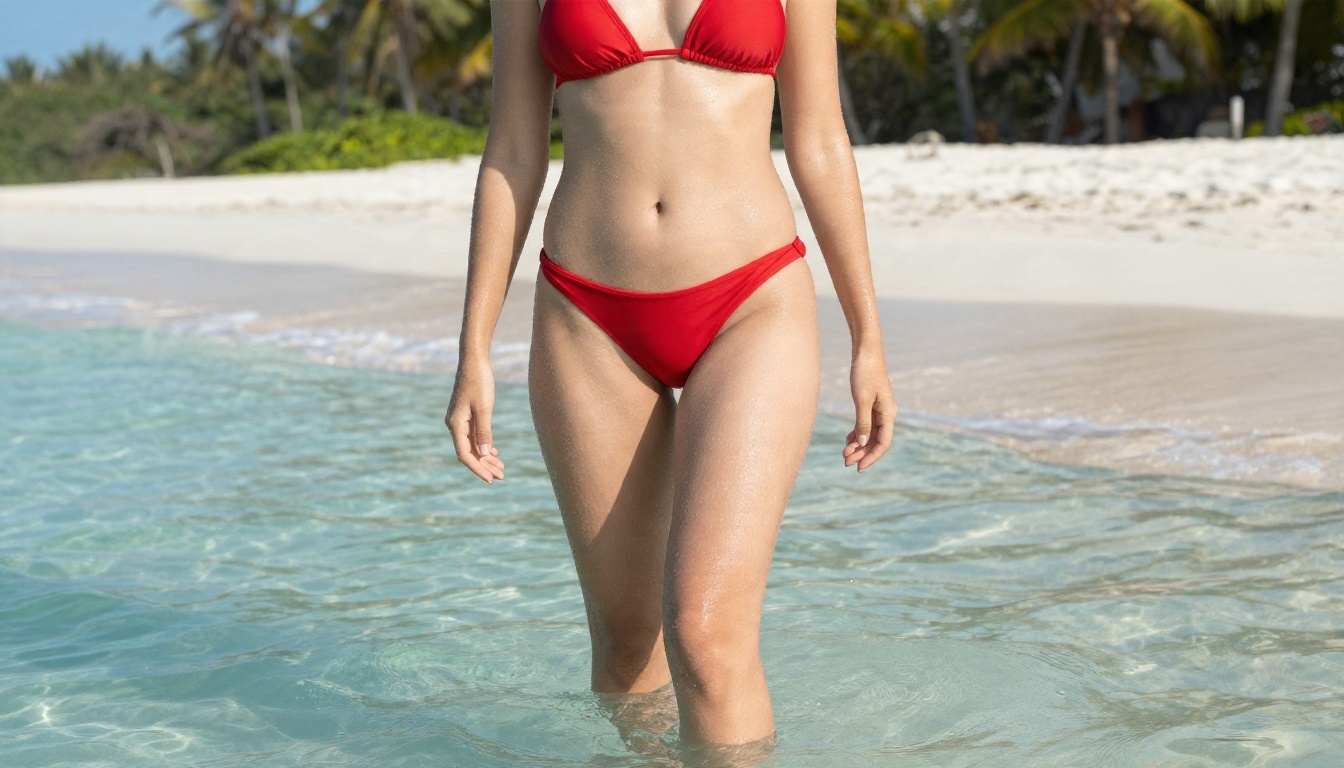
| Beach glamour | A woman in a red halter bikini standing ankle-deep in turquoise water, bright morning sun from the upper right, 35mm lens, wet skin highlights, film grain |
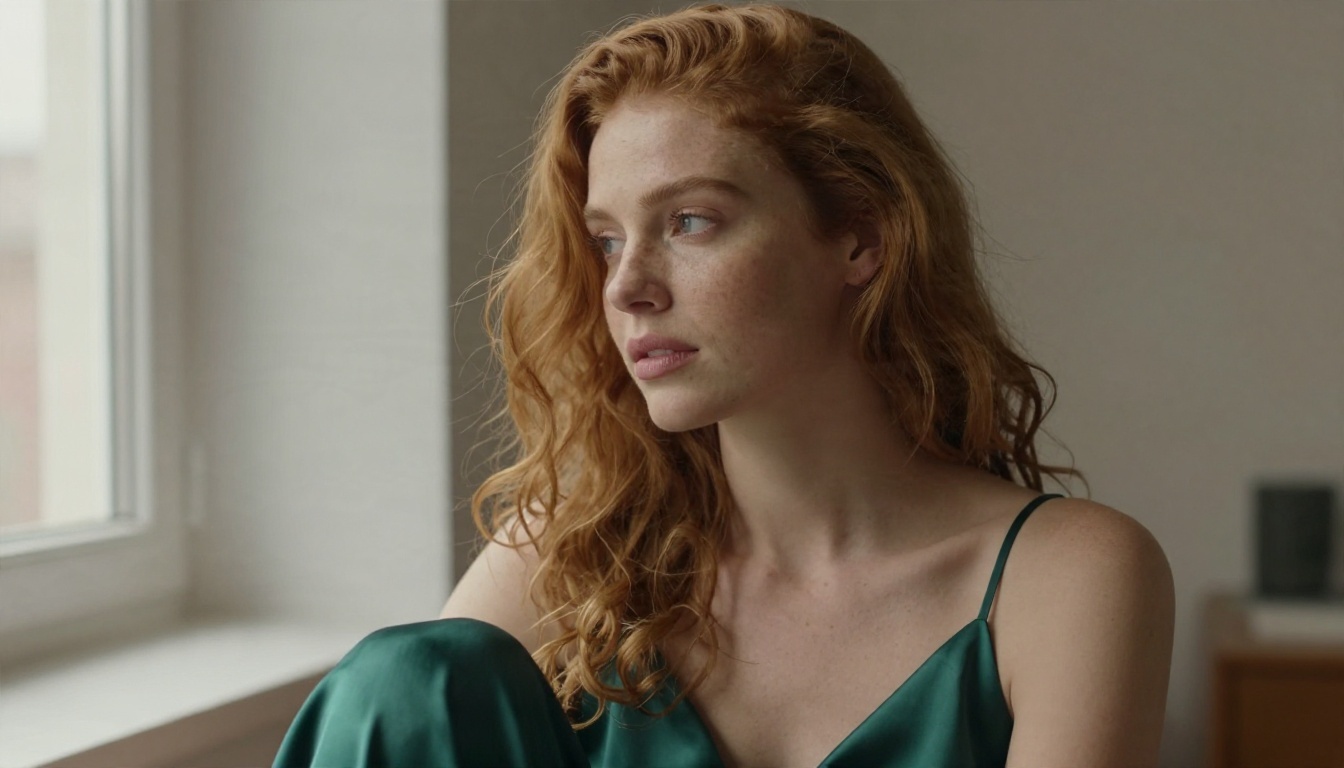
| Boudoir light | A woman in an emerald silk slip dress by a tall window, soft overcast daylight, 105mm f/1.8, shallow depth of field, natural skin texture |
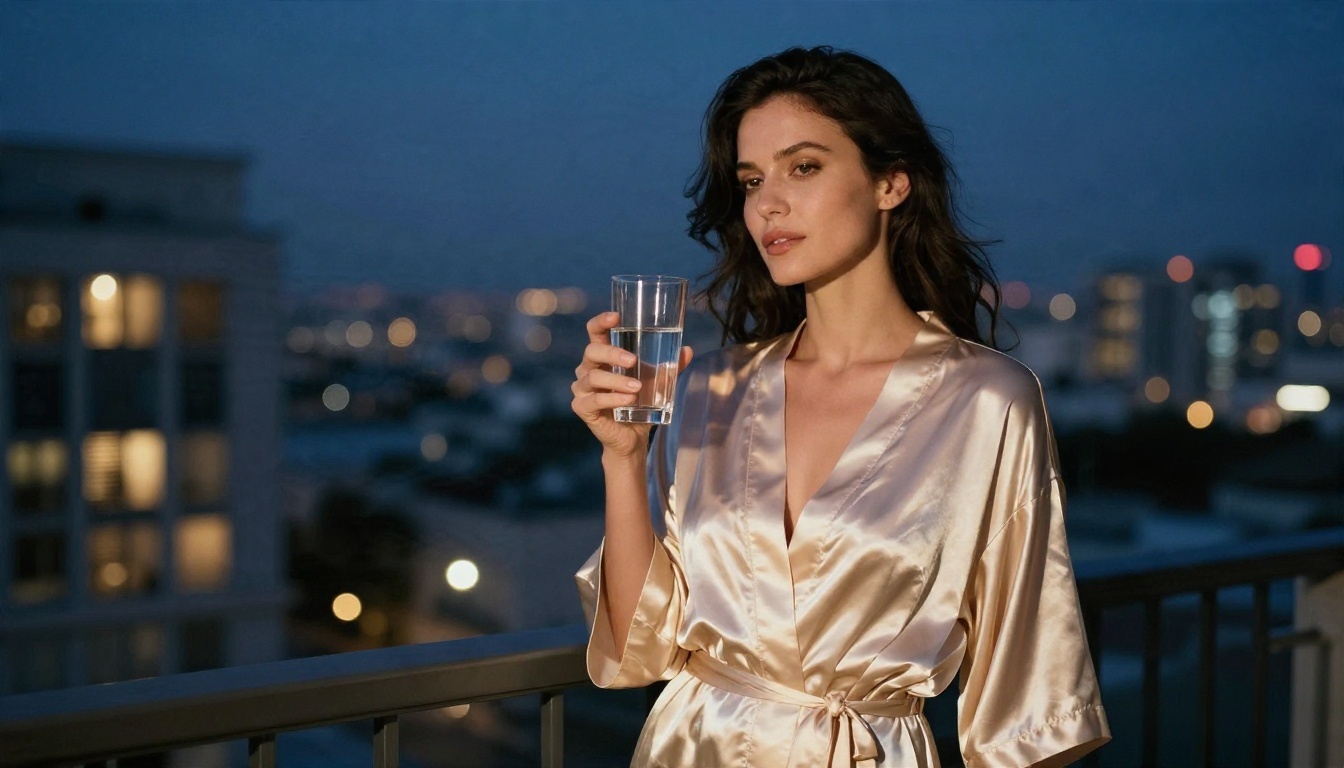
| Hotel evening | A woman in a champagne satin robe at a balcony railing, blue hour city lights behind, 28mm lens, warm room light spilling out |
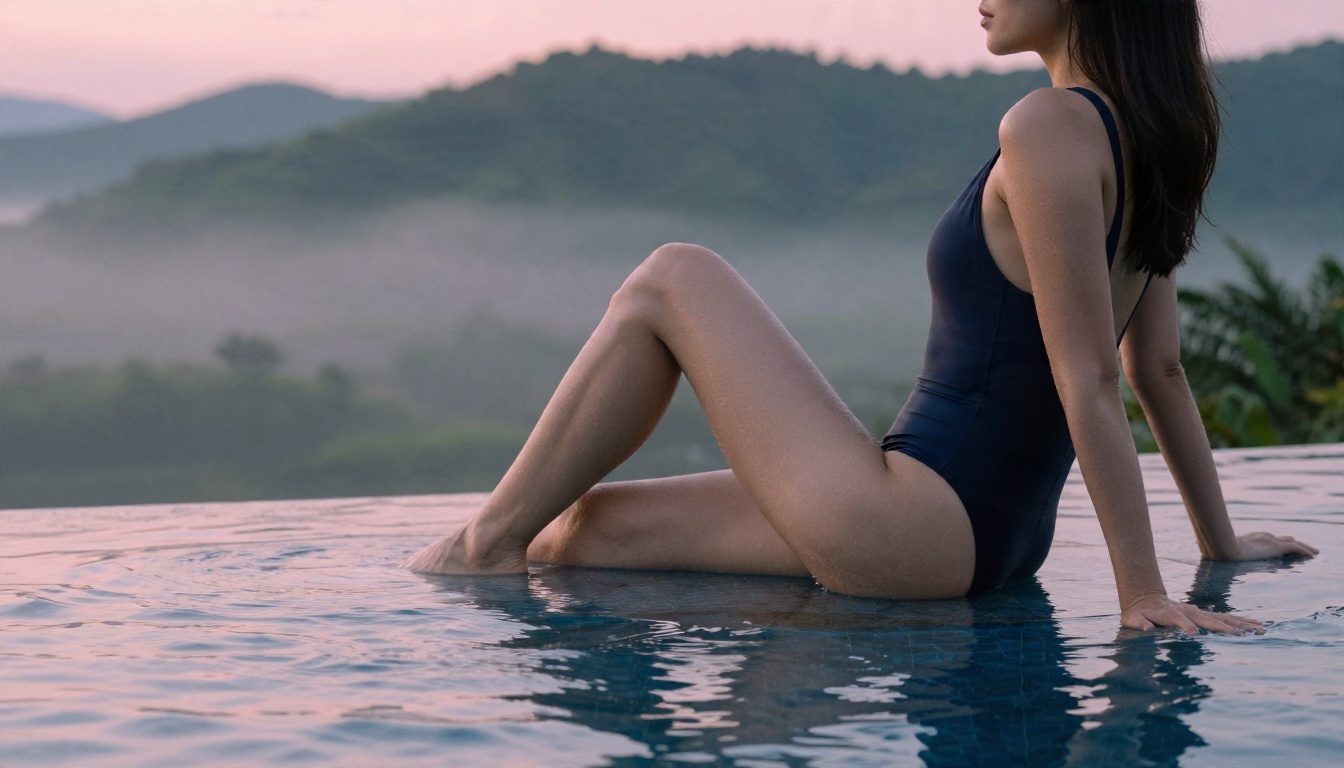
| Poolside sunrise | A woman in a navy one-piece swimsuit at the edge of an infinity pool, pink and gold dawn light, 135mm lens compression |
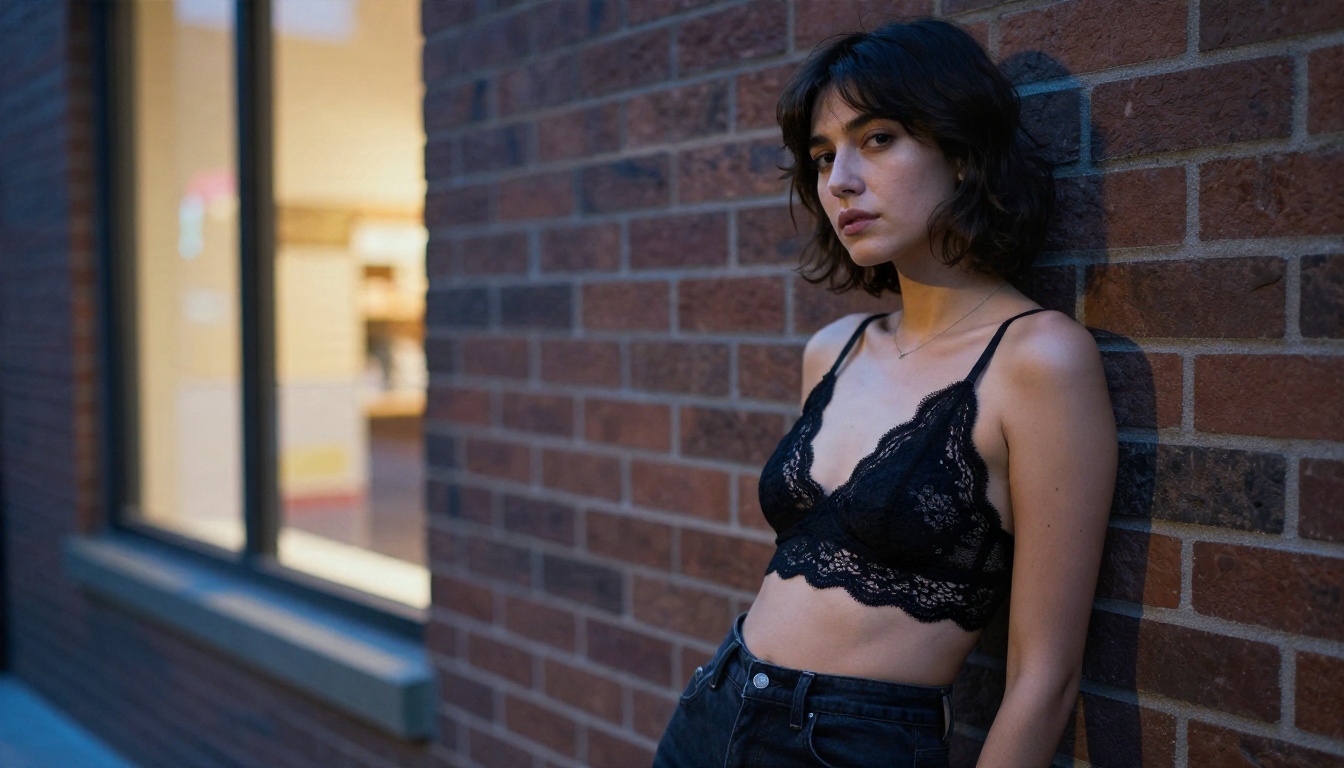
| Street style | A woman with a short dark bob in a black lace bralette and high-waisted jeans against a brick wall at dusk, 85mm f/1.8 |
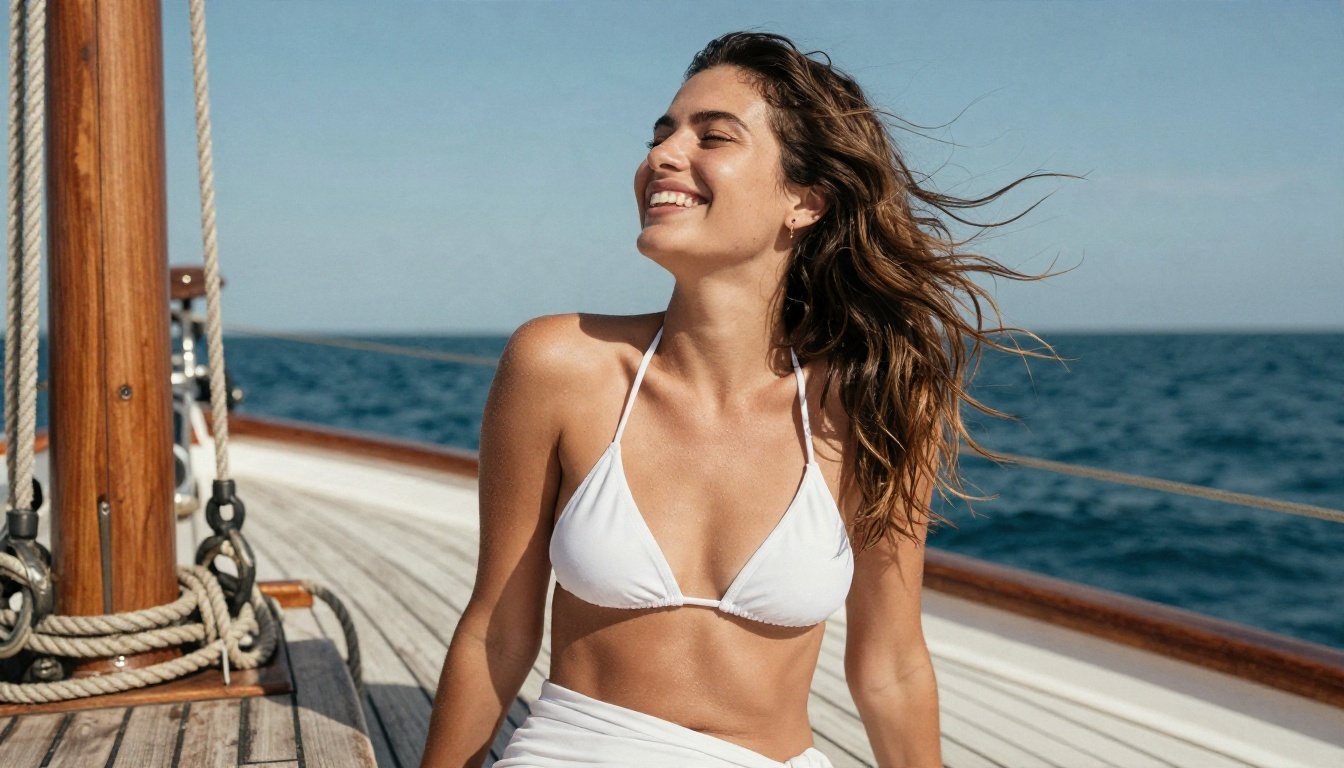
| Sailing day | A laughing woman in a white bikini top and sarong on a teak deck, wind in her hair, afternoon backlight, 50mm lens |
Words That Improve Realism
Add a few of these to any prompt:
- visible skin pores, fine peach fuzz, natural freckles
- fabric weave, satin sheen, micro creases at the seams
- Kodak Portra 400, fine film grain, soft halation
- volumetric light, rim light on hair, open shadows
- shallow depth of field, creamy background blur
And leave out words that push things toward artificial looks: "neon", "glowing", "hyper-perfect", "3D render". They fight the photographic result you want.
Example Results by Style
Seeing outputs side by side makes it easier to decide what to ask for. These are the kinds of looks a good prompt can produce.
Swimwear and Beach
Bright, saturated and easy. Strong natural sunlight does most of the work, so keep the prompt focused on the setting and the pose. Top-down angles are especially forgiving because they hide perspective problems.
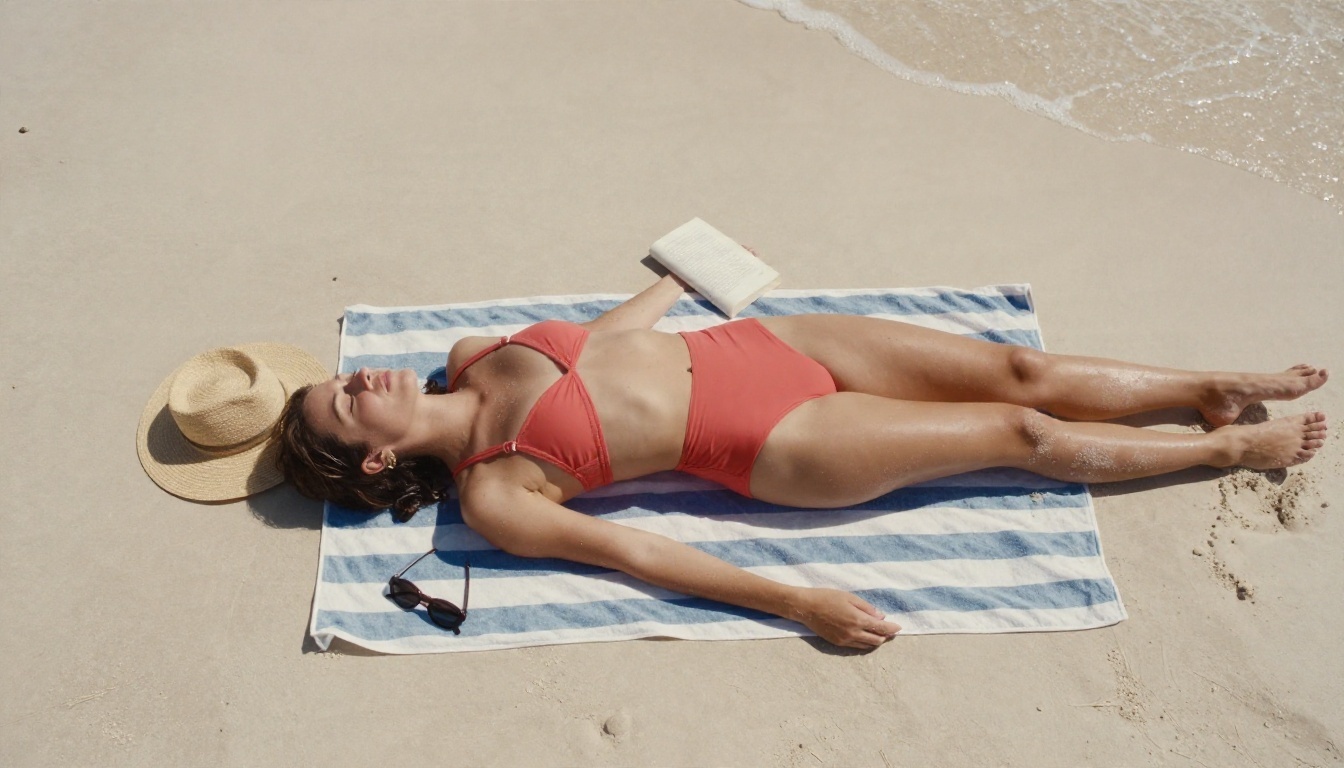
A softer, quieter variation works at sunrise by the water. Side lighting grazes the skin and the swimsuit fabric picks up gentle highlights.
Lingerie-Inspired Fashion
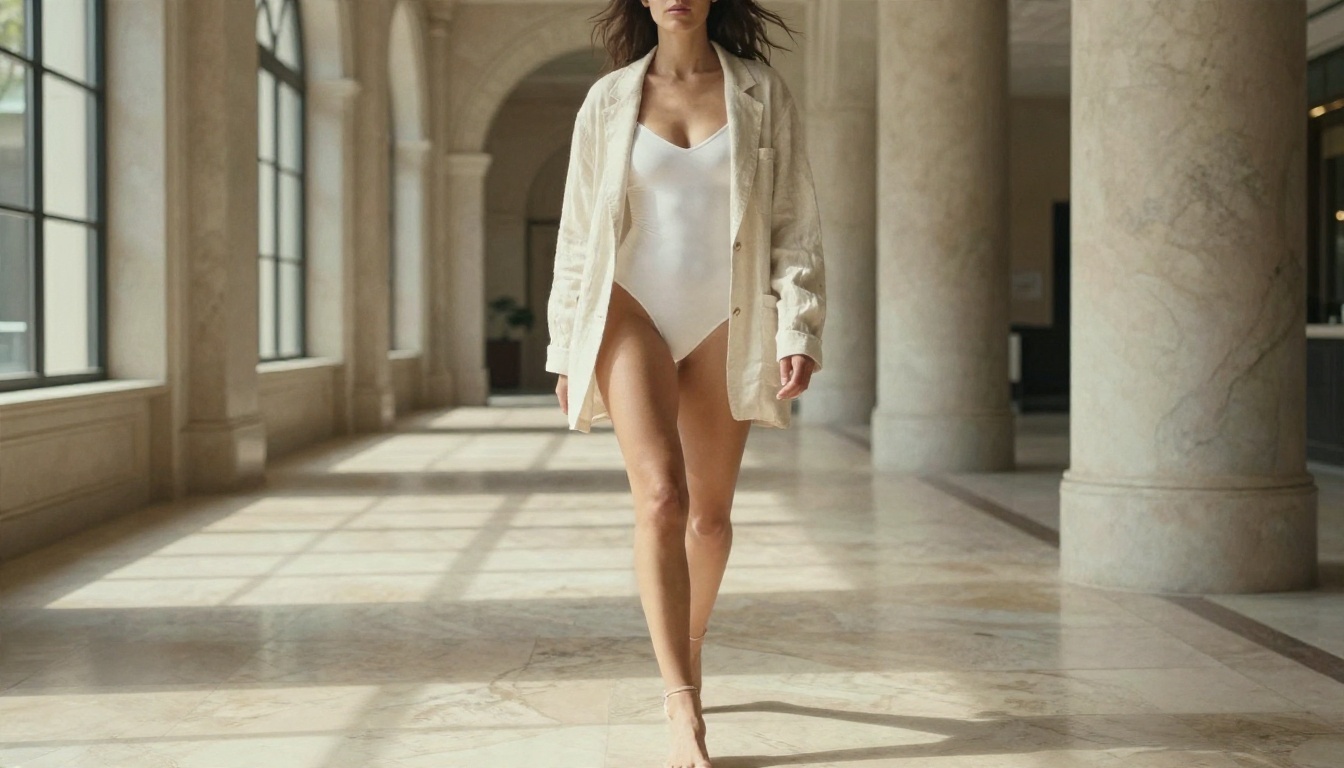
This look sits between fashion and boudoir. A tailored bodysuit under a loose blazer, or lace beneath denim, reads as stylish and suggestive without crossing a line. Lobbies, brick walls and tall windows give clean, believable backdrops.
Evening and Robe Scenes
Warm interior light against a cool blue sky is a reliable combination. A satin robe loosely tied, a glass of water in hand and a city blurred behind her gives the picture a cinematic, intimate mood without showing anything explicit.
Candid and Playful
Not every image needs a serious pose. A laugh, windblown hair and a rope-covered deck add warmth and make the result feel like a real moment instead of a staged render.
No Sign Up Options, Honestly
"No sign up" is the most searched phrase in this topic, and it is also the most misleading one. Here is the straight version.
What Free Really Means
Free tools generally fall into three groups:
| Type | What You Get | The Catch |
|---|
| Fully anonymous | Instant results, no account | Few controls, low resolution, heavy filtering, ads |
| Free with account | Daily credits, more models | Credits run out, content limits vary |
| Unlimited tier | No generation counting | May need a short registration |
A generator that costs real compute power has to pay for it somehow. If it is anonymous and unlimited, ask what is paying for it. Often the answer is aggressive ads, low-quality models, or data collection.
On PicassoIA, the value is the combination of strong models and unlimited generations in Image Editor Pro, so you can experiment freely instead of rationing attempts. The full model list shows everything available if you want to compare other options before you commit to a workflow.
Privacy Checks Worth Doing
Before you type anything personal into any online tool, check these:
- Does it state how long prompts and images are stored? If there is no policy, assume the worst.
- Does it ask for a photo of a real person? Avoid tools that encourage this (see the safety section below).
- Are downloads watermarked? Watermarks are normal on free tiers but should be disclosed.
- Is the page cluttered with fake "download" buttons? That is a classic sign of a low-trust site.
💡 Tip: If a site demands a payment method for a "free" trial, close the tab. A real free tier does not need your card.
Mistakes and Safe Use Rules
Most disappointing results come from a handful of repeat errors, and a few boundaries matter more than any prompt trick.
Five Prompt Mistakes
- Being vague. "Sexy woman on a beach" gives the model nothing to work with. Name the outfit, light, lens and pose.
- Stacking contradictions. "Golden hour" and "harsh midnight flash" in one prompt cancels both.
- Ignoring hands. If the hands look odd, rewrite the pose so they are resting or partly hidden.
- Over-describing the face. Long face descriptions often produce a stiff, mask-like look. Keep it to a few words and let the model decide the rest.
- Skipping the negative space. A little room in the frame makes the composition look planned, not crowded.
Rules Worth Keeping
These are not optional extras. They are what separates a harmless creative tool from a harmful one.
- Adults only. Every subject must be clearly an adult. Never generate anything that suggests a minor.
- No real people. Do not use photos or the likeness of real individuals, including celebrities, coworkers or exes, without their explicit consent. Invented characters only.
- Stay non-explicit. This article and its examples focus on suggestive, attractive imagery. Keep your own work within the same lines, especially anything you plan to post publicly.
- Label AI images. If you publish them, say they are AI-generated. It builds trust and avoids confusion.
- Respect platform rules. Many social networks restrict even suggestive content. Check before you post.
Make Your First Image Today
You now have the full picture: the tools that matter, a prompt formula that works, example styles to copy, and a realistic view of what "free" and "no sign up" mean. The fastest way to see the difference is to run a prompt yourself.
Here is a simple plan for the next ten minutes:
- Open Seedream 4.5 and paste one of the prompt starters from the table above.
- Generate three variations, changing only the lighting each time.
- Send your favorite into PicassoIA Image Editor Pro and refine the outfit, pose or background as many times as you like.
- Try the same prompt in Z Image Turbo and Qwen Image 3 Pro to compare how each model reads it.
When you want to see what else is possible, browse every model at picassoia.com/en/all-models. Pick a style from this article, write your own version of the prompt, and see what Picasso IA produces. The first image usually takes a minute. The tenth one is where it starts to look like your own work.


