If you typed "NSFW model Civitai" into a search bar, you probably want one of three things: a checkpoint that produces attractive adult-style portraits, a way to run it without paying, or a straight answer on why your favorite model suddenly stopped working. This article covers all three. I will be blunt about what Civitai still offers, what changed over the last year, and where you can get the same kind of suggestive, glamour-style, non-explicit images with fewer headaches.
💡 Quick answer: Civitai is a library of community checkpoints and LoRAs, not a single model. Free access exists but is capped by Buzz credits, the NSFW toggle is more restricted than it used to be, and real-person likeness content is banned. If you just want good-looking glamour images fast, a hosted model like Seedream 4.5 skips the whole download-and-configure routine.
What Civitai Actually Is
Civitai is a community site where people upload and share checkpoints (full image models), LoRAs (small add-on files that nudge a model toward a style, outfit or subject) and embeddings. You can download those files and run them on your own GPU, or use the site's built-in generator and pay with an on-site currency called Buzz.
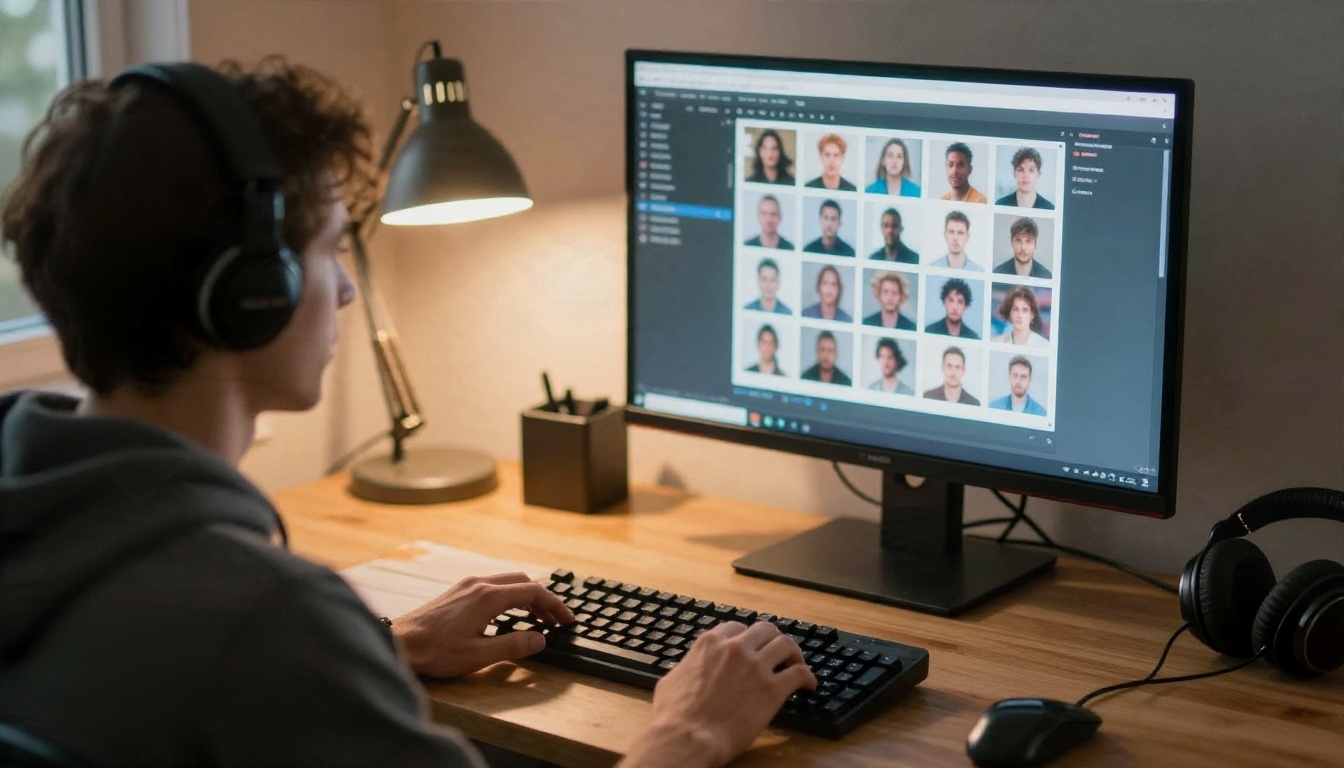
So when someone says "an NSFW model on Civitai", they usually mean a community fine-tune of Stable Diffusion 1.5, SDXL, Flux or a newer base, trained on glamour, swimwear or boudoir photography. Quality varies a lot. Some are polished and consistent. Others are overfitted, ship with odd anatomy, or only work with one very specific prompt recipe.
Checkpoints vs LoRAs
A checkpoint is the engine. A LoRA is a bolt-on. If you pick a realistic checkpoint and stack two or three LoRAs for lighting, fabric or pose, you get precise control, but you also get version conflicts, trigger words and settings you have to memorize.
| Item | What it does | Typical file size | Main downside |
|---|
| Checkpoint | Full base model, sets overall look | 2 GB to 12 GB | Needs a capable GPU |
| LoRA | Adds a style, outfit or concept | 20 MB to 400 MB | Breaks when mixed with the wrong base |
| Embedding | Teaches a token or a look | Under 1 MB | Limited effect alone |
| Hosted generator | Runs it for you in the browser | Nothing to download | Costs Buzz, subject to site rules |
Free Options on Civitai
There are really two free routes: running files locally, or spending the free Buzz the site hands out.
Free Local Downloads
Downloading a checkpoint costs nothing, and once it is on your machine you can generate as many images as your hardware allows. The catch is the hardware. A decent SDXL checkpoint wants roughly 8 GB of VRAM to feel comfortable, and newer large models want more. You also need a front end such as ComfyUI or Automatic1111, plus patience for installation, Python environments and the occasional broken extension.
Free Buzz on the Site
Civitai gives free accounts a small daily allowance of Buzz, and paid tiers receive a larger monthly amount. Reports I found put generation costs somewhere between a handful and a couple of dozen Buzz per image depending on model and settings, and a small purchase of a few thousand Buzz costs a few dollars. Treat those numbers as approximate: the platform changes them, so check the current pricing page before you plan around them.
💡 Reality check: "Free" on Civitai means free to download or free in small daily doses. It does not mean unlimited. If you are batch-generating to find a good seed, daily Buzz disappears quickly.
Examples of What These Models Produce
Community NSFW checkpoints tend to specialize in a handful of looks. Here are the categories that show up most often, with examples of the non-explicit end of the range, which is the part that is safe to publish anywhere.
Boudoir and Soft Lingerie
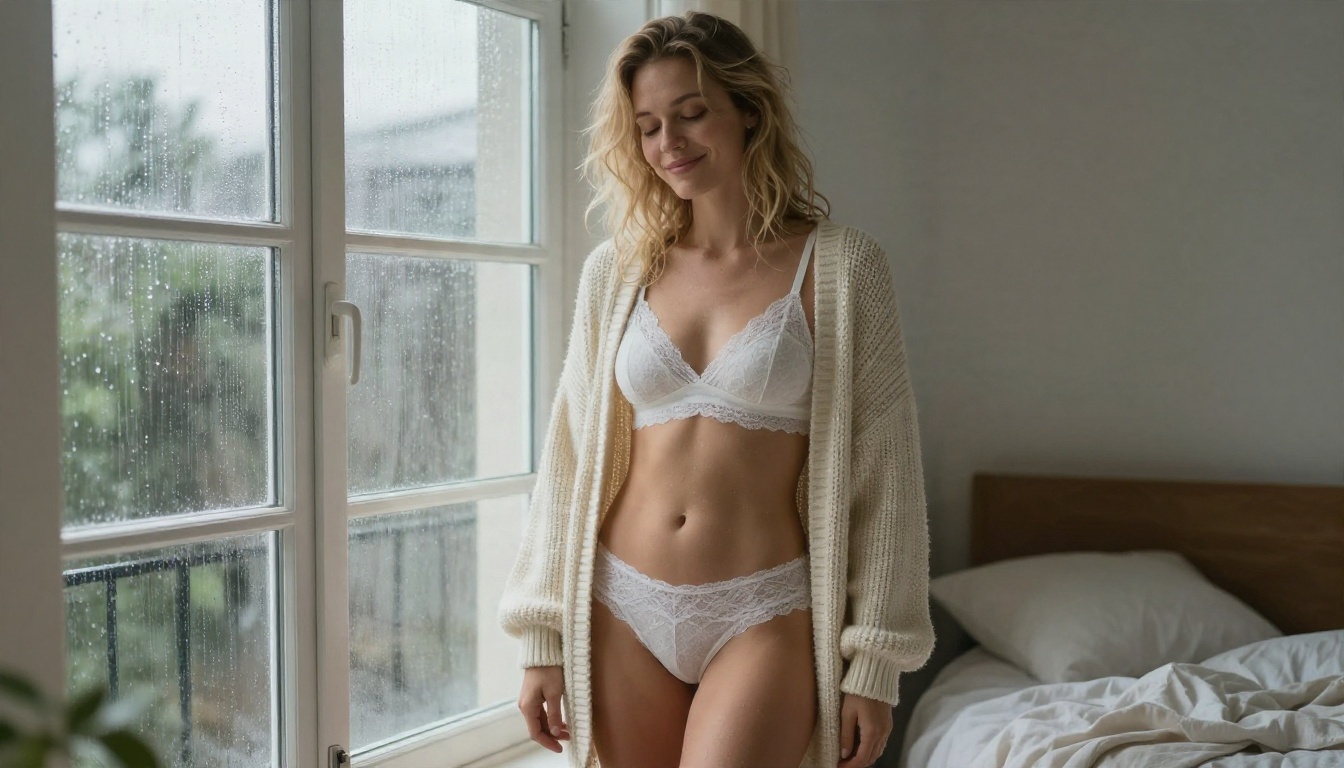
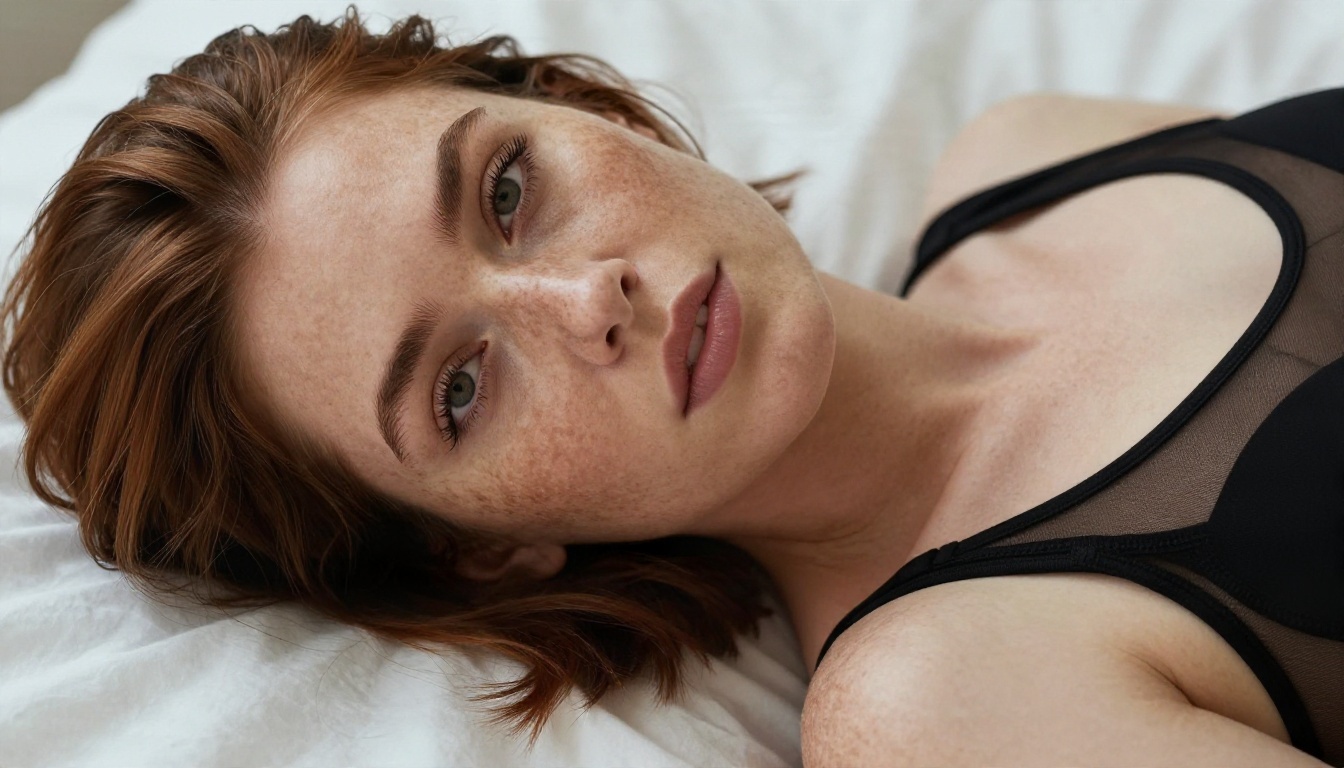
Boudoir is the most requested category: window light, rumpled sheets, lace, cardigans slipping off a shoulder. The best checkpoints get fabric texture and skin pores right, which is what separates a convincing photo from a plastic render.
Swimwear and Beach Photography
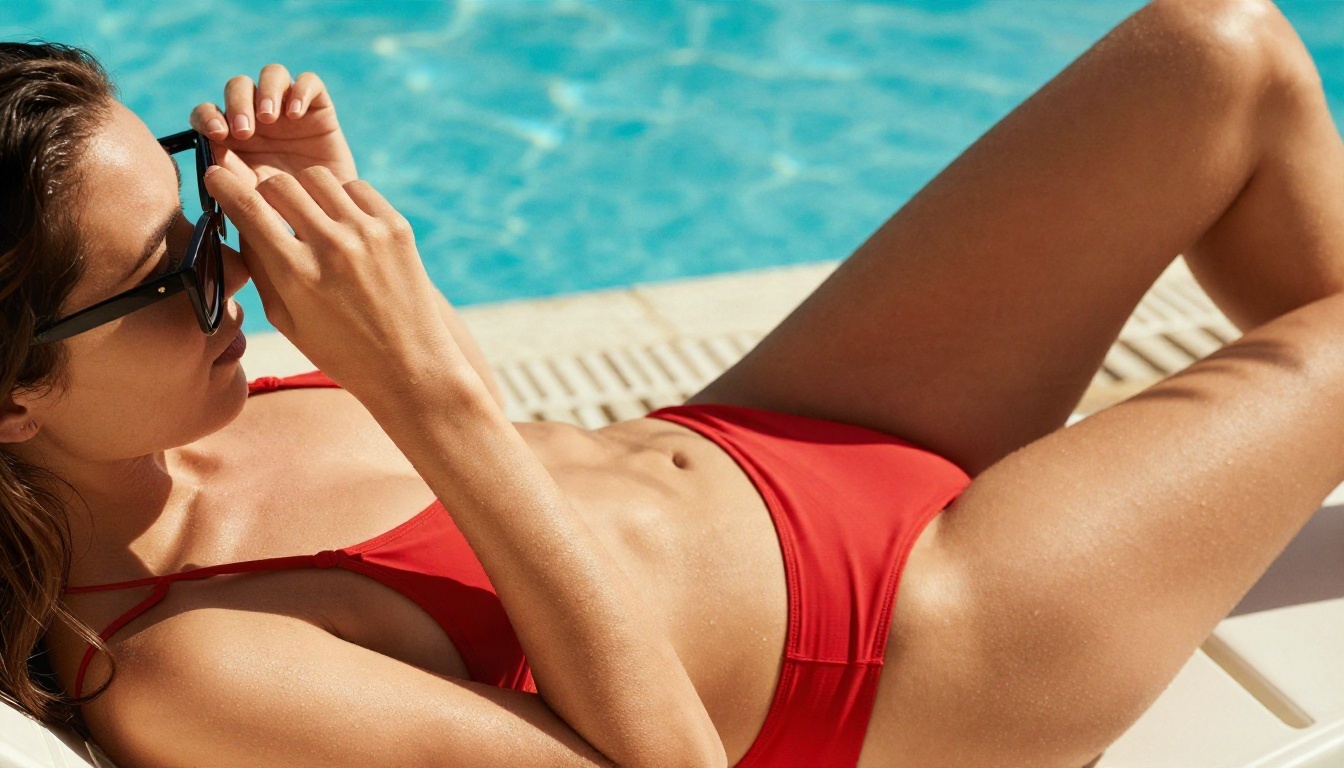
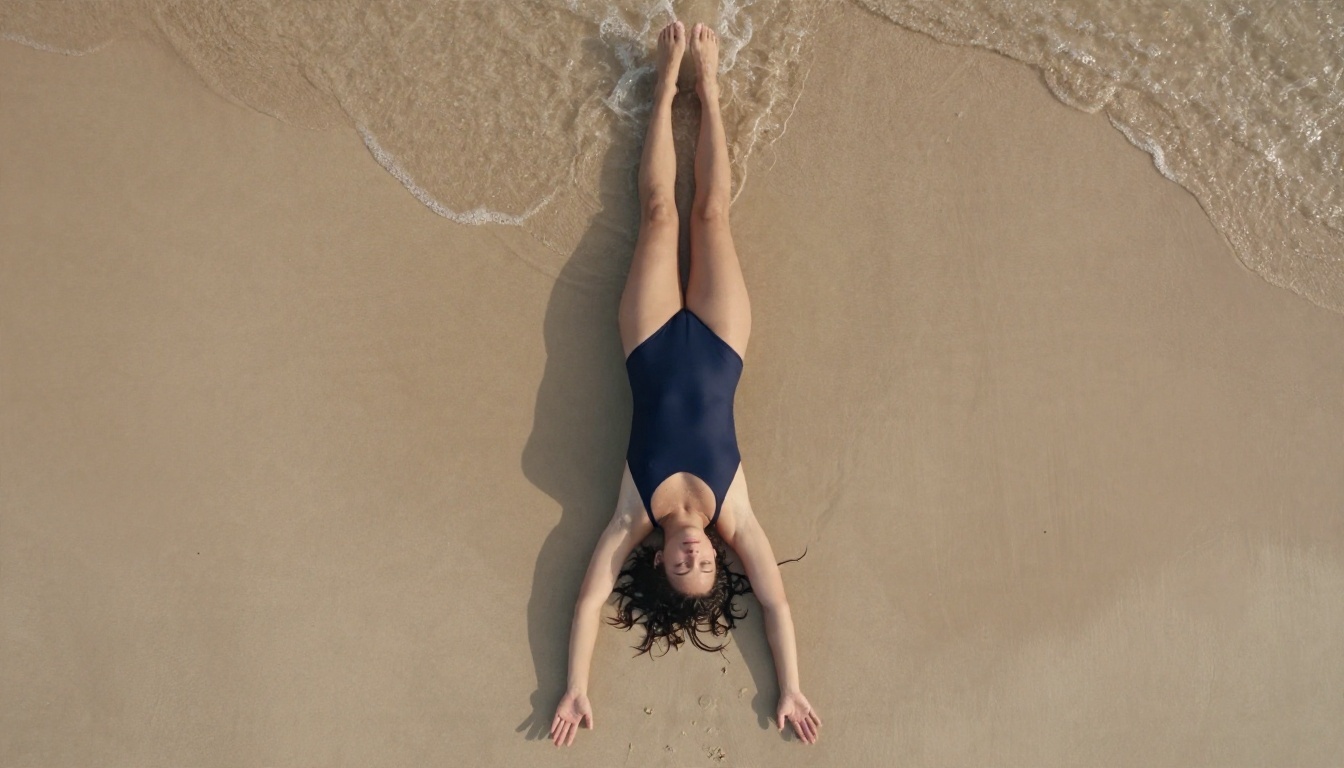
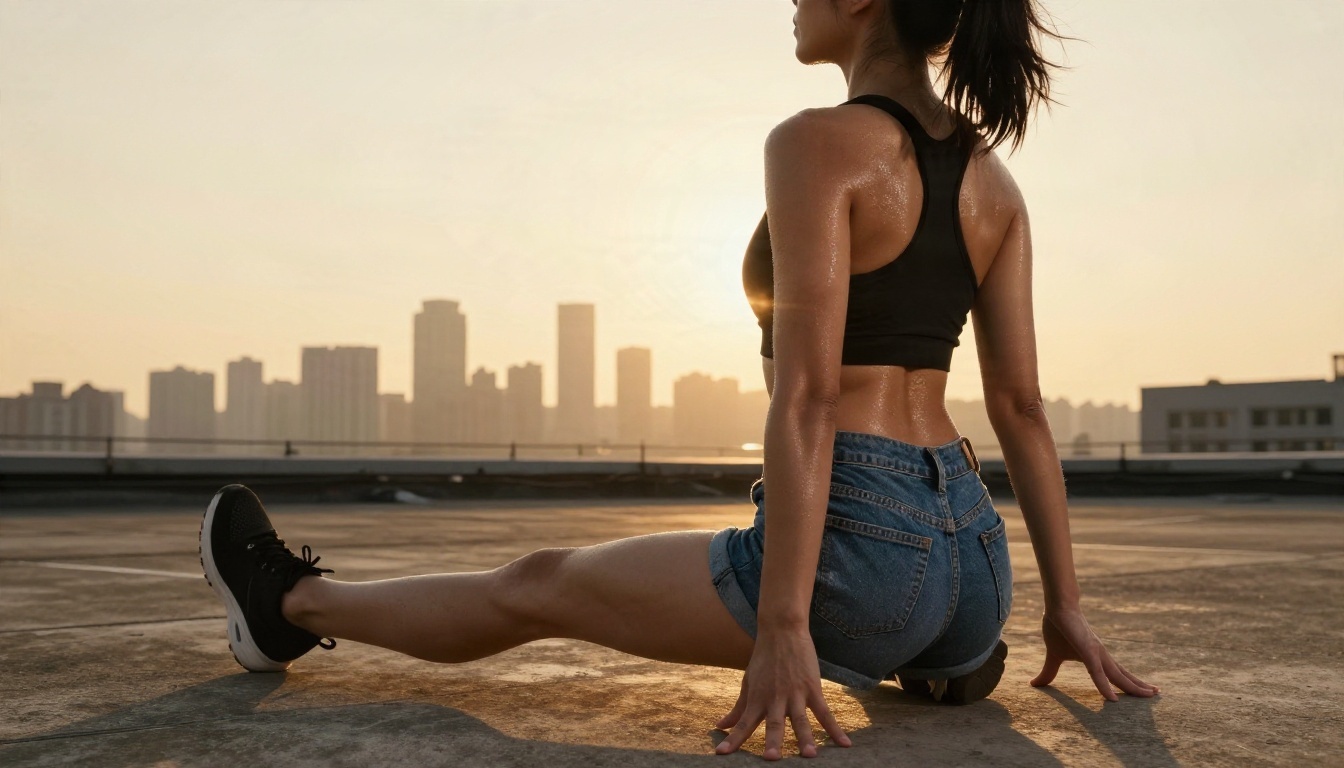
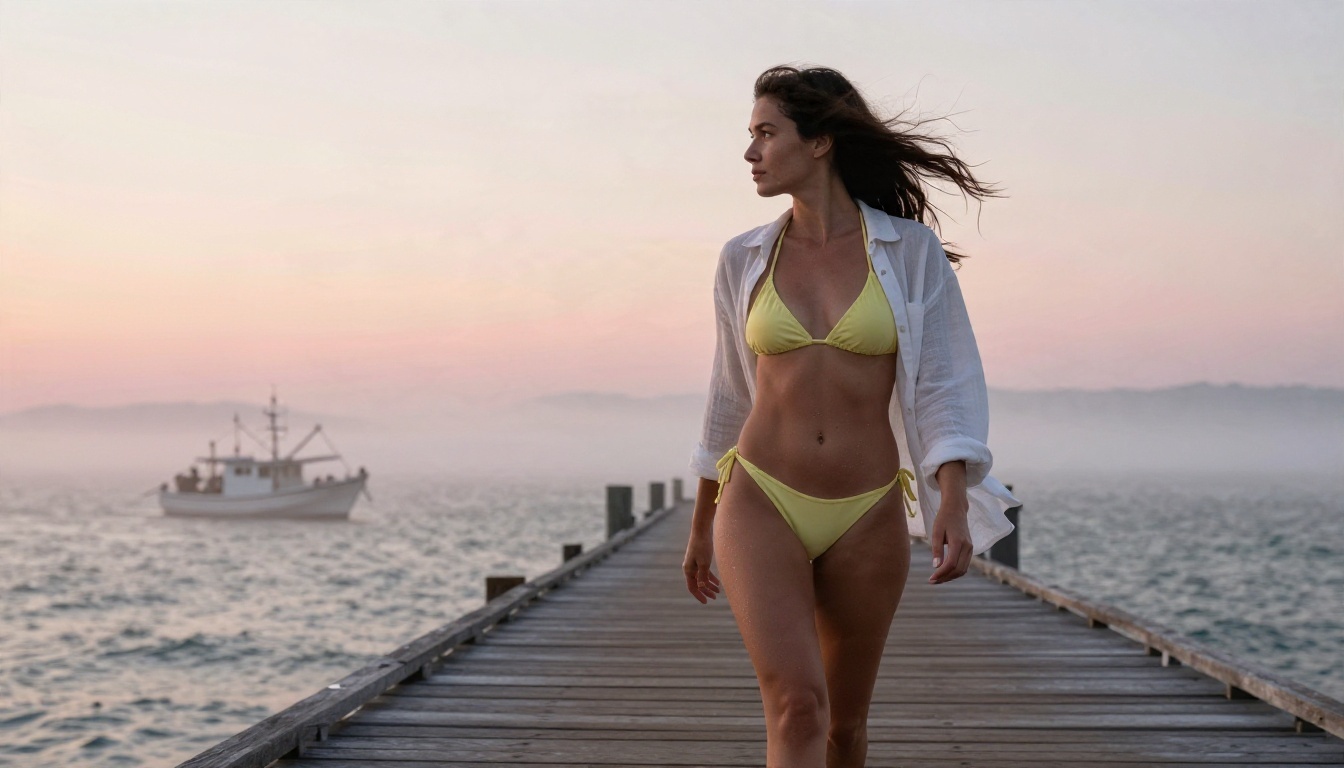
Swimwear shots are a close second. They are easier to get right because the lighting is simple: strong sun, hard shadows, sand or water for context.
Glamour and Evening Looks
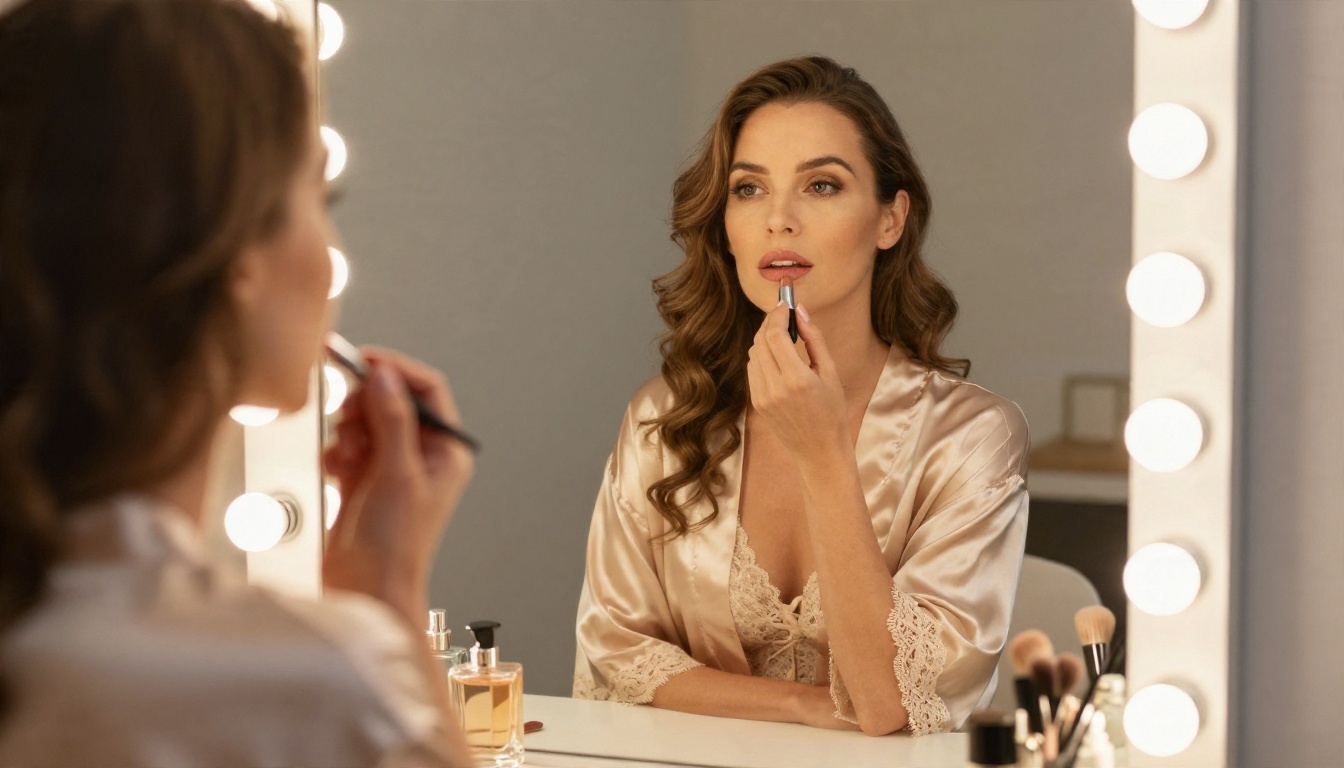
Silk, candlelight and warm interiors are the third big family. This style rewards models that handle specular highlights on fabric without blowing out skin tones.

Why Some Results Look Fake
Three problems show up again and again with downloaded NSFW checkpoints:
- Over-smoothed skin from heavy fine-tuning on retouched photos.
- Repeated faces, because a popular LoRA bakes the same face into everything.
- Hands and proportions that drift when you stack too many LoRAs.
A model trained on real photographic reference, with natural grain and uneven lighting, avoids most of this. That is the same principle behind the images in this article: slight film grain, real fabric folds, imperfect hair.
The Limits You Will Hit
This is the section most "best NSFW models" lists skip. Civitai has tightened rules repeatedly, and it matters for anyone building a workflow around it.
Policy Changes
Over the last year or so, Civitai has pulled back from its earlier open approach. Coverage points to pressure from payment processors and to new AI regulation in the United States and Europe. The practical effects, as reported:
- Real-person likeness content is banned. Models and LoRAs built to reproduce actual people have been removed, and generating such content is not allowed.
- Some content categories are restricted outright, and earning from them through Buzz became harder for creators.
- SFW is the default. You have to opt in to see mature content, and filters apply even then.
💡 If a favorite checkpoint vanished from your library, that is almost certainly a takedown, not a bug. Download anything you rely on while it is still available, and check the license first.
Practical Limits
| Limit | What it means for you |
|---|
| Daily Buzz cap | Few images per day on a free account |
| Queue times | Busy hours slow down hosted generation |
| Moderation filters | Prompts can be blocked or images hidden |
| Model removals | A checkpoint can disappear overnight |
| VRAM needs | Local use needs a solid GPU |
| Setup time | Hours of configuration before the first good image |
Legal and Safety Boundaries
Whatever platform you use, two lines never move. Keep every subject an adult, and never recreate a real person without their consent. Both are non-negotiable, and they are also where platforms are the strictest. Stay with fictional adult characters and original styles and you avoid nearly every problem.
Alternatives That Skip the Setup
If your goal is images and not tinkering, a hosted model is the shortcut. No downloads, no VRAM, no LoRA compatibility chart. On PicassoIA, these are the models worth trying for suggestive glamour work, in the order I would test them.
1. Seedream 4.5
Seedream 4.5 is the first model to try. It produces sharp, photographic results with convincing skin and fabric, handles swimwear, lingerie-style and glamour prompts without fuss, and returns images in seconds. For the kind of tasteful, non-explicit content described in this article, it is the closest thing to a "set it and forget it" Civitai replacement.
2. PicassoIA Image Editor Pro
PicassoIA Image Editor Pro offers unlimited generations, which solves the biggest Civitai pain point: running out of Buzz while you hunt for the right seed. It is also useful for editing, so you can take a result you like and adjust outfit, background or lighting.
3. Flux 2 Klein 9B Base LoRA
If you like the LoRA workflow from Civitai, Flux 2 Klein 9B Base LoRA keeps that flexibility in a hosted setting. Its smaller sibling, Flux 2 Klein 4B Base LoRA, is a lighter option.
4. Z Image Turbo
Z Image Turbo is built for speed. It is handy for rapid drafts when you want to test ten ideas in a minute before polishing one.
5. Realistic Vision v5.1 and SDXL Models
Many Civitai users started with Stable Diffusion checkpoints. Realistic Vision v5.1 is a long-running photoreal favorite, and SDXL Lightning 4Step generates in four steps for fast iteration. For structure and pose control, SDXL Multi Controlnet LoRA fills the ControlNet role.
Side by Side
| Option | Setup | Speed | Limit | Best for |
|---|
| Civitai local checkpoint | Heavy | Depends on GPU | Your hardware | Total control |
| Civitai site generator | Light | Queue dependent | Daily Buzz | Casual tests |
| Seedream 4.5 | None | Seconds | Platform rules | Polished glamour photos |
| Image Editor Pro | None | Fast | Unlimited generations | Heavy iteration and edits |
| Flux 2 Klein 9B Base LoRA | None | Fast | Platform rules | LoRA style control |
| Z Image Turbo | None | Very fast | Platform rules | Quick drafts |
How to Use Seedream 4.5 for Glamour Shots
Here is the workflow I would use if I were replacing a Civitai checkpoint today.
- Open Seedream 4.5 and choose a 16:9 or 3:2 frame for landscape shots, 2:3 for portraits.
- Write the subject first. "An adult woman in a black silk robe seated by a window" beats a list of adjectives.
- Add light and lens. Phrases like "soft morning light from the left, 85mm f/1.8, shallow depth of field" push the result toward photography.
- Describe texture. Mention skin pores, fabric folds, film grain. This is what kills the plastic look.
- Generate, pick, refine. Change one thing per run, such as the angle or the outfit color, so you can see what moved the result.
- Send the best one to Image Editor Pro for touch-ups, since it does not cap your attempts.
Prompt Tips That Work
- Lead with who and what they are doing, then the room, then the light.
- Name one camera and lens, not three.
- Use warm film color words such as "Kodak Portra 400 tones" for skin that looks natural.
- Keep it suggestive, not explicit. Models respond better to mood and styling than to blunt instructions, and your results stay publishable.
💡 Fast iteration trick: Draft at low cost with Z Image Turbo, then rebuild the winning prompt in Seedream 4.5 for the final render.
Which Route Should You Pick?
Be honest about what you want.
- You enjoy tinkering, own a strong GPU and like testing LoRA stacks: stay with Civitai downloads, and back up the files you care about.
- You want a few casual images and do not mind the daily cap: Civitai's free Buzz is enough.
- You want volume, speed and consistency without maintaining a toolchain: a hosted model wins, and unlimited generation matters more than most people expect until they run out.
Common Mistakes to Avoid
- Chasing the newest LoRA every week. Pick a base and a style and stay with them for a while.
- Stacking too many LoRAs. Two is usually the ceiling before artifacts creep in.
- Ignoring licenses. Some checkpoints restrict commercial use.
- Prompting for real people. It is banned on Civitai and risky anywhere else.
- Skipping the retouch pass. A quick edit often fixes the last 10 percent.
Try It Yourself
You do not need a gaming PC or a pile of Buzz to get attractive, photographic glamour images. Start with Seedream 4.5 for polished results, switch to PicassoIA Image Editor Pro when you want unlimited tries and quick edits, and keep Z Image Turbo around for fast drafts. Write one prompt with a subject, a light direction and a lens, and see what comes back in a few seconds.
Want to compare more options? Browse the full lineup at picassoia.com/en/all-models, pick a model, and create your own set of images today with Picasso IA.


