Fooocus is the easiest way to run SDXL on your own PC. You type a prompt, press Generate, and it handles the rest. The catch shows up when you want adult or glamour content: the default setup feels cautious, some images come back black, a downloaded checkpoint never appears in the dropdown, and half the forum advice is from builds that changed months ago. This article sorts out which free NSFW models for Fooocus are worth downloading, the settings that give clean photoreal results, the fixes for the most common failures, and what to use when your hardware or patience runs out.
💡 Quick scope note: everything here is about adult, non-explicit glamour and boudoir style imagery of fictional adults. Never generate real people without consent, and never anything involving minors.
Why Fooocus Users Want Different Models
Fooocus ships with a handful of presets, and the default checkpoint is a general purpose SDXL model. It is great at landscapes, product shots and portraits, but it was tuned to be broadly safe. When you ask for lingerie, swimwear or a boudoir portrait, results can look stiff, over-smoothed or oddly clothed.
Swapping the checkpoint is the single biggest upgrade you can make. A checkpoint is the main model file, and it decides skin texture, anatomy, lighting style and how literally the model follows suggestive prompts. Fooocus is built around SDXL, so any SDXL checkpoint in .safetensors format is a candidate.
Free NSFW Checkpoints That Load Cleanly
Fooocus is limited to SDXL based files, so the list below sticks to that family. All of these are distributed free by their creators on community hubs such as Civitai and Hugging Face. Licenses and content rules change, so read each model page before you download.
Photoreal SDXL picks
| Checkpoint | Best for | Style notes | Works in Fooocus |
|---|
| Juggernaut XL | Portraits, fashion, boudoir | Clean skin, strong lighting, reliable anatomy | Yes |
| RealVisXL | Natural photo look | Slightly grainy, camera-like, good with film terms | Yes |
| Realistic Stock Photo | Everyday glamour | The checkpoint behind the realistic preset | Yes |
| epiCRealism XL | Soft editorial portraits | Warm tones, gentle contrast | Yes |
| Pony-based SDXL merges | Stylized or character work | Needs special score tags, less photoreal | Loads, but behaves differently |
If you want one place to start, take Juggernaut XL or RealVisXL. Both follow prompts well, handle hands better than older models, and respond nicely to photography words like lens size, light direction and film stock.
What to avoid downloading
- Stable Diffusion 1.5 files. Fooocus will not load them properly.
- Flux or SD3 checkpoints. Different architecture, so the app cannot use them.
- Files that are not
.safetensors. Older .ckpt files can be unsafe and are best skipped.
- Tiny files under 2 GB. SDXL checkpoints are usually around 6 GB, so a very small file is probably a LoRA or an incomplete download.
LoRAs for extra control
A LoRA is a small add-on file that nudges a checkpoint toward a style, body type or lighting look. Fooocus lets you stack up to five in the LoRA panel. Keep the weight between 0.4 and 0.8. Above 1.0 you will often see burned skin, plastic textures and warped hands.
How to Install a Model in Fooocus
The process takes about two minutes once the download finishes.
- Download the
.safetensors file from the model page.
- Put it in
Fooocus/models/checkpoints. LoRAs go in Fooocus/models/loras.
- In the web interface, tick the settings checkbox under the prompt box and open the Models tab.
- Press Refresh All Files. If your file still does not show, close Fooocus and relaunch it.
- Pick the checkpoint from the Base Model dropdown.
- Generate a test image with a simple prompt before touching anything else.
💡 Tip: change one thing at a time. If you switch the checkpoint, sampler and three LoRAs at once, you will never know which one broke the result.
Settings That Give Clean Results
Fooocus hides most of the tuning behind presets, which is why many people never touch the sliders. For photoreal glamour work, a few values matter more than the rest.
| Setting | Suggested value | Why it matters |
|---|
| Performance | Speed for drafts, Quality for finals | More steps means finer skin detail |
| Aspect ratio | 896x1152 for portraits, 1152x896 for scenes | These are native SDXL sizes, so anatomy stays sane |
| Guidance scale | 3 to 4 | Higher values give harsh contrast and plastic skin |
| Sharpness | 2 | Higher values make pores look crunchy |
| Sampler | dpmpp_2m_sde_gpu | Stable, good texture |
| Scheduler | karras | Smooth tonal transitions |
| Image number | 2 to 4 | Lets you pick the best of a batch |
Each checkpoint has its own favorites, and the model page often lists a recommended sampler and guidance range. Trust that over general advice.
Prompt structure that works
Fooocus has a built-in prompt expander called GPT-2 style prompt enhancement that rewrites your prompt into something richer. For photoreal work it helps, but it can add random details. Turn on Fooocus V2 style only if you like surprises.
A reliable structure looks like this:
- Subject: adult woman, late twenties, dark wavy hair
- Clothing: black satin robe over lingerie
- Setting: sunlit loft bedroom, white linen
- Light: soft window light from the left
- Camera: 85mm lens, shallow depth of field, film grain
Skip words like "masterpiece" and "8k ultra". They do little on modern SDXL models and can make faces look overcooked.
Negative prompt habits
Fooocus keeps a negative prompt field in the settings area. Short is better: deformed hands, extra fingers, blurry, watermark, text. A wall of fifty terms from an old forum post will often hurt more than it helps.
Not Working? Fixes That Help
Most Fooocus problems fall into five groups. Check them in this order.
Images come back black or blurred
This is the most reported issue with adult content. Fooocus has an optional filter called Black Out NSFW. Some builds and configs turn it on by default, and a default_black_out_nsfw value in the config file can keep it enabled even after you think you switched it off.
- Open the settings checkbox and look for Black Out NSFW on the Developer or Misc tab.
- Make sure it is unticked.
- Check your
config.txt for default_black_out_nsfw and set it to false.
- Restart Fooocus fully, not just the browser tab.
If images are still black with the filter off, look at the console window. A corrupted download or a memory error will show up there.
The checkpoint does not appear
- Confirm the file sits directly in
models/checkpoints, not in a nested folder created by an unzip.
- Press Refresh All Files and relaunch.
- Check that the file ended in
.safetensors and not .safetensors.part or a duplicate name.
- Verify the file size against the download page. A short file means an interrupted download.
Out of memory errors
SDXL is heavy. Fooocus can run on about 4 GB of VRAM, but slowly, and it leans hard on system RAM and the Windows pagefile.
- Increase your Windows virtual memory (pagefile) to at least 40 GB.
- Close the browser tabs and games running in the background.
- Generate one image at a time instead of a batch.
- Drop LoRAs you are not using.
The model loads but looks wrong
If the face is warped, the skin is orange or the picture looks fried, check these:
- Guidance too high. Bring it back to 3 or 4.
- Wrong refiner. Set the refiner to none unless the model page says otherwise.
- LoRA weight too strong. Lower it to 0.5.
- Extreme Speed mode. It uses an LCM style shortcut that changes the look. Switch to Speed or Quality.
- Non-SDXL file. If it is an SD 1.5 merge in disguise, it will produce garbage.
Preset or interface will not open
Try the newest Gradio link printed in the console, delete the stale browser tab, and relaunch. If the problem started after an update, a fresh unzip in a new folder often solves it. Keep your models folder and copy it over.
💡 Worth knowing: the original Fooocus project is in a limited maintenance state, with bug fixes rather than new features. Community forks add extras, such as more control over the NSFW filter, but they also change behavior, so keep a backup of your working install.
Where Fooocus Falls Short
Even with the perfect checkpoint, a local SDXL setup has limits you will bump into sooner or later.
- Hardware cost. A decent NVIDIA card makes all the difference, and laptops without one struggle.
- Slow iteration. Quality mode on a mid-range GPU can take a minute or more per image.
- Resolution. Native SDXL sizes are around one megapixel, so you need a separate upscale step for sharp prints.
- Anatomy and hands. SDXL is much better than older models, but multi-person scenes and complicated poses still go wrong often.
- Maintenance. Python, drivers and model folders all need babysitting.
- No editing power. Fooocus has inpainting, but swapping clothing, changing a background or fixing a face takes patience.
None of this makes Fooocus bad. It is a great free tool. It just means that many people eventually want something faster, sharper and less fussy.
Alternatives That Skip the Setup
Fooocus itself and its checkpoints are not hosted on PicassoIA. If you want similar or better results without downloading anything, these are the models to try today, in the order I would recommend them.
1. Seedream 4.5
Seedream 4.5 is the first stop for glamour and boudoir style work. It produces high resolution photoreal output, handles skin texture and fabric very convincingly, and follows long descriptive prompts closely. You get the natural look people chase with Juggernaut XL, but at higher resolution and without VRAM worries.
2. PicassoIA Image Editor Pro
PicassoIA Image Editor Pro is the one to pick when you want volume. It offers unlimited generations, so you can iterate as many times as you like on one idea, and it is also an editor: change outfits, backgrounds and lighting on a photo you already have. For people used to waiting minutes per image in Fooocus, the speed is a relief.
3. RealVisXL v3.0 Turbo
If you like the SDXL look and want to stay in that family, RealVisXL v3.0 Turbo gives you the same camera-like texture that makes RealVisXL popular in Fooocus, with fast turbo sampling. It is a good bridge for people who already know how to prompt SDXL.
4. Flux 2 Klein 9B Base LoRA
Flux 2 Klein 9B Base LoRA brings a newer architecture and LoRA style control. It is a good option when you want to steer a look the way you would with Fooocus LoRAs, without managing files by hand.
Quick comparison
| Option | Install needed | Speed | Resolution | Best for |
|---|
| Fooocus + Juggernaut XL | Yes, plus GPU | Slow to medium | About 1 MP | Offline, full local control |
| Seedream 4.5 | No | Fast | High (up to 4K) | Photoreal glamour portraits |
| Image Editor Pro | No | Fast, unlimited | High | Volume, editing, outfit swaps |
| RealVisXL v3.0 Turbo | No | Very fast | SDXL range | SDXL look without setup |
| Flux 2 Klein 9B Base LoRA | No | Fast | High | Style steering with LoRAs |
How to Get Similar Results on Seedream 4.5
Here is the workflow I would use to replicate a Fooocus style boudoir portrait on Seedream 4.5.
- Open the model page on PicassoIA and choose a 16:9 or 3:4 aspect ratio, depending on whether you want a scene or a portrait.
- Write the prompt in full sentences. Seedream responds better to descriptive paragraphs than to comma-stuffed tag lists.
- Name the subject, outfit, room, light and lens. For example: "adult woman in a black satin robe sitting on a white linen bed, loft windows, soft golden light from the left, 85mm lens, shallow depth of field, film grain."
- Keep it suggestive, not explicit. Fabric, pose and mood sell the image. Fine details of skin texture, folds and reflections add realism.
- Generate two or three variations and pick the strongest.
- Send the best one to PicassoIA Image Editor Pro to change the outfit color, tidy a background or adjust the light, with no generation limit getting in the way.
💡 Parameter tip: if a result looks too polished, add terms like "natural skin texture, subtle film grain, Kodak Portra 400 look". It pulls the image away from the glossy studio feel.
Prompt Ideas You Can Copy
These work in Fooocus with Juggernaut XL or RealVisXL, and they also translate well to Seedream 4.5.
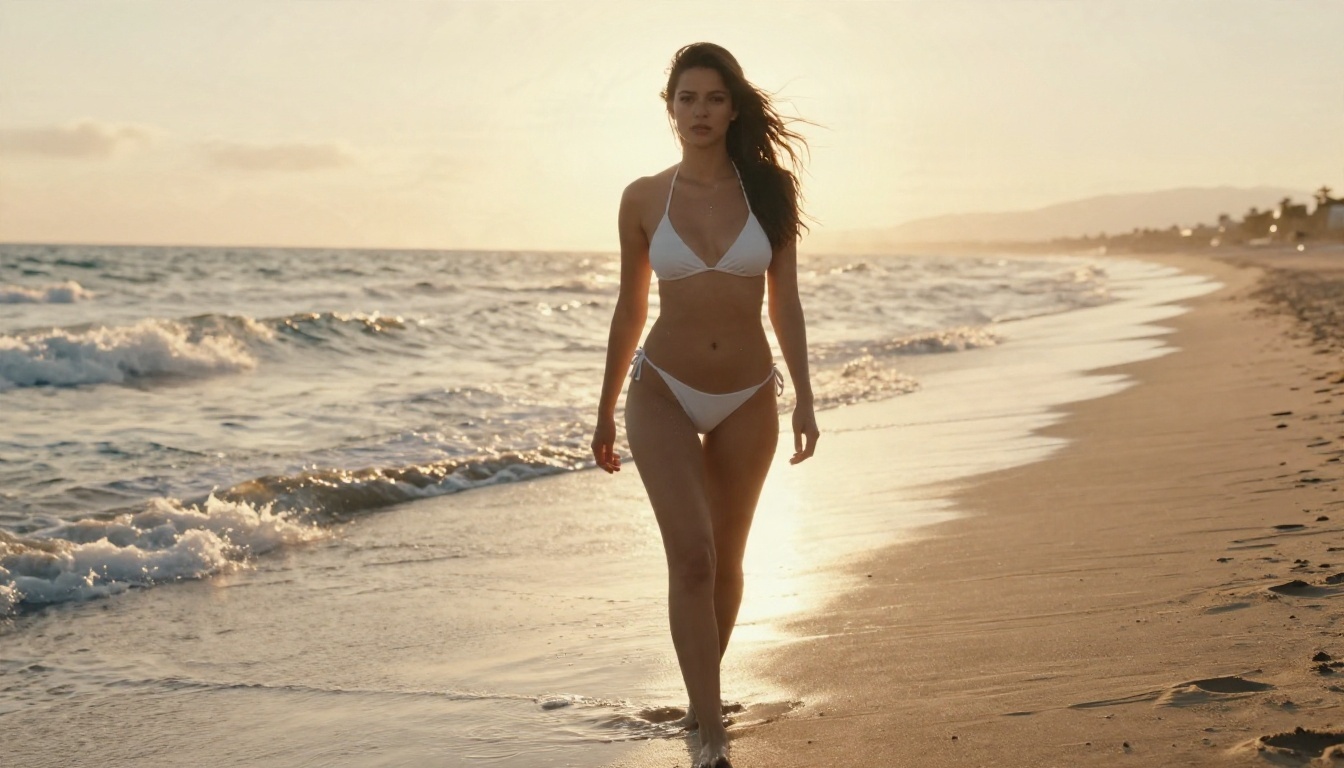
- Beach editorial: "adult woman in a white bikini walking on wet sand at golden hour, low angle, backlight, water droplets on skin, 35mm lens, film grain"
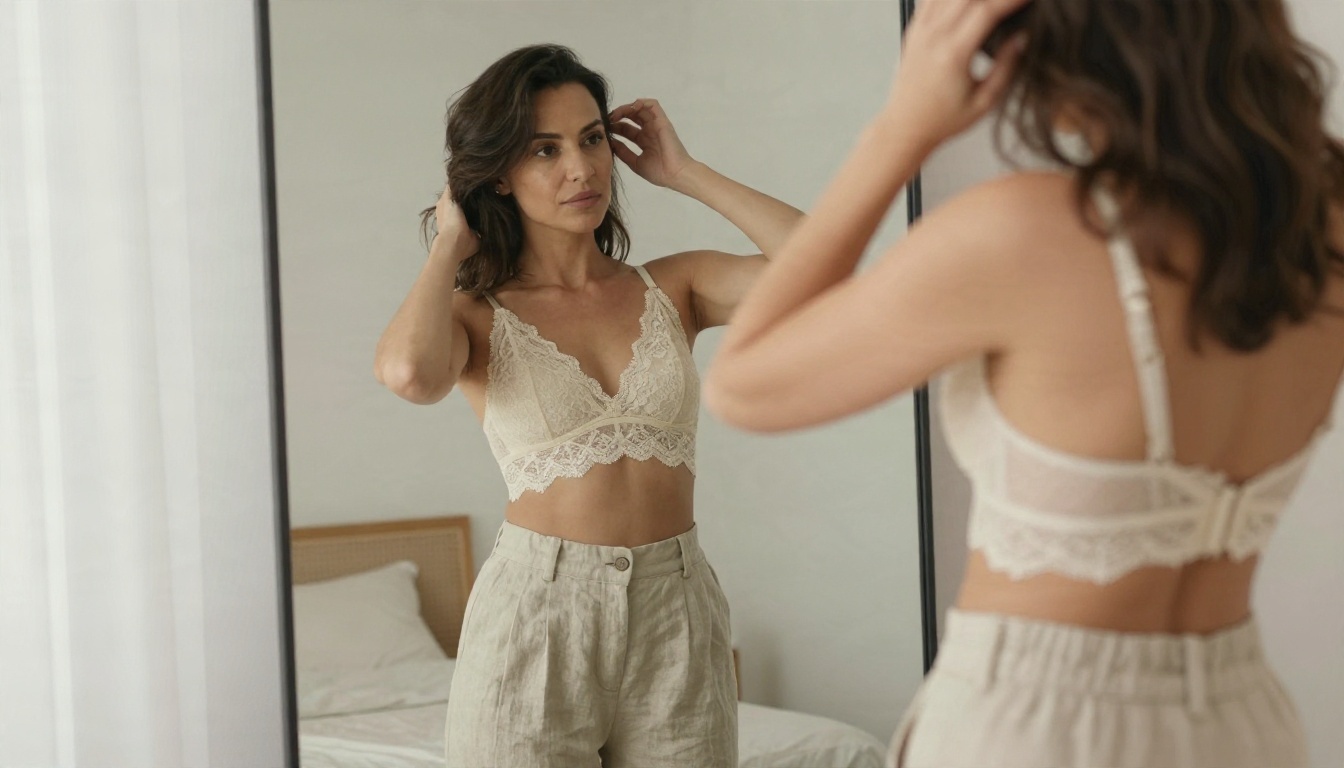
- Boudoir morning: "woman in a cream lace bralette at a mirror, diffused window light, minimalist bedroom, 50mm lens, natural skin"
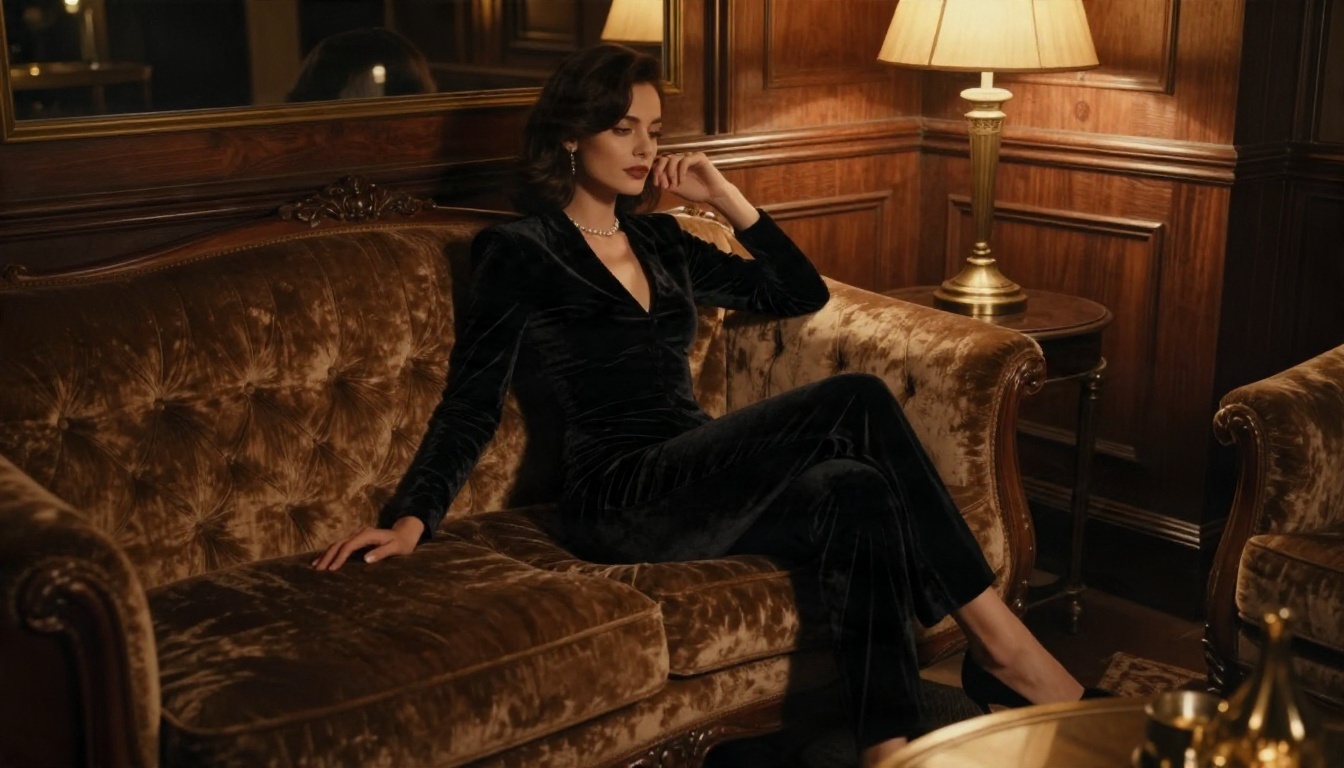
- Evening glamour: "adult woman in a black velvet bodysuit on a vintage sofa, art deco lounge, warm lamp light, 35mm f/1.4"
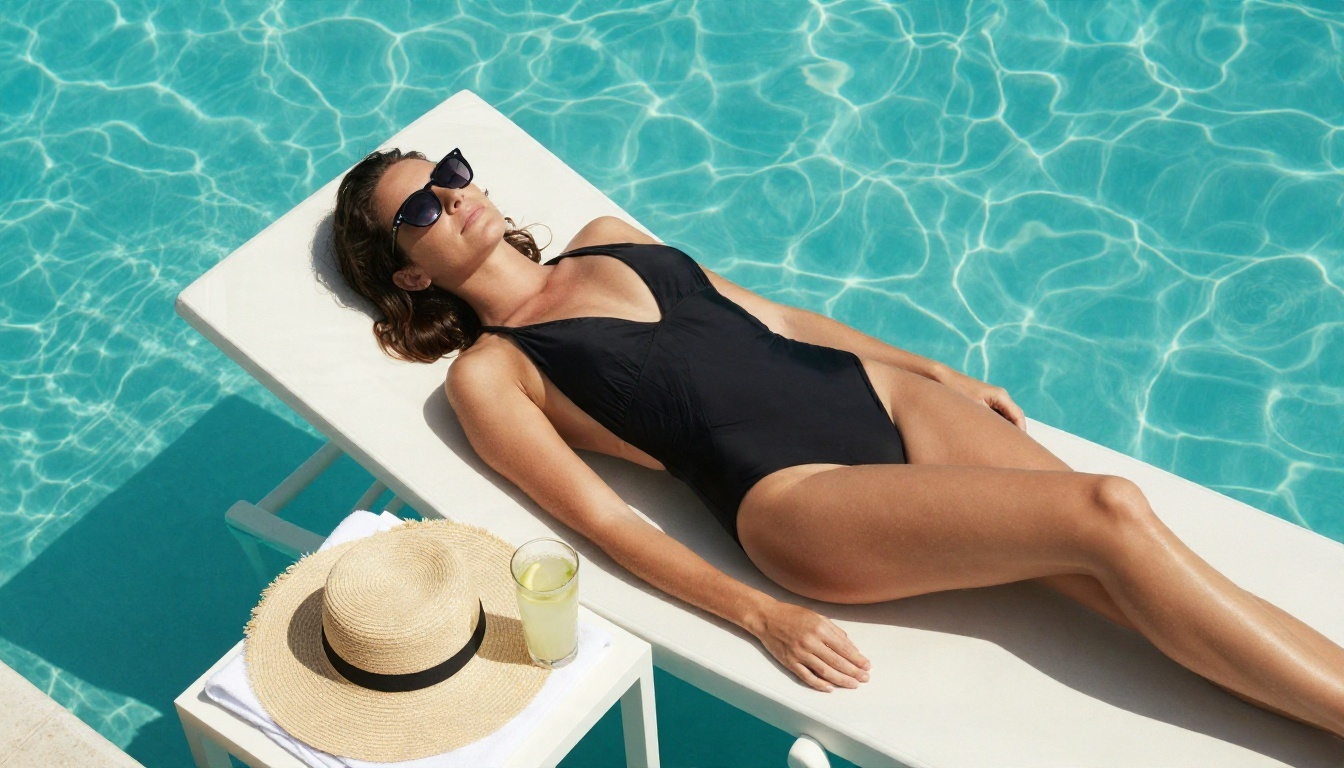
- Poolside: "overhead shot of a woman in a black two-piece on a white lounger, turquoise pool, hard midday sun, 24mm lens"
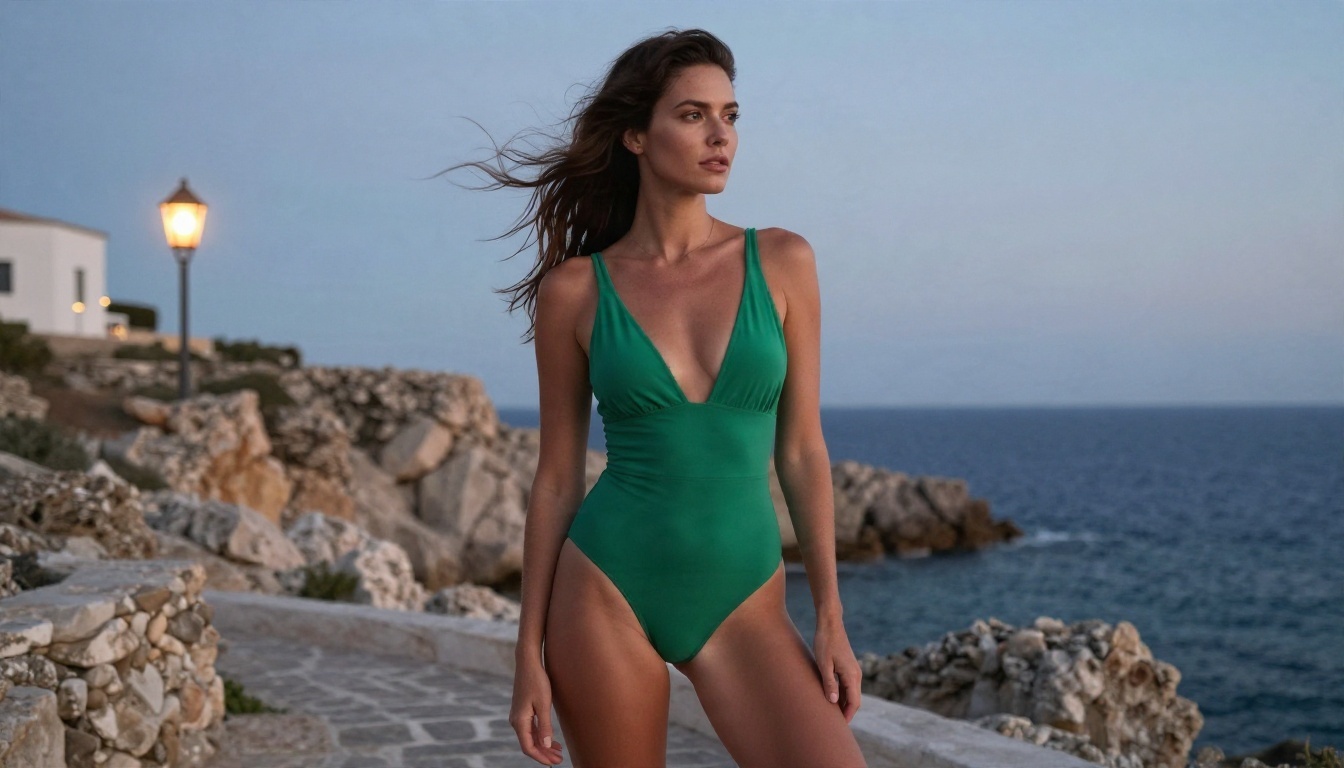
- Coastal dusk: "woman in an emerald one-piece on a rocky terrace at blue hour, Mediterranean sea, warm lantern glow, 28mm lens"
Why photography words matter
SDXL models and newer models alike were trained on captioned photographs. When you mention lens size, light direction and film stock, you are pointing the model at a specific part of its training data. A vague "sexy woman, beautiful" pulls from everything, which is why those prompts return generic faces and the same lighting every time.
Fooocus or Online? A Fair Verdict
Stay with Fooocus if you already own a strong GPU, you want everything offline, and you enjoy tuning checkpoints and LoRAs. It is a great free tool and the checkpoint list above will serve you well.
Switch, or mix both, if you want to:
- Skip the downloads, driver updates and pagefile tweaks.
- Get higher resolution straight out of the generator.
- Edit an existing photo instead of rolling the dice from scratch.
- Run as many generations as you like without watching a progress bar crawl.
A sensible hybrid is to draft ideas in Fooocus and finish the final images in Seedream 4.5 or Image Editor Pro. Many people end up there once they have spent an evening fixing an out-of-memory error.
Common Mistakes to Skip
- Downloading the biggest checkpoint list and testing all of them. Pick two, learn their quirks, and stay with them.
- Cranking guidance to 8 or more. It makes skin look like plastic and colors look burned.
- Stacking five LoRAs at full weight. Use one or two at moderate strength.
- Ignoring the console. The real error message is almost always there.
- Using SD 1.5 or Flux files. The app will not read them correctly.
- Forgetting the pagefile. Out-of-memory crashes often have nothing to do with your GPU.
Try It Yourself Today
You do not have to pick a side. Keep Fooocus for offline experiments, and open PicassoIA when you want fast, sharp, unrestricted-feeling results with no setup. Start with Seedream 4.5 for a first photoreal portrait, then bring the result into PicassoIA Image Editor Pro for unlimited edits and variations. If you want a model closer to the SDXL look, try RealVisXL v3.0 Turbo or Flux 2 Klein 9B Base LoRA.
Take one prompt from the list above, run it in both places, and compare the skin, the lighting and the time it took. The difference will tell you more than any benchmark. Browse every available option at picassoia.com/en/all-models and start creating your own images today.