Type "NSFW no limit" into a search bar and you get a mess: sketchy sites, fake "unlimited" banners, and generators that refuse a plain bikini photo while accepting something far stranger. This article cuts through that. You will see what "no limit" actually means in practice, which free generators are worth your time, prompts you can copy today, real photorealistic examples, and the online alternatives that give you the most freedom for suggestive, glamour-style, non-explicit images.
The focus here is on beautiful, attractive imagery: swimwear, boudoir, evening wear, summer portraits. Think magazine shoot, not pornography. That distinction matters, because it is exactly the line that decides whether a generator works smoothly for you or blocks every second prompt.
💡 Quick answer: For fast, high-quality results with fewer refusals on glamour content, start with Seedream 4.5, then switch to PicassoIA Image Editor Pro when you want unlimited generations.
What "No Limit" Really Means
Limits Platforms Actually Set
When people say "no limit," they usually mean one of three different things, and mixing them up is the number one reason people pick the wrong tool.
| What you want | What it really means | Who it matters to |
|---|
| No daily cap | You can generate as many images as you like without paying per attempt | Anyone iterating on prompts |
| No over-aggressive filter | The model accepts swimwear, lingerie-style fashion and sensual poses without refusing | Glamour and boudoir creators |
| No watermark or queue | Clean files, fast turnaround, no waiting behind paying users | Anyone posting or printing results |
Most mainstream tools fail on at least one of those. Some give you ten free images a day. Others block the word "bikini" but let a vague "summer beach portrait" slide through. A few slap a large watermark on every free output.
Why Filters Feel Inconsistent
Filters are rarely a single switch. A typical pipeline checks your text prompt, then checks the generated image, and sometimes runs a third check on the reference photo if you upload one. Each layer is tuned differently, which is why the exact same idea can pass on Monday and fail on Tuesday after a platform update.
Two practical consequences:
- Wording matters more than you think. "Elegant black satin swimwear, editorial photo" behaves very differently from slang-heavy phrasing.
- Model choice matters even more. Some models were trained and tuned to be relaxed about tasteful body-forward fashion imagery. Others refuse anything that smells like skin.
💡 Rule of thumb: If a tool refuses a normal swimsuit portrait, the problem is the tool, not your prompt. Move on instead of rewording ten times.
Free Generators Worth Trying
Free Tiers and Daily Credits
Nearly every online generator has a free tier, but they behave very differently once you start working:
- Daily credit systems reset every 24 hours. They are fine for casual use, but a bad prompt can burn half your allowance.
- One-time trial credits run out in a single afternoon and then lock you out.
- Queue-based free access is technically unlimited but can mean waiting several minutes per image.
Well-known names like Midjourney, DALL·E, Adobe Firefly and Leonardo AI each take a different stance on adult-leaning content, and most of them are conservative about it. They are excellent for general art, but they are not what you want when your goal is relaxed glamour photography.
The better route is a platform that hosts many models in one place, so you can switch to whichever one handles your subject best. That is the idea behind PicassoIA: dozens of text-to-image models, one account, and no need to chase separate sign-ups.
Open Weights on Your Own PC
The other free route is running an open model locally with tools like Stable Diffusion front ends or ComfyUI. You get full control, no queue and no per-image fee. The catches are real, though:
- You need a capable GPU with plenty of VRAM.
- Setup takes hours, and updates break things regularly.
- Photorealism depends heavily on which checkpoint and settings you pick.
For most people, an online generator wins on speed and sheer convenience. You open a tab, type a prompt, and get a 4K result in seconds.
Seedream 4.5 Comes First
Why It Leads for Glamour
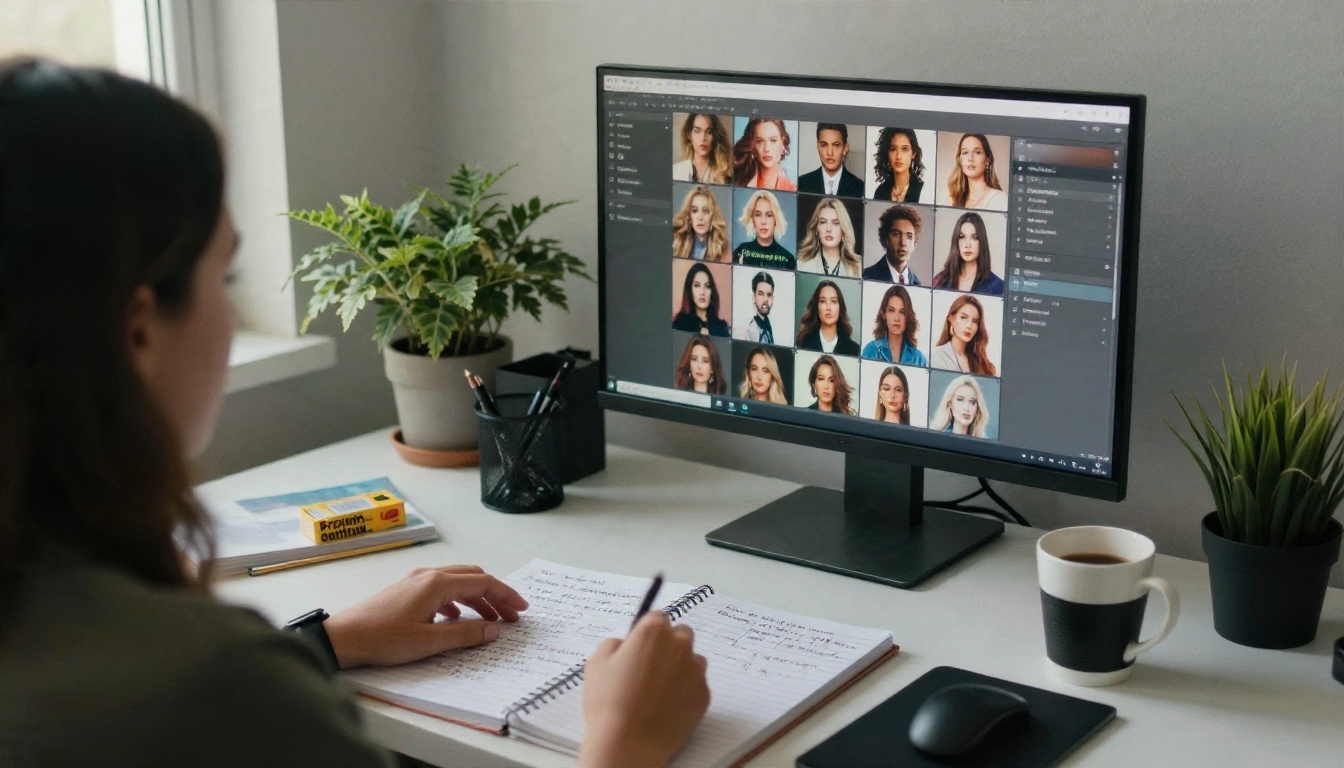
Seedream 4.5 is where I would start, and the reason is simple: it produces photorealistic skin, fabric and light with very little fuss, and it is noticeably more relaxed about tasteful swimwear, boudoir and evening wear than most big-name generators. It also handles up to 4K output, so the pores, fabric weave and water droplets hold up when you zoom in.
What stands out in practice:
- Natural skin texture. Faint freckles, soft sheen, flyaway hairs. No plastic look.
- Reliable lighting. Ask for "soft window light from the left" and you actually get that.
- Fast turnaround. Seconds per image, which makes iteration painless.
- Strong prompt following. Wardrobe, pose, setting and lens details all land.
How to Use Seedream 4.5 on PicassoIA
Here is the exact workflow I use. It takes under two minutes the first time.
- Open the model page. Go to Seedream 4.5 on PicassoIA and sign in.
- Write your prompt in this order: subject, wardrobe, pose, setting, light, camera and lens, film look. Keep it as one flowing paragraph.
- Pick the aspect ratio. Use 16:9 for banners and travel-style scenes, 3:4 or 2:3 for portrait and boudoir shots, and 1:1 for social grids.
- Choose the highest resolution offered for your final render. Test at a lower size first if you are still tuning wording.
- Generate, then compare. Run two or three variations of the same prompt and keep the one with the best hands, eyes and fabric folds.
- Refine instead of restarting. Change one thing at a time: the light direction, the lens, the wardrobe color.
Parameter tips that save time:
- Add a lens such as 85mm f/1.8 for portraits or 35mm f/2.8 for environmental scenes. It nudges depth of field in a believable direction.
- Mention a film look like Kodak Portra 400 grain for softer, warmer skin tones.
- State "non-explicit, editorial" if you want to keep the result firmly in magazine territory.
- Keep prompts under roughly 120 words. Beyond that, details start to fight each other.
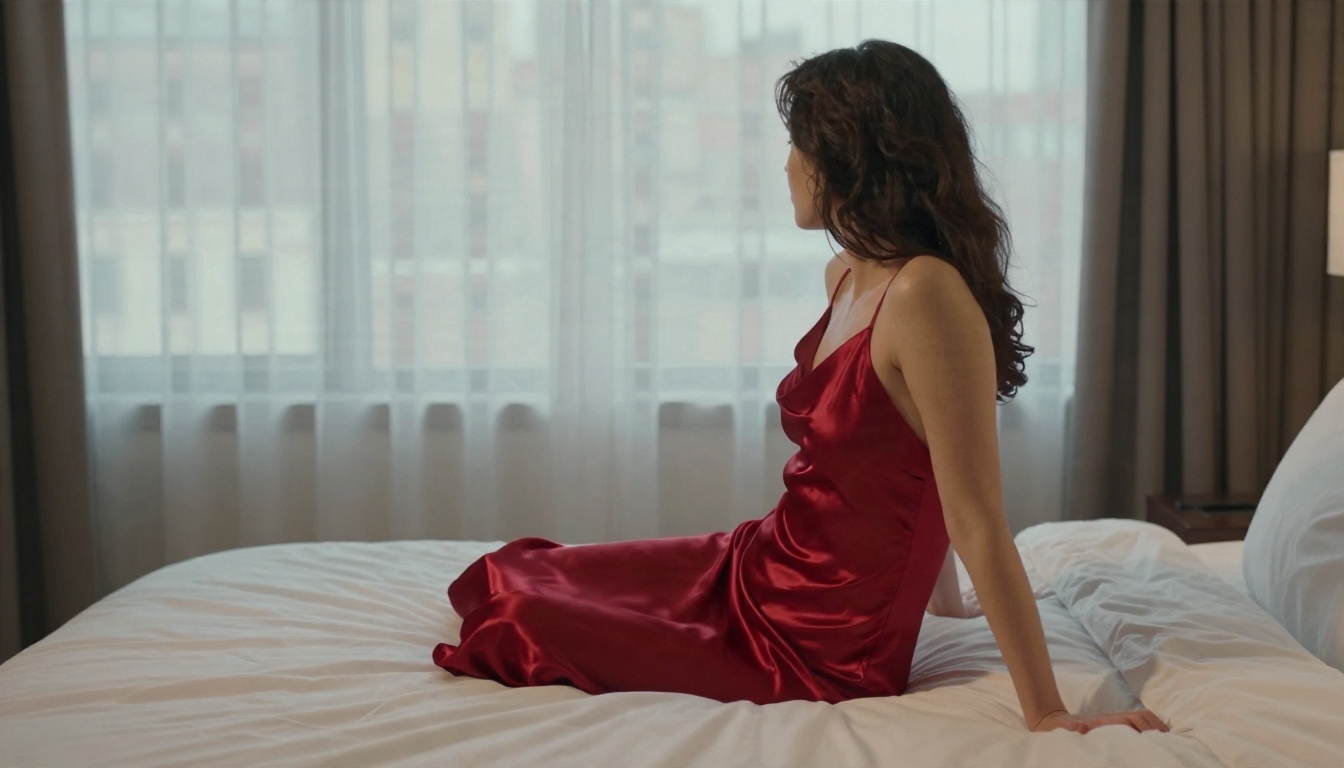
Image Editor Pro for Unlimited Runs
When you want to iterate without watching a counter, PicassoIA Image Editor Pro is the one to open. It is built around unlimited generations, which is the practical meaning of "no limit" for most people: you can try forty variations of one prompt, fix a hand, swap an outfit color, or restyle a background without ever worrying about credits.
It works well for:
- Editing an existing photo. Change wardrobe color, background or lighting.
- Fixing small flaws. Hands, hair edges, stray objects.
- Consistency. Reusing the same face and setting across a whole set of images.
💡 Workflow tip: Draft with Seedream 4.5 for the base image, then bring it into Image Editor Pro for unlimited touch-ups.
Prompts That Actually Work
The Prompt Formula
Good glamour prompts follow a predictable structure. Treat it like a shot list:
[Subject and pose] + [wardrobe and fabric] + [setting] + [light direction] + [camera and lens] + [texture and film look]
Three habits separate good results from mushy ones:
- Describe light, not just looks. "Golden hour sun from camera left with rim light on the shoulder" does more than "beautiful lighting."
- Name fabrics. Satin, lace, linen, wet cotton, knit wool. Each one renders with its own sheen and weight.
- Add small imperfections. Freckles, fine pores, damp hair, rumpled sheets. These make an image feel photographed instead of rendered.
A Swimwear Prompt to Copy
Adult woman in her mid twenties with olive skin and wavy chestnut hair, reclining on a white linen daybed on a Mediterranean villa terrace at golden hour, wearing black satin two-piece swimwear and a loose white linen shirt, one knee raised, relaxed half smile toward camera. Whitewashed balustrade, bougainvillea, calm turquoise sea behind. Warm sun from camera left with rim light on the shoulder. 85mm f/1.8, shallow depth of field, visible skin pores and freckles, Kodak Portra 400 film grain, editorial, non-explicit.
Boudoir and Evening Wear Prompt
Adult woman in a red satin slip dress sitting on the edge of an unmade hotel bed, looking over her shoulder toward a tall window with sheer curtains, rooftops softly blurred outside. Soft morning window light from the left, rumpled white sheets, gentle shadows. 50mm f/1.8, fabric sheen, fine skin texture, Kodak Portra 400 grain, tasteful boudoir, non-explicit.
💡 Swap one variable per run. Change only the wardrobe color, then only the setting, then only the lens. That is the fastest way to learn what each word does.
Examples by Scene
Each example below is a single prompt, no retouching. The point is to show how scene, light and lens change the mood while staying tasteful.
Beach and Pool
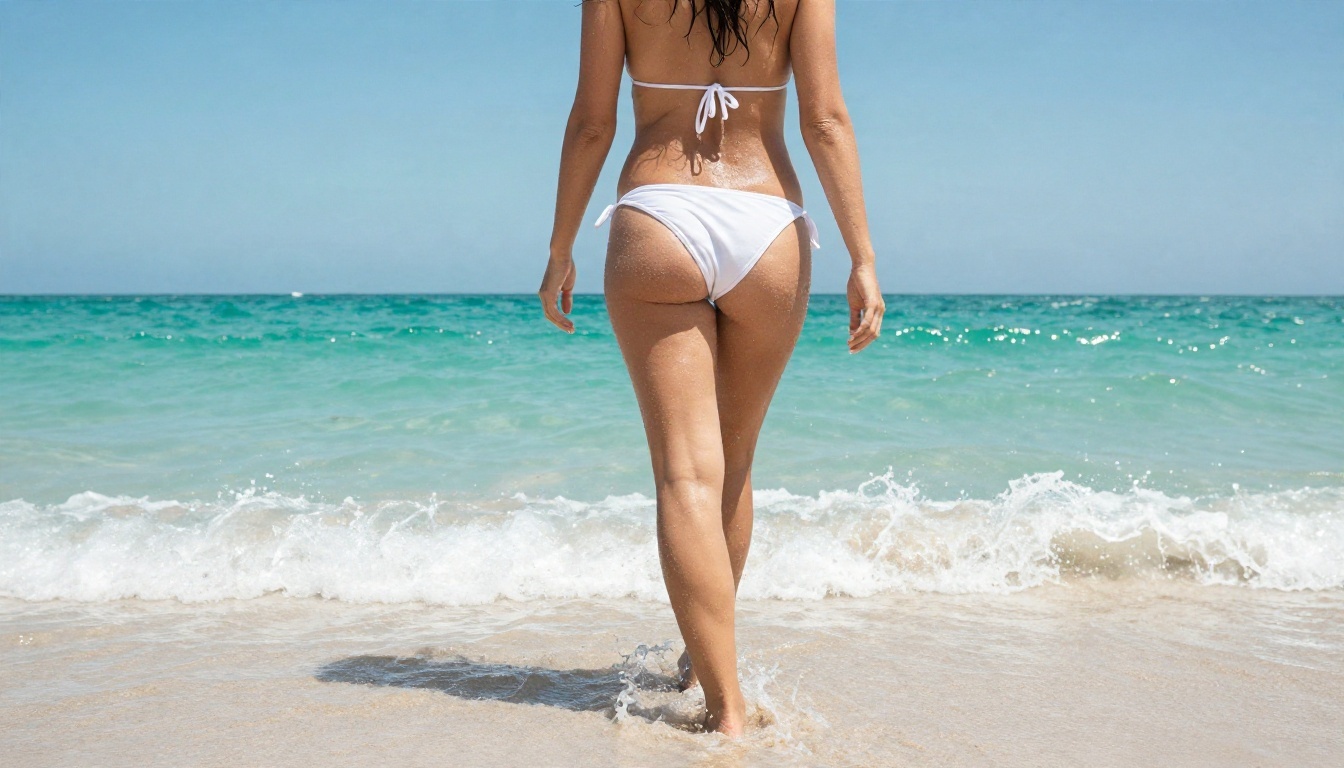
Water is the hardest material to fake, which makes it a great test. In the beach shot above, the low angle and midday sun give crisp droplets on the skin and a sparkle across the shallows. Overhead angles work differently: they flatten the scene into shapes and color, so the water patterns do the heavy lifting.
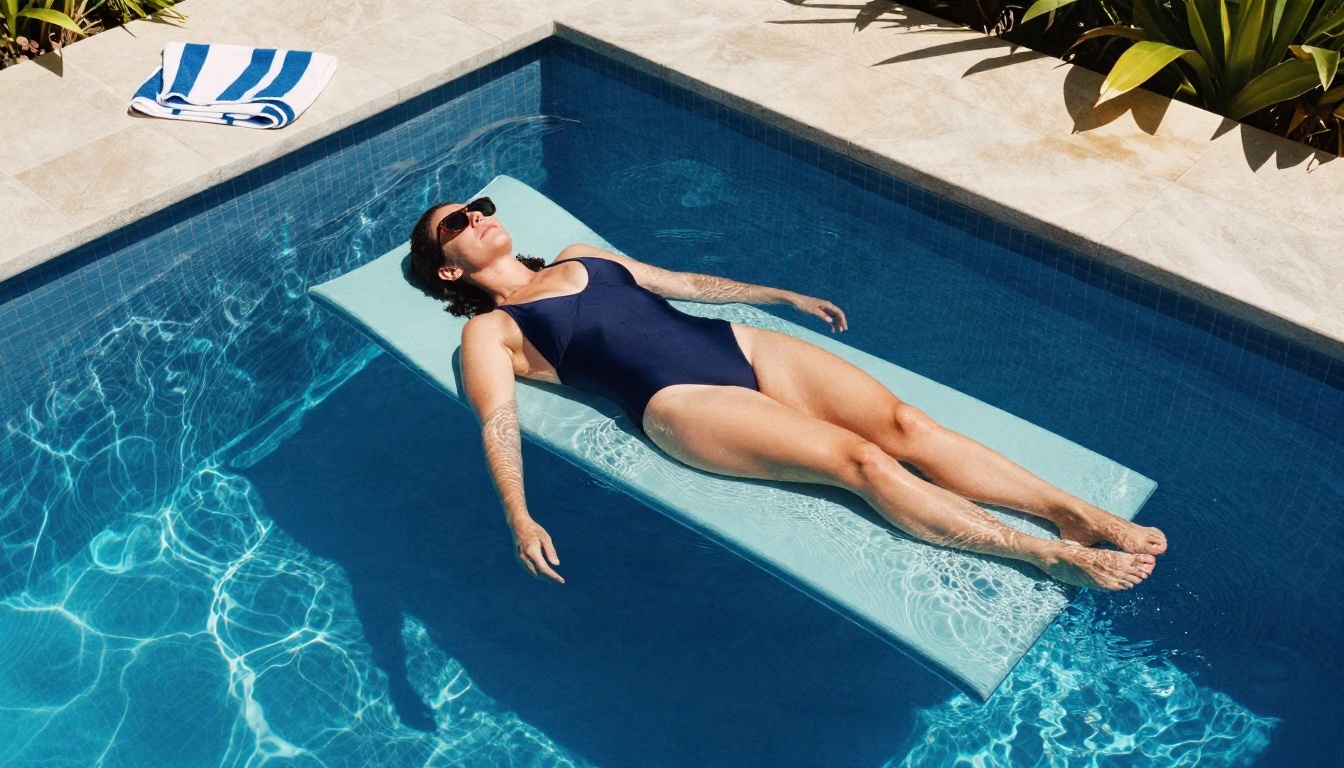
What to copy: hard overhead light, a simple wardrobe color against deep blue, and a wide 24mm lens so the water patterns stay sharp.
Boudoir and Mirror
Interiors reward soft, directional light. A frosted window on one side, a silk robe, a marble sink and a mirror give you layers of reflection and texture without needing anything explicit.
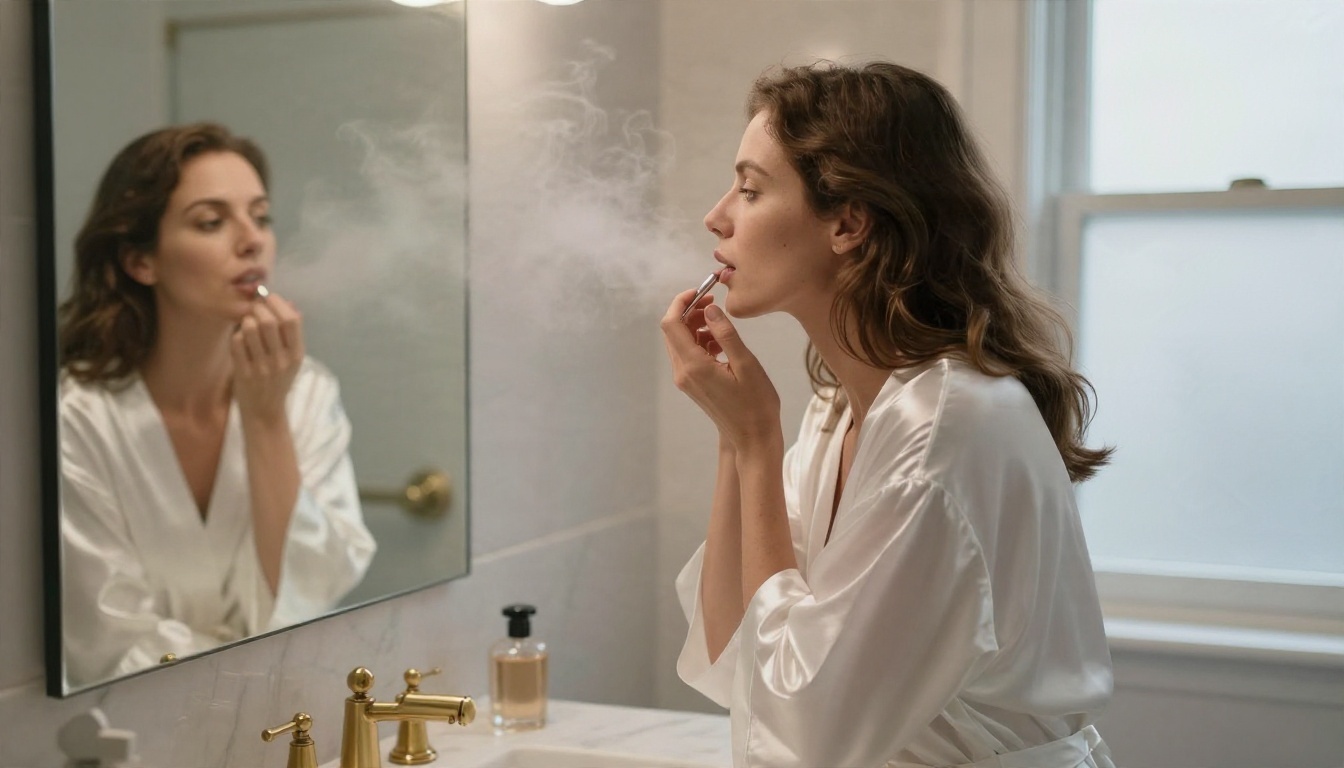
What to copy: one soft light source, one hero fabric, props that tell a story (perfume bottles, brass fixtures), and a slightly tilted angle for energy.
Evening and Rooftop
Blue hour is a gift for glamour work. Cool sky, warm practical lights, and a backless gown shot from behind keeps the mood elegant and mysterious.
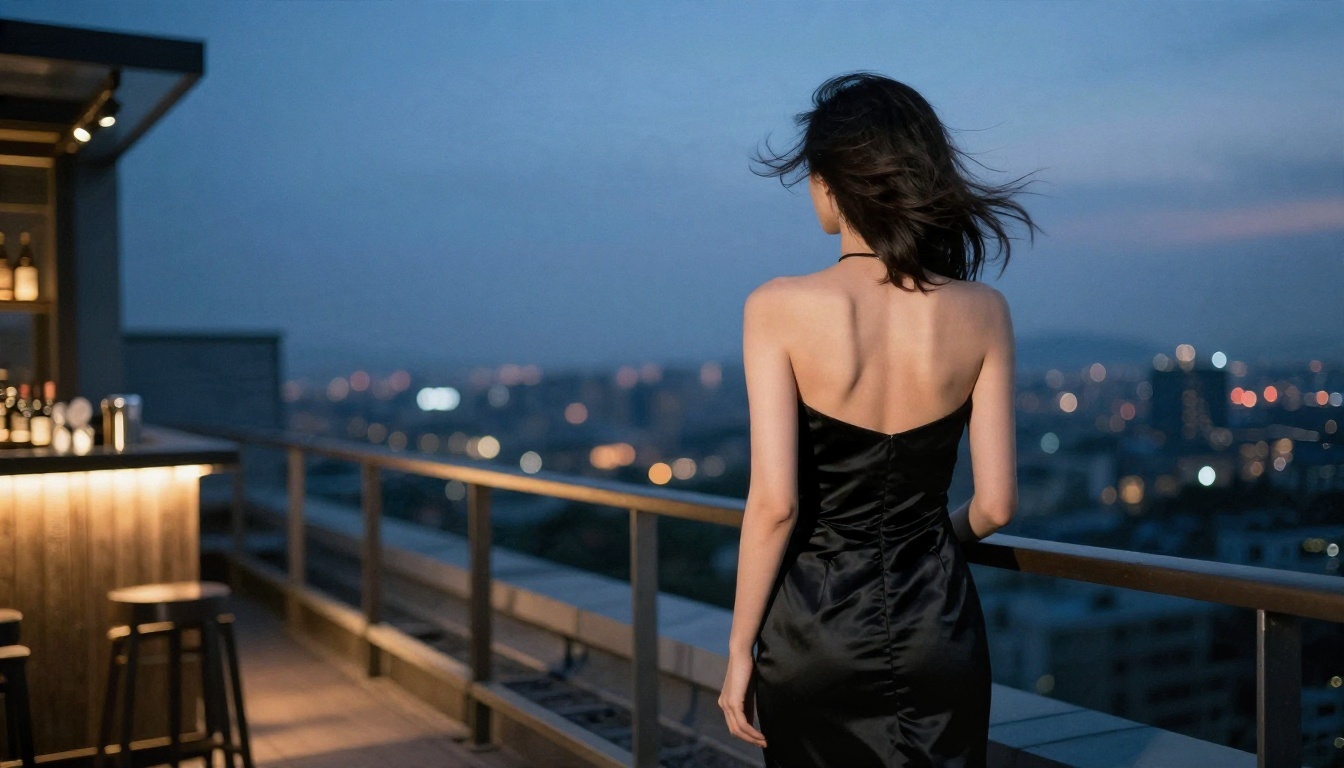
Close-ups are another strong option. A dark velvet backdrop, a black lace bodysuit under a tailored blazer and one soft light from the side give you high-fashion portraiture.
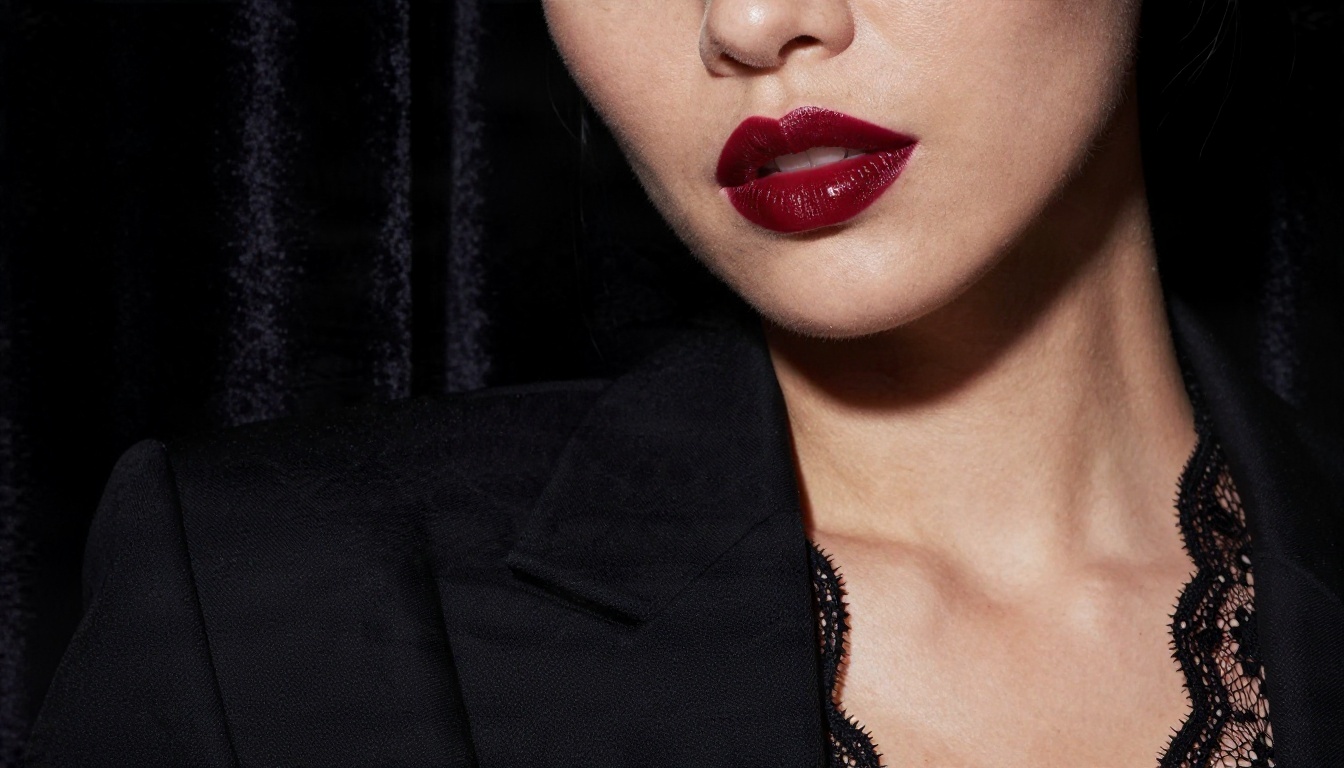
What to copy: a long lens (85mm to 105mm) for close portraits, a wide 35mm for environmental scenes, and a single light direction named clearly.
Cozy Lifestyle
Not every attractive image needs a beach. Candid, warm, slightly playful scenes often get the best reaction: an oversized knit sweater, bare legs, a mug, warm lamp light against cool window light.
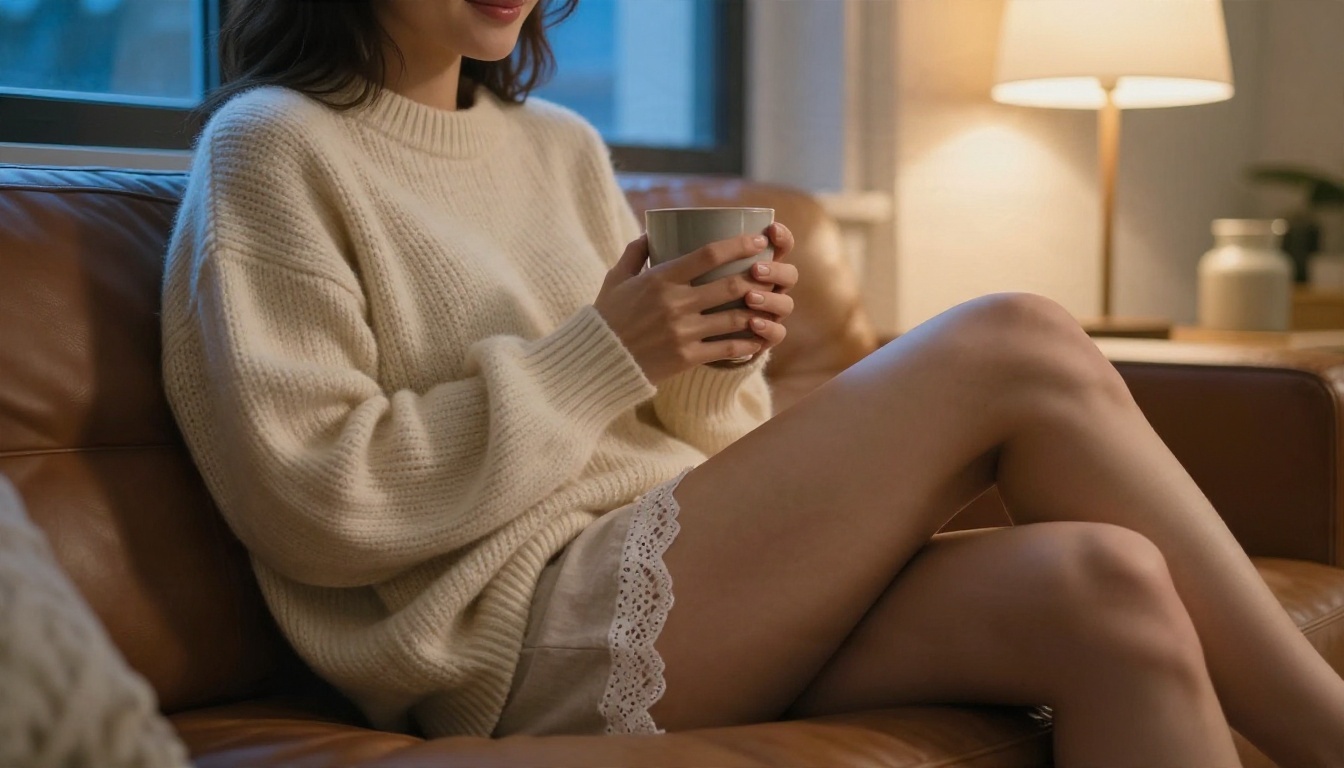
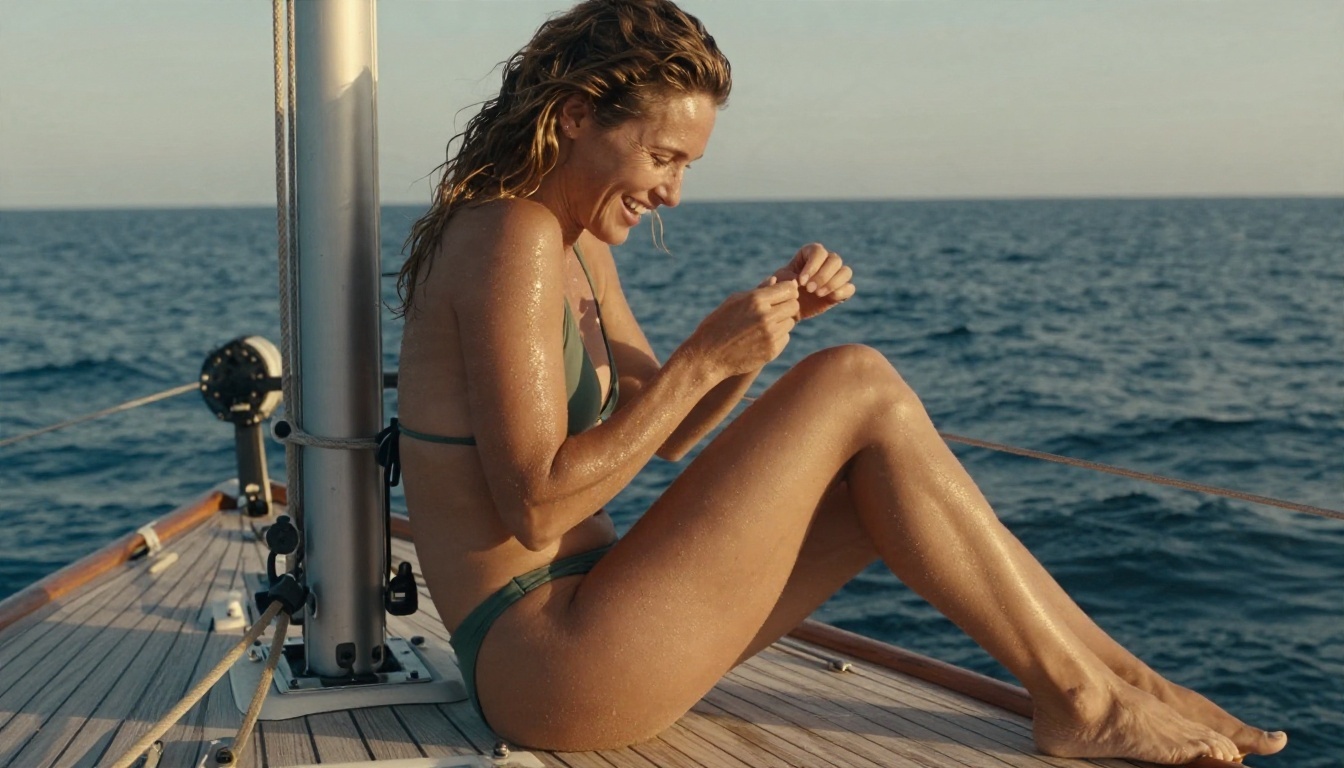
For travel-style content, try a sailboat deck: teak planks, ropes, a green high-cut bikini, late sun. The environment adds believability that a plain studio background cannot match.
Online Alternatives Compared
Seedream 4.5 and Image Editor Pro are where I would begin, but different jobs call for different models. Every model below is on PicassoIA, so you can switch without opening another account.
| Model | Best for | Speed | Notes |
|---|
| Seedream 4.5 | Photorealistic glamour, swimwear, boudoir | Fast | Up to 4K, natural skin and fabric |
| PicassoIA Image Editor Pro | Unlimited generations and editing | Fast | Ideal for iteration and touch-ups |
| Z Image Turbo | Quick drafts and bulk testing | Very fast | Sharp results in seconds |
| Flux 2 Klein 9B Base LoRA | Styled looks and custom character consistency | Medium | LoRA support for a repeatable style |
| Qwen Image 3 Pro | Detailed, photorealistic scenes | Medium | Strong prompt following |
| HiDream L1 Full | Sharp general-purpose images | Medium | Good detail on textures |
How I choose in practice:
💡 Not all models behave the same on sensitive prompts. If one model refuses a normal swimwear portrait, run the same prompt through another. Switching is faster than rewriting.
You can also finish images with the other tools on the platform. Use a super resolution model to upscale a favorite render, a background removal tool to place a subject in a new scene, or the image-to-text option to turn a photo you like into a prompt you can reuse.
Mistakes That Waste Credits
After a lot of runs, the same errors show up again and again:
- Writing a wall of adjectives. "Stunning gorgeous beautiful amazing" adds nothing. Describe light and fabric instead.
- Skipping the lens. Without a focal length, many models default to a flat, generic phone-camera look.
- Changing five things at once. You cannot tell which change helped. Edit one variable per run.
- Using the wrong aspect ratio. A tall portrait forced into 16:9 loses the composition. Match the format to the scene.
- Ignoring hands and eyes. Check them at full size before you share anything. Fix flaws in Image Editor Pro rather than regenerating from scratch.
- Trusting "unlimited" banners. If a site hides the real cap in the fine print or watermarks every output, it is not unlimited. Test with five generations before you commit.
- Chasing explicit content on shady sites. Many "no filter" sites are plagued by pop-ups, bad quality, stolen uploads and privacy risks. A reputable platform with tasteful, photorealistic output beats any of them.
A few ground rules worth keeping:
- Only depict adults, and make that explicit in your prompt.
- Never generate images of real people without their permission.
- Keep your results in the glamour and editorial range. It keeps your account safe and your portfolio usable.
Make Your Own Images Today
"No limit" does not have to mean sketchy sites and watermarked leftovers. What most people really want is simple: fast generations, photorealistic quality, and a tool that does not panic over a bikini shot. That combination exists, and you can use it now.
Here is a simple plan for your first session:
- Open Seedream 4.5 and paste one of the prompts above.
- Change only the setting, then only the wardrobe, then only the lens.
- Move your favorite result into PicassoIA Image Editor Pro for unlimited retouching.
- Run the same prompt through Z Image Turbo and compare the look.
Ready to see what your own ideas look like? Browse every model on picassoia.com/en/all-models, pick one, and start creating on Picasso IA. Two or three prompts in, you will know exactly which model fits your style.


