You type a search at midnight, click the first result, and a wall of "create your account" pop-ups appears before you have generated a single image. That is the exact frustration behind every search for NSFW no sign in tools. People want to try an adult image generator or an uncensored chat without handing over an email, a password, or a payment card. The good news: some tools do work that way. The less good news: "free" and "no sign in" almost always come with strings attached, and those strings are what this article lays out.
Below you will find what these tools actually offer, where the limits bite, what privacy risks hide behind an anonymous button, and which online alternatives give you more room to work. Everything here is about adult, consenting, non-explicit glamour content: swimwear, lingerie, boudoir, suggestive portraits. No real people, no minors, no deepfakes.
💡 Quick answer: No sign in tools are fine for a quick test. For repeat use, higher resolution and fewer interruptions, a platform with unlimited generations beats any anonymous page.
What "No Sign In" Really Means
The phrase sounds simple, but it covers very different setups. Before you spend an evening on a site, it helps to know which kind you landed on.
Three Flavors of Anonymous
| Type | What it means | Typical catch |
|---|
| Truly open | Type a prompt, get an image. No account at all. | Strict daily cap tied to your IP address |
| Soft gate | First few results free, then a sign up wall | You lose your work if you refuse |
| Cookie trial | A browser cookie counts your free runs | Clear cookies and the counter resets, until it doesn't |
Most pages marketed as "no login" are the second type. You get two to five images, then a prompt to register. That is not a scam, it is simply how a site pays for GPU time. Every image costs real compute, and anonymous traffic is the hardest to monetize or moderate.
Why Chat Is Harder Than Images
Image generation is stateless. You send a prompt, you receive a picture, and the server can forget you. Chat is different. A conversation needs memory, a character profile, a running context window, and usually some form of moderation log. All of that is easier to manage with an account, which is why truly anonymous NSFW chat is rarer than anonymous image generation.

If a site offers endless, memory-rich, anonymous adult chat with no limits at all, ask yourself who is paying for the servers. Often the answer is your data, an ad network, or a subscription that appears after ten messages.
Free NSFW Image Generators Without Login
Images are where the no sign in promise holds up best. Generating a single picture is cheap compared with running a long conversation, so more sites can afford to offer it.
What You Get Without an Account
Expect the following from a typical open generator:
- One prompt box and a handful of style presets
- Low to medium resolution, often 512 or 768 pixels on the long side
- A queue, sometimes just seconds, sometimes several minutes at peak hours
- A watermark on the corner or across the image
- Older models, frequently open-weight checkpoints from a few years back
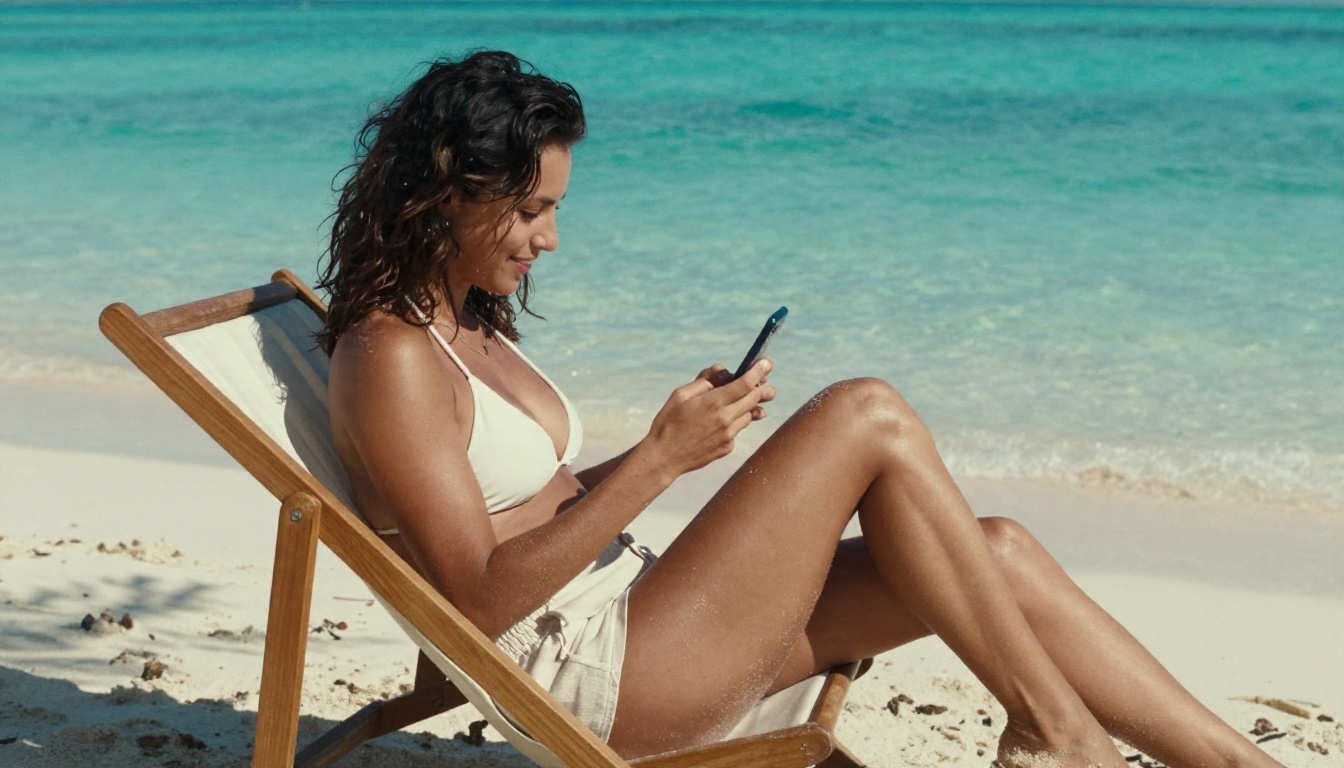
The results can be decent for quick concepts. Skin texture, hands and fabric are where older models slip, and that is where you see the gap between a throwaway page and a modern model.
The Usual Catches
| Catch | How it shows up | Why it exists |
|---|
| Daily cap | "You have used your free credits" | GPU cost control |
| Watermark | Logo burned into the frame | Free advertising |
| Slow queue | Waiting screen with a timer | Free users get lowest priority |
| Prompt filter | Silent blocking or blank outputs | Payment and hosting rules |
| Image logging | Your prompts stored on a server | Moderation and model training |
None of these is shocking, but together they explain why many people end up creating an account anyway. A free account on a better platform often gives a smoother experience than an anonymous page that is throttling you every few minutes.
Free NSFW Chat Without an Account
Adult chat is the half of this keyword that disappoints most. Let's be honest about what you can expect.
Memory, Context and Why They Matter
A character chat feels good only when the character remembers you. Names, earlier jokes, the scene you set ten messages ago. Without an account, there is nowhere to store that. So anonymous chat tends to give you:
- A short context window, so the character forgets quickly
- Generic personalities instead of saved ones
- A message cap, often 10 to 30 messages
- A sign up prompt right when the conversation gets interesting
Realistic Expectations
Mainstream language models have their own safety policies, and those apply wherever the model runs. On PicassoIA, models such as Gemini 3.5 Flash, Claude Sonnet 5 and Kimi K2.6 are strong writers, and they are very useful for something adjacent to adult content: drafting detailed, tasteful image prompts. Describe the scene, the wardrobe, the lighting and the mood in plain language, let the model tighten it, then paste the result into an image generator. For lighter, free-to-run options, Granite 4.1 8B handles quick text tasks well.
💡 Tip: Treat the chat model as your prompt assistant, and treat the image model as the place where the visuals happen. You get better pictures and fewer wasted generations.
Limits You Will Hit
Every free tool has a ceiling. Knowing where it sits saves time.
Daily Caps and Queues
Most open generators allow somewhere between 3 and 20 images per day per IP address. Some count by browser, some by device fingerprint. Shared networks, such as a university or a coffee shop, can burn your allowance before you even start. At busy hours the queue stretches, and a single image can take longer than it would on a paid tier by a wide margin.
Watermarks and Resolution
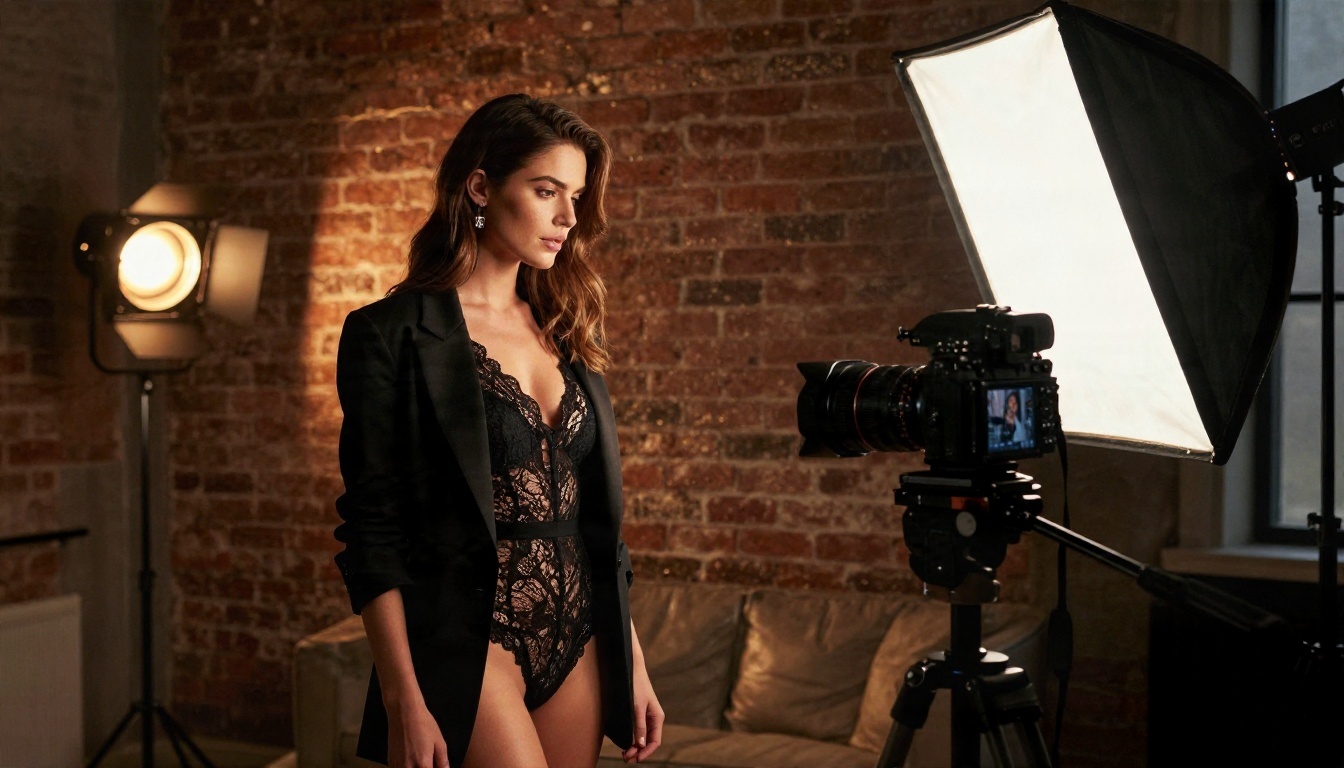
A watermark is not only ugly. It limits what you can do with the image. And low resolution means the picture falls apart the moment you crop or print it. Anything under roughly 1024 pixels on the long side is a preview, not a finished image. If you do want to sharpen something afterwards, a super resolution step helps, but starting with a better base always wins.
Filters That Appear Mid-Session
Here is the quiet frustration: a site says "uncensored" in the headline, then returns a blurred or blank image on your third prompt. Filters may come from the model, the host, or the payment processor behind the site. This is why "no restrictions" should be read as a claim to test, never as a promise.
| Limit | Anonymous tools | Platform with unlimited runs |
|---|
| Daily images | 3 to 20 | No daily counter on unlimited tools |
| Resolution | Often 512 to 1024 px | Up to 2K or 4K on modern models |
| Watermark | Common | Not part of the output |
| Queue | Variable | Fast, consistent |
| Model quality | Older checkpoints | Current generation models |
| Saved history | Rare | Usually available |
Privacy and Consent Rules
An anonymous button is not the same as a private session. Three things are worth keeping in mind.
Your prompts may be stored. Many tools log what you type, partly for moderation and partly to improve their systems. "No sign in" means you did not give a name. It does not mean nobody can see your input.
Your IP address is visible. Without a VPN, the site knows roughly where you are and can tie a session to a connection. A VPN can help, though some generators block VPN traffic outright.
Real people are off limits. Never use a photo of a real person, a coworker, an ex, or a celebrity as input for adult content. Creating intimate images of someone without their consent is harmful, and it is illegal in a growing number of places. Stick to fictional adult characters and original concepts. If you need a face reference, use an AI-generated, clearly fictional one.
💡 Rule of thumb: If you would not want the prompt read aloud, assume it could be read. Write accordingly.
Online Alternatives Worth Using
If you keep running into caps, the sensible move is a platform built for volume. Here are the options on PicassoIA, in the order I would try them for adult, non-explicit glamour work.
Seedream 4.5 First
Seedream 4.5 is the first model to reach for. It produces sharp, photorealistic 4K images with believable skin, fabric and lighting, and it follows long prompts closely. For swimwear shoots, boudoir lighting, soft window portraits and glamour scenes, it holds detail where cheaper models smear. Because it reads natural language so well, it pairs neatly with a chat model that drafts your prompt.
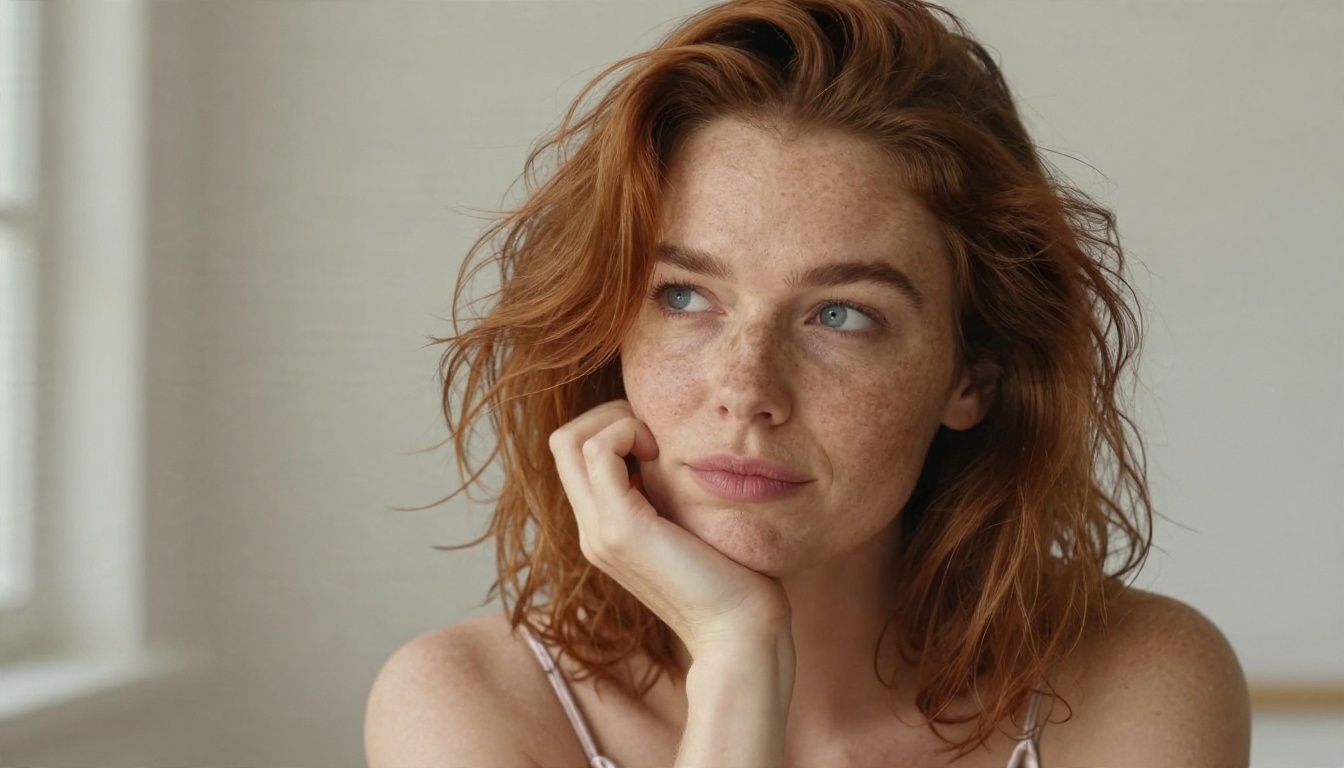
Image Editor Pro for Unlimited Runs
PicassoIA Image Editor Pro is the answer to the question this whole article is about: limits. It offers unlimited generations, so you can iterate on an outfit, a pose or a background as many times as you like without watching a counter. It also edits: change a wardrobe color, swap a background, fix a hand, adjust lighting. For repeat creators, that is more useful than any anonymous page.
Z Image Turbo, Flux 2 Klein and Qwen
When speed or style control matters, three more models fill the gaps:
- Z Image Turbo: very fast, sharp results in seconds, ideal for testing ten prompt variations before committing to one.
- Flux 2 Klein 9B Base LoRA: a flexible base that supports LoRA styling, useful when you want a consistent look across a series.
- Qwen Image 3: strong photographic realism and good handling of human anatomy and clothing detail.
Here is how they stack up side by side:
| Model | Best for | Speed | Detail |
|---|
| Seedream 4.5 | Photorealistic glamour, 4K | Medium | Excellent |
| Image Editor Pro | Unlimited iteration and edits | Fast | Very good |
| Z Image Turbo | Rapid prompt testing | Very fast | Good |
| Flux 2 Klein 9B Base LoRA | Consistent styling | Medium | Very good |
| Qwen Image 3 | Natural skin and fabric | Medium | Very good |
💡 Note that some mainstream models, such as the Nano Banana family, apply stricter filters. For adult glamour work, stick to the list above.
A Fast Workflow, Step by Step
You do not need a dozen tools. A tight three-step routine gives better results than hopping between anonymous pages.
Step 1: Draft the Prompt With a Chat Model
Open a chat model such as Gemini 3.5 Flash and describe your idea in two sentences: who, where, what they are wearing, what time of day. Ask for a photographic prompt that names a lens, a light direction and a film look. Keep it fully non-explicit and about a fictional adult.
Step 2: Generate With Seedream 4.5
Paste the prompt into Seedream 4.5. A few settings tips:
- Use a 16:9 ratio for scenic shots and a vertical ratio for full-length portraits
- Name a specific lens, such as "85mm f/1.8", for a flattering depth of field
- Describe light direction, for example "soft window light from the left"
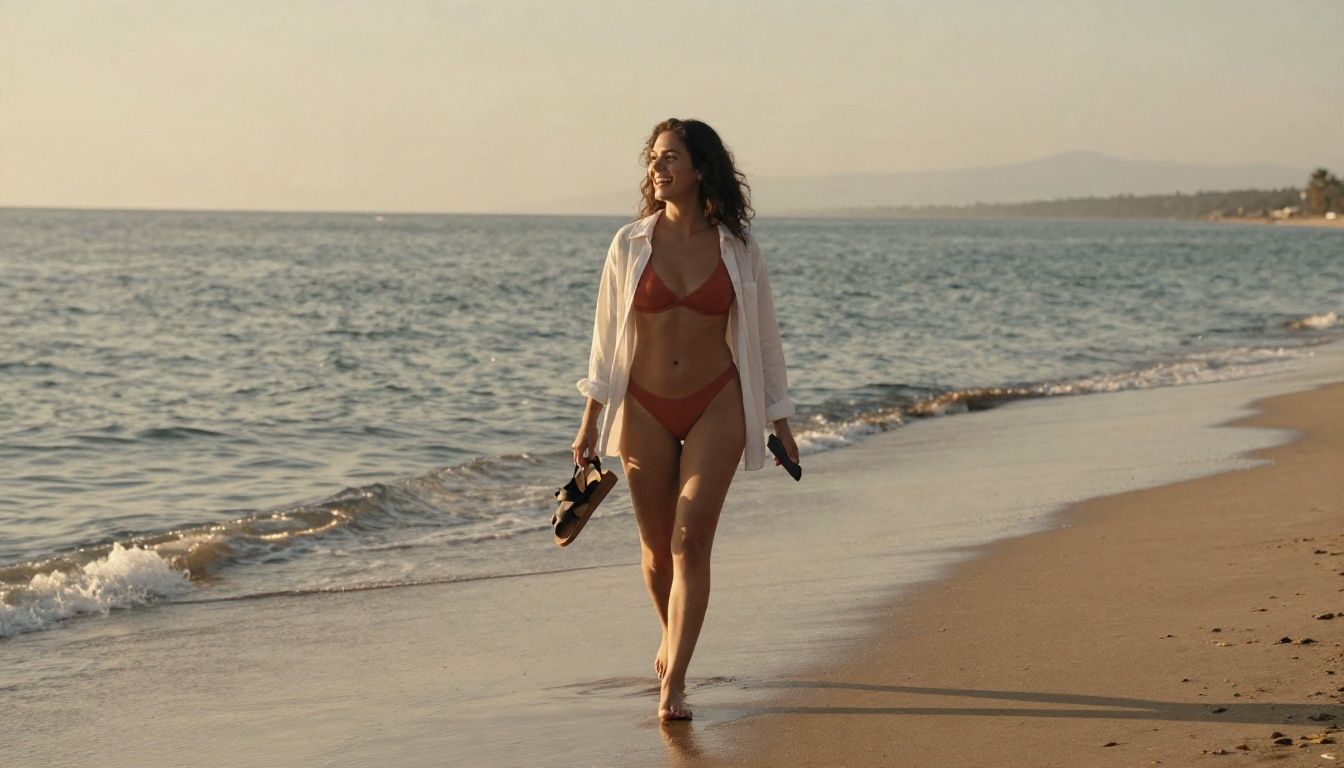
- Mention texture: silk, lace, linen, freckled skin, wet sand
- Skip style words like "digital art", which push results away from realism
Step 3: Refine in Image Editor Pro
Take your favorite result into Image Editor Pro and iterate. Change the robe from black to red, move the scene from a bedroom to a terrace, soften the shadows. Since generations are unlimited, you can try fifteen variations without worrying about a daily counter.
💡 Save time: Keep a text note of prompts that worked. Reusing a good lens and lighting phrase gives you a consistent look across a whole set.
Make Your Own Images Today
No sign in tools have a place. They are fine for a thirty second test, a curiosity check, or a day when you just want one image. But the moment you want sharper pictures, repeatable results and no countdown, a proper platform wins on every count: quality, speed and freedom to iterate.
Try Picasso IA with Seedream 4.5 for your first photorealistic glamour image, then move to Image Editor Pro to refine it without limits. Write a short prompt, pick a lighting style, and see how far one idea can go in ten minutes. When you want more variety, browse everything on offer at picassoia.com/en/all-models and mix image models with chat models to build your own workflow. Your first image is a single prompt away.


