You have a character in your head. Maybe she has copper hair and a lazy half smile, maybe she is a silver-haired rogue who lives in a velvet dressing room. The hard part was never the idea. The hard part is getting a tool to draw her the same way twice, in the outfit and mood you actually want, without a filter throwing your request in the trash. That is the whole job of an NSFW OC maker: turn an original character (OC) into suggestive, glamour-style images you can keep building on.
This article shows how these makers work, what the free online options really give you, the prompt formula that keeps a face consistent, nine photorealistic examples, and the uncensored alternatives worth using when a free tier runs out.
💡 Quick note on scope: everything here is about adult characters and non-explicit glamour: lingerie, swimwear, boudoir light, silk and lace. No real people, no minors, nothing pornographic.
What an NSFW OC Maker Does
An OC maker is a character creator. You describe a person (face, hair, body type, outfit, mood), and an image model draws them. The "NSFW" part simply means the tool will not refuse adult-leaning themes such as swimwear, lingerie or sensual lighting.
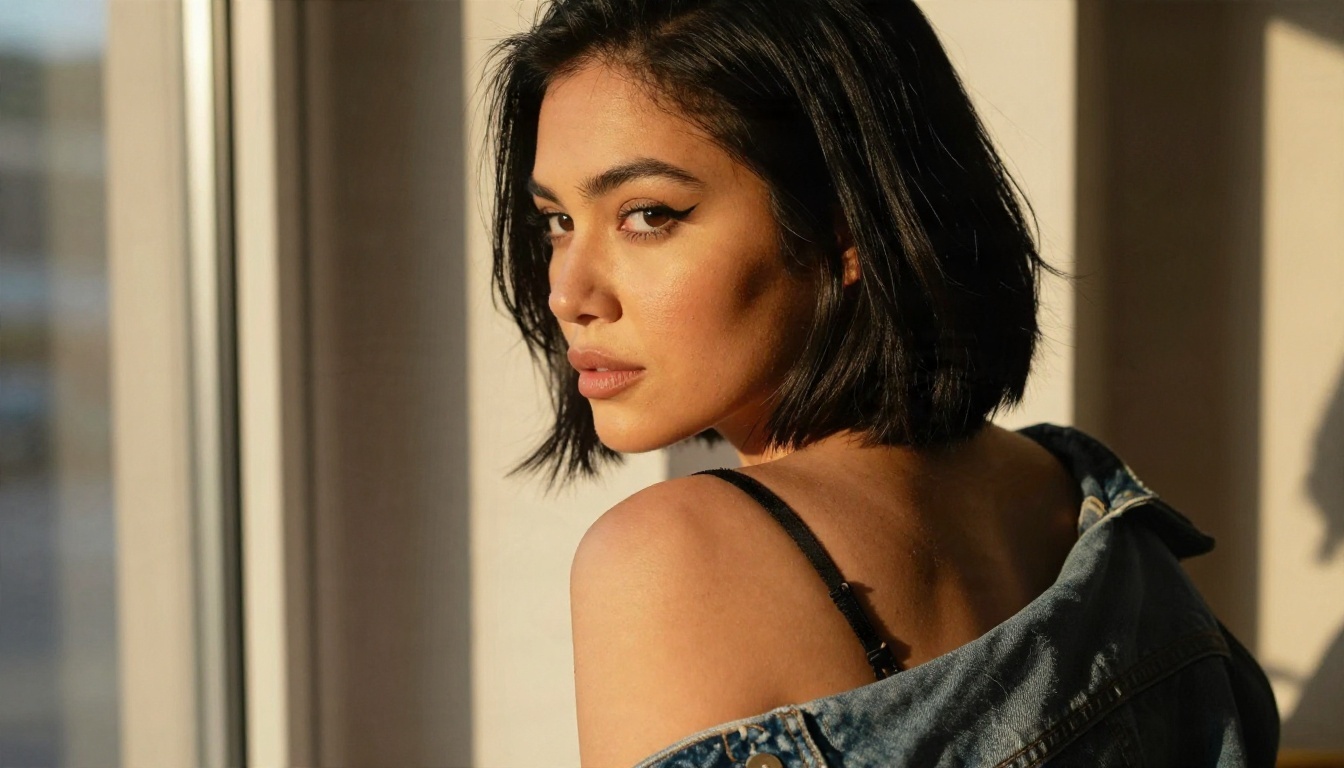
OC means original character
An OC is a character you invented, not one borrowed from a game, anime or film. Role players, writers, comic artists and tabletop gamers all use them. An OC maker gives that person a face you can actually look at.
Anime or photorealistic?
Most free OC makers lean toward anime and cartoon output. That works for fan art, but a growing number of creators want a photorealistic OC: a character who looks like she was shot on film in a real room. Realistic output is also more forgiving of small prompt mistakes, because the model leans on real-world lighting and anatomy instead of stylized shortcuts.
Why filters get in the way
General-purpose generators often block anything with swimwear or lingerie, or they quietly soften the result. That is why people search for an NSFW-friendly tool in the first place. The best ones stay non-explicit but do not refuse adult glamour.
Free Online OC Makers Compared
Several sites offer a free OC maker. I ran a quick search before writing this, and the picture is mixed: most listings are promotional, free tiers come with limits, and NSFW claims change from one month to the next. Treat the table below as a starting point and check each tool's own rules before you invest time.
| Tool type | Examples (by name) | Output | NSFW stance | Typical free limit |
|---|
| General OC generator | Fotor, Pokecut | Mostly anime and illustration | Usually filtered | Daily credits, watermarks |
| Art generator with character engine | PixAI | Anime and some realistic | Listed as NSFW-capable | Credit based |
| Character chat platform | JanitorAI, Prechance | Text chat, little imagery | Chat focused | Free chat, image features vary |
| Open model platform | PicassoIA models | Photorealistic | Non-explicit adult glamour | Unlimited with Editor Pro |
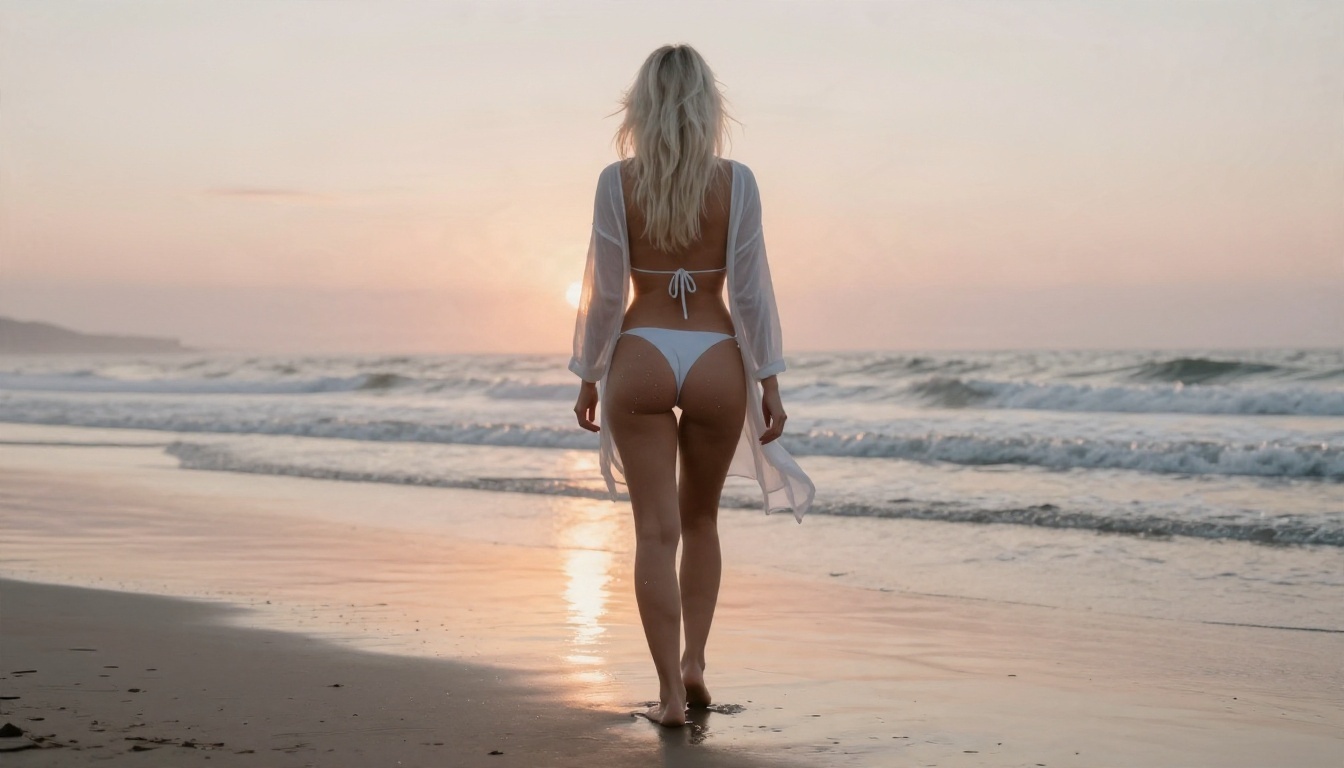
Where free tiers stop
Three walls show up again and again. Credits run out after a handful of images. Watermarks appear on anything you download. And consistency tools (saving a character, reusing a face) sit behind a paid plan. If you only need two or three pictures, free tiers are fine. If you want a whole character sheet, they become frustrating fast.
Chat tools are not image tools
Character chat platforms are great for roleplay, but they are built around text. If your goal is a face you can look at, in a pose you chose, you need a real image model. Chat tools can still help you write the backstory that feeds your prompts, though.
Build Your OC Sheet First
Before you open any generator, spend ten minutes on a one-page sheet. This single habit does more for consistency than any setting.
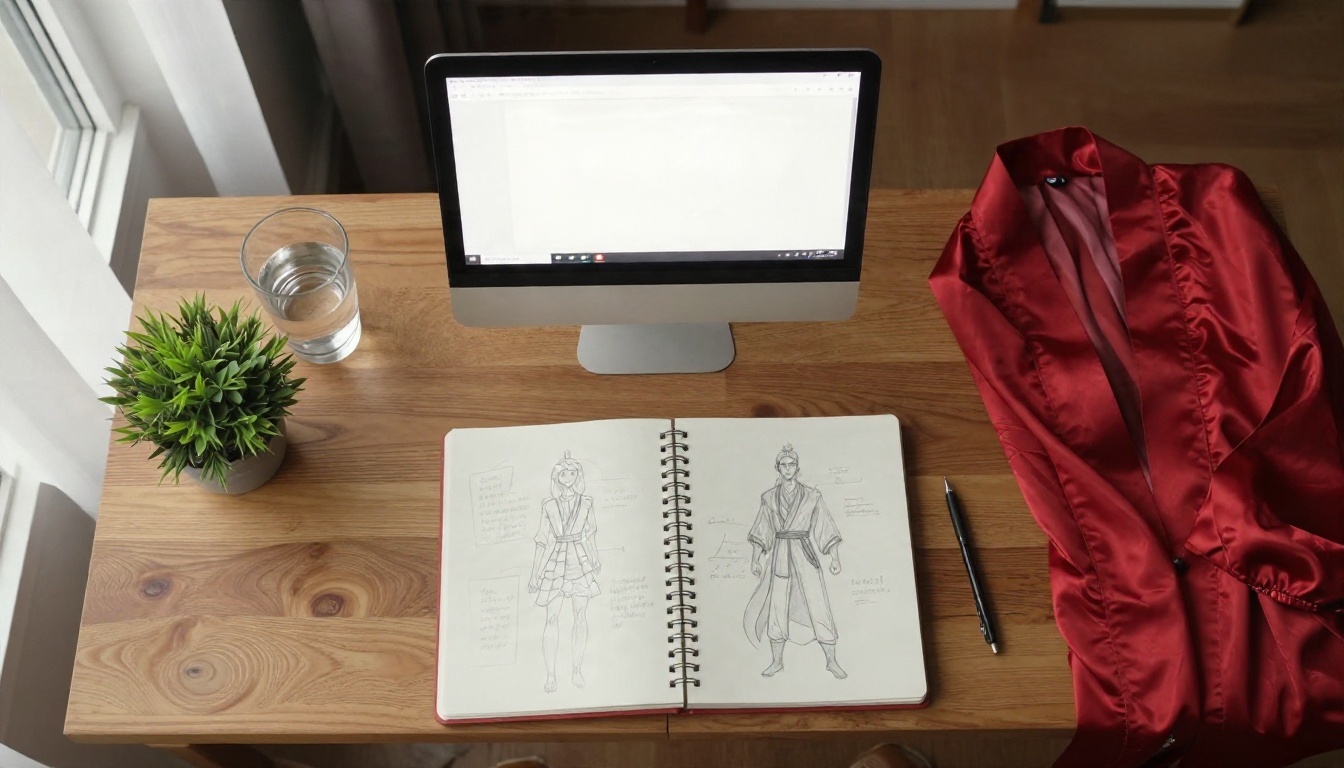
Fixed traits
These never change between images. Copy and paste them into every prompt, word for word:
- Age and build: "adult woman in her mid twenties, athletic build"
- Face: "heart-shaped face, amber eyes, small beauty mark above the lip"
- Hair: "copper-red wavy shoulder-length hair"
- Skin: "freckled, sun-kissed skin"
- One signature detail: a silver ring, a thin scar, a specific tattoo
Flexible traits
These change per scene: outfit, location, light, pose and camera. Keep them in a separate line so you can swap them without touching the fixed block.
💡 Tip: always state the age as an adult number or phrase such as "adult woman in her mid twenties". It keeps output on the right side of every platform rule and gives the model a clearer target.
Good OC prompts are structured, not poetic. A model reads the first third of your prompt most heavily, so put the character first and the camera last.
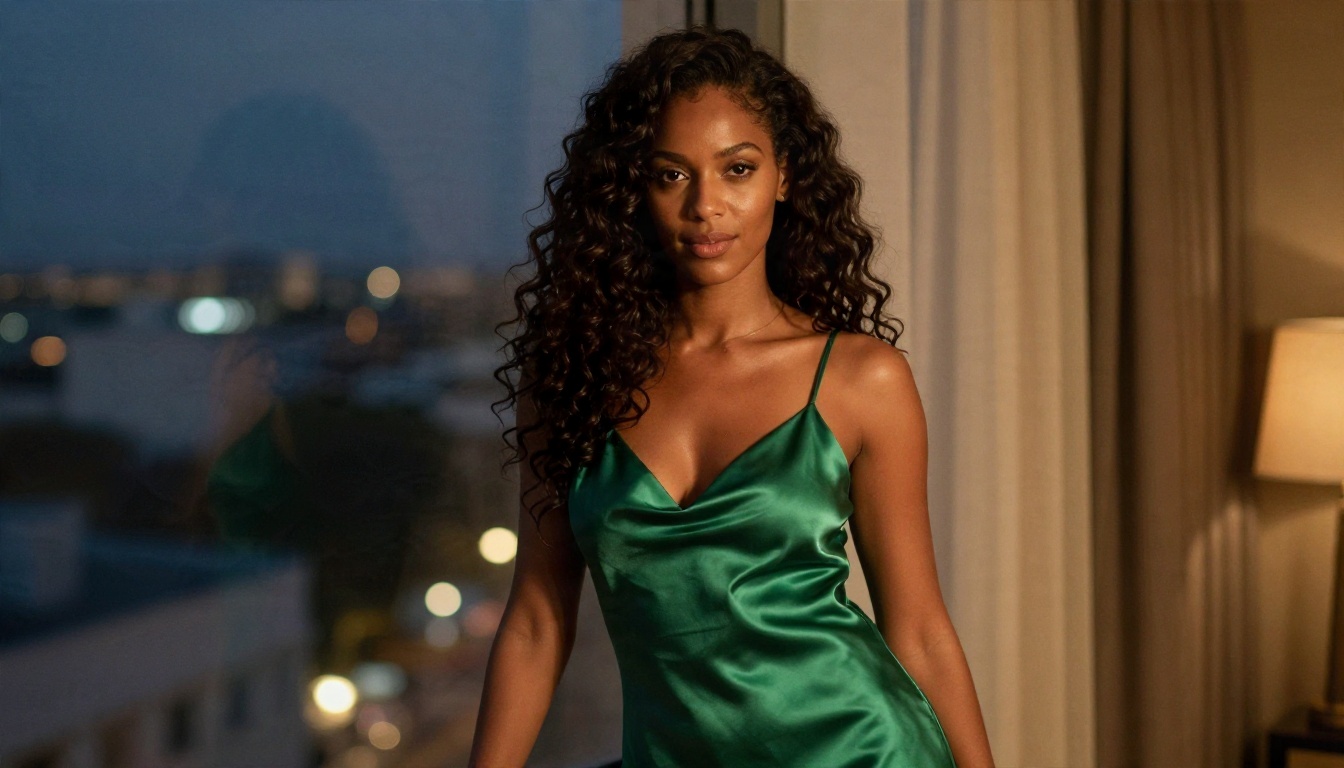
The five-part formula
- Character block: your fixed traits, pasted every time.
- Outfit: fabric first ("black satin camisole", "velvet lingerie set", "white string bikini").
- Action and pose: "looking over her shoulder", "sitting cross-legged", "leaning on the window frame".
- Setting and light: "unmade linen bed, golden morning light from the left window".
- Camera: "85mm f/1.8, shallow depth of field, Kodak Portra 400, film grain".
Words that add realism
Texture words make photographs feel real: visible pores, fine freckles, peach fuzz on the cheek, slight sheen on satin, individual hair strands catching light. Lens words matter too. An 85mm lens flatters portraits, a 35mm gives a candid, in-the-room feel, and a 24mm suits wide location shots.
Words that hurt realism
Skip "perfect", "flawless", "ultra HD masterpiece" and anything that sounds like a stock-prompt pile. They push models toward plastic skin. Also avoid glow, neon and fantasy effects if you want a convincing photo.
Nine Prompt Examples
Each example below keeps the structure above. Swap in your own fixed block and you have a ready scene.
Boudoir and lingerie
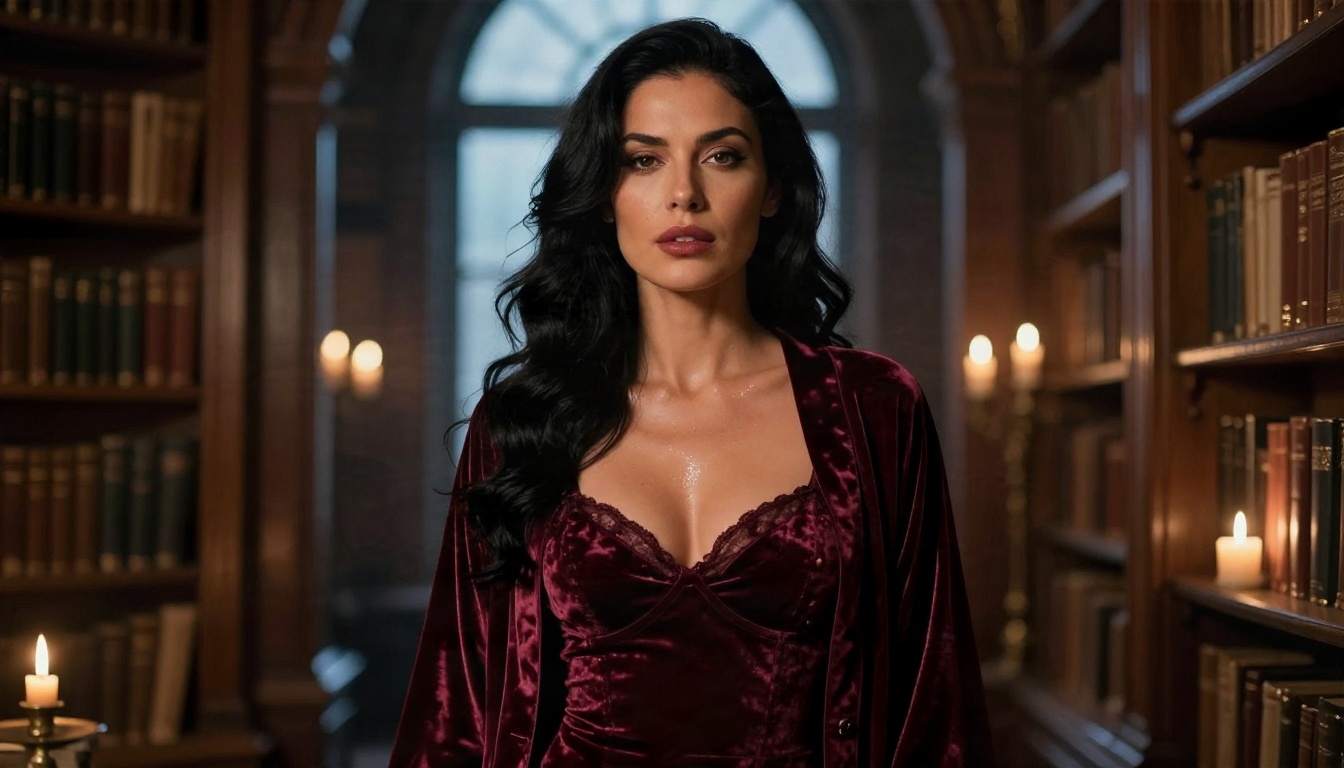
Prompt: Adult woman in her mid twenties with long wavy black hair, deep burgundy velvet lingerie set and a long silk robe, standing in a candle-lit old library, warm candlelight from below and cool window glow from behind, 50mm f/1.4, Kodak Portra 400 grain. The velvet and silk textures do the heavy lifting here.
Swimwear and travel
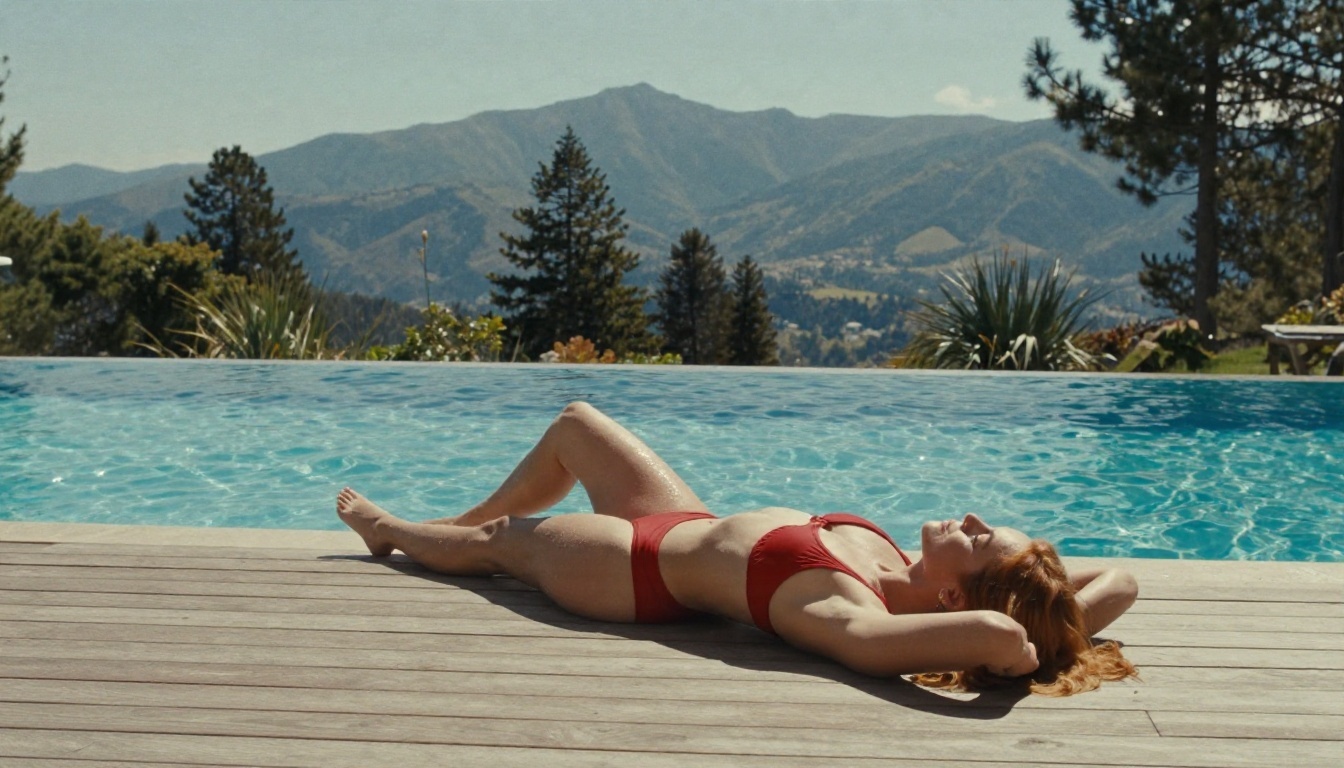
Prompt: Adult woman with auburn hair in a red two piece swimsuit, lounging on a teak sun deck beside an infinity pool, mountains behind, bright midday sun, 24mm f/4, deep focus. Wide shots like this show off your character's build and the environment at once.
Edgy and styled
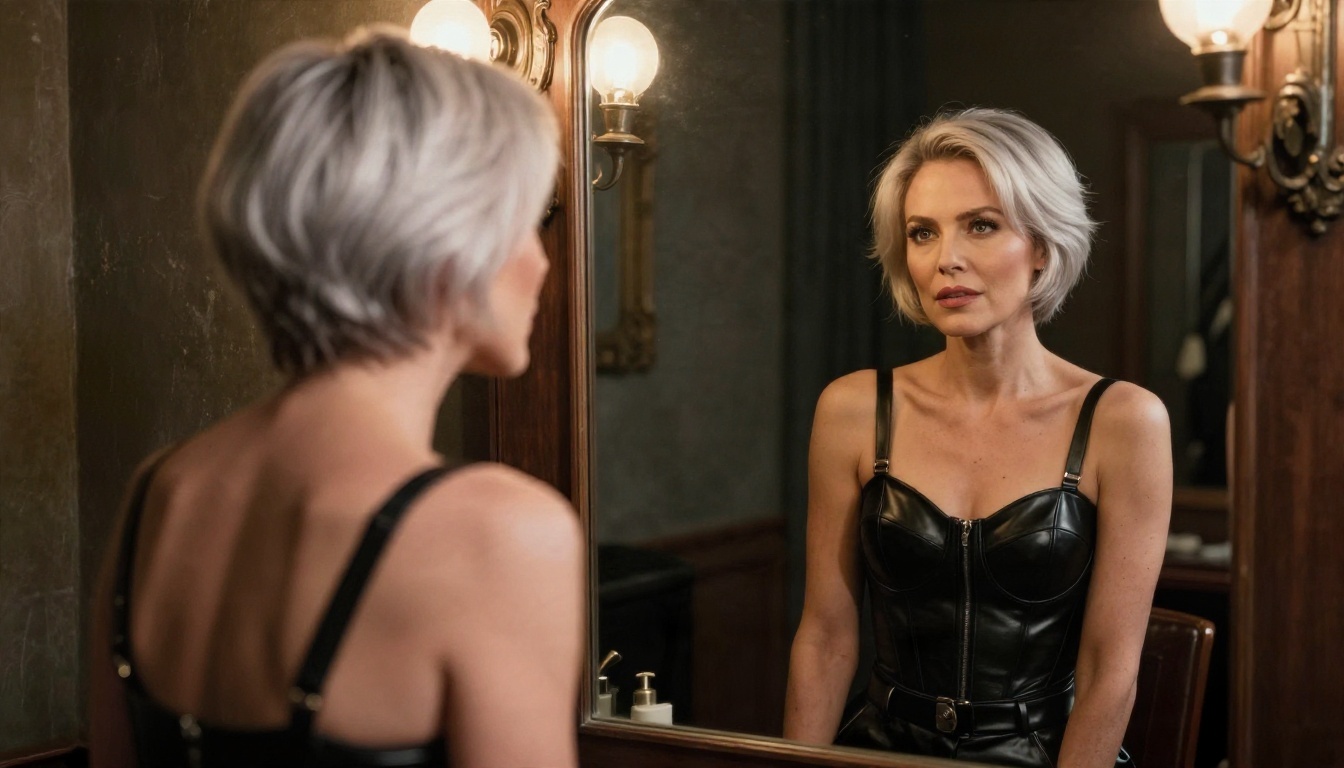
Prompt: Over the shoulder shot of an adult woman with short silver-white hair, black leather corset top and high-waist trousers, looking into an antique mirror in a dim dressing room, warm bulb light from above, 50mm f/1.8. Mirrors are a smart trick: you get the face and a second angle in one frame.
Soft and playful
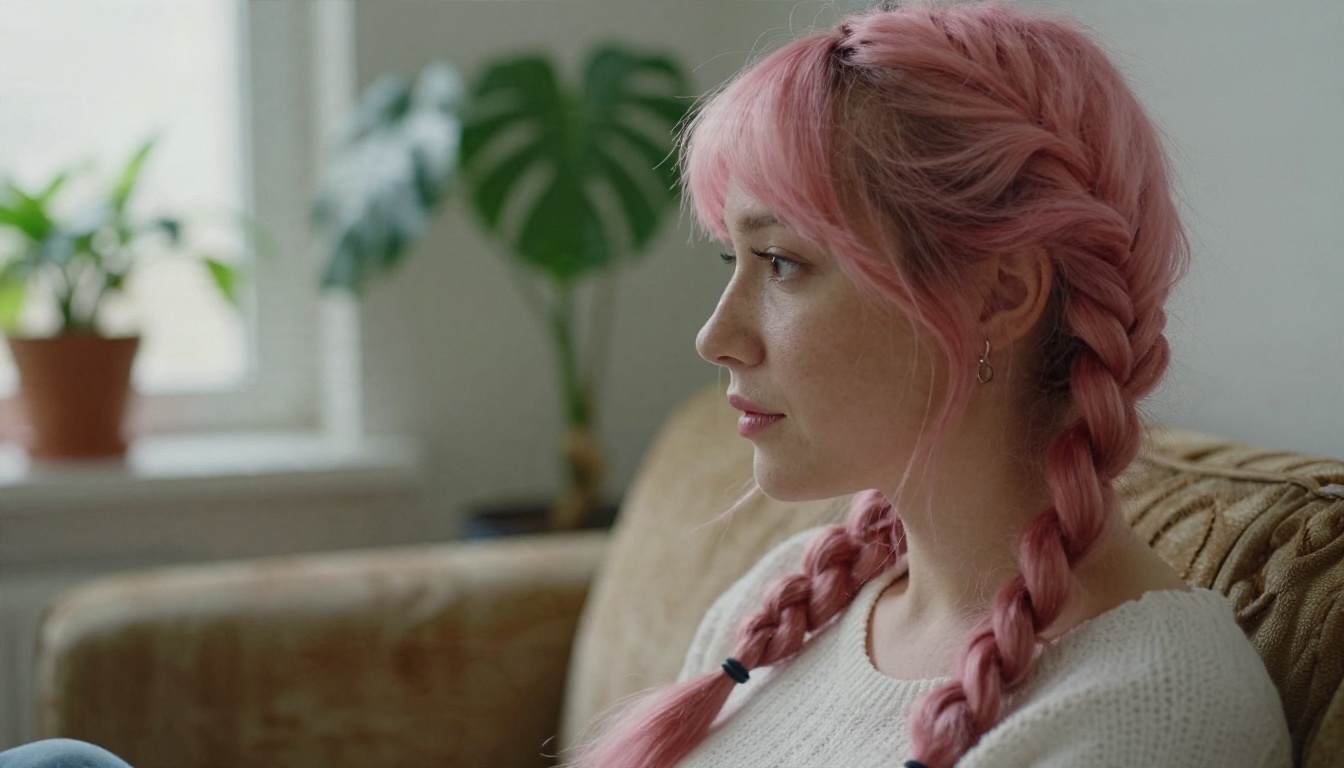
Prompt: Side profile close-up of an adult woman with pastel pink hair in two loose braids, cropped white knit top, on a vintage sofa in a plant-filled apartment, soft overcast light from the left, 100mm f/2. A longer lens and soft light give a flirty, approachable mood.
Everyday and intimate
Prompt: Candid medium shot of an adult woman with long chestnut hair and glasses in an oversized white shirt, sitting cross-legged on a hardwood floor in front of a laptop, soft north window light, steam rising from a mug, 35mm f/2. Not every NSFW OC needs lingerie. Relaxed, suggestive, lived-in scenes often feel more believable.

💡 Mix and match: the cover image of this article uses the same recipe: character block, satin camisole, loft bedroom, left-window morning light, 85mm lens. Change one slot at a time and you get a new scene with the same character.
How to Use Seedream 4.5 on PicassoIA
For photorealistic OCs, Seedream 4.5 is the model I would open first. It handles skin texture, fabric and lighting very well, outputs sharp high-resolution images, and follows long structured prompts closely, which is exactly what an OC sheet produces.
Step by step
- Open the Seedream 4.5 page on PicassoIA.
- Paste your character block first, then outfit, pose, setting and camera lines.
- Set the aspect ratio to 16:9 for scenes, or portrait for close-ups.
- Generate and check the face. If it drifts, shorten the prompt and move the strongest face details to the front.
- Once you like a face, keep the character block unchanged and only edit the scene lines.
Settings that matter
| Setting | Recommendation | Why |
|---|
| Prompt length | 60 to 120 words | Enough detail, no contradictions |
| Aspect ratio | 16:9 or 3:4 | Wide for settings, tall for portraits |
| Lens words | 35mm, 50mm, 85mm | Predictable framing |
| Light | One source named (left window, candlelight) | Avoids flat or messy light |
| Seed or variations | Generate 3 to 4 per scene | Pick the best face |
Keep Your Character Consistent
Consistency is the real test of any OC maker. A beautiful single image is easy. The same woman across ten images is where tools split into good and bad.
Edit instead of re-rolling
Once you have a keeper, stop rewriting the whole prompt. PicassoIA Image Editor Pro lets you edit an existing image with plain instructions: change the outfit, swap the background, shift the light, fix a hand. Because it offers unlimited generations, you can iterate as many times as needed without watching a credit counter.
Use a reference image
Feed your best portrait back in as a reference and ask for a new pose or location. The face carries over far better than it does from text alone. Editing models such as Qwen Image Edit Plus are built for this kind of change, and they are a solid second option when you want to adjust clothing or scenery while keeping the person.
Build a small library
Save three things for every OC: the fixed character block, your best portrait, and two or three scene prompts that worked. Next session, you start in thirty seconds instead of thirty minutes.
Alternatives on PicassoIA
If you want an uncensored workflow without credit anxiety, these are the models I would reach for, in the order I would try them. All of them are photoreal-capable and fit non-explicit adult glamour.
A simple workflow
Draft fast with Z Image Turbo, pick the strongest face, then recreate the final version in Seedream 4.5 for maximum detail. Finish with Image Editor Pro for small fixes: a different robe color, a cleaner background, a softer light.
Why this beats most free OC makers
You get realistic output instead of anime-only styles, you are not stopped by overzealous filters on swimwear and lingerie, and you can generate again and again. Speed matters too: a draft in seconds means you test ten ideas in the time a credit-limited site lets you test one.
Rules Worth Following
Good character work stays inside a few clear lines, and these keep your project safe and sustainable.
Adults only
Every OC must be an adult, and the prompt should say so. No exceptions, no ambiguity, no "youthful" wording that blurs it.
Invented people only
Do not use a real person's name, face or photo. Your OC should be a fictional character, not an imitation of a celebrity, an ex or a coworker. Real-likeness NSFW images cause real harm, and they are rightly banned almost everywhere.
Stay non-explicit
Lingerie, swimwear, silk, shadows and suggestion look better than blunt content anyway. The strongest glamour photography has always relied on mood and light. That is also why the examples in this article work: the appeal comes from the setting, the fabric and the expression.
Mistakes to avoid
- Changing the character block between prompts, which breaks consistency.
- Stacking five light sources in one prompt, which creates muddy results.
- Ignoring hands and jewelry. Check them before you save an image.
- Skipping the sheet. Without it, every session starts from zero.
Make Your Own Character Today
You now have everything you need: an OC sheet, a five-part prompt formula, nine working examples and a short list of models that will not stand in your way. The fastest route is simple. Write your character block, open Seedream 4.5, generate your first portrait, then move to PicassoIA Image Editor Pro and keep refining without limits.
Try one scene tonight. Change only the outfit, then only the light, then only the location. By the fourth image you will see your character becoming a real person on the screen, and that is the moment an OC stops being an idea and starts being yours.
Want even more options? Browse every available model at picassoia.com/en/all-models and pick the one that suits your character best.


