Everyone says the same thing about adult AI images: "just run an open source model and nobody can tell you no." It sounds simple. In practice, it means a graphics card with plenty of memory, a folder full of checkpoints, a node editor that looks like a circuit diagram, and an evening of troubleshooting before your first usable picture. Some people enjoy that. Most just want a good image in under a minute.
This article sorts out what NSFW open source really means, which models people actually use, which prompts give tasteful and attractive results, and what to do when you would rather generate online than build a local rig. Everything here stays on the glamour side: swimwear, boudoir, editorial portraits. Nothing explicit.
What "NSFW Open Source" Actually Means
The phrase gets thrown around loosely, so let's pin it down before comparing anything.
Open source vs open weights
Most of the models people call open source are really open weights. The trained model file is public, so you can download it and run it on your own machine. The training data and the full pipeline usually are not public. That distinction matters little for everyday use, but it explains why licenses differ so much. Some allow commercial work, some do not, and some restrict specific uses.
Why "uncensored" is not a built-in feature
A downloaded model has no moderation layer sitting on top of it. The restrictions you see on hosted services are usually separate filters on the prompt and on the output. Run the weights locally and those filters simply are not there.
That does not mean every open model is good at adult content. A base model trained on carefully filtered data may draw anatomy poorly or refuse to commit to a pose. That is why the community builds fine-tunes and LoRA files: small add-ons that teach a base model a look, a pose family or a character style.
💡 Quick rule: open weights give you freedom, but quality comes from the checkpoint and the LoRA you pair with it, not from the license.
The adults-only baseline
Whatever tool you use, the line is the same. Depict only fictional adults. Never use a real person's likeness without their consent. Never generate anything involving minors. Hosted platforms enforce this, and anyone running models locally should hold themselves to it too.
The Open Models People Actually Use
Here is a realistic snapshot of the families that come up whenever the topic is open source image generation. Several of them have versions you can run online on PicassoIA, which is handy for testing before you commit to a local install.
Stable Diffusion: the original workhorse
Stable Diffusion started the open weights movement for images, and its ecosystem is still the largest. Thousands of community checkpoints exist for portraits, swimwear photography and boudoir styles. Newer releases such as Stable Diffusion 3 and Stable Diffusion 3.5 Large improved prompt following and detail, though many hobbyists still prefer the older, more flexible checkpoints for glamour work.
The Flux family and LoRA styling
The Flux line from Black Forest Labs brought a big jump in realism and hands. Its open releases attracted a huge LoRA scene. On PicassoIA, Flux 2 Klein 9B Base LoRA lets you apply styled results without hunting for files, and Flux Redux Dev is useful for making variations of an image you already like.
Z Image Turbo: fast and photorealistic
Z Image Turbo comes from Alibaba's Tongyi Lab. It is a roughly six billion parameter model that tech press described as one of the most photorealistic open models for consumer hardware. It is small enough to run on a decent gaming card and fast enough to iterate quickly. It is released under a permissive Apache 2.0 license.
Qwen Image and Hunyuan Image
Alibaba's Qwen Image line is another open weights family with strong text rendering and native high resolution output, also under Apache 2.0 in earlier releases. On PicassoIA you can try Qwen Image 3 and Qwen Image 3 Pro. Tencent's Hunyuan Image 3 and Hunyuan Image 2.1 round out the options with sharp 2K output.
Quick comparison
| Model family | Strength | Typical hardware need | Best for |
|---|
| Stable Diffusion | Huge checkpoint ecosystem | Mid-range GPU | Style variety |
| Flux with LoRA | Realism, hands, LoRA styling | High-memory GPU | Photoreal portraits |
| Z Image Turbo | Speed and photorealism | Consumer GPU | Quick iteration |
| Qwen Image | Detail, native high resolution | High-memory GPU | Clean, sharp results |
| Hunyuan Image | Sharp 2K output | High-memory GPU | Detailed scenes |
The Real Cost of Running Locally
"Free" is the headline. The invoice shows up elsewhere.
Hardware and time
A comfortable setup for current photorealistic models wants a GPU with 16 GB of memory or more. Smaller cards work with compressed versions, but you trade away quality and speed. Add storage (a single checkpoint can run to tens of gigabytes), drivers, Python environments and node-graph tools, and you are looking at hours before the first render.
Checkpoint hunting
Quality swings wildly between community files. You end up reading comparison threads, testing five checkpoints with the same prompt, and keeping a spreadsheet of which LoRA strength looks natural. That is a hobby in itself.
Maintenance
Updates break workflows. A new version of the interface changes a node, a dependency conflicts with another, and last month's recipe stops working. Casual users give up here more than anywhere else.
💡 Honest take: if your goal is a great-looking image, local open source is a long road. If your goal is to tinker, it is a rewarding one. Know which one you are on.
When local still wins
Local makes sense if you want total privacy on your own disk, plan to train your own LoRA on your own fictional character, or generate thousands of images and want zero per-image cost. For everyone else, online tools are quicker.
Using Open Models Online
You do not need a GPU to try these model families. Hosted access gives you the same kind of results without installation.
What to expect from hosted tools
Most hosted services add safety filters, and many block anything beyond mild swimwear. That is the reason people go looking for open source in the first place. The good news is that a few platforms keep their rules reasonable for non-explicit adult glamour: swimwear, lingerie fashion, boudoir portraits and artistic styling.
Testing before you commit
A smart workflow is to test a prompt online first. Try the same prompt in Z Image Turbo and in Stable Diffusion 3.5 Large. Compare the output. If one clearly wins, you now know which family deserves a local install, if you still want one.
Prompts That Work
Prompt quality matters more than which logo is on the model. These patterns work across almost every photorealistic model.
The five-part formula
- Subject and pose: who, doing what, with which expression.
- Clothing: specific fabric and cut, such as "black silk two-piece" or "white crochet top".
- Setting: location, props, time of day.
- Light: direction and quality, such as "low golden sun from camera left".
- Camera: lens and aperture, such as "85mm f/1.8, shallow depth of field".
A prompt you can copy
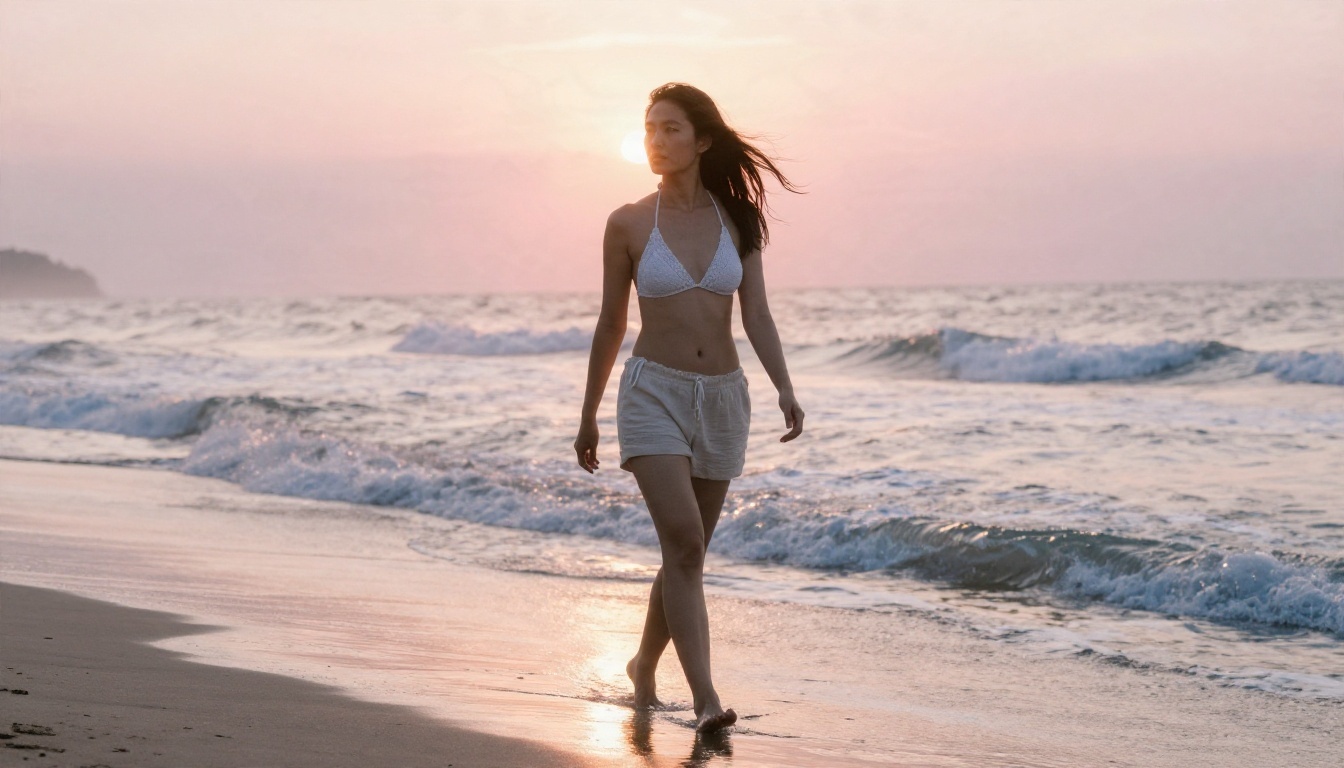
Adult woman in her late twenties, long wavy chestnut hair, black silk two-piece swimsuit, reclining on a white linen daybed on a villa terrace, golden hour light from camera left, looking over her shoulder with a relaxed smile, 85mm f/1.8, natural skin texture, film grain, Kodak Portra 400, photorealistic.
Words that help realism
- Skin: "visible pores", "fine freckles", "soft sheen", "natural texture"
- Film look: "Kodak Portra 400", "film grain", "subtle halation"
- Lens: "shallow depth of field", "85mm", "creamy bokeh"
- Light: "rim light", "window light", "golden hour", "soft fill"
Words that hurt
Stacked quality tags such as "masterpiece, best quality, 8k, ultra detailed" help older checkpoints but often make newer models look plasticky. Skip anything that sounds like a cartoon or a render. Keep the language photographic.
Fix a bad result fast
| Problem | Quick fix |
|---|
| Plastic-looking skin | Add "natural skin texture, visible pores, film grain" |
| Flat lighting | Name a light direction and time of day |
| Stiff pose | Describe an action: "glancing over her shoulder", "laughing" |
| Busy background | Add "shallow depth of field, blurred background" |
| Hands look odd | Hide them: hair, a prop, a pose behind the head |
Uncensored Alternatives on PicassoIA
If you want the freedom without the install, this is where PicassoIA fits. The platform keeps things unrestricted for non-explicit adult glamour, and it is fast.
Seedream 4.5: the first one to try
Seedream 4.5 is the model to open first. It produces sharp, high-resolution photorealistic images with convincing skin, fabric and lighting, and it handles swimwear, boudoir and editorial prompts without constant refusals. Results arrive in seconds, with no checkpoint to download.
PicassoIA Image Editor Pro: unlimited generations
PicassoIA Image Editor Pro is the second stop, and its biggest advantage is unlimited generations. You can iterate as many times as you need: change an outfit, adjust a setting, fix the lighting, regenerate. For anyone used to the trial-and-error of local workflows, unlimited online iteration is the closest equivalent to having your own machine.
More models to try, in order
After those two, work through these when you want a different look:
- Z Image Turbo for fast photorealistic drafts.
- Flux 2 Klein 9B Base LoRA for styled results.
- Qwen Image 3 for clean, detailed renders.
- Hunyuan Image 3 for sharp 2K scenes.
- Stable Diffusion 3.5 Large for a familiar open weights look.
Local vs online at a glance
| Factor | Local open source | Online on PicassoIA |
|---|
| Setup time | Hours | None |
| Hardware | 16 GB GPU recommended | Any browser |
| Speed per image | Depends on your card | Seconds |
| Iterations | Unlimited, slow | Unlimited with Image Editor Pro |
| Model choice | Whatever you download | Many models in one place |
| Maintenance | Constant | None |
How to Use Seedream 4.5
A short walkthrough you can follow in a couple of minutes.
Step 1: Open the model
Go to the Seedream 4.5 page on PicassoIA and open the generator.
Step 2: Write a photographic prompt
Use the five-part formula above. Lead with the subject, then clothing, setting, light and lens. A good length is 40 to 80 words. Too short and the model guesses; too long and details start to fight each other.
Step 3: Choose a wide ratio
Set the aspect ratio to 16:9 for scenic, editorial framing, or a portrait ratio for close-ups. Pick a high resolution if the option is offered.
Step 4: Generate and refine
Run the first image, then change one thing at a time: the light, the outfit color or the camera angle. Small changes teach you quickly what the model responds to.
Step 5: Edit and finish
Take your favorite image into PicassoIA Image Editor Pro to change clothing, background or mood without starting over. Its unlimited generations make this stage cheap to repeat.
💡 Tip: keep a notes file of prompts that worked. A reliable prompt is worth more than any checkpoint.
Variety Beyond Beachwear
Glamour photography is not only about the pool. These settings give you more range from the same model.
Boudoir and morning light
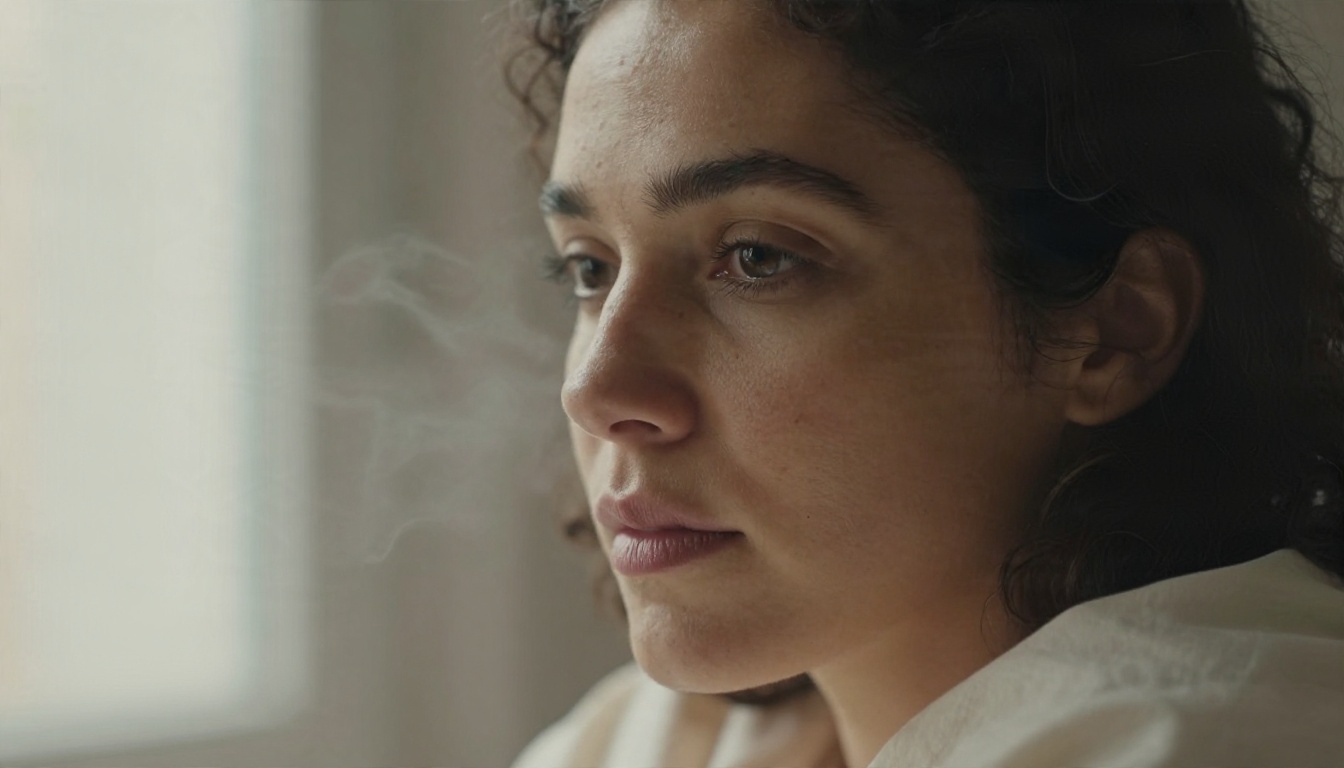
Soft window light, linen sheets and warm muted tones create an intimate, quiet mood. Ask for "diffused morning window light" and "shallow depth of field" and keep the framing close.
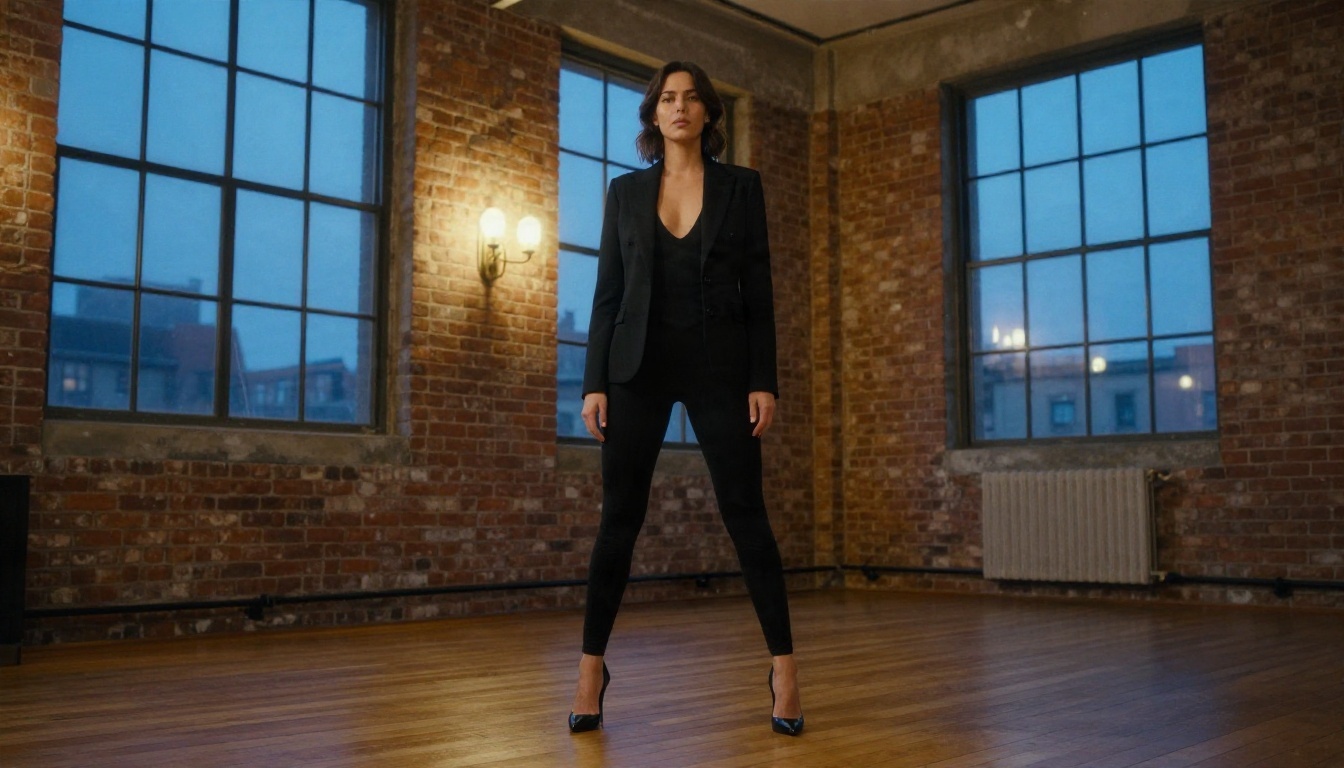
Urban evening
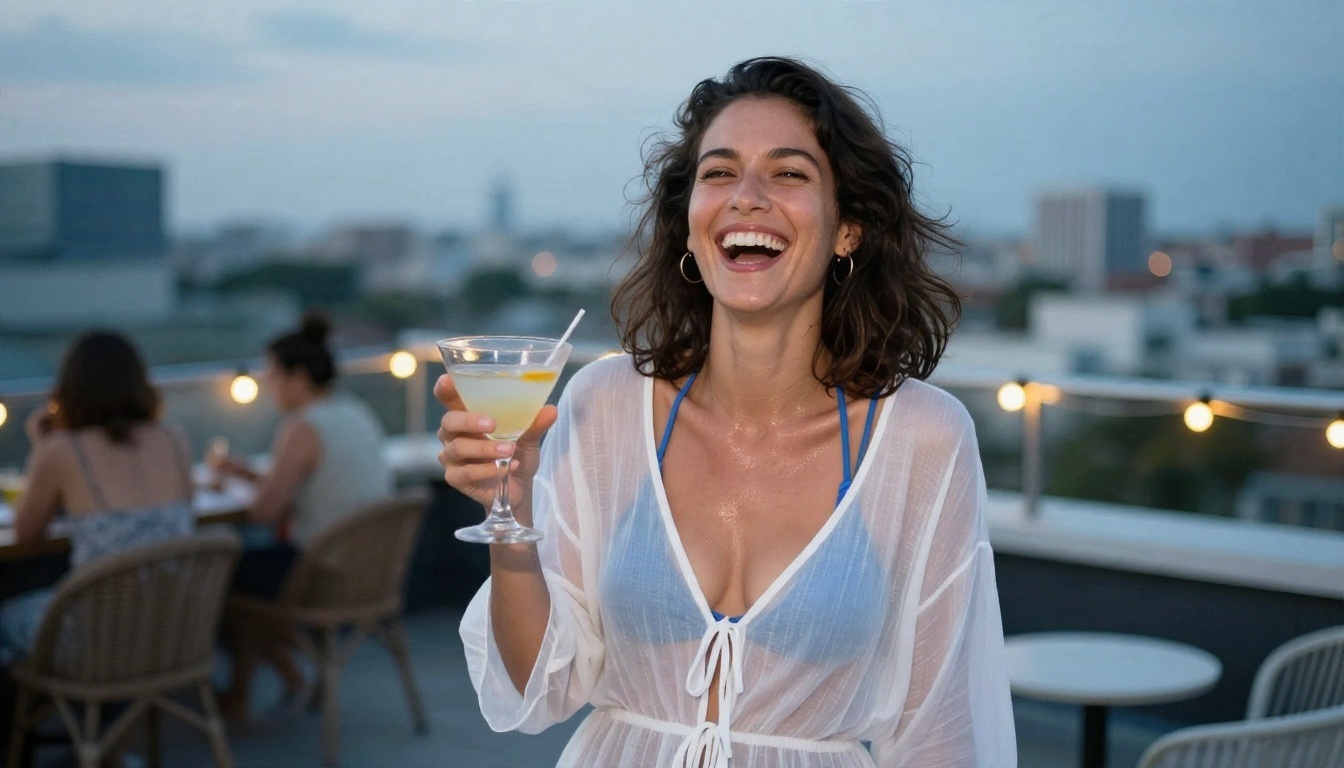
A loft, a rooftop or a city terrace at dusk adds contrast: cool sky tones against warm practical lamps. This is where a model's handling of mixed light shows its quality.
Golden hour on the water
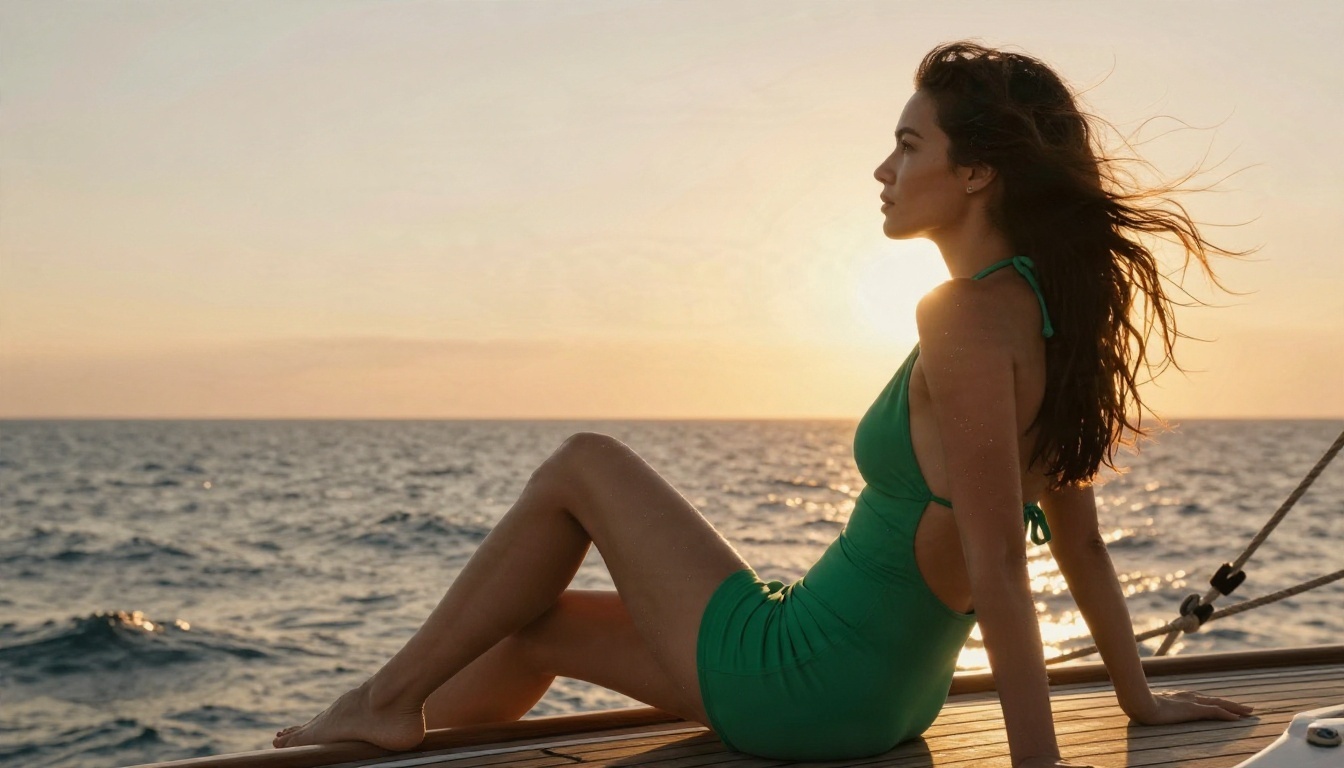
Sailboats, piers and shorelines catch low sun beautifully. Backlight plus a long lens gives a glowing, cinematic edge without any artificial effects.
Taking Images Further
A still image is the start. Once you have a portrait you like, other tools extend it.
Motion with video models
Video models can animate a portrait: a breeze through the hair, a slow camera move, a turn of the head. Wan 3 and Wan 3 Prime are two options for cinematic clips on PicassoIA. The Wan family also began with open weights releases, so it fits the same open source story.
Keeping a consistent look
Consistency is the biggest weakness of one-off generation. Reuse the same description of your character in every prompt: hair, age range, skin tone, a signature detail such as freckles. Lock the camera and light language too, so a set of images feels like one photoshoot.
Organize like a photographer
Treat your output like a contact sheet. Pick favorites, note the prompt, and keep a short style sheet: lens, light, color grade. Your work gets cohesive fast.
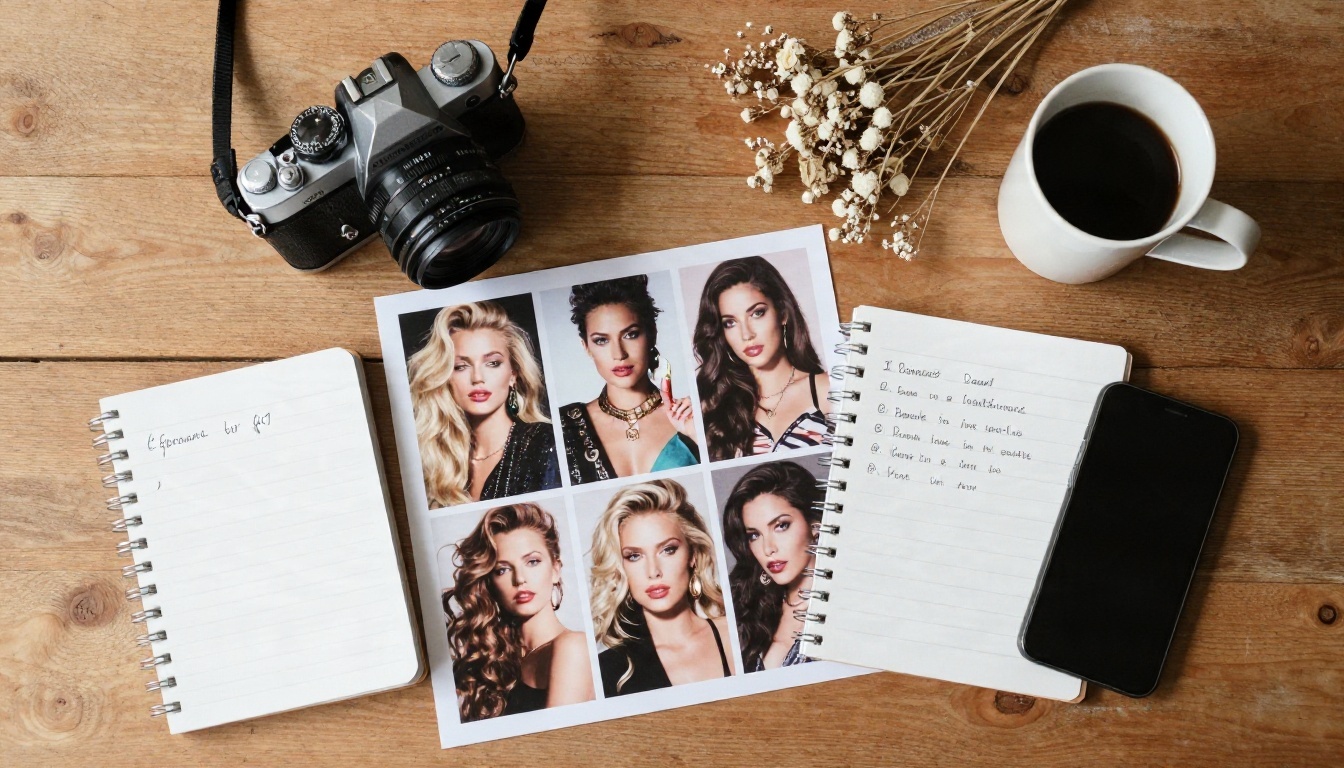
Make Your Own Images Today
Open source models are real, capable and worth knowing about. They are also slower, heavier and fussier than their reputation suggests. If you enjoy tuning checkpoints and building workflows, a local install will reward you. If you would rather spend your time on the picture itself, the online route gets you there faster.
Start with Seedream 4.5 for sharp photorealistic glamour, then move into PicassoIA Image Editor Pro for unlimited iterations on the shots you like best. Copy the prompt from this article, change the outfit and the setting, and see what comes back. When you want to try something different, browse every available model at picassoia.com/en/all-models and compare them side by side with the same prompt.
Pick a prompt, press generate, and make your first image in the next five minutes.


