Type a sentence, wait a few seconds, and get a magazine style glamour portrait that never existed. That is what a good NSFW pic creator does, and in 2027 the gap between the tools that deliver and the ones that burn your credits on blurry, refused or plastic looking results has never been wider. If you have already been bounced by "content policy" warnings, paywalls that appear after the third image, or apps that smooth every face into wax, this article is for you.
Here is what you will get: a clear picture of what an online NSFW picture generator really is, the best prompts for suggestive but tasteful photography, an honest look at pricing models, and a short list of free alternatives that run on PicassoIA. Everything here stays on the right side of the line: glamour, swimwear, boudoir style and artistic portraits of adults, never explicit material.
What an NSFW Pic Creator Does
An NSFW pic creator is an AI image generator that accepts prompts about adult themes: swimwear, lingerie, glamour poses, sensual lighting and artistic portraiture. Mainstream tools often refuse or silently degrade these requests. A dedicated creator, or a model with fewer restrictions, simply follows the prompt.
The best ones share three traits:
- Photographic realism: believable skin texture, natural hair, correct hands
- Prompt obedience: the outfit, pose and setting you wrote are the ones you get
- Speed: results in seconds, so you can iterate ten times instead of twice
💡 Quick definition: "NSFW" here means suggestive and attractive, the kind of content you would see in a swimwear campaign or a boudoir photo session. It does not mean pornographic, and a responsible platform will not make it so.
Text to image versus photo editing
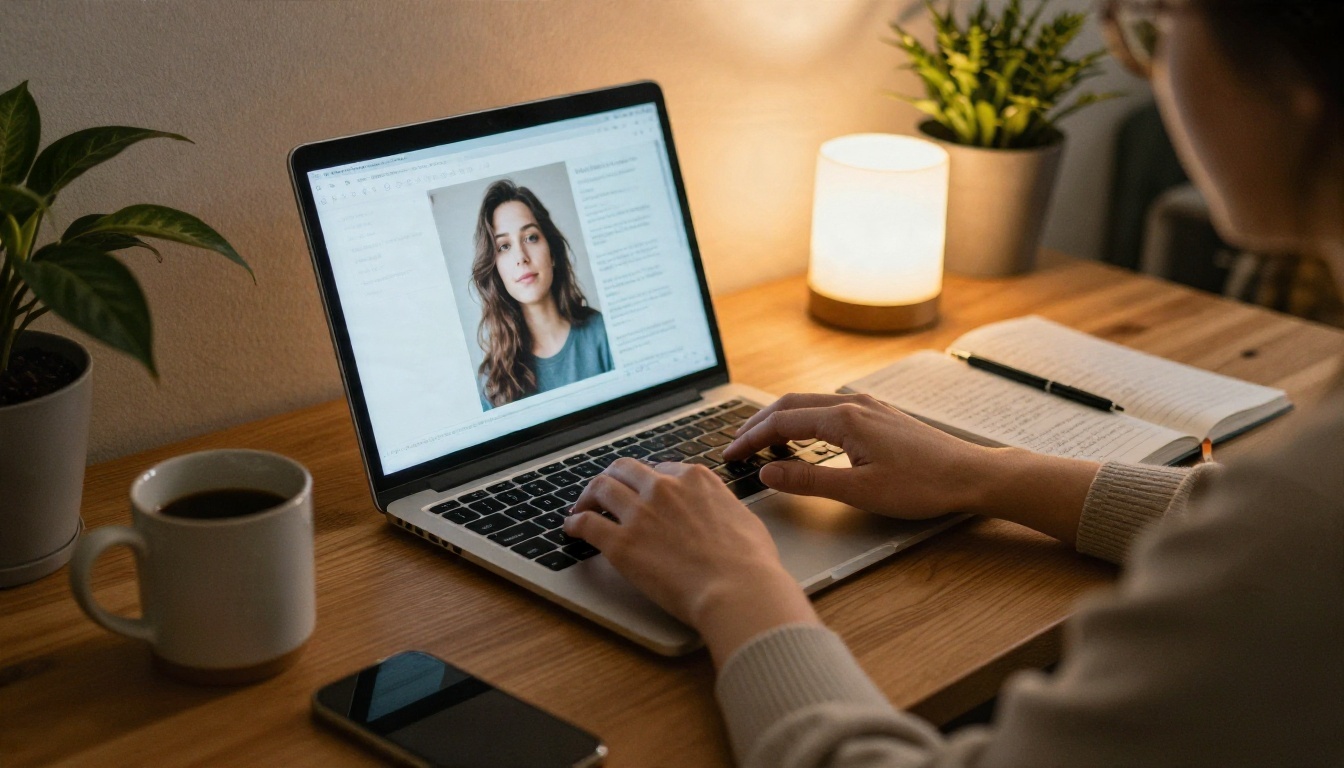
There are two main workflows. Text to image builds a picture from a written description. Image editing starts from a photo you own and changes the outfit, background, lighting or mood. Both matter, and the strongest setups on PicassoIA combine them: generate a base portrait, then refine it with an editor.
Who actually uses these tools
Content creators who need consistent glamour visuals, photographers planning a shoot, designers building mood boards, writers who want cover art for romance fiction, and people who simply enjoy making attractive images. The use cases are ordinary. The frustration is also ordinary: filters that treat a bikini like a crime scene.
The Online App Landscape
The market splits into four rough groups. Names change fast, so judge by category rather than brand.
| Type of app | Strength | Weakness | Typical cost model |
|---|
| Mainstream image generators | Excellent quality | Strict filters, frequent refusals | Subscription or credits |
| Dedicated adult focused sites | Few restrictions | Uneven realism, aggressive upsells | Credits, often expiring |
| Open source models run locally | Full control | Needs a strong GPU and setup time | Free, but hardware cost |
| Multi model platforms | Many models in one place | Quality varies by model chosen | Free tier plus plans |
A multi model platform is usually the smartest pick. Instead of betting on one generator, you can switch engines depending on the job: one for photorealistic portraits, another for fast drafts, another for editing. That is where PicassoIA fits.
What to check before you sign up
- Does it publish its limits? Vague "unlimited" claims with hidden caps are common.
- Can you test for free? If no free generation exists, the quality is probably not what the ads show.
- How does it handle your uploads? Read the privacy terms before sending any personal photo.
- Is the output resolution usable? 512 pixel squares are not enough for print or a clean social crop.
The Best Models for Glamour Work
You do not need ten tools. You need the right two or three. These are the models I would reach for on PicassoIA, in the order I would try them.
Seedream 4.5 for photoreal glamour
Seedream 4.5 is the first stop. It produces sharp, high resolution images with convincing skin, fabric and light, and it follows long, detailed prompts closely. For swimwear, boudoir style portraits and artistic adult themes, it gives you the kind of result that looks photographed rather than painted. It is also quick, which matters when you are refining a prompt.
PicassoIA Image Editor Pro for unlimited edits
PicassoIA Image Editor Pro is the workhorse for anything that starts from an existing picture. You can change an outfit, adjust the setting, shift the lighting or fix details, and the generations are unlimited, so you can keep iterating without watching a credit counter drop. For anyone comparing the real cost of different apps, that single feature changes the math.
Z Image Turbo for fast drafts
Z Image Turbo is built for speed. Use it to test five prompt ideas in the time another model renders one, then move the winning prompt to Seedream 4.5 for the final render.
Realistic Vision v5.1 for classic photo texture
Realistic Vision v5.1 has a loyal following for a reason. It leans toward natural, slightly film like portraits, which suits warm, candid glamour.
Flux 2 Klein 9B Base LoRA for styled looks
Flux 2 Klein 9B Base LoRA is useful when you want to push a particular look, such as a vintage editorial feel, with LoRA style control.
Prompts That Actually Work
A weak prompt gives you a generic face in a generic room. A strong prompt reads like a photographer's shot list. Use this structure:
Subject and pose + outfit + environment + light direction + lens + texture and mood
A prompt formula you can copy
Adult woman in her late twenties, black silk bikini, reclining on a white linen daybed on a villa terrace at golden hour, warm sun from camera left, 85mm f/1.8 lens, visible skin texture, Kodak Portra 400 film grain, tasteful swimwear editorial.
Every part has a job. The lens tells the model how to blur the background. The light direction creates shadows and shape. The film stock sets the color palette. "Visible skin texture" fights that plastic, over smoothed look.
Ten prompt ingredients that raise quality
- Light direction: "soft window light from the left," "low sun from behind"
- Lens and aperture: "85mm f/1.8," "50mm f/2"
- Film look: "Kodak Portra 400, gentle grain"
- Surface detail: "water droplets on skin," "satin sheen," "linen wrinkles"
- Camera angle: "low angle," "over the shoulder," "top down"
- Setting: a real, specific place beats "nice background"
- Expression: "relaxed half smile," "looking over shoulder"
- Age: always state "adult woman" or "adult man"
- Outfit fabric: silk, lace, crochet, linen
- Mood word: "sunlit," "intimate," "editorial," "candid"
Prompt mistakes to avoid
- Stacking style words such as "ultra 8k masterpiece trending" adds noise, not detail.
- Describing everything about the face can create an uncanny look. Let the model choose.
- Forgetting the light. Flat light makes flat images.
- Mixing three locations in one scene.
Ready to use prompt ideas
| Theme | Prompt starter |
|---|
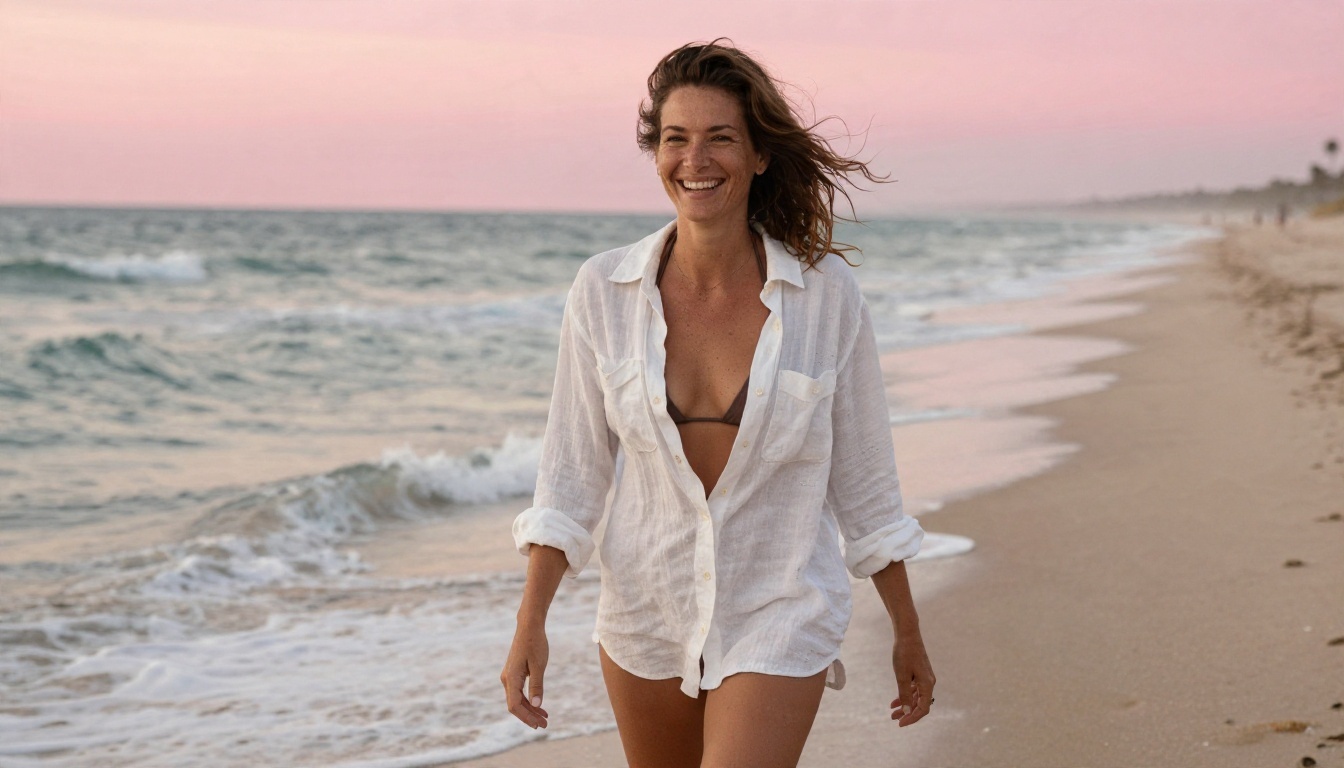
| Beach glamour | Adult woman in a linen shirt over a bikini top, sunrise beach, wind in hair, 70mm f/2.8, warm pink and gold light |
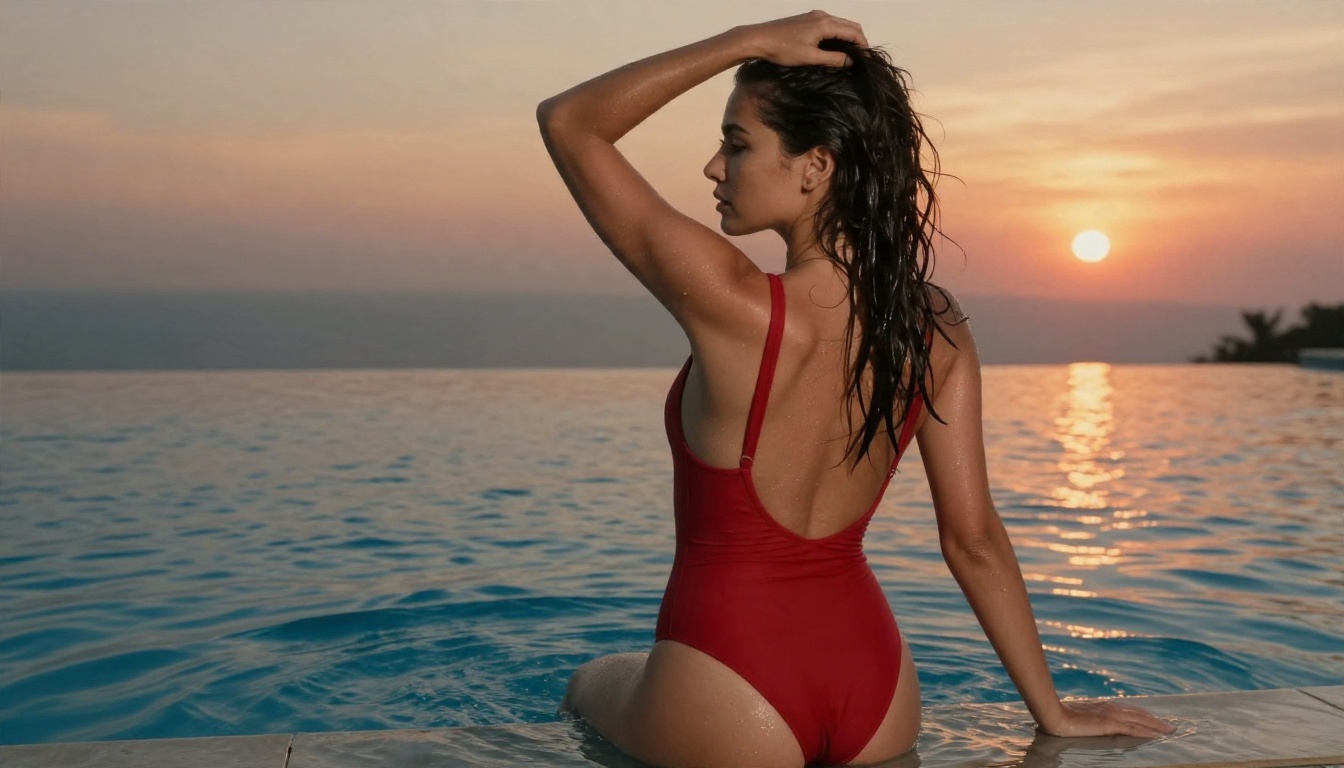
| Poolside dusk | Adult woman in a red one piece swimsuit at an infinity pool, low angle, sunset rim light, water droplets on skin |
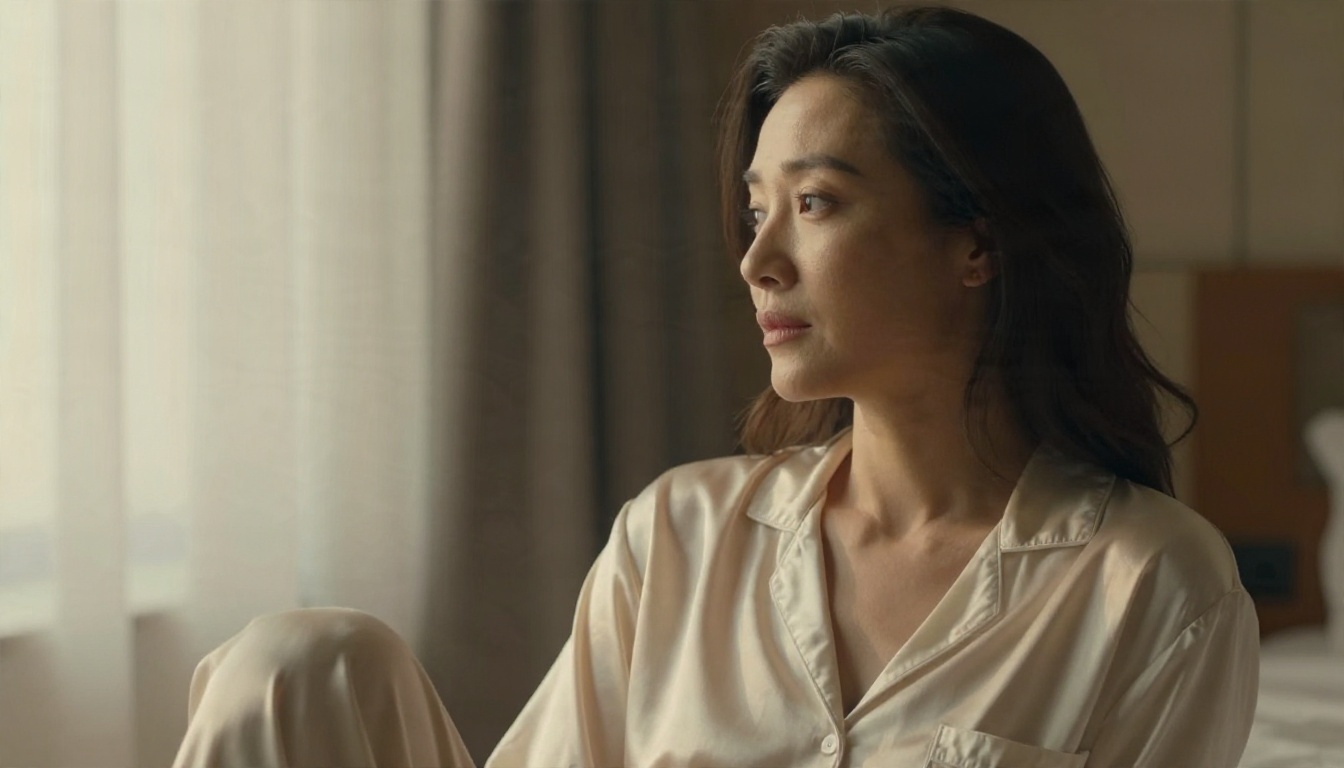
| Morning hotel | Adult woman in a silk pajama shirt on a hotel bed, tall window, sheer curtains, soft morning light |
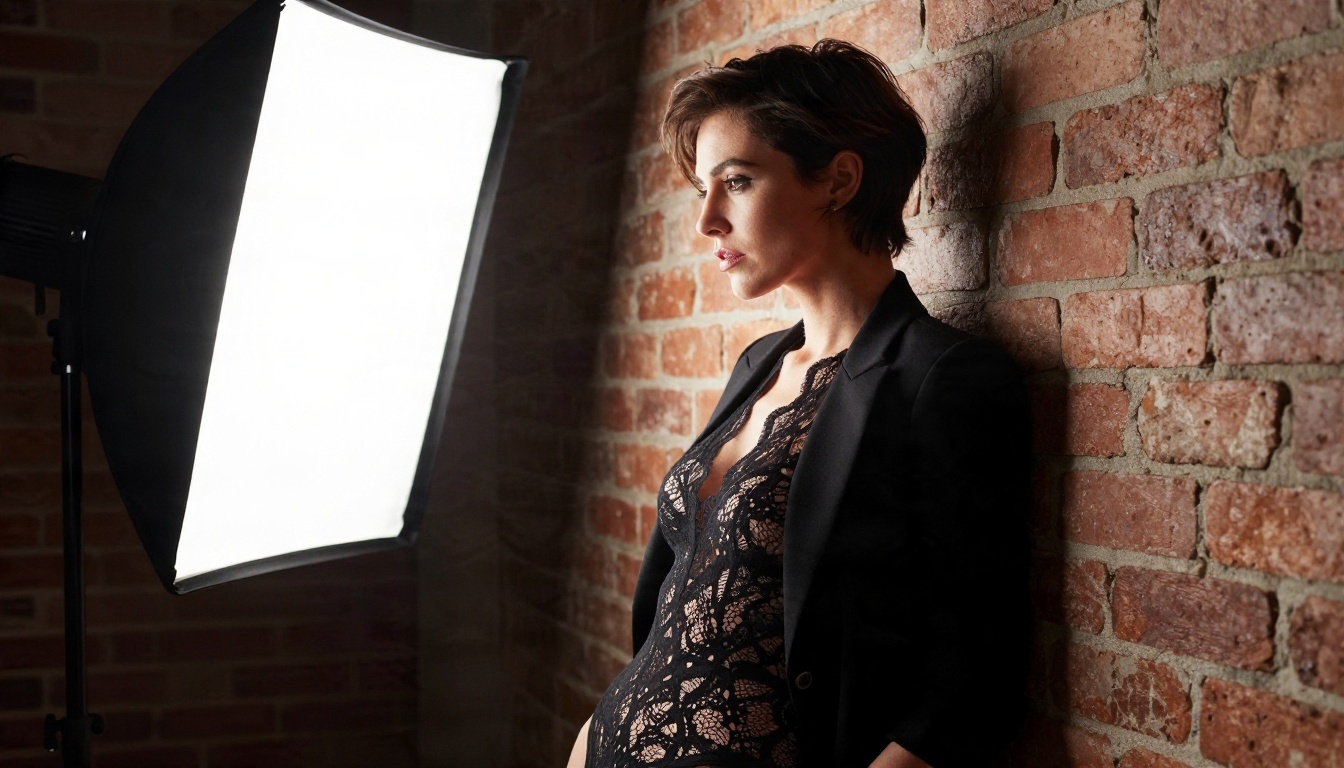
| Loft fashion | Adult woman in a black lace bodysuit under a blazer, brick wall, single softbox from the right |
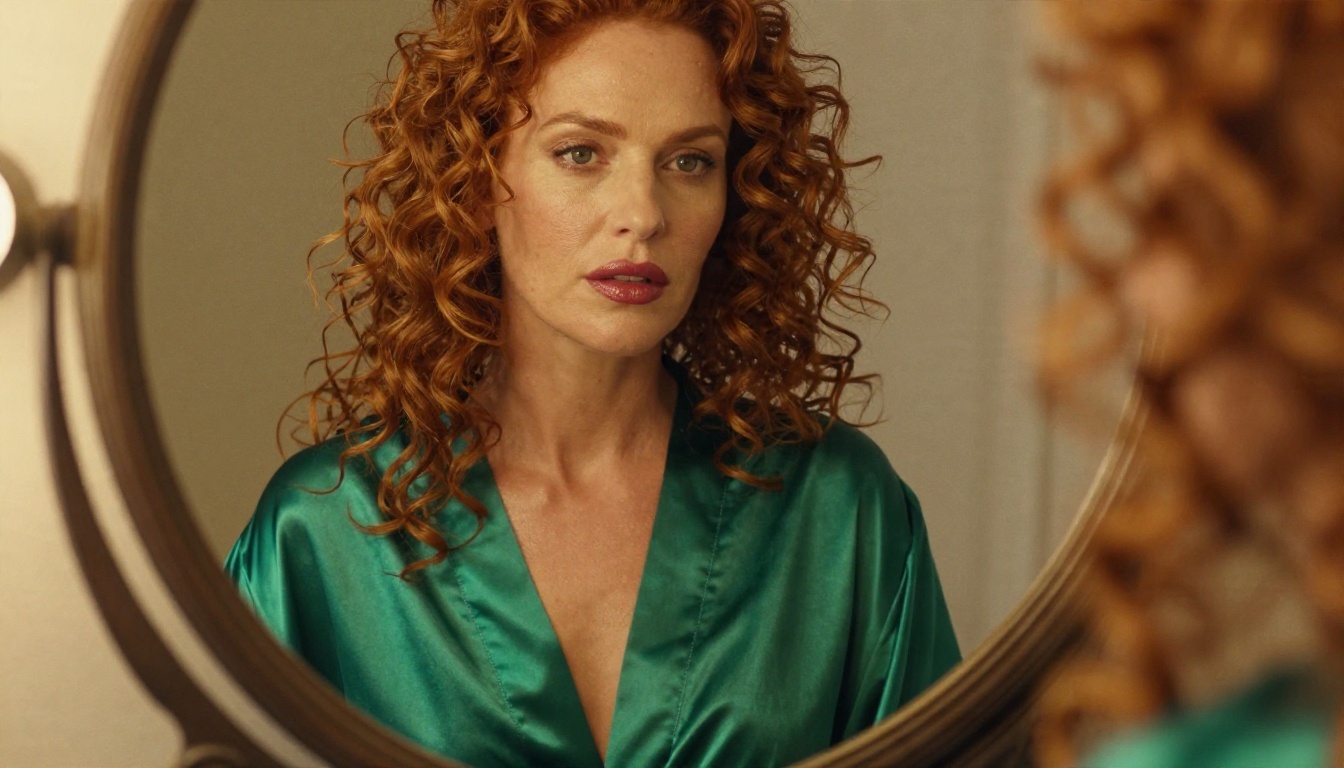
| Vanity portrait | Adult woman in an emerald satin robe at a vintage vanity, tungsten bulbs around the mirror |
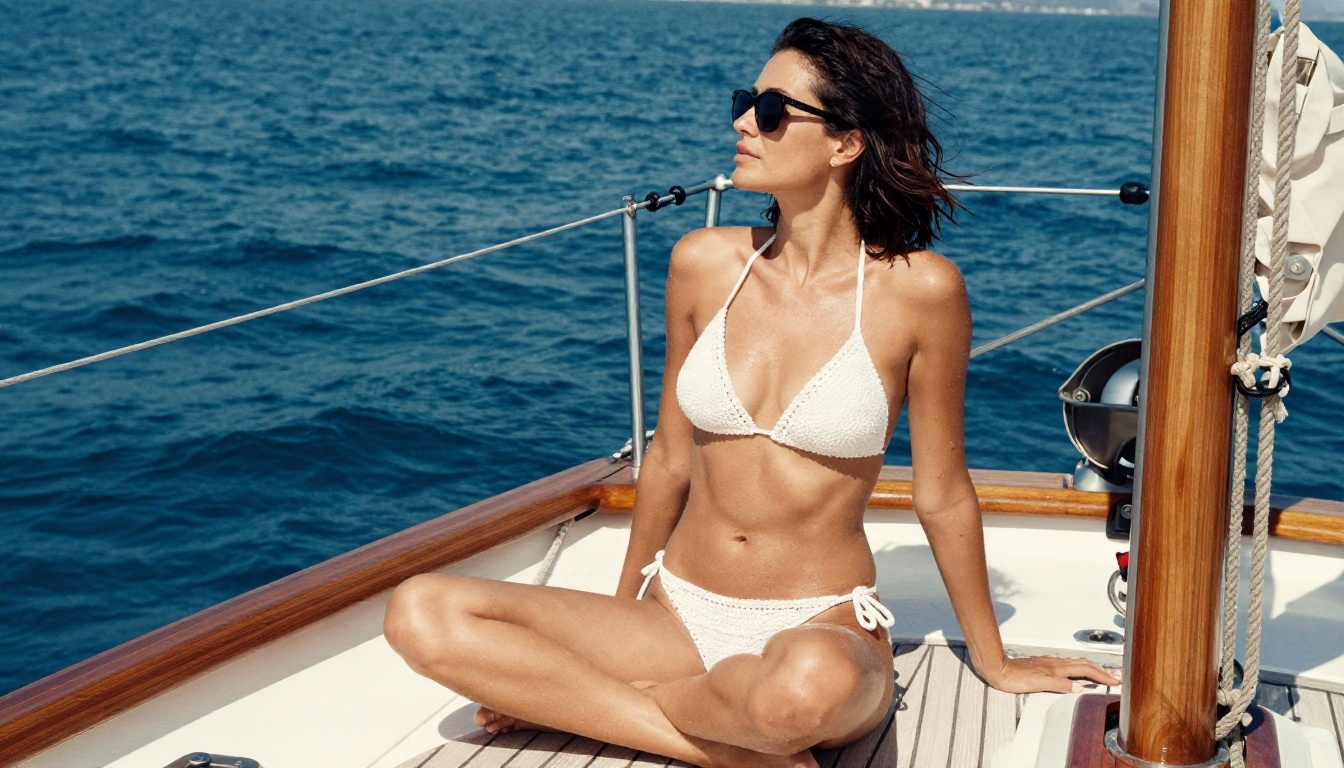
| Sailboat summer | Adult woman in a crochet bikini on a wooden sailboat deck, bright midday sun, deep blue sea |
How to Use Seedream 4.5 on PicassoIA
This is the fastest route from idea to finished image.
- Open the model page. Go to Seedream 4.5 on PicassoIA.
- Paste your prompt. Use the formula above. Longer, specific prompts work well with this model.
- Set the aspect ratio. Choose 16:9 for wide editorial scenes, 3:4 or 2:3 for portraits and social posts.
- Generate and compare. Run the same prompt two or three times. Small variations in pose and light are normal.
- Adjust one thing at a time. Change the light, then the outfit, then the setting. Changing everything at once hides what worked.
- Refine in the editor. Send your favorite to Image Editor Pro to swap the background, change the outfit color or fix small details with no cap on generations.
💡 Pro tip: Draft with Z Image Turbo, then switch to Seedream 4.5 for the final. You save time and still end up with the sharpest render.
What It Really Costs
Pricing is where most NSFW picture apps stop being friendly. Here are the models you will meet.
Common pricing structures
| Pricing model | How it works | Watch out for |
|---|
| Pay per image | A few cents each | Costs balloon when you iterate |
| Credit packs | Buy a bundle, spend as you go | Expiry dates, failed generations that still cost credits |
| Monthly subscription | Flat fee, fixed allowance | Caps hidden in the fine print |
| Free tier | Limited daily generations | Watermarks, low resolution, long queues |
| Unlimited plan | Generate freely | Slow "relaxed" queues after a threshold |
The hidden cost of iteration
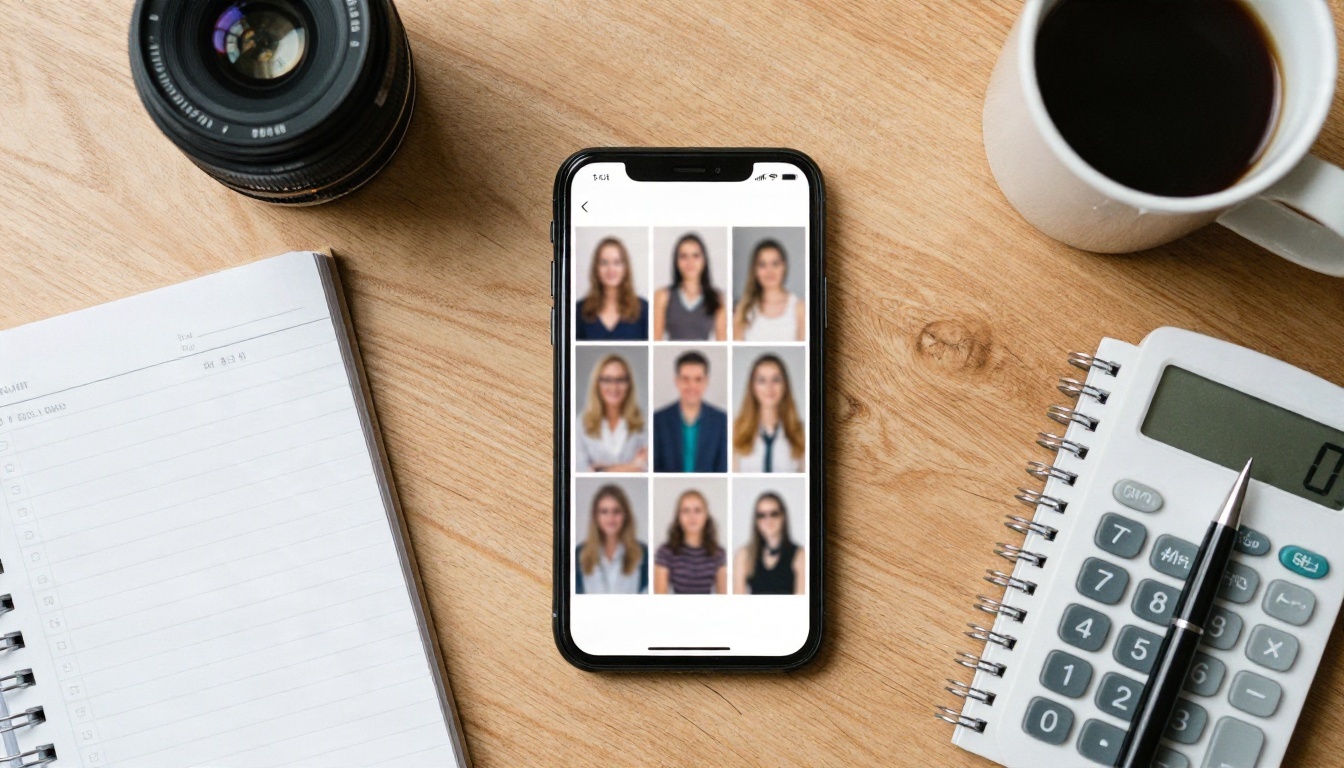
Good images rarely come from the first try. A realistic workflow is five to fifteen generations per keeper. On a pay per image plan that adds up fast, which is why an unlimited editing tool such as Image Editor Pro is worth more than a low sticker price. Count cost per finished image, not per click.
💡 Budget rule: Draft cheap and fast, finish carefully. Use a quick model for exploration and spend your premium generations only on the final render.
Free Alternatives Worth Trying
Free does not have to mean bad. Several options give real results at no cost.
- PicassoIA free generations. You can test models such as Seedream 4.5 and Z Image Turbo before deciding anything.
- Unlimited editing. Image Editor Pro removes the "how many tries do I have left" anxiety.
- Style experiments with LoRA. Flux 2 Klein 9B Base LoRA is handy for testing a look without a big commitment.
- Running open models yourself. Free in money, expensive in time and hardware. Worth it only if you enjoy tinkering.
Free versus paid at a glance
| Factor | Typical free tool | PicassoIA approach |
|---|
| Resolution | Low, watermarked | High resolution output |
| Prompt refusals | Frequent | Fewer for glamour and swimwear themes |
| Iteration limits | Strict | Unlimited editing with Image Editor Pro |
| Model choice | One | Many in one place |
Editing and Polishing Your Results
A raw generation is a starting point. Professional looking results come from a short second pass.
A simple polish workflow
- Pick the best frame. Judge hands, eyes and fabric edges first.
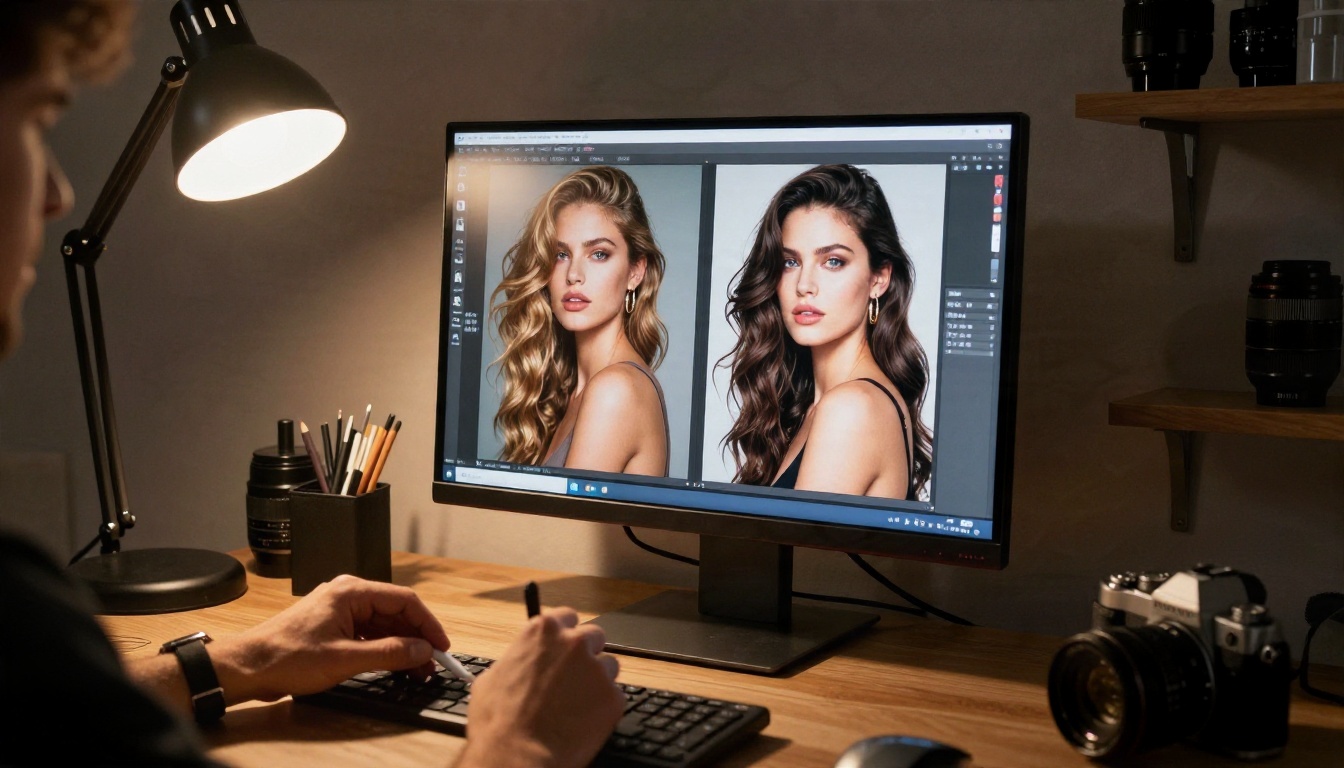
- Fix small flaws. Use the editor to correct a stray strand, a odd shadow or a background object.
- Adjust the mood. Warm the light, change the outfit color, or shift the setting from indoors to a terrace.
- Upscale if needed. For print or large screens, run the final through a super resolution model.
Keep skin looking real
The most common giveaway of AI imagery is overly smooth skin. Prompt for pores, freckles, fine hair and natural creases, and avoid words like "flawless" or "perfect skin." Realism lives in small imperfections.
Rules Worth Following
Good tools do not remove good judgment. A few firm lines keep your work safe and your accounts intact.
- Adults only. Always describe adult subjects. Never create content involving minors, full stop.
- No real people without consent. Do not generate or edit images of a real person's likeness without their clear permission.
- No deception. Do not present generated images as real photos of real events or people.
- Keep it tasteful. Suggestive, stylish and artistic is the target. Explicit content is outside what this article, and a responsible workflow, aims for.
- Protect your uploads. Only upload photos you own and are comfortable sharing.
Why this makes the images better
Constraints push you toward better photography. When you cannot rely on shock, you think about light, location, wardrobe and expression. The results look like a real editorial shoot, which is exactly what readers, followers and clients respond to.
Make Your First Image Today
You now have the full picture: what an NSFW pic creator does, which models are worth your time, prompts built like real shot lists, and a realistic view of what these tools cost. The only missing piece is a first render.
Here is a simple plan for the next ten minutes:
- Open Seedream 4.5 and paste one of the prompt starters from the table above.
- Run it three times and pick your favorite.
- Send it to Image Editor Pro and change the outfit color, the light or the setting.
- Save the result and try a second theme, such as poolside dusk or a sailboat summer.
The more you experiment, the faster your instincts for light, lens and wardrobe improve. When you want to try other engines, browse everything available at picassoia.com/en/all-models and build the toolkit that fits your style. Your next favorite image is one prompt away.


