You type a prompt, wait three minutes in a "free" queue, and get a blurry image with a watermark across it. Then a pop-up tells you the daily credits are gone. If that sounds familiar, you already know why people keep searching for an NSFW pictures generator that is actually free, fast, and honest about what it costs.
This article is the plain version of that story. You will see how free tiers work, where the limits hide, what paid plans usually charge, and how to produce suggestive, photorealistic glamour images without counting credits. Everything here stays on the tasteful side: swimwear, lingerie, boudoir lighting, and editorial glamour. No explicit content.
What an NSFW Pictures Generator Does
An NSFW pictures generator is a text-to-image tool that accepts prompts about adult-leaning themes instead of refusing them. Mainstream tools often block words like "lingerie" or "bikini" with a vague error. A generator built for this niche treats those prompts as normal creative requests.
Suggestive Is Not Explicit
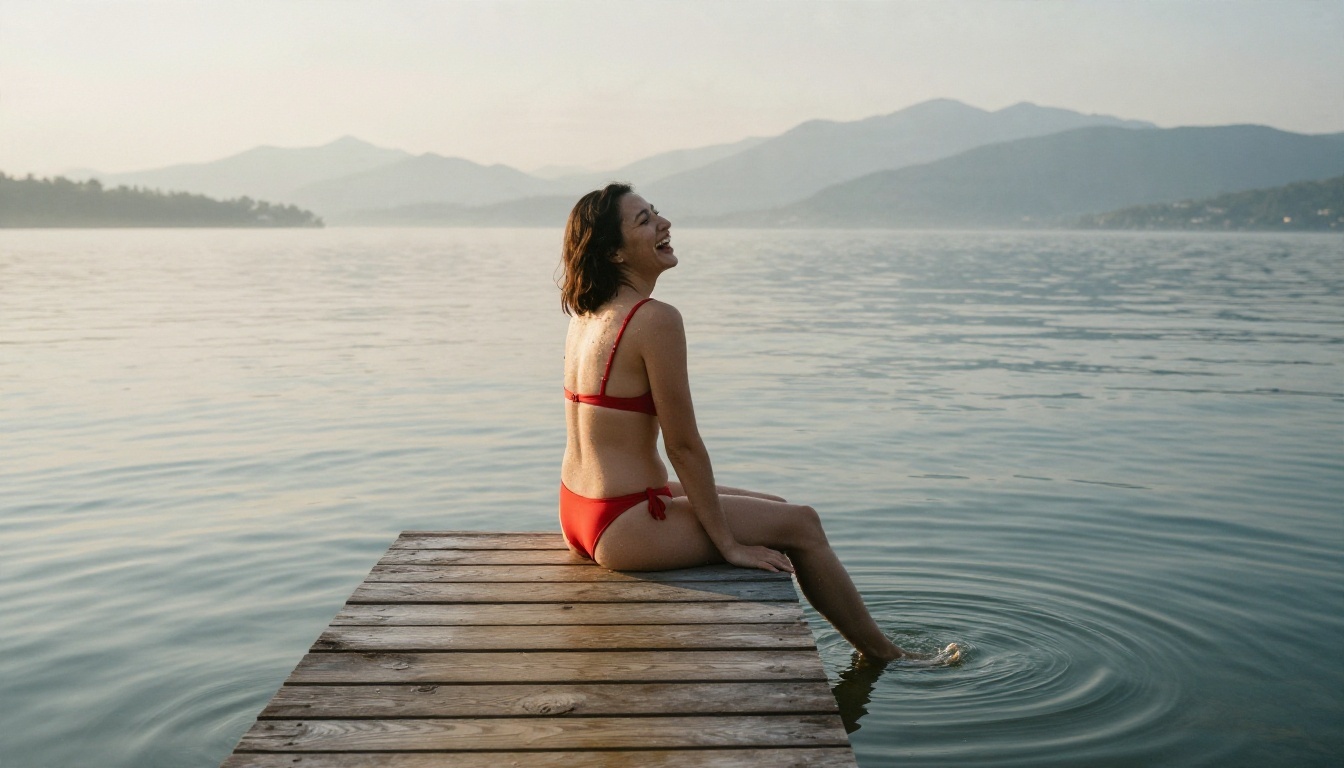
There is a wide gap between a glamour portrait and pornography. Most readers searching for a free online app want the first one: bikini shoots, satin and lace, beach sunsets, boudoir mood. That is the territory where good models shine, because it relies on skin texture, light, and fabric rather than anything graphic.
Who Uses These Tools
The audience is wider than you might think:
- Creators building mood boards for fashion or swimwear campaigns.
- Illustrators and photographers testing poses and lighting before a real shoot.
- Writers and game designers who need character visuals.
- Casual users who simply want attractive, realistic pictures without a filter lecturing them.
💡 Tip: Always depict adults only, and never use a real person's likeness without permission. A good generator makes this easy by letting you describe an original, fictional subject.
How Free Tiers Really Work
"Free" can mean five different things. Before you sign up anywhere, work out which kind of free you are being offered.
Credit-Based Free Plans
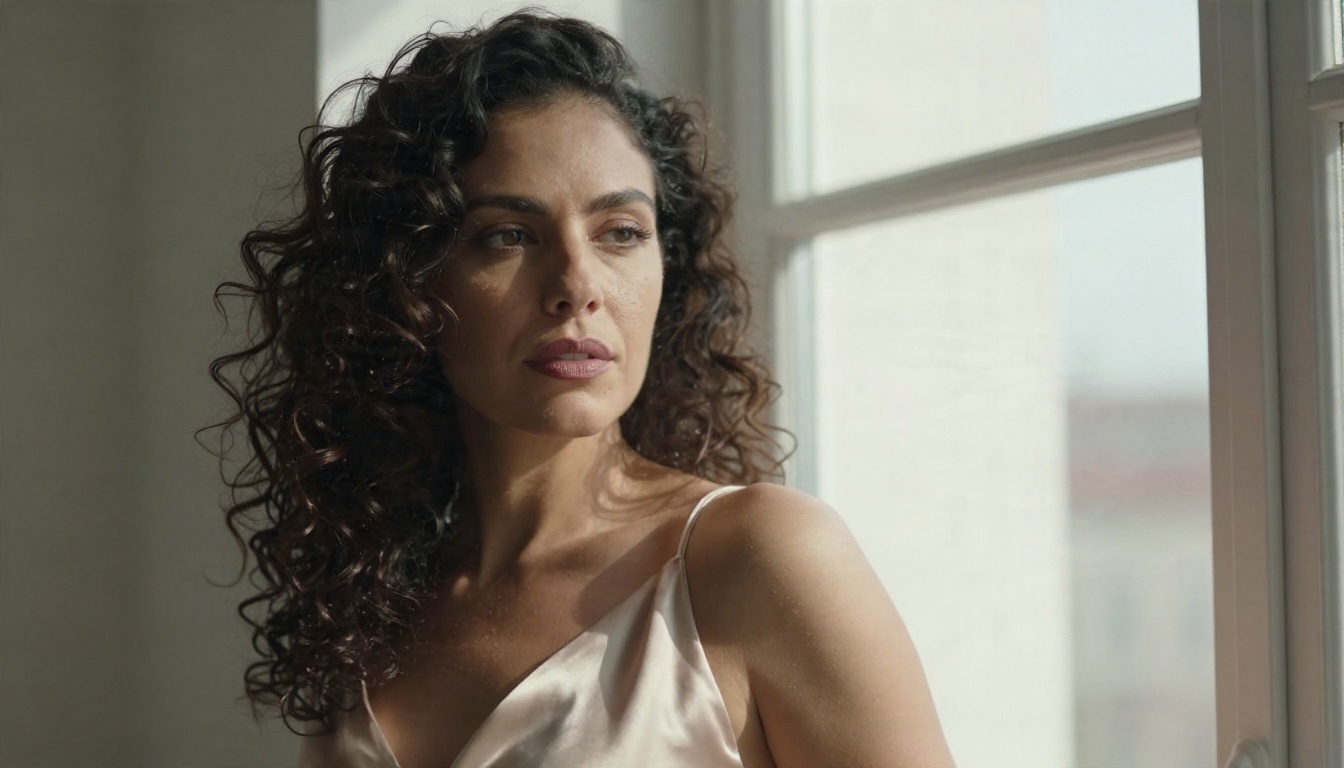
The most common model gives you a small bucket of credits that refills daily or monthly. Each image burns one or more credits, and higher resolution burns more. Once the bucket is empty, you wait or pay. This is fair if the numbers are clear, but many sites bury them.
Free With a Slow Queue
Some tools let you generate without limit, but free users go to the back of the line. In busy hours, a single picture can take several minutes. That works for casual use and falls apart when you are iterating on a prompt ten times in a row.
Free With Quiet Filtering
This one is the sneakiest. The site accepts your NSFW prompt, shows a spinner, and then returns an image that has been quietly softened or covered. No error, no explanation. If your results keep looking strangely modest, a hidden filter is likely the cause.
Free Trials That Expire
A handful of apps give you a week of full access and then lock everything behind a card. Read the renewal terms before you enter payment details.
Limits You Should Check First
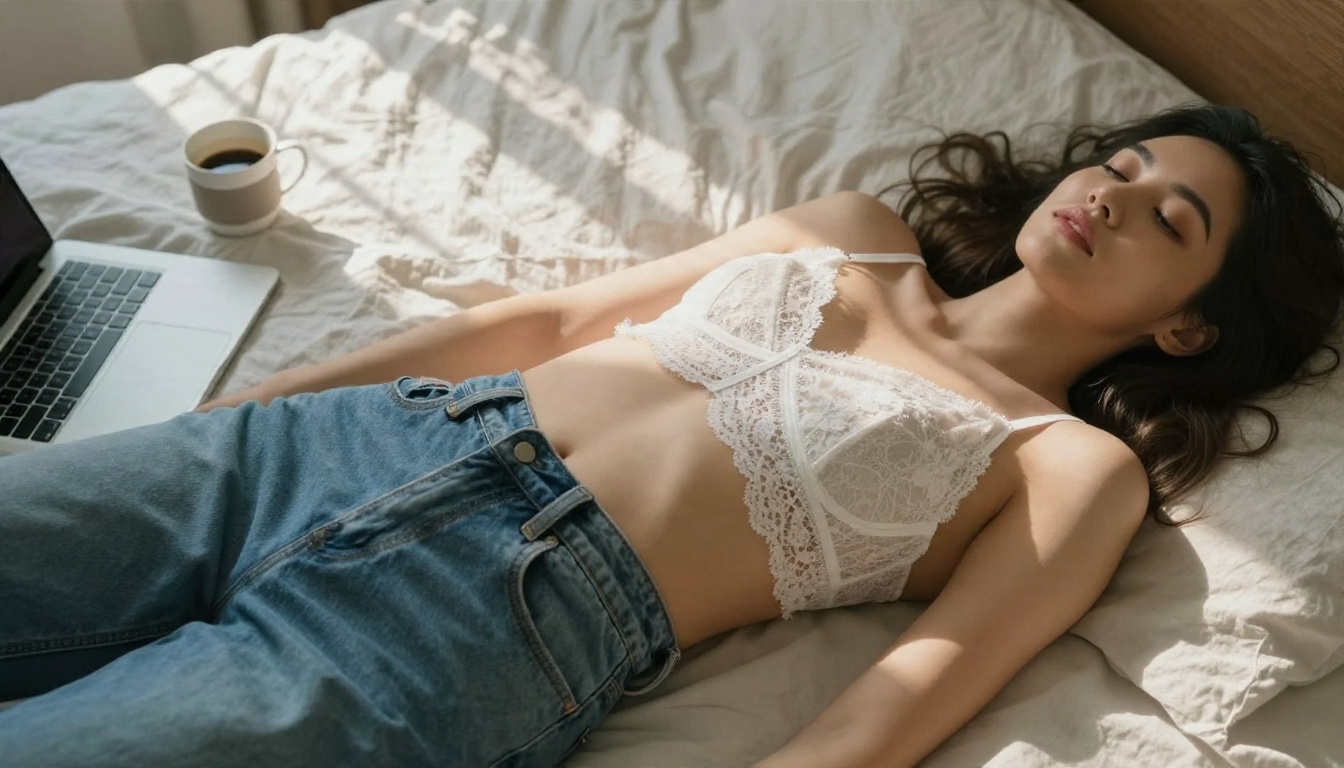
Limits are where free apps make their money, so look at them before you look at the sample gallery.
| Limit type | What it means | Why it matters |
|---|
| Daily credits | A fixed number of images per day | Runs out fast if you iterate |
| Resolution cap | Free images limited to small sizes | Hard to print or crop |
| Watermarks | Branding stamped on output | Unusable for portfolios |
| Queue priority | Free users wait behind paid users | Slows every revision |
| Prompt filters | Blocked or softened keywords | Wrecks glamour concepts |
| Storage limits | Old images deleted after days | You lose work |
| Commercial use | Free outputs restricted | Risky for client work |
Resolution and Watermarks
A 512 pixel image with a watermark is a demo, not a product. If you plan to use pictures in a mood board, a blog, or a print, check that the free tier delivers at least 1080p and no stamp.
Speed Versus Volume
Ask yourself how many images you need per session. Perfect prompts rarely work on the first try. Plan for 8 to 15 attempts per final picture, and you will see quickly whether a five-credit daily allowance makes any sense.
Privacy and Storage
Read what the app says about prompt logging and image retention. Some tools keep every generation public by default. For private projects, that default is a dealbreaker.
💡 Tip: Make one test prompt, time it, and look at the output at 100 percent zoom. Thirty seconds of testing tells you more than any pricing page.
Typical Pricing Explained
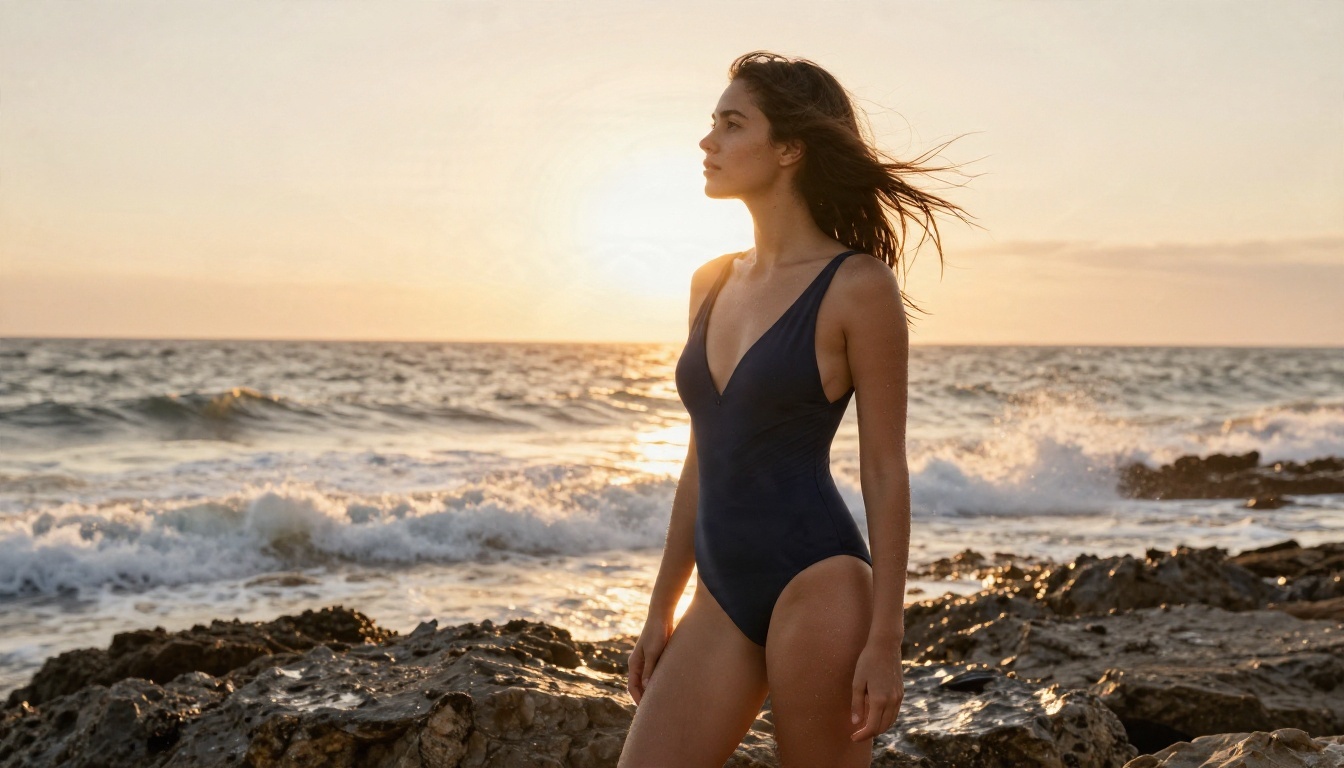
Prices change often, and many comparison pages are written by affiliates, so treat any specific number as a snapshot. The pattern, though, is stable.
The Usual Price Ladder
| Tier | Typical monthly range | What you usually get |
|---|
| Free | $0 | Small daily allowance, queue, sometimes watermark |
| Entry plan | Roughly $4 to $10 | More credits, no watermark, faster queue |
| Pro plan | Roughly $10 to $30 | Large credit pool, high resolution, private mode |
| Heavy use | $30 and above | Priority generation, commercial rights |
Plans at the cheap end usually still cap total images. Plans at the top end can still throttle you at peak hours. Always check the fine print for the phrase "fair use."
Cost Per Image
The easiest way to compare tools is to divide the monthly price by the number of images you will realistically make. A $10 plan with 200 credits at 2 credits per HD image gives you 100 pictures, or about 10 cents each. A flat unlimited plan that charges the same $10 can be dramatically cheaper if you are a heavy user.
Hidden Costs
Watch for upscaling fees, extra charges for faster models, and paid add-ons for editing or face tools. Those small fees turn a cheap plan into an expensive one.
Where to Generate Without Limits
If you want to stop counting credits, the fastest route is a platform that offers unlimited generation on its image editor and gives you several models to switch between. That is exactly where PicassoIA fits.
Seedream 4.5 First
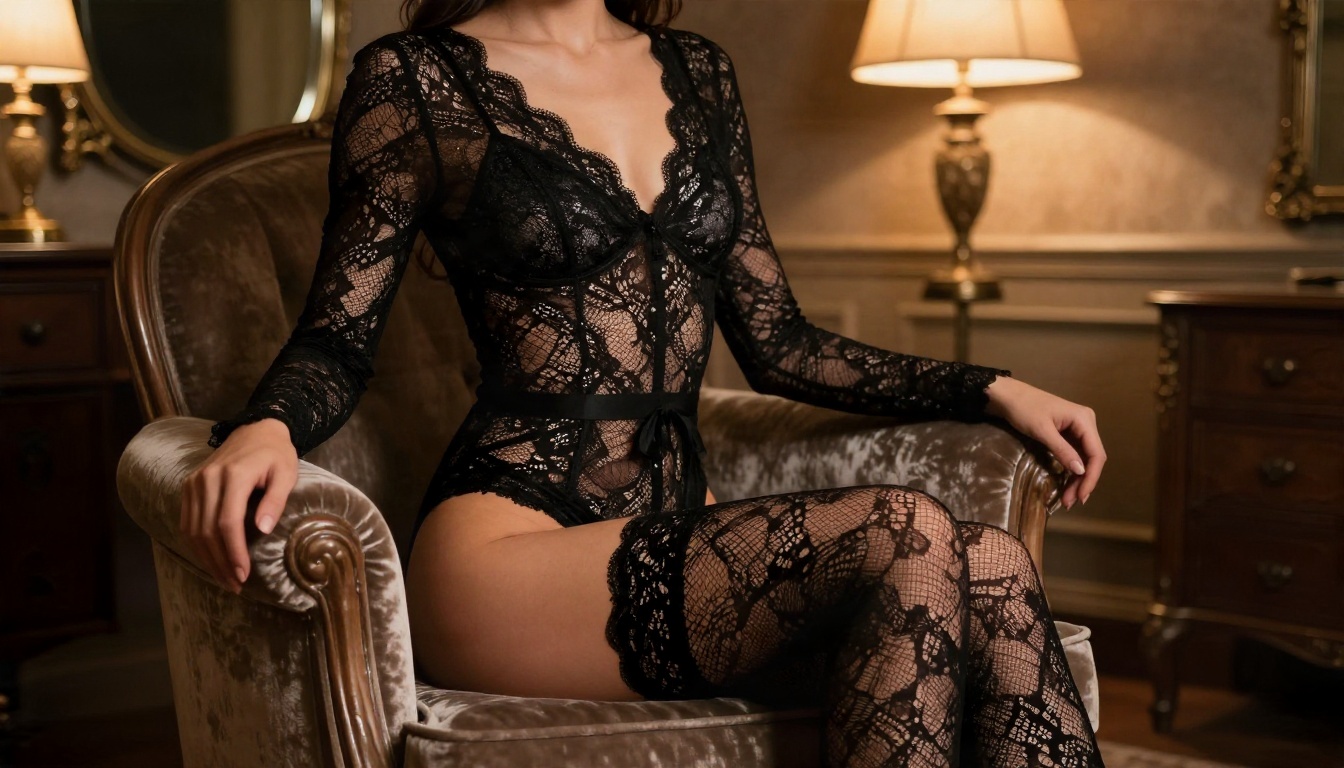
For glamour and swimwear work, start with Seedream 4.5. It handles skin texture, fabric, and light direction with real photographic restraint, and it is the model most people reach for when they want an attractive, believable portrait. Write prompts about wardrobe, lens, and lighting and it responds with sharp, high-resolution output.
PicassoIA Image Editor Pro
Next comes PicassoIA Image Editor Pro. Its big selling point is unlimited generations. You can run twenty variations of the same bikini shoot, adjust the pose, change the background, and keep going without watching a credit counter fall to zero. It also works as an editor, so you can refine an existing picture instead of starting over.
More Models Worth Trying
Variety helps when one model gives you the wrong mood. These are also available:
💡 Tip: Model behavior on adult themes can differ. If one model softens a prompt, run the same text through another and compare.
How to Use Seedream 4.5
Here is a simple workflow that produces consistent, tasteful glamour pictures.
Step by Step
- Open the Seedream 4.5 page on PicassoIA.
- Write your subject first: an adult woman, her wardrobe, her pose, and her expression.
- Add the setting: a villa terrace, a hotel pool, a loft window, a quiet beach.
- State the light: golden hour from the left, soft window light, warm lamp glow.
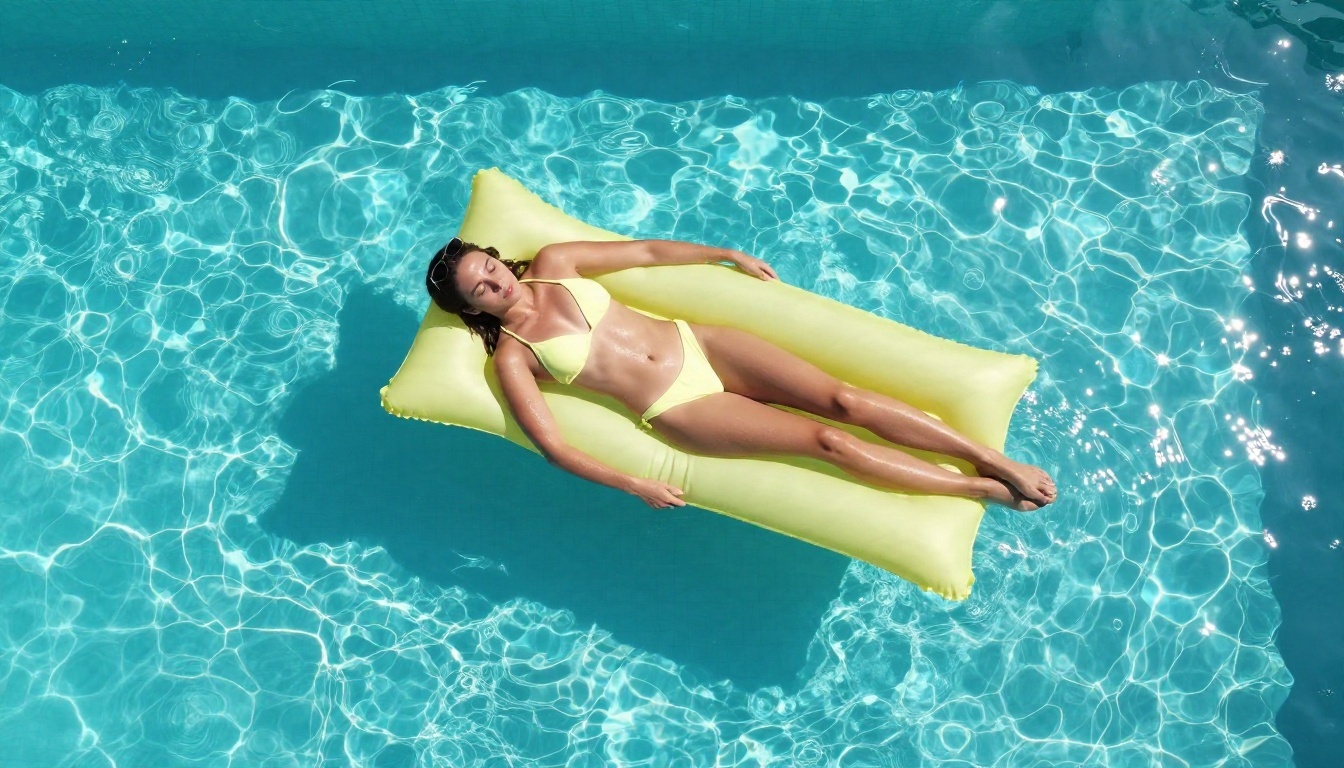
- Name the camera: 85mm f/1.8 for portraits, 35mm for wide scenes, 24mm for aerial angles.
- Pick a 16:9 ratio for scenic shots or a taller ratio for portraits.
- Generate, review at full size, and adjust a single detail per run.
Parameter Tips
| Setting | Recommendation |
|---|
| Aspect ratio | 16:9 for scenes, 3:4 for portraits |
| Prompt length | 40 to 80 words, specific and ordered |
| Style cues | "RAW photograph, natural skin texture, film grain" |
| Iterations | Change one variable at a time |
| Seed | Reuse a good seed to keep a look consistent |
A Sample Prompt
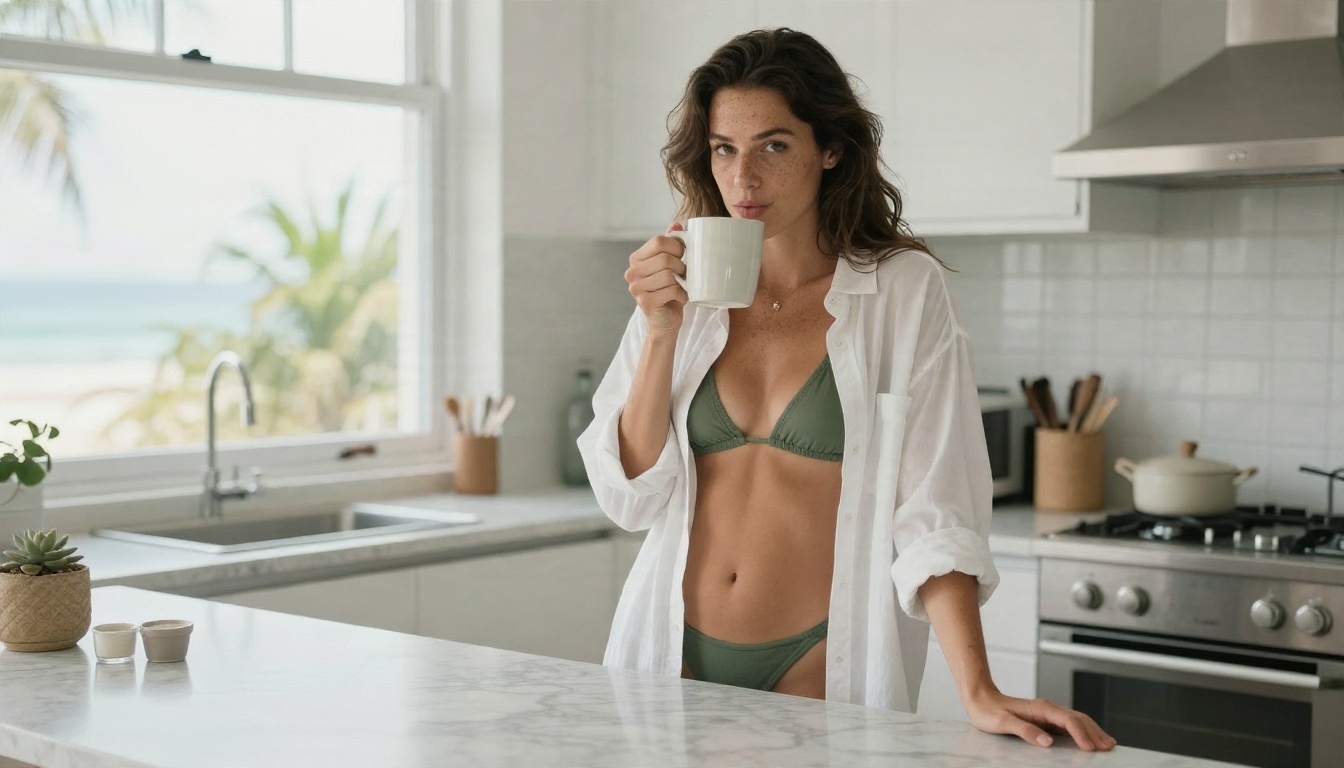
Adult woman in a sage green bikini seated on a whitewashed terrace step, relaxed smile, warm golden sun from the left, 85mm f/1.8 lens, shallow depth of field, visible skin pores, light freckles, linen towel texture, Kodak Portra 400 film grain, RAW photograph.
That prompt names the subject, the setting, the light, the lens, and the texture. Every one of those parts gives the model something concrete to hold on to.
Prompts That Look Real
Photorealism is mostly about specifics. Vague prompts give you glossy, plastic results. Detailed prompts give you pictures that look shot on a camera.
Describe Light Like a Photographer
Say where the light comes from and what time of day it is. "Soft window light from the right" and "low golden sun behind the subject" produce far better skin and shadows than "good lighting."
Add Texture Words
Texture is the cheapest way to add realism. Mention fabric weave, wet sand, linen wrinkles, satin sheen, condensation on a glass, and fine skin detail. These tiny cues stop the picture from looking airbrushed.
Vary Your Angles
Do not shoot everything at eye level. Try these:
- Low angle for confident, powerful poses.
- Overhead for pool and bed scenes.
- Telephoto from far away for compressed, cinematic beach shots.
- Close-up for portraits where expression carries the image.
Common Mistakes
- Stacking ten adjectives and no concrete details.
- Forgetting the camera and lens, which leaves the style undefined.
- Changing five things at once, so you cannot tell what helped.
- Asking for impossible hands or complex poses on the first try.
- Skipping the negative cues, such as "no text, no logos."
Quality, Speed, and Privacy
Once the prompt works, three things decide whether a tool is worth keeping: resolution, speed, and privacy.
Resolution Worth Keeping
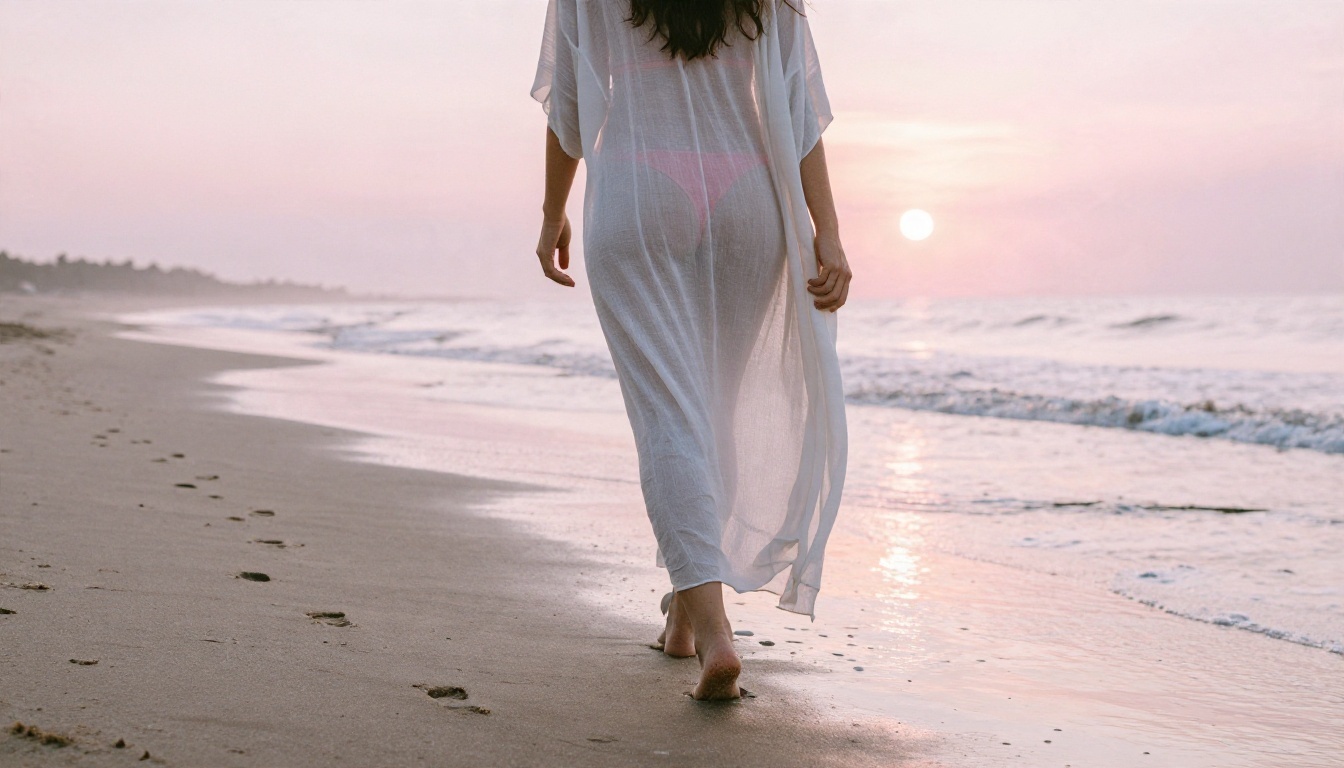
Check the output at 100 percent. Skin should show pores, fabric should show weave, and backgrounds should fall off smoothly. If a picture looks great on a phone but mushy on a monitor, you can fix it with a super resolution tool and upscale it 2x to 4x.
Speed for Iteration
Fast models change the way you work. When a draft takes four seconds instead of four minutes, you try more ideas and land on a better final image. A quick model such as Z Image Turbo is ideal for drafting, then you can move your best prompt to Seedream 4.5 for the final render.
Keeping It Private
Treat your prompts and pictures as personal. Avoid sharing real names, real faces, or identifying locations in prompts. Store your best results locally, and check whether the platform lets you keep generations out of public galleries.
💡 Tip: Save the prompt text next to every image you like. A good prompt is reusable, and you will want it again.
Free App or Paid Plan?
The right answer depends on how you work.
| If you... | Choose |
|---|
| Generate a few pictures a week | A free tier with daily credits |
| Iterate heavily on each concept | An unlimited option |
| Need clean, watermark free output | A paid or unlimited plan |
| Care about private storage | A platform with clear retention rules |
| Want several models in one place | A multi model platform |
A Quick Decision Rule
If you hit a daily limit more than twice a week, free credits are costing you more in frustration than a plan would cost in money. Move to a platform with unlimited generation and stop rationing your ideas.
What to Avoid
Skip any site that hides its limits, forces a card before showing a single sample, or returns softened results without telling you. Transparency is the clearest sign of a tool you can trust.
Try It Yourself on PicassoIA
You now know where free tiers pinch, how pricing really adds up, and which prompts produce believable, tasteful glamour pictures. The fastest way to put that into practice is to open Seedream 4.5, write a prompt using the light, lens, and texture structure above, and see what comes back. Then move into PicassoIA Image Editor Pro to refine, vary, and keep generating with no credit counter ticking down.
Experiment with a poolside shot, a boudoir portrait, and a sunset beach scene. Change one detail at a time and compare results. When you want to try other looks, browse every available model at picassoia.com/en/all-models and pick the one that matches your mood.


