You typed "NSFW private uncensored video creator" into a search bar because you want three things at once: no content filter that rejects a bikini prompt, no public gallery showing what you made, and no credit card. That combination exists, but it is buried under dozens of sites that promise it and deliver a watermark, a 3-second clip and a paywall. This article sorts the real options from the noise, shows the prompts that produce good motion, and lists the limits you will hit so nothing surprises you.
Everything here focuses on tasteful adult content: glamour, boudoir, swimwear, lingerie-style fashion and sensual mood. It is about adults making content of adults (or fully fictional adults), with consent. Explicit pornography is outside the scope, and so is anything involving real people who did not agree to appear.
What "Private and Uncensored" Really Means
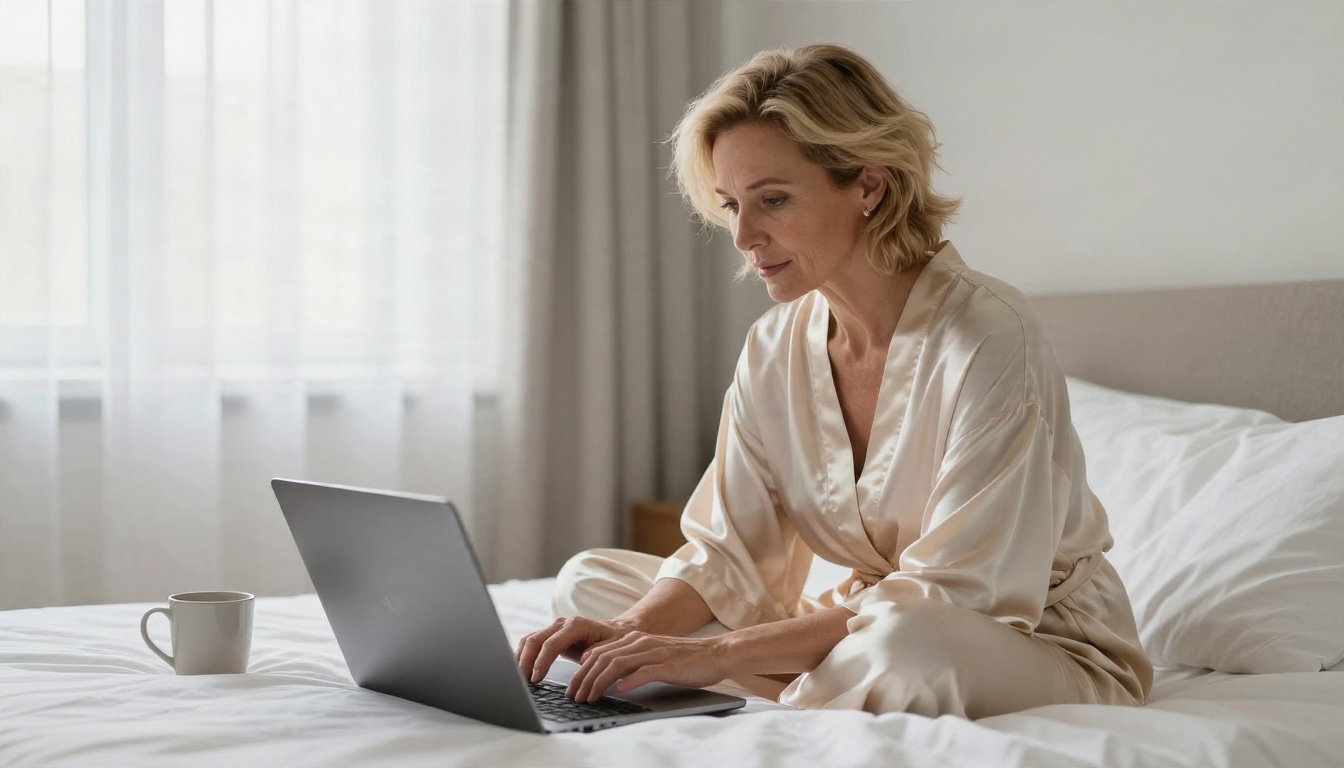
Those two words get abused in marketing. Before picking a tool, it helps to know what each one should mean.
Private is not the same as anonymous
A private creator keeps your generations out of public feeds, does not train on your uploads, and lets you delete your history. An anonymous one never ties the work to an identity at all. Most free tools offer the first and not the second, because an account is how they limit abuse.
Check three things before you upload a single photo:
- Are generations public by default or hidden until you share them?
- Can you delete outputs and uploaded reference images?
- Does the site state how long files are stored?
Uncensored is not the same as explicit
"Uncensored" in practice means the model does not block prompts about swimwear, lingerie, sensual lighting, bare shoulders or artistic implied nudity. Mainstream tools often refuse even a beach photo with the word "bikini" in it. An uncensored tool simply stops overreacting.
💡 Quick test: ask any tool for "a woman in a red satin robe on a hotel balcony at dusk, cinematic". If it refuses or blurs the result, it is not a real option for this kind of work.
Being uncensored does not mean there are no rules. Good platforms still block minors, non-consensual deepfakes and illegal material, and you should want them to.
The Free Online Options That Work
A video creator is really two jobs: making a strong first frame and adding motion to it. The best results almost always come from doing those in two steps, so the free options below are split that way.
Start with Seedream 4.5
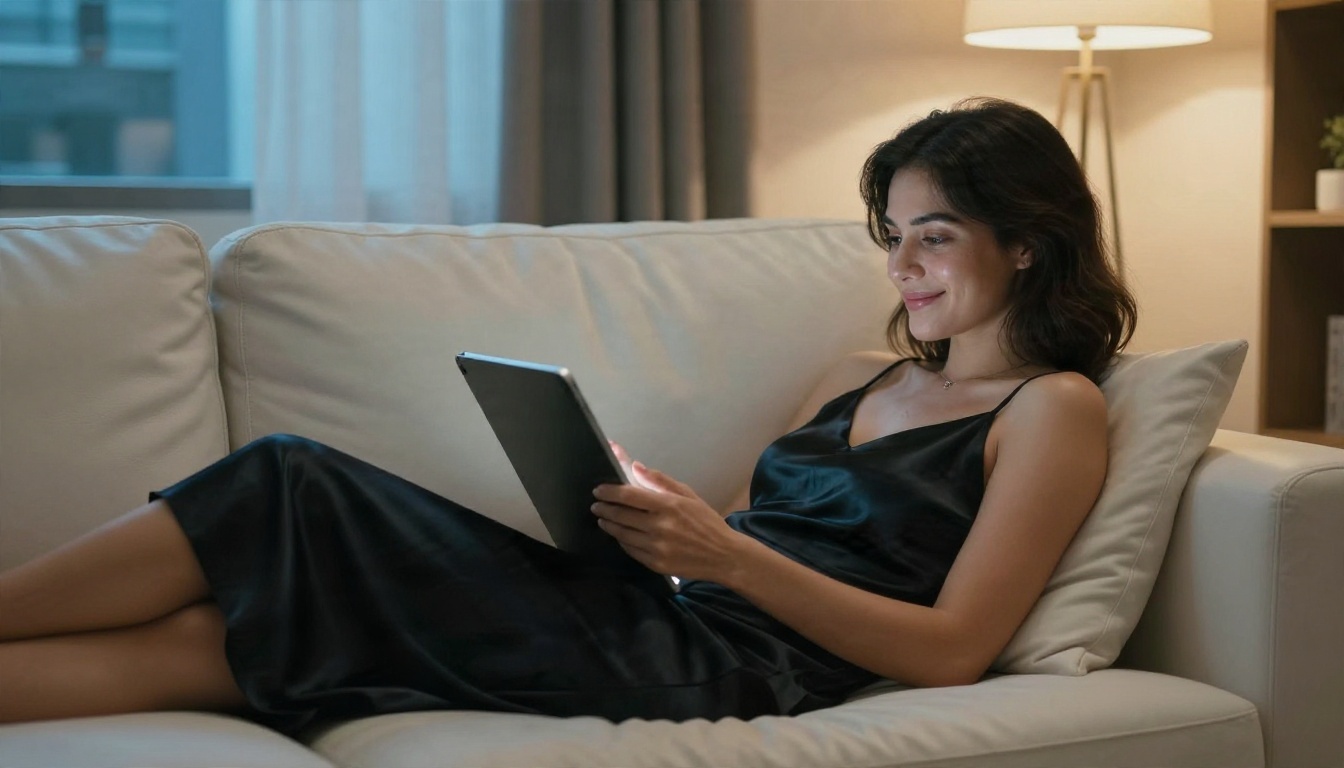
Seedream 4.5 is the strongest place to build a first frame. It handles skin texture, fabric sheen and mixed light (warm lamp plus cool window) better than most generators, and it does not flinch at swimwear or boudoir prompts. A first frame with believable skin and clean hands saves you from a dozen failed video attempts later.
Write the still like a photographer would: subject, wardrobe, location, light direction, lens. "A woman in a black satin slip dress on a cream leather sofa, warm lamp from the right, cool window light from the left, 50mm f/1.8, Kodak Portra 400 grain" gives far better footage than "sexy woman on couch".
💡 Do not use Seedream 5 Lite for this kind of work. It blocks adult content, so you would waste time on refusals.
Fix and restyle with Image Editor Pro
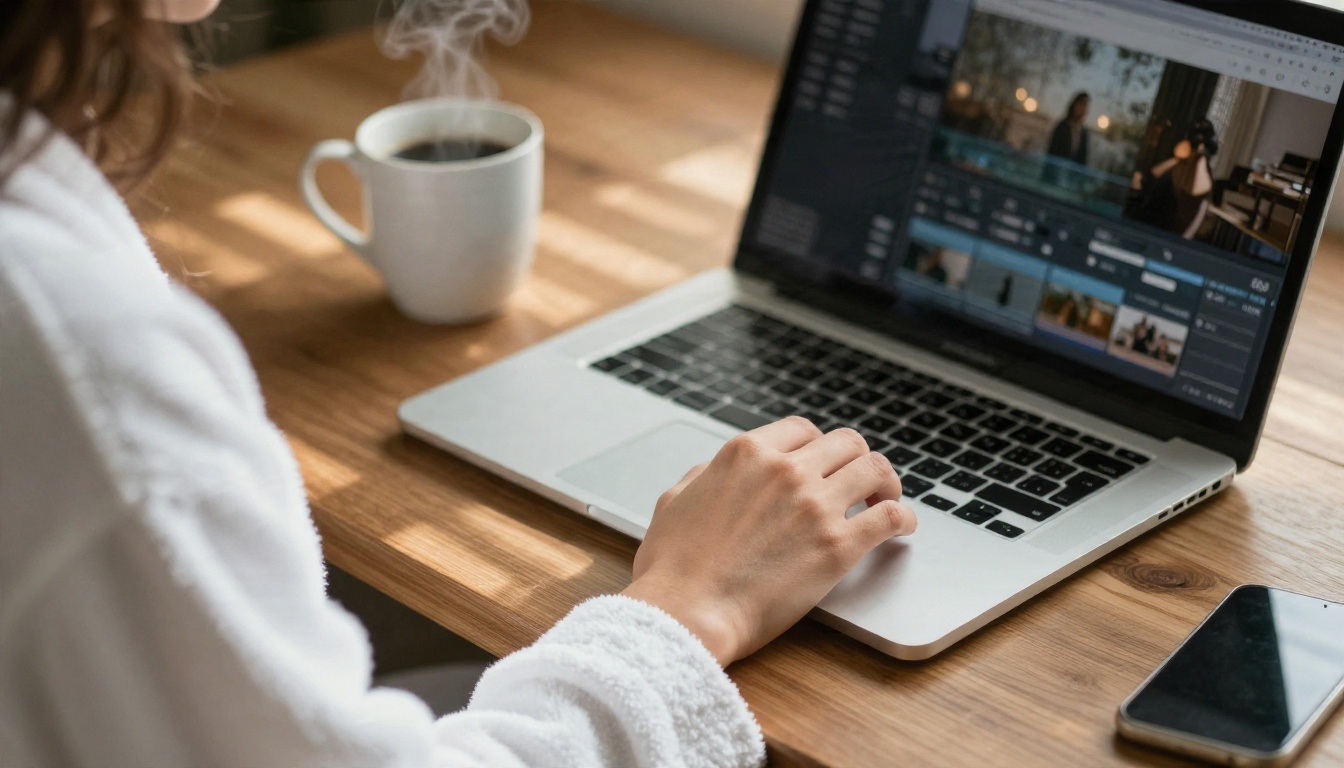
PicassoIA Image Editor Pro gives you unlimited generations, which matters more than it sounds. The first image is rarely the one you animate. You will want to change a robe colour, fix a hand, swap the background or soften the light. With an unlimited editor, you iterate ten times without watching a credit counter.
Use it to:
- Change wardrobe colour or fabric while keeping the pose.
- Replace a busy background with a clean bedroom, pool deck or terrace.
- Repair small artefacts around fingers, jewellery and hair edges.
- Match lighting between several stills of the same character.
Animate with a free video model
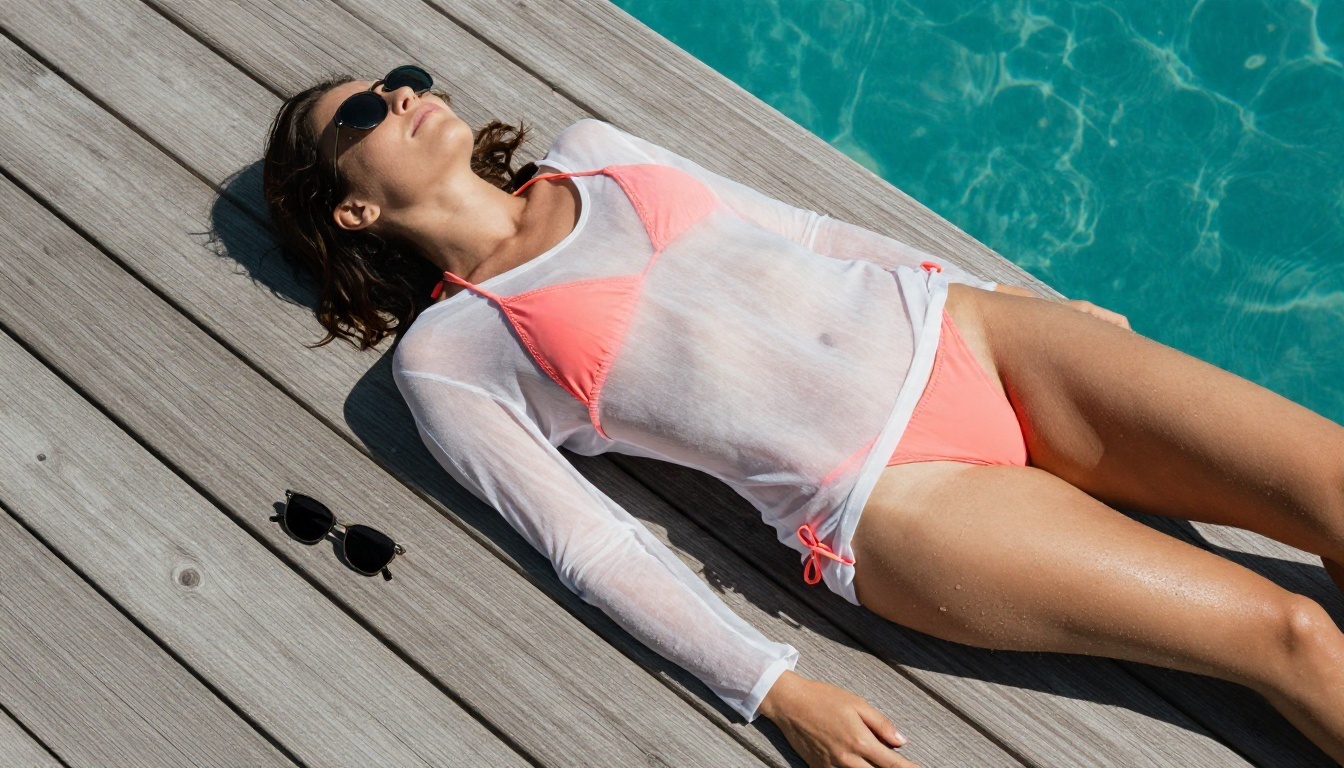
Once the still is right, send it to a video model. PicassoIA Video and Seedance 2.5 Lite are the two free, unlimited choices, and the second one reaches 10 seconds per clip, which is enough for a social loop or a short scene.
If you want the best motion quality and do not mind spending credits, Wan 2.7 I2V is a very natural animator for fabric and hair, and Seedance 2.5 stretches clips much longer. For a quick, cheaper test, Wan 2.5 I2V Fast is a good draft model.
A Four-Step Workflow
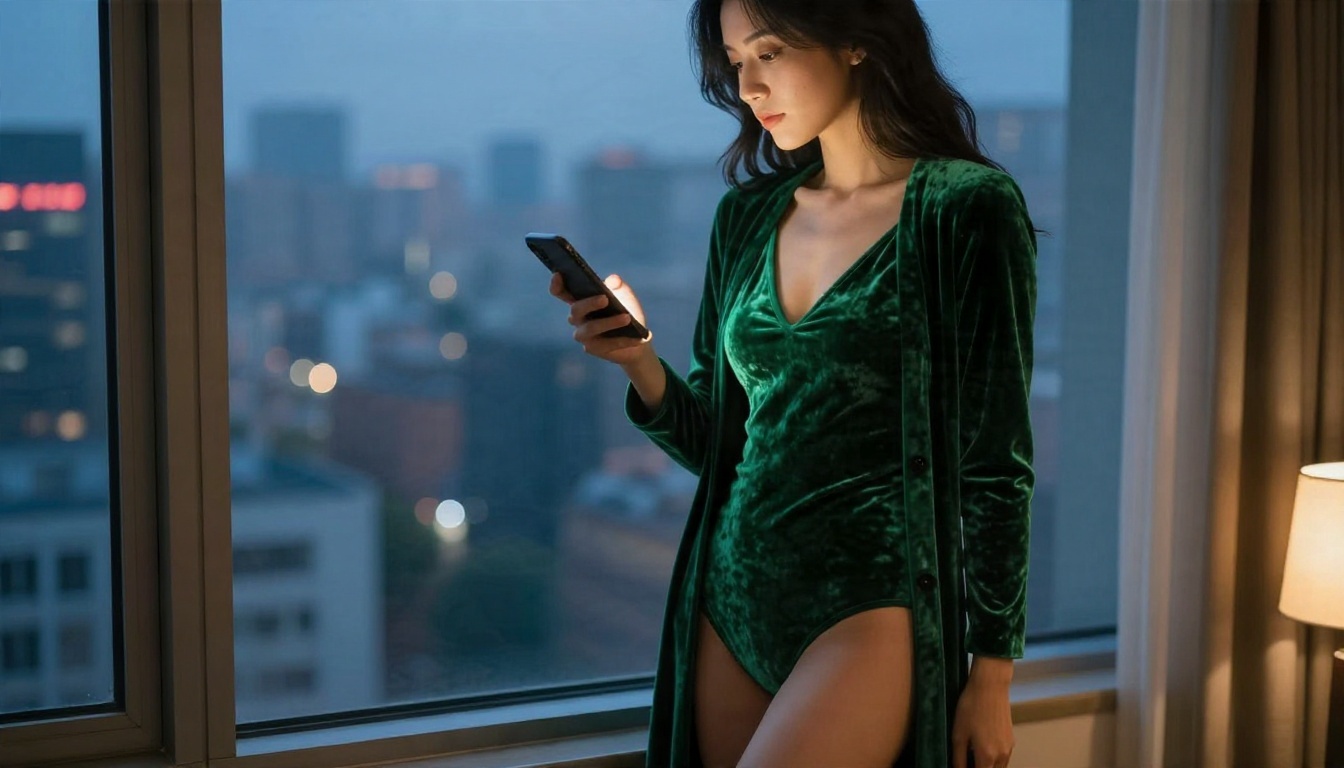
This is the routine that wastes the least time.
- Generate 4 to 6 stills in Seedream 4.5 with the same wardrobe and location. Pick the one with the cleanest face, hands and light.
- Polish it in Image Editor Pro. Fix anything odd and crop to your target ratio (16:9 for YouTube and web, 9:16 for Reels and Shorts).
- Animate with a short prompt in PicassoIA Video or Seedance 2.5 Lite. Describe only what moves.
- Review at full size, then extend or upscale only the winners.
💡 Keep the first test clip to the shortest duration. If the motion is wrong at 5 seconds, it will be wrong at 10.
Prompts That Produce Good Motion
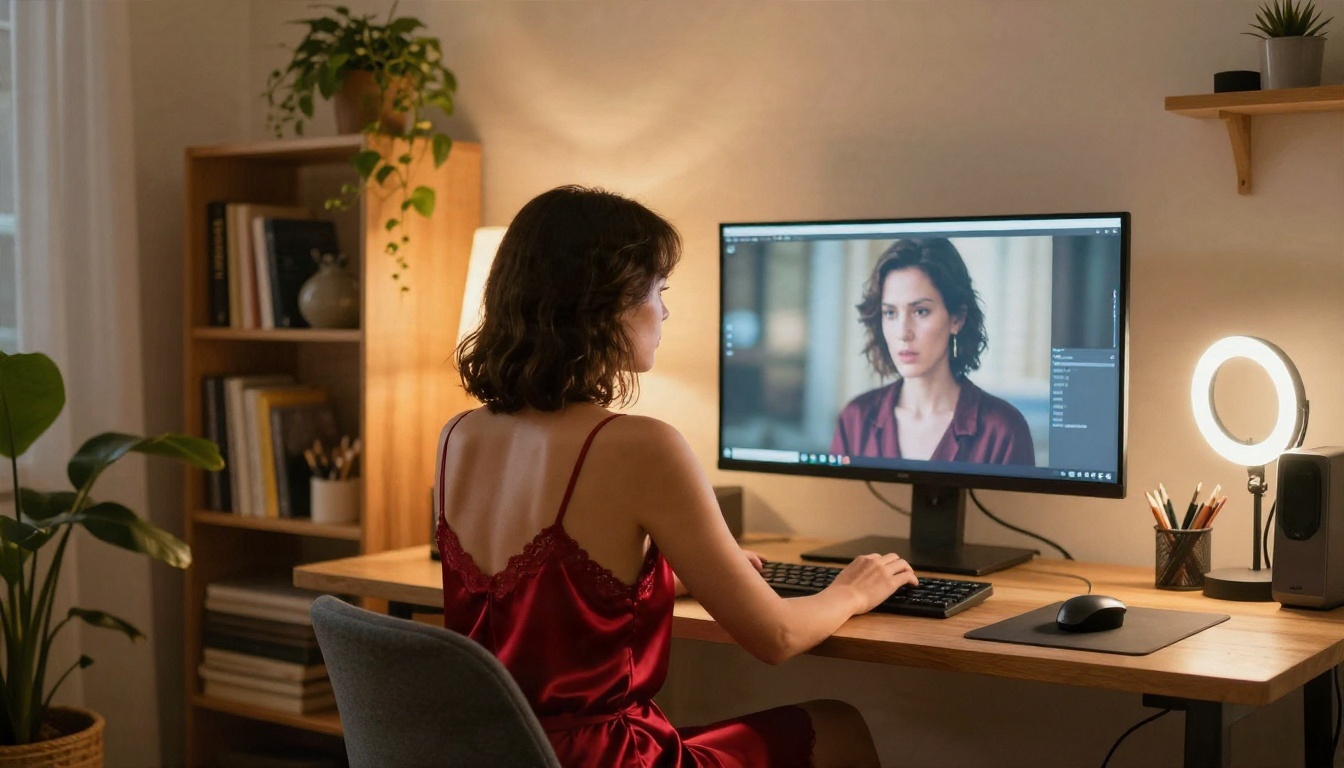
Video prompts are not image prompts. The picture already exists, so the text should describe motion, camera and atmosphere, in the order they happen.
The motion formula
Use this structure:
[Subject starting pose] + [what moves over time] + [camera movement] + [light and mood]
Example for a boudoir clip:
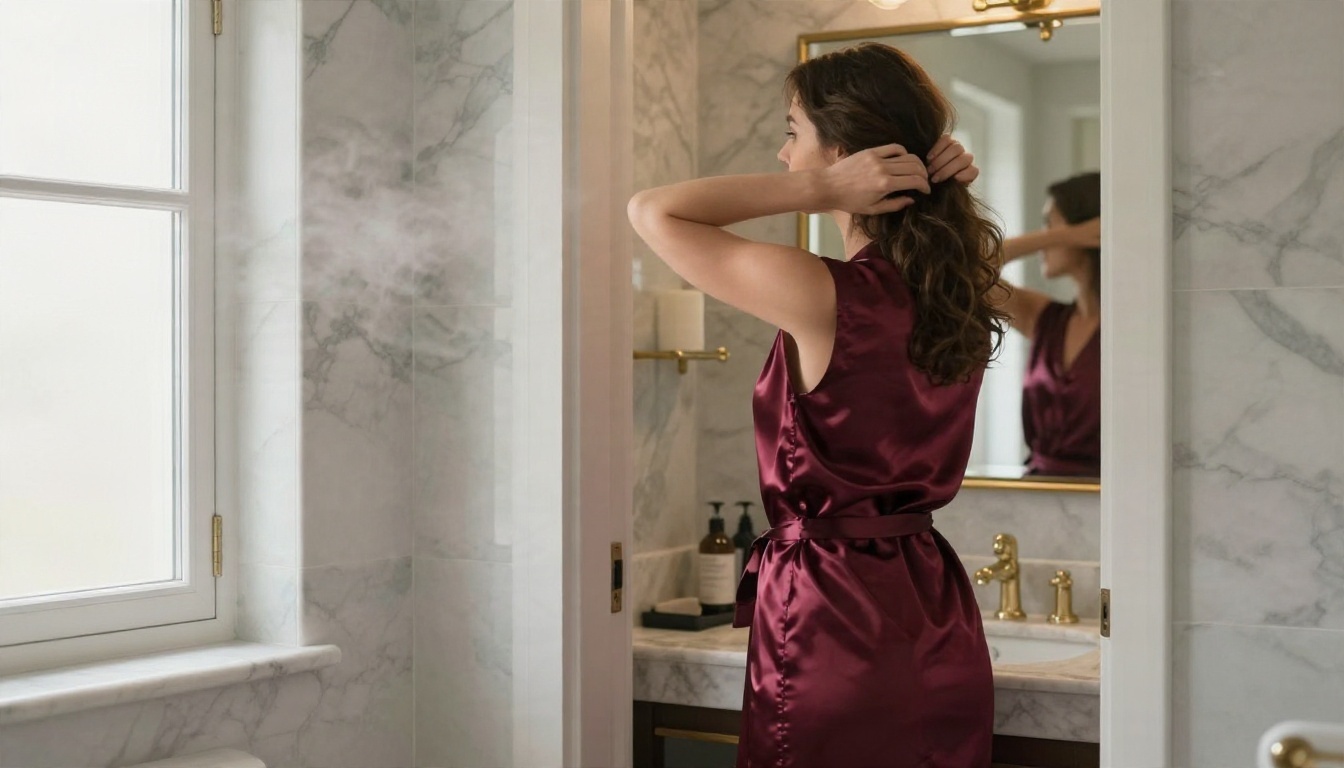
A woman in an ivory silk robe sits on the edge of a bed. She slowly brushes her hair back with one hand and turns toward the window. The camera makes a slow dolly-in from the left. Warm morning light, dust floating in the beam, soft film grain.
Motion words that work
Subtle motion looks expensive. Aggressive motion falls apart. Favour verbs like:
- Slowly turns, glances, tilts her head, exhales
- Brushes hair behind her ear, adjusts a strap, runs a hand along the robe
- Wind moves the fabric, curtains drift, water ripples
- Steps forward, walks along the shoreline, leans on the railing
Avoid "dances wildly", "spins fast" or anything with fast limb crossings. Hands and hair tangle there first.
Camera moves that flatter
| Camera move | Best for | Risk |
|---|
| Slow dolly-in | Portraits, boudoir | Very low |
| Gentle pan left or right | Wide scenes, terraces | Low |
| Handheld subtle sway | Documentary, lifestyle feel | Low |
| Low-angle tilt up | Beach, fashion walk | Medium |
| Orbit around subject | Hero shots | High, faces can warp |
Light and atmosphere
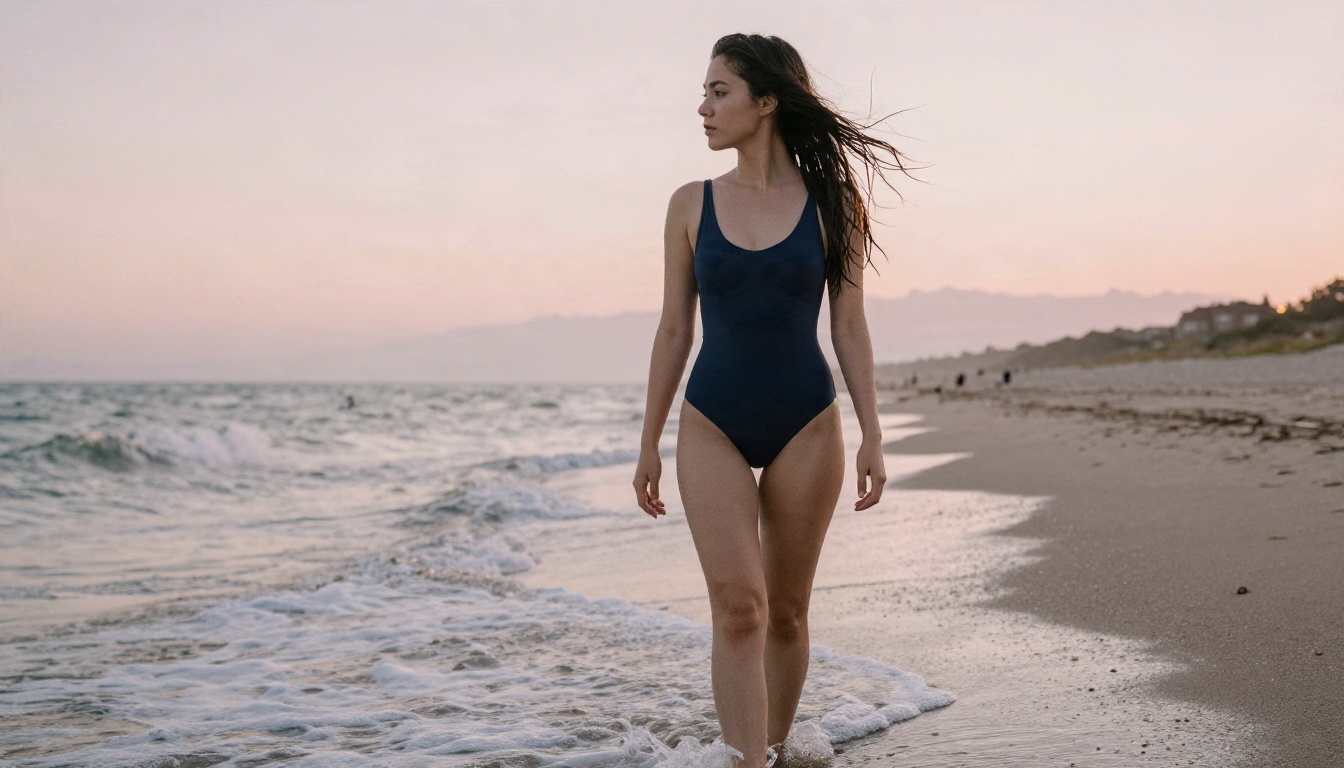
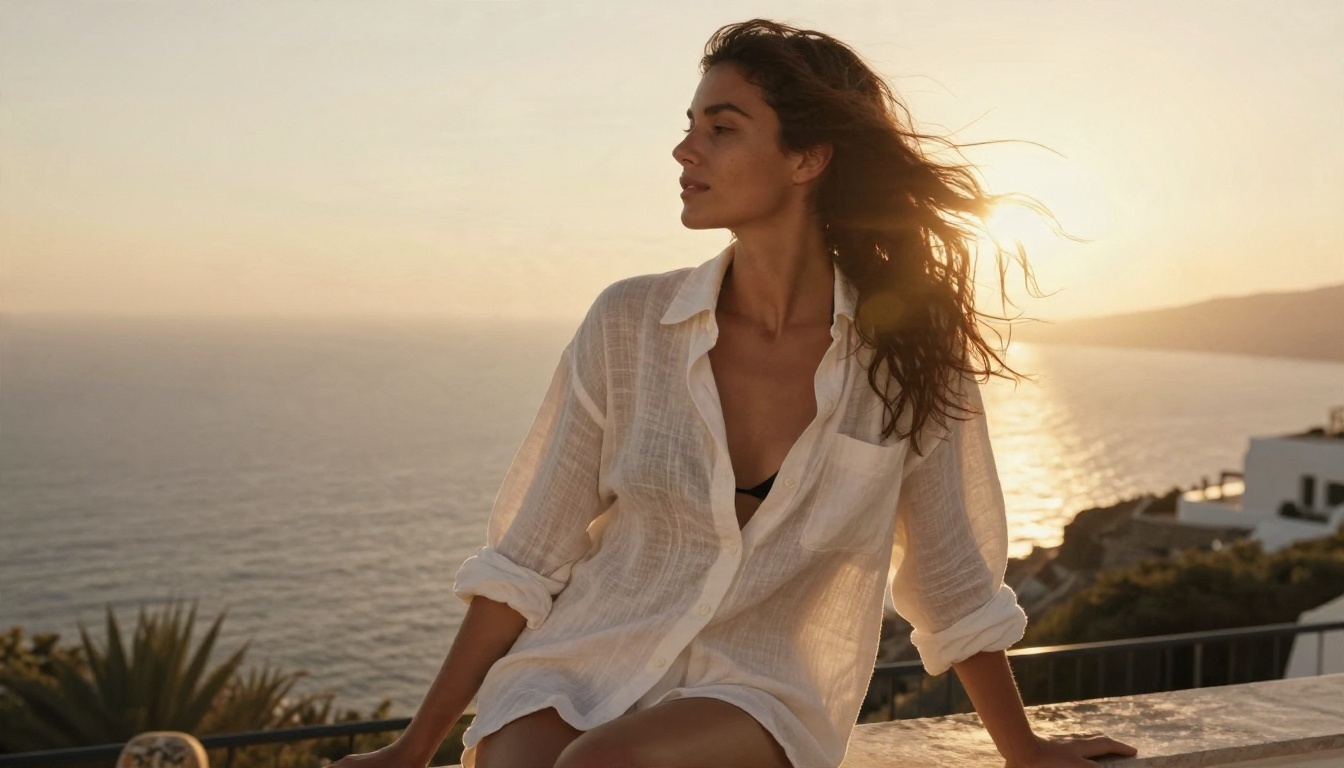
Mention one light source and one mood: "golden hour backlight with rim glow on the shoulders", "tungsten lamp from the left, cool dusk through the window", "overcast soft light on a quiet beach". The model keeps that light consistent for the full 5 to 10 seconds. Mixed or contradictory light descriptions cause flicker.
What to leave out
- Long lists of adjectives. Two or three are enough.
- Anatomy instructions. The model already sees the image.
- Style words that fight the photo, like "illustration" or "cartoon".
- Text on screen. Generated lettering rarely survives motion.
The Real Limits You Will Hit
Free does not mean limitless in every direction. Here is what to plan around.
Clip length
Most image-to-video models make 5 to 10 seconds per clip. Seedance 2.5 Lite reaches 10 seconds for free, and paid models can go further, up to 30 seconds with Seedance 2.5. For anything longer, stitch several clips together with a consistent first frame and matching light.
Resolution and sharpness
Free tiers often output at 720p. That is fine for phones and social platforms. If you want 1080p or higher, use a paid tier model for the finals and keep the free model for drafts.
Character consistency
The same face across five different clips is the hardest thing in AI video. The reliable fix: reuse the same still as the base for every clip, or use a reference-based model such as PicassoIA Reference To Video so the identity stays locked to your images.
Hands, hair and fabric
These are the three places artefacts appear. Slow movement, simple poses and clean wardrobe help. A robe with a loose belt is more likely to glitch than a fitted slip dress.
Audio
Many current models generate native synchronized audio. Treat it as a bonus, not a final track. Ambient sound (waves, room tone) works well. Dialogue is hit or miss.
Queue times
Unlimited plans may queue you behind paid jobs at busy hours. Run drafts at off-peak times, and try several prompts in a batch while you do something else.
Privacy Habits That Matter
A tool can be private and you can still leak your own information. Four habits cover most risks:
- Use fully fictional characters when you can. They carry no consent or identity problems.
- Never upload a photo of a real person without their clear permission. This is the one hard line, and it protects you legally.
- Strip metadata (location, device) from any reference photo before uploading.
- Check the download. Rename files, and keep a local copy so you are not relying on a site to store them.
💡 If a platform asks for your real name, address or ID just to generate a bikini clip, leave.
Hard lines you should never cross
- No minors or characters that look like minors, ever.
- No real person's likeness without consent.
- No content meant to harass, blackmail or deceive.
Good platforms enforce these. A tool that does not is a risk to you, not a freedom.
Common Mistakes
Starting from text only
Text-to-video is a gamble. A good still takes 2 minutes and makes the video 3 times more predictable.
Overloading the prompt
Fifteen details means the model picks five at random. Keep one action, one camera move, one light.
Skipping the draft step
Test at the shortest duration and the cheapest model, then spend credits only on the winner.
Ignoring the aspect ratio
A 16:9 still turned into a vertical clip crops the subject. Decide the final ratio before generating the still.
Trusting the first output
Roughly one in three clips will have a glitch. Generate three variations and choose.
Make Your Own Clip Today
Here is a five-minute plan. Open Seedream 4.5, write a photographer-style prompt for a swimwear or boudoir still, and generate a few options. Clean up the best one in PicassoIA Image Editor Pro, where generations are unlimited. Then animate it for free in PicassoIA Video or Seedance 2.5 Lite with one short motion prompt.
You do not need to commit to a subscription to find out whether this works for you. Run the test, see the first 5-second clip, and adjust from there. When you want more options, browse every model at picassoia.com/en/all-models and try your own idea on Picasso IA.


