Most people who type "NSFW prompt free" into a search bar want one simple thing: a block of text they can paste into a generator and get a good result on the first try. Not a lecture, not a ten-step setup. This article gives you exactly that. You will find copy and paste prompts for images, copy and paste prompts for short video, a clear list of online tools that accept adult themes, and an honest breakdown of the limits you will hit along the way.
Every example below stays in the glamour, boudoir and swimwear lane: suggestive, attractive, photographic, and never explicit. That is also the lane where results look best, because modern image models respond far better to lighting, fabric and mood than to blunt wording.
What NSFW Prompt Free Really Means
The phrase packs three different wishes into one search. Some people want free access, some want no filter, and some just want better prompts. Mixing these up is the fastest way to waste an evening.
Who searches this and why
In practice the audience splits into a few groups:
- Creators building boudoir, swimwear or glamour portfolios and tired of refusals on harmless prompts.
- Fashion and lingerie brands testing lookbook concepts before booking a shoot.
- Writers and game designers who need adult-leaning character art that still looks tasteful.
- Curious beginners who tried a mainstream chatbot, hit a wall on the word "bikini", and want somewhere that simply works.
The three levels of adult prompts
| Level | What it looks like | Typical filter behavior |
|---|
| Mild | Swimwear, evening wear, silk robes | Passes on almost every tool |
| Suggestive | Lingerie, boudoir lighting, implied nudity | Passes on tools built for adult themes, blocked on mainstream ones |
| Explicit | Graphic sexual content | Not covered here and not produced by the examples in this article |
Everything in this article lives in the first two rows. If your goal is the third row, no prompt trick in the world will make it a good idea to chase, and a tasteful image almost always sells better anyway.
Copy and Paste Image Prompts
A prompt that works follows one pattern: subject and pose, setting, light, camera, texture. Skip any of those and the model fills the gap with something generic. Always state that the subject is an adult, and never base a prompt on a real, named person.
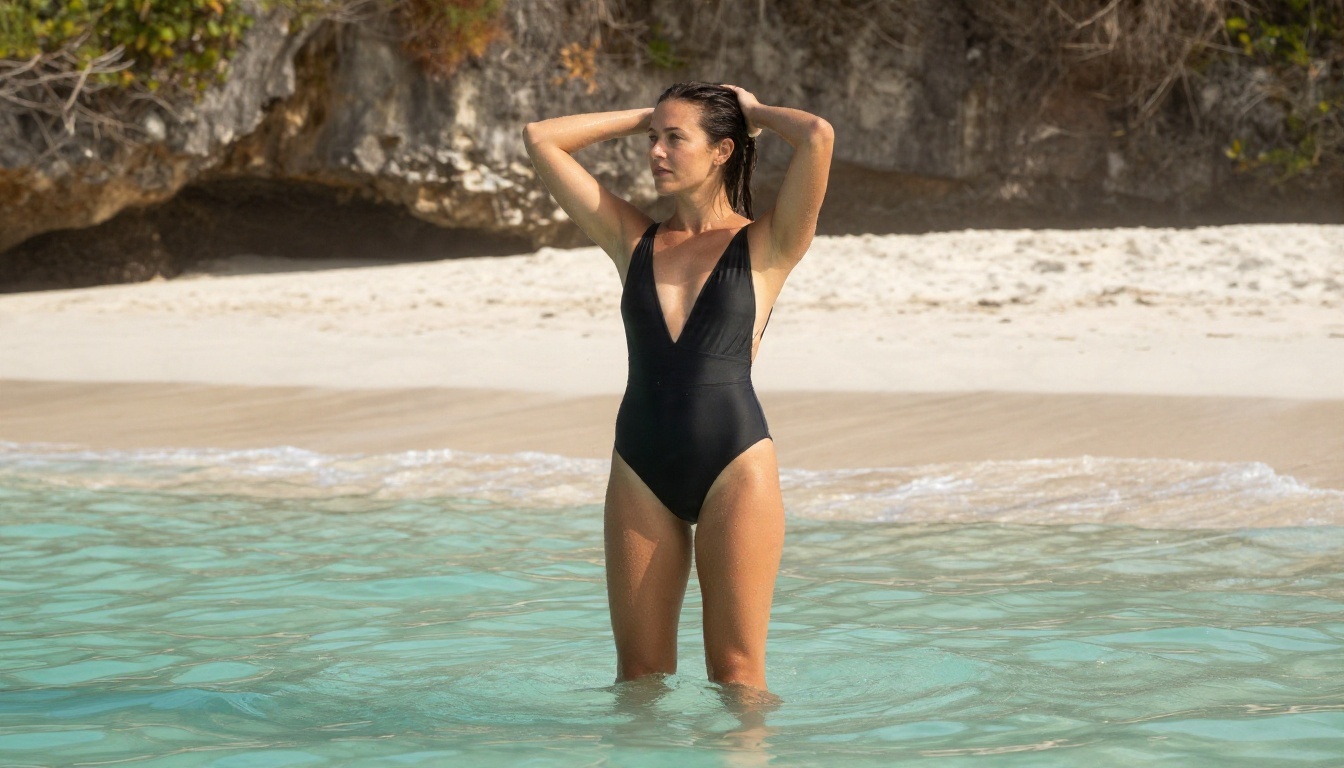
Beach and swimwear
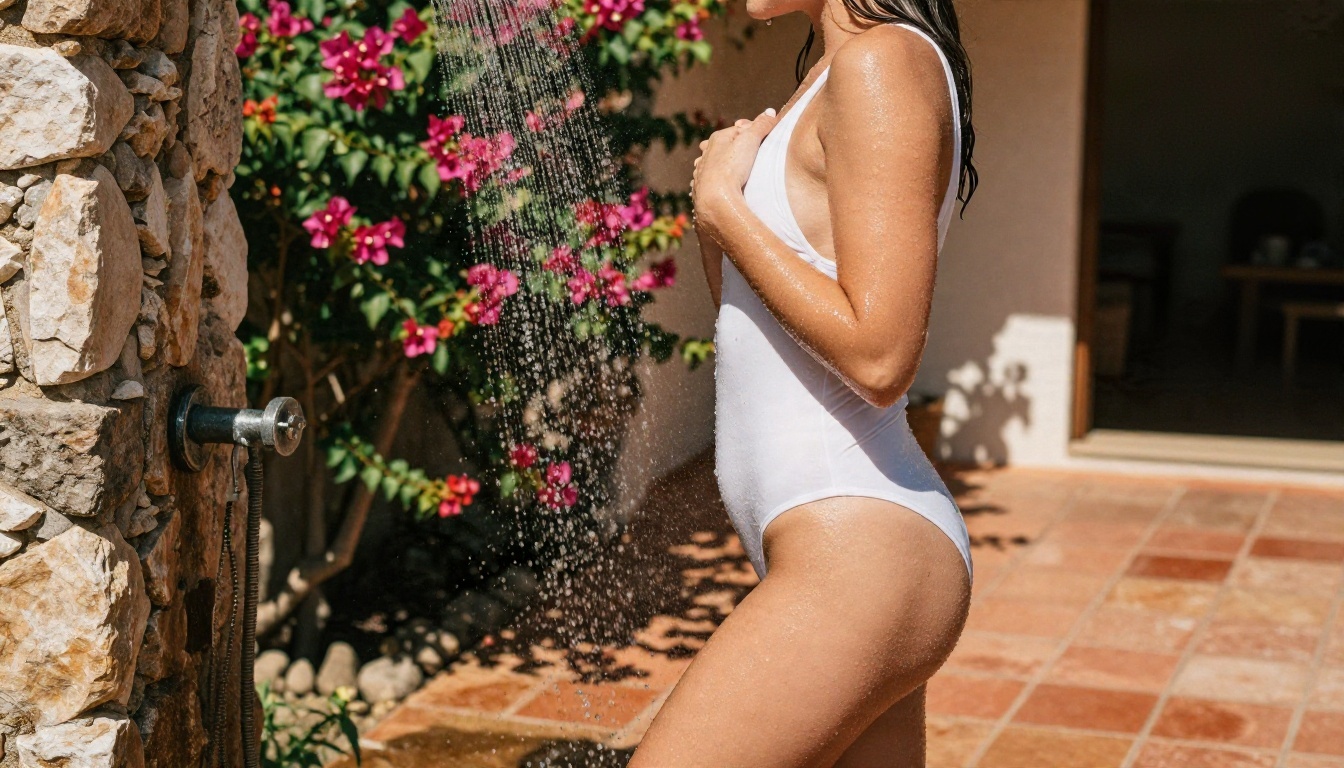
Swimwear is the safest and most forgiving category. Water, skin sheen and sunlight give the model plenty to work with.
💡 Prompt 1, shallow water: Adult woman in a black two-piece swimsuit standing ankle-deep in turquoise shallow water on a white sand beach, hands pushing wet hair back, looking over her shoulder, limestone cliffs behind her, warm late afternoon sun from the right, low-angle shot, 35mm f/2 lens, glistening water droplets on tanned skin, Kodak Portra 400 film grain, raw photograph
💡 Prompt 2, pool deck: Overhead aerial view of an adult woman lying on a white towel by an infinity pool in an emerald green bikini and oversized sunglasses, straw hat and iced tea beside her, midday sun with crisp shadows, 24mm lens from above, polished stone texture, natural skin sheen, fine film grain
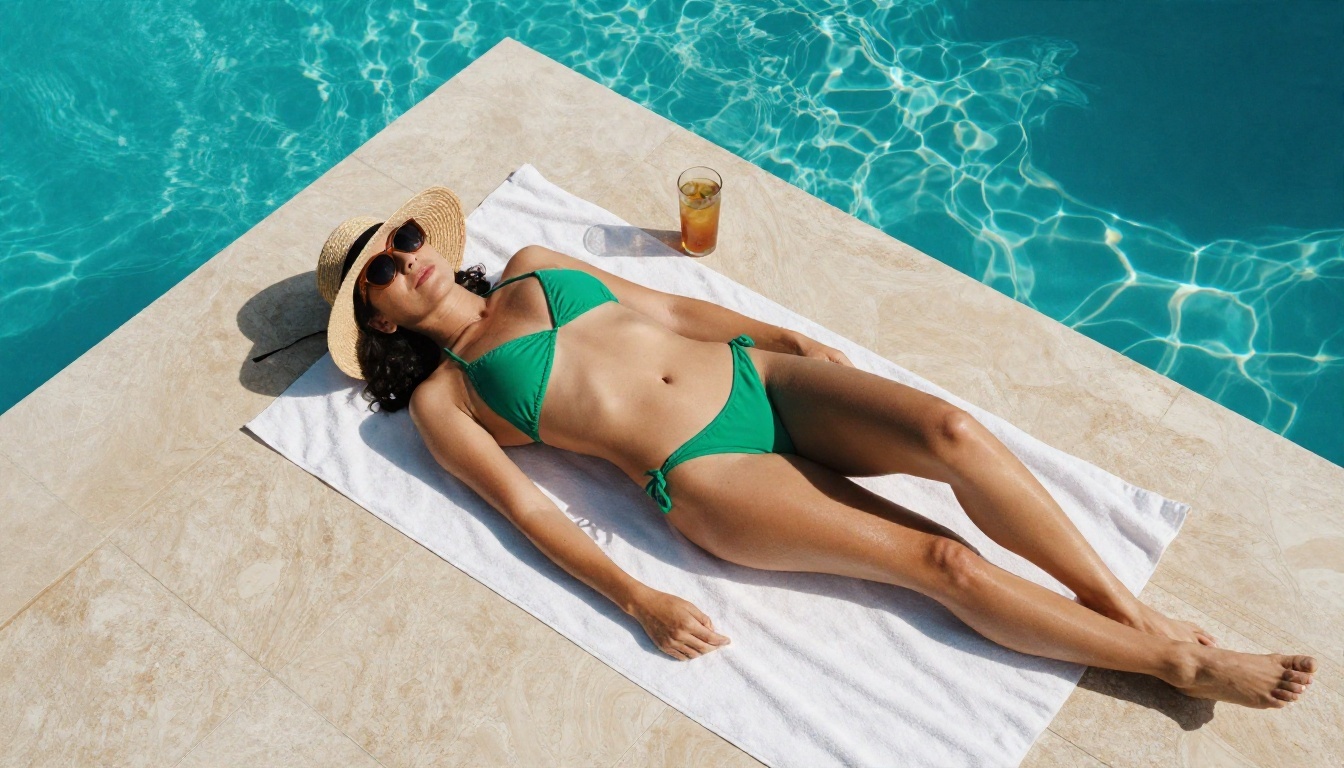
The overhead angle in Prompt 2 is a small trick worth keeping. Changing the camera angle alone gives you a completely different composition without touching the rest of the text.
Boudoir and lingerie
This is where mainstream tools start to refuse and where tools built for adult themes earn their place. The secret is to describe fabric and light, not anatomy.
💡 Prompt 3, studio portrait: Close-up portrait of an adult woman with dark curly hair and bold red lipstick wearing a black lace bodysuit under an open tailored blazer, leaning against a brick wall in a dim studio, soft window light from the left, 105mm f/2 lens, shallow depth of field, visible skin pores, lace thread detail, warm film grain, editorial glamour
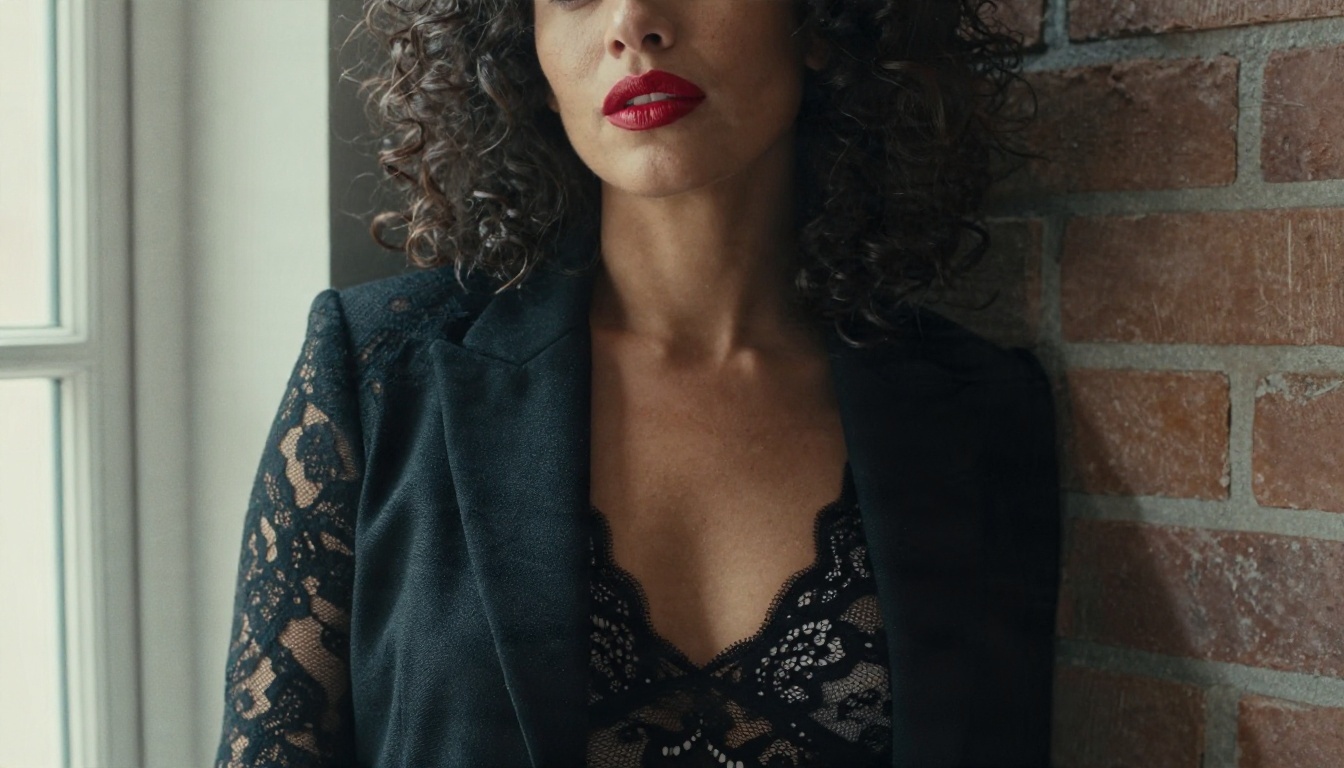
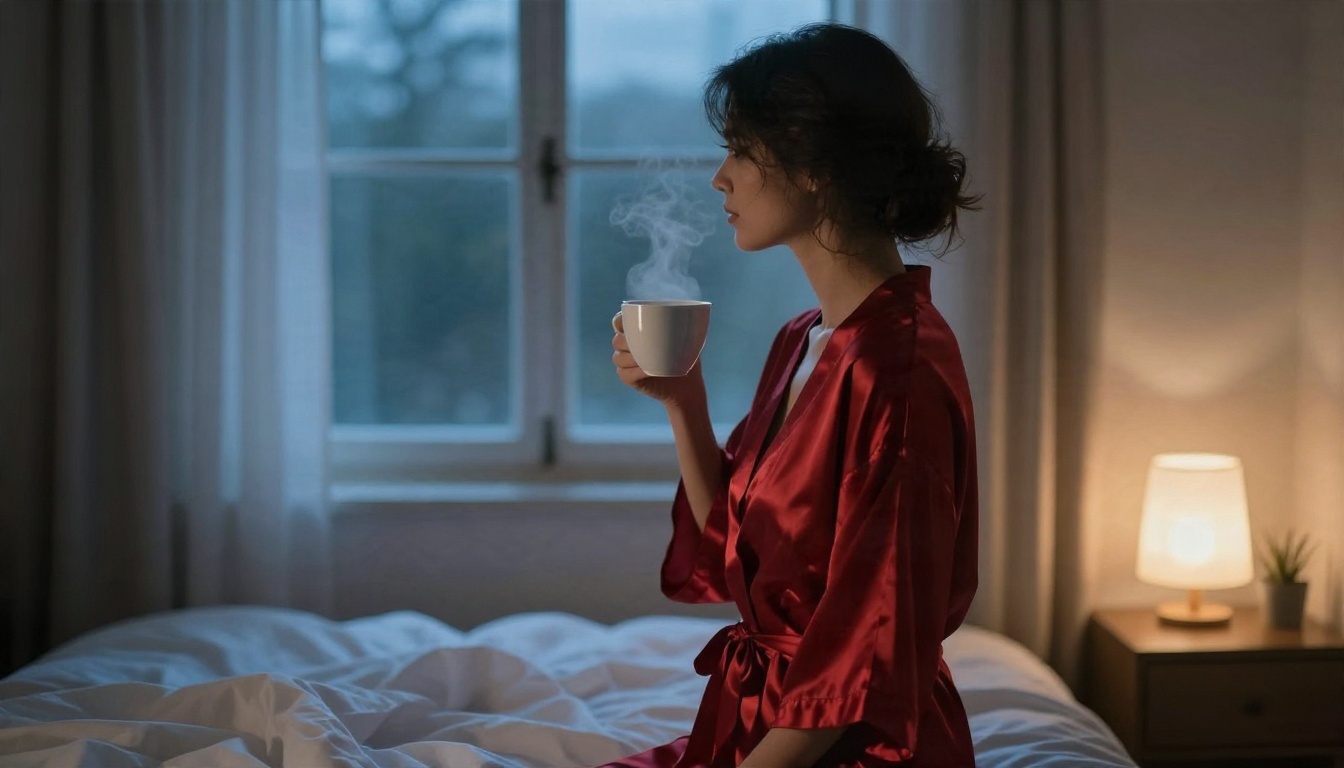
💡 Prompt 4, silk robe at dawn: Adult woman in a red silk robe loosely tied, standing at a bedroom window at dawn with a coffee cup, three-quarter profile, cool blue morning light mixed with a warm bedside lamp, 50mm f/1.4 lens, silk folds with realistic sheen, rumpled bed in soft focus, steam rising from the cup, intimate boudoir mood
Evening glamour
Glamour prompts reward patience with the setting. A marble hallway or a velvet lounge does more work than any adjective about the subject.
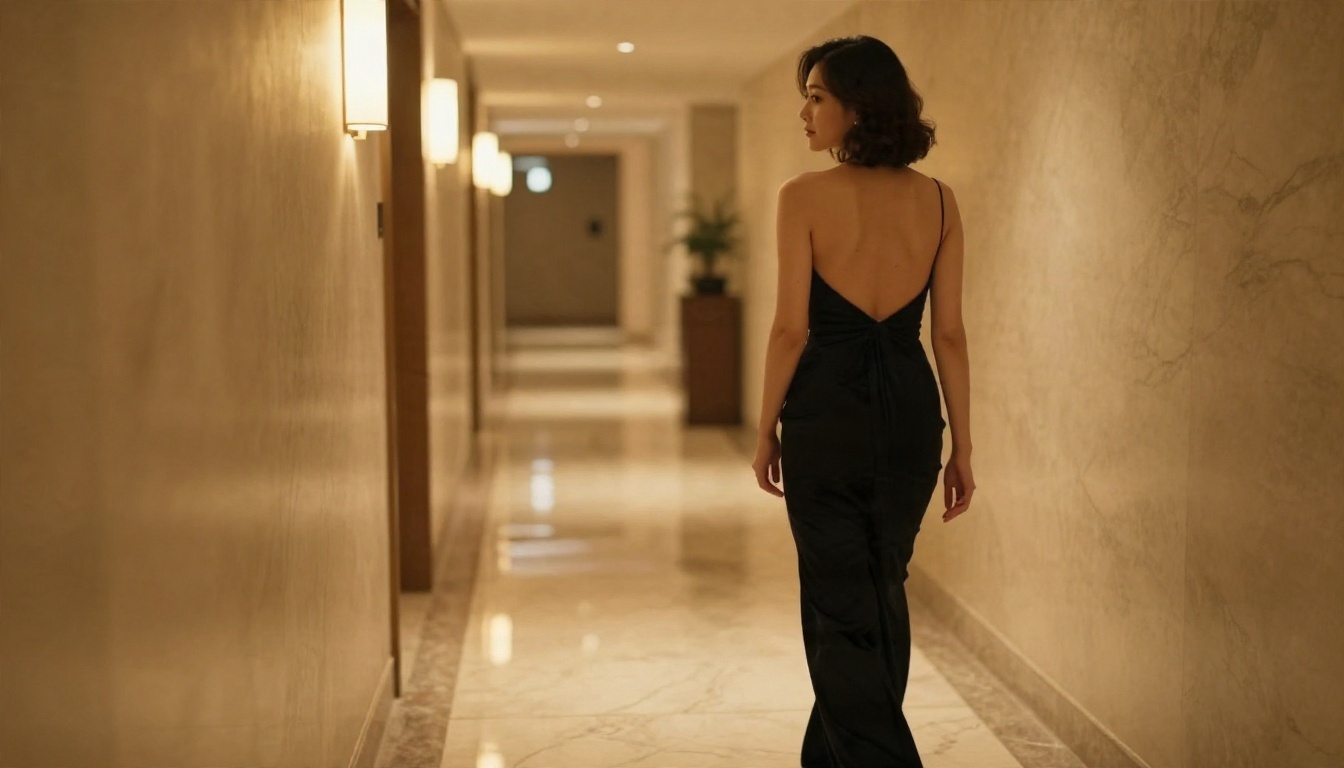
💡 Prompt 5, hotel corridor: Wide shot of an adult woman in a backless black evening gown walking down a marble hotel corridor with warm sconce lighting, seen from behind as she glances back toward the camera, long perspective lines, polished floor reflections, 28mm lens at hip height, fabric drape detail, cinematic glamour photograph
💡 Prompt 6, jazz lounge: Low-angle shot of an adult woman in a burgundy velvet bralette and high-waisted trousers sitting in a vintage armchair in a dim jazz lounge, legs crossed, holding a champagne glass, warm amber lamp light from behind, 35mm f/1.8 lens, velvet pile texture, moody editorial glamour
Lifestyle and candid
Not every adult-leaning image needs to look like a magazine cover. Candid scenes feel more believable and they often slip past filters that flinch at posed lingerie.
💡 Prompt 7, loft morning: Medium shot of an adult woman in a white oversized men's shirt sitting cross-legged on a wooden floor in a sunlit loft apartment, laughing while scrolling a laptop, notebook of written prompts beside her, industrial windows, light from the right, 50mm f/2 lens, wood grain texture, cotton wrinkles, candid lifestyle photograph

Copy and Paste Video Prompts
Video is where free NSFW prompting gets tricky, because motion models are stricter than image models and cost more to run. The good news is that the most reliable workflow is also the simplest: generate a strong still first, then animate it. An image-to-video model keeps the face, outfit and setting steady, which means fewer wasted attempts.
The motion prompt formula
Write video prompts like a camera operator's notes, in chronological order:
- Starting pose: what the subject is doing in frame one.
- Motion over time: what moves, and how slowly.
- Camera movement: dolly, pan, push-in, or locked off.
- Light and atmosphere: what the light does during the shot.
💡 Tip: Keep motion small. A hair flip, a breeze through a curtain or a slow turn of the head looks cinematic. Big choreography usually breaks the anatomy and the fabric.
Five ready video prompts
Paste each one into an image-to-video model with the matching still as the first frame.
| # | Source still | Motion prompt |
|---|
| 1 | Pier at sunset | The woman dances slowly with raised arms, her hair and sheer cover-up lifting in the wind, slow orbit around her, warm backlight flickering through her hair |
| 2 | Silk robe at dawn | She lifts the coffee cup and turns toward the window, steam curling upward, slow dolly-in, the blue morning light brightening gradually |
| 3 | Shallow water beach | A small wave rolls around her ankles as she glances over her shoulder, gentle handheld sway, sunlight glittering on the water |
| 4 | Hotel corridor | She walks away then pauses and looks back, slow tracking shot behind her, sconce light sliding across the gown |
| 5 | Jazz lounge | She raises the champagne glass, tilts her head and smiles, subtle push-in, amber lamp light shimmering in the glass |
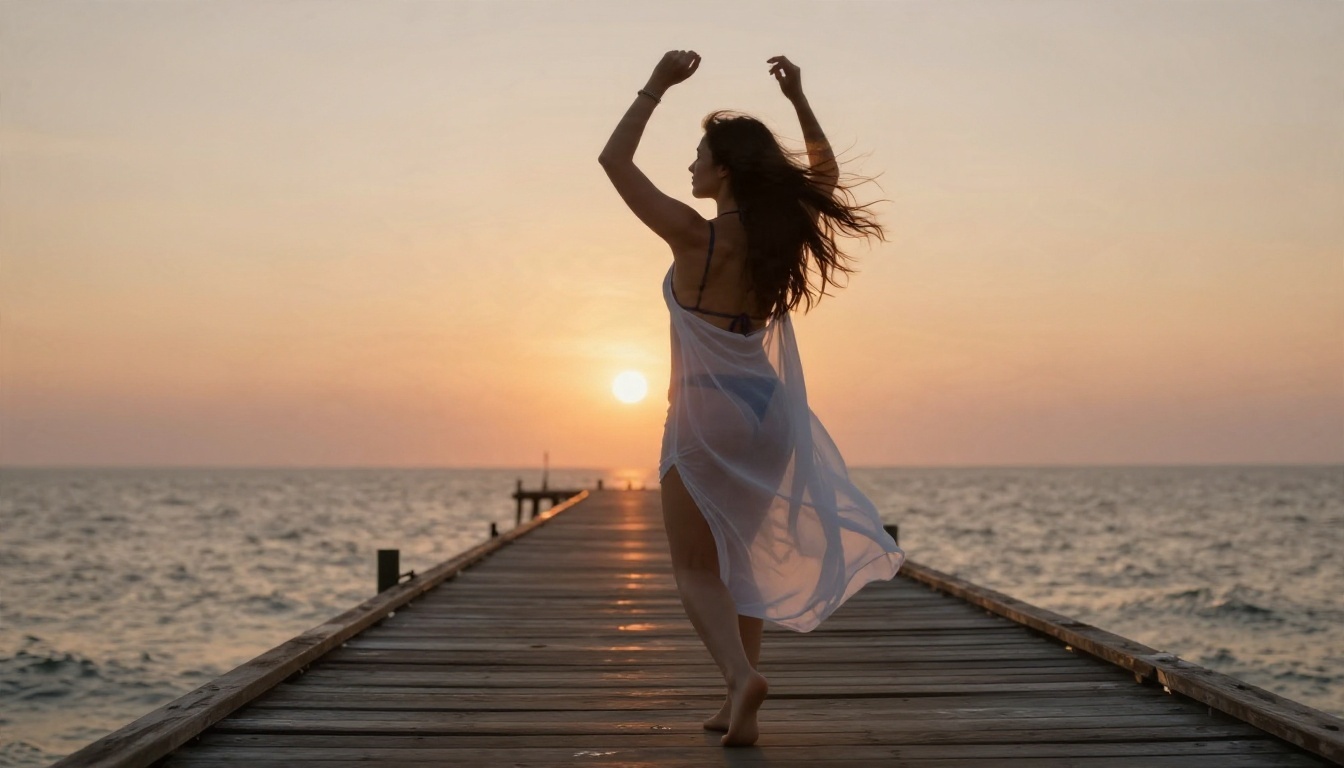
The pier still above is a good candidate for prompt 1. The strong backlight gives a video model clear depth cues, which makes the motion look natural instead of pasted on.
Not every generator treats adult themes the same way. Some refuse the word "swimsuit". Others quietly blur results. The tools below are the ones worth your time on PicassoIA, in the order that makes sense for this kind of work.
Seedream 4.5 first
Seedream 4.5 is the strongest starting point for glamour, boudoir and swimwear. It handles skin texture, fabric and lighting with a photographic feel, and it follows long, detailed prompts like the ones above without drifting. If you only try one model, try this one, and paste Prompt 3 or Prompt 4 as your first test.
Parameter tips for Seedream 4.5:
- Keep the aspect ratio at 16:9 for scenery-heavy shots and 3:4 for portraits.
- Put the subject and outfit at the start of the prompt, then setting, then light, then lens.
- Add one film reference such as Kodak Portra 400 to pull skin tones toward natural.
Image Editor Pro for unlimited runs
PicassoIA Image Editor Pro is the one to open when you want to iterate without watching a counter. It offers unlimited generations, which matters more than it sounds. Good adult-themed results rarely come from prompt number one. You tweak the outfit, shift the light, re-run, and compare. Unlimited access turns that loop from a cost into a habit. It also edits existing images, so you can take a still you like and change the outfit, background or lighting without starting over.
Other image models worth testing
When you want a different look or a faster draft, these are solid additions:
💡 Test first: Filters differ per model. Run a mild prompt such as the beach shot before you invest time in a long boudoir scene. If the mild one passes, the suggestive one usually has a fair chance.
Video models worth testing
For animating your stills, three options stand out:
- Seedance 2.5 Lite is listed as free and unlimited for clips up to 10 seconds, which makes it the natural place to start experimenting with the motion prompts above.
- Wan 2.6 I2V turns a single photo into a clip and sticks closely to the original frame.
- Kling v3 Video delivers smooth cinematic motion when you want a more polished result.
The Real Limits to Expect
Free does not mean limitless, and uncensored does not mean lawless. Here is what actually holds you back.
Filter limits
Even on tools built for adult themes, a few lines stay firm:
- No minors, ever. Always specify an adult subject and keep every description clearly adult.
- No real people. Do not name celebrities, influencers or private individuals, and do not upload someone's photo to edit them without their consent.
- No graphic sexual content. The examples here stay suggestive on purpose, and that is also what gives the cleanest, most shareable images.
Video filters are usually tighter than image filters. A still that passes can still be rejected when animated, so keep motion gentle and the outfit simple.
Credit and speed limits
| Limit | What it means in practice |
|---|
| Daily or credit caps | Most free tiers allow a handful of runs before asking you to wait or pay |
| Video length | Short clips of 5 to 10 seconds are the norm for free access |
| Resolution | Free runs often render at 720p, higher resolutions cost more |
| Queue time | Busy hours slow video far more than images |
This is exactly why an unlimited image tool matters. Draft your look with unlimited image runs, pick your favorite still, and only then spend your video allowance on that single frame.
Legal and consent limits
Rules about adult AI content vary by country and by platform, and many sites ban commercial resale of it. Read the terms of any tool before you publish results, keep your images clearly fictional, and never present generated photos as real people. Do not post anything that imitates a real person's likeness.
Prompt Fixes That Work
When a result looks off or a prompt gets refused, the fix is usually in the wording and not in the model.
Common mistakes
- Vague subject. "Sexy woman" gives you a generic face. Describe hair, skin tone, outfit and expression.
- No light source. Without "window light from the left" or "golden hour from the right", you get flat, plastic skin.
- Too many ideas. One setting, one outfit and one action per prompt. Stack three and the model muddles all of them.
- Cartoon style words. Terms like "digital art" or "3D render" pull you away from photographic realism. Use camera and film terms instead.
- Blunt wording. Strong terms trigger refusals even on permissive tools. Fabric, light and mood words get through and look better.
Words that sharpen photos
Lean on these phrases when a result looks soft or artificial:
- Skin: visible pores, fine freckles, natural sheen, peach fuzz catching the light
- Fabric: satin sheen, lace thread detail, velvet pile, linen weave
- Camera: 85mm f/1.8, shallow depth of field, eye-level, low-angle, overhead
- Film: Kodak Portra 400, subtle film grain, soft halation
💡 Fast fix: If a prompt gets refused, remove the single most intense word, keep everything else, and run it again. Nine times out of ten that one change is enough.
Try Your Own Prompts Today
You now have seven image prompts, five video prompts, a ranked list of tools and a realistic picture of the limits. The fastest way to see what works for your style is to run them. Start with Seedream 4.5 for the first draft, then move to PicassoIA Image Editor Pro to iterate without limits. Pick your favorite still and animate it with Seedance 2.5 Lite.
Change one detail at a time: the outfit, the light, the lens. Within a few runs you will have a personal prompt formula that beats any template. When you want to see every option side by side, browse the full list at picassoia.com/en/all-models and build your own set on Picasso IA today.


